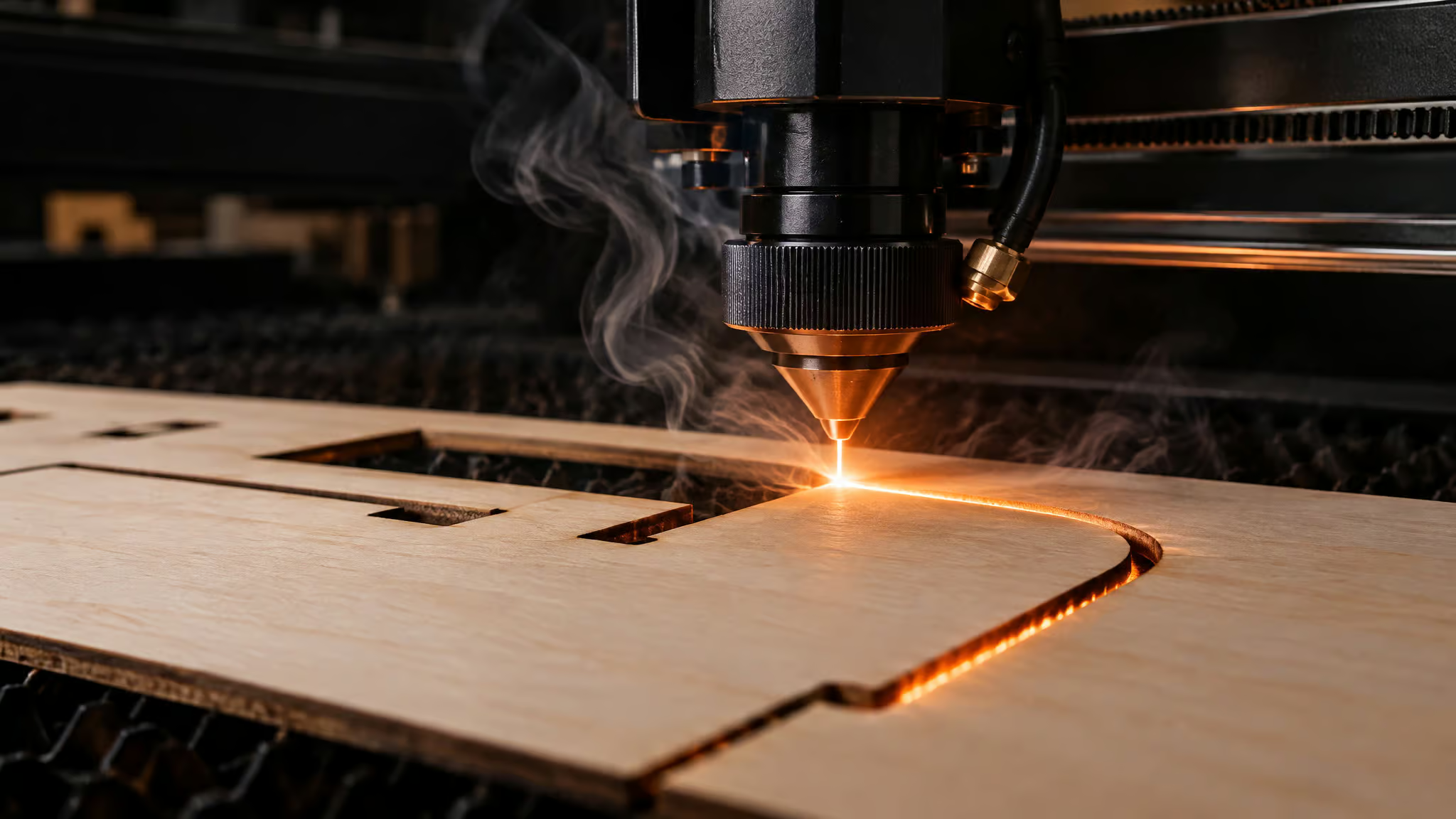
Basswood is genuinely good for laser cutting, and it’s good in a way that’s easy to explain: the stuff is soft, evenly grained, and forgiving, so it cuts clean at power levels that would struggle through hardwood. It’s also the most-documented wood in the laser world, which matters more than any single spec. I’ve been digging into why it earns its reputation, and I’m planning to run it through both cutting and engraving on my own bench, watching softness, edge quality, and smoke residue, because those are exactly the things the hype skips.
Key Takeaways
The Bonny Creations community settings database holds 118 community-tested basswood settings across 59 machines (64 diode, 52 CO2), making basswood the most-documented laser wood, with 53% of settings using air assist.
Cutting and engraving are opposite jobs: a Glowforge Pro cuts 3mm at 30 mm/s and 55-70% power but engraves at 450 mm/s and 20-28% power at 300 DPI.
3mm is the reliable single-pass ceiling; 5-6mm sheets need multiple passes or more power, and cheap non-laser-grade stock hides voids that make identical settings fail sheet to sheet.
Table of Contents
Is basswood good for laser cutting?
Yes, basswood is one of the best woods for laser cutting and engraving. It’s a lightweight, fine-grained hardwood, and it’s the most popular laser material for a reason that isn’t marketing: the physics actually cooperate.
Here’s the causal chain most articles skip. Basswood’s grain is fine and even, which means the beam meets essentially uniform material no matter where it lands on the sheet. There are no surprise hard spots, no dense late-wood bands that deflect the burn, no resin pockets that flare up mid-pass. That uniformity is why low-to-medium power cuts cleanly, and it’s why fine detail survives engraving.
The laser isn’t fighting the material, so the material doesn’t fight back. On a heterogeneous material, the same settings produce different results in different spots; on basswood, the beam behaves predictably. That’s the whole trick, and it’s honestly kind of elegant.
The practical payoff is that basswood cuts cleanly at low to medium power and holds fine detail exceptionally well. You don’t need to crank anything. And after the cut, the material stays useful: it accepts paint, stain, or finish easily, so an engraved panel becomes a finished project instead of a raw blank you have to fight.
The scale evidence backs the reputation. The Bonny Creations community settings database lists 118 community-tested basswood settings across 59 machines, split between 64 diode and 52 CO2 entries. That makes basswood the most-documented laser wood in the dataset, which means whatever machine you’re standing in front of, someone has probably already found a starting point for it. When I run my own tests, that’s the part I’m leaning on: not adjectives, but a crowd-sourced map of where the good settings live.
Cutting vs engraving: same wood, opposite settings
Yes, basswood engraves fine detail exceptionally well, and the decisive condition is understanding that cutting and engraving are physically opposite jobs. Cutting has to vaporize all the way through the sheet, so it wants slow-and-hot. Engraving only marks the surface without penetrating, so it wants fast-and-cool. Get it backwards and you either destroy the surface at cut power or never penetrate at engrave power.
The paired numbers from the same machines make the inversion land. Per the Bonny Creations community database, a Glowforge Pro (45W CO2) cuts 3mm at 30 mm/s with 55-70% power, but engraves at 450 mm/s with 20-28% power at 300 DPI. The OMTech 80W CO2 cuts at 40 mm/s / 55-70% and engraves at 700 mm/s / 17-25% at 300 DPI. The Monport EffI10S 100W CO2 runs 42 mm/s / 41% for cutting versus 589 mm/s / 9-14% for engraving. And the OMTech 40W carries a verified, 5-star 3mm engrave at 200 mm/s / 25% power / 254 DPI. Same wood, opposite recipes, sometimes a 20x speed difference.
One more thing worth knowing: smoother, more consistent wood produces cleaner engraving, which is exactly why basswood’s surface quality matters most in this mode. And treat every number here as a starting bracket, not a prescription. The same machine legitimately carries multiple community settings, because the crowd found more than one way that works.
Starting settings for cutting 3mm basswood
3mm basswood cuts in a single pass on most CO2 machines and higher-wattage diodes, and there’s a documented starting bracket for nearly every machine class. That’s not a coincidence. 3mm is the standard sheet most laser makers use because it balances strength against cutting efficiency, and it’s also the ceiling where single-pass cuts stay reliable. So the settings tables naturally center on it. If you buy the popular 3mm basswood sheets, you get clean edges and consistent grain, and you get a settings database that’s actually about your material.
Here are representative starting brackets by machine class, all from the Bonny Creations community settings database:
| Machine class | Speed | Power | Passes | Air assist |
|---|---|---|---|---|
| Glowforge Pro (45W CO2) | 30 mm/s | 55-70% | 1 | Yes |
| Creality Falcon A1 (22W diode) | 3000 mm/min | 80% | 1 | Yes |
| Ortur Aufero Laser 2 (10W diode) | 450 mm/min | 90-95% | 3 | Yes |
| Sculpfun S30 Pro Max (33W diode) | 450 mm/min | 90% | 1 | Yes |
The Sculpfun S30 Pro Max entry is verified and carries 5 stars from the community, which is the closest thing this dataset has to a gold star. Look for those signals: verified checkmarks and 5-star ratings mark the higher-confidence entries, the ones multiple people have reproduced.
Read any of these as a starting bracket, not a prescription. Settings only transfer within a machine model; a number that works on one Falcon A1 doesn’t automatically transfer to a different diode entirely. Air assist shows up in the strong majority of cut settings, and I’ll dig into why in the charring section below, because it deserves more than a table cell.
And the universal rule, the one every source in this space repeats: test on scrap before committing a real sheet. Every time. It’s the cheapest insurance in the hobby.
Quick test: Run one line on scrap at the bracket’s midpoint, then adjust speed first before touching power.
Diode, CO2, or UV: how your machine changes the cut
A cheap diode can absolutely cut basswood. The decisive variable is wattage more than laser type, and the honest cost is pass count. CO2 machines tend to be quicker and leave cleaner cuts, though today’s higher-wattage diodes cover most wood work well. The verdict doesn’t change between machine families; the experience does.
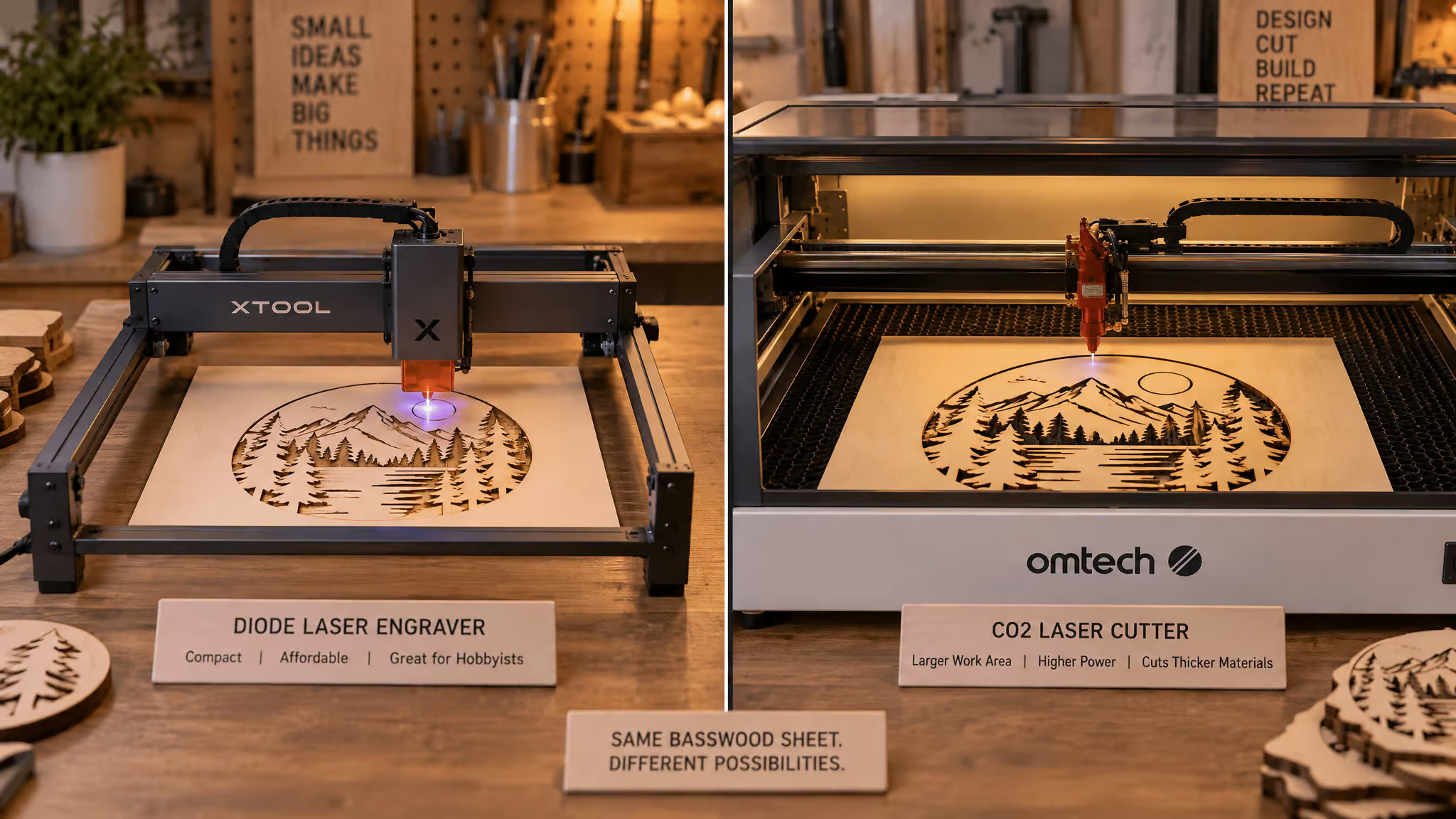
The pass-count gap is the real story. Per the community database, the 6W Glowforge Aura needs 3 passes at 800 mm/min and 95% power to cut 3mm, while 45W CO2 machines do it in one. But a 40W diode like the xTool S1 also cuts 3mm in a single pass at 3000 mm/min and 80% power, which tells you wattage, not laser type, is often the actual variable. The 64 diode versus 52 CO2 settings in the Bonny Creations database show both camps are thoroughly documented on basswood, so whichever one you own, you’re not guessing alone.
There’s a common arc I keep seeing with first machines: new diode owner starts with hardware-store scrap plywood, gets uneven cuts and heavy charring, assumes the machine is broken, then switches to laser-grade 3mm basswood and finds their machine’s documented settings just work. The machine was fine. The material wasn’t.
UV lasers are the niche engraving path most wood articles ignore. The ComMarker B6 20W UV engraves basswood at 800 mm/s, 40% power, 500 DPI with a 5-star rating, and the xTool F1 Ultra’s 2W UV module does 600 mm/s, 45% power, 500 DPI, also 5-star, the kind of laser engraver material settings detail that makes tuning these tiny-wattage machines for fine detail straightforward. That’s the UV story. Don’t buy one to cut sheets.
Basswood thickness and the pass-count ceiling
3mm is the right thickness for most laser work because it’s the last stop where single-pass cuts stay reliable. It balances strength and cutting efficiency, which is why most laser makers standardize on it and why the settings tables orbit it.
The reframe that makes thicker stock make sense: each millimeter adds material the beam has to fully vaporize, so thickness is a difficulty multiplier, not just a spec. Settings are thickness-bound, not material-bound. Scale a proven 3mm design to 6mm stock and you’ve silently invalidated every setting that worked, even though it’s the same wood from the same pack.
The verified anchors show the ceiling honestly. The xTool D1 Pro cuts 5mm at 150 mm/min, 100% power, across 4 passes, which is a grind. The Boss LS-1630, a 100W CO2, cuts 6mm in one pass at 25 mm/s and 65% power. Same material, wildly different experience, entirely explained by wattage and thickness meeting in the middle.
So 5-6mm sheets need multiple passes or higher power. That’s a real limitation, not a dealbreaker. Budget the extra passes or the extra wattage and thick basswood still cuts fine.
Why basswood burns: reading char as a diagnostic
Burning traces to one of three causes: high power, low speed, or inconsistent material, and wood choice plays a role too, since maple’s tight grain and light color affect how engravings contrast and char. And yes, air assist matters. 53% of community basswood settings in the Bonny Creations database use it because it reduces charring and improves cut quality.
The edge tells you which cause you’re dealing with. Dark, sticky edges usually mean you’re going too slow at too much power, and here’s the counterintuitive part: the right fix order is speed up and add air assist before dropping power. Burning is often a speed problem masquerading as a power problem, and the instinct to lower power first sends you chasing the wrong dial. There’s also a failure mode worth naming: pushing high power at high speed produces ragged, aggressive burning that spreads the mark and tears up the grain instead of giving you a controlled result. If your edges look torn up rather than gently toasted, that’s the signature.
Air assist is strongly recommended, not optional. It’s the cheap upgrade that actually matters, and the 53% number makes the case better than I can.
The honest limit: some charring is normal when you’re cutting organic material with a beam hot enough to vaporize it. The goal isn’t zero residue. The goal is charring that’s readable and fixable, where the edge tells you which dial to turn.
Field note: Read the edge before changing anything — sticky means slow, torn means violent, gently toasted means you’re close.
Laser-grade basswood and the two-sheets problem
Laser-grade basswood is basswood graded for fewer internal voids and knots, and yes, it’s worth buying, because those hidden flaws are exactly what make identical settings fail on a new sheet.
The most confusing beginner experience in this hobby is running the same settings on a new sheet from the same pack and getting a different result. It usually traces to hidden voids and density variation inside the sheet, not operator error. Wood isn’t homogeneous the way acrylic is, and two sheets that look identical can burn differently because of what’s buried inside them.
So what makes good laser wood? Can you laser engrave wood? Absolutely, and the results come down to four things: consistent density, so cutting stays predictable. Smooth surface, so engraving comes out clean.
Low resin content, because resin is the sneaky villain that flares and chars. And uniform thickness, so your focus height stays stable across the sheet.
This is also where the third burning cause from the last section gets explained. Inconsistent material causes uneven cuts, excessive burning, and wasted production time. For anyone selling finished pieces, that last one is money on fire, literally.
“Laser-grade” isn’t marketing fluff here. It’s a purchasing filter backed by a mechanism: fewer voids and knots means fewer surprise failures mid-cut.
Why basswood is the beginner default
Basswood is the go-to first wood not because the wood is magic but because it’s the most-documented wood in the community ecosystem. That distinction matters more than it sounds.
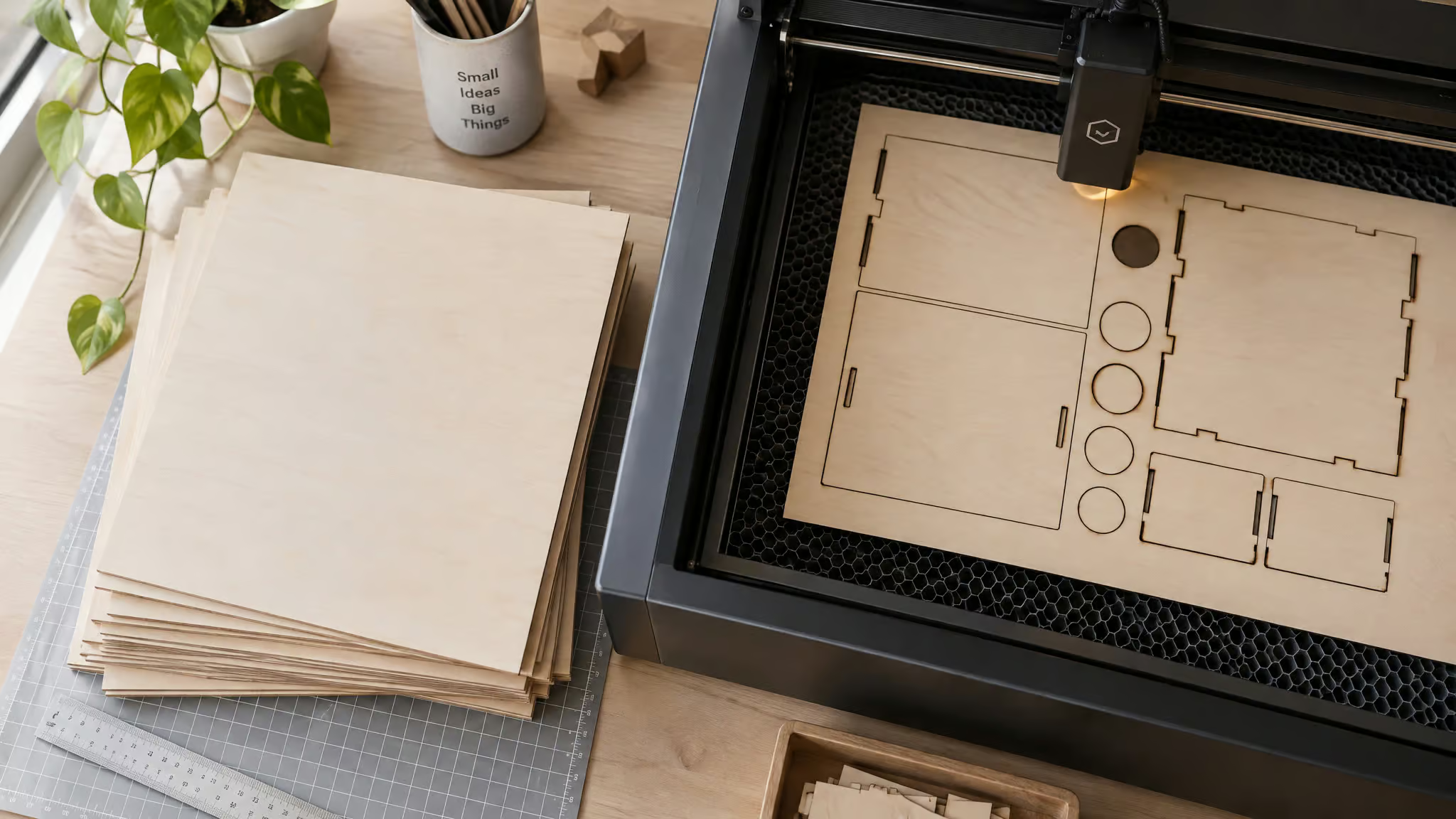
Think about it contrarian-style: a rarer wood with identical grain would be a worse beginner choice purely for lack of data. “Easy” in this hobby really means “well-mapped.” The material and its support network co-evolved, and the support network is the part you can’t see in a product photo.
The numbers make the case. The Bonny Creations community database holds 118 settings across 59 machines, with verified checkmarks and 5-star community ratings marking the strongest entries. No other laser wood has confidence signals at this scale. Your specific machine almost certainly has a known starting point, which means your first session looks like loading a number instead of running a science experiment.
The ecosystem extends past settings, too. There’s a free “Ask Bonny about Basswood” AI assistant, which carries its own test-on-scrap-first caveat, and honestly, when even the chatbot agrees on that one rule, you know it’s load-bearing. There’s also a Coaster Jig for Basswood template, a precision-aligned SVG plus DXF sized to machine beds, from $3.49 (prices may vary). The actual beginner skill, though, is simpler than any tool: read a settings range as a starting bracket, then confirm it on scrap. Do that and the whole database works for you.
The honest limitations of laser cutting basswood
Basswood’s three real failure modes are the thickness ceiling, hidden voids in cheap stock, and batch-to-batch variation. A scrap test is the only universal safeguard against all three.
The thickness ceiling first: 5-6mm needs multiple passes or higher power, and reusing proven 3mm settings on thicker sheets predictably leaves uncut spots mid-pass. This is the difficulty-multiplier physics from earlier, and it’s a setup mistake, not a machine fault. The beam didn’t fail; it was asked to vaporize more material than those settings can handle.
Then the stock problem. Cheap non-laser-grade sheets hide voids and knots, and batch variation means yesterday’s settings can fail on today’s sheet even from the same supplier. Neither shows up until the beam hits it.
And the universal caveat, repeated by both the source page’s disclaimer and the AI assistant’s own: results vary by species, thickness, and grain. No settings source, however large, is authoritative enough to skip testing. I’d rather say that plainly than pretend basswood is flawless. It’s excellent, not magic.
When colored plywood beats basswood
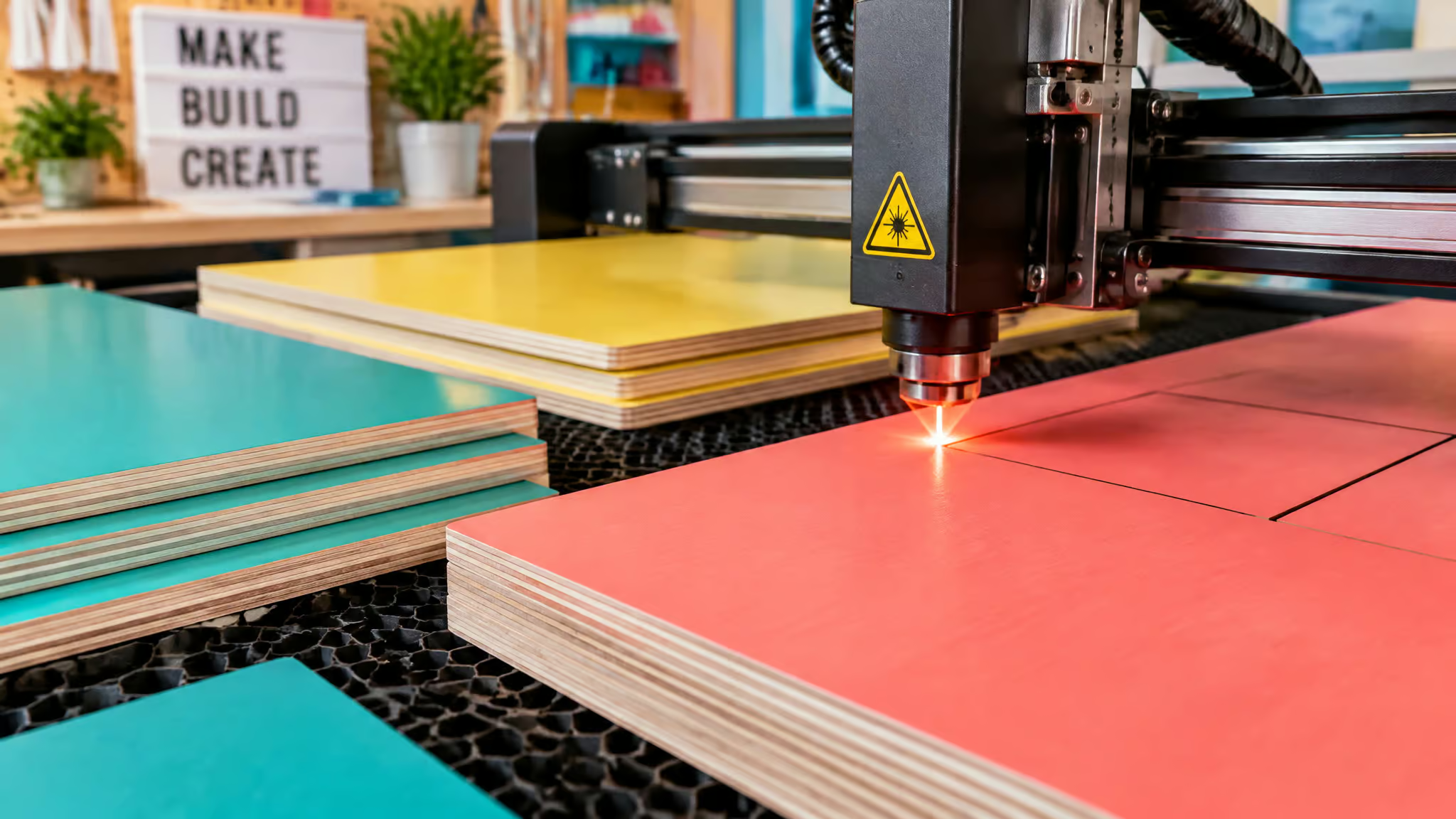
For one-off craft pieces, basswood wins on engraving detail. For repeat production, colored plywood can win by deleting the finishing step entirely. The right material depends on whether you’re making an object or running a product line.
Basswood vs plywood vs MDF
The engraving tradeoff comes down to grain structure. Basswood’s fine, even grain takes detail cleanly, while plywood’s glue layers and internal voids interrupt the surface. Smoother, more consistent wood engraves cleaner, and basswood is simply the more consistent of the two. Between the sheet goods, plywood is generally preferred over MDF: the finished pieces hold up better and the cut edges come out cleaner. That’s not a slam on MDF, just the preference of someone who’s cut both.
The production workflow case for colored plywood
Colored plywood comes pre-finished, which eliminates post-cut painting entirely. For layered signs, decorative crafts, and repeat production runs, that’s the honestly-kind-of-elegant shortcut: the finishing step you’d spend an evening on just doesn’t exist anymore, and the time saved compounds per unit. It doesn’t replace basswood for detail engraving, but for product-line work it’s a legitimately different tool.
One vendor flag: Creatorally’s claims about batch predictability and reliable bulk supply of colored plywood are the vendor’s own assertions, not independent findings. Worth knowing before you build a production plan on them.
Buying basswood: laser-grade stock and finishing
Buy laser-grade 3mm sheets, commonly sourced from Amazon and Michaels craft store, test on scrap, and move to bulk buying only when batch consistency matters more than per-sheet price. Hobby buying and production buying are different disciplines: the hobbyist optimizes per-sheet cost, while the producer optimizes batch variance, because one inconsistent sheet in a 50-piece order costs a customer. Bulk sourcing reduces costs and improves consistency for regular production. And remember the post-cut value most verdict articles skip: basswood accepts paint, stain, or finish easily after engraving.
Amazon links on this page are affiliate links, which means I may earn a commission on purchases made through them. If you’re comparing stock options more broadly, the guide on where to buy wood for laser engraving covers the sourcing landscape in depth.
Frequently Asked Questions
Is basswood good for laser cutting?
Yes, it’s one of the best woods for laser cutting and engraving. Its fine, even grain means the beam meets uniform material everywhere on the sheet, so low-to-medium power cuts cleanly and fine detail survives engraving. It’s also the most-documented laser wood, with 118 community-tested settings across 59 machines in the Bonny Creations database.
How thick should basswood be for laser cutting?
3mm is the right thickness for most laser work — it’s the last stop where single-pass cuts stay reliable, and it balances strength against cutting efficiency. Treat thickness as a difficulty multiplier: each millimeter adds material the beam must fully vaporize, so scaling a proven 3mm design to 6mm stock silently invalidates every setting that worked. Thicker sheets still cut fine if you budget extra passes or wattage.
What laser settings should I use to cut 3mm basswood?
It depends on your machine class: a Glowforge Pro (45W CO2) runs 30 mm/s at 55-70% power in one pass, a 22W diode like the Creality Falcon A1 runs 3000 mm/min at 80%, and a 10W diode like the Ortur Aufero Laser 2 needs 450 mm/min at 90-95% across 3 passes. Settings only transfer within the same machine model, so treat any number as a starting bracket and test on scrap before committing a real sheet.
