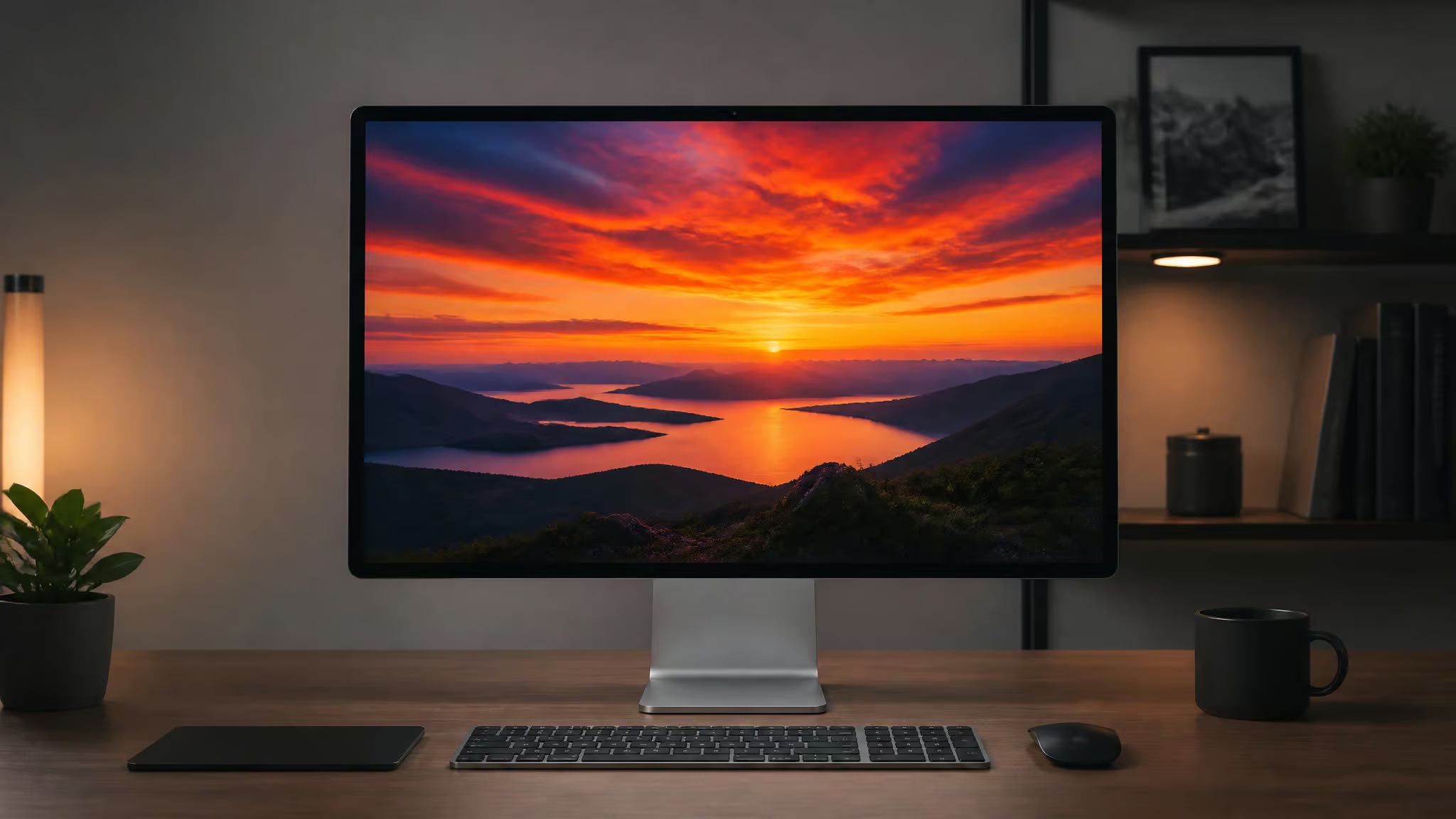
At GeekExtreme, we’ve been watching the Studio Display’s firmware updates roll in since launch, hoping each one would unlock the features the monitor always deserved. Instead, we got camera tuning and Boot Camp support, all useful, but none of them the 120Hz or HDR that creative pros keep asking for. So when Macworld found the J527 codename buried inside a pre-release iOS 26 build, and Bloomberg’s Mark Gurman independently tied that same codename to a second-gen Studio Display, we paid attention.
The code strings show variable refresh rate up to 120Hz, support for both SDR and HDR modes, and a chip upgrade from A13 to A19. This isn’t a vague rumor, it’s the most credible evidence yet that Apple is finally addressing the model’s biggest gaps, and just four days ago we also debunked a screenless fitness tracker rumor that turned out to be pure fan fiction.
Key Takeaways
Pre-release iOS 26 code, spotted by Macworld and cross-verified by Bloomberg’s Mark Gurman, reveals codename J527 for a second-gen Studio Display with 120Hz ProMotion and HDR support.
The new display will feature an A19 chip (up from A13) and likely a Mini-LED panel, potentially hitting 1,000 nits sustained and 1,600 nits peak brightnessPro Display XDR territory.
Current Studio Display firmware updates have been incremental (camera tuning, Boot Camp, Pro Display Calibrator), but a documented 75% firmware failure point shows the aging hardware’s limits, making the next-gen leak more compelling for creatives.
Table of Contents
The Code Evidence: J527 Comes into Focus
Yes, the new Studio Display will almost certainly support HDR and very likely use Mini-LED, and the evidence comes straight from Apple’s own code. Macworld contributor Filipe Esposito dug into the pre-release iOS 26 strings and found explicit references to variable refresh rate up to 120Hz (ProMotion) and separate SDR and HDR display modes. The code also lists an A19 chip replacing the A13 in the current model, a six-generation leap in silicon that would power better webcam processing, Spatial Audio, and any future on-display intelligence. HDR support in the code is a strong signal that the next-gen display will finally deliver the high dynamic range that creative professionals have been missing.
The Mini-LED Connection
Esposito’s take: the presence of SDR and HDR modes is a “strong indication” that Apple is swapping the current LCD panel for Mini-LED. It isn’t confirmed. Apple hasn’t said a word, but the logic holds. Mini-LED is the technology that enables the high brightness and local dimming zones needed for proper HDR. If Apple uses a panel similar to the latest MacBook Pros, we’re looking at 1,000 nits sustained and 1,600 nits peak for HDR content. That’s a massive jump from the current model’s 600 nits ceiling and puts the Studio Display in the same brightness class as the Pro Display XDR.
A19 Chip: More Than a Spec Bump
The current Studio Display uses an A13 to handle the webcam image pipeline and Spatial Audio. The A19 would bring significant improvements to computational photography, better noise reduction, auto framing, and Center Stage responsiveness, plus headroom for whatever Apple adds in future firmware. It’s the kind of upgrade that matters more for daily use than the raw number suggests.
Possible Release Timeline
Macworld, referencing Gurman, points to a 2026 launch alongside the next Mac Studio with M5 chips. That’d be about four years after the original Studio Display shipped in 2022, a reasonable refresh cycle for a premium monitor. There’s also a separate codename, J427, floating around in the same code for what might be a larger display or a Pro Display XDR successor, but details are even thinner there.
The Current Model: Incremental Fixes, Persistent Gaps
If you’re trying to update your Studio Display‘s firmware right now, here’s the short version: on macOS Ventura or later, go to System Settings > General > Software Update; on Monterey, use System Preferences > Software Update. If an update is available, click Update Now, then Restart when prompted. Don’t unplug the display during the update, you risk bricking it.
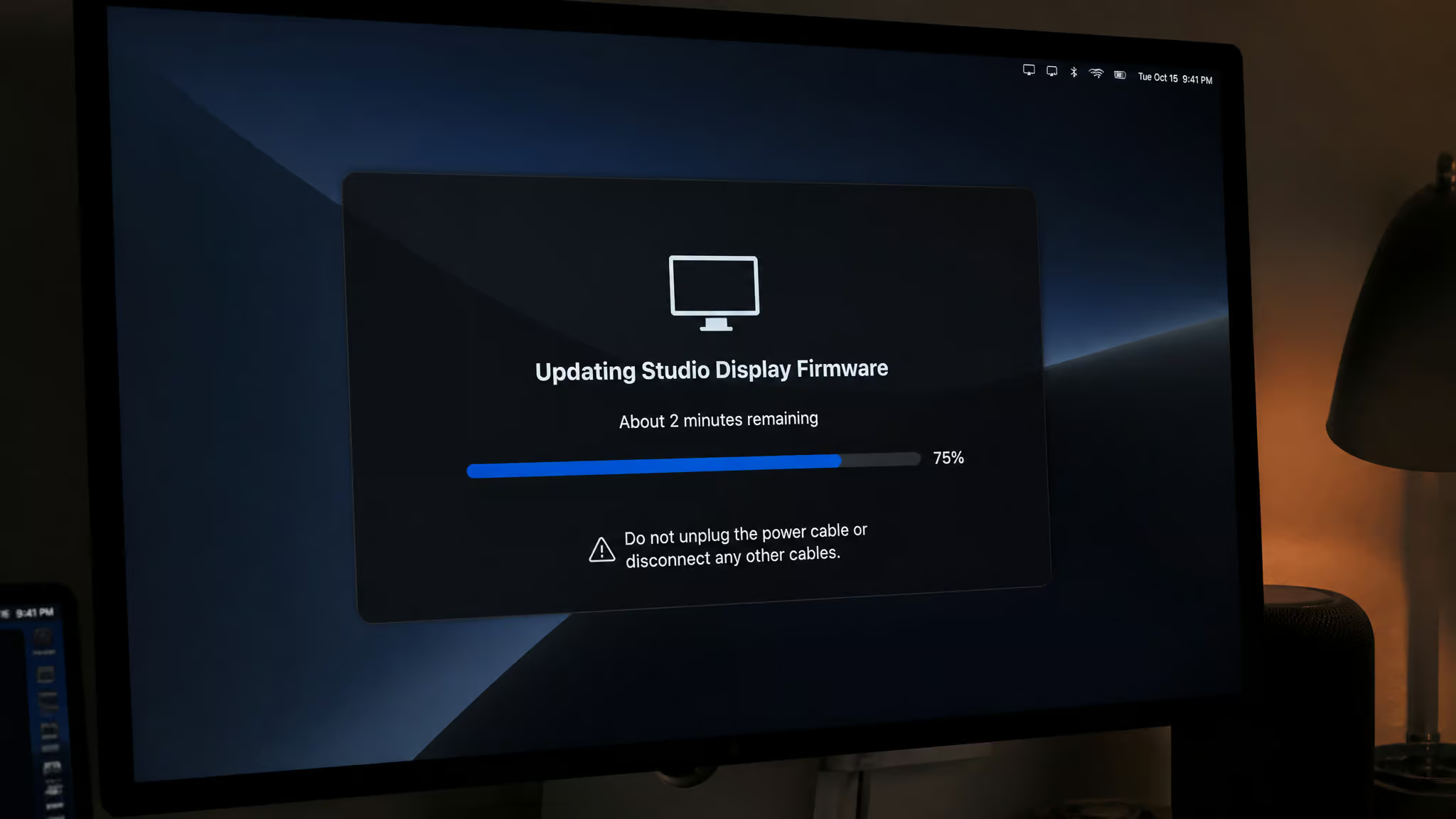
But the firmware history tells a story of incremental improvements that can’t fix core hardware limitations. For Intel-based Mac computers, the firmware updates have been especially important, and here’s what Apple macOS 26.7 leak new products has delivered so far.
- Firmware 15.4 (requires macOS Monterey 12.3 or later): Added Boot Camp support for Intel Macs. Useful if you dual-boot, but irrelevant for Apple Silicon users. To check your firmware version, open the Apple Menu, then System Information, and navigate to Graphics/Displays to see the current firmware string. This firmware update requires macOS 12.3.1 or later to install.
- Firmware 15.5 (19F77): Refined camera tuning, better noise reduction, contrast, and framing. A welcome polish, not a new capability.
- Firmware 15.5 (19F80): Fixed an audio issue. The kind of bug fix you never notice until it’s gone.
- Firmware 16.4 (requires macOS Ventura 13.3 or later): Added in-field recalibration using Pro Display Calibrator and a spectroradiometer. A real win for color-critical workflows, but niche.
- Firmware 17 (requires macOS Sonoma 14 or later): Adds zoom, recenter, and manual framing to the built-in camera. Nice for video calls, but still SDR, still 60Hz.
When Firmware Goes Wrong
We’ve seen a report from one user running an M1 Max Mac whose Studio Display firmware update stalled at exactly 75% progress. The error message suggested trying again in an hour. The user spent twelve hours unplugging cables, restarting, and retrying, nothing worked. Eventually they needed Apple Support to recover the display.
Red flag: A firmware update stuck at 75% can require Apple Support intervention; never unplug a Studio Display mid-update. Evidence of updated accessories has emerged in the macOS 26.7 leak, hinting at USB-C versions of the Magic Keyboard, Magic Mouse, and Magic Trackpad.
This isn’t a widespread issue, but it’s a cautionary tale. The current model’s firmware updates are polished for routine use, but the underlying hardware is locked at 60Hz, SDR, and 600 nits. No amount of software tuning can change that.
120Hz, HDR, and 1,600 Nits: What the Upgrade Actually Unlocks
Here’s how the next-gen Studio Display compares to the current model on the specs that matter most for creative work:
Refresh rate: 60Hz (current) vs. 120Hz ProMotion (next-gen). For video editors, scrubbing through a timeline at 120Hz is noticeably smoother, less eye strain, more accurate frame-by-frame navigation. For general use, scrolling through long documents or code feels fluid in a way 60Hz never quite does. It’s not a “transform your workflow” thing, but once you’ve used ProMotion on a MacBook Pro, going back to 60Hz on a desktop monitor feels dated.
Dynamic range and brightness: Current is SDR-only at 600 nits. Next-gen would support HDR with potentially 1,000 nits sustained and 1,600 nits peak (if Mini-LED). That’s the difference between seeing highlight details in a sunlit scene and having them clip to white. For color graders working in HDR, this is the feature they’ve been waiting for. For photo editors, it means previewing images in the same dynamic range as modern phones and TVs. In SDR mode, the display would still deliver excellent color accuracy, but the real leap comes when viewing HDR content.
Chip: A13 vs. A19. The A13 in the current display handles the webcam and spatial audio adequately. The A19 would allow more sophisticated computational photography, better automatic framing, more natural skin tones in video calls, possibly even real-time object tracking for demos. It also future-proofs the display for whatever Apple does with on-device intelligence, such as the capabilities hinted at in the macOS 26.7 leak new Mac mini which points to a refreshed M4 Pro model.
What doesn’t change: The 5K resolution is staying, and that’s fine. 5K at 27 inches is the sweet spot for macOS rendering; going higher would require UI scaling that hurts performance.
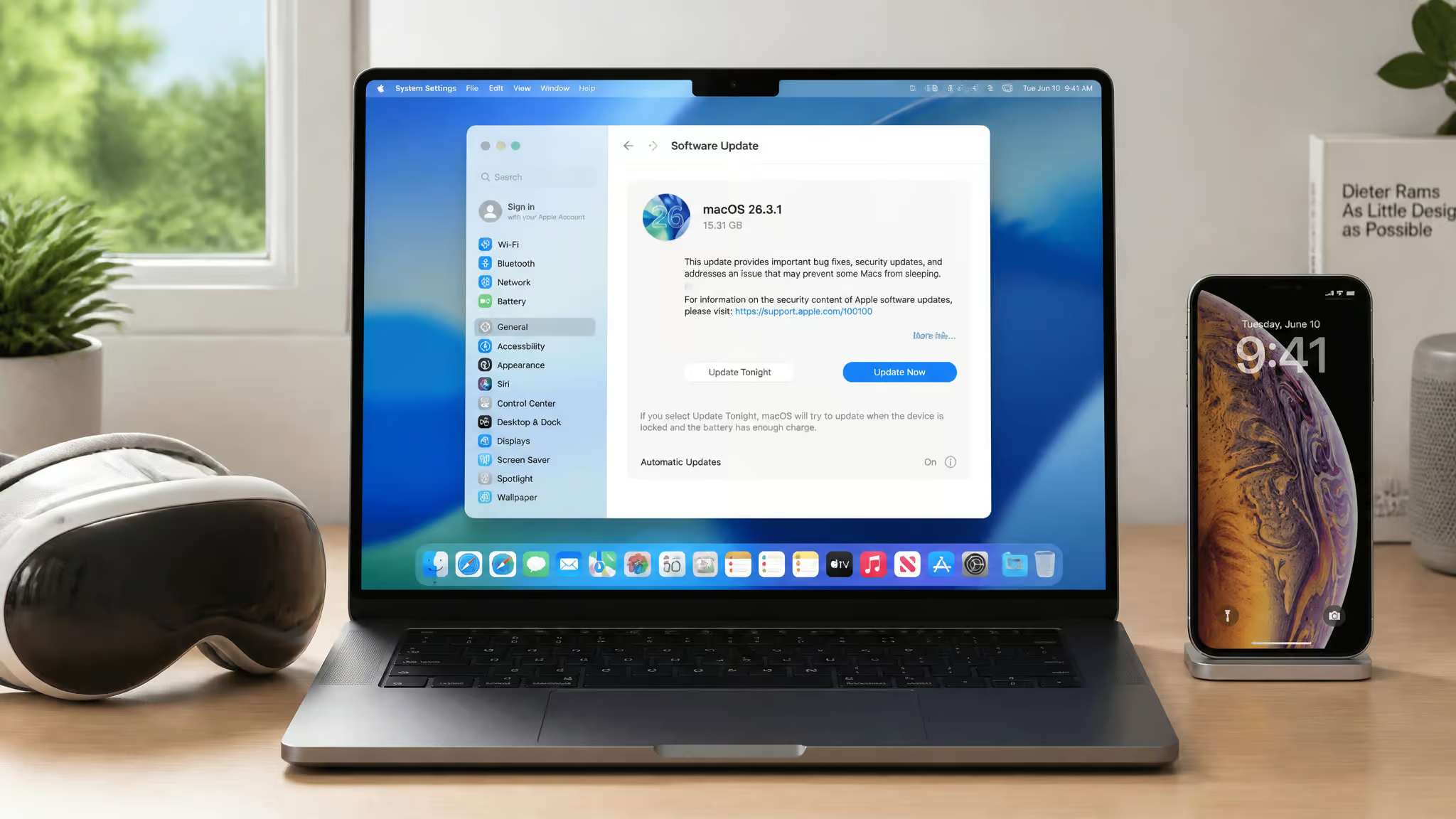
What Else Came with macOS 26.3.1 (and Why Most of It Doesn’t Matter to You)
If you’re not on Vision Pro or haven’t noticed your screensaver stopping, you can safely skip this update. The same build also includes iOS 18.7.6, which supports devices as old as the iPhone XS. Here’s what’s actually worth noting:
- visionOS 26.3.1 fixes a flicker issue when watching sports with MultiView in the Apple TV app. A targeted fix for Vision Pro users; everyone else can ignore it.
- macOS 26.3.1 fixes a bug where moving screensavers would freeze after about an hour. Annoying if you use them, trivial if you don’t.
Low-confidence claims (single user reports, treat as rumor):
- macOS 26.3.1 may be required for the new Studio Display models. Not confirmed.
- Performance cores in the M5 processor family are supposedly being renamed “Super Cores” in this update. Fun if true, but no other source has corroborated it.
- Windows iTunes updated to version 12.13.10.3 with support for new hardware (likely the iPhone 17e and iPad Air released that week).
Bottom line: if you don’t own a Vision Pro or aren’t bothered by frozen screensavers, there’s no urgency here. The real action is the code buried in the build, not the public changelog.
Separating Signal from Noise: Why This Leak Is Different
Is the new Studio Display leak credible or just speculation? Credible, but with important caveats. Here’s why:
The strong evidence:
- Macworld found the J527 codename and 120Hz/SDR-HDR strings in actual pre-release iOS code. That’s a technical artifact, not an analyst’s guess.
- Bloomberg‘s Mark Gurman independently linked the same J527 codename to a new Studio Display, providing cross-verification from two unrelated sources.
- The A19 chip reference came from the same code analysis, consistent with a significant silicon upgrade.
What we still don’t know:
- Apple hasn’t confirmed anything. No pricing, no release date, no official spec sheet.
- Mini-LED is a strong indication (Esposito’s phrase), not a certainty. The code confirms HDR support, but HDR could theoretically be achieved with other panel technologies. Mini-LED is just the most plausible given Apple’s current playbook.
- The low-confidence claims (macOS 26.3.1 requirement, Super Cores rename) should be treated as speculative until more sources weigh in.
This leak is stronger than most because it has physical code artifacts and independent source alignment. But it’s still a leak. We’ll know the real story when Apple announces the product.
Buy Now or Wait for 2026? A Decision Guide
Should you buy the current Studio Display now or hold out for the next-gen model? The answer depends entirely on your primary use case.
Bottom line: If HDR or 120Hz matters for your work, wait for the next-gen model; if you work in SDR and need a monitor today, the current model still delivers.
Wait, if you:
- Need HDR preview for color grading or video editing. The current display simply can’t do it, and a Mini-LED model would be a night-and-day improvement.
- Work with 120Hz footage (common in video production) and want timeline scrubbing to match your content’s frame rate.
- Can afford to wait until 2026 (the current best guess for launch) and are comfortable that the leak could shift or the product could be delayed.
Buy the current model, if you:
- Work primarily in SDR, web design, software development, office productivity, photo editing in sRGB. The current display is still excellent for these tasks: sharp 5K panel, decent built-in camera and speakers, seamless macOS integration.
- Find a good deal or price drop on the current model. Once the next-gen is announced, retailers may clear stock at a discount.
- Need a monitor right now and can’t wait a year. The current model isn’t bad; it’s just limited.
One final note: the current model’s firmware reliability (that 75% failure story) is a minor factor, but it reinforces that the current hardware is aging. If you’re the type who keeps a monitor for five years, waiting for the overhaul makes more sense. If you buy for today’s work and upgrade in cycles, the current Studio Display still delivers where it counts, just not at 120Hz or in HDR.
Frequently Asked Questions
How does the Studio Display firmware update get stuck at 75%?
Some users have reported the update stalling at exactly 75% progress, requiring Apple Support intervention to recover the display. Never unplug the monitor mid-update, as that can brick it. It’s not a widespread issue, but it highlights the aging hardware’s limits.
