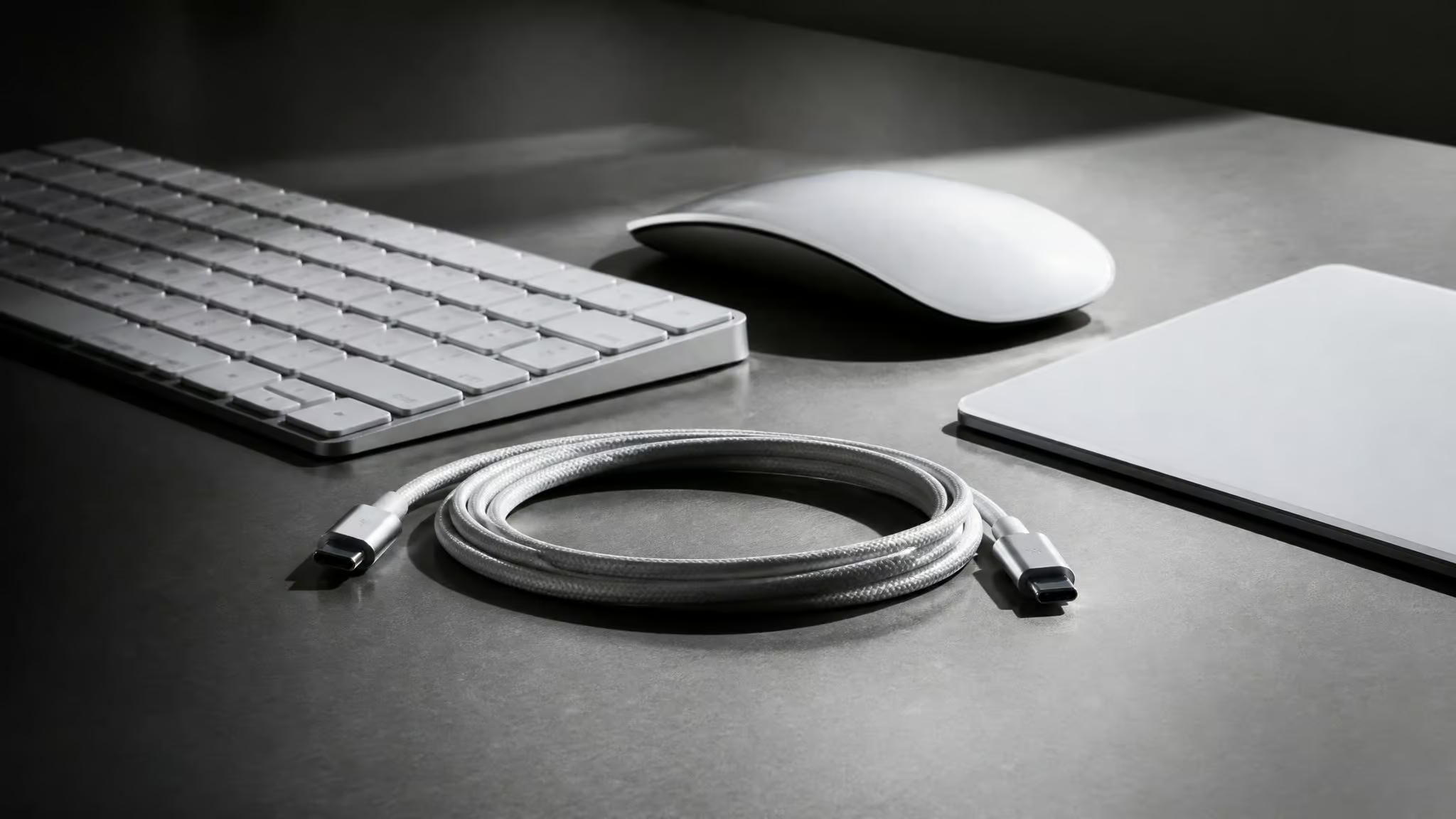
Okay, so check this out. I was digging through the macOS 26.7 beta code, just poking around, seeing what’s new, and I found new Bluetooth and input device identifiers for the Magic Keyboard, Magic Mouse, and Magic Trackpad. In Apple’s world, that kind of subtle code-level change usually means new hardware is on the way. Given the pattern we’ve seen before (the 2021 Magic Keyboard revision showed up the same way), this almost certainly points to USB-C versions of these peripherals.
And honestly? After spending time with the current state of things on macOS Sonoma and the Sequoia betas, a hardware refresh feels less like a planned upgrade and more like a rescue mission. Because right now, a lot of people can’t get their Magic Keyboard to work wirelessly at all.
Key Takeaways
Updated Bluetooth device identifiers in the macOS 26.7 beta code strongly suggest new USB-C versions of the Magic Keyboard, Magic Mouse, and Magic Trackpad are coming.
A Bluetooth stack regression in macOS Sonoma and 15.2 Beta is causing Magic Keyboards to fail wireless pairing, only working via USB-C cable, and stripping them of function keys and Touch ID after pairing.
A known Bluetooth HID specification vulnerability allows keystroke injection on macOS, and Apple’s firmware fix (2.0.6) blocks monitoring rather than fixing the underlying pair-level flaw.
Table of Contents
Decoding the macOS 26.7 Leak
The strongest evidence we have right now isn’t a leaked photo or a regulatory filing. It’s buried in the macOS 26.7 beta itself: new Bluetooth and input device identifiers for the three core Magic peripherals. Apple has a history of quietly signaling hardware revisions this way. When the 2021 Magic Keyboard came out with rounded corners and a Lock key replacing Eject, the code-level hints dropped first. The pattern is the same here.
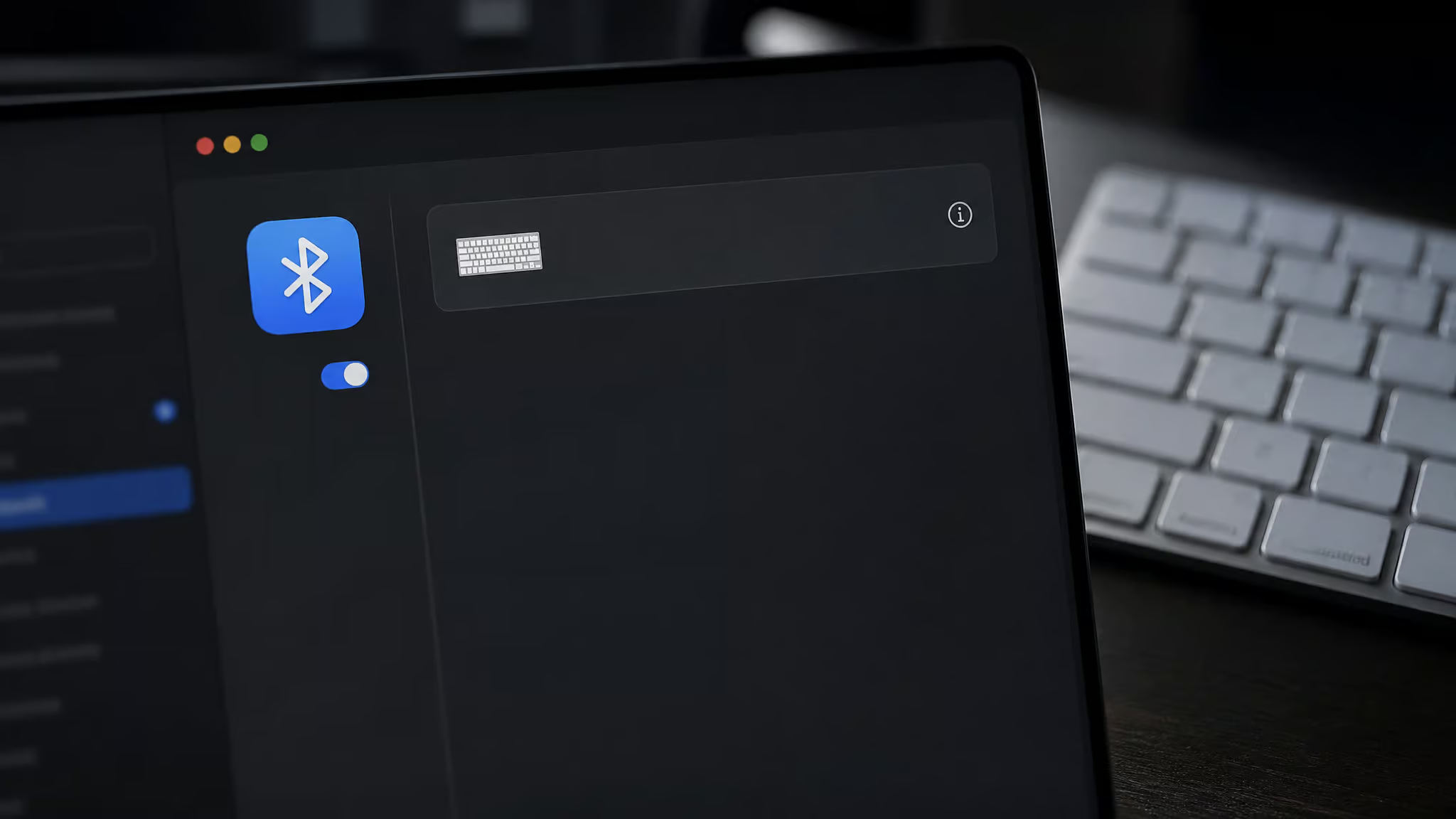
The logical connector upgrade is USB-C, following the precedent set by Apple’s other peripherals and the iPad Pro line. It’s not confirmation, mind you. Nobody at Apple has said a word. But if you’ve been following these breadcrumb trails, this is about as clear a sign as we get before a product launch.
Why This Refresh Matters
The pairing failure on recent macOS versions isn’t just a random bug. It reveals a Bluetooth stack regression that treats Apple’s own peripherals as generic devices, stripping them of driver-level features.
Bluetooth Pairing Failures on macOS Sonoma and 15.2 Beta
Here’s the specific scenario: a MacRumors user with a 16-inch M3 MacBook Pro on Sonoma found their Magic Keyboard simply wouldn’t pair wirelessly. The manual workaround is janky. You turn the power slider off and on, then pair the keyboard as a generic accessory in Bluetooth settings. That might get it connected, but here’s where it gets weird.
After the workaround, the device appears as a generic keyboard, not an Apple Magic Keyboard. That means function keys stop working. Touch ID is dead. Magic Mouse scrolling is gone.
Even the workaround isn’t reliable. And since this same issue appears on the 15.2 Beta, you can’t test fixes without breaking your current workflow.
Field note: After the workaround, the device registers as a generic keyboard in Bluetooth settings, which is why driver-level features like function keys and Touch ID stop working entirely.
The Opaque Firmware Update Process
Then there’s the firmware update situation. A TidBITS user with five different Magic Keyboards, numpadful, numpadless, with and without Touch ID, watched them all eventually upgrade to firmware version 2.0.6. But the update time varied wildly. Some took a few minutes.
One took nearly a day, echoing the uncertainty around the macOS 26.7 leak release date. There’s no progress indicator. No feedback. You just have to wait and hope.
To check your current firmware on Monterey, you option-click the Bluetooth icon in the menu bar. On Big Sur, you need to dig into System Information under Bluetooth. Firmware versions range from 1.4.1 to 2.0.6 (also shown as 0x0206 in hex). The recent Apple display leak macOS 26.7 hints at new external display firmware updates that could eventually apply here.
And if you’re still using the original Apple Wireless Keyboards with AA batteries? You get no firmware updates at all. Period.
The Security Elephant
Yes, a hardware refresh could improve security, but probably not for the reason you’d expect. The real issue is a fundamental flaw in the Bluetooth HID specification that’s hard to patch at the OS level.
In 2023, researcher Marc Newlin demonstrated that unauthenticated keystroke injection is possible via Bluetooth on macOS, iOS, and iPadOS. The attack manipulates the Bluetooth host state-machine to pair a fake keyboard without user confirmation. Any Linux device with a Bluetooth adapter can execute the attack, no specialized hardware is needed. But crucially, it can’t bypass a password or Touch ID, and the injected keystrokes are visible to the user. You’d notice something weird happening.
Apple was notified in August 2023 and hadn’t responded by the time the research went public. The firmware update to 2.0.6 blocked Bluetooth monitoring, but it didn’t fix the pair-level flaw, because that flaw is baked into the Bluetooth HID spec itself. That’s where USB-C comes in. A deep-dive analysis like the Apple macOS 26.7 leak new products decodes every hidden hardware hint, and here it points to a concrete fix: if the new accessories physically bypass Bluetooth for charging and firmware updates, and potentially for critical input. Apple gets a hardware-level workaround for a spec-level problem they can’t fully fix in software.
The Hidden Barrier
Will the new accessories work with older Macs? Probably not. And that’s a bigger problem than most people realize.
The same MacRumors user who reported the pairing bug has a work Mac blocked from updating to macOS Sequoia for six months or more by IT policy. Current USB-C accessories already require macOS Sequoia or later, that’s an established precedent. The leaked macOS 26.7 accessories will almost certainly require the latest OS. So even if these ship tomorrow, this user can’t use them.
That creates a nasty systemic blocker: you’re stuck on Sonoma with broken Bluetooth, you can’t upgrade to fix it, and you can’t use the new accessories either. The USB-C workaround, using a tethered keyboard, also occupies limited ports, which is its own kind of frustration.
What to Expect
This is educated speculation, not confirmed information. But historical patterns give us a decent framework.
macOS 26.7 likely launches alongside new Mac hardware in late 2025 or early 2026. New accessories usually launch around the same time or soon after. Pricing will probably be similar to current: Magic Keyboard at $99 to $199, Magic Mouse at $79, Magic Trackpad at $129. Switching from Lightning to USB-C is the most probable change, and improved Bluetooth reliability is likely given the documented issues on Sonoma. Transparent firmware updates with a progress indicator are a reasonable hope, but not guaranteed.
Design-wise, expect something iterative, not radical. Think 2021 Magic Keyboard level of revision. What users actually want is simple: Bluetooth pairing that works out of the box. Function keys and Touch ID that actually function after pairing.
A firmware update process that doesn’t involve praying and waiting a day. And USB-based firmware update capability, which is currently missing entirely.
Should You Wait or Buy Now?
The right choice depends on your specific situation. There’s no universal answer here.
If you’re on Sonoma or a beta: current accessories work reliably via USB-C cable. Buy now if you need a keyboard immediately and can live tethered. You’ll lose wireless convenience, but you’ll gain working function keys and Touch ID.
If you’re on Monterey or earlier: current accessories work fine wirelessly. No urgent need to wait unless USB-C specifically matters to you.
If you’re on an enterprise-locked Mac: don’t expect new accessories to work until your IT department allows the OS upgrade. Buy current-gen now if you need a replacement.
The leak is promising and makes sense given the documented problems. But Apple hasn’t confirmed anything. Cautious optimism is the right register here. If it were my desk, I’d wait, but only if I could tolerate USB-C tethering until the new stuff ships.
Frequently Asked Questions
Is the Bluetooth keystroke injection vulnerability on Mac actually fixed by the 2.0.6 firmware update?
No, it’s only partially patched. The 2.0.6 firmware blocks Bluetooth monitoring tools, but the underlying pair-level flaw is baked into the Bluetooth HID specification itself, which Apple can’t fully fix in software. The attack still requires a fake keyboard to pair without user confirmation, but injected keystrokes are visible on screen.
