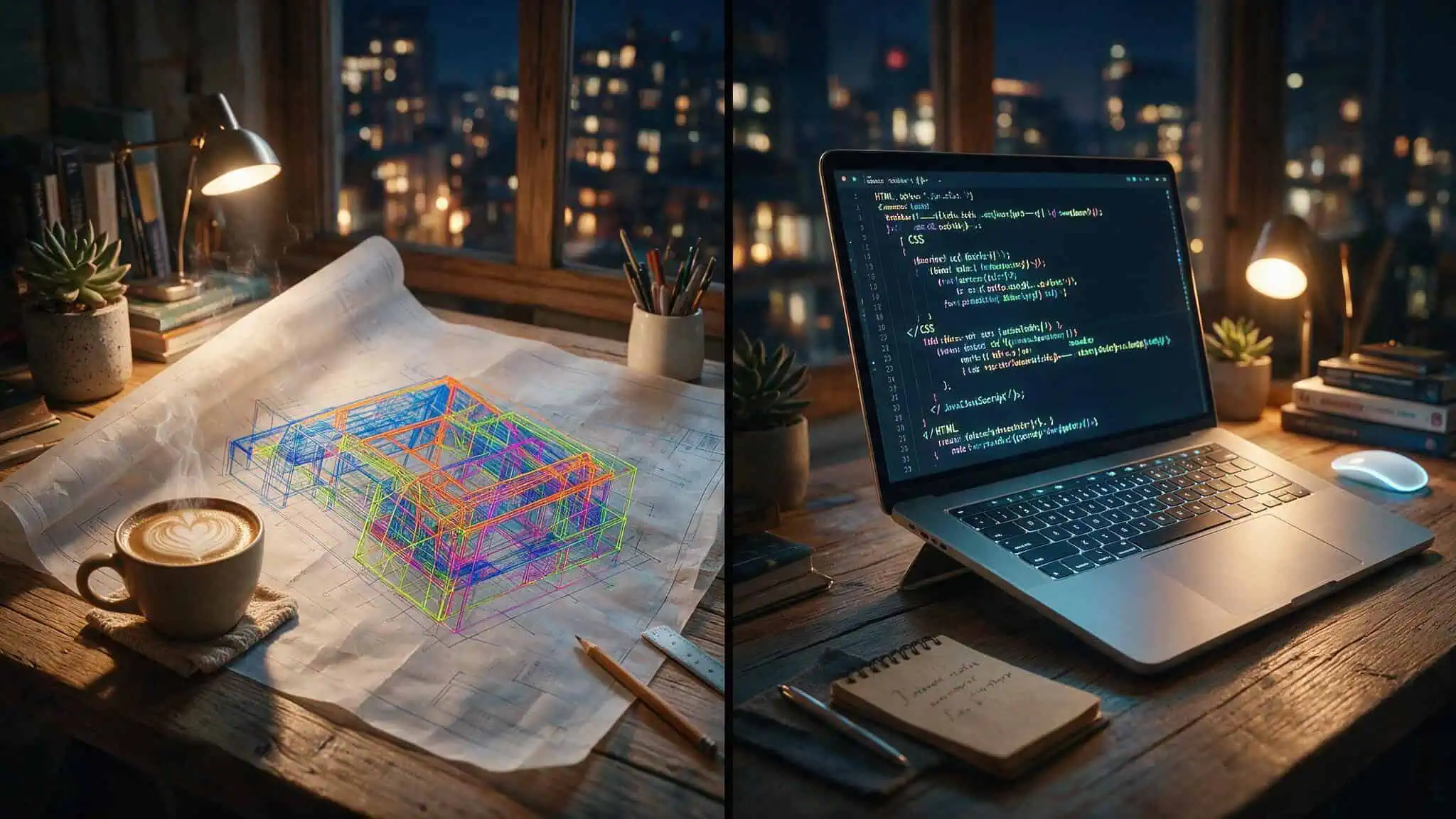
So you’ve got a website project brewing, and you keep hearing “web designer” and “web developer” thrown around like they’re the same thing. They’re not. Hiring the wrong one is like asking an architect to pour the foundation — they’ll draw you a beautiful blueprint, but the concrete won’t set right. And if you hire a builder to design the layout, you’ll get a house that stands up but feels like a box.
The short version: a designer figures out where the walls go, what color they are, and how you move through the rooms. A developer makes sure the roof doesn’t collapse and the plumbing works. Both want the same thing — a usable, business-aligned website, but they get there through different obsessions. One is focused on how it feels and looks; the other is focused on how it’s built and runs.
I’ve been on both sides of this fence. I’ve debugged a developer’s “responsive” layout that looked like a spider web on mobile, and I’ve tried to implement a designer’s pixel-perfect mockup that didn’t account for real data.
Key Takeaways
A web designer handles layout, color, typography, and user experience; a web developer writes the code that turns those designs into a functional, secure, and fast site.
Median total pay (Glassdoor, March 2026) is roughly $85,000 for web designers and $100,000 for web developers — the gap reflects the higher technical demand, not importance.
For simple brochure sites, a website builder like Wix or WordPress.com can work; for e?commerce or custom logic, you’ll need a designer and developer from day one.
Table of Contents
The core difference: architect vs. builder
Think of a website like a house. The designer is the architect — they decide the floor plan, the window placement, the flow from room to room. They pick the paint colors, the light fixtures, the style. The developer is the general contractor, they make sure the walls are load?bearing, the wiring is up to code, and the water runs downhill.
Many designers know a bit of HTML, CSS, and even JavaScript — enough to build a simple page. Many developers have a decent design eye and can spot a bad kerning issue. But the depth is different. A designer who can code a landing page is not a substitute for a developer building a custom checkout system with a database, payment gateway, and fraud detection. And a developer who can tweak a color palette is not a replacement for a designer who understands why a certain button color drives higher conversions.
What a web designer actually does
Let’s get concrete. A web designer’s day is about deciding where things go and how they look. They’re the ones who ask: “Is the menu at the top or side? Should the logo be left?aligned? What’s the first thing a visitor sees?”
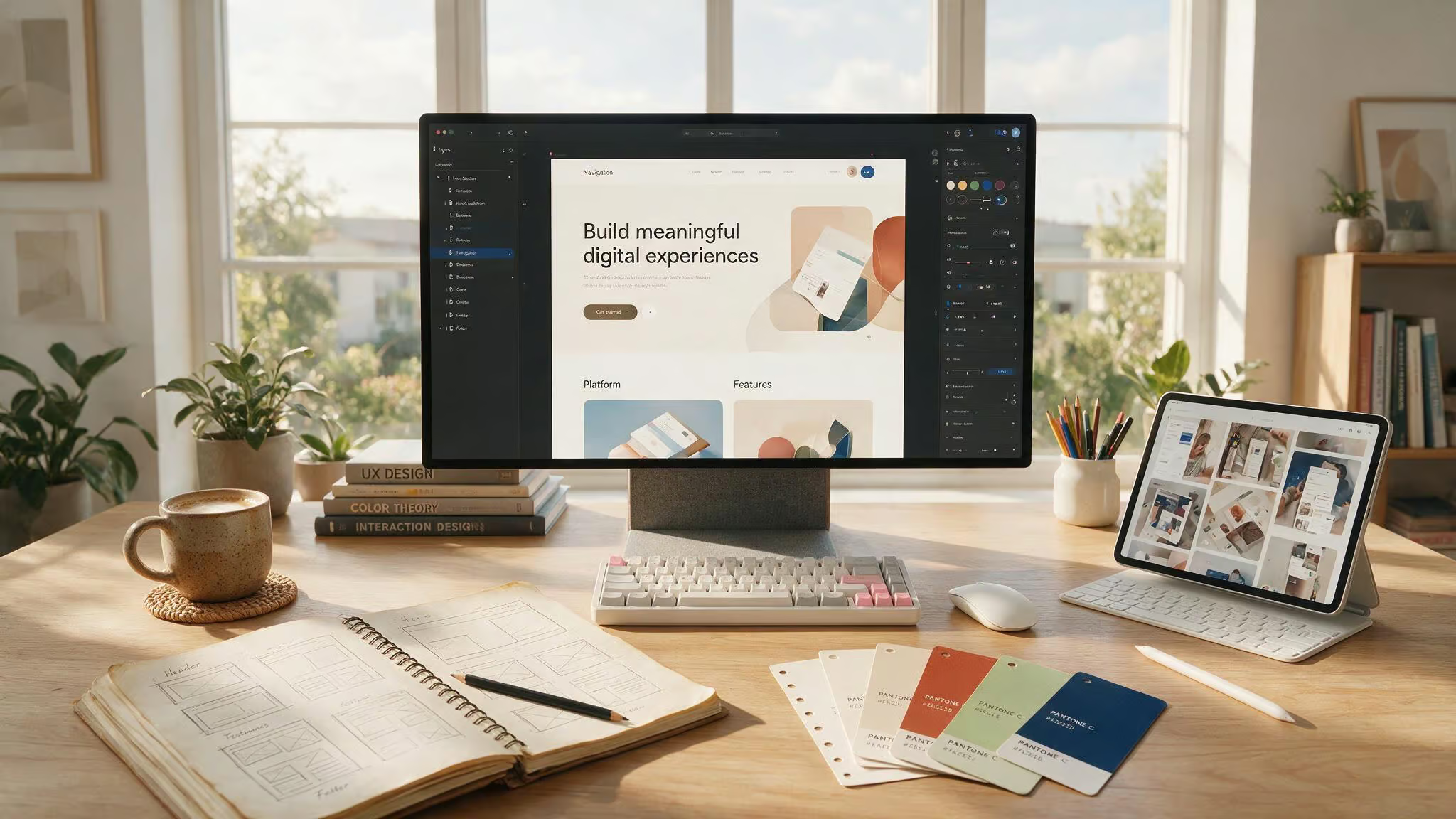
Responsibilities
- Layout design – visual hierarchy, wireframes, deciding what gets prominence.
- Color and typography – picking a font that’s readable and a color scheme that doesn’t make your eyes bleed, while also matching brand guidelines and accessibility standards.
- Graphics and images – creating or selecting photos, illustrations, icons, anything that’s not text or code.
- Responsive design – making sure the site doesn’t look broken on a phone or tablet. This is a core responsibility now, not an afterthought.
- UX design – thinking about the user’s journey: where do their eyes go first? What do you want them to click? How do they complete a purchase without getting frustrated?
- Collaboration with developers – explaining why things are laid out a certain way, so the developer can build it right during the handoff.
- Trend monitoring – keeping up with what’s current in web design (dark mode, glassmorphism, micro?interactions).
Tools of the trade
The designer’s toolbox is mostly visual. The classics are still kicking:
- Adobe Photoshop – image editing, still relevant.
- Adobe Illustrator – for logos, icons, anything that needs to scale infinitely.
- Figma and Sketch – the modern UI design tools. Figma in particular is huge for real?time collaboration.
- Wix – a no?code option for designers who want to build without touching code.
- Adobe Color – generates color schemes that don’t clash.
- Google Fonts – the go?to source for free, web?optimized typefaces.
- LottieFiles – for lightweight animations.
Qualities that make a good designer
A great designer isn’t just someone who can make things look pretty. They need:
- Grasp of design principles – white space, typography, color theory, hierarchy. They know why a layout works.
- Understanding of human psychology – how people skim and read online. This separates a good design from a frustrating one.
- Communication skills – explaining design choices to a developer or client without getting defensive.
- Openness to feedback – design is iterative. A good designer takes “this doesn’t work” and makes it better.
The coding question
Many designers know some HTML, CSS, and JavaScript — enough to build a simple page. But it’s a bonus, not a core requirement. A designer who can code is not a developer. Their depth of knowledge is different.
If your project is a brochure site, a designer who can also code might be all you need. If it’s a web app, you need a developer.
What a web developer actually does
Developers are the ones who take the designer’s vision and make it work in a browser. They write the code that turns a static mockup into a clickable, interactive thing. And they don’t stop at launch — they’re the stewards who keep the site running, secure, and fast over time.
Responsibilities
- Writing code – front?end and back?end languages.
- Fixing bugs and maintaining functionality – things break; a developer’s job is to figure out why.
- Implementing new features – adding a payment method, a new product filter, a user dashboard.
- Optimizing performance – making images load faster, minifying code, caching.
- Maintaining security – encryption, authentication, protecting against attacks like SQL injection.
- Managing databases – storing and retrieving user accounts, orders, blog posts.
Types of developers
- Front?end – everything the user sees and interacts with. HTML, CSS, JavaScript, and frameworks like React, Angular, or Vue.js.
- Back?end – the server, database, API. Languages like Python, Ruby, PHP, Java, SQL. Frameworks like Django, Laravel, Node.js.
- Full?stack – can do both sides. The Swiss Army knife of the web world.
Tools and languages
Front?end basics: HTML, CSS, JavaScript. Pro tools: React, Angular, Vue.js. Back?end: Python, Ruby, PHP, Java, SQL. Frameworks: Django, Laravel, Ruby on Rails, Next.js. Version control: Git, GitHub. Beginner?friendly: Velo (Wix’s visual development platform that lets you add custom code with a gentle on?ramp).
Qualities of a good developer
- Problem?solving – things break; they need to figure out why and fix it without breaking something else.
- Attention to detail – a missing semicolon can break an entire site.
- Adaptability – tech changes constantly. A good developer is always learning.
- Collaboration – working with designers, product managers, and other devs.
- Communication – explaining trade?offs to non?technical stakeholders. Yes, we can build that, but it’ll be slower and more expensive — here’s why.
- Analytical thinking – finding an elegant solution to a messy problem.
The stewardship angle
Most business owners forget to budget for ongoing development. A developer isn’t just a one?time builder. They’re the ones who keep the site patched against vulnerabilities, upgrade frameworks, fix broken links after a CMS update, and optimize performance as traffic grows. If you’re building a serious site, plan for a developer to be around for the long haul.
Key tools and frameworks (the developer’s ecosystem)
If your project requires tools like Docker or Kubernetes, you need a developer — no question.
Front?end tools
- Chrome Developer Tools – built into Chrome, it’s a debugging and editing suite. You can inspect elements, test CSS changes live, audit performance, and simulate mobile devices. Not beginner?friendly, but indispensable.
- Sass – a CSS preprocessor that adds variables, nesting, loops, and functions. Makes writing CSS more powerful and maintainable. Can be slow with huge files, and some libraries are abandoned.
- Bootstrap – a collection of pre?built CSS and JavaScript components for building responsive sites quickly. Great for prototyping, but every Bootstrap site tends to look like a Bootstrap site.
- ReactJS, Angular, Vue.js – modern JavaScript frameworks for building complex user interfaces. React is free and open?source, with a virtual DOM for fast rendering and reusable components. Angular is a full MVC framework. Vue is lightweight and beginner?friendly.
Back?end / full?stack
- Ruby on Rails – a full?stack framework that prioritizes convention over configuration. Great for rapid development.
- Laravel – PHP framework with elegant syntax and built?in tools for routing, authentication, and caching.
- Next.js – a React framework for server?side rendering and static site generation. Popular for performance?focused sites.
DevOps / infrastructure
- NGINX – a high?performance web server and reverse proxy.
- Docker – containerizes applications so they run consistently across environments. Requires networking knowledge, not necessarily coding.
- Kubernetes – orchestrates Docker containers at scale. Overkill for most small projects, but essential for large, distributed systems.
Collaboration / version control
- GitHub – the standard for hosting Git repositories and collaborating with other developers.
- npm – the Node.js package manager for installing libraries.
- Grunt – a task runner for automating repetitive tasks like minification and compilation.
- Postman – for testing APIs.
Design?adjacent tools that overlap
- Sketch – vector design tool for UI work. No coding required.
- Marvel – visual prototyping tool; you can create clickable mockups without writing code.
Career path and salary: what it costs (literally)
Let’s talk money. Salary data from Glassdoor, accessed March 2026, gives us solid benchmarks:
- Web designer: median total pay $85,000 (range $64k–$117k)
- Web developer: median total pay $100,000 (range $77k–$132k)
Those figures include base salary plus bonuses, profit?sharing, etc. Developers earn more because the technical skills are harder to acquire and in higher demand. That’s not a statement about relative importance — a great designer is just as critical, and that’s why a thorough web designer vs web developer [#planned-web-designer-vs-web-developer] breakdown can help you decide which role fits your geeky ambitions.
Education and entry
Degrees are optional for both. A killer portfolio often beats a degree. Boot camps and online courses are common. For designers, a portfolio of wireframes and mockups is key. For developers, a strong GitHub profile with real projects carries weight.
Career progression
- **Designer: ** entry
- senior (roughly 2 years)
- UX/UI specialist or graphic designer
- **Developer: ** entry
- senior
- lead
- director of web development
Job outlook
The Bureau of Labor Statistics groups both roles together, projecting 7% growth between 2024 and 2034 — faster than average for all occupations.
A quote worth keeping in mind
Meta engineer Mari Batilando put it well: surround yourself with people who push you to grow, do work you find rewarding and mentally engaging, and the promotions and compensation will follow naturally.
How to choose: designer, developer, or both?
- Is your project about aesthetics, branding, user experience, and visual appeal? Hire a designer.
- Does it involve complex functionality, custom coding, back?end logic, databases, or APIs? Hire a developer.
- Is it comprehensive — like an e?commerce store with custom checkout, user accounts, and a polished brand? You need both.
Project lifecycle tip: Designer first for vision and mockups, then developer for implementation. That order avoids wasted effort.
Common scenarios
- Simple landing page or brochure site: May only need a designer, or even a website builder.
- E?commerce store: Needs both from day one. The designer handles the look and checkout flow; the developer handles payment processing, inventory, and security.
- Web app with custom logic: Developer is non?negotiable. Designer may be needed depending on how polished the UX needs to be.
When a website builder might be enough
Many business owners can get by with a website builder — but there are trade?offs.
Platform options and trade?offs
- Wix, Webflow, Squarespace, WordPress.com – drag?and?drop, lower upfront cost.
- Hidden costs: subscription fees, paid plugins, vendor lock?in, limits on customization.
- Best for: simple brochure sites, small businesses, non?technical founders, projects that won’t scale dramatically.
- Not suitable for: complex functionality, custom integrations, high?growth projects, sites needing deep SEO or performance control.
Pricing data (approximate, from dev.to source)
- WordPress hosting: ~€2/month (but watch for minimum 12?month commitments and hidden plugin costs).
- Basic e?commerce: ~€5/month for WordPress/Shopify; ~€15/month for Wix/Shopware.
- No free e?commerce option exists.
Performance benchmarks
Lighthouse scores for WordPress themes:
- Default Twenty Twenty?Five theme (empty): 93/100 performance, perfect accessibility and best-practices scores.
- Custom WordPress theme (empty): 99/100 performance, perfect accessibility and best-practices scores.
Real?world caveat: most performance gains come from optimizing images and videos, not from the theme itself.
WordPress nuance
“WordPress” is an umbrella term. It can mean:
- WordPress.com (hosted, like a website builder)
- WordPress.org (self?hosted, full control)
- The Gutenberg block editor
- Page builders like Elementor and Divi
Most critical vulnerabilities come from plugins, not the core. The Gutenberg editor has UI problems similar to other page builders — inconsistent and immature. “Managed hosting” is a vague term that can mean great support or an overpriced, locked?down setup.
Platform comparison: Webflow vs. Wix vs. WordPress.com vs. Duda vs. Adobe Dreamweaver
If you know you need a platform but don’t know which one, here’s the data.
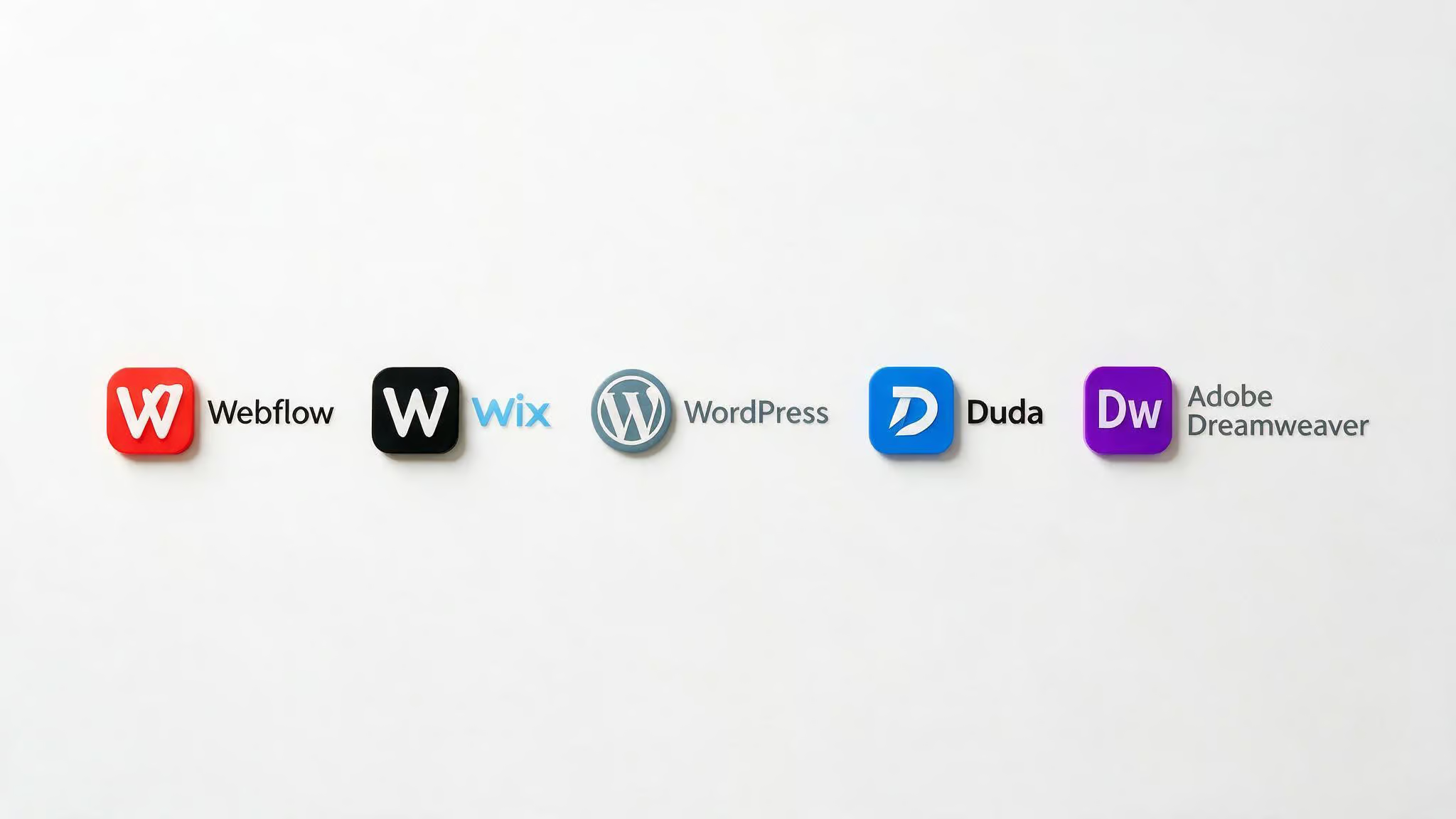
Quick reference grid
| Platform | G2 Rating | Starting Price | Best For |
|---|---|---|---|
| Webflow | 4.4/5 | $15/month | Design?forward teams, agencies, custom visuals |
| Wix | 4.2/5 | $17/month | Small businesses, beginners, first?time site owners |
| WordPress.com | 4.4/5 | $4/user/month | Content?heavy sites, scalability, plugin ecosystem |
| Duda | 4.7/5 | $19/month | Agencies, multi?site management, white?label workflows |
| Adobe Dreamweaver | 4.1/5 | $20.99/month | Code?visual hybrid work, existing Adobe users |
Deep dives
Webflow (4.4/5, $15/mo) – Satisfaction score 99 (highest in G2 lineup). Strong adoption by small businesses (69%) and design?focused teams. Visual editor that feels like a cross between Figma and coding. CMS for dynamic content. Responsive design across breakpoints.
Drawbacks: steep learning curve, pricing adds up for multiple sites. Best for designers, agencies, marketers wanting complete control without full custom development.
Wix (4.2/5, $17/mo) – Satisfaction score 81. Strong small business adoption (79%). Wix ADI can generate a site in seconds. Drag?and?drop editor with free element placement.
Built?in SEO tools. Wix App Market. G2 ratings: templates 90%, ease of use 91%, marketing integrations 87%. Drawbacks: feature?dense dashboard can be overwhelming, vendor lock?in, Wix Studio can get buggy.
WordPress.com (4.4/5, $4/user/mo) – Satisfaction score 89. Massive plugin ecosystem. Block editor with drag?and?drop (Elementor). Extensive theme library.
Multi?user collaboration with role?based access. Content managers love being able to publish without developer support. Drawbacks: requires ongoing maintenance and learning, plugin compatibility issues, more complex than simpler builders.
Duda (4.7/5, $19/mo) – G2 ratings: ease of administration 95%, ease of setup 94%, quality of support 94%. Centralized dashboard for 50–200+ client sites. Site duplication and reusable sections. White?label capabilities.
Client access controls. AI?assisted content and layout generation. SEO/Core Web Vitals tend to perform well without manual optimization. Drawbacks: customization limitations for design?intensive projects, asset management challenge at scale.
Adobe Dreamweaver (4.1/5, $20.99/mo) – Split?screen code + live preview. Syntax highlighting and code hints. Built?in Git support. Creative Cloud integration (Photoshop, Illustrator assets).
A friendly middle ground between visual editor and raw code. Drawbacks: feels outdated compared to modern editors, heavy and slow on large projects, requires internet for some features.
Qualities to look for when hiring
Technical skills are table stakes. The differentiator is communication and fit.
For designers
- Can they explain why a color, layout, or typography choice works?
- Do they understand user psychology (how people skim, what catches attention)?
- Can they take feedback without getting defensive?
- Do they have a portfolio with projects similar to yours?
For developers
- Can they explain technical trade?offs in plain language? (“Faster means more expensive” is a sign they know what they’re talking about.)
- Do they ask good questions about your project’s goals before talking about technologies?
- Can they point to past projects where they solved a specific problem — not just built a generic site?
- Do they understand that “more secure” often means more work and cost?
The key insight: the ability to communicate with non?technical stakeholders is worth paying extra for. A designer who can’t explain their decisions will produce beautiful work that doesn’t serve your business. A developer who can’t explain trade?offs will build something technically impressive that you can’t maintain.
Does AI change anything?
Can you just use AI tools instead of hiring a human?
The honest take: AI tools like GitHub Copilot, Wix ADI, and Duda’s AI features make professionals more productive — they don’t replace them. Wix ADI can generate a site in seconds, but it’s a template, not a custom solution. GitHub Copilot can suggest code, but it can’t architect a system or understand your business context. Human judgment is still required for UX decisions, security considerations, creative strategy, and the messy, unique problems that every real project has.
The “no?code” reality check: No?code tools are great for simple landing pages and basic sites. The moment you need custom functionality, integrations, or scale, you’re back to needing a human who understands code.
Final decision framework
When you’re weighing designer versus developer, a structured approach helps cut through the noise. The following three questions will guide you to the right choice for your specific project.
Three questions to ask yourself
- What does my project need most? Polished visuals and user experience ? hire a designer. Complex functionality and backend logic ? hire a developer.
- Can I get by with a website builder? If it’s a simple brochure site, maybe. If it’s an e?commerce store or web app, no.
- Do I have the budget for both? If not, pick one now and add the other later. Most real projects need both at some point.
Consider a concrete example: a custom e?commerce store for a boutique clothing brand. The designer creates the polished product pages, checkout flow, and mobile layout. The developer builds the payment gateway, inventory database, and fraud detection. Budgeting for both from the start — roughly $85k for the designer and $100k for the developer, per Glassdoor, avoids costly rework. Using a platform like Webflow for design control and a developer for back?end logic can keep costs manageable while delivering a professional result.
The one?sentence takeaway
A designer makes it look right and feel right; a developer makes it work right and stay working. Most real projects need both at some point.
A resource pointer
If you’re looking for a verified professional, the Wix Marketplace is one option — not a recommendation, just a pointer. You can also browse Dribbble, Behance, or GitHub to find portfolios that match your style.
Now go hire the right person — and save yourself the expensive mistake I made the first time around.
People Also Ask
Who gets paid more, a web designer or a developer?
Web developers typically earn more, with a median total pay of roughly $100,000 compared to $85,000 for designers. The gap reflects the higher technical demand and difficulty of acquiring development skills, not a difference in importance. A great designer is just as critical to a project’s success.
Do I need both a designer and a developer for an e-commerce store?
Yes, you need both from day one. The designer handles the look, layout, and checkout flow to ensure a smooth user experience. The developer handles payment processing, inventory management, security, and all the back-end logic that makes the store actually work.
