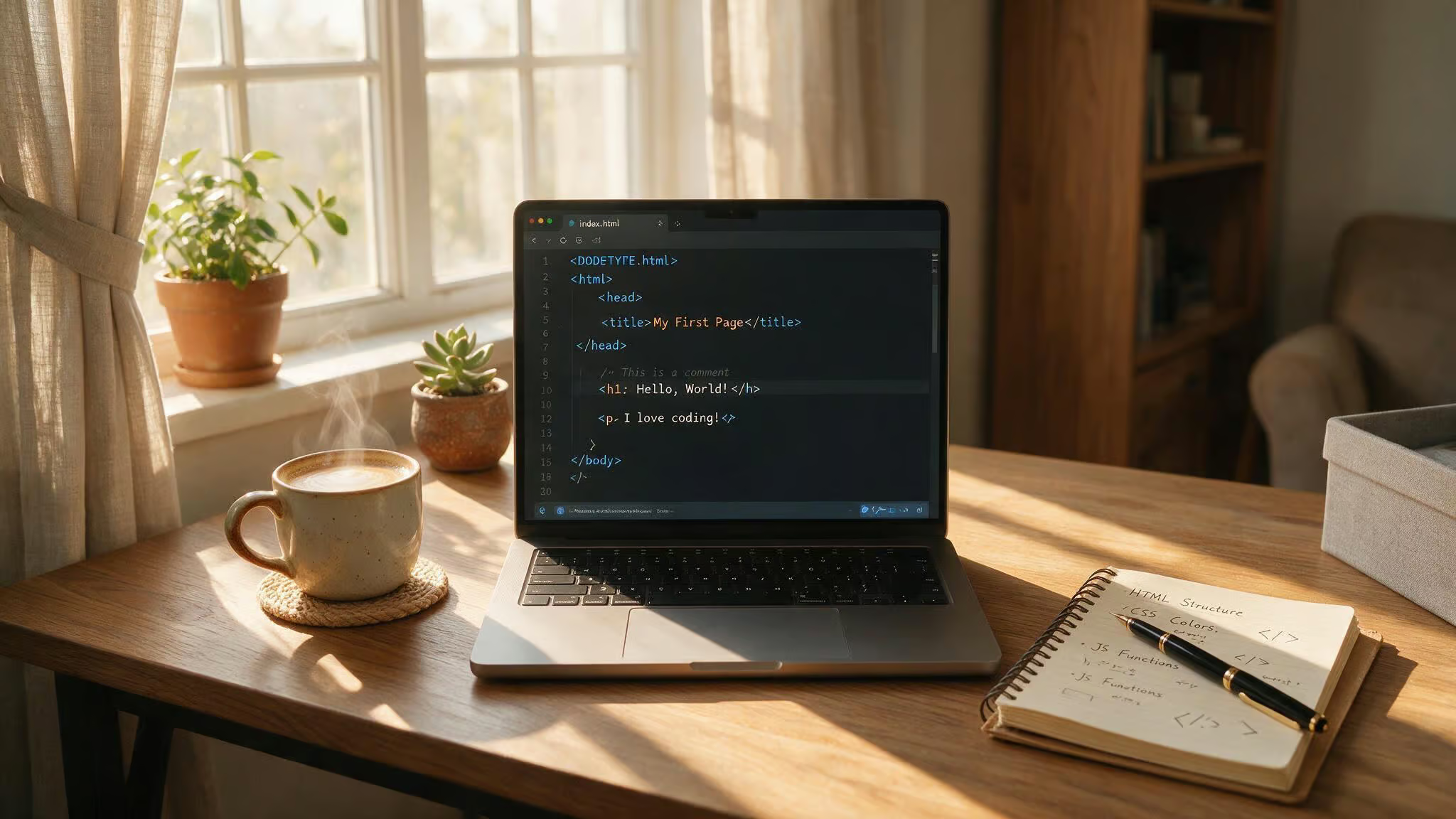
You’ve heard the promise: Learn web design in three months, get a job, change your life. Is that timeline real, or is it marketing?
Here’s the straight answer: yeah, you can build a solid foundation in HTML, CSS, basic JavaScript, and UI/UX principles in three months.
You won’t have mastered React or Node.js. What you will have is a working knowledge of how to build a web page from scratch, make it look good, add some interactivity, and understand where to go next.
The variable is time. How many hours you can invest each day changes what you can cover, not whether you can learn anything at all.
Key Takeaways
With 6–8 hours/day (full-time immersion), you can learn HTML, CSS, responsive design, core JavaScript, and even a framework like React — enough to build a portfolio of 2–3 interactive projects.
With 2–3 hours/day (part-time), you’ll master HTML5 and CSS3 (Flexbox, Grid, media queries) and get a working taste of JavaScript — enough to build static sites and simple interactive pages.
Roughly 70% of developers are at least partly self-taught, and you don’t need a degree; the key is a structured curriculum, real projects, and consistency over cramming.
Table of Contents
The Verdict — Yes, But Here’s What 3 Months Actually Buys You
Let’s cut to it: you can learn foundational web design in three months. But “foundational” doesn’t mean “ready to architect a SaaS platform.” It means you can write semantic HTML, style it with CSS, make it responsive, and add some JavaScript interactivity. These are the skills entry-level web designers use daily. That’s a legit skill set, and it’s something you can start building on day one.
In 3 months full-time, you’ll build 2–3 responsive static sites and a React single-page app; part-time, you’ll build 1–2 static sites with basic JS interactivity. If you can dedicate 6–8 hours a day — a full-time job, you’ll have time to go deeper: you can build static sites, then add JavaScript, then dip into a framework like React. If you’ve got 2–3 hours a day, you’ll do the same sequence, but you’ll stop earlier on the JavaScript side.
The trap is expecting the same outcome regardless of input. A three-month sprint at full intensity looks different from a three-month stretch at an hour a day. One gets you a portfolio with a React app; the other gets you an HTML/CSS page with basic interactivity. Neither is “wrong,” but you need to know which one you’re aiming for.
Full-Time Immersion — What 6–8 Hours a Day Stacks
If you can treat learning like a day job — 6 to 8 hours a day for 90 days, you’re looking at 540 to 720 hours of focused work. That’s enough to build static sites, add JavaScript, and dip into a framework like React.
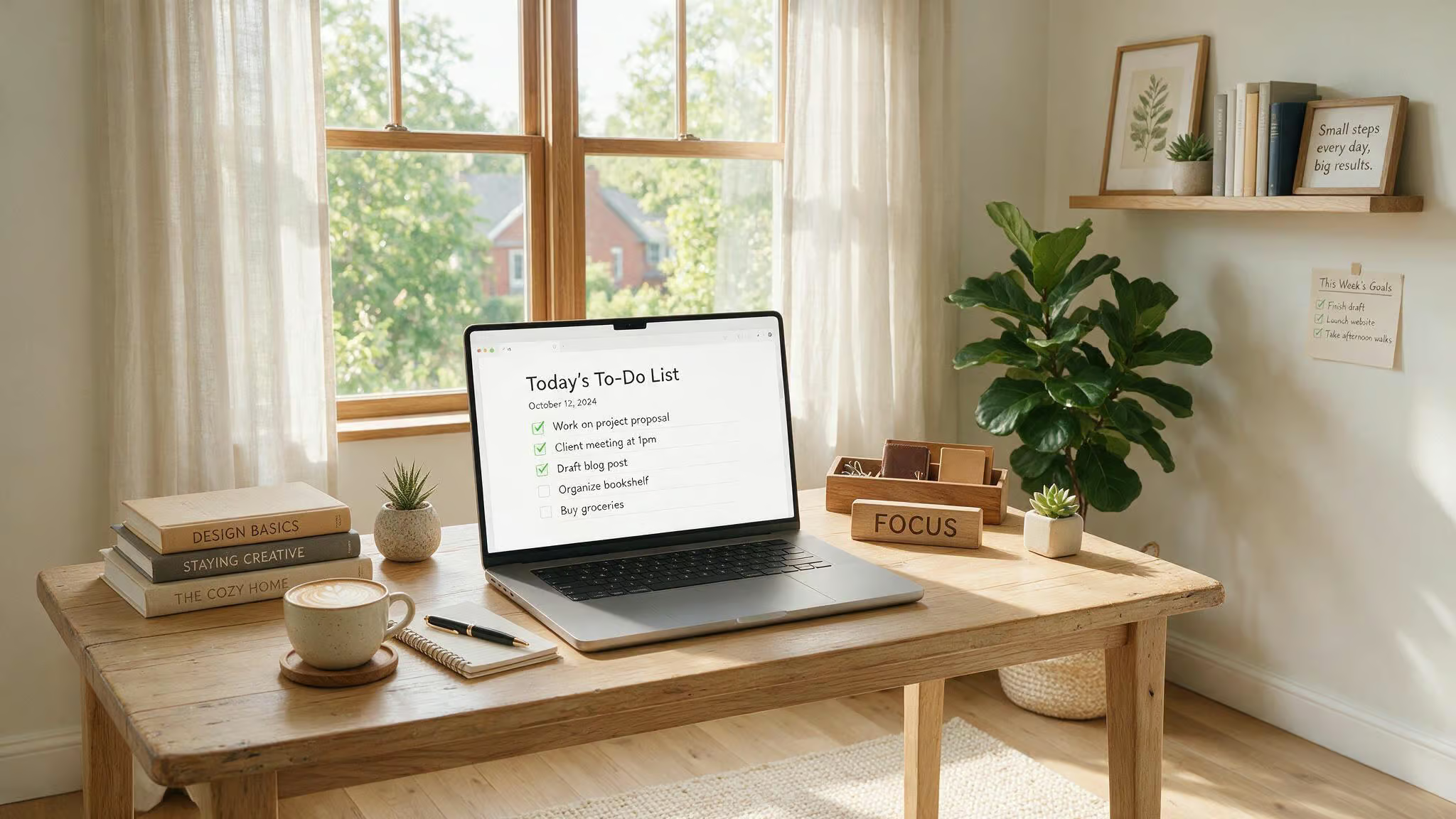
Month 1: HTML, CSS, and responsive design — the solid base
Weeks 1 and 2 are HTML fundamentals. Headings, paragraphs, links, images, forms, semantic markup. Weeks 3 and 4 are where it gets visual: CSS selectors, the box model, Flexbox, Grid, and responsive design with media queries.
By the end of the month, you can build 2 or 3 small static sites — a personal portfolio page, a product landing page, a blog layout.
Venturing into JavaScript, preprocessors, and frameworks
Month 2: You move into JavaScript — variables, data types, functions, loops, conditionals, and DOM manipulation. You’ll also start touching ES6+ features like arrow functions and array methods.
By week 8, you’ll build a to-do list app, a weather app that pulls from a public API, and a small quiz application.
Month 3 is where you decide how far you want to push. With the full-time schedule, you can pick up a JavaScript framework — React is the most in-demand on the job market right now. You’ll learn components, props, state, and hooks, then add React Router and API calls. The capstone project is a single-page app like an e-commerce product listing or a weather dashboard. It’s the kind of thing you can show someone and say, “I built this from scratch.”
Full-time immersion is a grind. It’s not magic. But if you have the time and the discipline, you can walk out of three months with a real, interactive portfolio.
Part-Time Study — Steady Progress with Realistic Limits
Most people don’t have the luxury of quitting everything to learn web design. You’ve got a job, family, other commitments. That’s fine — three months at a few hours a day is still a productive use of time. You just need to calibrate your expectations.

HTML5 and CSS3 core concepts — what you can master
With part-time intensity, HTML and CSS are your bread and butter. You can master semantic markup, selectors, the box model, Flexbox, and CSS Grid. You’ll understand responsive design with media queries. By the end of the three months, you can build a good-looking, responsive static site — a personal page, a landing page, a blog layout. If you’re wondering is web development dead due to AI, a geeky, evidence-based look shows that many core front-end skills are becoming more valuable.
JavaScript depth — basic syntax and limited interactivity
The tradeoff shows up in JavaScript. You’ll learn variables, functions, conditionals, and loops. You might get to DOM manipulation and basic event handling. But you won’t have time to deeply explore ES6+ features, fetch APIs, or frameworks.
Part-time learners often have one huge advantage: discipline. You can’t cram, so you learn to be consistent. A steady hour a day beats sporadic weekend marathons every time.
The key is to accept that three months part-time buys you a strong HTML/CSS foundation and a working understanding of JavaScript’s fundamentals. That’s a starting point for building more advanced skills later.
The Self-Taught Route — Flexibility Without a Safety Net
If you’re going it alone — no bootcamp, no instructor, just you and the browser, you’re in good company. 70% of developers are at least partly self-taught. The path is well-worn, but demanding.
What self-taught learners can achieve in 3 months
With self-discipline, you can grasp HTML, CSS, and basic JavaScript. You can build simple static web pages. You can even get to DOM manipulation and event handling — enough to make things happen on the page, or to help kids learn to code a simple game or animation. The projects you build (personal sites, mockups) become your first portfolio pieces.
No degree required. Employers and clients care about what you can do, not where you learned it.
Why advanced concepts are harder without structure
Advanced JavaScript and frameworks are a much tougher climb on your own in a short timeframe. You don’t have someone pointing out where you’re going wrong or curating the order of topics. Jumping into React before you understand vanilla JavaScript will bite you. That doesn’t mean you can’t get there — it just means you need a structured plan.
Successful self-taught learners follow a free, structured curriculum like freeCodeCamp or The Odin Project, build real projects (not just tutorial copies), and stay active in developer communities on Discord or GitHub for support and feedback. And can you learn game development online? Yes, with the rise of MOOCs and e-learning platforms, learners now have a path for that too.
Month-by-Month Roadmap — How to Spend Your 90 Days
Here’s a concrete, week-by-week timeline you can adapt to your schedule. It’s not rigid — treat it as a template, not a prescription.
Month 1 — HTML and CSS fundamentals
- Weeks 1–2: HTML basics — headings, paragraphs, links, images, forms, semantic markup.
- Weeks 3–4: CSS basics — selectors, box model, Flexbox, Grid, responsive design with media queries.
- End of month project: Build 2–3 static sites — a personal portfolio page, a product landing page, a simple blog layout.
Month 2 — JavaScript and DOM manipulation
- Weeks 5–6: Core JavaScript — variables, data types, functions, loops, conditionals, DOM manipulation.
- Weeks 7–8: Modern JavaScript (ES6+) — arrow functions, array methods (map/filter/reduce), fetch API, promises.
- End of month project: Build a to-do list app, a weather app (using a public API), and a small quiz app.
Month 3 — JavaScript framework and capstone project
- Weeks 9–10: React (or Vue.js) fundamentals — components, props, state, hooks.
- Weeks 11–12: React Router, connecting to external APIs, basic state management.
- Capstone project: One complete React project — an e-commerce product listing, a blog with dynamic routing, or a weather dashboard.
If you have a fourth month, add back-end basics (Node.js, Express, a database like MongoDB or PostgreSQL) or shift to portfolio prep and job applications. But the three-month sprint is all about front-end.
What You’ll Actually Learn — The Core Tech Stack
If you’re new to all this, the alphabet soup of technologies can be overwhelming. Here’s what each one does and why it matters.
HTML — the skeleton of every web page
HTML structures your content. Paragraphs, headings, images, links, forms — it’s the backbone. You can grasp the basics in 1–2 weeks.
CSS — styling, responsive design, and layout
CSS makes things look good. Selectors, the box model, Flexbox, Grid, media queries — these are the core concepts. With CSS you control colors, fonts, spacing, and how a page adapts to different screen sizes. Expect about 2–3 weeks to get comfortable.
JavaScript — interactivity and beyond
JavaScript is where the page comes alive. It’s a programming language, not just markup, which makes it more complex than HTML/CSS. Variables, functions, conditionals, loops, DOM manipulation — you can learn enough in 4–6 weeks to build interactive features. JavaScript is the most critical language for the web (75% of developers actively use it), so invest the time.
UI/UX design principles — the user-centered layer
It’s not just about code. UI/UX principles — user research, wireframing, prototyping, usability testing, help you create interfaces people actually enjoy using. You don’t need to become a designer, but understanding these concepts will make your projects better and more convincing to employers.
Beyond the core three, you’ll want to learn Git and version control (86% of developers use it professionally — start a GitHub profile on day one and push every project). And a deployment tool like Netlify or Vercel to put your projects live. While you’re building these skills, it never hurts to learn how to become an extreme geek with tips for deepening your tech and gaming knowledge.
Four Mistakes That Will Waste Your Three Months
Avoid them and you’re already ahead of most people.
- Tutorial hell: Watching spending dozens of hours on React tutorials without building anything. You feel productive, but you’re not. The fix: 70% coding, 30% watching. Build something after every lesson.
- Skipping fundamentals: Jumping into React before vanilla JavaScript clicks. It will catch up with you. Get solid on the basics first — they’re not optional.
- Inconsistent study: Cramming 8 hours on Sunday then ignoring it all week. That’s a recipe for burnout and slow progress. A steady hour a day beats a weekend marathon.
- No visible portfolio: Employers want to see code, not hear claims. A GitHub profile with projects is your resume. Start pushing on day one.
Job Readiness After Three Months — Honest Expectations
It’s possible, but it’s the hardest path. Landing a role in that same window requires strong portfolio projects, active networking, and consistent applications.
What you need for a junior role
Aim for 3–5 strong portfolio projects with clean code, README files, and live deployment. That’s the baseline. For higher callback rates, push to 5–7 projects. GitHub activity shows you can work with version control. Document your learning journey on LinkedIn — it helps with networking.
Front-end is the better starting point for most beginners because the progress is visual and immediately rewarding. You see what you’re building. Back-end involves more abstract concepts around servers and databases — powerful, but less gratifying upfront.
How to improve your odds
Beyond the projects: contribute to open-source repos (even small bug fixes count), apply consistently (treat it like a numbers game), and get feedback on your code from developer communities. The job market is competitive, and three months of learning is still early, but a solid portfolio full of real, interactive projects puts you ahead of people who only have certificates.
The Best Free and Paid Resources for Your Three-Month Sprint
Hopping between random tutorials is the fastest way to waste time.
Free structured curricula
- freeCodeCamp: A complete, free curriculum that covers HTML, CSS, JavaScript, and React end to end. Fantastic starting point.
- The Odin Project: Open-source, project-heavy curriculum. A favorite among self-taught developers for a reason.
- Scrimba: Interactive code-along environment — you can pause and edit the code as you watch. Great for JavaScript and React.
- MDN Web Docs: The definitive reference for anything web-related. Bookmark it.
Paid courses and bootcamps
- Coursera: University-backed courses. The Web Design for Everybody Specialization from the University of Michigan (5 courses, about 78 hours total) has over 346,000 enrolled and 35,000+ reviews. You can complete it in about 2 months at 10 hours a week.
- Udemy: Instructor-led deep dives. Courses from Brad Traversy or Angela Yu are well-regarded. Good for specific topics.
- Noble Desktop: Structured certificates covering HTML/CSS, advanced JavaScript, and WordPress. Includes UI/UX principles, Flexbox, Grid, and HTML email coding.
- General Assembly / Le Wagon: 12–16 week bootcamps designed for job readiness — serious time and money commitments.
Use free resources to start, and only pay when you need structure or deeper dives. The best resource is the one you actually use.
Beyond Three Months — The Skills You’ll Need Next
Becoming genuinely proficient takes about 600–1,200 hours of focused practice — roughly six months at 2–3 hours a day. That’s normal. Don’t feel like you fell short.
Advanced front-end and back-end topics
Once the core trio is solid, the next layer includes:
- Advanced front-end: CSS preprocessors (Sass, Less), more JavaScript frameworks (Vue.js, Angular), performance optimization, security, SEO.
- Back-end: Node.js, Python (Django, Flask), Ruby on Rails, PHP, databases (MySQL, PostgreSQL, MongoDB), building REST APIs.
- Design tools: Figma for mockups and prototyping (it’s free and runs in the browser), Sketch, Adobe XD.
- Specialized libraries: GSAP for smooth animations, jQuery (less essential now but you’ll see it in older codebases).
Career growth and specialization
Your skills can map to different roles: Front-End Developer, Back-End Developer, Full-Stack Developer, UI/UX Designer. You don’t have to pick right now — just knowing that these paths exist gives you a menu to explore. The web tech landscapee evolves fast, so staying curious and continuously learning is the real long-term job.
Closing — Start Now, Build Constantly, Keep Learning
Consistency beats intensity. Projects are proof. The field rewards those who ship.
You’ll learn more in the six months after your first three than you did in the first three. That’s just how it works. The important thing is to start building something real — right now, with the time you have.
You’ve got the map. Go build.
People Also ask
Can I become a web designer in 3 months?
Yes, you can build a solid foundation in HTML, CSS, basic JavaScript, and UI/UX principles in three months if you treat it like a focused project. You won’t be an expert or have mastered advanced frameworks, but you’ll be able to build a responsive web page from scratch and have a portfolio of 2–3 interactive projects.
How quickly can you learn web design?
You can learn the basics of HTML and CSS in 1–2 weeks, and with consistent daily practice, you can build a good-looking static site within a month. To add JavaScript interactivity and a framework like React, expect about three months of full-time study (6–8 hours a day) or longer if you’re learning part-time.
What’s the difference between learning web design full-time vs part-time in 3 months?
Full-time (6–8 hours/day) lets you go deeper: you can build static sites, add JavaScript, and dip into a framework like React, ending with a portfolio that includes a single-page app. Part-time (2–3 hours/day) gets you a strong HTML/CSS foundation and basic JavaScript interactivity, but you won’t have time for frameworks or advanced API work.
Can I get a job after learning web design in 3 months?
It’s possible but challenging. You’ll need 3–5 strong portfolio projects with clean code, live deployment, and a GitHub profile showing version control. Front-end roles are the best starting point because the progress is visual and immediately rewarding, but landing a job in that same window requires active networking and consistent applications.
What are the biggest mistakes that waste time when learning web design?
The most common mistakes are falling into tutorial hell (watching without building), skipping JavaScript fundamentals to jump straight into React, studying inconsistently (cramming on weekends instead of a steady hour daily), and not building a visible portfolio from day one. A GitHub profile with real projects is your resume.
