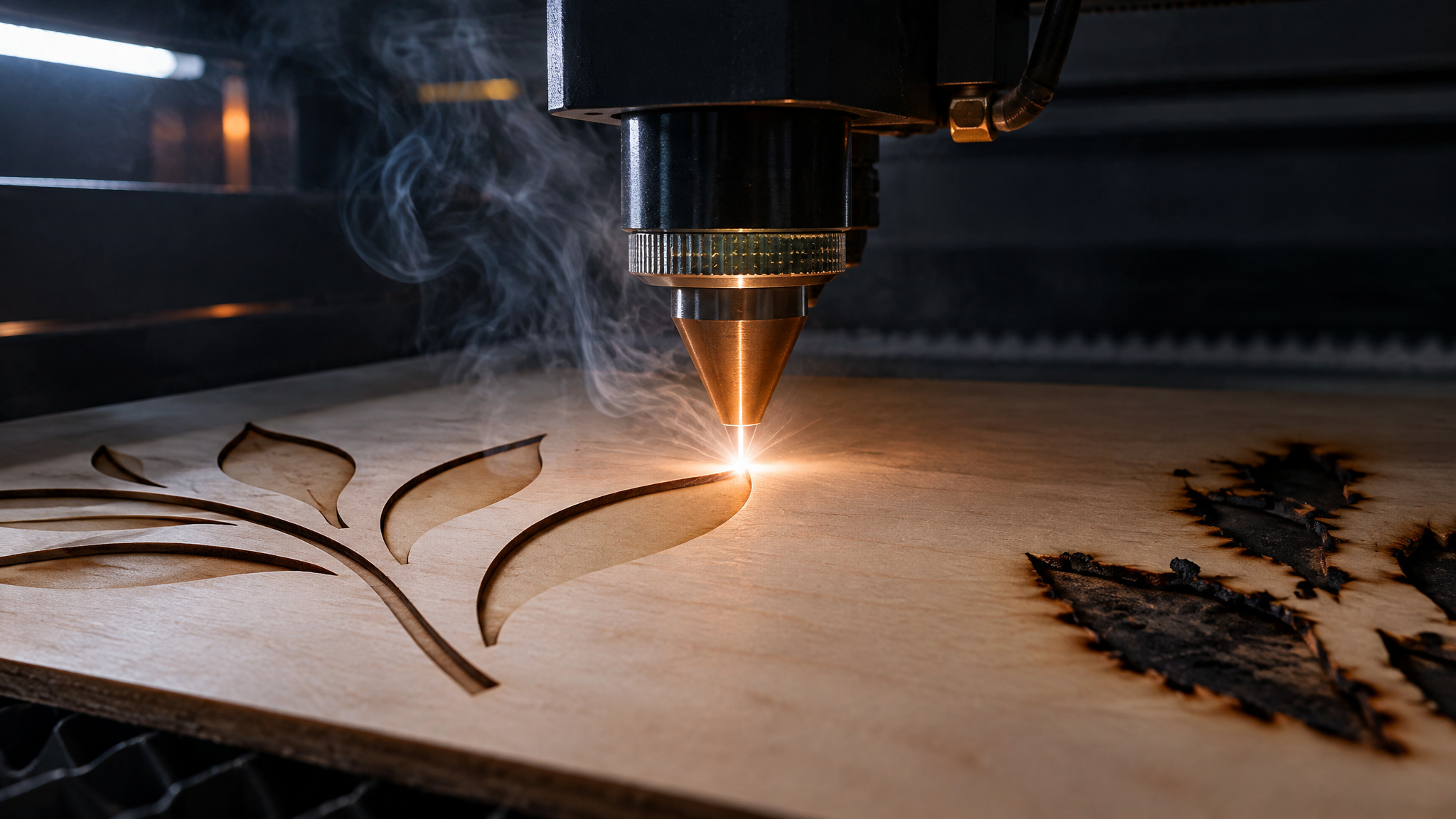
Somewhere on your bench right now there’s a piece of wood that lost an argument with a laser. Either the beam scored a tidy brown line and quit, or it punched through and left edges charred like a campfire marshmallow, and in both cases the numbers looked right. That’s the trap with [laser engraver settings for wood](https://www.geekextreme.com/laser-engraver-settings-for-wood): most of us start from engraving numbers, because that’s what the machine ships with and what most guides cover, and cutting obeys the opposite logic. Once that clicked for me, while pulling apart tested numbers from hands-on reviews, most failed cuts stopped being mysterious.
They traced back to one of three things: engrave settings pasted into a cut layer, a wattage ceiling the parameters can’t negotiate with, or the wood itself. Everything below comes from machines people actually ran, not manufacturer spec sheets.
Key Takeaways
On a 55W CO2 machine (OMTech Polar Lite), 3mm basswood cuts at 6.7 mm/s at 40% power but engraves at 8.3 mm/s at 11%: cutting and engraving run on opposite parameter logic, and mixing them up is the top cause of charred, failed cuts.
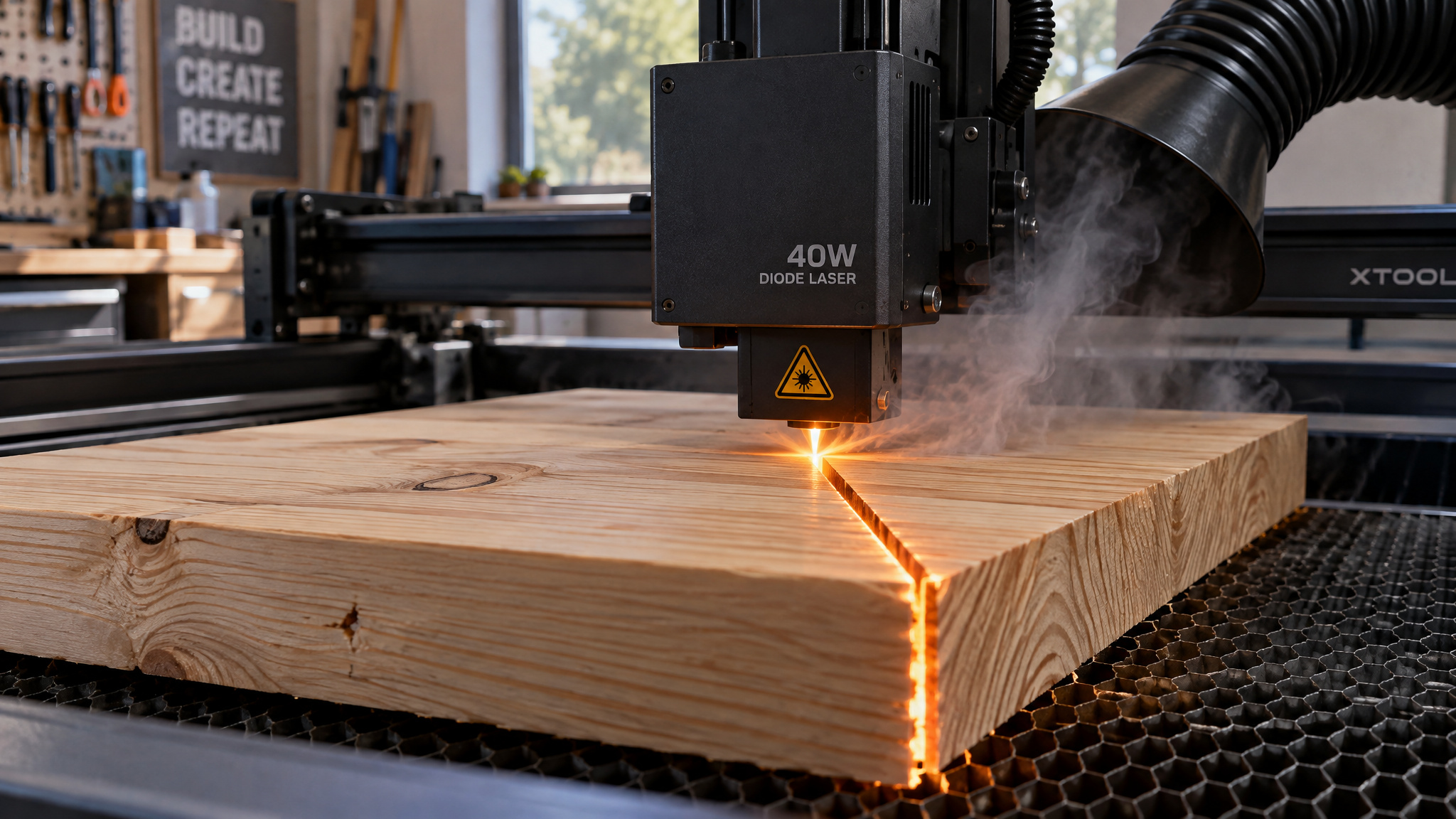
A 40W diode cuts roughly 18 to 20mm pine in one pass (Tom’s Hardware measured 20mm on the xTool S1; CNET cites 18mm max), and 55W CO2 machines handle up to about 17 to 20mm.
The two most common “my settings should work” failures are silent LightBurn config errors: mm/min left instead of mm/s (a job that should take 5 minutes runs 5 hours) and an S value Max of 1,000 instead of 10,000, which delivers only 10% of commanded power.
Table of Contents
Cutting settings follow the opposite logic from engraving
Cutting trades power for dwell time and repeated passes; engraving favors high speed and shallow removal. On the same OMTech Polar Lite 55W CO2, 6mm acrylic engraves at 400 mm/s at 50% power but cuts at 1 mm/s at 70% with two passes.That inversion is the whole game, and engraving is where machines show off: CNET watched the xTool S1 etch silicone Apple Watch straps to reveal the rainbow color underneath and put a mirror finish on a dog tag. Paste those engrave numbers into a cut layer, though, and you get char and failed through-cuts, the dominant failure pattern in LightBurn-style workflows.
Laser settings for cutting wood: tested reference chart
The right settings depend on your laser and the wood thickness, so here are the tested benchmarks with the machines attached. The anchor numbers come from The Gadgeteer’s hands-on review of the OMTech Polar Lite, a 55W CO2 machine with a 10,600 nm tube, a 500 x 300 mm bed, and a 17mm max material height on the workbed.On 3mm basswood, the cut setting is 6.7 mm/s at 40% power, while engraving the same stock runs 8.3 mm/s at 11%. The 6mm acrylic job is the one with a story: after a units fix, it cut at 1 mm/s at 70% power in 2 passes and took about 5 minutes. A correct 6mm cut takes minutes, not hours, so if your job is measuring in hours, the configuration is the problem, not the material.
| Material | Mode | Speed | Power | Passes |
|---|---|---|---|---|
| 3mm basswood | Cut | 6.7 mm/s | 40% | 1 |
| 3mm basswood | Engrave | 8.3 mm/s | 11% | 1 |
| 6mm acrylic | Cut | 1 mm/s | 70% | 2 |
| 6mm acrylic | Engrave | 400 mm/s | 50% | 1 |
| Stone | Engrave | 50 mm/s | 70% | 1 |
| Slate | Engrave | 100 mm/s | 20% | 1 |
| Ceramic | Engrave | 8.3 mm/s | 30% | 1 |
| Glass | Engrave | 30 mm/s | 15% | 1 |
| Cardstock | Cut | 100 mm/s | 20% | 3 |
| Leather | Engrave | 250 mm/s | 20% | 1 |
| Leather | Cut | 50 mm/s | 45% | 1 |
The slate row is the same one behind the etched slate coasters that show up in every laser demo, and the leather cut row comes with a caveat you’ll meet later. The testing behind these numbers matters: Tom’s Hardware built its 2026 guide, covering more than 30 lasers, by testing supplied samples plus real project blanks like basswood sheets and bamboo cutting boards, then cutting thick pine boards to check the manufacturer claims. That’s the maker-table way to test, and it’s why I trust these numbers more than a spec sheet.If you’d rather skip manual entry entirely, machines like the Glowforge read QR codes on their own branded materials and set themselves up. Treat every value above as a starting point that needs a test cut on your actual stock.
How many watt laser do you need to cut wood?
Wattage sets your one-pass thickness ceiling: low-wattage machines engrave beautifully and slice thin stock, 45 to 55W CO2 machines deliver thick one-pass cuts, and a 40W diode cuts roughly 18 to 20mm pine.There’s no watts-per-millimeter formula here, what matters is which tested machine sits at your thickness. Here’s the map, built from machines that reviewers actually ran.
| Power class | Tested machines | Enclosure | What it actually cuts |
|---|---|---|---|
| 6W diode | Glowforge Aura ($1,199 list, $999 on sale) | Yes, fully enclosed | Thin craft wood, leather, faux vinyl, paper |
| 10W diode | WeCreat Vista ($1,059 with coupon, smoke purifier and IR metal engraving); Snapmaker Artisan ($2,999, $2,499 on sale, upgradeable to 20/40W) | Yes, both | Engraving and thin stock |
| 20-22W diode | Creality Falcon A1 Pro (358 x 268 mm, strong safety stack but no included goggles); Mecpow X4 Pro (sub-$1,000, air assist and sensors included, no first-party software) | Yes, both | Thin plywood |
| 40-45W diode | xTool S1 ($2,400 basic kit with air assist and honeycomb platform); WeCreat Vision Pro 45W ($2,399.99 Basic, $3,449.99, $3,749.99 Super Pack, auto-focus and camera) | Yes, both | 18-20mm pine in one pass |
| 55W+ CO2 | Bambu Lab R1 ($2,499); OMTech Polar Lite ($1,799.99) | Yes, enclosed | Thick one-pass cuts; 17mm max on the Polar Lite workbed |
Prices are as listed in the source reviews and may vary; sales move these numbers around regularly.
A few footnotes the table can’t hold. The Mecpow X4 Pro is the budget pick in the 20-22W class: a 22W diode under $1,000 with a 410 x 400 mm bed, air assist and sensors included, though it ships without first-party software. That’s the low-wattage tradeoff in a nutshell, cheaper machines suit engraving and cutting thin materials, while higher-wattage ones cost more and cut thicker stock in one pass. The WeCreat Vision Pro’s add-on modules (rotary, automatic passthrough, a metal-engraving laser) make it modular if you grow into it.The Snapmaker Artisan is the cleanest upgrade story in the list: start at 10W, move to 40W later without replacing the machine. The Creality Falcon T1 takes that further with five swappable modules (20W diode, 40W diode, 20W fiber, 5W UV, 60W MOPA on a galvo system), but only 3 of the 5 modules were actually tested, the base is $2,249, and the full setup runs over $10,000, so treat the ladder as partly unverified.
The Creality Falcon2 Pro adjusts between 60W, 40W, and 22W with a 1.6W detail toolhead for under $2,000, but it got excluded from best-of lists over build quality: thin acrylic cover, light leakage, flimsy slats. The xTool F2 Ultra 60W MOPA is fiber, which means it’s for metal, where it does gorgeous color engravings on stainless steel, not wood.And the portable craft machines, like the xTool F1 and the 20W Fiber and Diode Dual Laser at $2,999, are engraving-first by design.
The low-wattage reality check: sub-10W machines engrave wood and cut thin stock only. A 20W diode can cut 1/4-inch plywood in one pass, but only once its software is configured correctly, which is its own saga (covered below). And if you want in at all, low-power cutters start around $220, which is real bench capability at a gadget price, not a toy.If you want the full wattage breakdown, we have a separate piece on how many watts it takes to cut wood.
Thickest wood a 40W or 55W laser cuts in one pass
A 40W diode cuts roughly 18 to 20mm pine in one pass, and 55W CO2 machines handle up to about 17 to 20mm. The interesting part is that the two best-documented sources disagree slightly on the diode: Tom’s Hardware measured the xTool S1 40W slicing a 20mm piece of pine in a single pass, while CNET cites 18mm max material for the same machine. I’d read that spread as configuration-dependent rather than as someone being wrong: focus height, air assist, and wood moisture all move that number, which is exactly why a published maximum deserves a scrap-wood test before you commit a real project to it.
On the CO2 side, a Laser Come video demonstration shows the xTool P2’s 55W tube cutting 20mm transparent acrylic in one pass, the Bambu Lab R1 cuts wood, acrylic, and glass with minimal charring when tuned, and the Polar Lite tops out at 17mm on the workbed (51mm if you feed material through without the bed). Passes extend your reach only up to a hard wattage ceiling. Beyond it, more passes don’t cut deeper, they just carve a charred, tapering groove that looks like a cut from the top and isn’t.
Diode vs CO2 laser for cutting wood
CO2 lasers cut thicker material and more kinds of it, but the decisive difference is wavelength, and laser type can beat wattage per dollar.
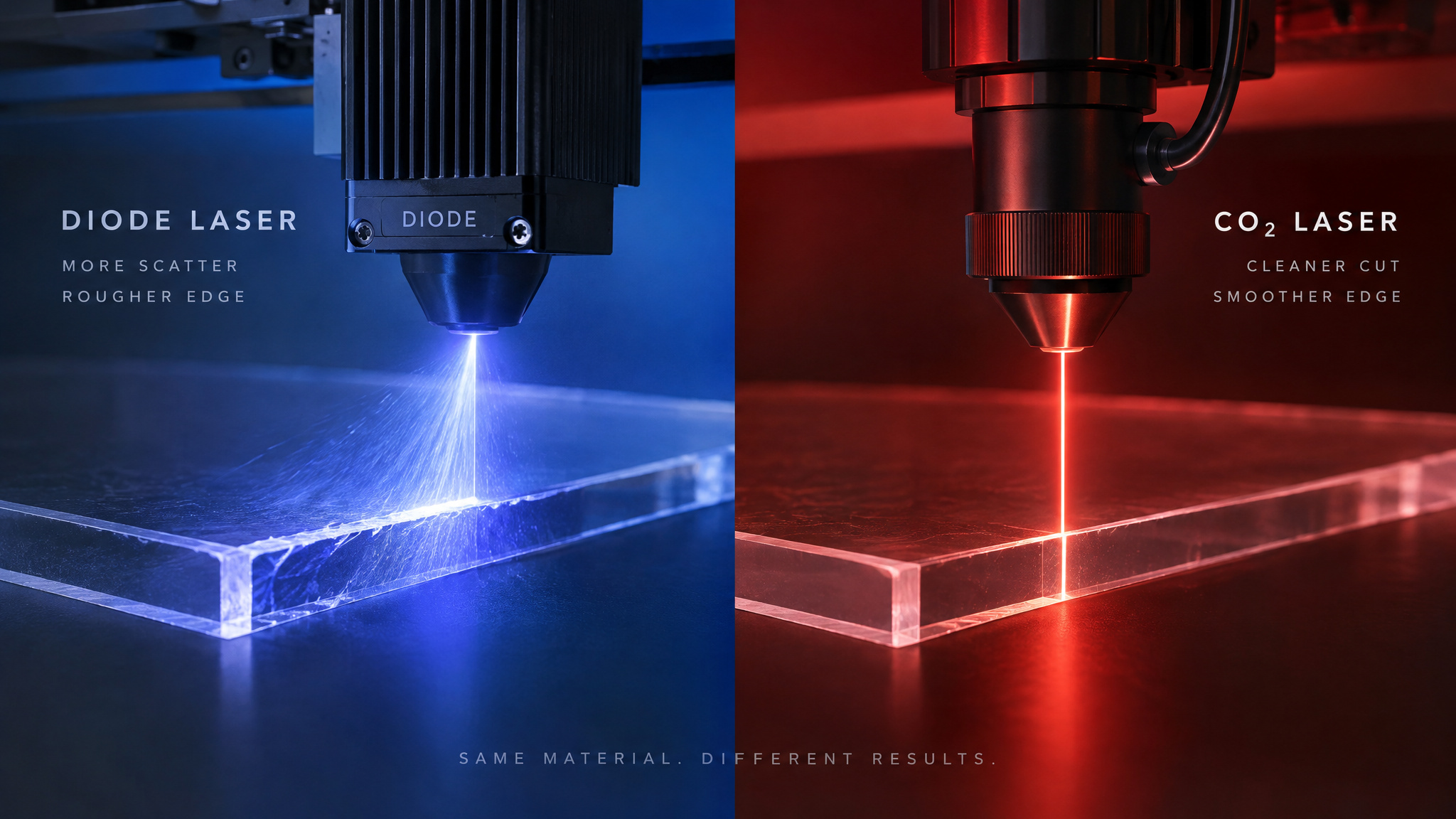
Diode lasers emit around 455 nm, and light at that wavelength passes straight through clear material. Clear acrylic and glass are all but impossible for a diode unless you coat them black first. CO2 light at 10,600 nm doesn’t have that problem: it cuts clear acrylic directly and engraves glass. A UV laser at 355 nm is the weird one on the bench in the best way: it ablates photochemically, breaking material down instead of burning it.The xTool F2 Ultra UV (355 nm, galvo head, 15,000 mm/s, 200 x 200 mm work area, from $4,299) produces clean wood cuts with no scorch marks or crispy edges that other laser types physically cannot match.
IR at 1064 nm is metal-oriented and mostly irrelevant to wood. The practical consequence: char is partly wavelength-dependent, not just settings-dependent. The Bambu R1 cuts wood with minimal charring when tuned, and diodes char more at equivalent thickness.That’s physics, not a settings failure, so don’t chase a char-free diode cut that the wavelength won’t give you.
Here’s how the three types stack up: diodes shine at etching organic material and are the affordable entry (typical diode setups run $800 to $1,000, and they tend to be open-frame with less cutting power). CO2 machines cut organics and all acrylics, at higher cost and footprint. Fiber is niche and mostly metal.CNET notes that the similarly priced Flux Beamo, a 30W CO2, cuts transparent materials that a $2,400 40W diode cannot touch. For cutting capability, type can beat wattage per dollar, and that’s worth more than a bigger number on the box.
Why a laser won’t cut through wood: silent settings errors
The two most common “my settings should work but don’t” failures are silent software configuration errors, and each has a distinct symptom. First: in LightBurn, an S value Max set to 1,000 instead of 10,000 (mismatched between Device Settings and Machine Settings) caps your laser at 10% of its potential power even when the power setting reads 100%, the symptom is two identical cuts at the same settings where one goes through and one doesn’t, and fixing it enabled a one-pass cut through quarter-inch plywood on a Fox Alien 20W diode. Second: LightBurn’s device settings left on mm/min instead of mm/s, which makes a job run roughly 60 times too long, the OMTech Polar Lite’s first 6mm acrylic cut was headed for about 5 hours at 0.8 mm/s and 40% power until the units were corrected, and the same job then finished in about 5 minutes. Both documented cases belong to other people’s benches, but the pattern is too useful not to steal.
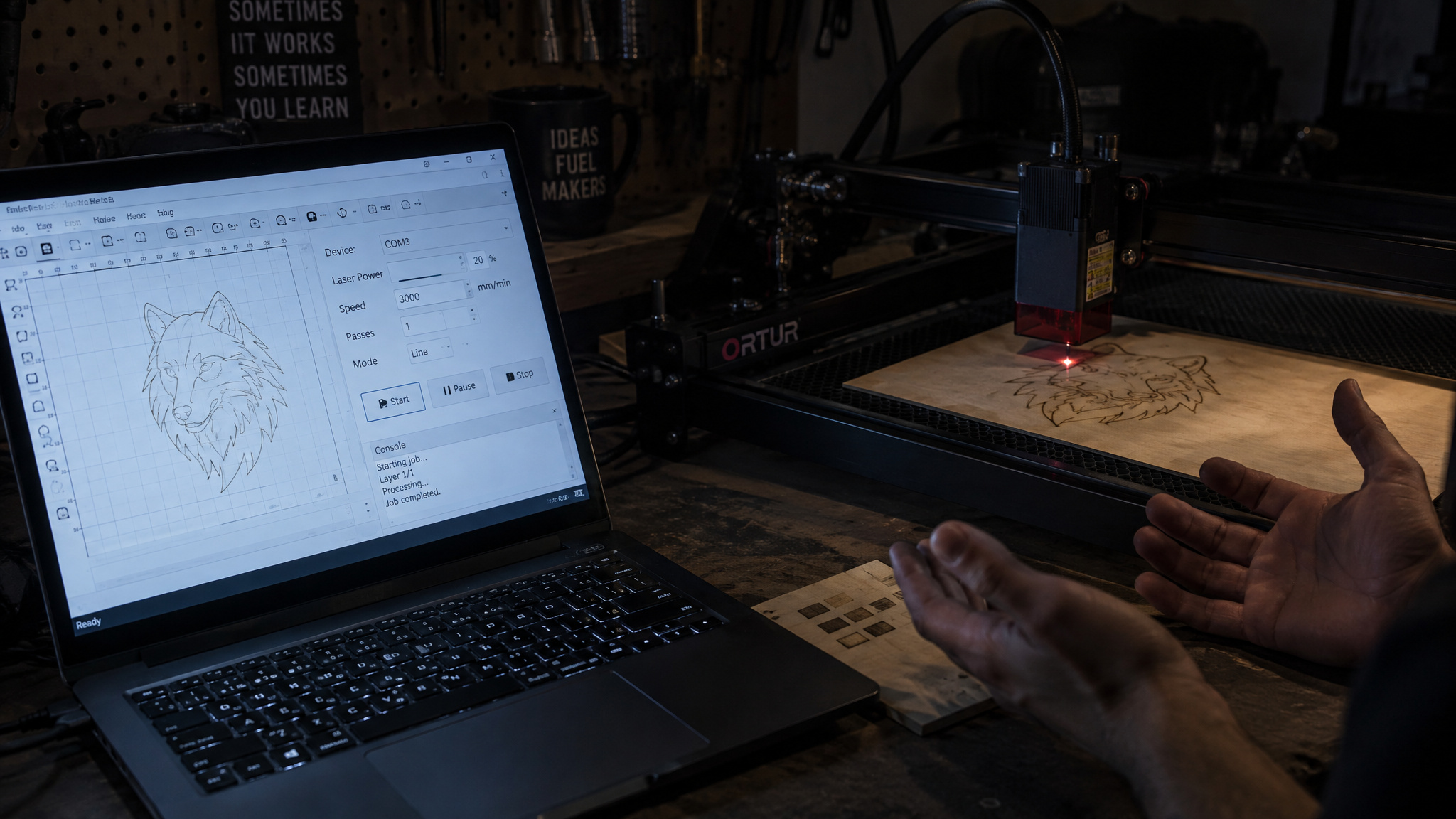
The first symptom is a job running roughly 60 times too long. The Gadgeteer’s first 6mm acrylic job on the Polar Lite ran at 0.8 mm/s at 40% power with 3 to 4 passes and was headed for about 5 hours, because LightBurn’s device settings were left on mm/min instead of mm/s. Corrected to 1 mm/s at 70% with 2 passes, the same job took about 5 minutes. Five hours versus five minutes is the entire cost of one units dropdown.
The second symptom is a cut that only scores the surface at 100% power. In the Crawlspace Craftsman’s case, LightBurn’s S value Max was set to 1,000 in one place and 10,000 in another, mismatched between Device Settings and Machine Settings. With S Max at 1,000, a 100% power setting delivers only 10% of the laser’s potential. The tell was two identical polygon cuts at the same 100% setting where one cut through and one didn’t.After syncing the value, a Fox Alien 20W diode cut quarter-inch plywood in a single pass.
Both errors live in device and machine settings, check those before touching any power or speed number. For CO2 specifically, the setup prerequisites are real: LightBurn Pro ($100, with a $60/year license) is required for the connection, the FTDI serial driver installs through the reinstall checkbox, and the device gets added as a Ruida controller over Serial USB with mm/s units, 500 x 300 mm axes, and a rear-right origin, and those mm/s units matter, because leaving device settings on mm/min is exactly what turned the Polar Lite’s first 6mm acrylic cut into a ~5-hour job before the correction brought it down to ~5 minutes. The manual’s guidance for any of this is to call support, which is one way to write documentation.One home-lab footnote: the Polar Lite pins itself at 192.168.1.100, so WiFi means reconfiguring your laptop into that range; the reviewer settled for wired USB, and I winced in recognition.
How to stop burn marks when laser cutting wood
Air assist, faster passes instead of one ultra-slow crawl, and a honeycomb bed under the part. Those three moves attack the same causal chain: smoke and debris sitting at the cut edge are what scorch the wood, air assist blows them away with a jet of air, and the honeycomb platform underneath stops the burn from reflecting back onto your part’s underside. CNET calls air assist a must for great cuts, and the Polar Lite has automatic air assist built into the laser head, which saves you buying a separate air assist module to reduce scorching.
On pass strategy, the tested bound is this: multiple faster passes char less than one ultra-slow pass. The 6mm acrylic job succeeded at 2 passes at 70% power, while the pre-correction attempt at 3 to 4 passes and the wrong effective speed took about 5 hours. Every pass widens the char zone and the kerf taper, so passes extend your reach only up to that wattage ceiling. Speaking of kerf: it’s the physical width of material the laser removes, the same idea as the width of a saw blade’s cut, and it’s why design files sometimes need an offset for parts to fit.
No source I found quantifies kerf width for wood specifically, so learn the concept and measure your own machine’s. One trick worth stealing from the acrylic world: a Trotec video demonstrates covering the material with a wet paper towel for perfect cut results, and the same soot-trapping logic applies to wood surfaces. And an owner-reported note from the comments on that video: a Monport Mega owner credits its auto-focus and built-in lights for smooth, precise acrylic cuts.
Tuning problem, wattage ceiling, or material dead end
Three failure modes, three responses: a tuning problem responds to parameter changes, a ceiling problem needs more watts or a different machine rather than more parameters, and a material problem is unfixable no matter what you dial in.The clearest example of the third category is the Polar Lite’s leather, which scorched on every cutting attempt despite speed, power, and pass adjustments, even on a 55W CO2 machine. Granite went the same way, showing no lower-layer contrast at all. When adjustments change nothing, stop adjusting.
Laser cutting wood safely: fire risk and forbidden materials
Yes, laser cutting wood is safe, with conditions, and the main condition is attendance.Cutting is way more fire-prone than engraving because slow, high-power passes dwell on flammable material, which is precisely the kind of pass this article recommends. Never leave the machine unattended during a cut job. The Bambu R1’s remote-operation example shows the limits of automation: the reviewer ran jobs from an office desktop and walked over only to shut the lid and press the safety stop. Camera monitoring reduces hands-on time; it doesn’t replace being in the building. And attendance isn’t the only gate: certain materials must never go under the laser at all, because they produce toxic fumes or are too conductive or reflective, the OMTech user manual’s safety list is explicit on that point.
The bench habits, learned from experience rather than boilerplate: wavelength-matched safety glasses are mandatory, 10,600 nm rated for CO2, and the FreeMascot OD 6+ pair certified to EN207: 1998 + A1: 2002 worked over prescription glasses in the Polar Lite review. Reflective materials can bounce laser light back at your eyes, so treat them with suspicion. Check coolant before each use, roughly two-thirds full and under 107°F, or you risk cracking an expensive CO2 tube. A 55W machine wants a dedicated 110V/20A outlet.
Certain materials must never go in the machine at all, because they produce toxic fumes or are too reflective or conductive. And if budget pushes you toward an open-frame laser, that’s why they’re cheap: you’re buying only the motion system and the laser. A third-party enclosure is acceptable, and ventilation and air assist are perfectly DIY-able.
Best wood for laser cutting and dialing in new stock
Basswood is the tested anchor wood: basswood sheets, pine boards, and bamboo cutting boards are the standard project blanks across the evidence, and basswood’s tested settings on a 55W CO2 are 6.7 mm/s at 40% for cutting.That’s what the data supports. What it doesn’t support is a species ranking: no source I dug through ranks woods for laser cutting, even though people are searching for guidance on alder and photo-engraving woods, and no source documents a formal test-grid procedure either. So take the method below as general community practice, clearly labeled as such.
The complication no fixed table captures is plywood: glue lines and resin content change cutting behavior sheet to sheet, and char that survives every settings change usually traces to adhesive layers, not your parameters.The test-grid approach handles all of this: on scrap from the same sheet you’ll actually cut, vary power and speed in small increments, evaluate edge char and whether it went through, and record the passing combination for that material batch. It’s the same idea we cover in depth in our guide to dialing in laser settings for wood. Every published settings chart, including this article’s, is a starting point. The test grid is the real skill.
Frequently Asked Questions
How many watt laser to cut wood?
Wattage sets your one-pass thickness ceiling. Sub-10W diodes engrave wood and only cut thin craft stock, a 20W diode can handle 1/4-inch plywood in one pass, a 40W diode cuts roughly 18 to 20mm pine, and 45 to 55W CO2 machines deliver thick one-pass cuts. There’s no watts-per-millimeter formula — match a tested machine to your thickness instead.
What are the downsides of laser cutting?
Cutting is far more fire-prone than engraving because slow, high-power passes dwell on flammable material, so the machine can never be left unattended. Char and burn marks are partly wavelength-dependent — diodes char more than CO2 at equivalent thickness — and every pass widens the char zone and kerf taper. Some materials, like the leather and granite tested on a 55W CO2 machine, scorch or fail no matter what settings you dial in.
What are the best settings for laser cutting cork?
No tested cork benchmarks exist in the hands-on reviews this guidance draws from, so there’s no verified starting number. The reliable method is the test grid: run scrap from the same sheet, vary power and speed in small increments, check edge char and whether it cut through, and record the passing combination. Treat every published chart as a starting point that needs a test cut on your actual stock.
Can a low wattage 10W or 20W diode laser cut wood or only engrave it?
Sub-10W machines engrave wood beautifully and cut only thin stock. A 20W diode can cut 1/4-inch plywood in one pass — but only once its software is configured correctly, since silent configuration errors are the most common reason those cuts fail. Low-power cutters start around $220, which is genuinely capable bench territory rather than a toy.
Diode laser vs CO2 laser for cutting wood: which cuts thicker material?
CO2 lasers cut thicker material and more kinds of it, and the decisive difference is wavelength. Diodes emit around 455 nm, which passes straight through clear material, so clear acrylic and glass are nearly impossible for a diode; CO2 light at 10,600 nm cuts clear acrylic directly and engraves glass. Type can even beat wattage per dollar — a 30W CO2 cuts transparent materials a $2,400 40W diode simply cannot touch.
How do I stop burn marks and charring when laser cutting wood?
Three moves attack the same causal chain: air assist blows smoke and debris away from the cut edge, multiple faster passes replace one ultra-slow crawl, and a honeycomb bed stops heat from reflecting back onto the part’s underside. A wet paper towel over the material — a trick borrowed from acrylic cutting — traps soot and works on wood surfaces too. Some char is physics, though: diodes char more than CO2 at equivalent thickness, so don’t chase a char-free diode cut the wavelength won’t give you.
What settings should I use to cut 3mm basswood plywood with a laser?
On a 55W CO2 machine, tested 3mm basswood cuts at 6.7 mm/s at 40% power in a single pass — while engraving the same stock runs 8.3 mm/s at 11%. That inversion is the point: cutting and engraving run on opposite parameter logic, and pasting engrave numbers into a cut layer is the top cause of charred, failed cuts. Treat the number as a starting point and run a test cut on your actual sheet, since plywood glue lines change behavior sheet to sheet.
What’s the thickest wood a 40W or 55W laser can cut in one pass?
A 40W diode cuts roughly 18 to 20mm pine in one pass — Tom’s Hardware measured 20mm on the xTool S1 while CNET cites 18mm max for the same machine, a spread best read as configuration-dependent since focus height, air assist, and wood moisture all move the number. 55W CO2 machines handle up to about 17 to 20mm, with the OMTech Polar Lite topping out at 17mm on its workbed. Always verify a published maximum with a scrap-wood test before committing a real project.
