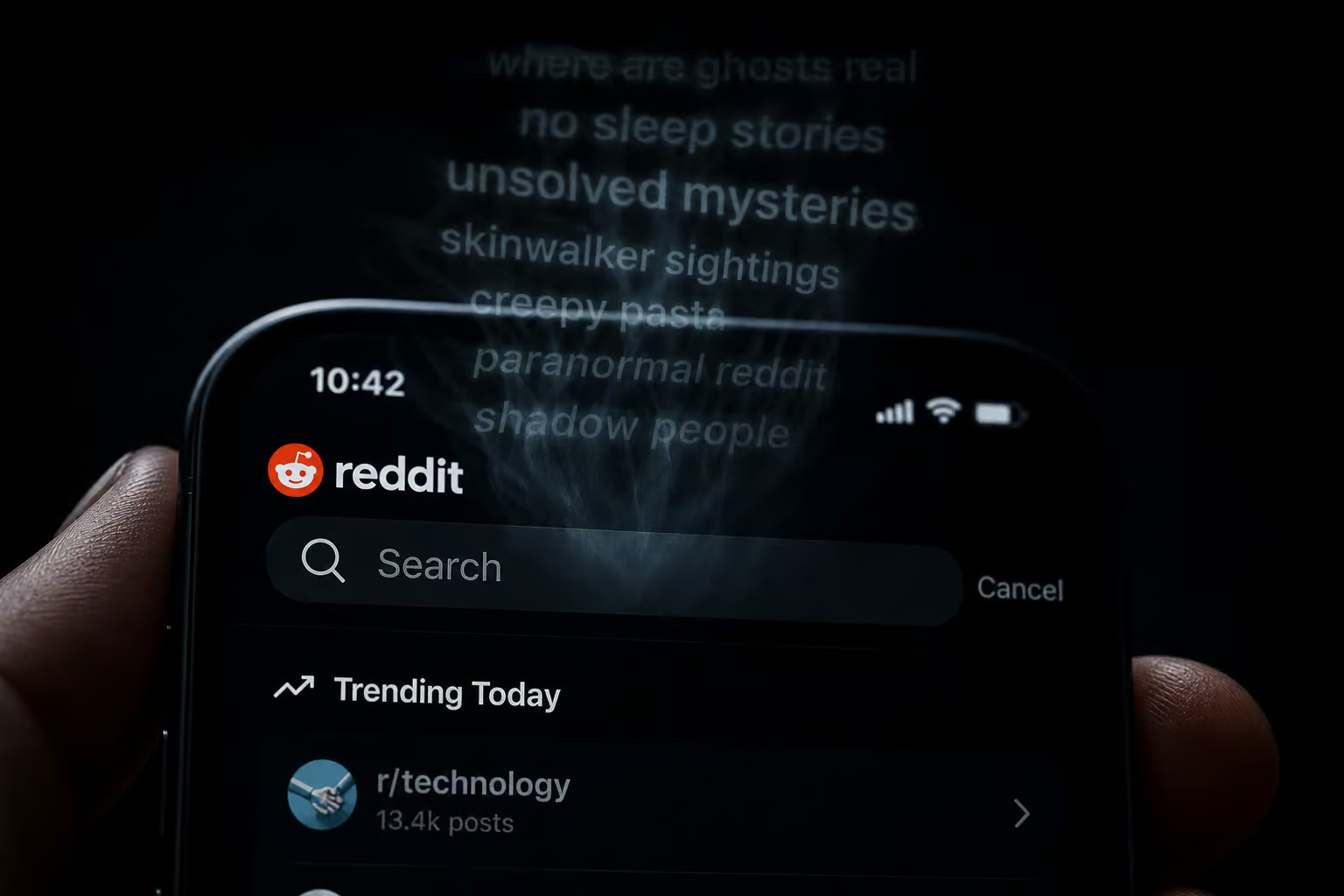
You cleared your Reddit search history — or so you thought. Then you opened the app on your phone, tapped the search bar, and there they were: the same terms you’d just wiped from your desktop. What gives?
The short answer is that “recent” on Reddit isn’t a single bucket. It’s four different data types, each stored in a different place, each requiring a different deletion method. This guide lays out exactly what counts as recent activity, why Reddit won’t give you a single “delete everything” button, and how to actually scrub each type — from your search terms to your browser cache to your public comment history.
Key Takeaways
Reddit stores activity in two separate places: locally (search history, recently viewed posts, browser cache) and on its servers (comments, upvotes, hidden posts). Clearing one does not clear the other.
The mobile app has a “Clear all” button for search history; desktop requires you to delete each search term individually. That platform inconsistency trips up a lot of users.
Bulk deletion tools like Redact and Nuke Reddit History can erase hundreds of posts and comments at once, but they’re irreversible — no undo, no backup. Use them like a paper shredder, they’re for when you’re absolutely sure you want everything gone.
Table of Contents
What Counts as Reddit Recent Activity — and Why It Matters
When someone says “how to delete recent on Reddit,” they usually mean one of four things:
- Search history — the terms you’ve typed into the search bar.
- Recently viewed posts — individual posts you’ve clicked into.
- Visited communities/subreddits — subreddits you’ve opened.
- Engagement history — upvotes, downvotes, and posts you’ve hidden.
The crucial split is where these are stored. Search history is often stored locally in the app’s cache or browser cookies; recently viewed posts live locally in the app’s cache or browser’s cookies. Comment history and upvoted posts are stored on Reddit’s central servers alongside your account. That server-side data is what you see when you log in on a new device: your comment history, your upvote patterns, the subreddits you’ve joined.
Why Reddit Won’t Let You Delete Everything With One Click
Reddit does not offer a single ‘wipe all’ button to delete all user activity at once.
The Hybrid Storage Model
Reddit uses a hybrid storage model (local cache/cookies + server-side): search history and recently viewed posts live on your device, while comment history, upvotes, and post history live on Reddit’s servers. Clearing browser history may leave server-side data intact; it can reappear when you sign in on another device. Server-side data — like your search personalization, can pull the same terms right back onto your screen.
What Reddit’s Design Philosophy Takes Off the Table
Platform prioritizes continuity of conversations. If you delete a comment from a thread, that comment vanishes, which can break the flow for everyone else reading. No ‘God Mode’ button exists to delete everything at once, because that would let you retroactively erase thousands of interactions that other people have replied to.
What you can actually remove:
- Local search history: completely erasable.
- Recently viewed lists: can be cleared within the app.
- Individual posts/comments: can be deleted manually.
- Browser cookies: removes the ‘logged-in’ trail on a specific PC.
How to Clear Reddit Search History (Mobile & Desktop)
This is the most common thing people mean by “recent” — the list of terms that pops up when you tap the search bar.

On the mobile app: Step 1: Open the Reddit app and tap on the Search Bar at the top of the home feed. Step 2: See a list of ‘Recent’ searches; each term has a small ‘X’ icon to the right. Step 3: Tap ‘X’ to remove individual terms, or look for ‘Clear all’ text (if available on your version) to wipe the entire list. Tap that and the whole local search history disappears.
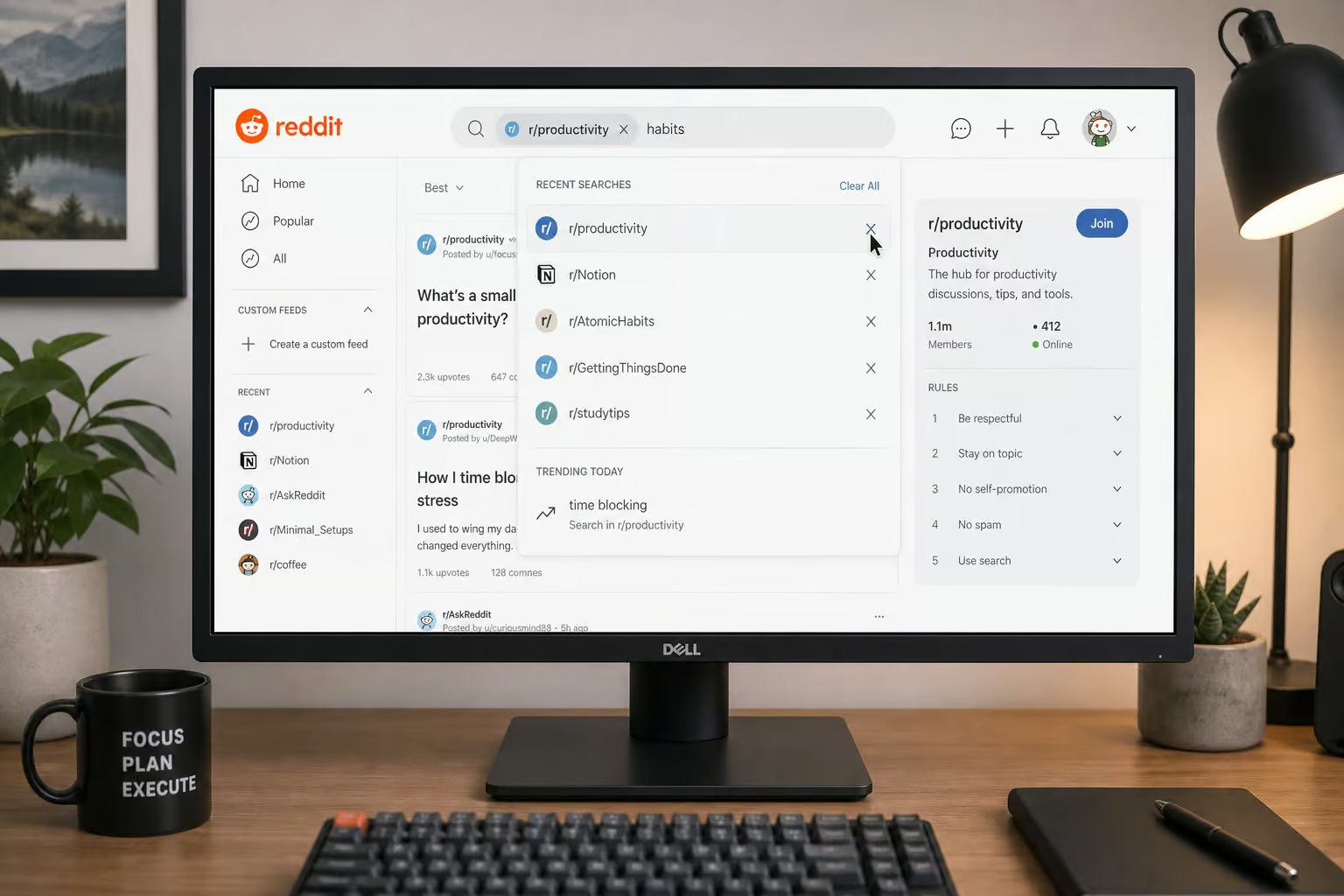
On desktop (web): Click into the search bar at the top of the page. Hover over any individual search term — a delete icon (X) appears. Click it to remove that term. There’s no “Clear all” option on desktop. You have to delete each term one by one.

Important caveat: Clearing search history only removes the local cache. It does not delete the server-side data used for personalization. If you want to stop Reddit from syncing your search terms across devices, you need to turn off personalization (covered in the privacy tips section).
How to Delete Recently Viewed Posts
Recently viewed posts are a separate database from search history. If you’ve cleared your search terms but the posts you clicked on are still showing up under “History,” follow these steps:
- Step 1: Tap your Avatar/Profile icon in the top right corner of the app.
- Step 2: Scroll down to the ‘History’ section.
- Step 3: Change the view filter to ‘Recent’.
- Step 4: Tap the three dots (ellipsis) in the top right and select ‘Clear History’.
- Select “Clear History.”
That’s it. The list of recently viewed posts is now gone from that device.

If you also want to stop Reddit from collecting new recently viewed data in the future, go to User Settings > Safety & Privacy and look for the toggle that says says that Allow Reddit to use your search history to personalize your experience. Turn it off, and check out how to find fellow nerds on niche communities, which prevents search history from being used across devices for personalization.
How to Delete Reddit History via Browser (Cache & Cookies)
The in-app methods above only clear Reddit’s own local storage. Your browser also holds a cached version of Reddit — thumbnails, URL suggestions, login session data. If you’re sharing a computer or just want a clean slate, the process for deleting an OnlyFans account works the same on PC, iPhone, and Android — just log in, go to Settings, find Account Management, and confirm deletion.
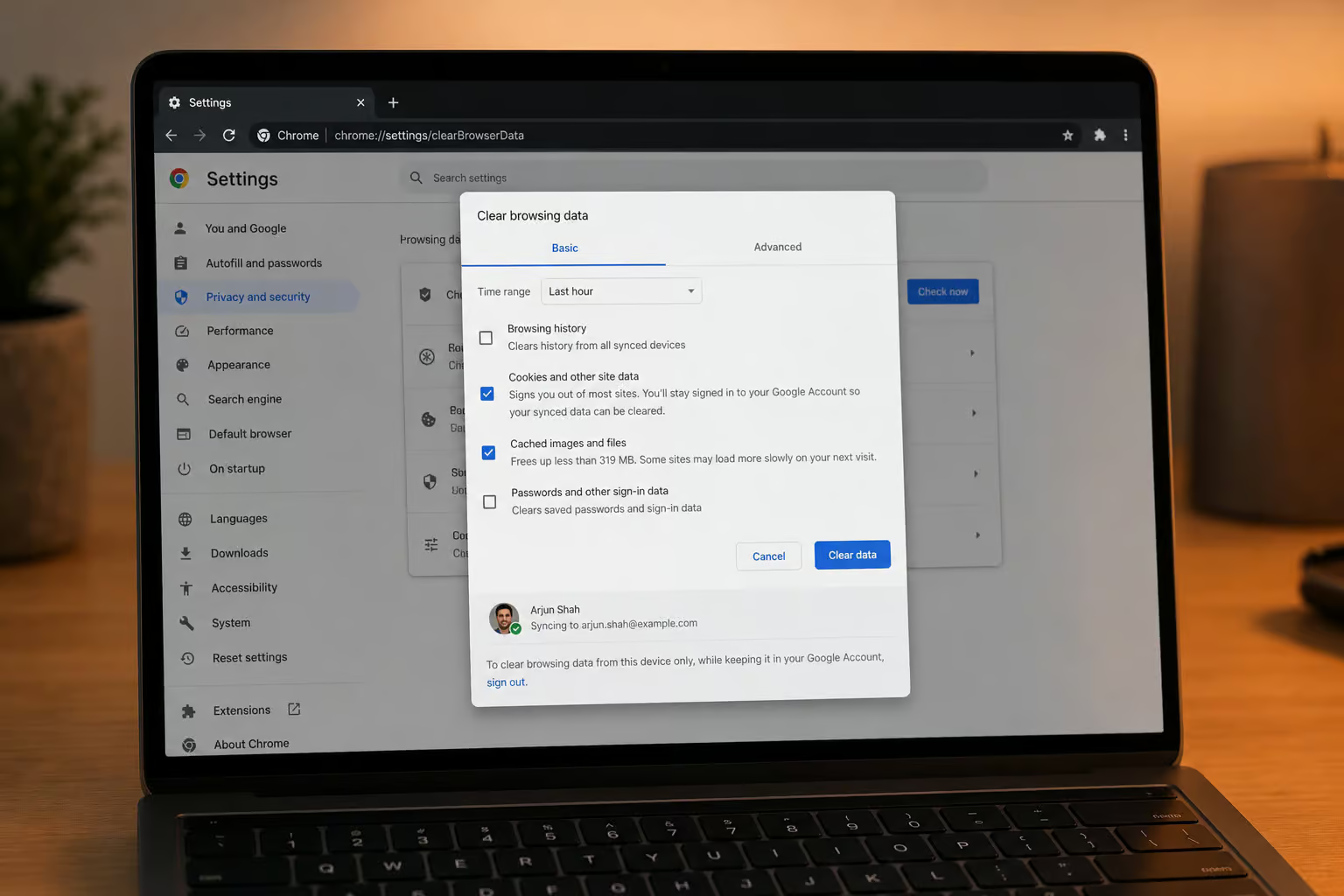
Chrome / Edge: Press Ctrl + Shift + Delete to open the “Clear browsing data” panel. Set time range to “All time.” Check “Cookies and other site data” and “Cached images and files.” Click “Clear data.”
Safari (Mac): Go to the menu bar and select History > Clear History. Choose “all history.”
Firefox: Go to Settings > Privacy & Security > Cookies and Site Data > Clear Data. Check both options and click “Clear.”
What this does: removes URL suggestions for Reddit, cached thumbnail previews, and the logged-in trail on that specific device. It does not touch your account’s server-side history — comments, votes, and posts remain intact.
How to Delete Reddit Activity (Posts & Comments)
This covers the public-facing trail — the comments and posts tied to your account on Reddit’s servers.
Manual Deletion
If you only have a handful of items, manual deletion is straightforward:
- Step 1: Click on your Profile.
- Open the Posts or Comments tab.
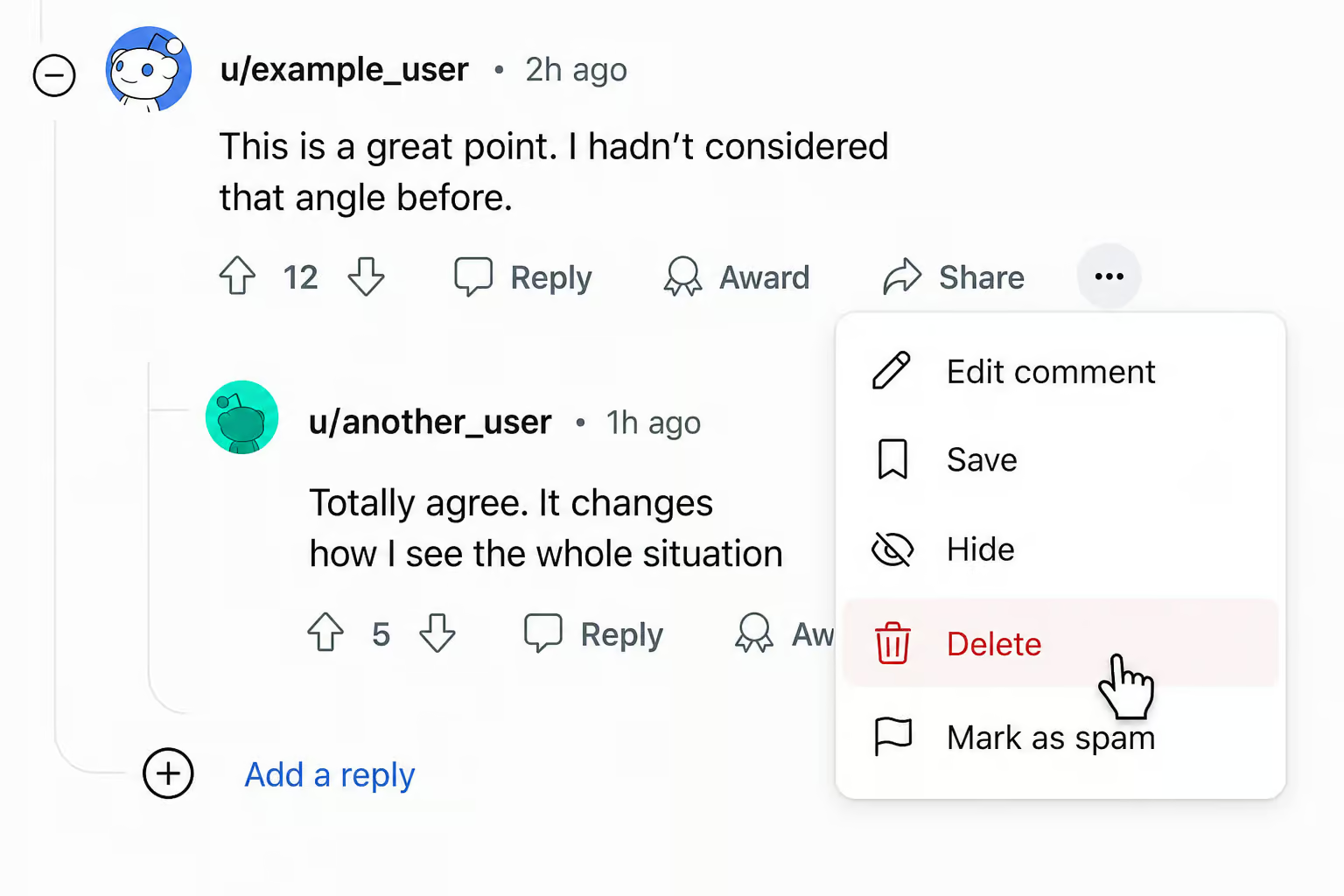
- Step 3: For each entry, click the ‘…’ menu and select ‘Delete’.
- Select “Delete.”
Bulk Deletion Tools
Tools like Redact and Nuke Reddit History automate the deletion process by making API calls to Reddit to remove your posts and comments in bulk. They can save hours of clicking, but they come with a serious warning: these operations are irreversible.
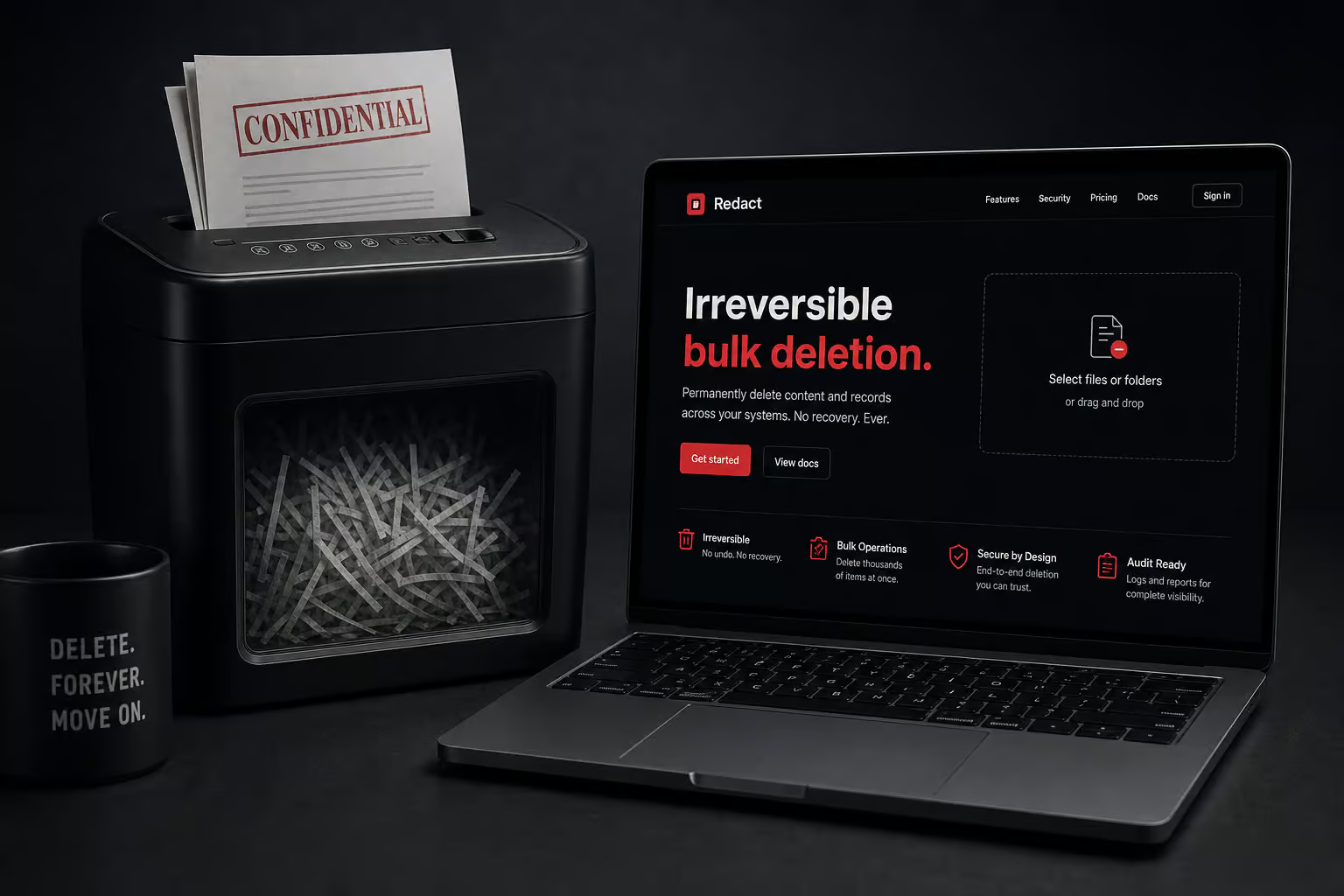
There’s no undo. No recycle bin. A single misclick can erase years of contributions. If you’re going to use one, I’d recommend testing it on a handful of items first, and consider exporting a backup of your data via Reddit’s data request tool before you start. Think of bulk deletion tools like a paper shredder — they’re for when you’re absolutely sure you want everything gone.
Comparison of Methods
| Method | Target | Effort | Permanence |
|---|---|---|---|
| In-App Clear | Recent Searches | Low | Device only |
| Browser Wipe | Cookies / Cache | Medium | Device only |
| Manual Delete | Posts / Comments | High | Public (server-side) |
| Bulk Deletion Tools | Posts / Comments | Medium | Public (server-side, irreversible) |
| PandaOffice Drecov | Lost history files | Medium | Recovery tool |
Advanced Data Recovery: When You Delete Too Much
If bulk deletion goes wrong, advanced recovery techniques may be needed for local logs.
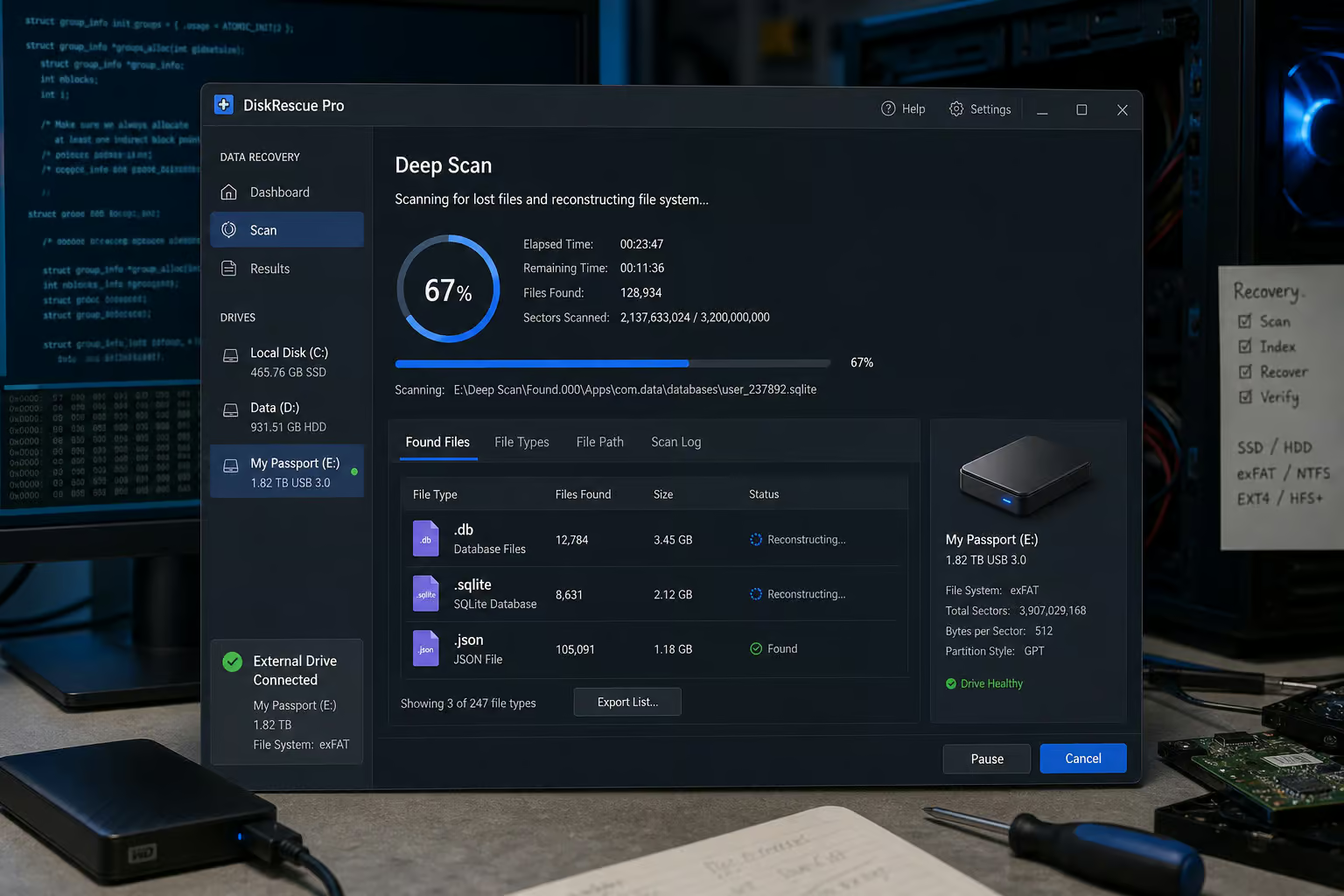
PandaOffice Drecov is a recovery tool that performs a deep sector-by-sector scan of your drive, looking for file fragments that the OS has marked as empty but hasn’t overwritten yet. It can hunt down files with extensions like .db, .sqlite, and .json — the database formats that hold browser history and Reddit app data.
Critical warning: Install the recovery software on a different drive from where the data was lost. If you install it on the same drive, it may write over the very fragments you’re trying to recover. Use an external drive or a different partition.
The recovery process, in brief:
- Step 1: Select the Location: launch the program and select the drive (usually C: for browser data).
- Step 2: Deep Scan: click ‘Scan’; quick scan followed by deep scan (time varies by drive size).
- Step 3: Filter and Preview: filter for file types.db,.sqlite,.json to locate browser history and Reddit app data; preview certain files before recovery.
- preview certain files before recovery.
- Step 4: Secure Recovery: select files and click ‘Recover’; always save recovered data to an external drive or different partition.
Tips to Protect Your Privacy on Reddit
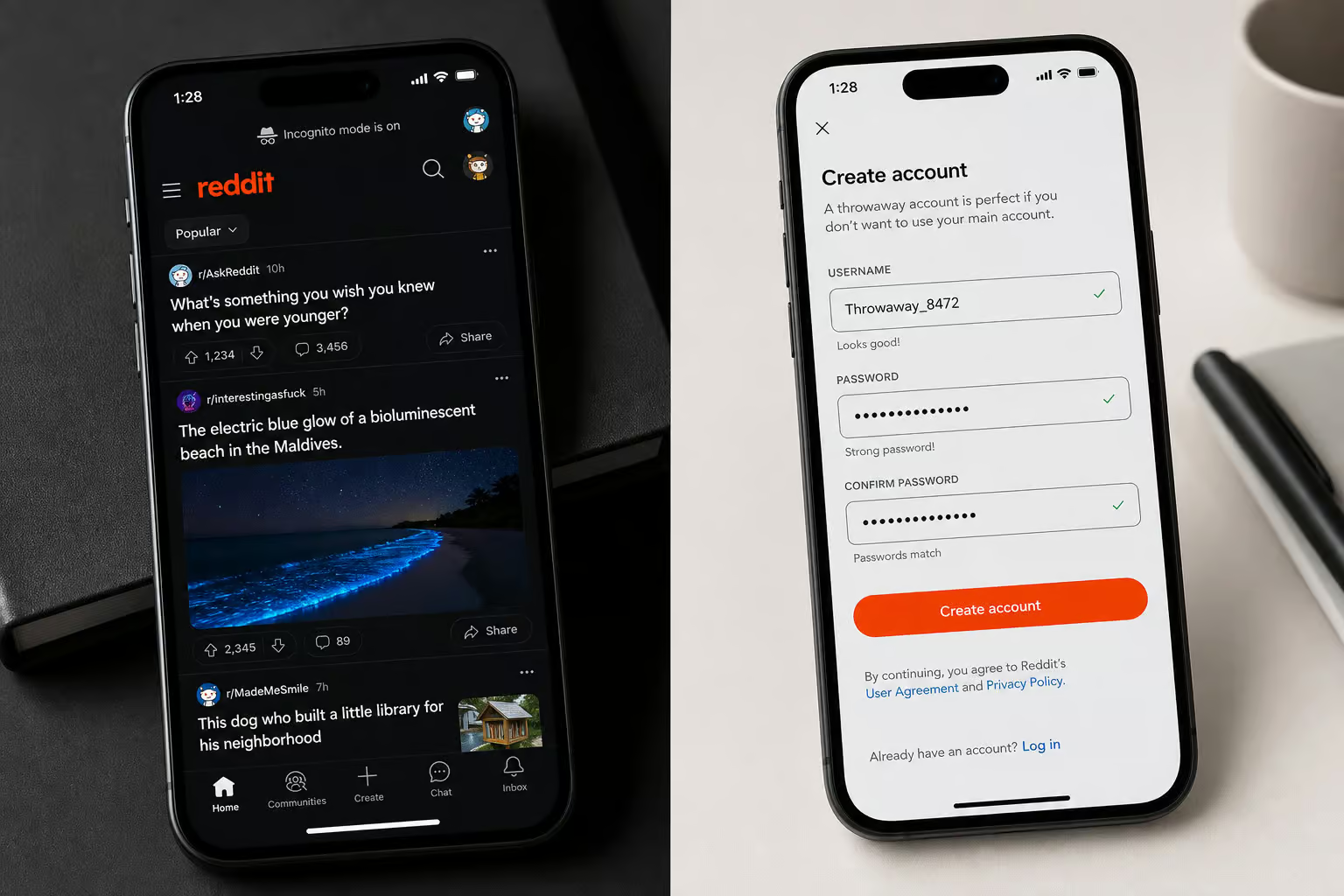
- Use Incognito Mode: ensures no ‘recent’ data is saved to your computer. Reddit won’t save any search history or recently viewed posts to your computer during that session.
- Create throwaway accounts. For sensitive searches or browsing in subreddits you’d rather not tie to your main account, use a separate account. It’s free and takes two minutes.
- n
Disable Personalization: turn off the option for Reddit to use your search history to personalize your experience in Reddit Safety Settings. Go to User Settings > Safety & Privacy. Look for the setting that lets Reddit use your search history to personalize your experience and toggle it off. This is the main reason your searches keep coming back after you’ve cleared them — Reddit syncs the data across devices. Turning it off stops that sync cold.
n
The combination of private browsing and a throwaway account is the closest thing Reddit offers to a “don’t track me” mode.
People Also Ask
How to clear history on Reddit?
It depends on what you mean by ‘history.’ Search history can be cleared in the mobile app by tapping ‘Clear all’ or removing individual terms; on desktop, you have to delete each term one by one. Recently viewed posts are cleared separately under your profile’s History section. Comments and posts require manual deletion or a bulk tool like Redact.
How do I delete recently visited history?
Open the Reddit app, tap your avatar, go to History, switch the filter to ‘Recent,’ tap the three dots in the top right, and select ‘Clear History.’ That removes the list of posts you’ve clicked into from that device. It doesn’t affect your server-side comment or vote history.
Why do my Reddit searches keep coming back after I clear them?
That’s cross-device personalization syncing. You clear the local cache on one device, but Reddit’s servers push the same search terms back when you log in elsewhere. To stop it, go to User Settings > Safety & Privacy and turn off the setting that lets Reddit use your search history to personalize your experience.
