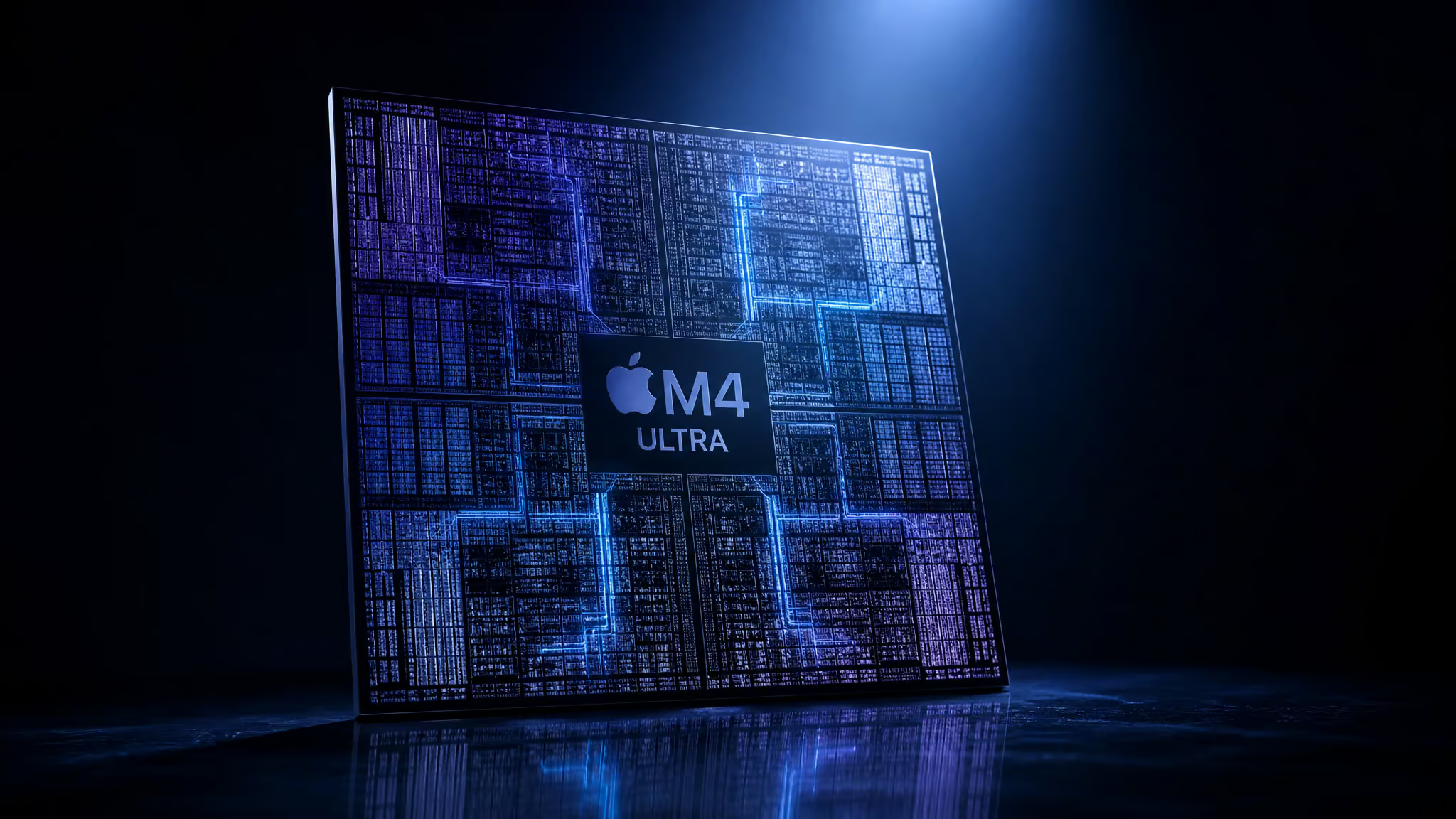
I was digging into the latest macOS beta strings over the weekend when I spotted something weird: references to “macOS 26.7.” That’s not a real version number, it’s almost certainly a typo, probably meant to be macOS 15.x or similar, but the Apple macOS 26.7 leak new products it came wrapped in? That part’s very real. Mark Gurman’s Power On newsletter dropped what looks like the complete spec picture for the M4 Ultra: a 32-core CPU, an 80-core GPU, and memory configurations that sound almost absurd on paper.
Now, 80 GPU cores is the kind of number that makes you sit up straight. It’s the final boss of the M4 lineup, the chip that’ll turn the Mac Studio and Mac Pro into absolute monsters. But here’s the question that actually matters: does your workload need that kind of hardware, or would you be buying a Ferrari to drive to the grocery store? The X-Plane 12 community has been running real-world tests on current M4 hardware, and their data tells a useful story about where those core counts help, and where they don’t.
Key Takeaways
Mark Gurman’s Power On newsletter reports the M4 Ultra will pack a 32-core CPU and 80-core GPU, doubling the M4 Max, and land in Mac Studio and Mac Pro models expected in late 2025.
X-Plane 12 has a documented single-core CPU bottleneck where adding more GPU cores beyond roughly 20 yields negligible FPS gains, as confirmed by community benchmarks and M1 Ultra test results.
Real-world flight sim performance depends more on Rosetta compatibility than raw core count, hawkeye’s M1 Ultra sustains 60+ FPS with a native setup, while Jim Royal’s M4 Pro drops to ~32 FPS over Manhattan with real weather.
Table of Contents
What the M4 Ultra leak actually says, core counts, GPU specs, and memory bandwidth
The M4 Ultra is shaping up to be exactly what you’d expect from Apple’s doubling pattern: a 32-core CPU paired with an 80-core GPU, which is twice the M4 Max’s 16-core CPU and 40-core GPU. Gurman’s report, published by MacRumors, ties this chip to the upcoming Mac Studio and Mac Pro, both expected sometime in the second half of 2025, possibly at WWDC.
To understand how bonkers the Ultra looks, stack it against the rest of the M4 family, which includes the Apple M4, M4 Pro, and M4 Max:
- M4 Pro: 14-core CPU, 20-core GPU, the sweet spot for a lot of us. Memory bandwidth is 273GB/s, with unified memory starting at 24GB and going up to 48GB.
- M4 Max: 16-core CPU, 40-core GPU, the “almost there” chip, already a beast for most creative work. Bandwidth doubles to 546GB/s, and memory configurable from 36GB up to 128GB.
- M4 Ultra: 32-core CPU, 80-core GPU, the final boss. By Apple’s established pattern, memory bandwidth should roughly double again, landing somewhere around 1.1TB/s. RAM could go up to 256GB, which is double the Max’s ceiling.
I’m calling that bandwidth and RAM number an extrapolation by the way. Apple hasn’t confirmed anything for the Ultra yet, but every previous Ultra chip has doubled the Max’s memory controller, so the math is consistent.
The real bottleneck: X-Plane 12’s single-core CPU limit
Will the M4 Ultra be overkill for X-Plane 12? Yes, almost certainly. The reason has nothing to do with GPU performance and everything to do with how the simulator processes its workload.

X-Plane 12 has a well-documented single-core CPU bottleneck. The flight model, scenery loading, and physics calculations all run on one or two threads, which means piling on GPU cores past a certain point delivers diminishing returns. The forum consensus among X-Plane. Org users is that beyond roughly 20 GPU cores, you’re not gaining meaningful FPS in CPU-bound scenarios. The chip isn’t the limit, the simulator is.
That said, Laminar Research has indicated that multicore optimizations are planned for future X-Plane 12 updates. If those optimizations arrive, the GPU scaling dynamics could shift significantly, potentially making higher core counts like the M4 Ultra’s 80 GPU cores more relevant for flight sim performance. It’s a future worth watching, but for now, the single-core limit remains the dominant constraint.
Why Geekbench Metal scores don’t predict X-Plane performance
Here’s the thing about Geekbench Metal scores: they test GPU throughput in isolation, pushing shaders and compute workloads without any CPU bottleneck interfering. That’s fine for measuring raw graphics hardware, but it doesn’t tell you what happens when X-Plane 12 has to calculate weather, draw scenery, and run the flight model all on one CPU core.
Single-core CPU performance is broadly similar across all M4 chips, the M4 Pro, M4 Max, and eventually the M4 Ultra all use the same core architecture running at roughly the same clock speeds. And X-Plane doesn’t use multiple CPU cores well. So a Geekbench Metal score that looks amazing won’t translate to higher FPS in the simulator if the CPU thread is already maxed out. The synthetic benchmark is measuring the GPU in a vacuum; real flying conditions add constraints that no GPU upgrade can fix.
How the M1 Ultra already proves the point
Let’s look at a real example. Forum user hawkeye runs X-Plane 12 on an M1 Studio Ultra, that’s 48 GPU cores and 64GB RAM, with two 1080p monitors. Their setup sustains 60+ FPS at high settings. That’s a chip from 2022, with 48 GPU cores, already delivering everything the simulator needs.
The key caveat: hawkeye runs no add-ons that require Rosetta. Native aircraft, native scenery, no third-party XP11 planes dragged into XP12. That’s the baseline that proves 48 GPU cores is already “enough” for smooth X-Plane. The M4 Ultra’s 80 cores would just sit idle, waiting for a workload that actually needs them.
Don’t blame the GPU: Rosetta is the real FPS killer
Here’s the thing everyone misses when they blame their Mac’s GPU for poor flight sim performance. Rosetta compatibility is often the real bottleneck, not GPU core count.
Hawkeye’s M1 Ultra hits 60+ FPS specifically because they avoid Rosetta-dependent add-ons. No third-party sceneries, no XP11 aircraft running through the translation layer. The moment you load an x86 plugin or an older plane that hasn’t been updated for Apple Silicon, Rosetta kicks in and performance drops noticeably, though Apple Silicon Macs now offer better gaming power than earlier Intel models in many other titles. Even 80 GPU cores on the M4 Ultra won’t fix a Rosetta-bound task, the translation layer creates a CPU-side bottleneck that bypasses any GPU advantage you’ve paid for.
The pattern I see in the X-Plane community is consistent: users misdiagnose Rosetta-related slowdown as a GPU insufficiency. They look at their core count, assume they need more GPU power, and end up overspending on hardware when the real fix is switching to native M-series add-ons. Keep it native, or leave performance on the table.
Real-world benchmarks: What users are actually seeing
The gap between synthetic benchmarks and real flying conditions shows up clearly in user data. Jim Royal ran multiple tests on an M4 Pro and the numbers tell a useful story:
- ~60 FPS in test 001 (simple scenery, minimal load)
- ~50 FPS in test 013 (moderate scenery complexity)
- ~32 FPS in-cockpit over Manhattan with real-world weather at 2580×1440
That Manhattan flight is the stress test. Real weather, dense scenery, the CPU working hard to calculate everything, and performance drops by nearly half compared to the simpler benchmarks. It’s not that the M4 Pro is slow. It’s that real-world flight sim conditions expose the CPU bottleneck that benchmarks hide. Forum user EGT’s PC tests further confirm this pattern.
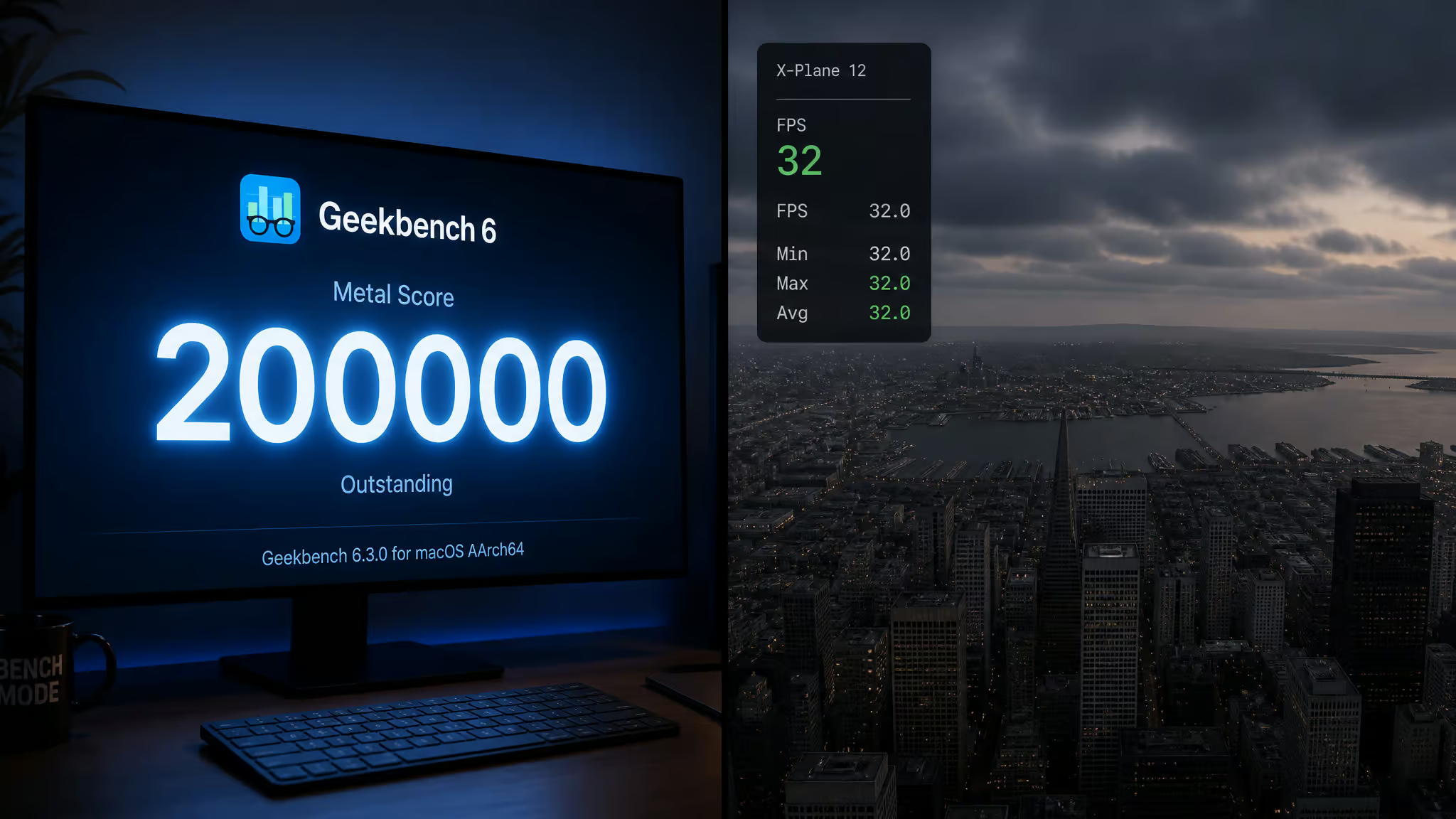
Jim Royal’s Manhattan flight: a stress test case
Take Jim Royal’s flight over Manhattan. Stock Cirrus SR-22, real weather, 1000 feet altitude in-cockpit view. The M4 Pro delivers roughly 32 FPS in that view, and drops to about 28 FPS in external view. At 10,000 feet in the same location, it climbs to 32-38 FPS, still not smooth, still CPU-limited, and still on a machine that benchmarks beautifully in isolation.
The resolution is 2580×1440, which is reasonable for a high-res display. The bottleneck isn’t the pixel count. It’s the simulator asking the CPU to process Manhattan’s buildings, weather, aircraft systems, and flight physics on a single thread.
What the PC comparison tells us about Apple Silicon
If you’re thinking “but my gaming PC runs it fine,” here’s the data that shows this isn’t an Apple Silicon problem, it’s an X-Plane 12 problem. Forum user EGT runs the simulator on a desktop PC with an i7-9700K overclocked to 5.0GHz, 32GB RAM, and an RTX 4070 Ti Super at 4K. That’s a very capable machine, and the contrast with the new iMac Pro leak macOS 26.7 suggests Apple’s next workstation could be a completely different class of performance. EGT’s results highlight the CPU bottleneck across platforms.
The result: 40-60 FPS on the ground, 80+ FPS in the air. Notice the ground performance, it’s not dramatically higher than what Jim Royal’s M4 Pro gets over Manhattan. The CPU is the limit on both platforms. No amount of GPU cores on either side will fix that.
Memory specs: Bandwidth and capacity leaks
Here’s what the memory picture looks like for the M4 family, starting with the Apple M4. Apple’s official tech specs give us the confirmed numbers, and the Ultra pattern lets us project forward: the M4 Ultra is predicted to offer up to 256GB of unified memory (doubling the M4 Max’s 128GB) and roughly 1.1TB/s of memory bandwidth (doubling the Max’s 546GB/s), as the exclusive specs and design changes for the next MacBook Pro are detailed in the new MacBook Pro leak macOS 26.7.
- M4 Pro: 273GB/s bandwidth, 24GB base memory configurable to 48GB
- M4 Max (40-core GPU): 546GB/s bandwidth, 36GB base configurable to 128GB
- M4 Ultra (predicted): roughly 1.1TB/s bandwidth (doubling the Max), configurable up to 256GB
That 1.1TB/s figure is extrapolation from the Ultra pattern, not a confirmed spec. Every previous Ultra chip has doubled the Max’s memory controller, so it’s a reasonable estimate, but Apple hasn’t announced anything.
High memory bandwidth benefits texture streaming and GPU-bound tasks like 3D rendering and video editing. For X-Plane 12, where the CPU is the bottleneck, even the M4 Pro’s 273GB/s is more than adequate. The Ultra’s bandwidth would be overkill for this particular workload, but it’s going to matter for professionals pushing multiple 4K streams or large scene renders.
Where the M4 Ultra’s 80 GPU cores actually shine
So where does the M4 Ultra make sense? The 80-core GPU is a solution for workloads that are genuinely GPU-bound, tasks where the rendering pipeline isn’t waiting on the CPU to feed it data.
- Path tracing and 3D rendering: Cyberpunk 2077 with Path Tracing is the benchmark people keep citing, and for good reason. Path tracing is notoriously heavy on GPU compute, and the M4 Ultra’s 80 cores would chew through it. The same applies to production renderers like OctaneX or Redshift.
- Video editing and color grading: Multicam 8K timelines in DaVinci Resolve, heavy noise reduction, and Fusion compositions all scale with GPU cores. The M4 Ultra would let you skip proxies on most projects.
- AI and machine learning training: Local model training, especially with larger batch sizes, benefits directly from more GPU cores and higher memory bandwidth. The 256GB ceiling also means you can load bigger models into unified memory.
The contrast with X-Plane is instructive. The same chip that’s overkill for flight sim is genuinely transformative for rendering. Know your workload before you spec the machine.
Which M4 chip should you buy? A workload-based guide
Should you wait for the M4 Ultra or buy an M4 Max MacBook Pro now? The answer depends entirely on what you’re doing with the machine and whether you can afford to wait six to twelve months.
Here’s the bottom line: if your workload is CPU-bound or you’re primarily flying X-Plane, buy an M4 Pro now. If your workload is GPU-bound and you can wait, the M4 Ultra will deliver meaningful gains. The middle path, a fully-loaded M4 Max today, carries more regret risk if the Ultra drops next year.
Buy now: M4 Pro or M4 Max
If you need a machine today, the M4 Pro is a genuinely great chip. The 14-core CPU and 20-core GPU configuration handles X-Plane well, handles most creative work, and costs a lot less than waiting. Forum user aspec ordered exactly this config. Mac mini M4 Pro with 14-core CPU, 20-core GPU, and 24GB RAM, and plans to benchmark it against their old M2 Pro Mac mini. That’s a $1,599 starting point for a machine that will run X-Plane, Logic, and Lightroom without breaking a sweat.
If you need more GPU power for rendering or video work, the Apple M4 Max with 40 GPU cores is available now in the MacBook Pro 14-inch. You get 546GB/s memory bandwidth and up to 128GB RAM, which is enough for most professional workloads. Battery life is solid too: up to 22 hours for the Pro, up to 18 hours for the Max during video streaming.
Wait: M4 Ultra Mac Studio or Mac Pro
If your work is genuinely GPU-bound, path tracing, 8K video production, large-scale model training, and you can wait until late 2025 or WWDC 2025, the M4 Ultra is worth it. The 32-core CPU and 80-core GPU will double the Max’s performance in scaling workloads. The predicted 256GB unified memory ceiling is enough for projects that currently spill over into swap.
The catch is price. The M2 Ultra Mac Pro started at $6,999. Expect similar or higher for the M4 Ultra. You’re also looking at a desktop form factor, the Ultra won’t fit in a laptop, so you’re choosing between the Mac Studio or the wedge-shaped Mac Pro.
The tradeoff: should you wait for M4 Ultra or buy an M4 Max now?
The pattern I see across buyers is telling. Users who buy a fully-loaded M4 Max today sometimes regret it when the Ultra doubles performance six months later. Users who buy the M4 Pro rarely feel left behind, it’s already good enough for most real-world work, and the money saved outweighs the FOMO.
If you need a machine today and your workload is CPU-bound or X-Plane primary, buy the M4 Pro now. If your workload is GPU-bound and you can wait six to twelve months, the Ultra will reward you. If you’re in between, the M4 Max is a capable middle ground that ships today.
The M4 Ultra is going to be a beast. But for most of us, the M4 Pro we can buy today is already enough. Make your purchase decision based on your specific workload, not the headline spec.
Frequently Asked Questions
What is the M4 Ultra’s GPU core count?
The M4 Ultra is expected to pack an 80-core GPU, doubling the M4 Max’s 40-core configuration. That makes it the most powerful chip in Apple’s M4 lineup, designed for the Mac Studio and Mac Pro.
How does X-Plane 12 perform on the M4 Pro?
Real-world tests show the M4 Pro delivers roughly 60 FPS in simple scenery but drops to around 32 FPS over dense areas like Manhattan with real weather enabled. The bottleneck is the simulator’s single-core CPU limit, not the GPU.
