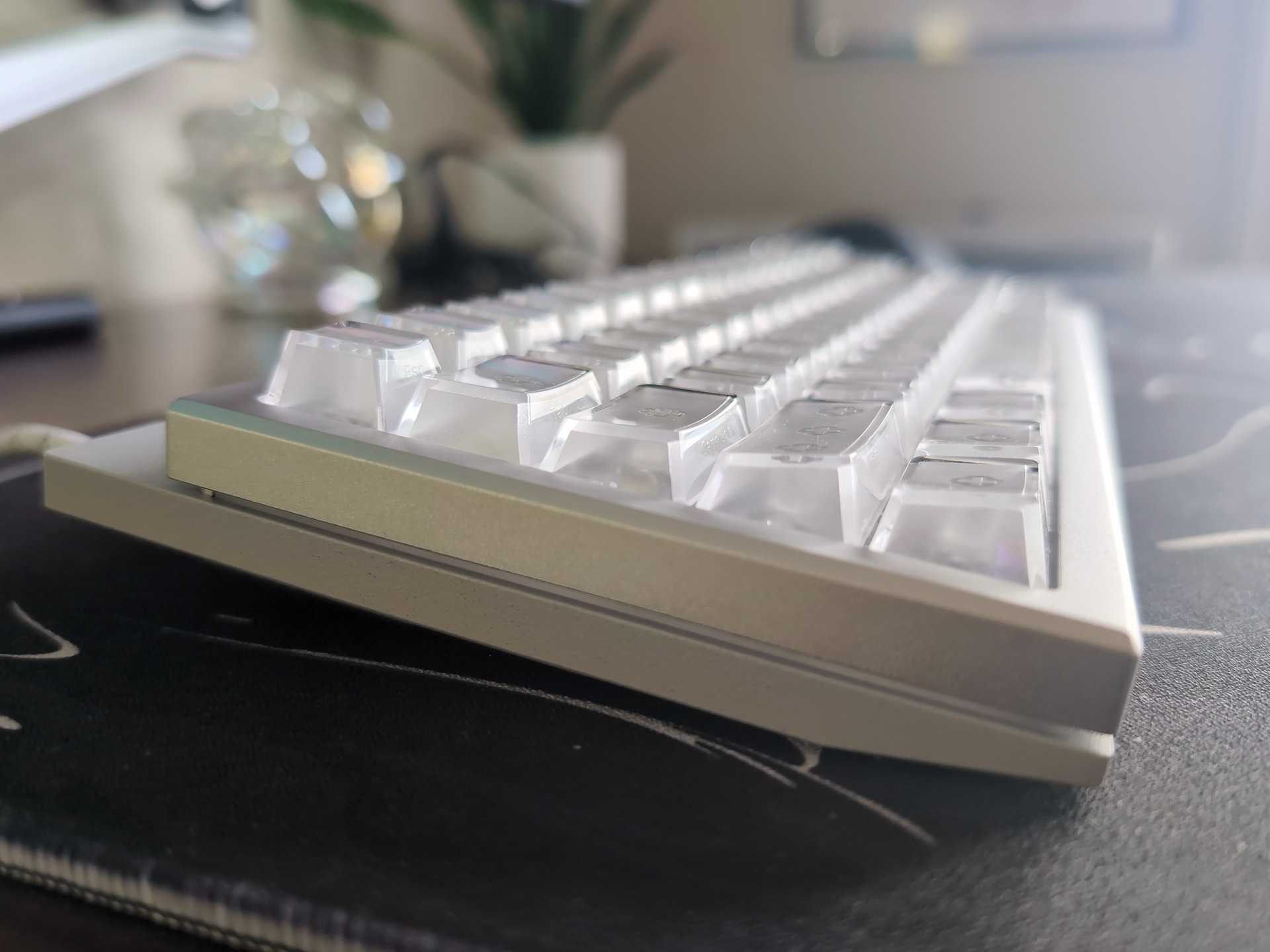
The first time I sat down with the TRYX VESTRA VISION, the right side of the keyboard looked like a sci-fi prop somebody had left running on my desk. There’s a 5.48-inch OLED display underneath the transparent keycaps and switch housings, with images and controls visible through the keys. It’s an unusual thing to see on a keyboard, even after years of increasingly elaborate RGB lighting.
I’ve been using it for about two weeks now, for both work and gaming. I was less sure about the compact 65% layout. My old Leopold mechanical keyboard, which I imported from South Korea years ago, had set a pretty high bar for anything replacing it. The VESTRA VISION has grown on me, though, and I prefer both the feel and the sound of its keys.
I’ve also found a simple use for the screen: a Spotify controller for play and pause, alongside my favorite photo of an asteroid. It’s a very personal little addition to my desk, and one I enjoy using.
Key Takeaways
After two weeks of work and gaming, I prefer the VESTRA VISION’s smoother keys and typing sound to my longtime Leopold mechanical keyboard.
The 5.48-inch OLED puts Spotify controls and my favorite asteroid photo on my keyboard, and the KANALI app does what it’s supposed to without any fuss.
The compact 65% layout has grown on me, though I still occasionally hit the wrong key while building muscle memory.
Table of Contents
A compact keyboard with an unusual display
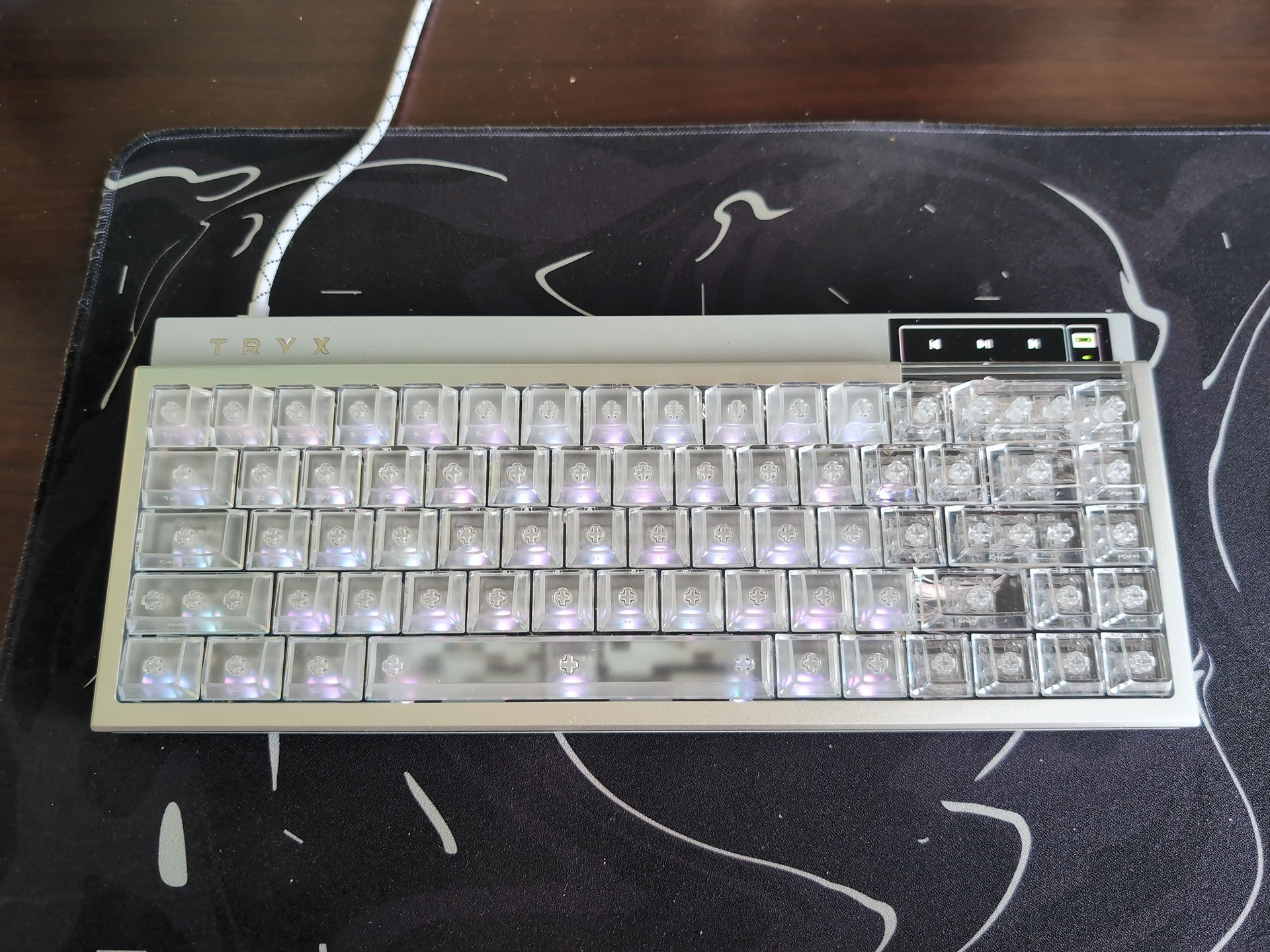
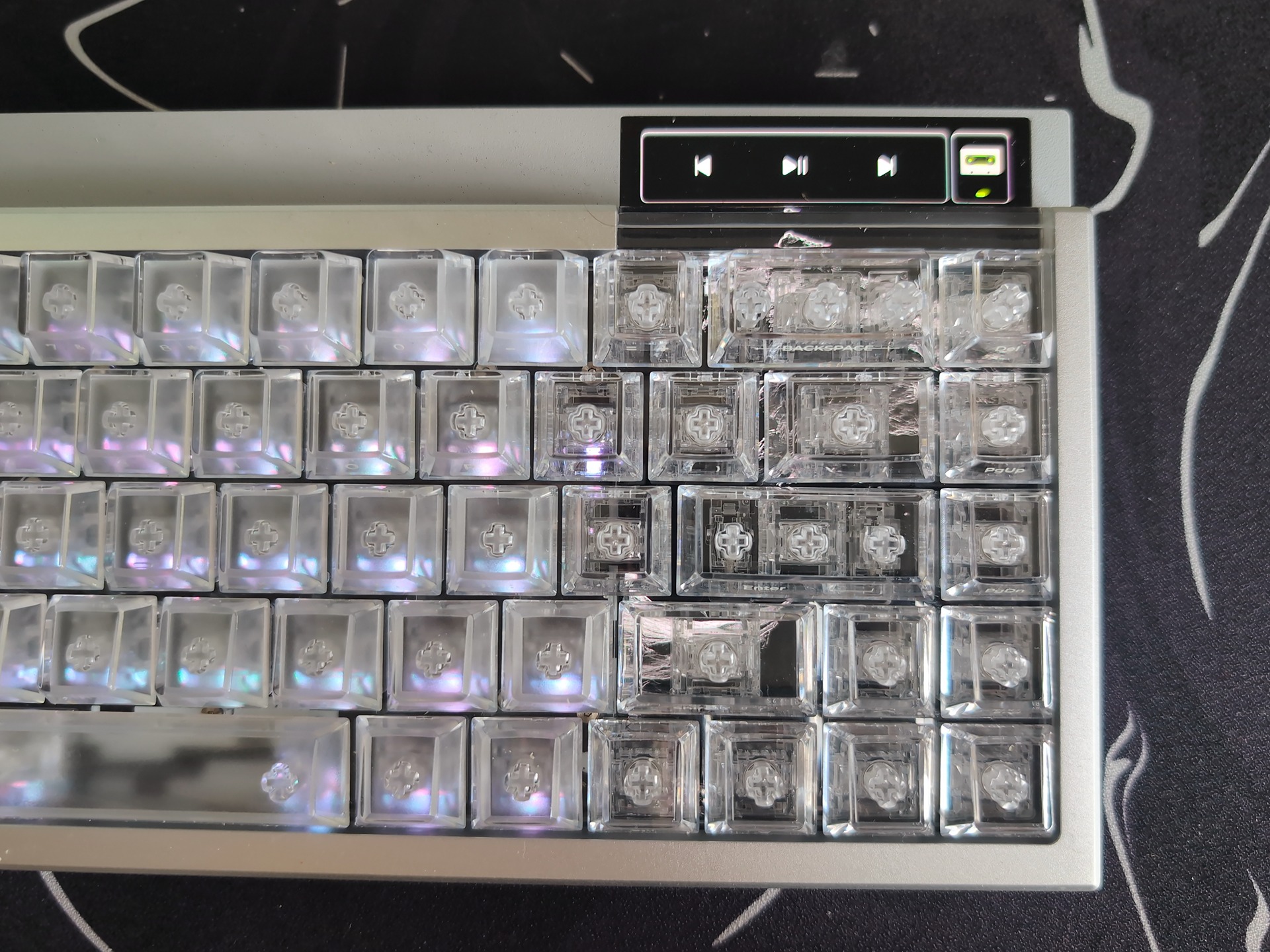
The VESTRA VISION is a wired, 68-key ANSI keyboard with a 65% layout. Its main attraction is the OLED panel beneath the right-hand keys, paired with an exposed touch area above them. The clear polycarbonate keycaps and transparent switch housings let you see the display through the keyboard.
TRYX has used displays in its PC hardware before, including its PANORAMA liquid cooler. Here, the screen is much closer to where you’re already looking and reaching throughout the day.
The campaign lists the following specifications:
| Feature | Specification |
|---|---|
| Layout | 65%, 68 keys, ANSI |
| Connection | Wired USB-C |
| Case | CNC aluminum alloy, black or silver |
| Plate and mounting | Acrylic plate, tray mount |
| Dimensions | 320 × 133 mm, with a listed front height of 17.5 mm |
| Weight | 1,280 g |
| Display | 5.48-inch OLED, rated at 500 nits and 60 Hz |
| Touch input | Exposed upper display area |
| Switches | Transparent magnetic switches |
| Polling rate | Up to 8,000 Hz, according to TRYX |
At 1.28 kg, it’s a substantial keyboard for its size. The listed 17.5 mm height refers to the front of the case, which is worth knowing if you’re comparing dimensions with another board.
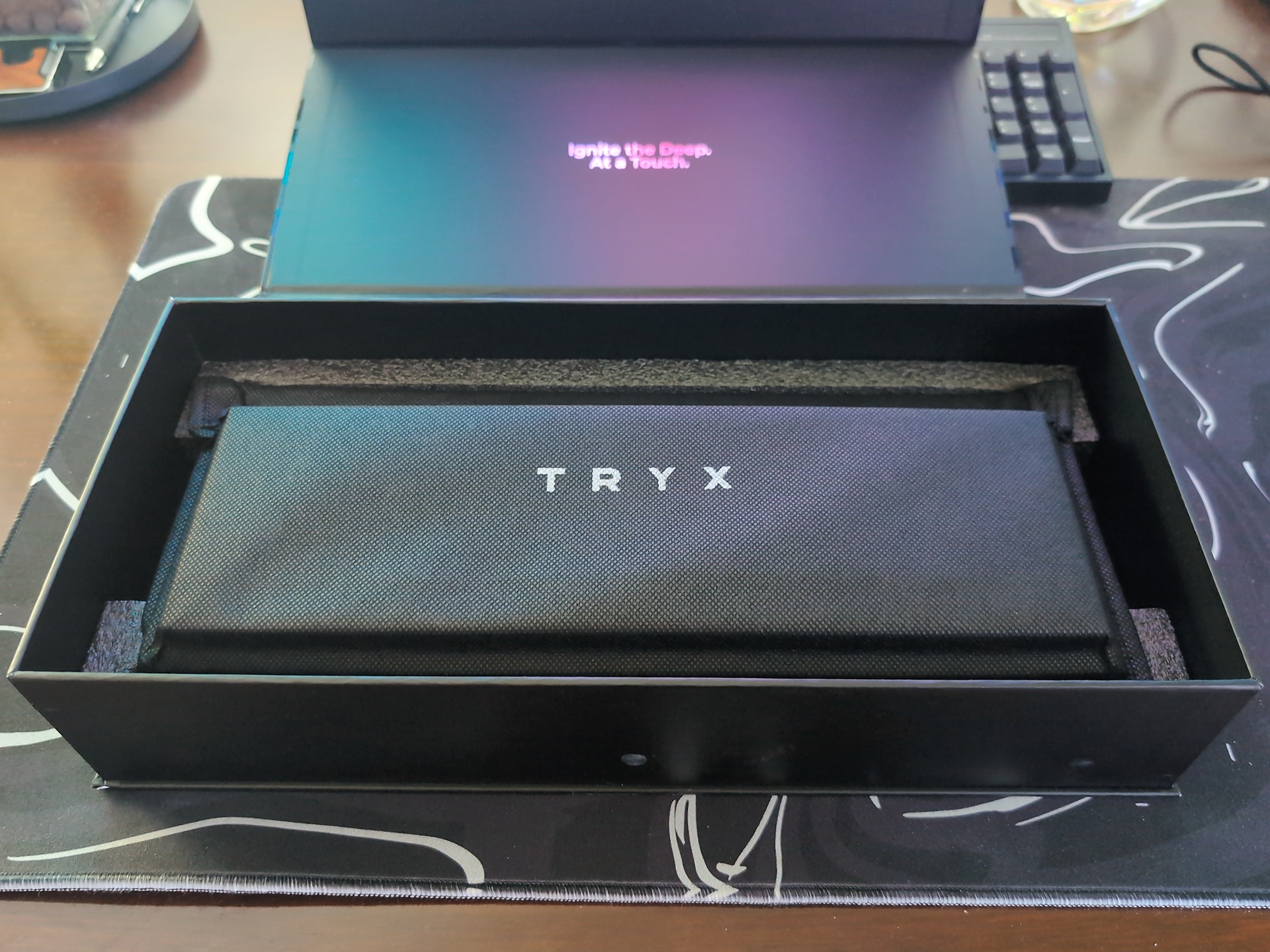
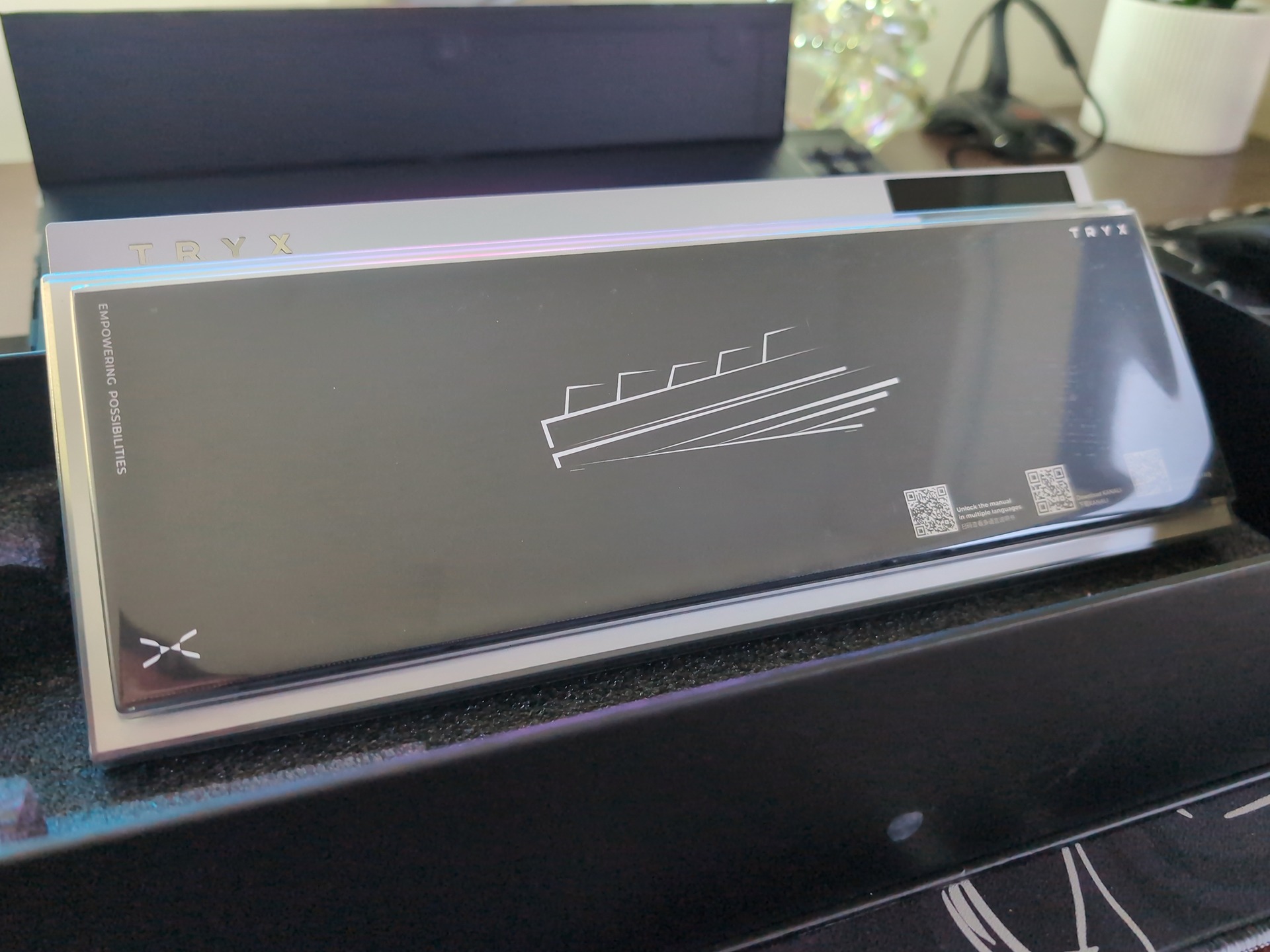
The standard package includes the keyboard, two spare keycaps, a USB-C cable, and a user manual. A wrist rest isn’t included. This is also a wired setup, so you’ll need to keep the USB cable connected.
How the 65% layout feels in daily use
I wasn’t immediately sold on moving to a 68-key keyboard. A familiar layout becomes something you barely think about, and changing it can feel like an unnecessary adjustment when you’re spending a lot of time at your desk.
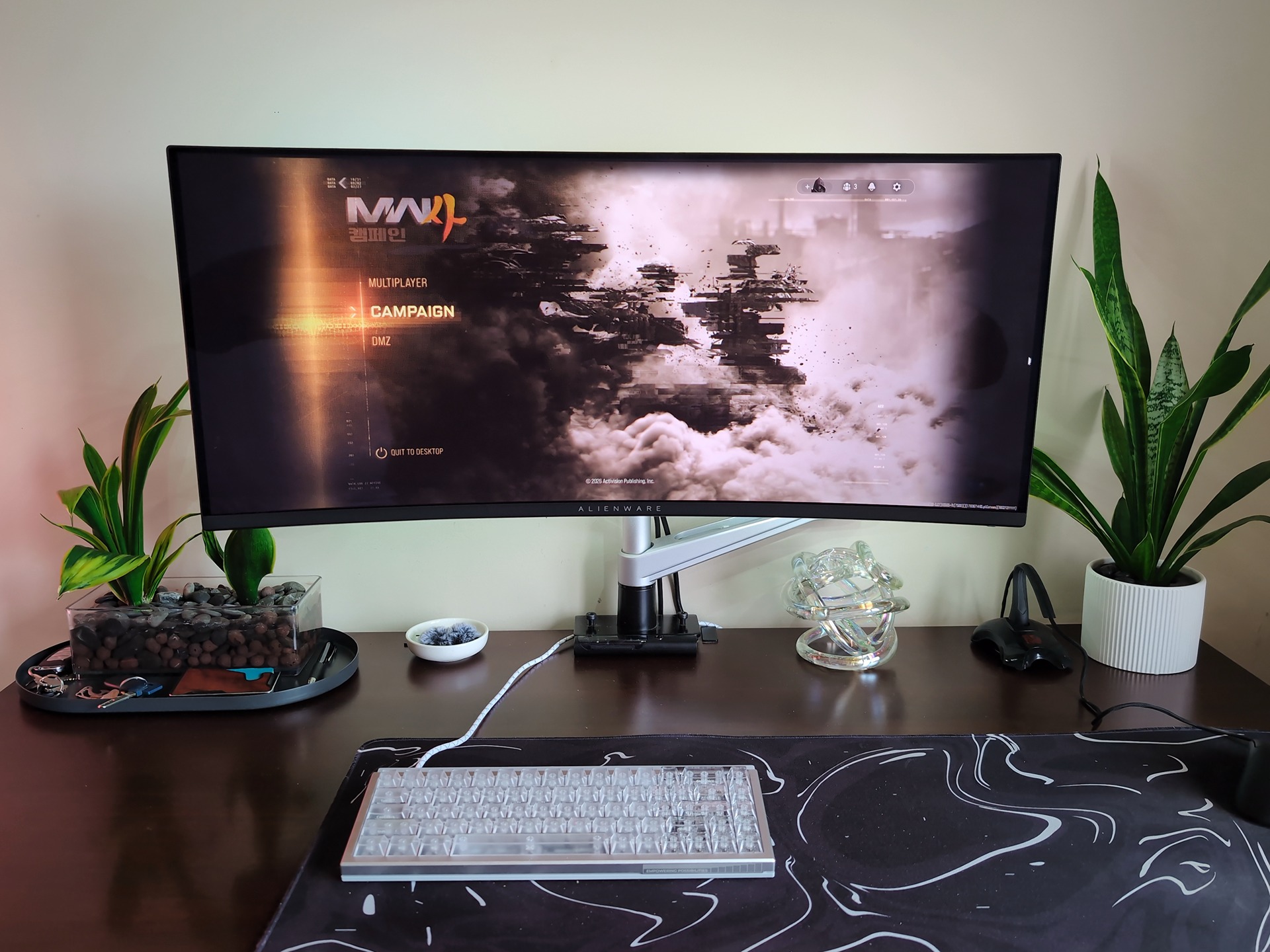
The VESTRA VISION’s layout has grown on me, but I’m still getting used to it. Sometimes I hit the wrong key because my hands haven’t quite caught up with the different form factor. After about two weeks, I haven’t fully formed the muscle memory yet.
The switches made the bigger impression. My Leopold has been my reference point for a good typing experience for years, so preferring the TRYX was a surprise. The keys feel a lot smoother, and I like the sound better as well. Those are things I notice every time I sit down to type, even while I’m still adjusting to where everything is.
What I use the OLED screen for
My setup is fairly straightforward: Spotify play and pause controls, plus an asteroid photo I like. Having the media control on the keyboard is useful, and the image makes the board feel a little more like mine.
The display’s placement is what makes it interesting. You can see it through the transparent keys and switch housings, so the artwork becomes part of the keyboard itself. If you enjoy personalizing your desk, there’s a lot of appeal in that.
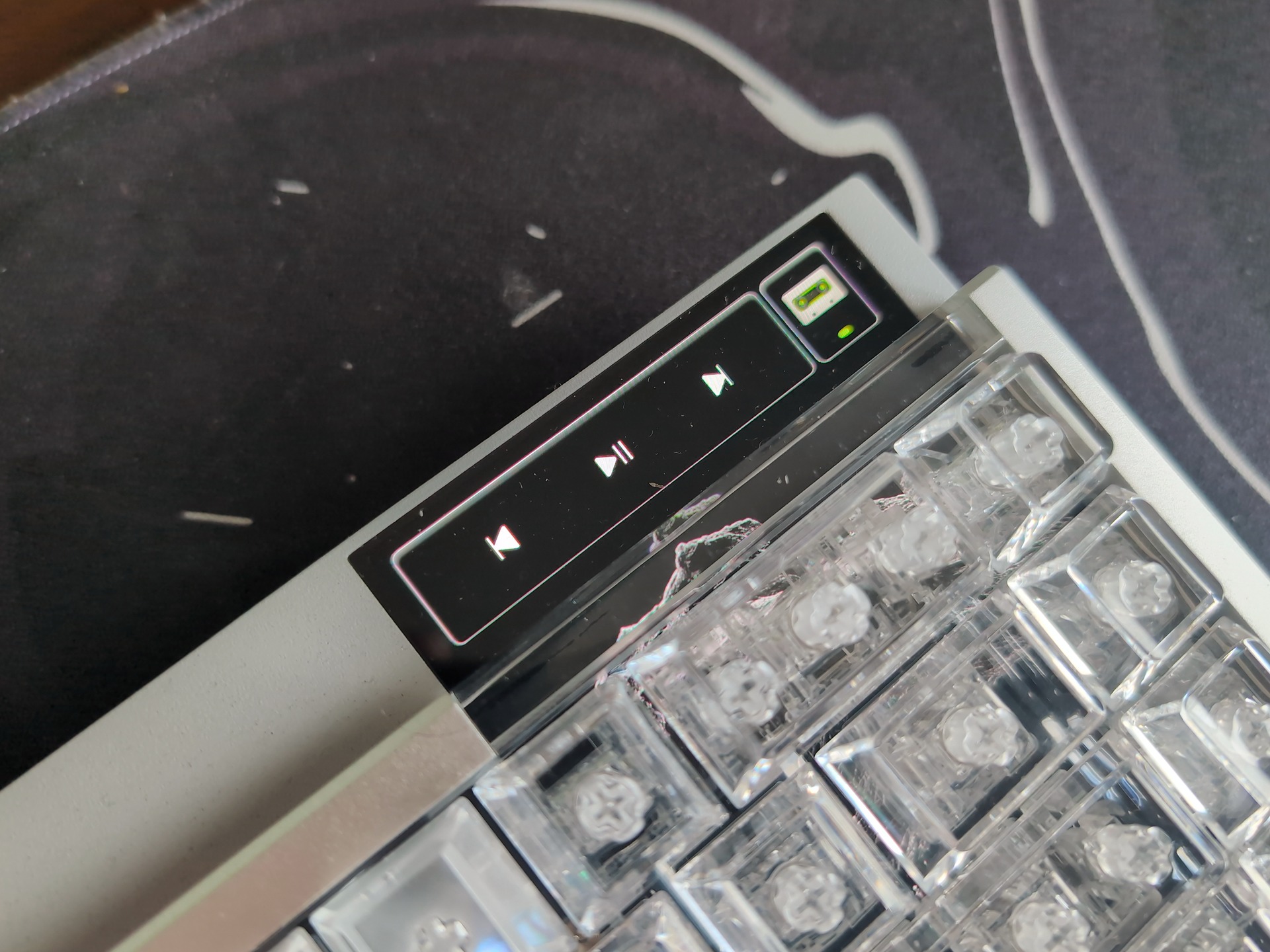
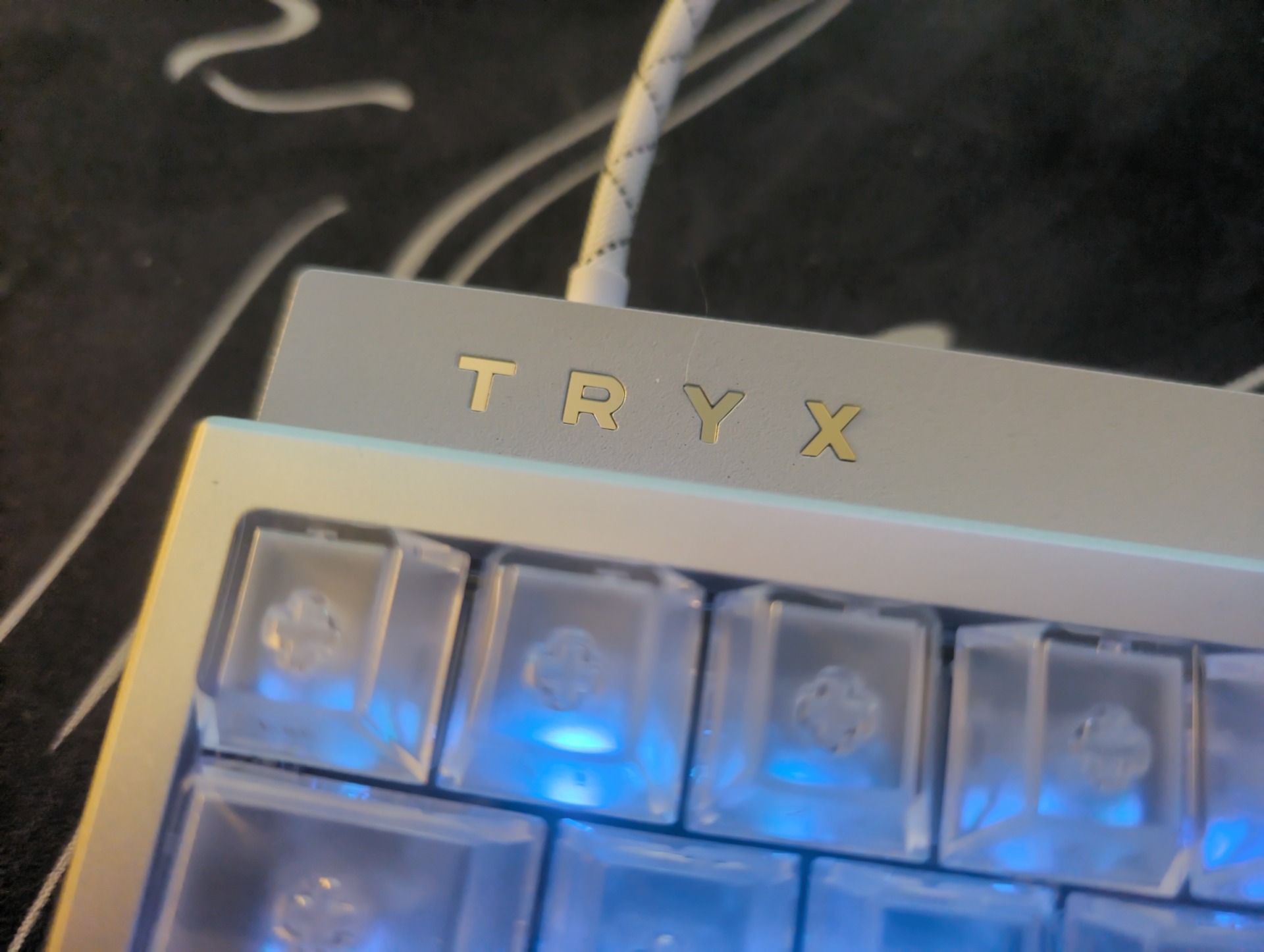
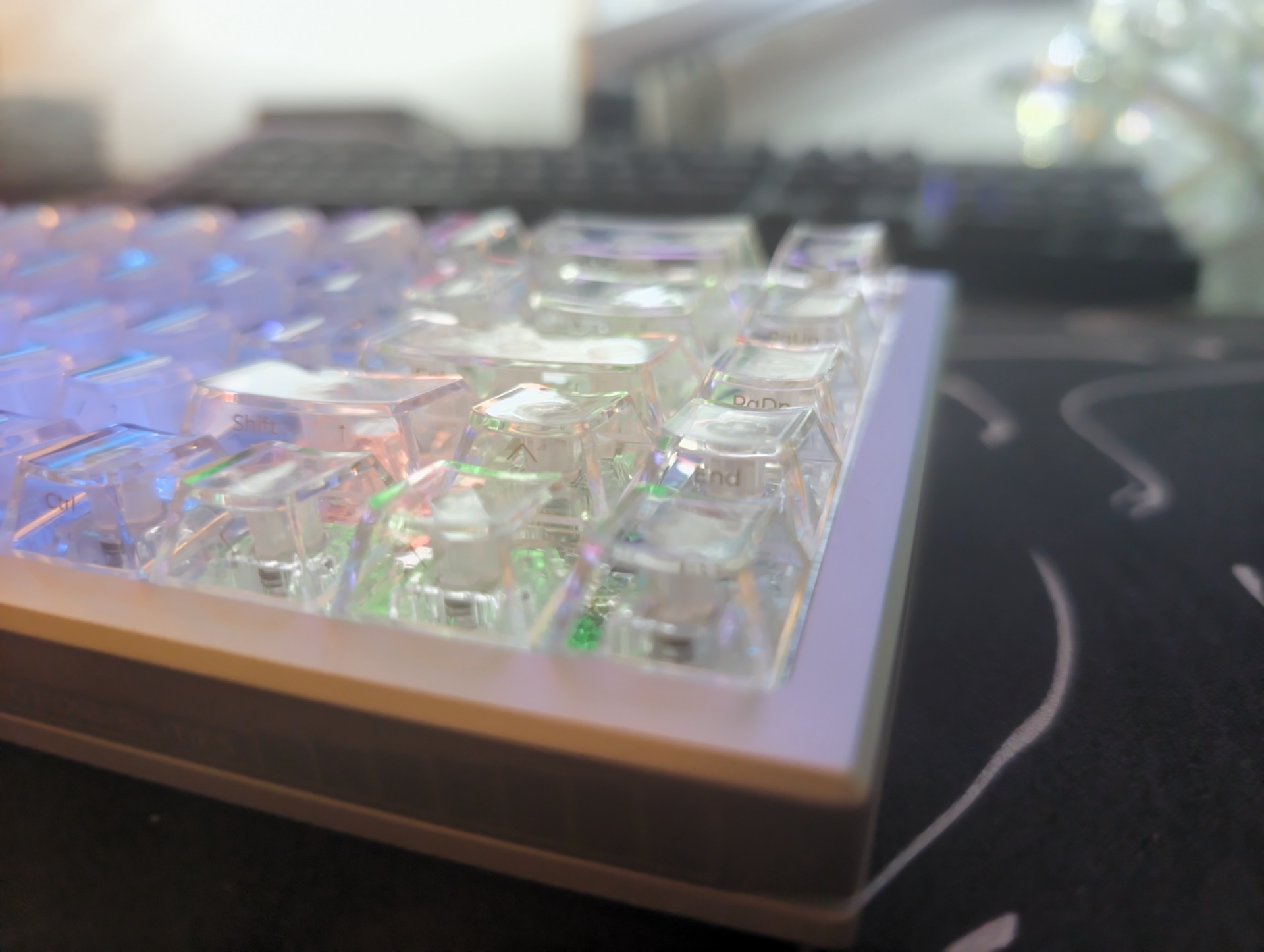
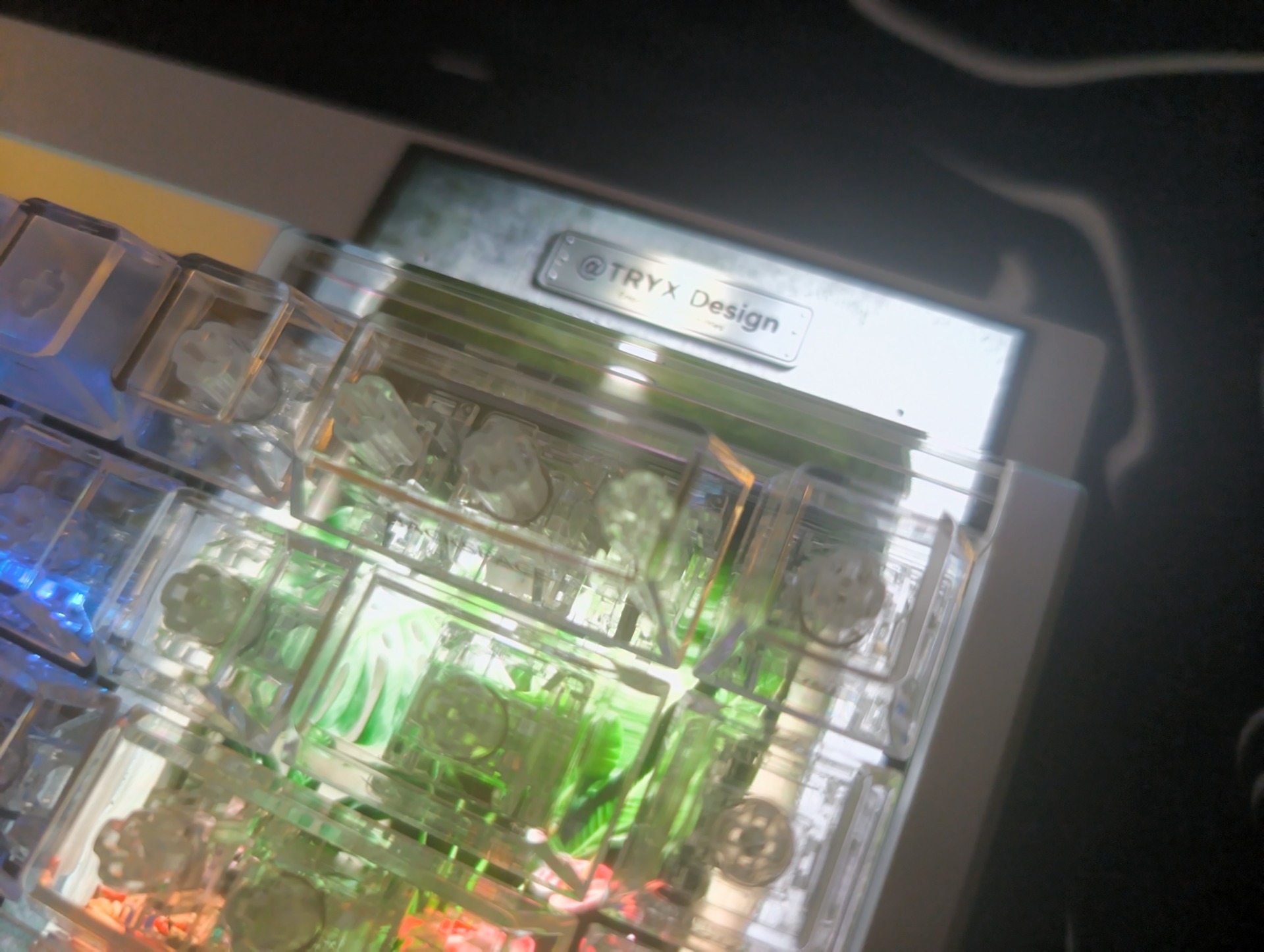
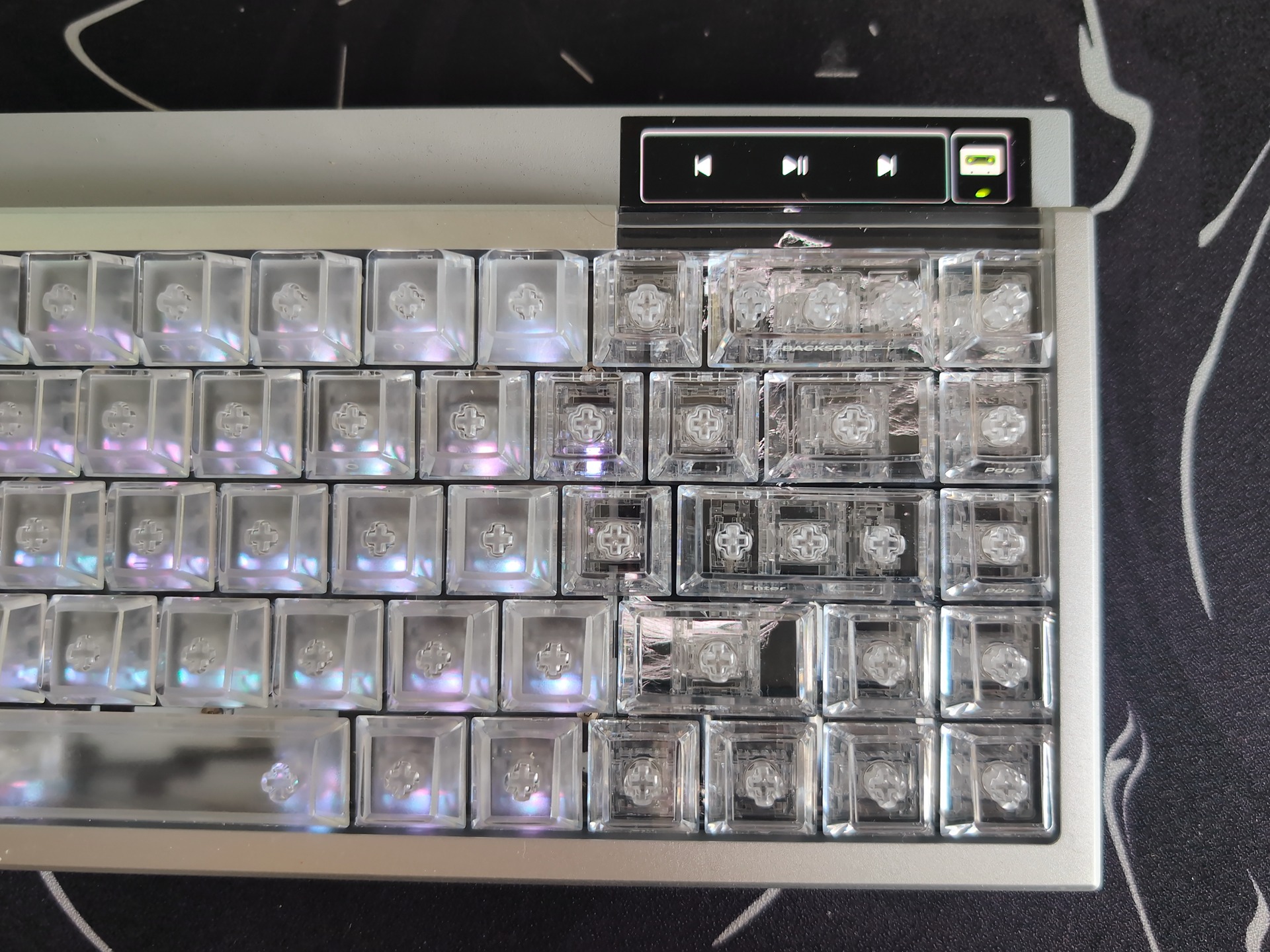
Touch input is limited to the exposed upper portion of the screen. The area beneath the keys displays content, but you don’t interact with it by touching through the keycaps. TRYX’s demonstrations show the upper strip handling media controls, app launching, brightness, and actuation adjustments.
The OLED is rated at 500 nits with a 60 Hz refresh rate. That refresh rate applies to the display; the keyboard’s advertised 8,000 Hz polling rate is a separate specification for input reporting.
According to TRYX, personal images and animations can be stored on the keyboard and switched using onboard hotkeys. The board also has independently controlled lighting beneath the switches, with static, breathing, and reactive effects, plus upper and bottom lighting.
How much value you get from the display will depend on what you put there. For me, music controls and a favorite image are already enough to make it enjoyable.
Magnetic switches and gaming features
Along with the typing feel, magnetic switches give the VESTRA VISION adjustable actuation. You can change how far a key travels before it registers, with individual settings for different keys.
TRYX’s campaign specification graphic lists an actuation range of 0.01 to 4.0 mm. The switches have a quoted initial force of 30 ± 5 g, an end force of 45 ± 5 gf, and total travel of 4.0 ± 0.1 mm. TRYX also gives them a switch-life rating of 100 million cycles.
For gaming, the advertised features include Rapid Trigger, Dynamic Keystroke, Toggle Key, SOCD with last-input priority, and additional RS and MT modes. Rapid Trigger allows the reset behavior to respond to key movement, while adjustable actuation lets you use different thresholds for typing and gaming. Check the rules for your game or tournament before enabling SOCD or automated input features.
My strongest impression here is still the feel of the switches in everyday use. The campaign’s gaming specifications give you an idea of the available tuning options, but they aren’t measurements from my own latency or sensor testing.
TRYX advertises a 0.125 ms response figure alongside its 8,000 Hz polling rate. That number matches the interval between reports at 8,000 Hz; it doesn’t establish the full time from pressing a key to a response appearing on screen. The company also says separate processors handle display and keyboard input workloads. Those are useful technical details, though verifying their effect would require dedicated testing.
KANALI software and customization
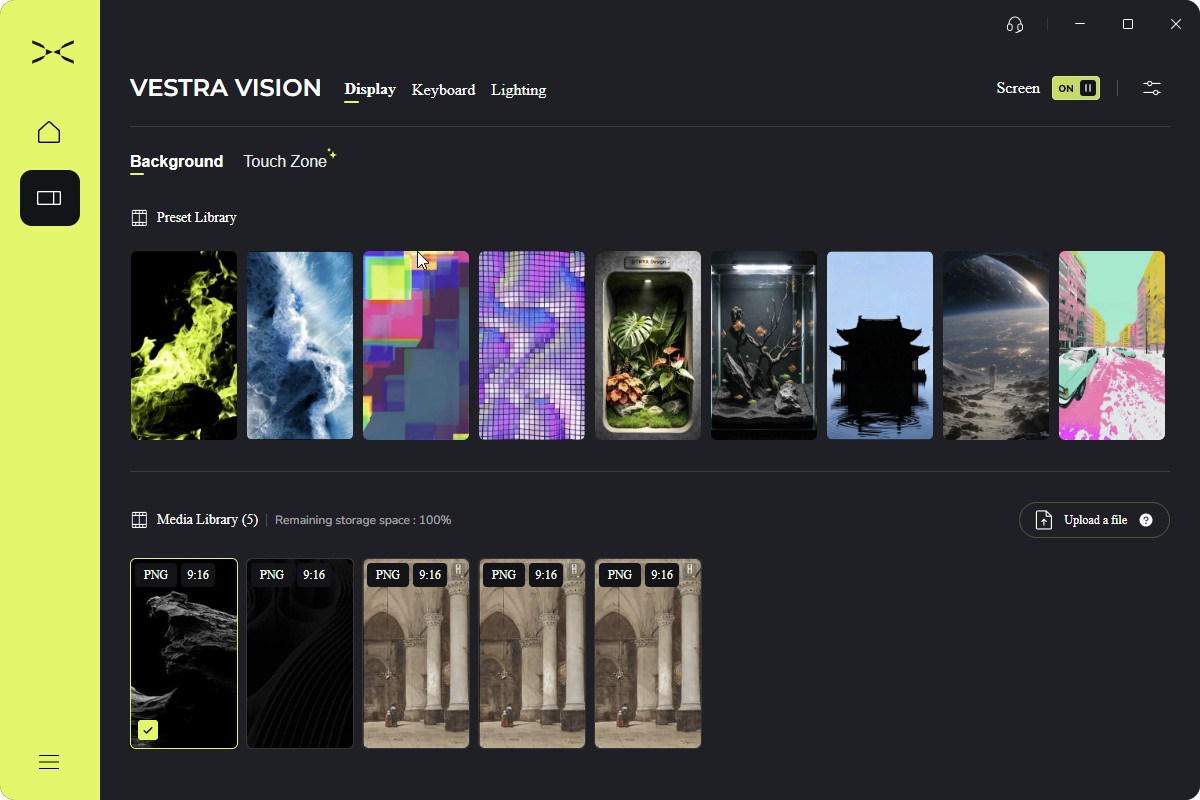
TRYX’s KANALI software handles display content, lighting, key remapping, profiles, and per-key actuation settings. It’s where the keyboard’s visual customization and magnetic-switch settings come together.
In my use, the app has worked perfectly fine. There’s honestly not much more to say about it: it does what it’s supposed to do, and I haven’t had any problems with it.
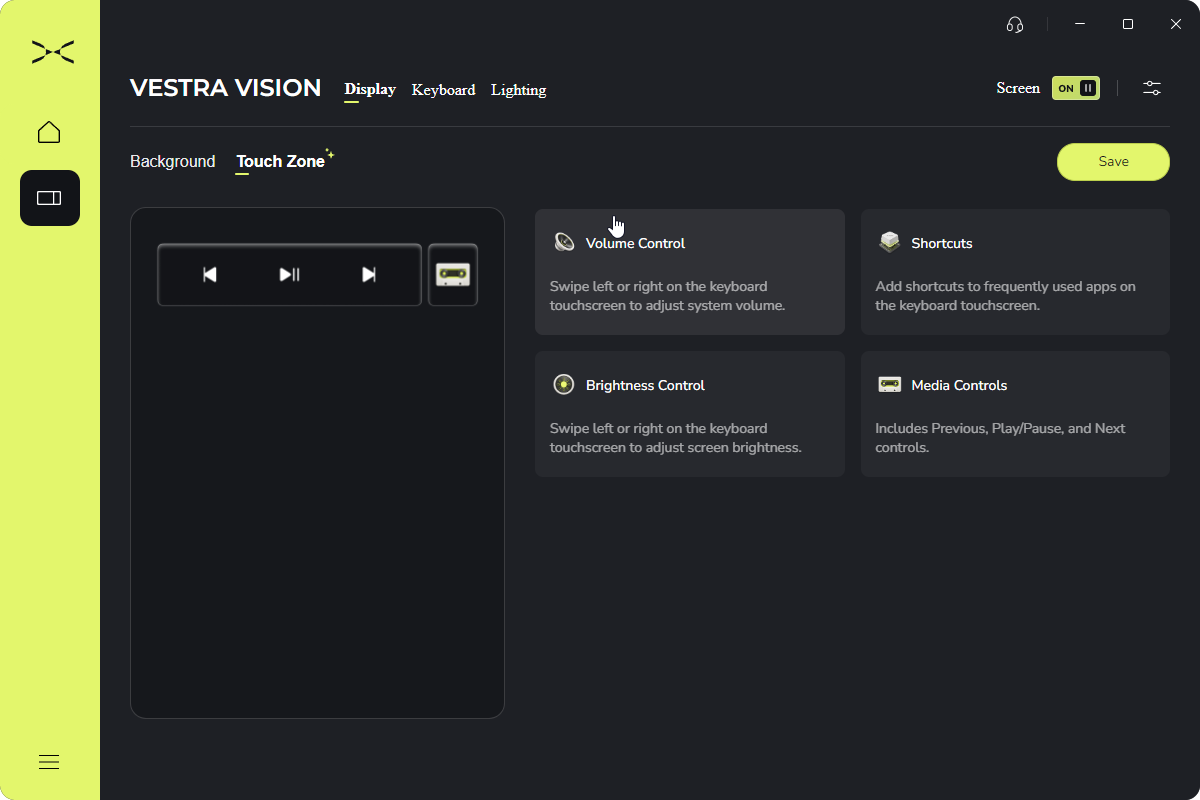
The campaign says custom visual assets are stored onboard, allowing themes and animations to be changed through hotkeys without keeping the desktop app open. That is useful for a keyboard with a display you’re likely to personalize.
Some software features are still described as subject to final confirmation in the campaign FAQ. Anyone buying for a particular operating system or a specific profile feature should confirm support for that requirement before pledging.
A few details to check before ordering
There are a couple of inconsistencies in TRYX’s published specifications. The main campaign describes TMR magnetic sensors, while the FAQ uses Hall-sensing terminology. The campaign specification graphic also lists a 0.01 mm minimum actuation point, while another section lists 0.1 mm.
Those details need clarification from TRYX, particularly for buyers choosing the keyboard for its exact sensor technology or adjustment range. They don’t change my impressions of typing on the keyboard, but I wouldn’t treat the conflicting figures as settled production specifications.
The more straightforward buying considerations are its compact layout and wired connection. If you need a number pad or wireless connectivity, those requirements will matter more than the display. QMK and VIA support aren’t listed in the campaign specifications either.
TRYX lists a one-year warranty. OLED-specific coverage, including burn-in and dead pixels, would be useful to confirm if that affects your purchase decision.
Price and Kickstarter availability
The campaign pricing below is from November 3, 2026, in US dollars. Availability can change as reward tiers fill.
| Reward tier | One keyboard | Two keyboards |
|---|---|---|
| Super Early Bird | $229 | $439 |
| Early Bird | $239 | $469 |
| Kickstarter Special | $259 | $499 |
TRYX lists a reference MSRP of $349 for one keyboard. Shipping is additional and varies by destination. The campaign’s single-keyboard rates include $18 for the United States, $30 for Canada, $28 for the United Kingdom, $25 for the European Union, and $21 for Australia.
For a Canadian buyer, the $229 Super Early Bird tier plus $30 shipping comes to US$259 before any applicable additional taxes or import charges. Check the campaign’s terms for your destination when calculating the total.
The campaign is scheduled to end on November 26, 2026. TRYX’s timeline places the start of mass production and shipping in December 2026, so arrival dates will depend on production progress and destination. As with any Kickstarter hardware project, the schedule is an estimate.
My verdict
After about two weeks of work and gaming, I’ve enjoyed the VESTRA VISION more than I expected to. I’m still building muscle memory for the compact layout and occasionally hit the wrong key, but I already prefer the smoother feel and sound to my old Leopold. Coming from a keyboard I’ve used as my benchmark for years, that means quite a bit to me.
The screen also fits into how I use my desk. I like having Spotify controls within reach and my asteroid photo showing through the keys. It’s an unusual design, and I’ve found a use for it that feels natural.
The starting pledge of $229 puts it in premium keyboard territory, and the value of the display will be a personal call. Buyers who enjoy customizing their setup and want a compact magnetic keyboard have good reason to look at it. I would still check the final specifications and software support before ordering, especially if a particular gaming feature is the reason you’re interested.
For my own daily use, the typing feel is what has made the strongest impression. I expected the screen to be the thing I’d keep talking about. I didn’t expect to prefer its switches to my old Leopold.
