Every vendor page about laser engraving opens with the same word: “unparalleled.” Precision, speed, durability, versatility, all unparalleled, apparently. That’s not information, that’s a vibe. So this is the audit instead.
The main advantages of laser engraving are real: non-contact precision, repeatable results, no consumables, serious speed, marks that survive abuse, and material flexibility. But each one comes with a mechanism that makes it work and a catch that makes it conditional, and that’s what we’re doing here. Every benefit gets its numbers and its catch, and where the spec sheet lies, we say so.
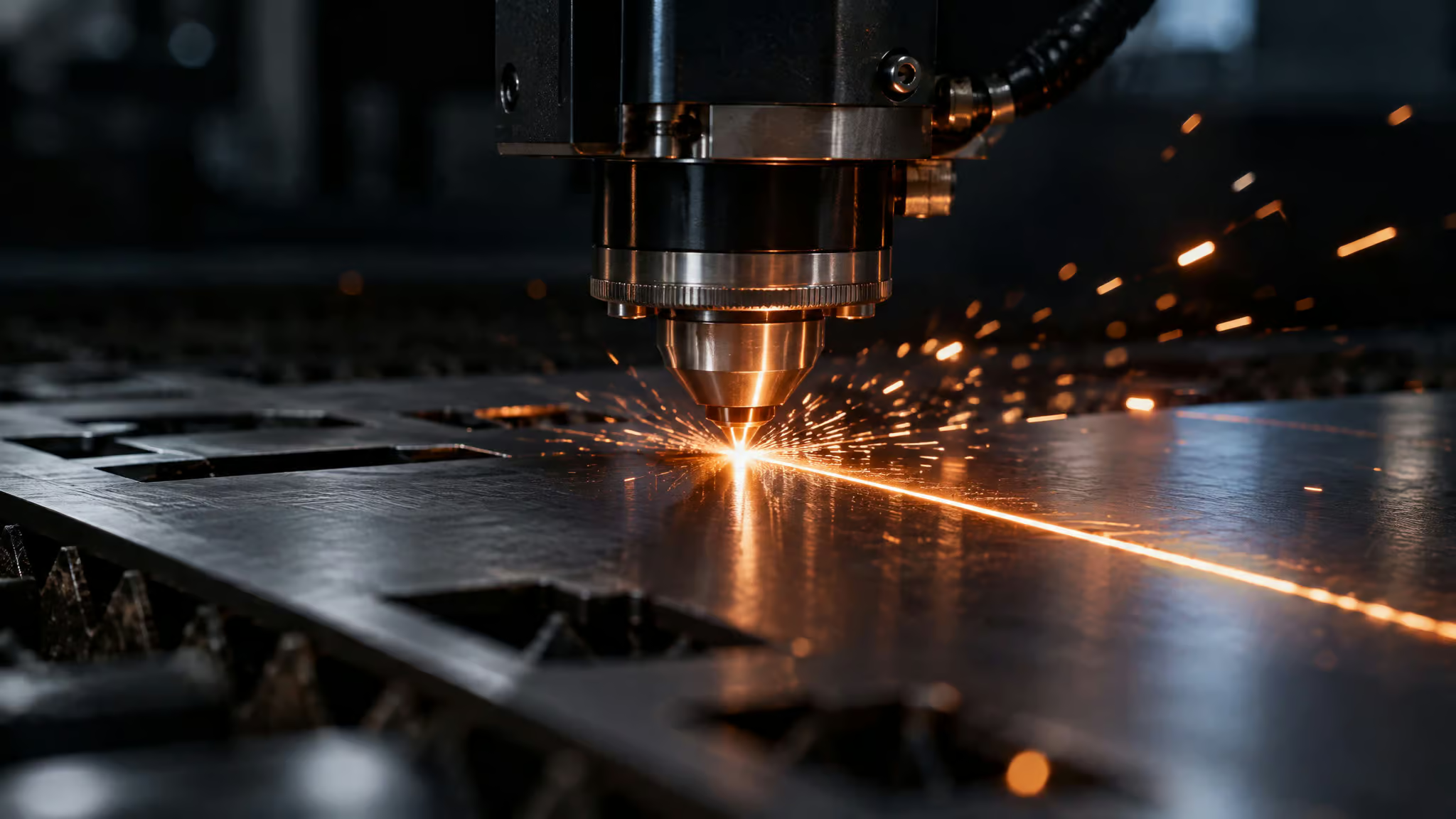
Quick grounding before the list, because everything downstream depends on it: a laser engraver is basically a magnifying glass focused on sunlight, except with actual control. Optics concentrate the beam onto a tiny spot, heat alters the surface, and the depth of the mark is a variable you dial in with two knobs: beam intensity and exposure time. The mark isn’t ink applied on top of the material. The material itself is changed. Hold onto that idea, because it explains almost every advantage below.
Key Takeaways
Automated laser systems can mark parts on-the-fly at up to 4 parts per second, but advertised maximum laser-head speeds are rarely reached in real operation, so machine speed deserves as much scrutiny as wattage and bed size.
No single laser does everything: fiber lasers handle metals and serialization, CO2 machines handle wood, acrylic, leather and glass but can never engrave metal, and diode lasers suit hobby use rather than shop work.
The mark is altered material rather than an applied layer, which is why serial numbers and 2D codes remain readable inside automotive plants and oil and gas fields, though no honest source supports a lifespan in years.
Table of Contents
Precision and repeatability: CI for your parts
This is the part where I went from “neat gadget” to “okay, this is genuinely clever.” The precision isn’t really a laser property. It’s a system property, and that distinction matters more than any spec sheet admits.
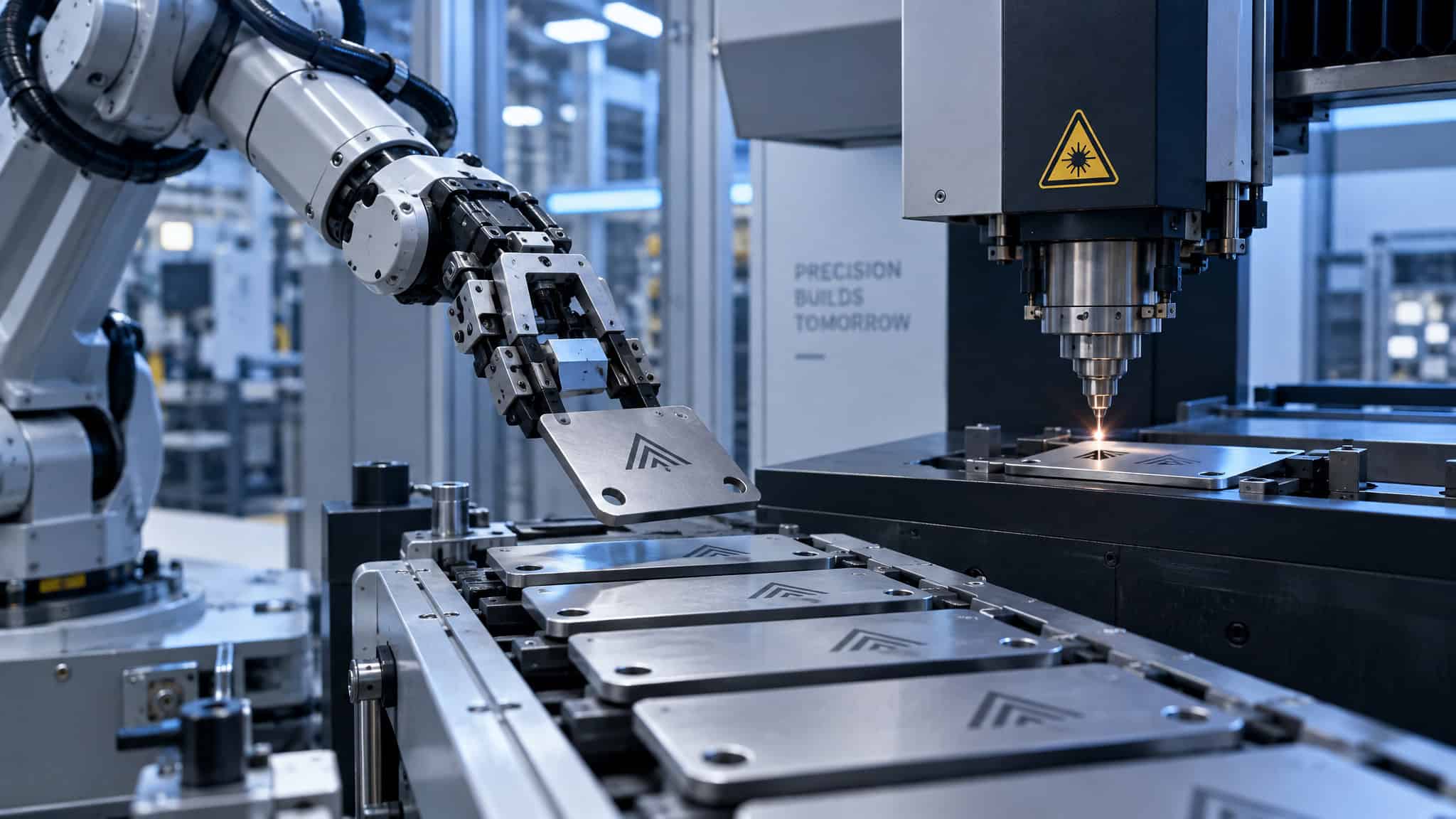
The machine that does the moving is CNC, short for computer numerical control. It executes predefined patterns with barely any deviation, exactly like G-code doing precisely what it’s told and nothing else. Software decides where the beam goes. CNC executes it.
Because a computer is running the pattern rather than a human hand, repeatability holds no matter how many times the process repeats. Same input, same output, no drift. If you’ve ever set up a CI pipeline, you already understand the appeal: you want the thousandth run to look like the first.
The stack goes further than one machine, too. Software drives it, robots and conveyors feed it, CNC executes it. There’s an integration called RobotReady™ that pairs with Fanuc robots (Fanuc being one of the big industrial robot makers) to speed operations up. It’s a build-your-own-factory flex, and the practical payoff is boring in the best way: more jobs out the door per day.
And the beam itself is fine enough to do intricate work manual tools can’t, which matters most when an error thinner than a hair can ruin a part or create a safety hazard. Small parts, fiddly geometries, tiny serial numbers on tiny components. If it’s delicate, that’s where this tool earns its spot.
Speed: the spec sheet vs. the shop floor
Laser engraving outruns manual marking because it’s automated, and the headline number is genuinely wild: on-the-fly marking at up to 4 parts per second. Not “fast,” not “efficient.” Four parts, per second, while the parts move. Add batch mode where multiple parts get marked at once, plus robot and conveyor integration compounding throughput, and faster marking turns directly into more capacity.
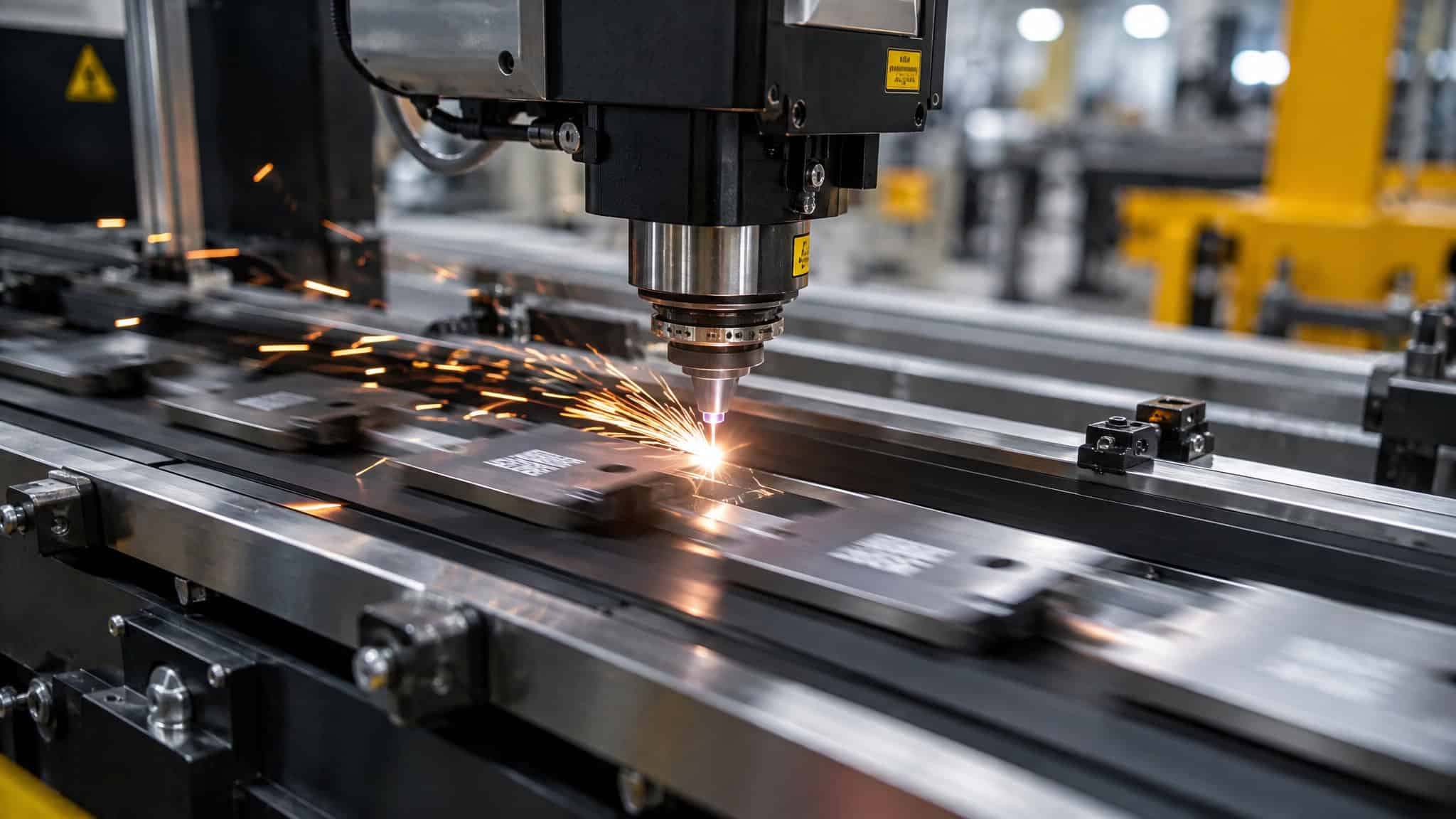
Now the catch, because this is the section where the sources themselves get skeptical. Buyers tend to fixate on wattage and bed size, and a common first-buy assumption goes: pick the wattage, pick the bed, done. Then they discover the real-world speed cap. Machine speed matters just as much as wattage, because a slow machine caps your daily earnings no matter how powerful its beam is.
There’s a comparison chart floating around the source material listing maximum laser-head speeds for seven machines in inches per second, and the honest finding is that those stated maximums are rarely reached in real operation. Marketing spec, meet bench reality.
Red flag: If a listing leads with wattage and bed size but no real-world throughput figures, the seller is dodging the question that decides your daily output.
So the practical takeaway: before buying, compare actual machine speeds, not just wattage and bed size. Discount the spec sheet to shop-floor reality.
Non-contact, and what that actually buys you
Non-contact marking is better for delicate and cleanroom parts because nothing ever touches the product. No damage, no contamination, no tool wear. Light does the work. That’s the elegant hack at the center of this whole technology, and it’s one sentence long.
But the second-order effects are where it gets interesting, and most advantage lists stop one link short. No contact means no complicated fixturing, and anyone who’s spent a weekend building a jig for a CNC or a drill press will feel that one personally. No jigs means less setup time. Less setup time means fewer scrapped parts.
Fewer scrapped parts means repeatable results across the run. The chain compounds quietly.
It matters most where parts are fragile and environments are clean. Medical and electronics manufacturing use laser marking precisely because nothing touches the part. If you’ve ever cracked a workpiece clamped in a vice, this one hits home.
Material versatility, honestly scoped
Laser engraving can mark an enormous range, from precious metals to leather, with the machine you choose determining which half of that list you actually get, and how it stacks up in laser engraving vs traditional engraving matters just as much when rotary or hand tools are still the better fit for some jobs. That’s the honest version of the “one machine, many materials” claim: laser technology in general spans metal, glass, plastic, ceramics, wood, and composites, and job switching within a machine’s material class costs you nothing. A small shop with one multi-material machine can take more kinds of work without a second capital purchase. Surface etch or deep mark? Same tool, two modes, just settings.
What materials it can mark
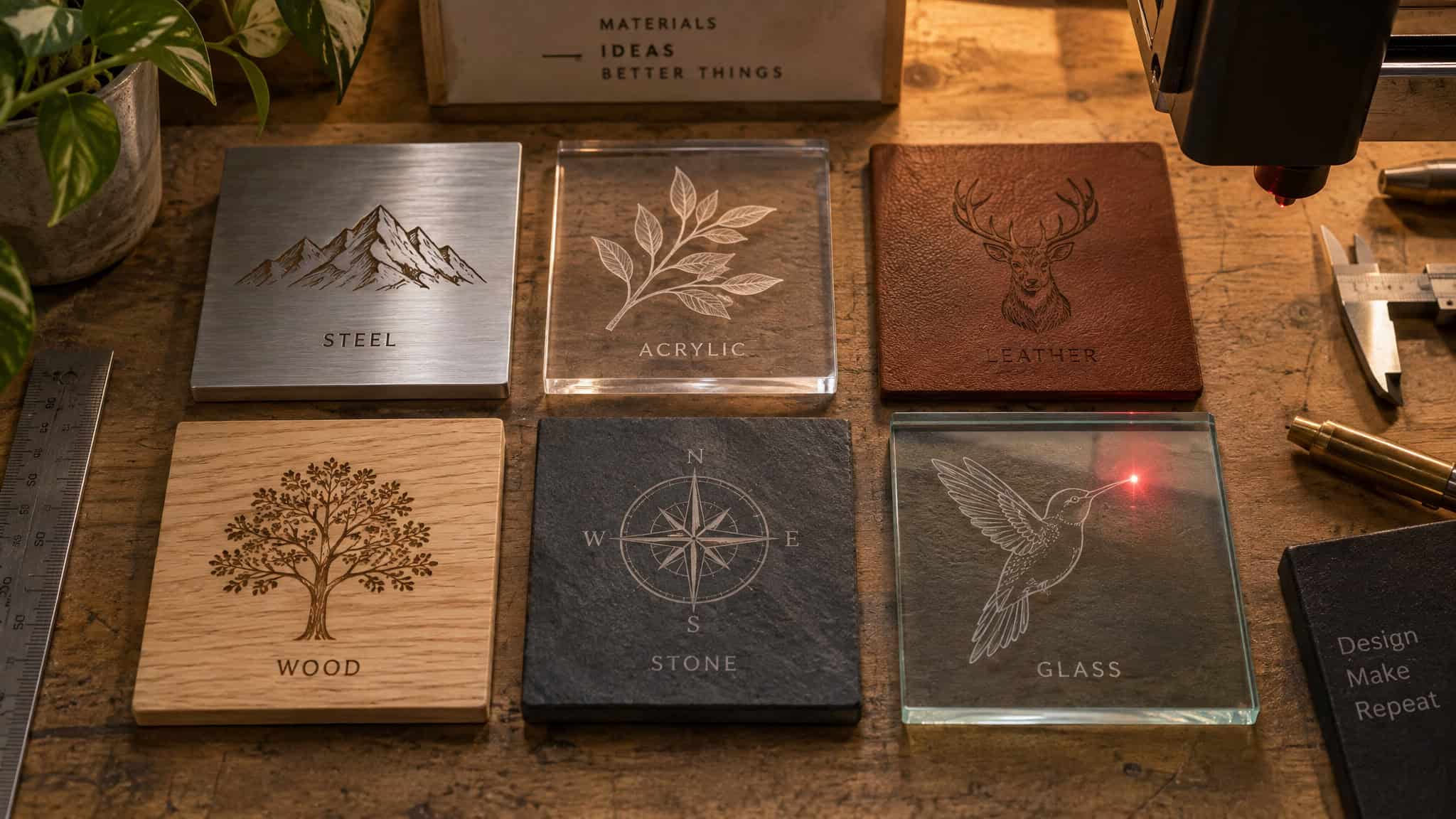
The full menu, plainly. Metals: gold, silver, platinum, steel, titanium, palladium, brass, copper. Non-metals: wood, acrylic, leather, glass, ceramics, composites, packaging. That’s jewelry-shop range on one end and packaging-line work on the other, and form doesn’t matter either; a goldsmith can engrave any jewelry shape.
Fiber, CO2, or diode: the real decision
Match the machine to the material, but know the honest counterweight first: the disadvantages of laser engraving. That’s the whole decision, and here’s the supported breakdown.
Fiber lasers are the industrial workhorse for metals and serialization: gold, silver, steel, copper, brass, and some polymers. If your work is metal parts and serial numbers, this is the pick.
CO2 lasers handle wood, acrylic, leather, glass, certain plastics, rubber, silicone, and stone. And never metal. I want that caveat loud because it’s the classic beginner mistake: a CO2 machine will not engrave metal, no matter how the listing frames it.
Diode lasers are the hobby entry point: limited materials, painfully slow. Kind verdict, clear verdict. Not a shop machine.
The depth-control mechanics belong here too, because they’re versatility evidence, and the underlying question is how does laser engraving work? Crank the intensity and the exposure and you get deeper marks; it’s knob-turning logic, like dialing in a 3D printer profile. The tiny beam diameter achieves deep marks in ways mechanical tools struggle with, and cutting works by repeated passes until you’re through, iteration doing the work. Special software can even do variable-depth bas-reliefs and change the material’s color, which is legitimately software-defined manufacturing and I’m not apologizing for being delighted by it.
One last pattern worth knowing: operators frequently start with one laser type and add a second when customer work outgrows it. The fiber-then-CO2 second purchase is the industry’s most common unplanned cost, reason enough to settle whether the laser’s worth it before the first machine. Buy for the work you have, but know the expansion is likely coming.
Permanence and durability
Yes, laser engraving is permanent. The mark is altered material, not an applied layer, which is exactly why it resists scratches, heat, chemicals, and wear. Inkjet marks wash out where these don’t, because there’s nothing applied to wash off. The surface itself is changed.
The proof settings are genuinely hostile. Automotive plants and oil and gas fields are the two the sources name, and in both, serial numbers, 2D codes (machine-readable squares, basically a QR-adjacent concept), and logos stay legible. The part itself isn’t corroded or damaged by the process, and the engraving stays clear per industrial quality standards. Both halves matter: the mark survives, and the part survives it.
And the trust move, stated openly: no honest article can put a year-count on this. The sources support permanence, not a specific lifespan, so we’re not going to invent “lasts 20+ years” for you. If you want material-by-material durability data, that’s a deeper rabbit hole than this piece goes down.
Compliance and traceability as demand drivers
Laser engraving helps with medical-device and aerospace compliance because those industries mandate clear, permanent product identification, and a permanent mark guarantees traceability over time. Compliance isn’t a bonus feature here; it’s the reason these sectors adopt lasers. The automated systems make meeting the standard straightforward rather than painful, which is the actual win.
The applications are a short list: human-readable traceability, 2D codes, logo marking. That’s most of it, and it’s enough.
Is anyone actually buying? Yes, and two data points say so. Per MarketsandMarkets, the Rest of Asia Pacific laser processing market was worth USD 153.8 million in 2025; the 2030 projection is USD 222.0 million, a 5.4% CAGR, driven by semiconductor and electronics hubs, supply-chain diversification, incentives, and foreign investment. Solid lasers are the largest segment, and advanced processing is the fastest-growing application.
And a vendor-reported demand signal (attribute it as such, because PR is not independent proof): in November 2025, Monport Laser reported sales exceeding its own internal projections, per a December 3, 2025 Berlin press release. The fun wrinkle: Cyber Monday in Germany there functions as business procurement rather than impulse buying, with makers and small studios stocking up ahead of Q1 2026 production. People buy these machines to work, not on a whim.
Cost: the lifetime equation, not the sticker
What you actually pay for is the machine. After that, the running costs are unusually boring, and I mean that as the highest compliment: no ink, no chemicals, no tooling wear, fewer scrapped parts. If you have ever bought printer cartridges, you understand the catharsis. There is no cartridge.
The affordability driver is real and has a name: recent laser cost reductions driven by IPG have made these systems genuinely affordable. What the sources don’t give is price points, so I won’t invent any, and that includes ROI or payback figures. The gap is worth naming because “affordable” without a number is a trend, not a quote.
The one recurring cost is maintenance, and it’s cheap: clean the lenses weekly or bi-weekly, check the mirrors, follow the manufacturer’s schedule whether you’re running fiber, CO2, or diode. Boring, cheap, protects expensive uptime. The stakes get real fast, though. One practitioner who’s run an engraving business for nine years (over at Laser Engraving 911) tells the story of cracking a lens on a Friday with a Monday deadline staring him down. That’s what skipped maintenance costs: not a cleaning chore, a deadline.
Sustainability versus inkjet and chemical etching
Set laser marking against inkjet and chemical etching, and it wins on three counts. It avoids the hazardous inks and chemicals those methods need. It normally produces no toxic fumes or waste, and yes, “normally” is doing work there; your BS detector works and we’re not sanding it down. And it draws less power.
The old methods earn their bad rap honestly. Inkjet needs ink consumables and fades. Chemical etching needs hazardous chemicals and produces waste. Laser marking just doesn’t need those inputs, which is why it’s greener as a side effect of the technology, not because anyone bolted a sustainability badge on it. Matter-of-fact, no marketing.
When laser engraving is not the answer
The limitations aren’t the technology itself. They’re machine-material mismatch, maintenance demands, and mismatched expectations, and advantage lists predictably skip all three.
The mismatch cases are concrete. A CO2 laser never touches metal, period. Diode lasers are too limited and slow for business use. Skipped maintenance bites, and the Friday-lens-crack stakes above are what “bites” means in practice. And unrealistic speed expectations erode value: if you budget around spec-sheet maximums that real jobs never reach, the machine looks worse than it is.
Then the contrarian beat, and it’s the one nobody’s marketing copy includes. Record machine demand plus market growth doesn’t guarantee operator success. That nine-year practitioner source has a failure list, and most laser businesses fail on pricing, proofing, and burnout, not the tech. A few of his rules, attributed where they belong, because this is how it actually went for someone who’s done it:
Pricing: set a floor price per job tied to your hourly rate on every job (USD 45 or 65 as example figures), and don’t bend it. Roughly roughly nine in ten customers accept it when the work is good, which should be reassuring if quoting a real price terrifies you. Don’t let Etsy listings set your rates; sellers there undercut each other into near-zero margins, and about ten jobs priced right can bring in what thousands of underpriced ones would. Research local competitors instead of starting a price war.
Proofing: produce precise proofs using Photoshop, CorelDRAW, or Illustrator and get sign-off before the beam fires. The marks are permanent, after all. Any change after approval needs re-approval. Measure twice, engrave once.
Lean ops: start at home. Rent, electricity, triple net, and signage eat profits fast, so commercial space should come once growth demands it, not on day one. His basement-converted shop is proof you don’t need a warehouse on day one, and home workspaces can be written off with few client objections (his experience, not tax advice).
Presence: name@yourbusinessname.com, not Gmail. A dedicated business line; his is a basic iPhone on Pure Talk, and the mundanity is the point. A simple website, even a Fiverr-built one. Grab your social handles early; squatter’s regret is real.
Skills and persistence: learn the design tools, paint fill, powder coat filling, wood treatment. The rabbit hole is the job. And the number one failure reason isn’t technical at all: it’s getting discouraged. Watch for burnout, the late nights on proofs and quotes with a machine that never stops. Anyone who’s shipped a side project knows exactly that feeling.
So, is it worth it?
Laser engraving is worth it when the laser type matches the material, when speed specs are discounted to shop-floor reality, and when the operating disciplines above are planned for. It’s not a guaranteed win that comes out of the machine alone. The advantages are real, and so are their conditions; that was the contract at the top, and it’s the one the vendors’ “unparalleled” pages never offer. If you want the counterweight side in detail, the honest list of downsides and failure modes is its own read, and honestly, you should read both before spending money.
Frequently Asked Questions
How long does laser engraving last?
A laser mark is permanent because it’s altered material rather than an applied layer, which is why it resists scratches, heat, chemicals, and wear where inkjet marks wash out. The durability proof comes from hostile settings like automotive plants and oil and gas fields, where serial numbers, 2D codes, and logos stay legible per industrial quality standards. No honest source supports a specific lifespan in years, so any “lasts 20+ years” claim should be treated as invented.
What are the main advantages of laser engraving over traditional marking methods?
The real advantages are non-contact precision, repeatable results with no drift, no consumables like ink or chemicals, high speed, marks that survive abuse, and material flexibility. Because nothing touches the part, there’s no damage, contamination, or tool wear, and no complicated fixturing, which means less setup time and fewer scrapped parts. Automated systems can also mark parts on-the-fly at up to 4 parts per second.
What materials can laser engraving mark, from metal to wood and glass?
The range spans metals including gold, silver, platinum, steel, titanium, palladium, brass, and copper, plus non-metals like wood, acrylic, leather, glass, ceramics, composites, and packaging. Which half of that list you actually get depends on the machine: fiber lasers handle metals and serialization, CO2 machines handle wood, acrylic, leather, glass, rubber, silicone, and stone but can never engrave metal, and diode lasers are limited hobby machines.
Why is laser engraving faster than manual marking methods?
It’s faster because it’s automated: CNC executes computer-defined patterns with no human hand guiding the tool, and systems can mark parts on-the-fly at up to 4 parts per second while batch mode marks multiple parts at once. Robot and conveyor integration compounds throughput further. The catch is that advertised maximum laser-head speeds are rarely reached in real operation, so compare actual machine speeds — not just wattage and bed size — before buying.
