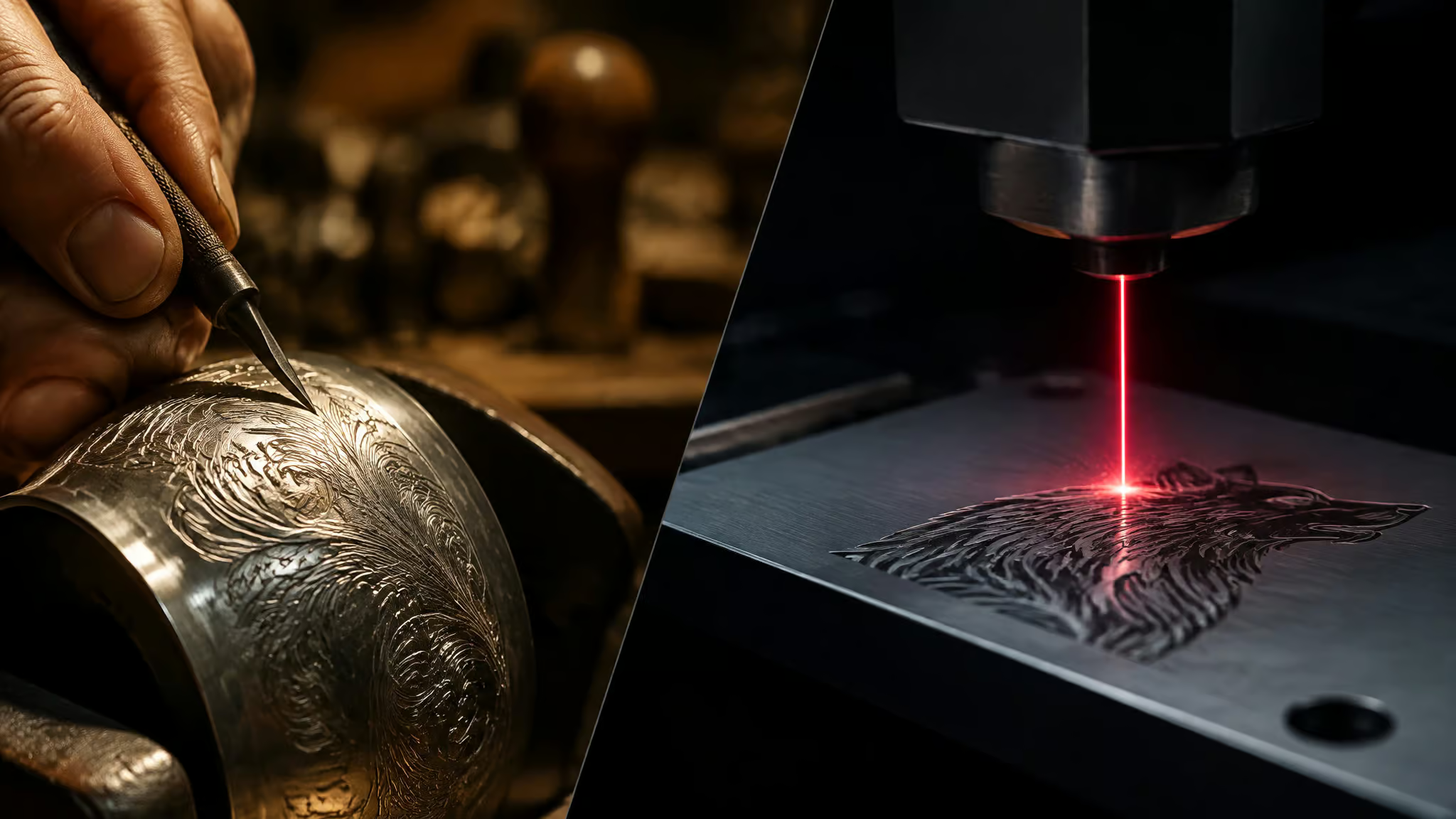
The question that actually matters here isn’t “which engraving method is best.” It’s two different questions: which machine do you buy, and which method do you route each job to. Those answers don’t match, which is exactly why this topic is fun to take apart.
At GeekExtreme we dissect tooling at the mechanism level the same way we tear down spec sheets, and this one has a beautifully clean central variable: contact. A graver in someone’s hand, a carbide bit spinning in a spindle, traditional engraving physically touches the material either way. Per-piece variation, tool wear, workpiece stress, setup time, all of it traces back to that contact. A laser’s cutting tool is light.
It never dulls and it never pushes on the part. Everything else in this article traces back to that difference.
So here’s the plan. I’ll walk through how each method actually works, run the head-to-heads on precision, durability, speed, and cost, and then do the part most comparison pages skip: name the specific jobs where the 200-year-old tech still beats the photon machine. There’s a timed vendor benchmark in here too, with its caveats attached, because I’d rather teach you to audit a demo than hand you a number.
Key Takeaways
Laser wins precision, speed, and repeatability by a wide margin, but the Trotec vendor demo that looked decisive (42s vs 54s on a brass name tag) collapses under scrutiny: the rotary ran fewer letters and needed an extra oxidation finishing pass.
Bare 925 silver reflects diode laser energy, so jewelry work requires an IR 1064nm or fiber source; dull silver marks usually trace to oxidation, poor focus, or wrong parameters.
Mechanical engraving still wins on deep, tamper-resistant asset tags, heirloom jewelry, decorative firearms, and deep trophy cuts, where physical depth is the feature, not a limitation.
Table of Contents
Traditional engraving is three different tools, not one
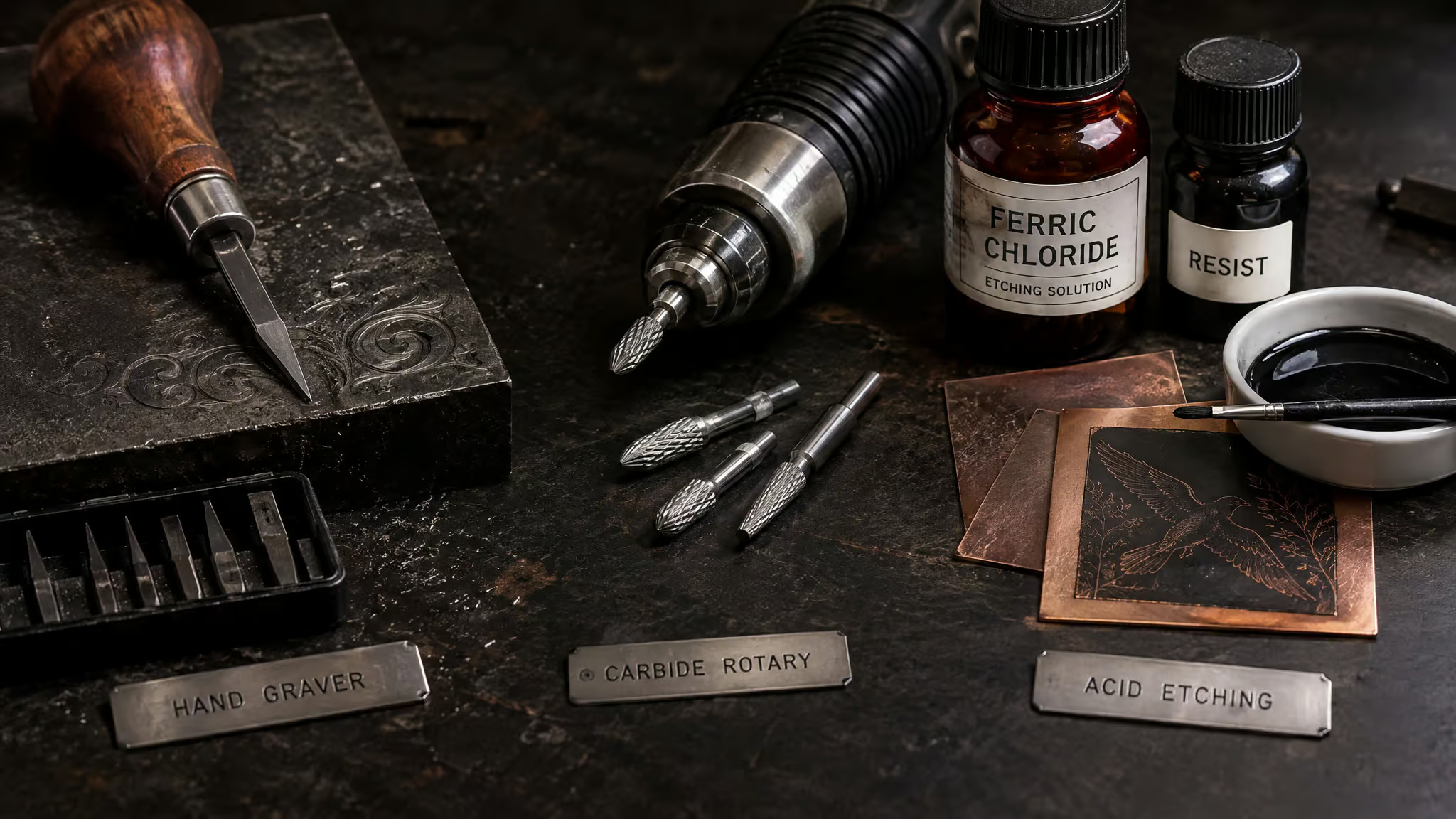
“Traditional engraving” gets flattened into one blob way too often, but it’s actually three methods with three tooling families and three completely different tradeoff profiles. The shared trait: sharp tools or spinning bits physically cut the design into the material. No heat, no light, and therefore no burn marks or heat-affected zones. The mechanical equivalent of “no side effects.” It’s been in service for hundreds of years, and methods don’t survive that long unless they earn their keep.
Hand engraving: muscle memory as the controller
This is the artisan branch, where someone did the work with their hands and it shows. Gravers, chisels, and burins carve the design under controlled hand pressure, which means the “controller” is muscle memory. You get deep cuts and genuinely one-of-a-kind results, and you pay for it in hours, not watts. It’s labor-intensive in a way no parameter tweak fixes. Where it lives: jewelry, firearms, fine metal art, custom awards.
The per-piece variation cuts both ways. If you’re buying an heirloom piece, the variation is the charm. If you’re running 500 serialized tags, it’s a defect rate.
Rotary engraving: the incumbent
Rotary is the bridge tech: automated but still physical, CNC-adjacent. A motorized spindle spins a cutting bit, usually carbide or diamond, to remove material. If you’ve built a 3D printer, the bit-choice logic works exactly like nozzle choice. Compared to hand engraving you get consistent depth and much more speed, at the cost of limited fine detail.
This is the workhorse family: nameplates, signage, industrial tags, trophies. The marks are deep, durable, and tamper-resistant, because physically removing material is hard to undo. As MCS Engravers notes, rotary was the industry standard before commercial lasers existed. One honesty note: modern rotary is largely software-assisted now, including rotary attachments on laser engravers, so don’t picture some purely manual relic. It’s the incumbent that got displaced, not a fossil.
Chemical etching: chemistry does the cutting
The odd one out. You mask the surface and acid eats the exposed areas, a classic resist-based workflow. Anyone who’s etched a PCB at their desk just nodded. Etched marks are shallow, less tactile, and not true cutting, which is fine for decorative metal plates, logos, and signage where flat is the point. The cost that gets footnoted too often: hazardous chemicals are real, and acid disposal carries a genuine, ongoing cost.
The unifying constraint across all three: physical contact with the workpiece. Hold onto that, because it’s the root of every tradeoff downstream.
Laser engraving: the design file is the tool
With a laser, your design file essentially is the tool: a computer-controlled high-energy beam vaporizes or ablates material with zero contact. No contact means no tool wear and no mechanical damage to the part. The tool never dulls because the tool is light, which remains one of my favorite sentences in manufacturing.
And the terminology everyone conflates? Worth clearing up, because it changes what you buy and what you promise a customer:
- Laser etching heats the surface and removes little to no material. Surface treatment, not excavation.
- Laser engraving removes material for deeper marks. This is the tactile one.
- Laser cutting goes all the way through. Exactly what it says.
- Laser marking is the catch-all under the broader umbrella, with varying depth, and it covers 2D and 3D variants.
Depth, line thickness, speed, power, all software parameters here, not muscle memory, so a design repeats exactly from piece one to piece one thousand. Think version pinning, but for physical objects. And the machine flexibility is the quiet killer feature: the same unit engraves, marks, and cuts with minimal setup change, across a long material list that includes cutting clean through 8mm plywood. One machine, three jobs, no retooling.
Precision and repeatability: laser wins, and the mechanism explains why
Laser engraving is more precise and repeatable than traditional engraving by a wide margin. Not marginally better. Wide margin.
- Laser delivers micro-text and photorealistic images with clean crisp edges, and piece one thousand comes out identical to piece one.
- Traditional precision tracks artisan skill: a master hand engraver produces beautiful work, but micro-text and ultra-thin lines are hard to reproduce piece to piece, and hand control varies with every part.
- MCS Engravers makes the same call: laser reproduces fine lines, small text, and complex artwork that rotary machines can’t match.
The gap has a mechanical cause, which is why I trust it more than a spec-sheet claim. A focused beam can’t dull from job one through job one thousand. A carbide bit does, and a dull bit silently drifts your tolerances while the job still looks “fine.” Hand control varies per piece by definition. The laser’s precision is structural; the traditional methods’ precision is a variable.
Depth, tool wear, and how hard each method hits the part
How durable are laser marks, really? Permanence depends on depth: deeper ablation and marks on protected metals outlast shallow surface etching, and there’s no universal year-count for how long a mark lasts. That’s the honest version.
Depth and tamper resistance: rotary’s home turf
Rotary’s deep, physically removed marks are durable and tamper-resistant; that’s the durability pitch MCS Engravers leads with, and it’s intuitive. Depth equals resilience. Worth noting: deep hand cuts may outlast other mark types on heavily worn items, so depth is a feature here, not a legacy limitation. If the part lives in an environment that chews surfaces, mechanical depth earns its keep.
The tool wear ledger
This is where the operating economics get concrete. Rotary consumes carbide and diamond bits and needs sharpening on a schedule you have to actually manage. A laser’s main long-interval wear item is an RF-excited CO2 tube rated for 30,000+ hours, plus routine lens and mirror cleaning and ventilation upkeep. That’s the consumable you basically forget about for years. Silent tolerance drift from bit wear versus a tube replacement measured in years: those are very different ownership experiences.
Stress on the workpiece
Contact has a hidden cost beyond wear: force. In practice, shops describe the same first-session lesson on rotary machines: thin sheet metal or brittle acrylic flexes under the spinning carbide bit unless it’s fully supported by fixturing. That’s not an operator skill problem; the contact process itself is the constraint. A laser ablates with zero mechanical force, so fragile items are simply safer under a beam. Fixturing and clamping also eat setup time, which we’ll put numbers next to in a second.
Speed, setup, and how to audit any vendor benchmark
Laser engraving is faster, and there’s an actual timed side-by-side to point at, the same reason it’s become a go-to laser machine for jewelry engraving. Trotec Laser Canada ran its Speedy 300 flexx laser against a rotary machine on a brass-plated name tag: the laser finished in 42 seconds, the rotary took 54.
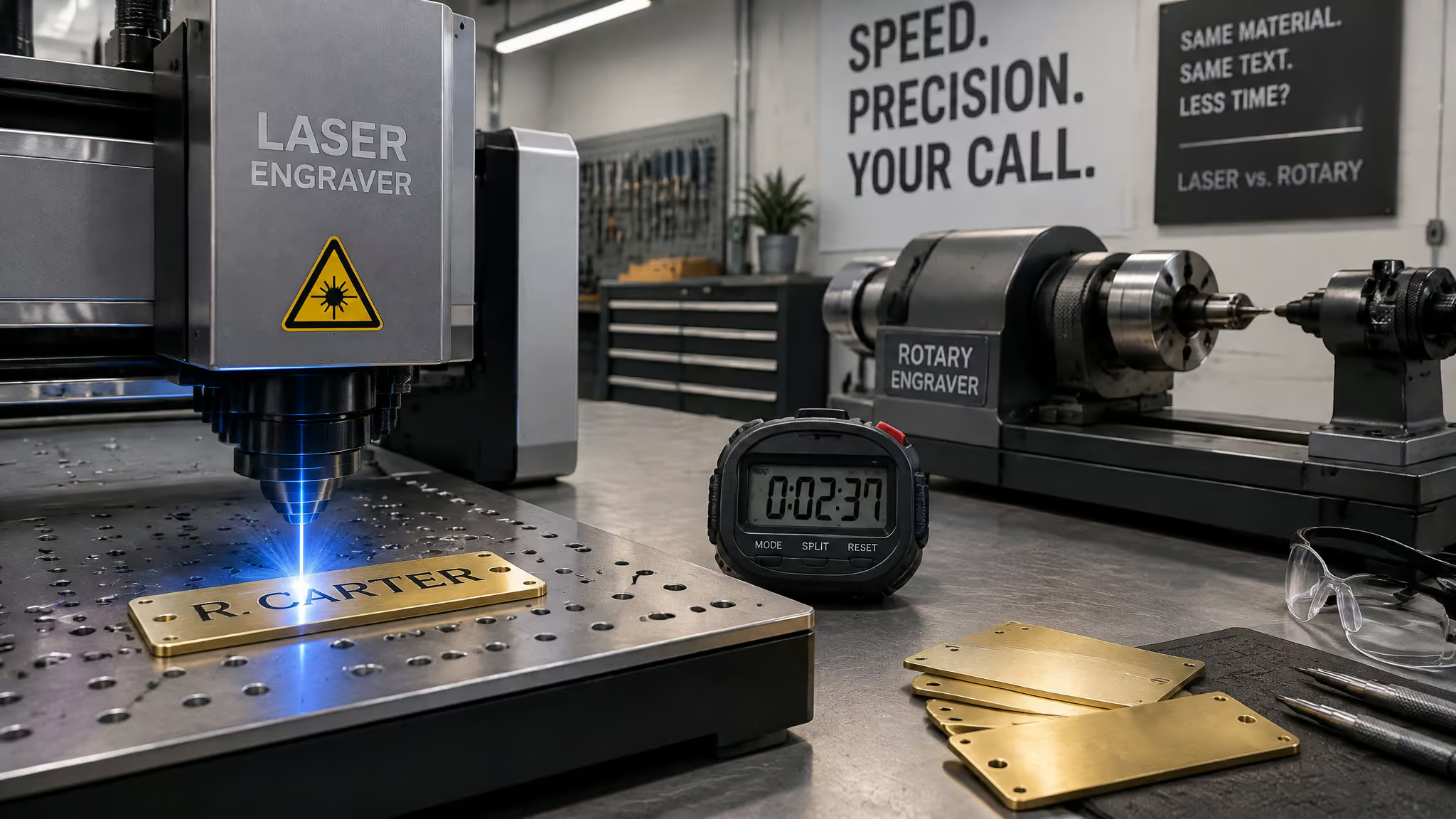
Before you screenshot that: the caveats matter, and they appear every time these numbers do. The rotary produced fewer letters. The rotary required an additional brass oxidation finishing step the laser didn’t. And Trotec is a laser manufacturer, so this is a vendor demo, not independent lab data. It’s still genuinely useful, just not in the way the thumbnail implies.
Which turns it into a teaching example. Here’s the four-check audit I’d run on any vendor speed demo:
- Same substrate on both machines? (Here, yes: identical brass-plated tags.)
- Same letter count and design? No, the rotary ran fewer characters.
- Same finishing steps included in the timing? (No. Extra oxidation pass on the rotary side.)
- Who made the machine that won? The laser company, so attribute accordingly.
Red flag: A timed demo from the company whose machine won is marketing until substrate, letter count, and finishing steps all match.
The bigger speed story is workflow, not seconds. Changeover on a laser is a software job swap. Changeover on rotary is mechanical fixturing and physical bit swaps, plus watching your hands the whole time instead of waiting for the job to finish. For anyone taking orders, time saved on changeover is income protected.
Materials: match the wavelength or eat the failure mode
The practical buyer question is “what can each one even touch?” Both handle metal, plastic, wood, and glass, the lists split from there. Traditional shines on brass, silver, gold, steel, and wood, though harder materials demand more skill. Laser’s list is longer and includes things contact methods handle poorly: leather, acrylic, and certain fabrics, precisely because nothing touches the part.
CO2 lasers in particular cover the non-metal side of that list, which is why they’re the default source for wood, acrylic, leather, and glass. And for anyone comparing the main types of laser engravers, it helps to know a laser cutter counts as more than engraving: yes, it cuts, 8mm plywood included.
Which laser for which material
Pick the wrong wavelength and you get the dull gray silver mark coming up, laser sources aren’t interchangeable:
- Diode: light engraving on wood, leather, and coated surfaces. Capable entry level, honest limits.
- CO2: wood, acrylic, rubber, leather, glass, most non-metals. The workshop workhorse tier. RF-excited CO2 brings extra precision and quicker response, useful for detailed or production work. One hard exclusion even here: PVC, which releases toxic fumes under any laser and is never a CO2-safe material.
- Fiber / IR at 1064nm: metals. Silver absorbs this wavelength well, so think of it as “the metal wavelength.”
When matching fails: silver and PVC
The failure mode worth memorizing: a maker picks up a desktop diode engraver for a small jewelry operation, tries bare 925 silver, and ends up with a gray, washed-out mark. The machine isn’t broken. Bare 925 silver bounces diode energy away, so it needs IR 1064nm or a fiber source to take a permanent mark. The fix path runs: check for surface oxidation, check focus, check parameters, and if those are all right, the wavelength is the problem. To be clear on scope, this doesn’t mean diodes can never mark silver or that all metals require fiber; it means bare 925 silver on diode wavelengths is a known dead end.
Quick test: Dull gray mark on bare 925 silver? Rule out oxidation, focus, and parameters before concluding the wavelength is the dead end.
Silver itself is a boss-level material regardless of tool: reflective, soft, detail-hungry, with a mirror finish that shows every slip, burn mark, and uneven depth from across the room. Laser offers high precision, speed, and non-contact cleanliness at higher upfront cost; hand engraving is slow and variable but cheap to start with real artistic freedom; rotary sits in the middle with good deep cuts but surface-damage risk on soft silver.
And now the pause in the fun tone: never laser PVC. It releases toxic fumes. Not “ventilate carefully.” Not at all, on any machine, ever.
The fixturing contrast closes this section nicely. The Acmer P3’s tray accepts items up to 4 meters long by 400mm wide, running up to 800mm/s on a 10W diode base upgradeable to 24W or 48W. Try fixturing a 4-meter object under a rotary spindle. The gantry just passes over it. Oversized and odd-format items are a quiet argument for non-contact that spec sheets never make explicit.
Cost: rotary is cheaper to start, laser pays better at volume
Starting with a rotary is cheaper upfront, whereas a laser setup costs more initially and returns more on high-volume, diverse work. That’s the whole cost verdict in one sentence; the interesting part is the ledger behind it.
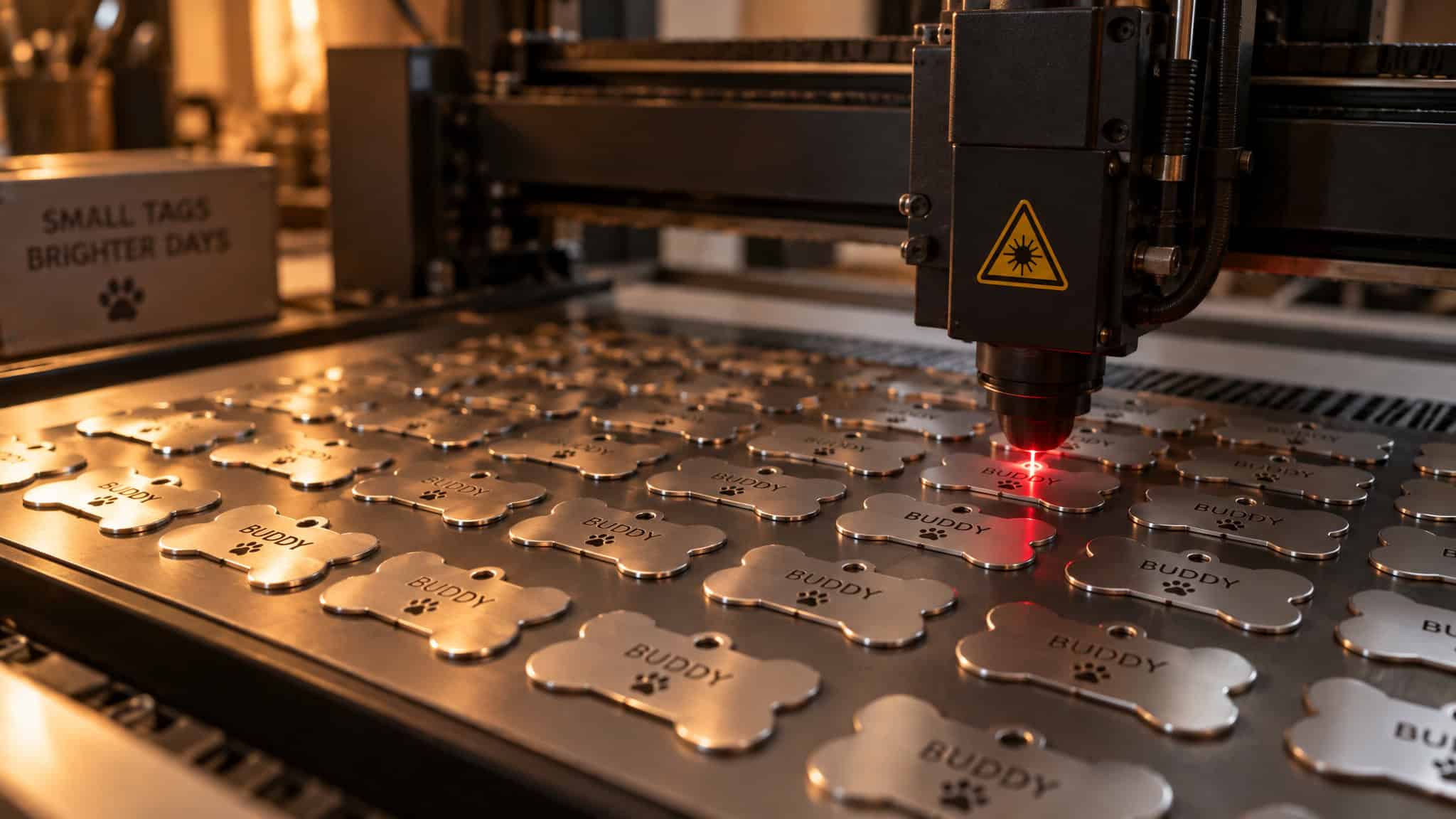
Rotary’s ongoing costs: bit and blade replacement, sharpening, skill training, higher labor, and moving-part wear. It’s cheap to enter and expensive to keep running, in the boring-but-real sense that consumables and labor never stop. Laser’s ledger is almost inverted: few consumables, minimal manual labor, maintenance limited to lens and mirror cleaning, ventilation upkeep, and tube replacement only after years. That 30,000+ hour RF tube rating is the number doing the heavy lifting here. Weekend maintenance, not a part-time job.
The premium isn’t for a logo. You’re buying capability: one machine covering engraving, marking, and cutting, non-contact handling of fragile and soft materials, and throughput that doesn’t degrade as bits wear. Power tiers roughly track the use case: 30-50W is hobbyist territory, 60-100W is where a small business starts paying for itself through turnaround time, and 150W+ is industrial. For the cash-flow question on the production-tier jump, financing options like Shop Pay, Affirm, and ClickLease exist as an attributed example (OneLaser offers them alongside its own business financing), not as a pitch. No invented dollar figures here on purpose: bit prices and electricity costs vary too much to fake, and the structural ledger is what actually drives the decision.
Safety: different risk profiles, same requirement for respect
Traditional engraving’s hazards are physical and visible, and they track the method: hand pressure on sharp tools means cuts and hand fatigue, a motorized spindle with carbide or diamond bits adds flying debris and entanglement, and the chemical route means acids eroding exposed metal. Nothing about that list is exotic. It’s a shop floor.
With a laser, the risk shifts from your hands to systems you have to manage: Class 1 enclosures, fume extraction or smoke purifiers, eye protection, ventilation. Enclosure plus smoke purifier is what gets you Class 1 indoor operation; machines like the LaserPecker LP5 pair with a Safety Enclosure and Desktop Smoke Purifier for exactly that reason, and some units like OneLaser’s ship with built-in fume extraction or filter pairing. The caveat stays attached to every “non-contact is safer” claim, including mine: ventilation and protocols are still required. A system you don’t respect is not a safe system.
The honest cons list for lasers, grounded in the specifics above: higher upfront cost, parameter sensitivity (that silver dull-mark triad is the everyday version of it), mandatory fume management, materials that can’t be safely lasered, starting with PVC, and potentially less durable marks on some hard substrates. Safety on both sides is protocol-dependent, not machine-dependent.
Where mechanical engraving still wins
This is the section the vendor comparison pages skip, and it’s the one that makes the whole article honest. Mechanical wins specific, nameable jobs:
- Deep tamper-resistant asset and industrial tags. Physical removal is hard to undo, per MCS Engravers’ framing. That’s a security property, not nostalgia.
- Heirloom and fine jewelry. The buyer is paying for the hand part. Deep handcrafted cuts are the product.
- Decorative firearms and gun stocks. Traditional is valued for the decorative work; laser handles functional markings. Either way, laws and safety standards must be followed, stated plainly, no legal advice attached.
- Deep trophy cuts and one-offs where the engraver’s hand is part of what you’re selling.
Laser’s home turf is equally specific: surgical instruments and implants, automotive and aerospace compliance codes where the mark is literally required for traceability, batch micro-text, coins and medallions, urns and memorial items, and instruments like trombones where non-contact protects a valuable, fragile finish. The next medical device you glance at probably carries a laser mark. Unglamorous, critical infrastructure.
In practice, shops that own both describe routing rules rather than rankings: serialized deep tags and trophy plates go to rotary, while laser gets the batch pet tags, phone cases, and photo work. That’s the mature answer, and here’s the cheat-sheet version:
| Application | Best choice |
|---|---|
| Fine jewelry and heirloom pieces | Traditional |
| Personalized jewelry and accessories | Laser |
| Wooden products and décor | Laser |
| Bookmarks and small gifts | Laser |
| Industrial tags and signage | Laser |
| Memorial items | Laser |
Decision framework: which method for your material, volume, and budget
Yes, laser engraving is worth getting into for hobbyists and small businesses, via mid-range machines with upgrade headroom and LightBurn‘s beginner workflow. Not “it depends.” That’s the answer, and here’s the reasoning.
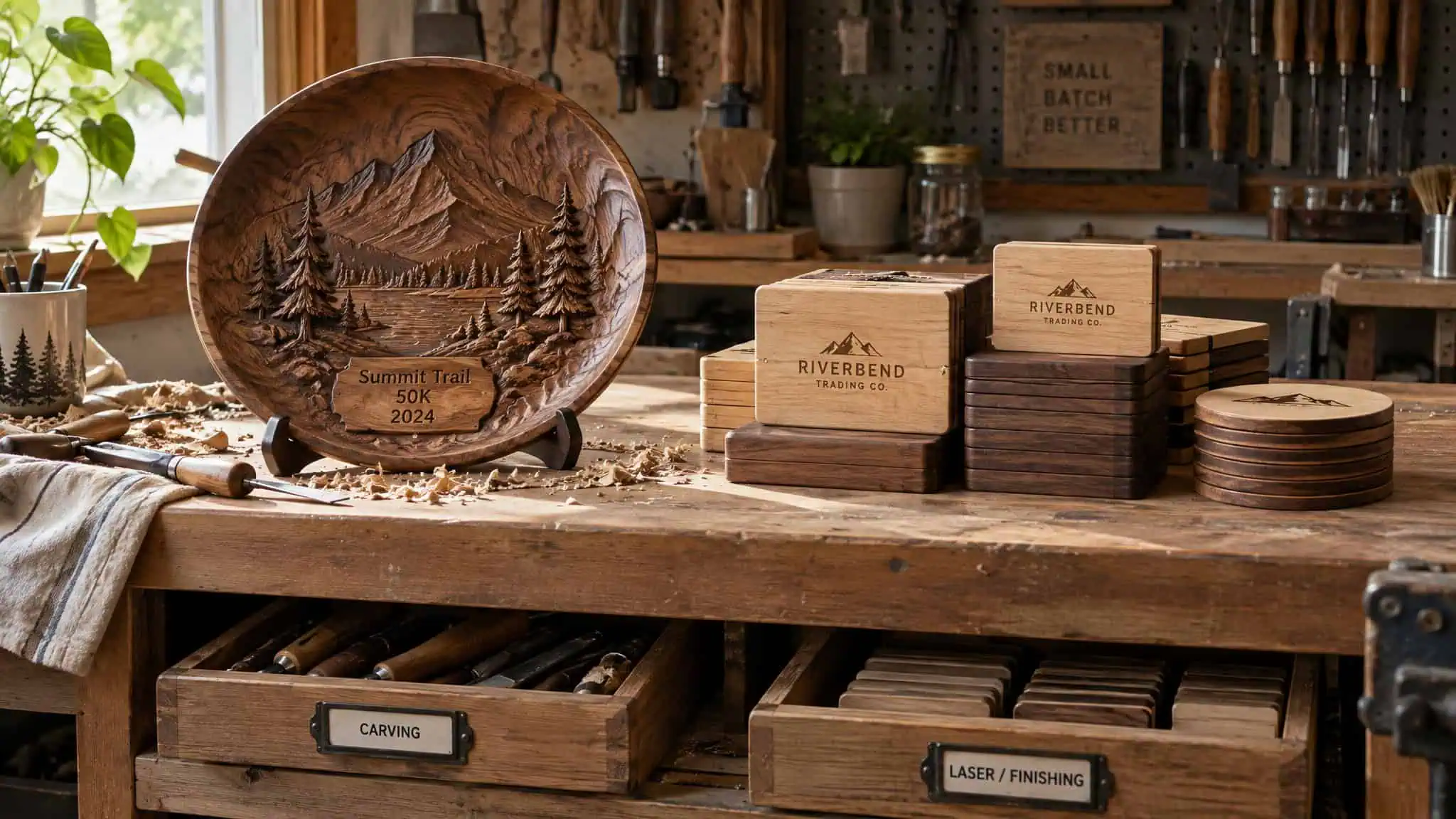
Four factors decide the routing. Material: laser’s range is broader, but rotary still edges out hard, dense substrates where you need deep cuts. Design complexity: fine fonts, artwork, and photos belong to laser; bold simple designs are fine on rotary. Volume: bulk runs are laser territory, while smaller runs that prioritize depth and durability can justify rotary.
Budget: rotary is lower upfront, laser earns more back on high-volume diverse work. Two extra factors worth weighing: turnaround time, and durability on worn items, because deep hand engraving can outlast other marks on things that get handled hard.
The learning curve gap is the most accessible part of the laser pitch. Traditional engraving takes years of training, and there’s no undo button on a chisel slip. Laser is LightBurn: import the design, set parameters, engrave. Beginners hit professional-looking results fast, and consistency means fewer ruined workpieces, which is real money on scrap.
Buyer tiers, per TechRadar‘s guidance: hobbyists should buy mid-range machines with room to upgrade, which is the Acmer P3’s whole story (10W base, upgradeable to 24W or 48W). Commercial buyers should invest upfront in faster, more precise machines: the ComMarker B4 (20W review unit, configurable up to 100W, so the wattage headroom protects the investment as workload grows) and the B6 MOPA (20W or 30W, 110×110mm work area extendable to 200×200mm) fill the high-volume slot. From the 2026 tested roundup, the xTool P2 took best overall, with the flaws attached that make the praise credible: it’s heavy, and the software lacks bed image tracing. The Wainlux K10 is the budget pick at 3W (5W optional), with appropriately budget-tier expectations, and the Creality Falcon A1 Pro is the custom-crafts pick at 20W, enclosed, with no metal capability, where the enclosure is the story for indoor users.
The LaserPecker LP5 is the silver pick, dual 20W fiber plus diode sources, up to 10,000 mm/s, and pairing its Class 1 enclosure and smoke purifier makes indoor silver work viable. It supports LightBurn, which for this audience matters as much as the hardware specs.
If you’re weighing the business side more deeply, our is laser engraving worth it breakdown covers the price tiers and the when-to-just-hire-it question. What people actually sell with these machines: pet tags, phone cases, cutting boards, signage, and corporate awards, categories where turnaround time and repeatability convert directly into income. One service note: regular engraving services handle standard personalization and production, but regulated items like firearms and memorial pieces belong with a specialist who knows the requirements.
If your question is really about the hardware layer, our what materials can you laser engrave matrix maps every wavelength to every material, and our advantages of laser engraving piece breaks down the spec claims behind the marketing.
Verdict: routing beats ranking
Laser engraving is superior for most modern applications: speed, precision, versatility, scalability. And the “no universal winner” position from MCS Engravers holds exactly wherever depth, permanence, and tactile quality are non-negotiable. Those aren’t competing claims. They’re routing rules.
| Traditional | Laser | |
|---|---|---|
| Precision | High, with skilled labor | Extremely high and consistent |
| Speed | Slow to moderate | Fast |
| Materials | Limited range | Wide range |
| Maintenance | Frequent (bits, sharpening) | Minimal (lens cleaning, ventilation, tube after years) |
| Safety | Lower (physical hazards) | Higher, with enclosures and ventilation required |
| Learning curve | Difficult, years of training | Beginner-friendly via LightBurn |
So: buy a laser for production. Route depth-critical, tamper-resistance-critical, handcrafted-character work to mechanical. And audit any benchmark that tells you otherwise, starting with who made the winning machine.
People Also Ask
Is laser engraving as good as hand engraving?
For precision, speed, and repeatability, it’s better by a wide margin — the tool is light, so it never dulls, while hand control varies with every piece. Hand engraving keeps the win where deep, one-of-a-kind handcrafted character is the actual product: heirloom jewelry, fine metal art, decorative firearms. If the buyer is paying for the artisan’s hand, no parameter tweak replaces it.
Is it worth getting into laser engraving?
Yes — for hobbyists and small businesses alike, it’s a straight yes rather than an ‘it depends,’ provided you buy a mid-range machine with upgrade headroom. LightBurn’s import-design-set-parameters workflow gets beginners to professional-looking results fast, and consistent output means less money lost to ruined workpieces. Rotary is cheaper to enter, but a laser pays back more on high-volume, diverse work.
Is laser engraving better than traditional engraving for precision and repeatability?
Yes, by a wide margin, and the mechanism explains why: a focused beam can’t dull, so laser precision is structural rather than variable. A carbide bit wears and silently drifts your tolerances while the job still looks fine, and hand control differs piece to piece by definition. Lasers deliver micro-text and photorealistic images with clean edges, and piece one thousand comes out identical to piece one.
What is the difference between laser engraving, laser etching, and laser marking?
Laser etching heats the surface and removes little to no material — surface treatment, not excavation. Laser engraving removes material for deeper, tactile marks; laser cutting goes all the way through; and laser marking is the broader catch-all with varying depth, covering 2D and 3D variants. The distinction matters commercially, because it changes what you buy and what you can honestly promise a customer.
Which laser type should I use for wood, metal, acrylic, or silver engraving?
Diode handles light engraving on wood, leather, and coated surfaces — capable entry level with honest limits. CO2 is the workshop workhorse for wood, acrylic, rubber, leather, glass, and most non-metals, with one hard exclusion: PVC, which releases toxic fumes. For metal, including silver, you need fiber or IR at 1064nm — ‘the metal wavelength’ — because bare 925 silver reflects diode energy away, which is exactly why a desktop diode leaves a dull gray mark on it.
