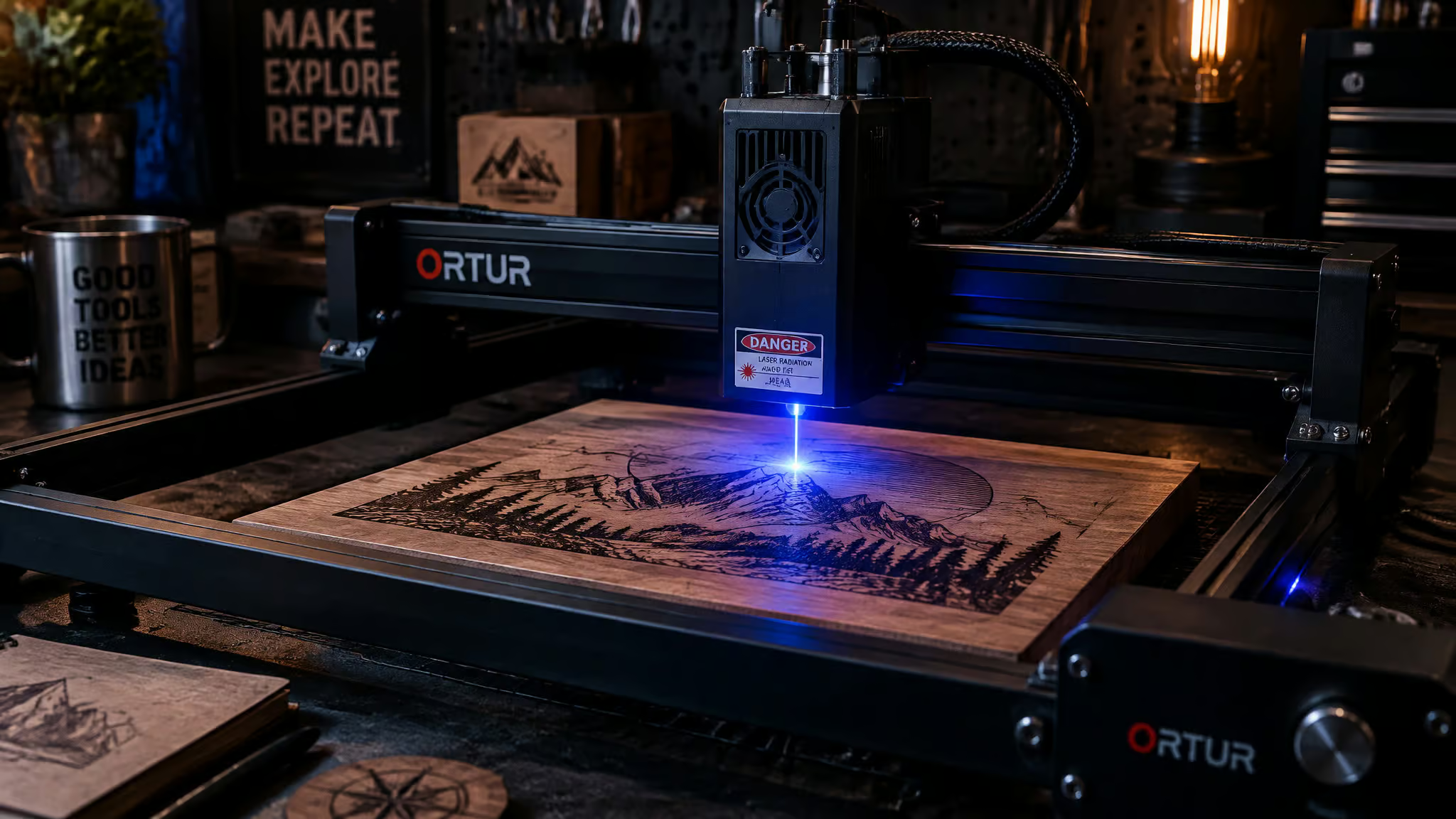
Laser engravers live in that dangerous price band where the mistake doesn’t hurt enough to prevent. Roughly $700 to $4,000 gets you a machine, and if you pick the wrong class for your materials or your business, nobody stops you at checkout. Part of the problem is that “worth it” means two completely different things. For a hobbyist, worth means creative fulfillment, which no spreadsheet can price.
For an entrepreneur, worth is colder: profit-per-minute. Turn $2 of raw material into a $40 product in under 60 seconds and the math gets very friendly very fast. What’s changed is the entry barrier. Tech that was industrial-only a few years back now sits on individual workbenches, and by 2025 and 2026 capable machines got cheap enough that the real risk is no longer affordability, it’s buying the wrong thing with enthusiasm. This article ends with explicit yes and no conditions for each reader profile, including the outsourcing rule at 10 to 15 jobs per month that settles the own-versus-hire question before you spend a dollar.
Key Takeaways
For photo engraving, a 10W xTool D1 Pro outperforms a 40W module, because spot size, not wattage, determines detail. Each diode in that “40W” module tops out around 5 to 6 watts anyway.
A realistic all-in startup runs $800 to $1,500 for a diode and $1,500 to $4,000 for mid-range CO2, typically 50 to 100% above the machine’s sticker price.
Focused small shops report recouping the machine in 3 to 12 months; under roughly 10 to 15 jobs per month, outsourcing or a makerspace usually wins the math.
Table of Contents
Match your materials before you pick a machine
Diode lasers (455nm) process wood and leather, fiber lasers (1064nm) process bare metal, CO2 lasers (around 10,640nm) handle most non-metals including acrylic, wood, and glass, and UV lasers (355nm) are claimed to handle glass and sensitive plastics, though that last one comes from a single low-confidence vendor claim, not settled fact. That mapping is the entire purchase decision in one paragraph. A laser’s usefulness comes down to its wavelength, and buying a machine whose wavelength can’t process your target material is the surest way to watch the investment evaporate. Materials first, machine class second.
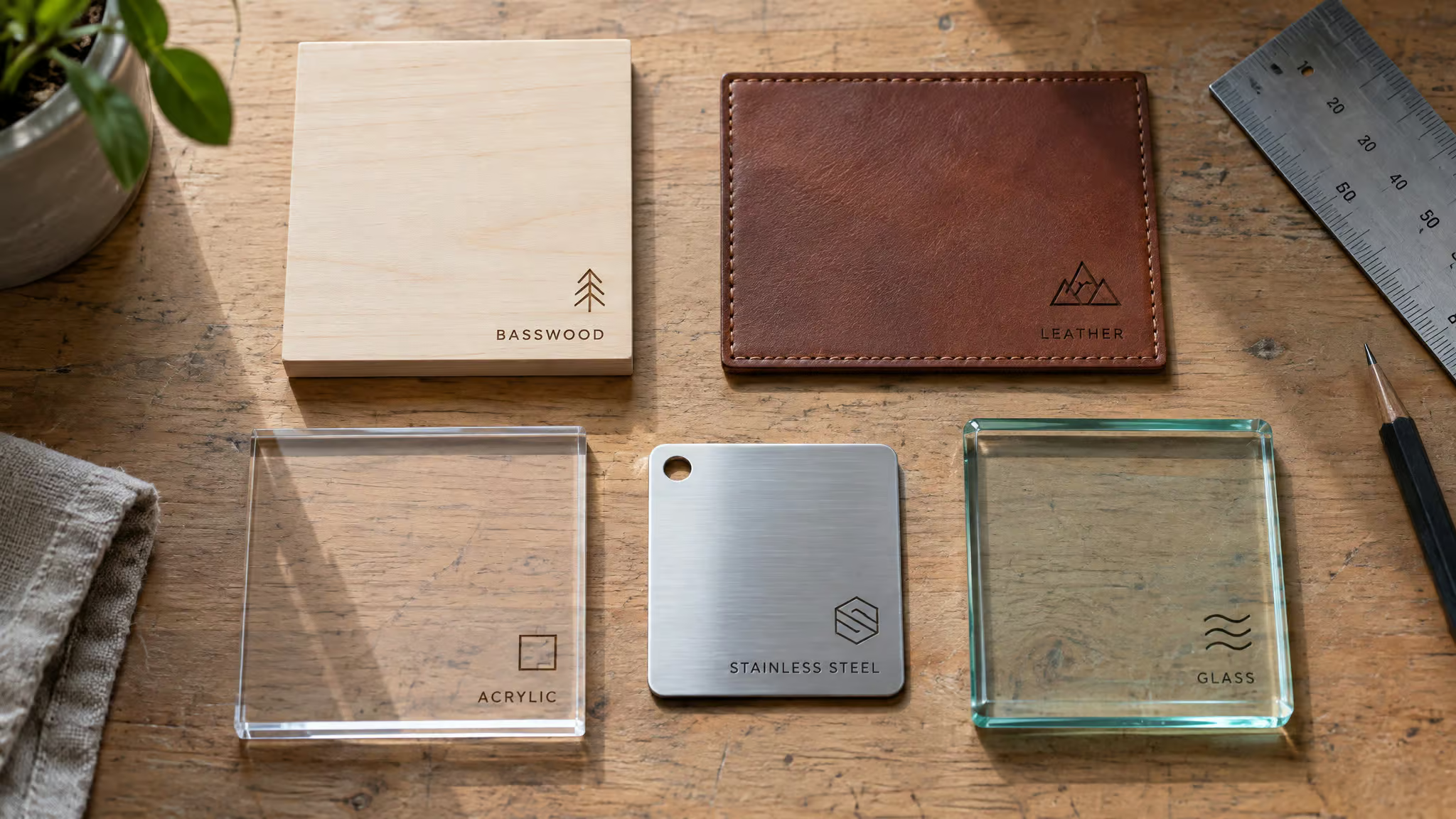
| Material | Wavelength | Machine class |
|---|---|---|
| Wood, leather, organics | 455nm | Diode |
| Bare steel, brass, metal tags | 1064nm | Fiber |
| Acrylic, wood, glass (non-metal generalist) | ~10,640nm | CO2 |
| Glass, sensitive plastics | 355nm | UV (single vendor claim, treat skeptically) |
Diodes have hard limits worth tattooing somewhere visible. They can’t cut clear or translucent acrylic, they can’t engrave bare metal, they can’t engrave uncoated glass, and they struggle above roughly 3 to 5mm of stock. There’s also an asymmetry between cutting and engraving: a laser that can cut a material can also engrave it, but engraving capability doesn’t imply cutting capability. Don’t assume the marketing photo of a cut sheet means the machine can do it.
If you’re a beginner asking which type to buy first, the honest consensus answer is: pick by the materials you’ve already committed to. Diode machines run $200 to $1,500 and cover the organic-craft lane cheaply. CO2 is the versatile non-metal workhorse, with desktop units in the $2,000 to $4,000 range. Fiber starts around $1,500 for entry Q-switch units and climbs past $9,000 for MOPA, and it’s the only one of the three that marks bare metal. If you can’t name your target material yet, you’re not ready to buy, you’re ready to browse.
Now, the wattage trap, because this is where spec sheets lie by omission. A 10W xTool D1 Pro can outperform a 40W module at photo engraving. Why? Spot size.
Each individual laser diode maxes out around 5 to 6 watts (it’s genuinely laser-pointer tech), so a “40W” module is multiple diodes combined via mirrors, which widens the effective beam. Smaller spot means more energy density and finer detail. Scope it honestly: the 40W module handles 15mm basswood cuts, the 10W handles engraving detail and thin stock. Both are true; they’re just answering different questions.
One more tier detail: MOPA fiber lasers have one trick standard Q-switched fiber doesn’t, and that’s color marking on metal. Q-switched fiber runs $1,500 to $4,000+, MOPA runs $3,000 to $9,000+. If “black markings on stainless steel” or actual color is your thing, that’s the premium you’re paying.
Quick test: Name your target material first. If you can’t, you’re browsing, not buying — and wavelength, not wattage, decides what that machine can touch.
What a laser engraver really costs beyond the sticker price
A realistic startup runs $800 to $1,500 all-in for a diode and $1,500 to $4,000 for a mid-range CO2 setup, which typically means 50 to 100% above the machine price itself. The box isn’t the cost. The pattern repeats constantly: budget stops at the machine, then the rest of the stack assembles itself over the following weeks.
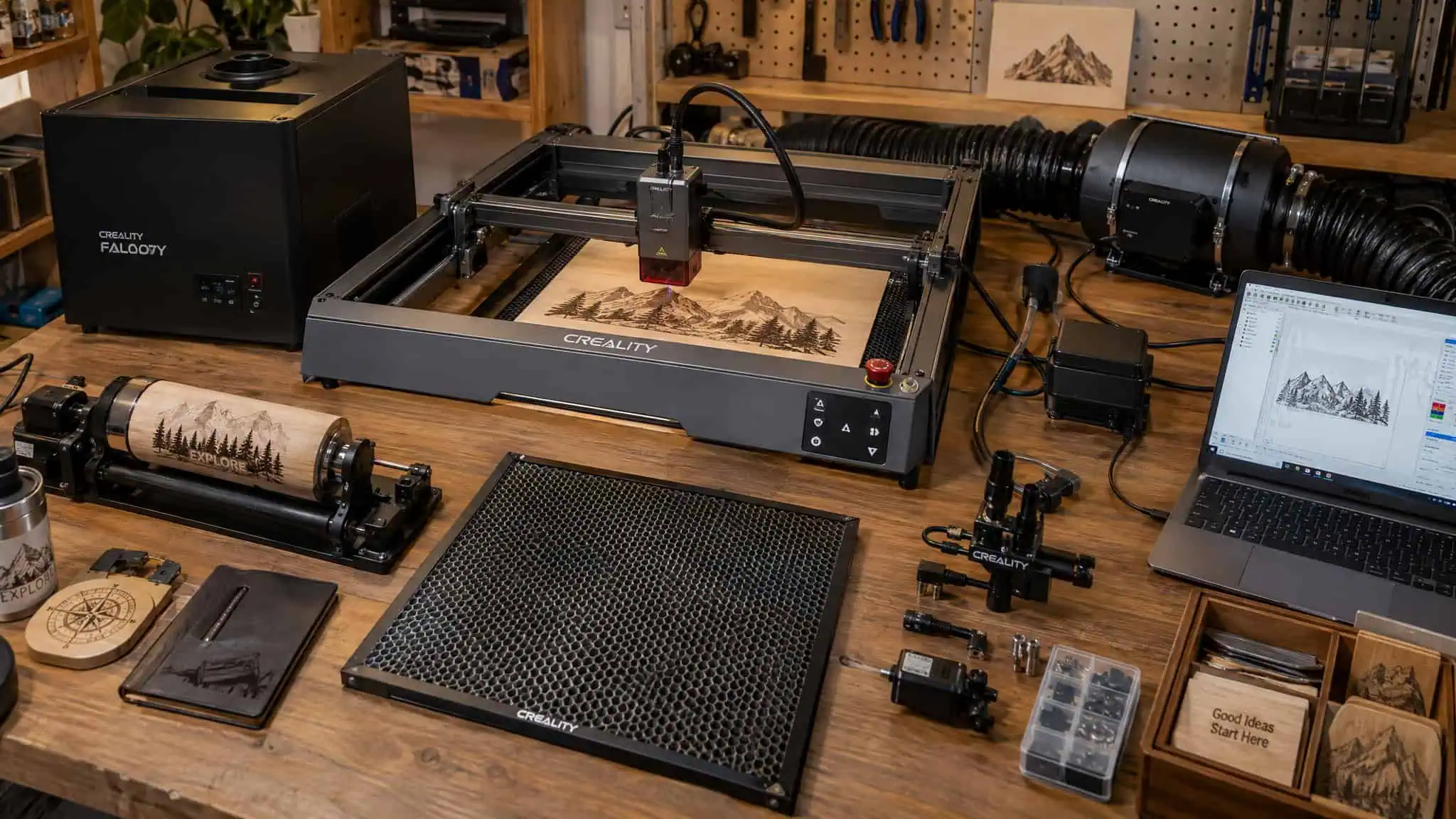
Take the xTool M1 as the worked example. $799 base, then $144 for the riser, $242 for the rotary, $122 for air assist. Suddenly the “$799 laser” is a $1,300 setup and it still doesn’t vent anywhere.
The itemized reality, roughly:
- Rotary attachment for cylinders and tumblers: $60 to $150
- Honeycomb bed: $40 to $80
- Air assist: $50 to $200
- Duct fan: $100 to $200
- Filtration/smoke purifier: $300 to $600
- LightBurn software: about $60 one-time (confirm LightBurn or LaserGRBL compatibility with the manufacturer before buying)
- Test materials: $100 to $200, and yes, you’ll burn through them learning
Ongoing, budget $200 to $500 a year in consumables, driven mostly by the CO2 tube, which lasts about 8,000 to 10,000 hours. Machine lifespans differ by type, and this doubles as the answer to “how long do these things last”: fiber lasers run 50,000 to 100,000 hours, CO2 around 10,000 to 20,000, diodes 5,000 to 10,000. Maintenance isn’t exotic, it’s lenses cleaned with high-purity alcohol and rails lubricated on a schedule you’ll be tempted to ignore. (Section 5 covers what ignoring it costs.)
One category worth knowing: dual-source machines that combine a blue diode with an IR module in one box, covering organics and small-scale metal work. For an all-in-one studio on one bench, honestly kind of elegant.
The tier ladder, kept illustrative rather than catalog-shaped: diodes from $200 open-frame modules (including CNC-mountable kits like J Tech Photonics) up to $1,500 enclosed units. CO2’s ladder starts with the classic K40 at $300 to $700 (working area roughly 12 by 8 inches), jumps to the first-tier sweet spot: desktop ~50W machines like the xTool P2 and OMTech Polar at $2,000 to $4,000, then Epilog and Trotec industrial units at $10,000+ with beds reaching about 63 by 39 inches. Working area, not just wattage, is what separates those tiers. Fiber spans the $1,500 to $9,000+ range already covered, plus pro-grade at $10,000 to $30,000+.
Cost check: Budget 50 to 100% above sticker price for the full stack — rotary, air assist, ventilation, filtration, software, and test material all count.
The break-even math: profit-per-minute and real payback timelines
Yes, a laser engraving side hustle can pay for itself, when you have a priced product with matched materials and real volume. That’s the decisive condition, and everything else in this section is just evidence for it.
The formula is refreshingly short: total cost of ownership divided by profit-per-job equals payback. Here’s the worked version. A ring engraving takes 2 minutes and nets $20 profit, so you’re earning $10 per minute of machine time. A $1,000 machine pays for itself in 100 minutes of actual engraving time.
That’s the whole calculation, and you can run it on any product idea in about ten seconds. It’s tiny wizardry when it works.
Concrete cases make it real:
- A $2,000 CO2 machine paid off by roughly 60 custom cutting boards, at $8 in materials, 20 minutes of machine time each, selling for $45 to $55.
- A single corporate order of 100 engraved tumblers worth $1,500 to $2,000, which can clear a mid-range machine in one contract.
Shops focused on personalized items regularly report 50 to 70% margins, and the mechanism is worth naming: customization carries perceived value that flat products don’t. These are reported figures from focused shops, not guarantees. Your mileage depends entirely on whether you actually find buyers.
Best anecdote in the sources: the ChalkWatts creator, who described growing from zero to $6,000-plus per month on a diode laser alone, no upgrade needed to get there. A diode. Not a $10,000 industrial unit. That fact alone reframes the “but I can’t afford CO2 yet” anxiety, the same way picking the best laser for jewelry engraving is really about matching the tool to the work, not chasing the biggest price tag.
As for what sells: the most consistently profitable products are custom tumblers, personalized cutting boards, Christmas ornaments, signage, and wedding or event accessories. Corporate bulk orders deserve special attention because they’re bulk, less price-sensitive, and repeat business. One tumbler buyer can become the company that orders 100 every holiday season.
On timeline: focused small shops report recouping the machine in 3 to 12 months. Reported, not promised. The variable is entirely yours: product-market fit and actual hours at the machine.
When outsourcing beats owning: the 10-15 jobs per month rule
Below roughly 10 to 15 jobs per month, the math usually favors an engraving service or a makerspace membership. Above that threshold, ownership wins on turnaround, iteration, and rush orders, and those advantages are more concrete than they sound. Owning means you can tweak the design at 10pm, run the job by morning, and take the rush order an outsourcer couldn’t fill. That’s not a lifestyle fantasy, it’s what laser engraving does well turned into a competitive capability.
There’s also a middle path that deserves more attention than it gets: outsource a few orders first to validate demand, then buy the machine that matches the proven volume. It’s the software startup playbook applied to workshop hardware, and it works. Ship the MVP before you buy the data center.
For genuinely one-off projects, hiring a service is cheaper, full stop. No machine pays for itself on a single gift for your dad.
One honest caveat: the sources behind this piece never quantify makerspace membership pricing or per-job service rates, so I can’t give you the exact crossover dollar figure. The method is simple enough though: price your local makerspace or engraving service, divide by your expected monthly jobs, and compare against the true ownership cost from the last section. Two phone calls and you’ll have a better answer than any article could.
What actually kills a laser engraving investment
The biggest risks are almost all preventable: wrong wavelength, deferred maintenance, unsecured stock, no ventilation, and treating the whole thing as passive income. None of those are exotic failures. All of them are choices.
The maintenance one has a documented face. A ChalkWatts creator destroyed an xTool P2 CO2 lens by cleaning it too late, and the pattern is common enough to be structural: lens and mirror cleaning gets deferred until output visibly degrades, and by the time you notice, the optic may already be damaged. The expensive part failed silently before it failed visibly. So set a cleaning interval and stick to it like you’d stick to a backup schedule.
Red flag: If you’re waiting for visibly degraded output before cleaning optics, the damage is already done. Schedule lens cleaning like a backup, not a suggestion.
Then there’s physics being petty. Untaped leather patches shifting mid-engrave ruin the whole run, so tape lightweight items down with thermal tape. It costs four dollars and saves forty minutes of wasted stock.
The learning curve is real and worth pre-loading into expectations: expect test pieces, wasted material, and weeks of learning before a first paid job looks right, especially once you’ve weighed laser engraving vs. traditional engraving and understand where the tool actually excels. Finished pieces often come out black and smoky, and the community-preferred cleanup is, delightfully, Magic Erasers. LightBurn has strong tutorials and an active community, so you’re not learning alone.
The hard caveats, stated plainly: this is not passive income, it requires your time, skill, and attention to quality. One-off projects never justify a purchase. And the budget floor-standing CO2 tier has documented support gaps, with time-zone-limited tech support on China-made machines. The cheapest tier is cheapest for reasons that show up after the sale.
Safety and workspace are purchase specs, not afterthoughts
Apartments are feasible, but only with a portable machine plus a quality smoke purifier, and filtration runs $300 to $600. Ventilation is non-negotiable everywhere, and if your space fails that requirement, the verdict is “no” regardless of what the ROI math says. No payback period justifies filling your lungs with laser smoke.
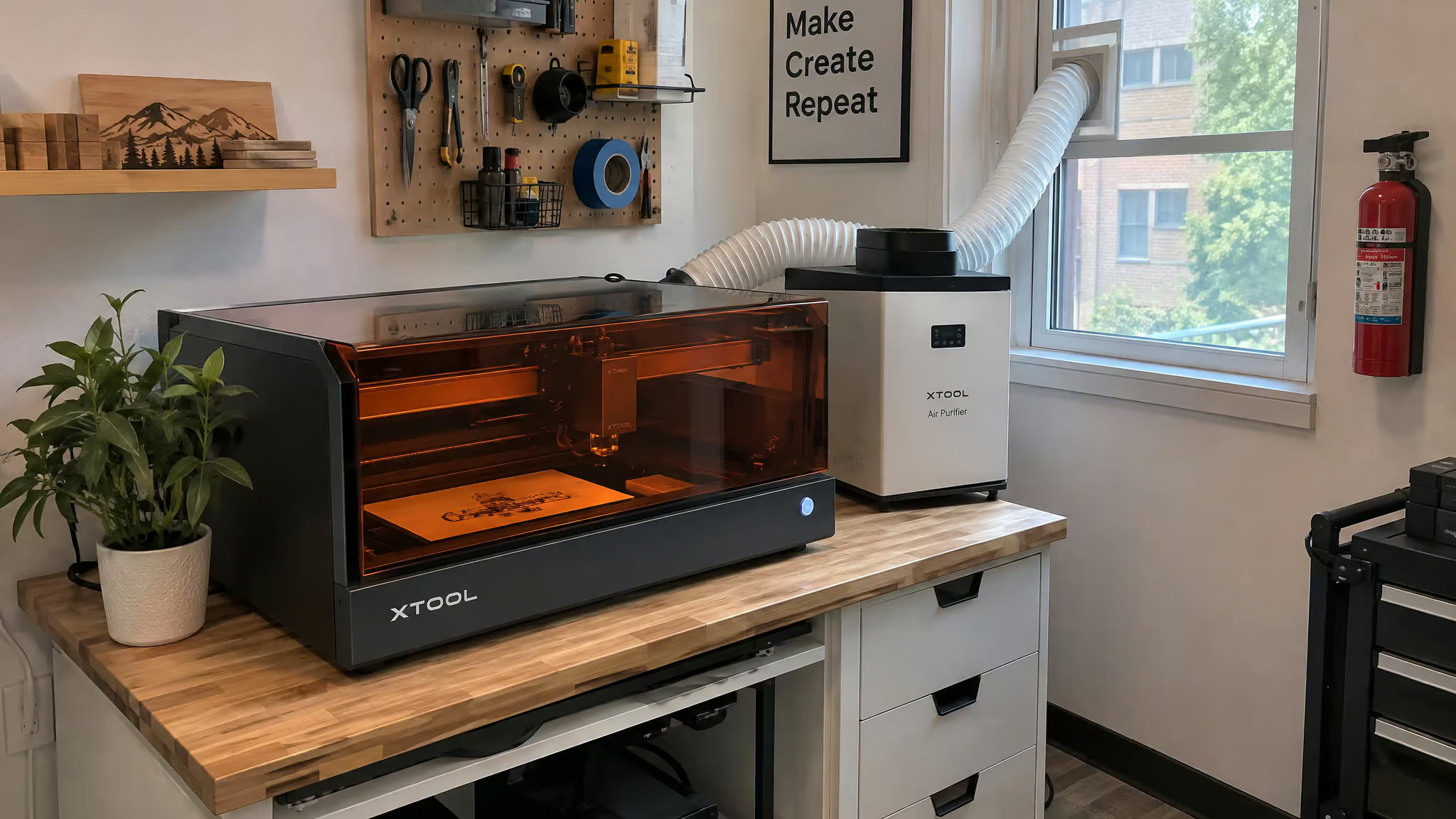
Treat safety like a spec you shop on, because you can filter for it:
- Enclosed housing preferred over open-frame (open-frame means goggles and more risk; an enclosed 10W diode beats a 40W open-frame for beginners anyway)
- Lid safety sensors that cut power when opened
- Emergency stops
- CE marking or FDA registration
Habits matter as much as hardware: never leave a running machine unattended, keep a fire extinguisher within reach, and check the exhaust before every session.
And the PVC rule, which deserves bold text: never laser-cut PVC. It releases toxic gas. This is why ventilation and the PVC warning justify each other. A machine that can produce poison gas from the wrong input isn’t a toy, it’s a small industrial process sitting on your desk.
Footprint is a real spec too. A diode fits a workbench. A mid-size CO2 takes a dining-table footprint plus exhaust routing, rotary storage, and material shelving. The honest starting cost isn’t $1,200, it’s $1,200 plus $300 ventilation plus $150 accessories. If you’re planning a home-based business, it’s viable and low-overhead compared to other small-business models, but plan the ventilation before the first job, not after the first headache.
Who should buy: personas, niches, and the vendor-vetting checklist
Laser engraving is a strong side-hustle fit for Etsy-style sellers when you’re selling personalized, high-margin products, where the reported margins run 50 to 70%. The honest caveat: platform-fee and competition-saturation data for Etsy specifically is thin in the sources behind this piece, so I won’t fabricate fee math. The product economics are supported; the platform economics you’ll need to check yourself.
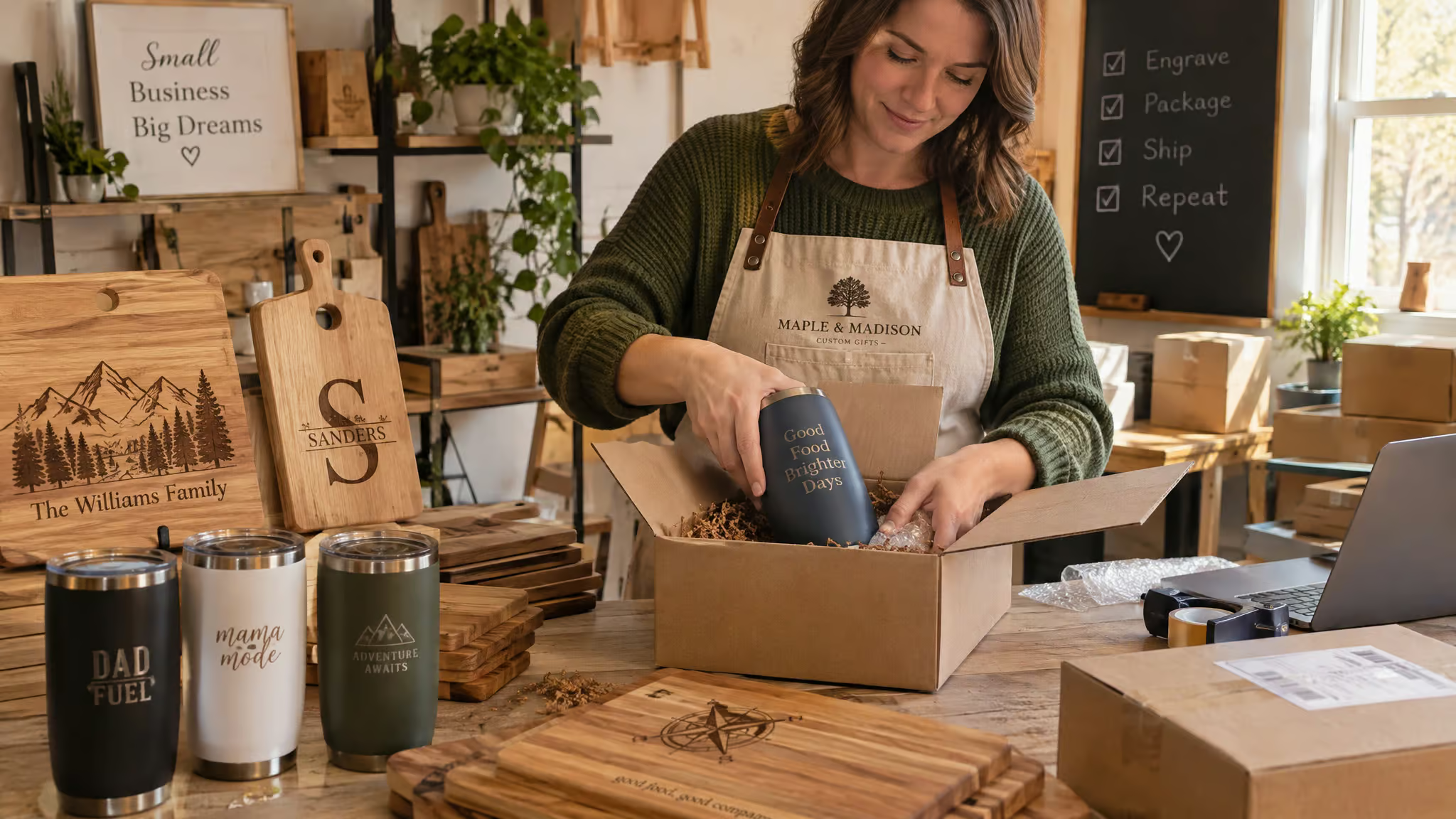
Before the persona map, one prerequisite if you’re buying cheap online: check parts availability, support quality, tutorials, and software compatibility before price. A cheap laser with no replacement lens supply isn’t a deal, it’s a rental with a bad end date.
Six buyer profiles map to machine tiers:
- Small business owners doing high-margin personalized products: CO2 or fiber depending on material.
- Etsy, Amazon, and Shopify sellers in jewelry, phone cases, keychains: desktop diode or small CO2.
- Artists and designers wanting a new medium: diode to start, CO2 when the work demands it.
- Manufacturers marking serial numbers and barcodes on B2B metal tags: fiber, full stop.
- Hobbyists and DIY builders: diode, and enjoy it.
- Educators and STEM programs: enclosed machines with lid sensors, safety-first everything.
Two named niches, both with vendor attribution attached. 3D crystal inner-carving is pitched as a scarcity “Blue Ocean” play via the Mr. Carve M7 Pro, and that framing comes from the vendor’s page, so treat the figures as claims rather than neutral recommendations. B2B metal tag marking at volume is the other one: the Mr. Carve S4 is claimed to cycle 500 stainless tags in seconds, and the ROI logic there is volume, not per-unit margin. Same disclaimer applies. On the entry end of the same vendor’s lineup, the Mr. Carve C1 and Mr. Carve A1 sit in the budget diode tier, reasonable first machines for hobbyists, with the usual caveat to vet parts availability before price.
The “Power Anxiety” pattern hits intermediate users whose first machine is too slow for growing orders, and wattage gaps are real on the wood side: a 40W WeCreate Vision cuts 15mm basswood, while a 10W machine like the Vista tops out around 6mm of the same stock. Dual-source machines like the Mr. Carve M6 consolidate organic and metal workflows in one box. xTool plays the same game modularly: an IR module swapped into an xTool S1 covers small-scale metal, and the xTool M1 Ultra is a Cricut-plus-laser-plus-inkjet combo for the mixed-media crowd.
Vendor risk is invisible at checkout, so here’s the gossip. The standing Glowforge critique: it costs more than comparable tier-2 units and locks you into proprietary software. At the 2024 International Sign Expo, Thunder Laser and Aon were differentiating on customer service, which tells you support is where the mid-market battle is fought. Tube-equivalence claims like Thunderbolt’s roughly 30W metal being equivalent to 60W glass, and Aon’s mirror 5S at 45W, come from those vendors, so they carry the same asterisk. Business-in-a-box starter kits exist if launch speed matters more than optimizing every line item.
Permanence, scoped to what’s actually supported: fiber marks bare metal permanently. The longevity figures from earlier hold too, fiber 50k to 100k hours, CO2 10k to 20k, diode 5k to 10k. For a deeper dive on the technology’s strengths, our breakdown of the advantages of laser engraving covers precision and repeatability with numbers.
So here’s the full vendor-vetting checklist: replacement parts availability, tech support responsiveness, tutorials, LightBurn/LaserGRBL compatibility confirmed with the manufacturer directly, and beginner-friendly features (camera alignment, enclosure, fine spot, air assist, sturdy surface). None of these appear on the product headline. All of them appear in your first month.
Start small and scale: the best first machine is one you plan to outgrow
The staged path is diode at $400 to $1,500, then mid-range CO2 at $2,000 to $3,500 (the sweet spot), then fiber later if metal enters the product line. Each upgrade funded by the previous machine. And here’s the proof this isn’t just budget-coping: the ChalkWatts creator hit $6,000-plus per month on a diode alone, before any upgrade. The cheap machine wasn’t a compromise, it was the revenue engine.
Some buyers skip straight to CO2 with clear product direction and capital on hand, and that’s fine too. Machine choice follows business goals, not a script.
The contrarian framing, and I mean it: outgrowing your first cheap machine is the success signal. A $700 diode that proves demand is a better oracle than any amount of pre-purchase research, because it’s the only research method that involves actual customers giving you actual money. Once orders stabilize, the playbook detail kicks in: batch similar jobs, standardize your bestsellers, build an orderable catalog. Boring operational stuff, exactly the kind that separates a machine that pays for itself from one that collects dust.
If you’re hunting for project inspiration at each tier, our list of cool things to laser engrave ranks ideas by the laser type and power they actually require.
The verdict: is laser engraving worth it for you?
A laser engraver is a good investment for a small business or committed maker with a clear target market, matched materials, and roughly 10 or more jobs per month. It’s not worth it for one-off projects, for anyone without a ventilated space, or for anyone expecting passive income. That’s the whole verdict. Here’s the breakdown.
Worth buying if:
- You have a clear target market: restaurants needing engraved glassware, Etsy custom jewelry, local corporate orders
- The wavelength matches your primary materials (wood and leather means diode, acrylic and mixed non-metals means CO2, bare metal means fiber)
- You value on-demand customization at speeds 3D printing or CNC can’t reach
- You’re building a laser engraving side hustle on personalized, high-margin products with reported 50 to 70% margins
Not worth it if:
- It’s for one project (hire a service)
- You have no ventilated space
- You expect passive income. It requires your time, skill, and attention to quality.
Prices honestly fell: capable diodes went from about $1,500 to under $700 in four years, mid-range CO2 from $4,000+ to $2,000 to $2,500. That’s the buy-timing data the sources actually give. The market was valued at $3.84B in 2025, with projections to $6.41B by 2032 at a 7.6% CAGR, and other sources citing 7 to 9% annual growth. I’m not going to average those into one number; the range is the honest answer.
The growth pattern behind those projections is worth naming: the businesses that thrive compete on quality, turnaround, and experience, not price alone. If you’re weighing lasers against subtractive alternatives, our head-to-head on laser engraving vs traditional engraving covers where mechanical methods still win.
So, closing the loop on the two currencies from the intro. If you’re a hobbyist, you’re buying fulfillment, and that’s a completely valid return that no break-even formula needs to validate. If you’re an entrepreneur, run the PPM formula: total cost divided by profit-per-job, checked against the 10 to 15 jobs per month threshold. Do that arithmetic with your real numbers and you’ll have an answer no article, including this one, could give you.
People Also Ask
What’s the average cost for laser engraving?
A realistic all-in startup runs $800 to $1,500 for a diode setup and $1,500 to $4,000 for a mid-range CO2 setup — typically 50 to 100% above the machine’s sticker price once you add the rotary attachment, honeycomb bed, air assist, ducting, filtration, software, and test materials. Ongoing consumables run roughly $200 to $500 a year, driven mostly by CO2 tube replacement.
Can you make money doing laser engraving?
Yes, when you have a priced product, matched materials, and real volume. Shops focused on personalized items report 50 to 70% margins, and small focused shops commonly recoup the machine in 3 to 12 months. The most consistently profitable products are custom tumblers, personalized cutting boards, ornaments, signage, and wedding accessories, with corporate bulk orders being especially valuable because they’re repeat and less price-sensitive.
How much does it really cost to start laser engraving beyond the machine price?
Budget 50 to 100% above sticker price. A $799 machine typically becomes a $1,300 setup once you add a rotary attachment ($60 to $150), honeycomb bed ($40 to $80), air assist ($50 to $200), duct fan ($100 to $200), smoke filtration ($300 to $600), LightBurn software (about $60 one-time), and $100 to $200 of test materials you’ll burn through learning.
Why does a 10W diode laser sometimes beat a 40W module at engraving?
Spot size, not wattage, determines engraving detail. Each diode in a ’40W’ module maxes out around 5 to 6 watts, so the module combines multiple diodes via mirrors, which widens the effective beam. A focused 10W beam has higher energy density and finer detail for photo engraving, while the 40W module’s advantage is cutting thicker stock like 15mm basswood — they answer different questions.
