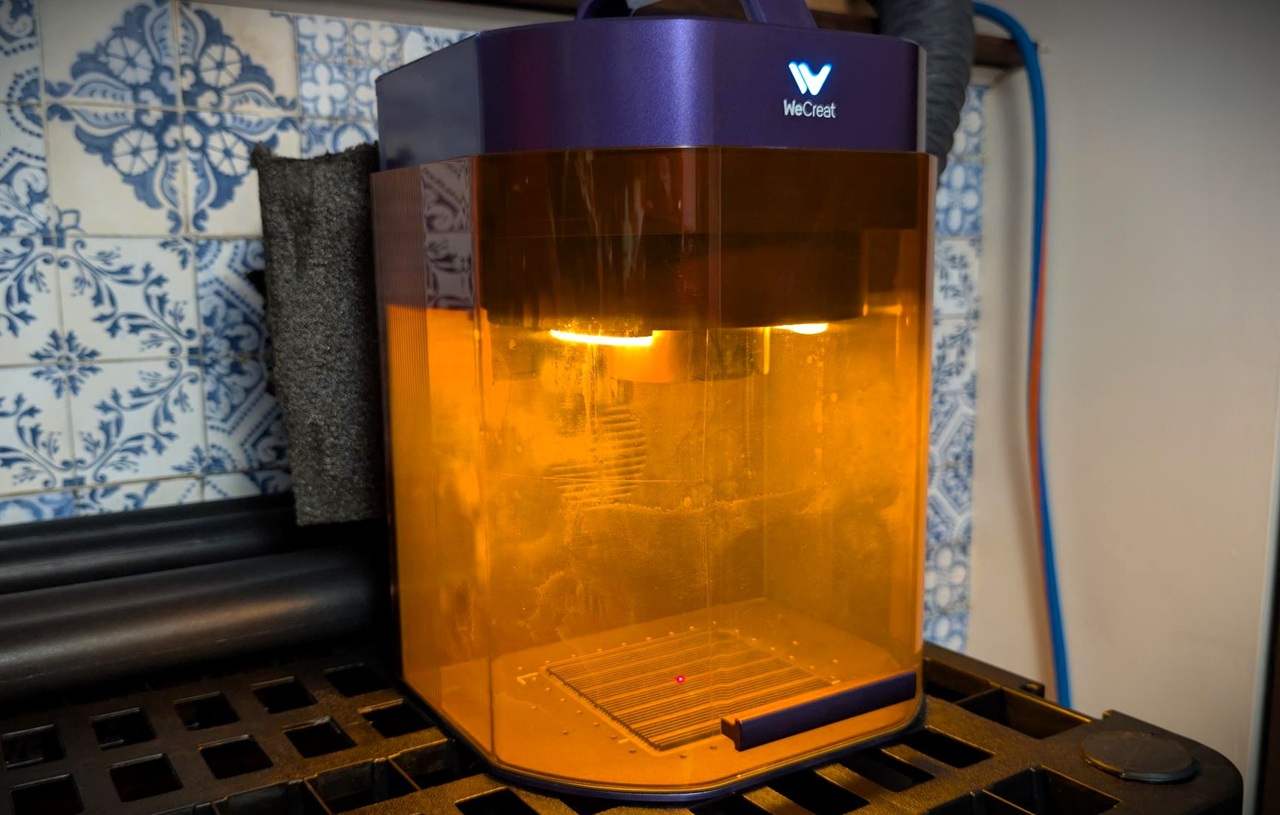
There’s a moment at any decent maker booth where someone says “wait, both in one machine?” and that’s exactly the reaction the WeCreat Lumos Flex is built to trigger. It’s a portable dual-laser engraver: a 15W fiber laser for metal plus a 15W diode laser for everything else, in a 7.5kg desktop package with a 0.03mm fiber spot and a slide-expanded work area of 520mm x 116mm. The marketing calls it “true metal power,” and WeCreat’s positioning says one machine replaces two. The picture they paint is the trade-show table: a customer’s dog tag gets marked in seconds instead of minutes.
Here’s the honest frame before anything else: this machine marks, engraves, and embosses metal, and cuts only thin sheet. Serious metal cutting lives in MOPA territory, which means the Lumos Ultra in WeCreat’s lineup, not this box. So this review is a claims audit. We went through the marketing and checked every headline number against WeCreat’s published FAQ and product documentation, because the fine print is where portable lasers tell the truth.
Key Takeaways
The Lumos Flex packs a 15W fiber and 15W diode laser into one 7.5kg machine, and switching between them happens in software with no lens swap, which is the feature that matters.
It’s a marking, engraving, and embossing machine for metal; cutting is limited to thin sheet, and real metal cutting starts at MOPA power (100W up to 3mm stainless on the Lumos Ultra).
The portability pitch has fine print: the machine weighs 7.5kg, but you’ll also haul a Windows or macOS laptop, fume extraction, and whatever accessories your job needs, because there’s no phone or tablet support.
Table of Contents
What the Lumos Flex actually is
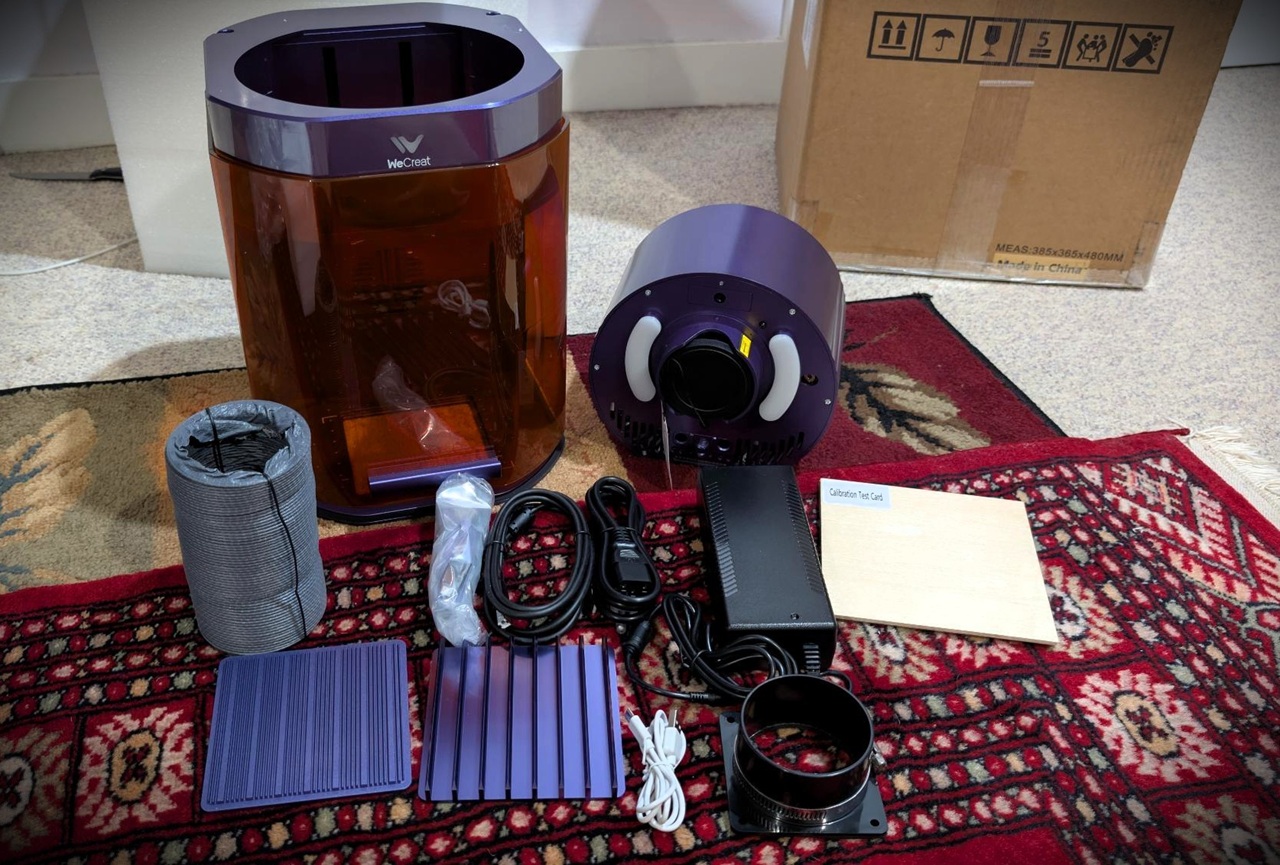
Whether one dual-laser machine outperforms two separate units comes down to one tradeoff: you trade some peak capability in each category for the convenience of fewer machines, less desk space, one power brick situation, and one workflow. That convenience is real, and WeCreat’s one-machine-replaces-two claim is easy to relay. What that claim doesn’t tell you is what the combined machine gives up, and the honest answer requires running a cost comparison against the separate fiber and diode units you’d otherwise buy. WeCreat doesn’t publish prices in the material we reviewed, so that math stays on the reader.
Two lasers, two jobs
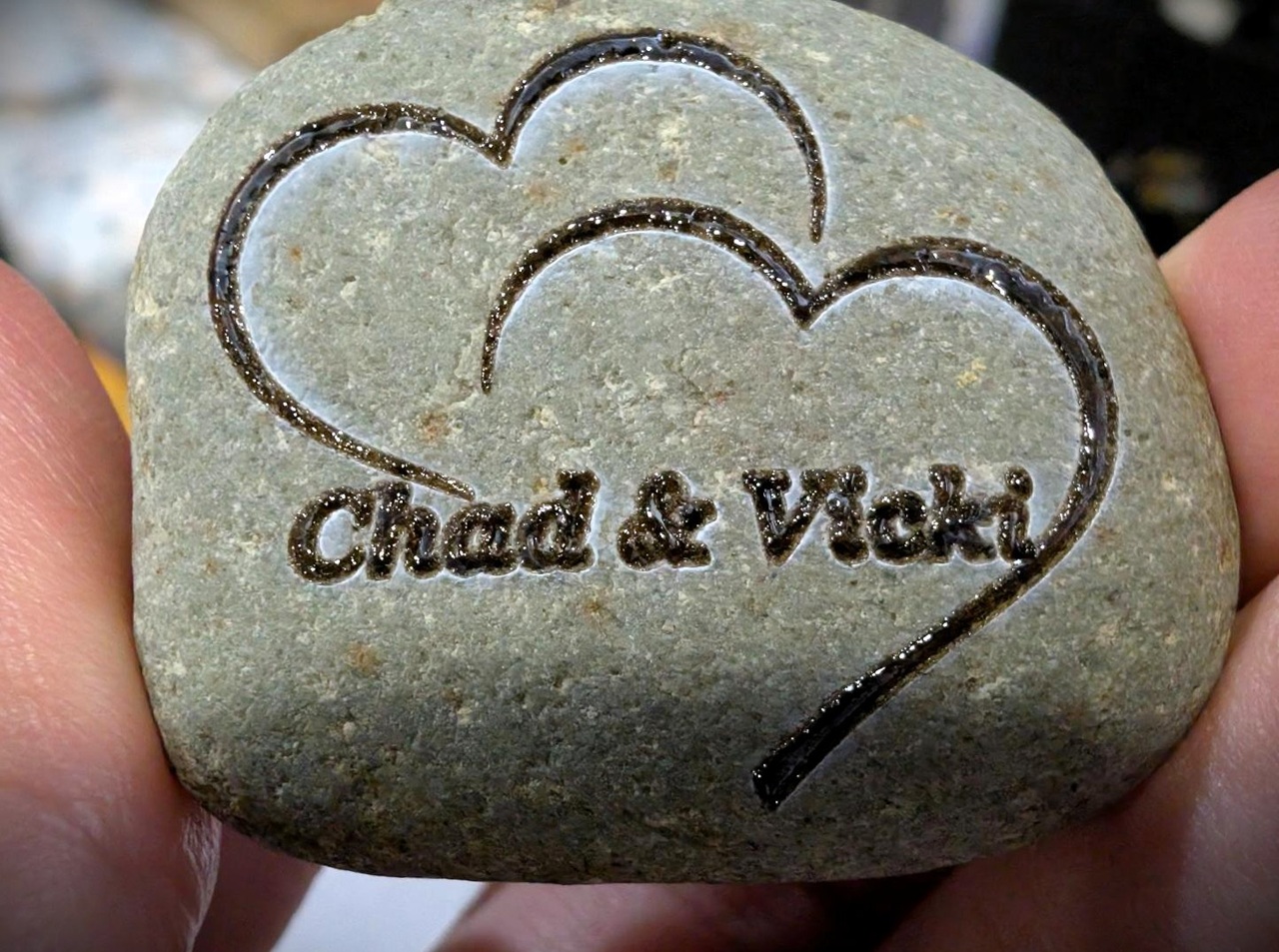
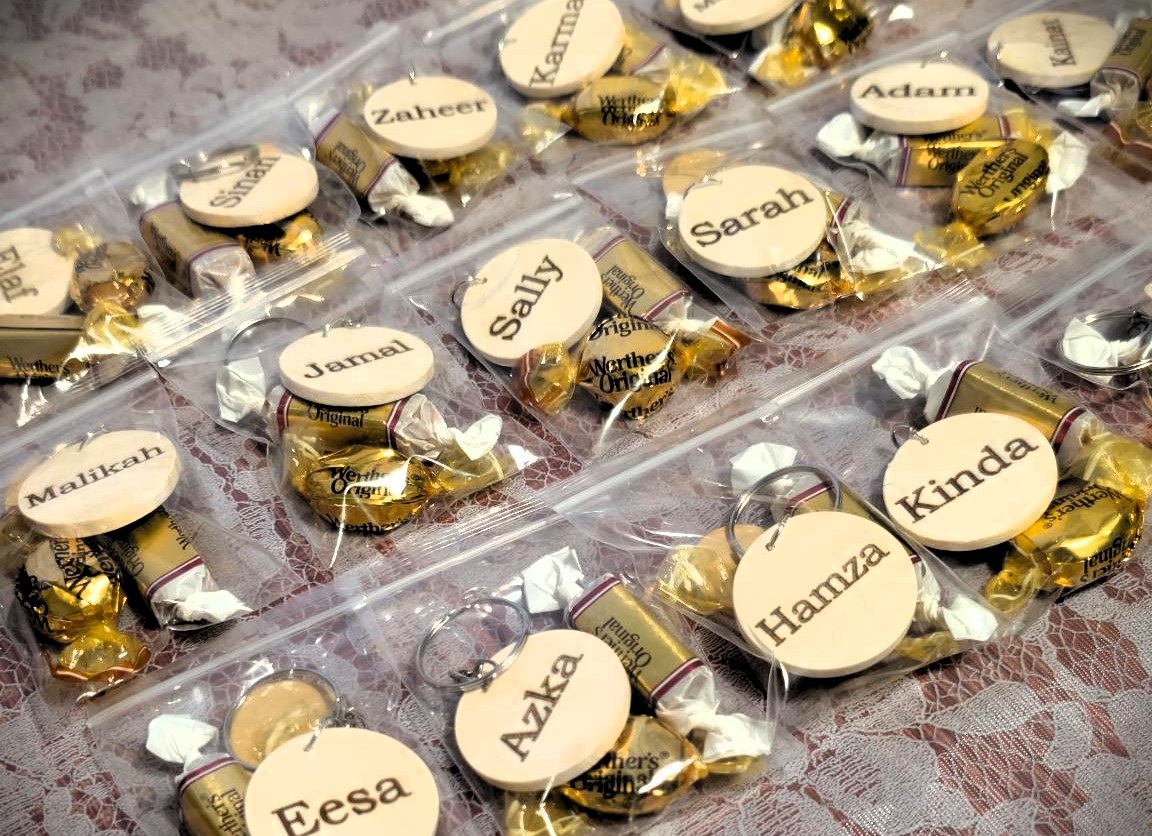
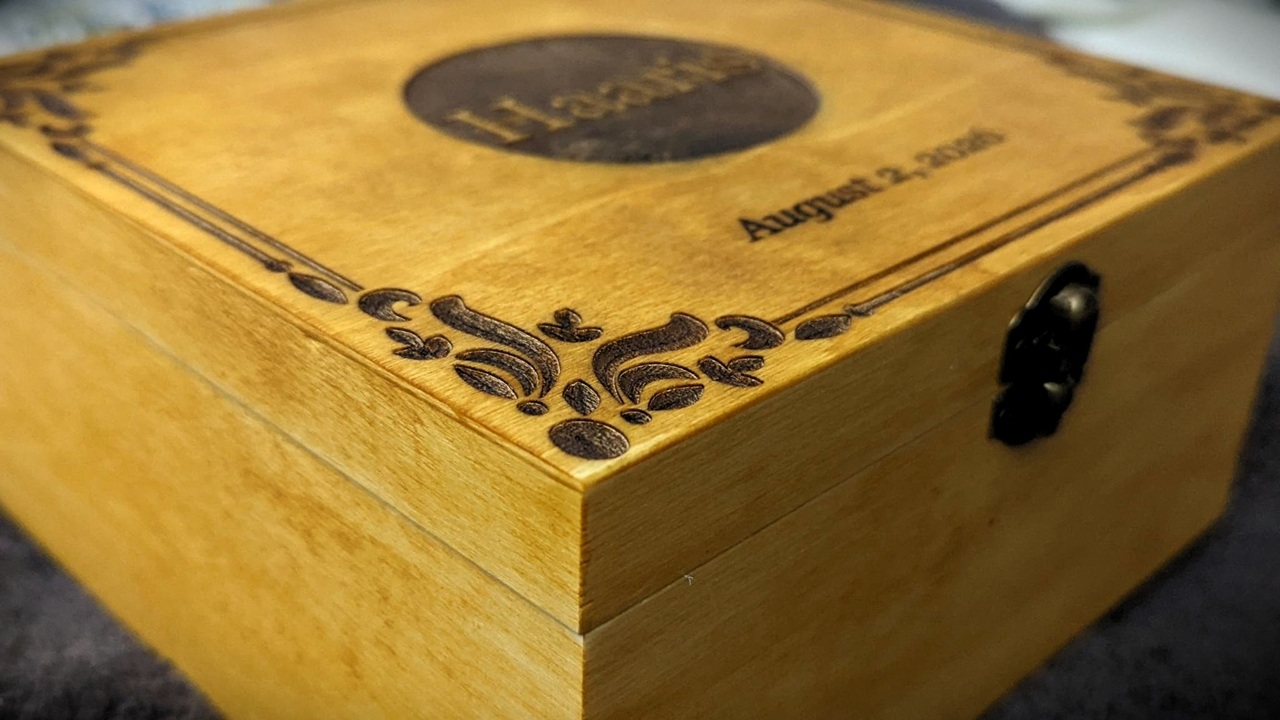
The division of labor is clean. The 15W fiber side handles bare metal: stainless steel, brass, aluminum, gold, silver. That’s a fun list, because it includes the precious stuff, the stuff people actually pay to have engraved. The 15W diode side is the craft-bench classics: wood, leather, acrylic, slate, coated metals, organics generally. So the mental model is simple: metal side and maker side, in one box.
One-click switching, no lens change
And here’s the delightful part, the tiny wizardry that makes the whole design work: switching between Fiber and Diode modes happens in the software, one click, with no field lens change. If you’ve ever reconfigured hardware mid-job on a less civilized machine, you know why this matters. No swapping optics, no re-aligning, no hunting for the right lens in a drawer. The mode change is just… software.
It’s kind of elegant, and it’s the single reason the mixed-material session, a wood sign plus a metal tag, is the scenario that defines this product. You do both jobs back to back without touching a screwdriver.
Focusing comes three ways, and the redundancy is a feature, not bloat. Manual focus means turning a knob until the red and blue dots overlap, which is satisfyingly analog, the classic ritual. Software autofocus is a button you press and the head settles into focus on its own, the lazy-Friday-night option. And there’s a hardware autofocus button on the rear of the machine for when you’re not at the keyboard.
Three flavors for three situations. Pick your favorite per job.
Metal work: marking, engraving, embossing, and where cutting stops
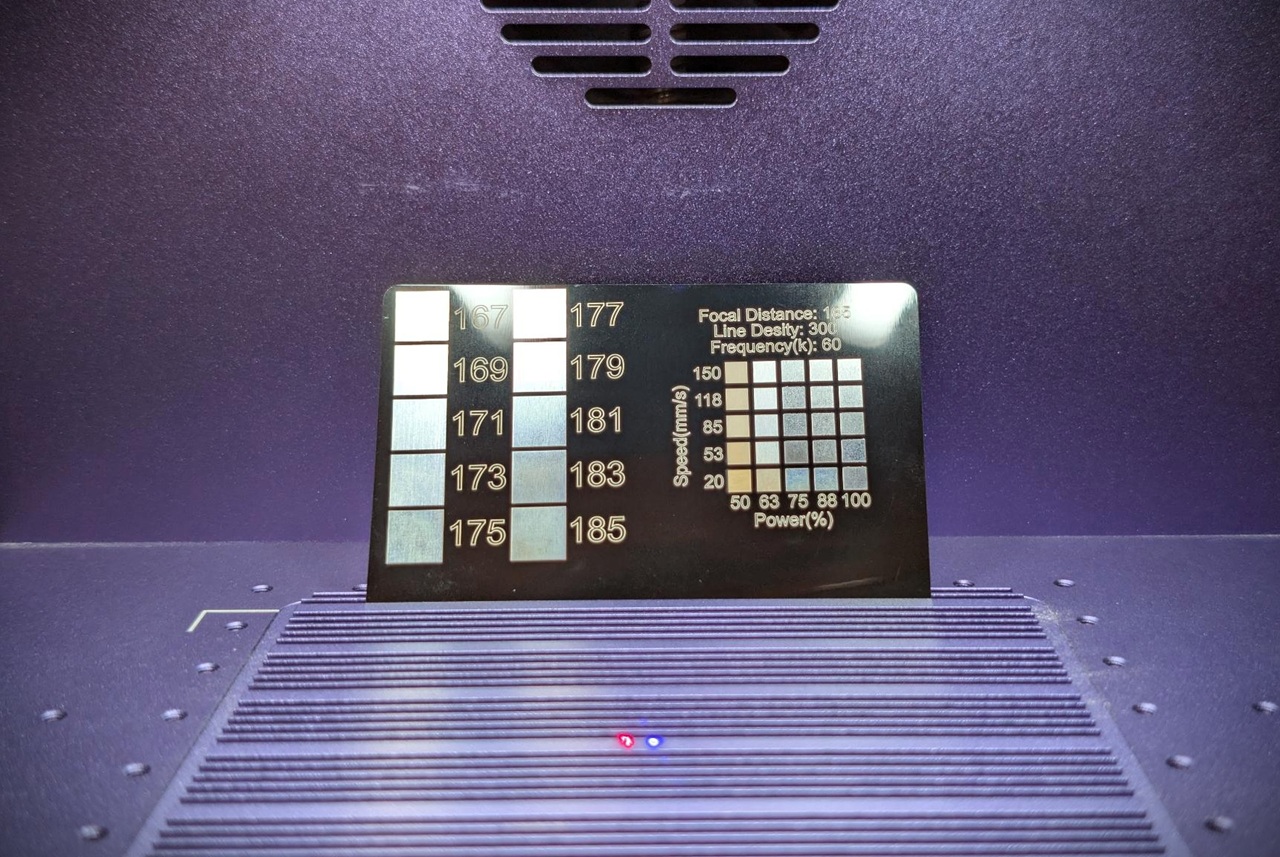
No, the Lumos Flex is not a metal-cutting machine. It’s a marking and engraving machine that can manage thin sheet metal at most, and serious metal cutting starts with MOPA. That’s the verdict, and WeCreat’s own comparison material supplies the numbers that draw the line: 100W MOPA cuts up to 3mm stainless steel, 60W covers 2mm. Those are Lumos Ultra numbers, not Flex numbers, and keeping that boundary clear is the whole point.
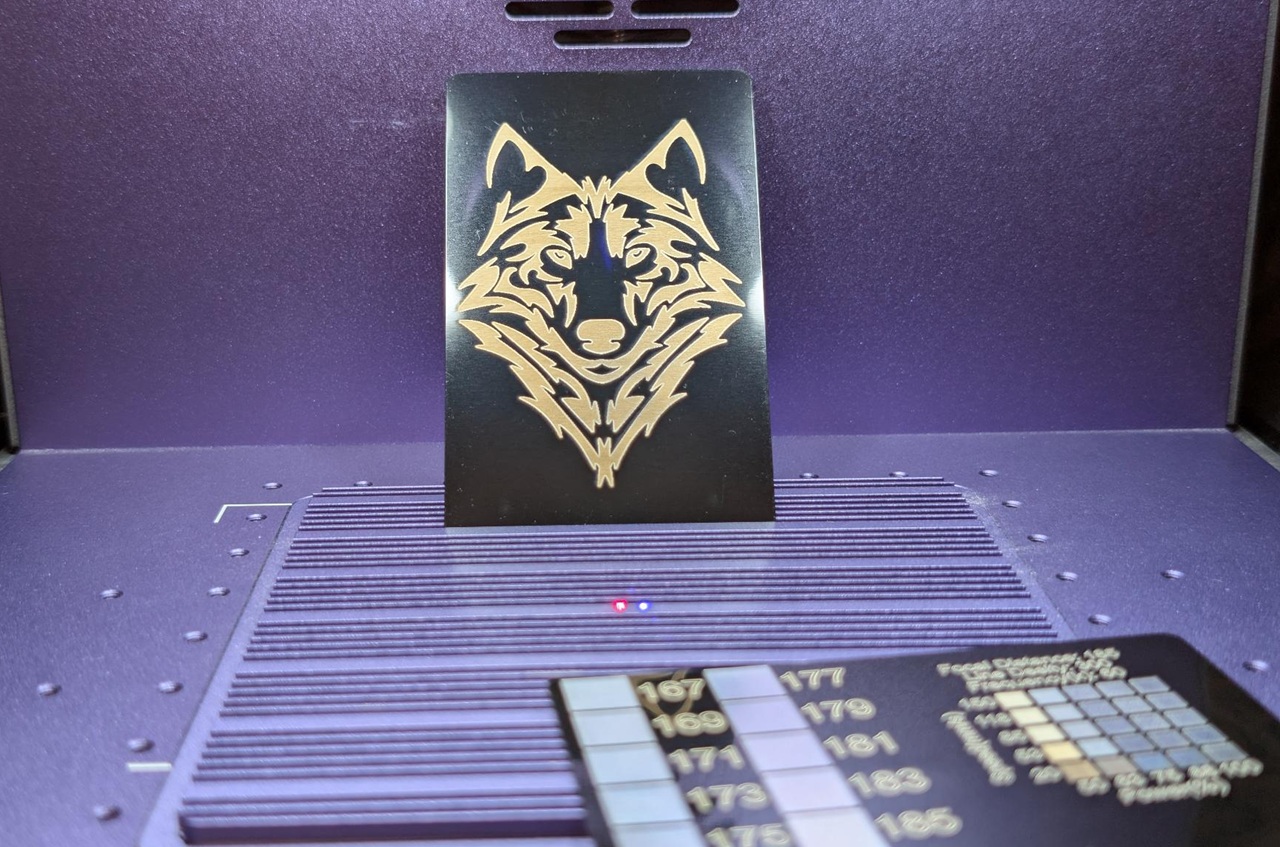
Within its actual lane, the fiber side does real work. Deep engraving, 3D relief embossing, thin cuts, black marking on metal. Relief embossing in metal from a desktop machine is an impressive feat, full stop. And the finish choice matters more than people think: you get colorful marking or deep black, and dark-on-metal is the look a lot of EDC gear and fan-made stuff goes for. Both finishes from one 15W fiber laser is a real versatility win.
One pattern worth naming: first-time fiber buyers read “fiber + metal” and assume sheet cutting. It’s a common discovery, not a defect, but if your business plan involves cutting plate, this is not your machine. Know which tool you’re buying.
Red flag: If your business plan involves cutting metal plate, a 15W fiber laser won’t do it — MOPA power starts that job.
Color marking on stainless: yes, with conditions
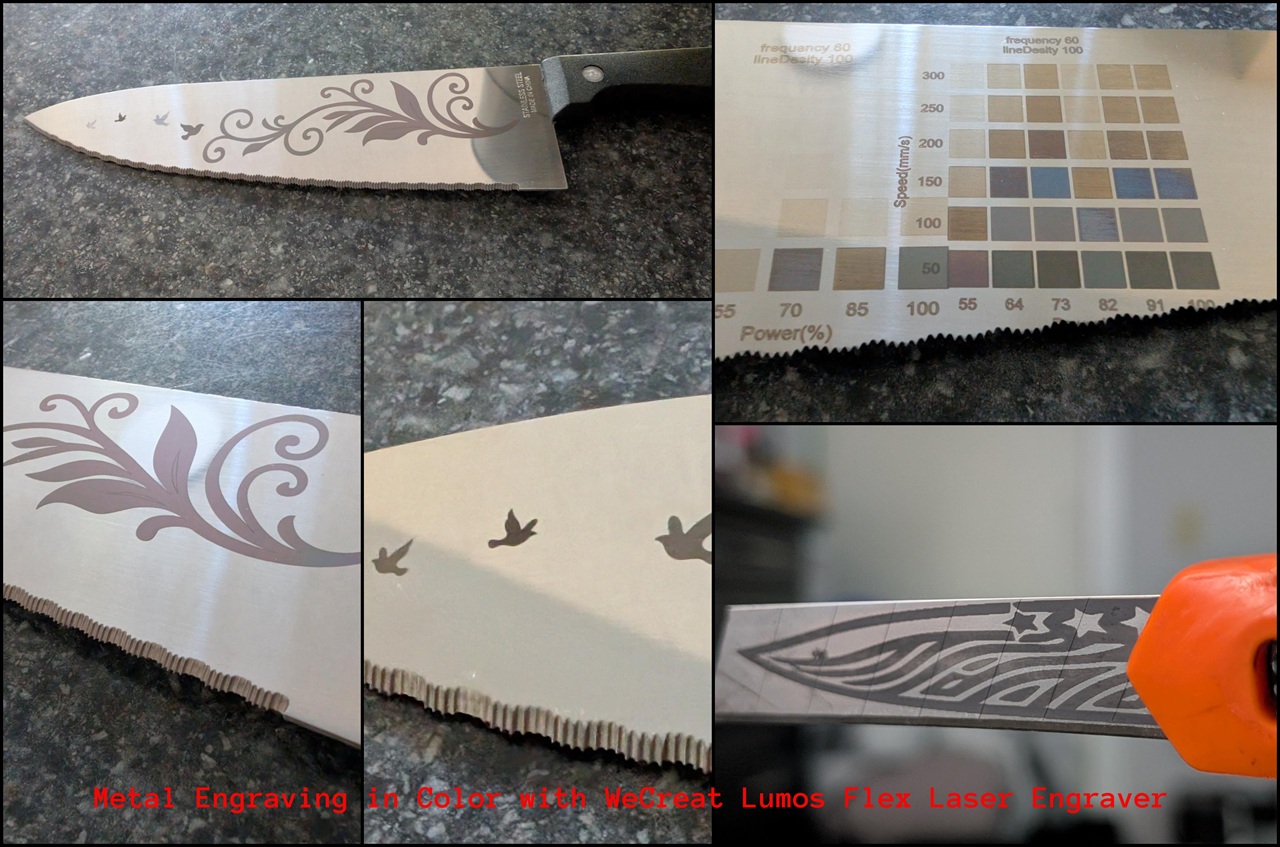
Yes, the Lumos Flex does color marking on stainless steel, with the decisive condition being that it works by precisely controlling frequency, speed, and power, and WeCreat itself cautions that the outcome depends on the grade and finish of the steel you use. So the honest framing is: it’s parameter-tuning territory, and your mileage will vary with the specific steel you put on the bed. We haven’t run our own color tests on this unit, so we’re relaying the vendor’s capability claim and caveat, not publishing settings or outcomes we didn’t produce.
Now the interesting part: WeCreat’s own materials contradict each other slightly. The FAQ says the Flex does color marking. The comparison section says iridescent effects and the richest, brightest stainless colors are exclusive to the Lumos Ultra, the MOPA machine. The reconciliation that makes both statements true: the Flex does functional color marking, with deep black as the reliable finish, while premium iridescent work is MOPA-only.
If rainbow-anodized looks are your whole business, eye the Ultra. If dark, crisp, occasional color on stainless is the job, the Flex claims to cover it.
Portability reality check
The Lumos Flex is relocatable but not untethered, and that distinction is where the marketing meets the FAQ. The headline number is 7.5kg in desktop mode, which for a laser machine is laptop-bag-adjacent, the same appeal driving the portable laser scene, as in this LaserPecker LP4 review, and the pitch reads “Your Business on the Move. Profit Anywhere.” The spec sheet also lists a 7kg figure, probably configuration-dependent, an honest aside we’re noting rather than resolving.
Here’s the fine print, and it’s the sharpest angle in this review: there’s no mobile support. The machine runs from a computer, Microsoft Windows or Apple macOS, no smartphones, no tablets, a real constraint if you check any portable laser engraver comparison. So the real on-site kit is the machine plus a laptop plus the AirGuard Cube fume extractor plus the Magnetic Protective Cone plus access to power. “Mobile” means relocatable within a venue, not cable-free field use. That’s a real difference from what “Profit Anywhere” evokes, and it’s only visible by reading the FAQ against the marketing.
The trade-show scenario, where pieces that took minutes now take seconds and the vendor serves the next customer faster, is the testable use case here. If you buy this for events, that’s the job you need to replicate: machine, laptop, fume extraction, power outlet, and a workflow you’ve rehearsed. We have no verified event data, and WeCreat publishes no battery or setup-time claims, so time your own booth-style turnaround before you commit.
Speed, accuracy, and what still needs verifying
The 10,000mm/s figure is a vendor maximum-speed claim, not a measured throughput number, and that distinction shapes everything else in this section. It’s WeCreat’s spec, and for context, 10,000mm/s is 10 meters per second, the kind of number that makes short marking jobs feel instant. But we haven’t independently timed it, so treat it as the stated ceiling.
The 0.5mm accuracy claim comes with 1:1 results across the standard bed, the expanded slide area, and the 3D rotary preview, and the interesting part isn’t the number itself, it’s the consistency across configurations. WeCreat calls this zero guesswork, their phrase, and the plausible payoff is less wasted material and less redone work. Light skepticism attached.
Then there’s the 2,500+ materials and 10+ processes claim, which is exactly that, a vendor claim. What this spec sheet gives you is a verification agenda: time a booth-style job end to end, and measure placement accuracy on the slide area where the multiplier is supposed to hold. Those two tests would settle most of the open questions.
The diode side, and whether this is actually beginner-friendly
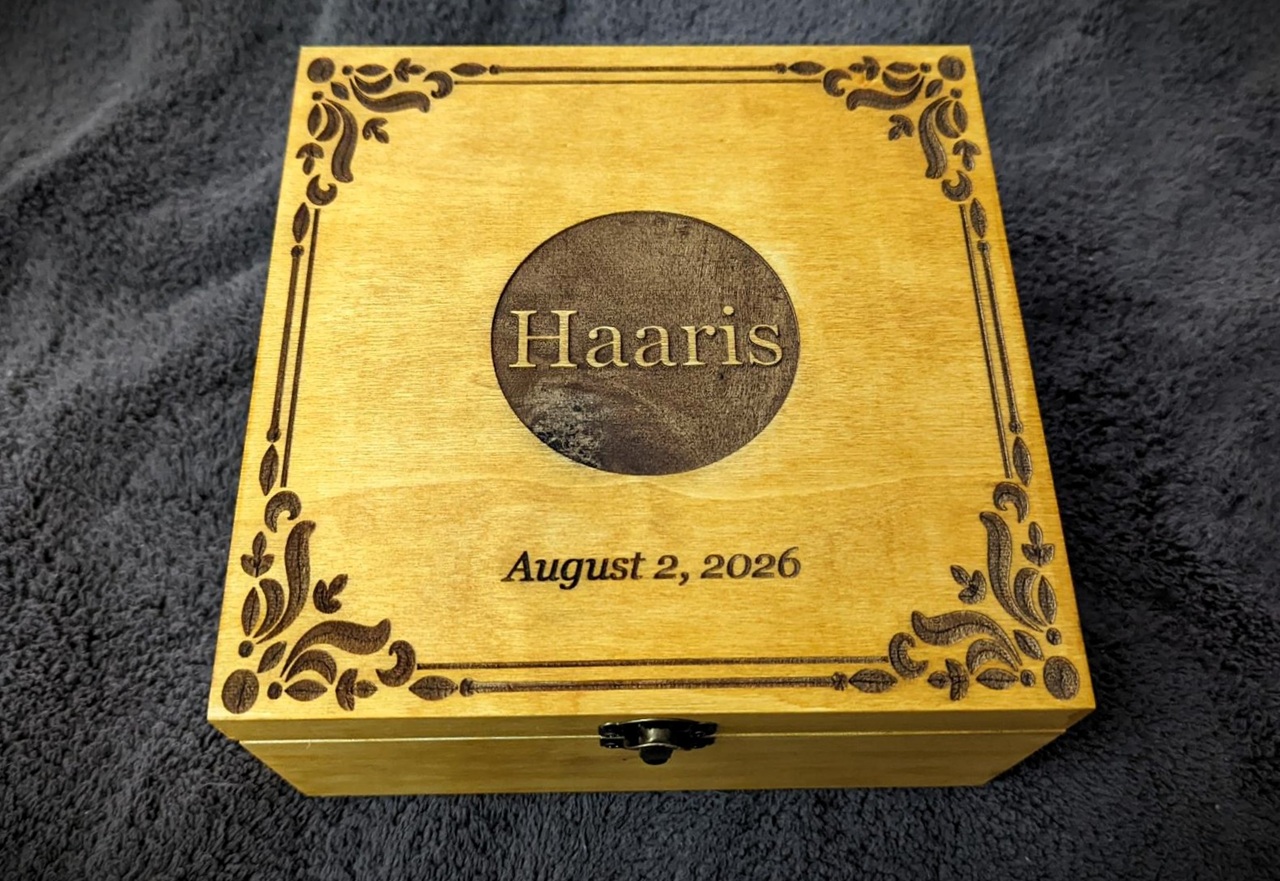
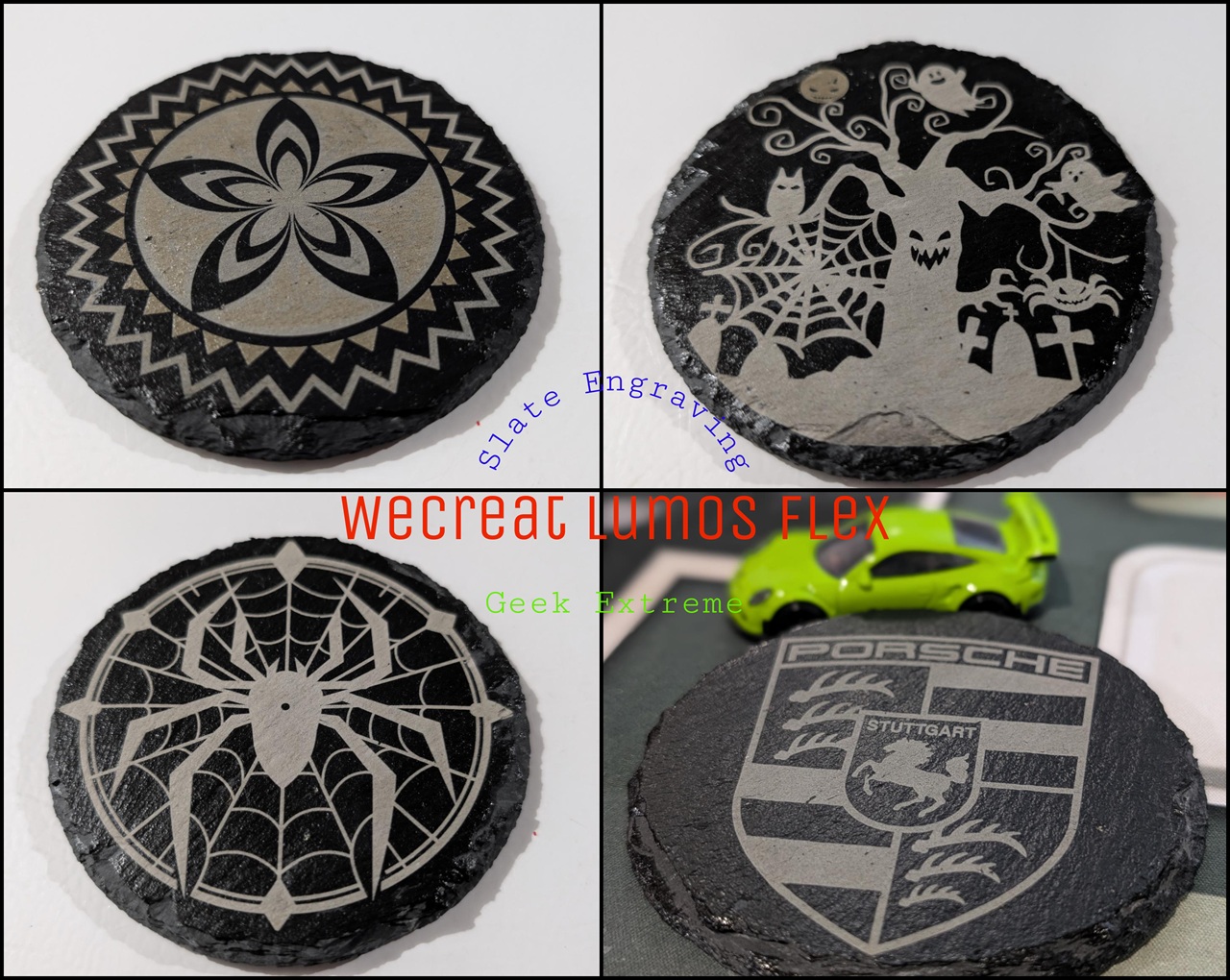
The 15W diode laser handles wood, leather, acrylic, coated metals, slate, and organics generally, it’s not the tool you’d pick as the best laser machine for jewelry engraving, but it’s the half most craft-market sellers will live on. It’s the everyday-maker side, and it’s the half that answers whether a beginner can start here.
The beginner pitch, evaluated rather than repeated: the software ships with guided workflows and preset parameters for common materials, which means you don’t need a settings spreadsheet on day one, and the practical payoff is burning fewer test plates before your first good result. If you’re the type who wants dials, every parameter stays fine-tuneable, so the tinkerers are explicitly accommodated. Software that meets you where you are, guardrails for new folks, dials for nerds. As for the 2,500+ materials count, presets are what make that number usable; the count is only as good as the parameters underneath it, and that’s where a beginner should start their own testing.
Software: the app, LightBurn, and the no-mobile rule
The recommended path is WeCreat’s own software (called MakeIt!), and that’s not just brand loyalty: the official app is where laser switching is easiest, and it’s rated for best compatibility. LightBurn, the third-party favorite many of you already own, works only depending on version compatibility and configuration. Read that hedge carefully before you buy on the assumption it just works, because it’s conditional support, not plug-and-play, unlike what you’d see in an xTool F1 portable laser engraver, where the software story is simpler. And the whole workflow is desktop only, Microsoft Windows and Apple macOS, no phones or tablets, which circles straight back to the portability contradiction.
Inside the app: thousands of built-in templates, so you’re not staring at a blank canvas, AI idea generation for kicking designs around, described matter-of-factly because it’s a feature, not a revolution, and a 4-step workflow said to speed up order turnaround. For sellers, fewer steps between order and finished piece is income-relevant, and that’s the honest size of the claim.
Workspace, slide extension, rotary: three configurations, three price tags
The base machine is one configuration. The Slide Extension and the Rotary unlock the other two, and neither is guaranteed in the box, they’re sold separately or bundle-dependent, which is what changes the real price.
The Slide Extension takes you to 4X workspace, 520mm x 116mm, built for batch runs and workpieces longer than the standard bed. Long thin stock is the obvious mental image, and the real benefit is not stopping mid-job to re-fixture, which is where the actual time goes. The Rotary handles the things that aren’t flat: rings, tumblers, metal tubes, and it’s sold separately or bundle-dependent, so budget readers should assume it might not be in the box. The standard bed is small by galvo-style design, so think of this whole section as modular economics: budget for the configuration your work actually demands, not the one in the hero photo.
The spec-sheet audit: a mystery row and two weights
Time for the forensic layer, because the spec table has loose ends.
| Spec | Value | Notes |
|---|---|---|
| Laser output | 15W Fiber + 15W Diode | Standard Dual-Laser Module |
| Fiber laser spot | 0.03mm x 0.03mm | Fine line work on metal |
| 3W Infrared spot | 0.01mm x 0.01mm | Credited to a “3W Infrared” laser that appears nowhere else in the specs |
| Max speed | 10,000mm/s | Vendor claim, not independently measured |
| Accuracy | 0.5mm, 1:1 results | Across bed, slide area, rotary preview |
| Expanded workspace | 520mm x 116mm | Via Slide Extension, 4X |
| Machine weight | 7.5kg desktop mode (7kg also listed) | Discrepancy unexplained, likely configuration-dependent |
| Software | WeCreat app (recommended), LightBurn (conditional) | Windows/macOS only, no mobile |
The 0.03mm fiber spot is the precision row that matters for detail work on metal. The 0.01mm row attributed to a 3W Infrared laser is the odd one: the spec sheet mentions it and doesn’t elaborate, nowhere else in the materials is a 3W Infrared laser described, and our hypothesis, and we want to stress it’s a hypothesis, is that it’s legacy carryover from an older Lumos model, the WeCreat Lumos 3W IR & 10W Diode. A related search turns up that machine, and a copied spec row is a plausible explanation. We’d want WeCreat to confirm before calling it anything more than that.
On safety: the marketing says “Uncompromising Safety” and “designed for your peace of mind,” and that’s about the extent of the detail in the source. This deserves more specifics than we were given. The Magnetic Protective Cone and AirGuard Cube are both on the accessory list. Whether they’re in the box or an extra line item depends on the bundle, ask before you buy.
The Lumos ladder and the xTool F2 question
The choice between the Lumos Flex and the Lumos Ultra comes down to your material list, not by marketing labels. Map the tiers to actual jobs: the base Lumos is the most accessible entry point, the affordable on-ramp for diode and organic work. The Flex adds thin-sheet metal plus the marking, engraving, and embossing range. The Lumos Ultra, the MOPA machine, cuts 2 to 3mm stainless and is the only tier in the lineup capable of iridescent effects and the richest, brightest colors.
Pick by what you cut and how you want it to look. One curiosity beat from WeCreat’s comparison material: glass and crystal engraving is listed as a use case, which is a “didn’t expect that” entry worth noting with the sourcing attached, since it comes from the vendor.
Flex vs xTool F2: the decision axes
People are searching for a head-to-head, so here it is on the axes that actually decide the purchase, without reciting another company’s spec sheet: switching method (the Flex does one-click software switching with no lens change), metal scope (marking, engraving, embossing, thin sheet only), upgrade path (module swaps and the 30W fiber module coming in Q3 2026), ecosystem (four cross-compatible accessories if you’re already in Lumos gear), and software lock-in (official app easiest, LightBurn conditional, no mobile). Check the F2’s answers on those same axes from its own current documentation, because specs and prices change and we won’t quote them from memory.
On the small-business question, which deserves a real answer: the case for it rests on consolidation (one machine, four carry-over accessories, no second device to maintain), the switching mechanic for mixed-material orders, and the accessory ecosystem that protects earlier Lumos purchases. The case against is the unverified performance claims, the price gap in the source, and the desktop-only software if your selling venue lacks a table for a laptop.
Verdict: who should buy, who should swap, and what’s coming
Yes, existing Lumos owners can upgrade: you swap in the 15W Fiber + 15W Diode Dual-Laser Module, and the loyalty discount goes through WeCreat’s support team, so contact support rather than hunting for a checkout coupon. No published price for the module or the discount in our source, which is a friction worth flagging as a pattern, not a specific gripe. The money-not-re-spent part is real: the Rotary, the Slide Extension, the Magnetic Protective Cone, and the AirGuard Cube all carry over to the Flex without issue, so existing gear carries over.
And maximum fiber power is not a day-one decision. A 30W Fiber upgrade module launches in Q3 2026. You get it by swapping the laser module, and it works with both the Lumos and Flex series. If your metal work is marking-heavy today and cutting-adjacent tomorrow, waiting on the 30W module may save money or regret, and we’re comfortable saying that plainly.
So, split by buyer. Buy the Flex if you do mixed material work, want one machine instead of two, and your metal jobs are marking, engraving, and embossing with thin sheet at the limit. Look at the Ultra if you cut stainless in the 2 to 3mm range or need iridescent color. Start with the base Lumos if you’re organics-only and testing the waters.
Two honest gaps before anyone spends money: our source contains no prices for any tier, for the module exchange, or for the discount amount, so verify those independently before any value verdict. And there’s no laser lifespan or durability data in the source either; if that question matters to you, we have no figures to draw on, and we’d rather say so than make something up.
The enthusiasm, though, is earned. Two lasers in a 7.5kg box, switched with a click, with relief embossing in metal as a desktop capability and a modder-friendly upgrade path? That’s an interesting machine. Just read the fine print, which, as it turns out, is exactly what this review is for.
WeCreat Lumos Flex Review Photo Gallery
People Also Ask
Is the WeCreat Lumos Flex beginner-friendly, and how easy is the software to learn?
Yes — the software ships with guided workflows and preset parameters for common materials, so you don’t need a settings spreadsheet on day one, and the practical payoff is fewer burned test plates before your first good result. Built-in templates and a 4-step workflow cut the distance between order and finished piece. Tinkerers are explicitly accommodated too: every parameter stays fine-tuneable.
How fast is the WeCreat Lumos Flex, and is the 10,000mm/s speed claim realistic?
The 10,000mm/s figure is a vendor maximum-speed claim, not an independently measured throughput number. It’s genuinely fast — the kind of ceiling that makes short marking jobs feel instant — but treat it as the stated maximum rather than a guaranteed everyday pace. The honest test is timing a full job end to end on your own materials.
Is the WeCreat Lumos Flex worth the price for a small crafting business?
It can be, if your orders mix materials. The case for it: one machine instead of two, four accessories that carry over from earlier Lumos gear, and software switching that handles a wood sign and a metal tag back to back. The case against: headline performance numbers are still vendor-stated rather than independently verified, and the desktop-only software is a problem if your selling venue has no table for a laptop. Price out the configuration your work actually demands before deciding.
