Can ChatGPT create a font? No, not directly. ChatGPT generates images of letters and text descriptions, but it cannot emit an installable font file (.ttf or .otf) in any plan, because those files are binary structures the model simply doesn’t output. What it can do is get you to a real font file through two documented workarounds, and it can find actual licensable fonts inside the conversation, thanks to the @MyFonts app Monotype launched on May 27, 2026.
The question blew up because of a Threads post from March 29, 2025 with 258K views claiming ChatGPT can extract fonts from any graphic and skip licensing. Here’s the fun part: that claim runs into a technical wall long before it reaches the legal ones. What the model produces is an approximate picture of an alphabet. There’s nothing installable to steal yet.
ChatGPT’s real font superpower isn’t drawing glyphs at all; it’s describing fonts, writing build scripts, and orchestrating the tools that do the binary work. I went down the rabbit hole so you don’t have to spend a weekend finding the edges the hard way.
Key Takeaways
ChatGPT cannot output installable font files (.ttf/.otf); font files are binary encodings of glyph shapes, spacing, metrics, and licensing metadata, and the model only produces text and images.
Two workarounds get you a real font file: generate 26 letter images and run them through Calligraphr, or have ChatGPT write FontForge/Python build scripts that export TTF/OTF directly.
The @MyFonts app, launched in ChatGPT by Monotype on May 27, 2026 as a US-only beta, finds real, licensable fonts from a 250,000+ font library when you type @MyFonts in any English-language chat.
Table of Contents
Why ChatGPT can’t output a font file
ChatGPT generates images of letters, not font files, and the reason is structural. A font file is a binary format: it encodes glyph shapes, spacing, metrics, and metadata including copyright and licensing info, and none of it is human-readable without specialized software. macOS even routes font files through a converter before they land in Font Book. ChatGPT outputs text and images, so anything it “draws” is a picture of an alphabet, not a typeface.
The type community’s critique puts a number on the gap. A professional typeface carries roughly 256 glyphs plus kerning and tracking, per a commenter in that Threads thread (alejandrocaso’s approximation, not an industry standard). An AI alphabet image has none of that machinery. The recurring failure pattern people point out: the generated font looks fine in a big headline, then collapses the moment you set paragraphs of text, which needs spacing, pairing, and glyph depth the image simply doesn’t carry. That’s a pattern the community flags repeatedly, not a proven universal, but it tracks with what the file format actually demands.
Workaround 1: the image-to-font pipeline with Calligraphr
Describe a font in ChatGPT, generate each letter as an image, and run them through Calligraphr, and you end up with an installable TTF or OTF. This is a documented workflow, from a tutorial writer with 20 years running software products, whose output files were literally named ExampleCustomFontsWithAi-Regular.otf and .ttf, not something I’ve personally built, but the pipeline is concrete enough to walk like a build log.
- Describe the font before generating anything. Start with what it’s for: branding, social media, signage. Then style and tone (modern, playful, elegant), features like symmetry or decorative elements, and parameters: uppercase, lowercase, numbers, weight variations. This is also a stage where ChatGPT earns its keep, helping you refine descriptive terms before you commit to images. It’s the part people skip, and it’s the cheapest step.
- Generate 26 separate letter images, one per letter. This is the grindy part, and it’s the make-or-break variable: every letter needs consistent stroke thickness and proportions, or the font falls apart at the preview stage. The reusable prompt shape is: name the typeface type, the letter, the style, the design elements, and the key emphasis. Filled in, it looks like: an uppercase English B designed in a Playful style, with small decorative elements such as stars, rendered in black and white against a plain white background, intended for children’s products.
The style menu runs from Retro (1920s/1970s serifs, bold shapes) through Modern Minimalist (geometric sans-serif), Futuristic (angular, sci-fi; yes, this is your Star Trek UI font), Elegant (thin strokes, high contrast), Grunge (distressed textures), and Playful (rounded, vibrant). Design elements include swashes, serif variants, inline details, geometric shapes, and distressed or metallic textures.
- Deal with the cursed file format. ChatGPT exports dalle.webp files, and converters reject them until you rename each one to letter.png. Swap the extension. Each letter also needs a clean white or transparent background; Remove.bg strips backgrounds when the generation doesn’t cooperate. There’s a Canva template with the Calligraphr English layout for arranging your letters (other languages use Calligraphr’s own PNG template).
- Upload, preview, build. Place the letters on the template, save as PNG, upload to Calligraphr, check the preview for consistency (that’s the quality gate), then hit “Build Font” and download the TTF/OTF package. Installing on recent Windows or macOS is a double-click and an “Install font” click. Almost embarrassingly easy after all that fiddling.
Quick test: Check the preview in Calligraphr before building — if stroke weights or proportions drift between letters, regenerate those letters before uploading.
The common stall point, flagged honestly: people generate one full alphabet image in a single prompt, then discover each letter needs to sit in its own file with a clean background. That requirement, plus the.webp rename, is where most DIY attempts stall out.
Workaround 2: ChatGPT as font engineer with FontForge and Python
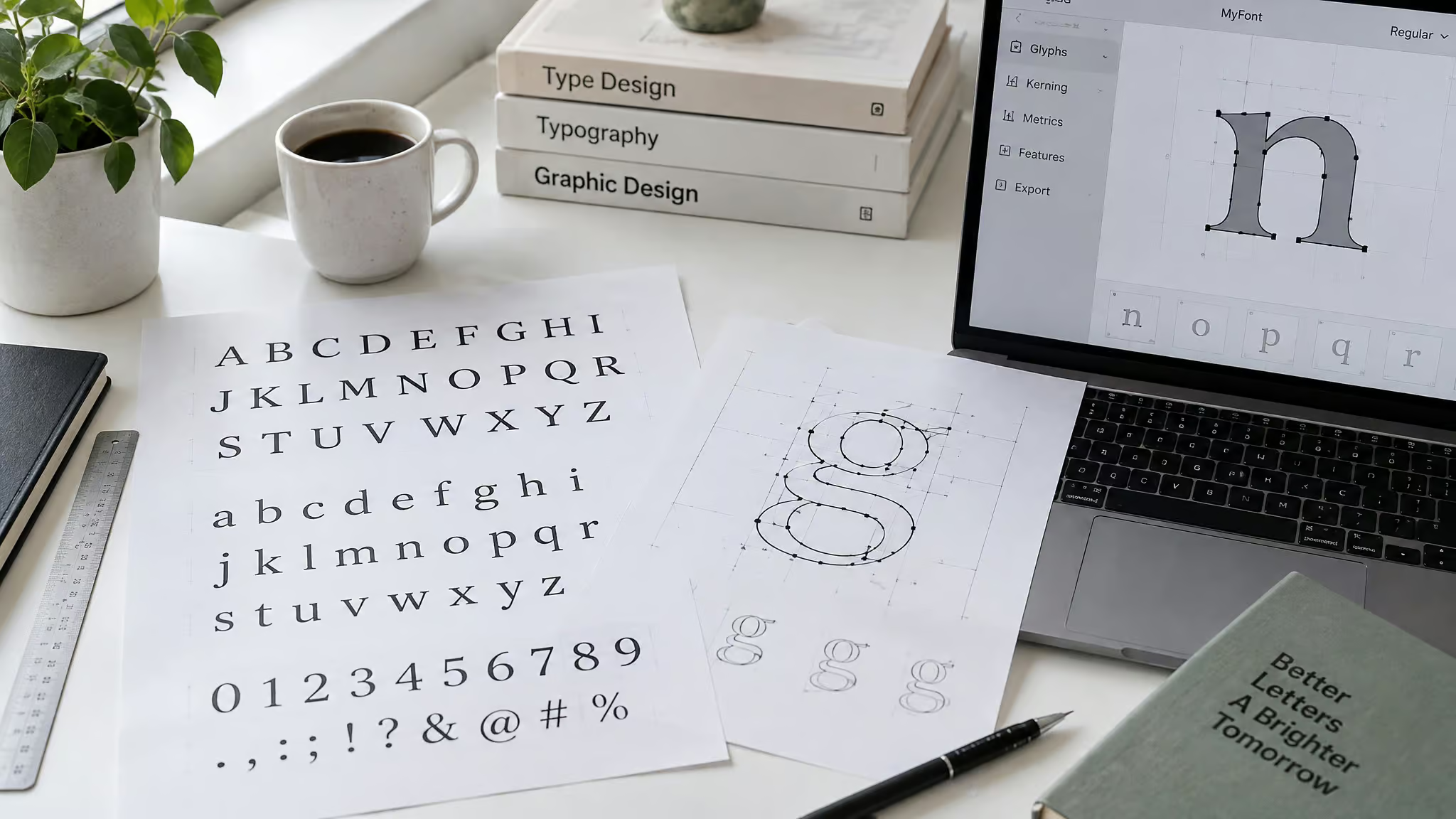
The second, more precise route is having ChatGPT write FontForge and Python scripts that define glyphs programmatically and export real TTF/OTF files. This is the same capability behind ChatGPT’s data-analysis feature, which works by writing and running Python code against files you upload from Google Drive or OneDrive. Scripting trades visual freedom for precision: you get steady metrics and outlines that scale cleanly rather than letters traced from raster images. It’s the obvious move for technical users, or as a complement to the image path, handling scripted cleanup, spacing, and export after the image pass. This angle is mostly missing from the coverage out there, and I think it’s the strongest one: if you’d rather edit a script than rename 26 image files, this is your lane.
What ChatGPT can actually do with fonts today: discovery via @MyFonts
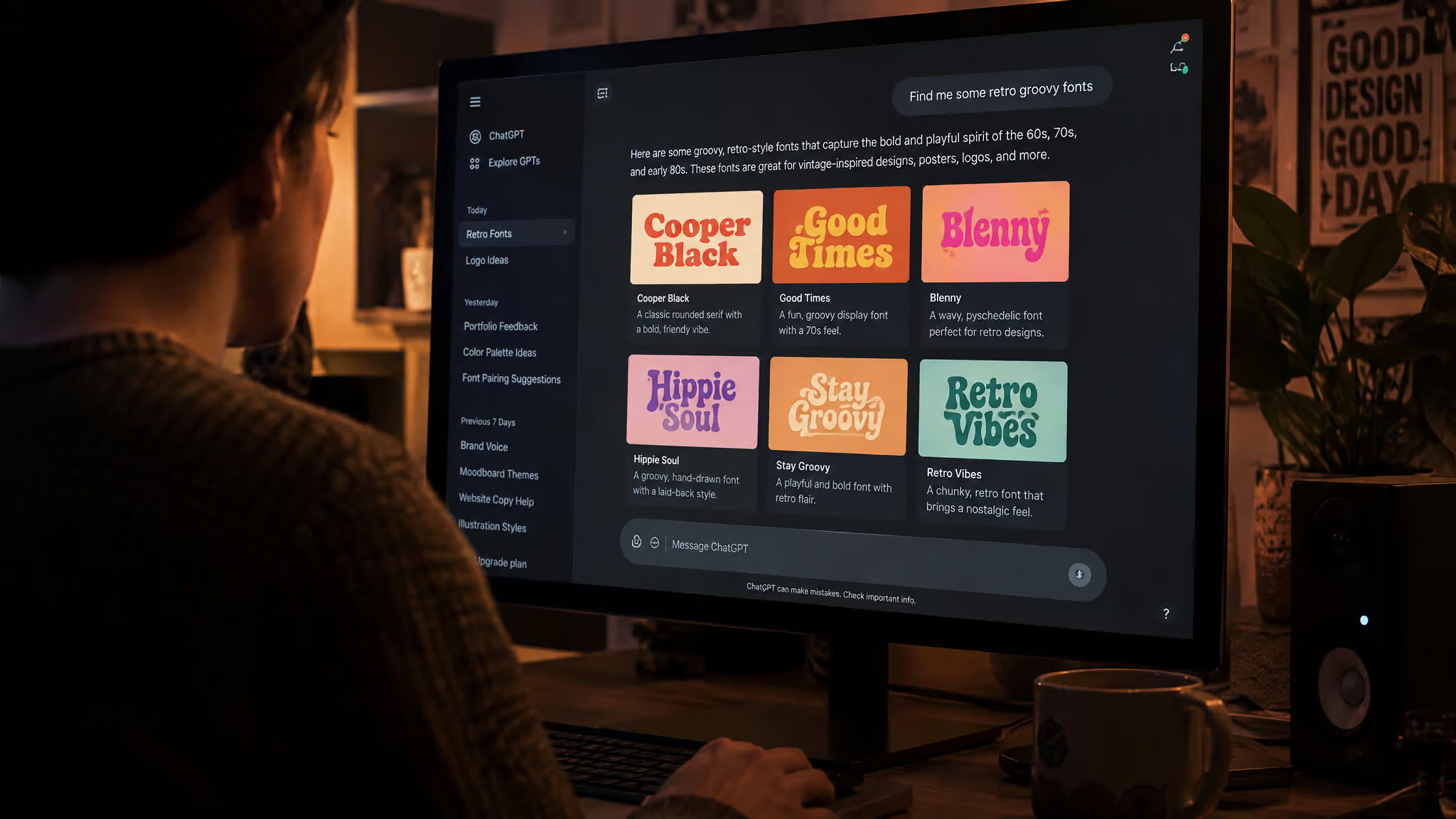
Okay so check this out: there’s a font shop living inside ChatGPT. Monotype launched the MyFonts app on May 27, 2026 as a beta out of Monotype Labs, available in the United States only at launch, and you invoke it by typing @MyFonts into the chat, in English, the way you’d summon a slash command for typefaces. Naturally, that raises the question can AI generate fonts?, and it’s exactly the kind of thing this app now puts within easy reach of a chat window.
How it works
You describe what you want in plain language and get real, licensable fonts back from Monotype’s library of 250,000+ fonts across 300+ languages. These are the folks who’ve been doing type since before computers ate design, so the library is genuinely huge and the recommendations are real and current: no chasing fonts that don’t exist, a quiet improvement on the usual AI-suggested defaults (looking at you, same five fonts everyone uses, and whether AI can design fonts at all is a whole other question). Each recommendation comes with design rationale, why the font feels the way it does and where to deploy it, plus links straight through to MyFonts where you can test and license each one. It explains its homework, which is genuinely handy.
Example prompts from the launch
The fintech brief, verbatim: @MyFonts Show me type directions for a new fintech identity that feel trustworthy, contemporary, and global. The launch also showed a Manhattan luxury realtor scenario, typography for a listing brochure and digital campaign with a refined downtown vibe for global luxury buyers, and a freelance designer building a modern Mediterranean fine-dining identity, where ChatGPT pulls in @MyFonts on its own once the conversation reaches typography. That last one is the fun part: free AI font generation tools showing up exactly when they’re needed.
Why this is the shipped capability
Font decisions used to mean opening a new tab and abandoning the thread where your brief and tone were live. Now the brief, the tone, and the type picks stay in one conversation, so the trip from brief to inspiration is shorter and you never switch tools. Monotype frames the launch as a step toward brand governance for the agentic world, and argues that AI raises the aesthetic floor so differentiation gets harder and more valuable (per Chief AI Officer Neeraj Gulati and Senior Executive Creative Director Charles Nix). That’s their positioning; it’s interesting, and I’m not swallowing it whole.
Identification, too
Identification works too. The Still Generating channel ran a nice test of that side of things, captured in a video whose transcript runs 48 subtitle segments: five retro street-directory images from the public domain went in, and a period-consistent font hierarchy came out, with free-versus-foundry flags and download sources for each. One caveat worth carrying: when generating rather than identifying, ChatGPT mirrors a similar font instead of naming the exact one, reportedly to avoid copyright issues. That’s what the creator says about ChatGPT, not something verified as official policy.
TTF vs OTF: the finish-line format decision
TTF for general use, OTF when professional typographic features matter. TTF, from Apple and Microsoft, packs screen and printer font data into a single file with broad support, though it skips the advanced typographic features. OTF, from Adobe and Microsoft and based on PostScript, supports ligatures and alternate characters. It’s the decision you face right at the “Build Font” step, and the recurring pattern is that builders reach for TTF first because it plays everywhere, then run into a wall the first time they need a ligature or an alternate glyph. Pick by use case, not by habit.
Buyer rule: Default to TTF for compatibility, but pick OTF up front if your design needs ligatures or alternate glyphs.
The legal and ethical gray zone
No, there’s nothing installable to copy: ChatGPT produces only an approximate alphabet image, not a font file, so the “piracy” framing trips over the file format before it reaches the law. On legality itself, the positions are attributed and unresolved. In the Threads debate that ran across 03/29/25, 03/30/25, and 03/31/25, one commenter argued fonts are legally protected as software in the US while the rules are murkier in Europe (citing Wikipedia’s article on intellectual property protection of typefaces). Another took the “stealing but legal” position: tweak the glyph corners and a similar font is legally yours.
The counters: attempted theft is the problem regardless of success, per one commenter’s home break-in analogy, and another called it a crude way of admitting you don’t want to support designers. I’m not ruling on any of it. The sanctioned route is right there in the chat: license real fonts through @MyFonts discovery. No legal advice here, just the fight as it happened.
Two bets on AI typography
The same question attracts contradictory answers because two camps are betting against each other. Monotype’s bet is that real, licensable fonts are the differentiator: typography as a foundational brand system, with AI raising the aesthetic floor so standing out gets harder and more valuable. The community’s bet is cost-motivated imitation, visible in the viral post and in related searches like “create a font free” and “ChatGPT font download.” Both bets explain the demand; only one of them ships you a file you can actually install today.
The orchestrator pattern
The font limitation is the same boundary ChatGPT runs into all over the place. It can’t transcribe audio directly either: Whisper handles the transcription, and ChatGPT cleans up, reformats, and repurposes the text, like condensing a 2-hour interview into usable content. Its data-analysis feature works by writing and running Python code, not by being a spreadsheet. The pattern is consistent: ChatGPT describes, scripts, and orchestrates; specialized tools handle the binary output.
Whisper for audio, Calligraphr and FontForge for fonts. The takeaway is practical rather than defeatist: give ChatGPT the orchestrating work and let specialized tools handle the binary output.
Four questions hiding behind one search
Four different questions share this search. What font ChatGPT’s interface uses is a genuinely different question, and honestly one that current sources barely address, so I’d rather not guess here than give you a confident-sounding wrong answer. Turning handwriting into text is a transcription job; turning handwriting into a font goes through the Calligraphr pipeline above. Real font discovery is the @MyFonts app’s job. And decorative display text, the kind you’d drop into an Instagram post, is just image generation, no font file involved.
Brand work means licensing a real font through @MyFonts, while playful display projects are a natural fit for the image pipeline. Technical users should go straight to FontForge and Python scripting. And if you’re sourcing direction, use identification, then verify with a designer. The one-sentence verdict with its condition: ChatGPT can’t emit the font file itself, but the workarounds get you a double-click-installable TTF or OTF on recent Windows or macOS.
Frequently Asked Questions
Can ChatGPT convert handwriting to text?
Not on its own. Transcription is the same boundary ChatGPT hits with audio: Whisper handles the transcription, and ChatGPT cleans up, reformats, and repurposes the resulting text. Note that turning handwriting into text is a different job than turning handwriting into a font, which goes through the Calligraphr image-to-font pipeline.
How do I create my own text font?
The most accessible route: describe your font in ChatGPT (purpose, style, design elements, and which characters you need), generate 26 separate letter images with consistent stroke thickness and proportions, rename the .webp exports to .png, arrange them on Calligraphr’s template, and hit “Build Font” to download a TTF/OTF. The common stall points are generating one full alphabet image instead of individual letters and skipping the file rename.
