


Pulling the plug on a ChatGPT account isn’t a single toggle switch, whether you’re leaving over privacy worries, migrating to a ChatGPT alternative, or simply disliking the tool after trying it. Maybe you’re thinking about the embarrassment of someone accessing and sharing your chatbot conversations without permission. Here at GeekExtreme, we treat the exit like a system teardown. Account deletion is permanent and kills ChatGPT, the OpenAI API, and DALL-E at once. The login vanishes immediately while server removal takes up to 30 days, reusing your email or phone is restricted, and Apple App Store subscriptions keep billing unless cancelled separately.
Key Takeaways
Exporting data via Data Controls > Export uses a two-stage email flow where a notification lands within 24 hours and a second email delivers a time-limited download link, so request your archive days before deleting the account.
Confirming Permanently Delete My Account terminates login access to ChatGPT, the OpenAI API, and DALL-E immediately, though complete data removal from OpenAI’s servers and backups takes up to 30 days.
Deleting a ChatGPT account leaves Apple App Store billing untouched and burns the associated email address and phone number according to practitioner walkthroughs, despite a disputed OpenAI help article claiming 30-day email reuse.
Table of Contents
Delete chats or delete the account?
Purging chat history clears your conversation logs while keeping your access to ChatGPT, the OpenAI API, and DALL-E intact. If your goal is scrubbing sensitive prompts rather than abandoning your developer keys, you can wipe individual threads or the entire history from your settings without closing the account.
Deleting individual and archived chats
As demonstrated in the KnowledgeBase walkthrough, clicking the three-dot menu next to any chat and selecting delete permanently removes that conversation and its images immediately. Repeat that per chat, and check the archive chats section in settings for older threads.
Delete All Chats from Data Controls
In a walkthrough by Tom Nassr at XRAY, navigating to Settings > Data Controls > Delete All Chats and confirming wipes your entire chat history in one pass while keeping the account open.
Export your ChatGPT data before deleting
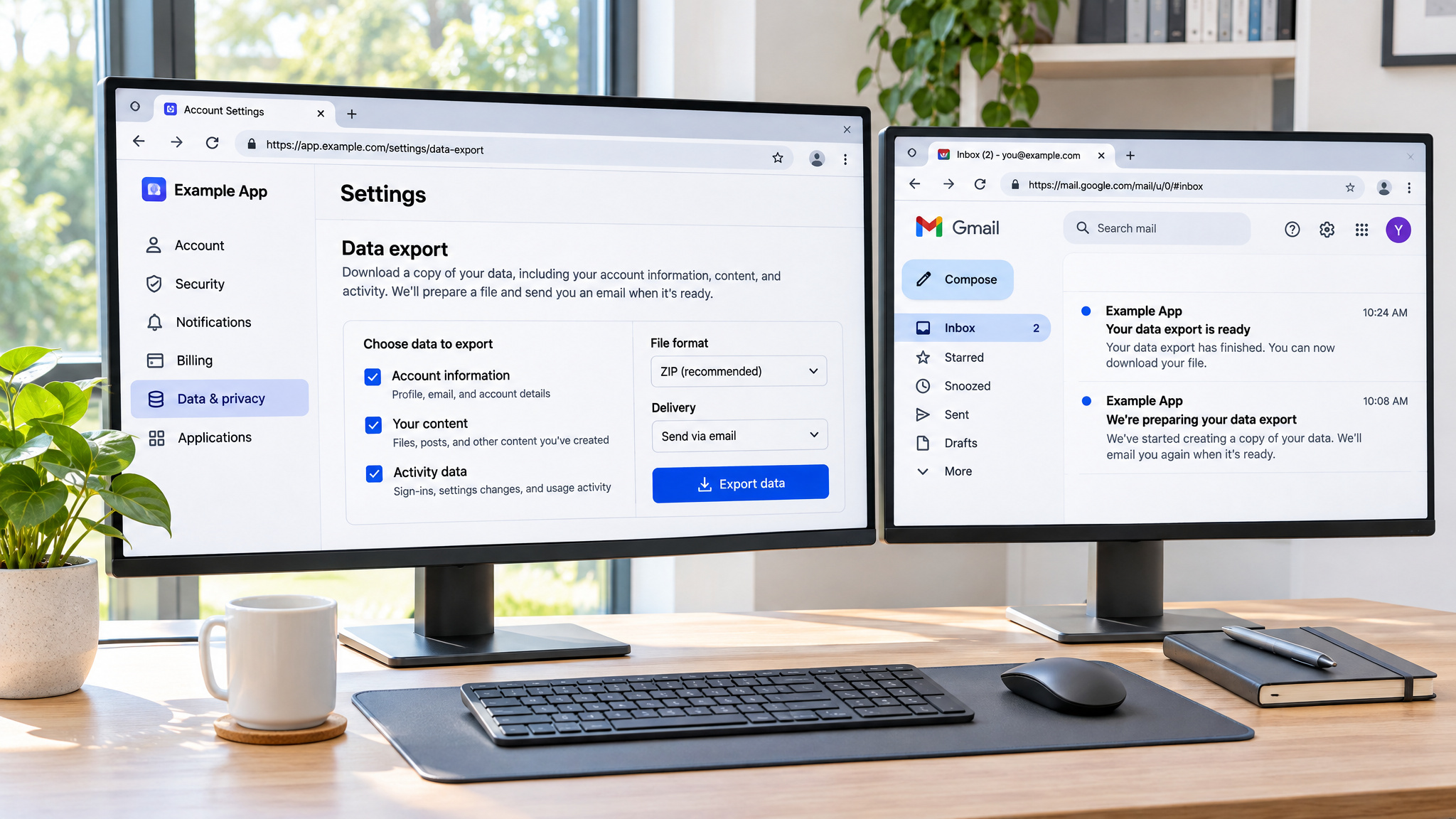
ChatGPT data export is a two-step email archive requested through Data Controls > Export that saves your conversation history before account deletion permanently destroys all chats, settings, and access. Because confirming deletion leaves no recovery path, you have to trigger the archive and capture the download file before closing the account. When Nassr demonstrated migrating off ChatGPT using his tom@xray.tech account, the export landed in his Gmail inbox across two distinct stages:
- A first notification email arrives within 24 hours confirming the export is being compiled, without the data file attached.
- A second follow-up email stating your data export is ready delivers the actual download link, which expires after a limited window.
How the export request works
Those chat logs hold hours of accumulated problem-solving context that you can carry over when switching to another AI provider.
The two-email timing trap
Because the download link arrives in the second email and lapses if ignored, request your export days before you plan to delete the account rather than in the same sitting.
Delete your ChatGPT account on desktop
ChatGPT account deletion on desktop is a permanent browser workflow completed at chatgpt.com through Settings > Data Controls > Delete Account (or via the Account section in an alternate desktop UI variant). Because the browser interface enforces a 10-minute session-age check and strict text validation before wiping the account, the sequence requires exact inputs to complete. Across browser walkthroughs from Max Dalton and Gauging Gadgets, the process runs through five steps:
- Sign into the target account at
chatgpt.com, the canonical URL to whichchat.openai.comredirects. - Open
Settingsfrom the profile menu, navigate toData Controls, and clickDeletenext toDelete Account. - Pass the refresh-login security check if your current login session started within the last 10 minutes.
- Enter your account email address and type
DELETEin all caps with no trailing spaces. - Click
Permanently Delete My Accountto trigger immediate deletion and forced logout.
Step-by-step: from sign-in to confirmation
Where you click to open Settings shifts slightly across desktop UI versions, though the underlying path stays the same. Dalton’s walkthrough uses the ellipses next to the account name in the left menu, the Gauging Gadgets walkthrough clicks the username at the bottom of the left menu, and the KnowledgeBase and XRAY flows use the name or circle at the bottom left. Once inside Settings, Data Controls houses the export, Delete All Chats, and Delete Account controls. In the alternate desktop UI variant shown by Nassr, opening Settings from the name at the bottom left leads to an Account section with a red Delete Account button at the bottom.
The 10-minute refresh-login gate
If you signed into ChatGPT within the last 10 minutes, the deletion dialog intercepts the workflow with a security gate. You have to click refresh login and re-authenticate your session before the confirmation fields unlock. Sessions older than 10 minutes skip straight to the final prompt.
Typing the DELETE confirmation correctly
The confirmation modal requires your account email in the first field and DELETE typed in all uppercase letters in the second. The input validator is strict: a lowercase letter or a single trailing space at the end of DELETE prevents the Permanently Delete My Account button from succeeding. Once accepted, deletion is instant. When the Gauging Gadgets creator demo-deleted their own account on camera, the screen confirmed the ChatGPT account was deleted, logged out immediately, and routed straight back to the login screen.
Delete your ChatGPT account on iPhone
Deleting a ChatGPT account on iPhone is an in-app process executed inside the iPhone ChatGPT app through Settings > Data Controls > Delete Account and finalized with a two-tap confirmation safeguard. Because the mobile interface relies on live server rendering to populate account management menus, you need an active internet connection and a current app build before starting. As shown in the iPhone app walkthrough, the sequence runs directly through the side menu:
- Open the
iPhone ChatGPT appon a stable internet connection while signed into the account you want to remove. - Tap the hamburger menu (the two horizontal lines at the top left of the screen) and tap your profile at the bottom of the side menu.
- Open
Settingsand scroll down if needed to selectData Controls. - Tap
Delete Account, then tapDelete Accounta second time to confirm and sign out immediately.
The in-app deletion path
Before tapping into the menus, verify that your phone isn’t on a flaky connection or offline mode, as settings options can fail to display properly without a stable internet connection. Once you open the hamburger menu and select your profile at the bottom of the sidebar, Data Controls sits inside the Settings screen. If it isn’t immediately visible on smaller screens, scroll down to reveal it. Inside Data Controls, tapping Delete Account brings up the confirmation step.
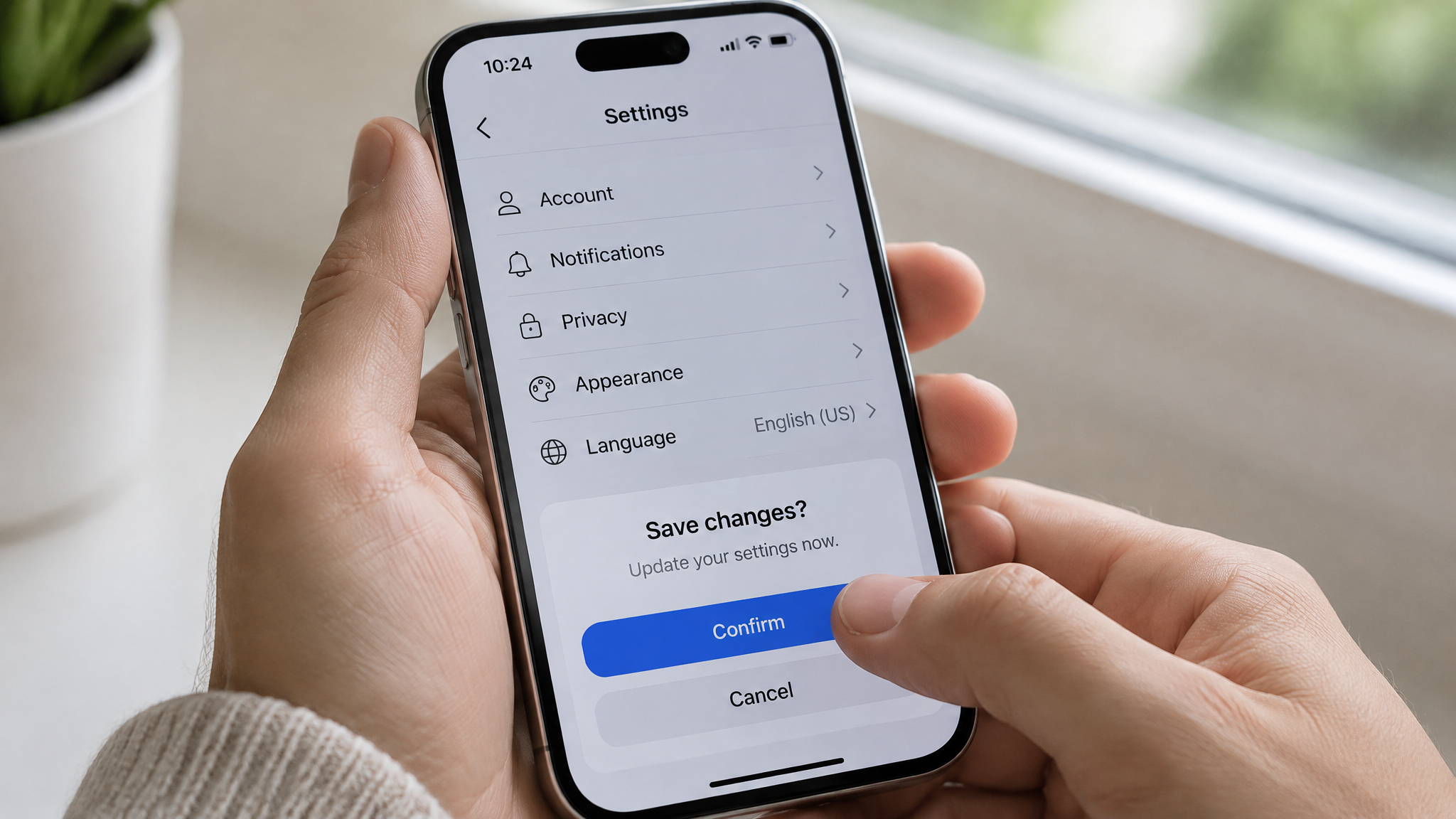
The iPhone flow skips the desktop’s typed string check in favor of a two-tap requirement: you tap Delete Account once to initiate, and tap Delete Account a second time to confirm. That double-tap acts as a built-in safeguard against accidental pocket or thumb deletions. The moment the second tap registers, the app terminates the account, signs you out immediately, and blocks any attempt to log back in.
If the delete option is missing
Menu labels and layout positions shift slightly between iOS updates. If you open Settings on a stable connection and find that Data Controls or the Delete Account button is missing, update the iPhone ChatGPT app to the latest version in the App Store and run the path again.
What happens after you delete
ChatGPT account deletion is a permanent, irreversible termination of your OpenAI login and all associated chats, settings, and service access that deactivates your account immediately while taking up to 30 days to purge data from OpenAI’s servers and backups. Confirming the final prompt leaves no undo option, as corroborated across the KnowledgeBase, Dalton, and Gauging Gadgets walkthroughs alongside the browser deletion warning.
The blast radius: ChatGPT, API, and DALL-E
At GeekExtreme, we always check downstream dependencies before running a destructive command. One confirmation cuts off every OpenAI service tied to that login at the same time: ChatGPT, the OpenAI API, and DALL-E. If you have side projects or scripts calling the OpenAI API, they break the second you confirm.
Two clocks: instant account deletion, 30-day data purge
Your login dies immediately upon confirmation, dumping you back to the sign-in screen. Behind the scenes, full data removal from OpenAI’s servers takes up to 30 days. During that 30-day purge queue, your conversations and data may continue to exist in OpenAI backups before final erasure.
Can you reopen a deleted ChatGPT account?
- No, a deleted ChatGPT account can’t be reopened or safely recreated with the same email address or phone number, except under a disputed 30-day OpenAI help-article claim that conflicts with real-world practitioner tests.
- Practitioner reality: Walkthroughs from Max Dalton and browser deletion commentary state that the same email address or phone number cannot be reused for a new account after deletion, with no restriction time limit specified by OpenAI.
- Disputed documentation: An OpenAI help article reportedly states that a deleted account’s email address can be reused after 30 days, a claim that walkthrough commentary treats skeptically as inconsistent with observed deletion behavior.
- Bottom-line advice: Because account deletion is permanent and can’t be undone, don’t delete your account expecting to reopen or recreate it later with those same credentials.
- Practitioner walkthroughs from Dalton and browser deletion commentary state that the same email address or phone number can’t be reused for a new account after deletion, with no time limit specified by OpenAI.
- An OpenAI help article reportedly states that a deleted account’s email address can be reused after 30 days, a claim that walkthrough commentary directly disputes as conflicting with real-world deletion behavior.
The email-reuse dispute, both sides
Treat deletion as a one-way door rather than a pause button. Because real-world tests report your email address and phone number are locked out indefinitely after deletion, assume both identifiers are permanently burned and never delete an account expecting to reopen or rebuild it later.
Cancel your App Store subscription separately
Apple App Store subscriptions for ChatGPT are independent billing agreements managed through Apple that continue charging iOS subscribers after a ChatGPT account is deleted unless cancelled separately in Apple’s subscription settings. Because OpenAI’s account database and Apple’s payment rails run as decoupled systems, wiping your login inside the app has zero effect on your recurring billing cycle:
- Deleting a ChatGPT account doesn’t cancel or manage an active
Apple App Storesubscription. - Subscribers billed through Apple must cancel their plan directly inside their
Apple App Storesettings before or alongside deleting the ChatGPT account.
If you subscribed to ChatGPT on an iPhone, Apple owns the billing loop. Wiping your ChatGPT profile through Data Controls only destroys your OpenAI credentials and chat history; Apple’s servers will keep renewing the subscription for the dead account until you turn off renewal inside your iOS account settings. Handle the Apple cancellation first so you aren’t paying for an account you can no longer log into.
When deletion fails: troubleshooting
ChatGPT deletion failures are session, app-version, or client-side bugs resolved by passing the 10-minute refresh-login gate, updating the iPhone app on a stable connection, or switching devices and retrying a few days later when desktop controls fail silently. When a delete button refuses to cooperate, match the failure mode to the platform fix:
- On desktop account deletion, complete the refresh-login re-authentication if your session is under 10 minutes old, and type
DELETEin all caps with no trailing spaces. - On the
iPhone ChatGPT app, connect to stable internet so menus render properly and update the app ifData ControlsorDelete Accountis missing. - For unresponsive bulk chat deletion on desktop, wait a few days and trigger the wipe from a phone or a different browser.
Delete All Chats failing silently on desktop
When Nassr tried to run Delete All Chats on desktop, the action failed across multiple browsers, system restarts, and page refreshes, leaving his chat history untouched.
Retry strategies that actually work
Days later, Nassr ran the exact same Delete All Chats command from his phone and it worked immediately. While public walkthroughs leave Android app paths and deleting an account without login access undocumented, the reliable fix for a stuck desktop deletion is waiting a few days and retrying from your phone or another browser.
Frequently Asked Questions
Does deleting a ChatGPT account delete data?
Yes, terminating your account permanently wipes all associated conversations, custom settings, and service access with zero option for recovery. Your login credentials stop working the second you confirm, though your logs may sit in OpenAI’s server backups for up to 30 days until the backend purge finishes. If you only want to scrub sensitive prompts while keeping your login and developer keys alive, use Delete All Chats in Data Controls instead.
Can you delete your ChatGPT account and make a new one with the same email?
Plan on your email address and phone number being permanently burned the moment you confirm deletion. While an OpenAI help page claims you can recycle an email address after 30 days, real-world practitioner tests contradict that and show both identifiers stay locked out indefinitely. Treat account removal as a one-way trapdoor rather than a reset button.
How do I export ChatGPT data before deleting my account?
Go to Settings, open Data Controls, and request an archive through the Export option days before you plan to close your profile. The export relies on a two-step email sequence: an initial confirmation message arrives within 24 hours without your files, followed later by a second email carrying a time-limited download link. Wait until you have actually downloaded that archive before deleting your account, because closing the profile first leaves no recovery path.
Do I need to cancel my ChatGPT subscription before deleting my account?
If you subscribed on an iPhone, yes—you have to cancel your plan directly inside your Apple App Store settings before or alongside wiping your OpenAI profile. Apple’s billing rails run completely separately from OpenAI’s user database, meaning a deleted ChatGPT account will still get billed every cycle until you shut off renewal in iOS.
