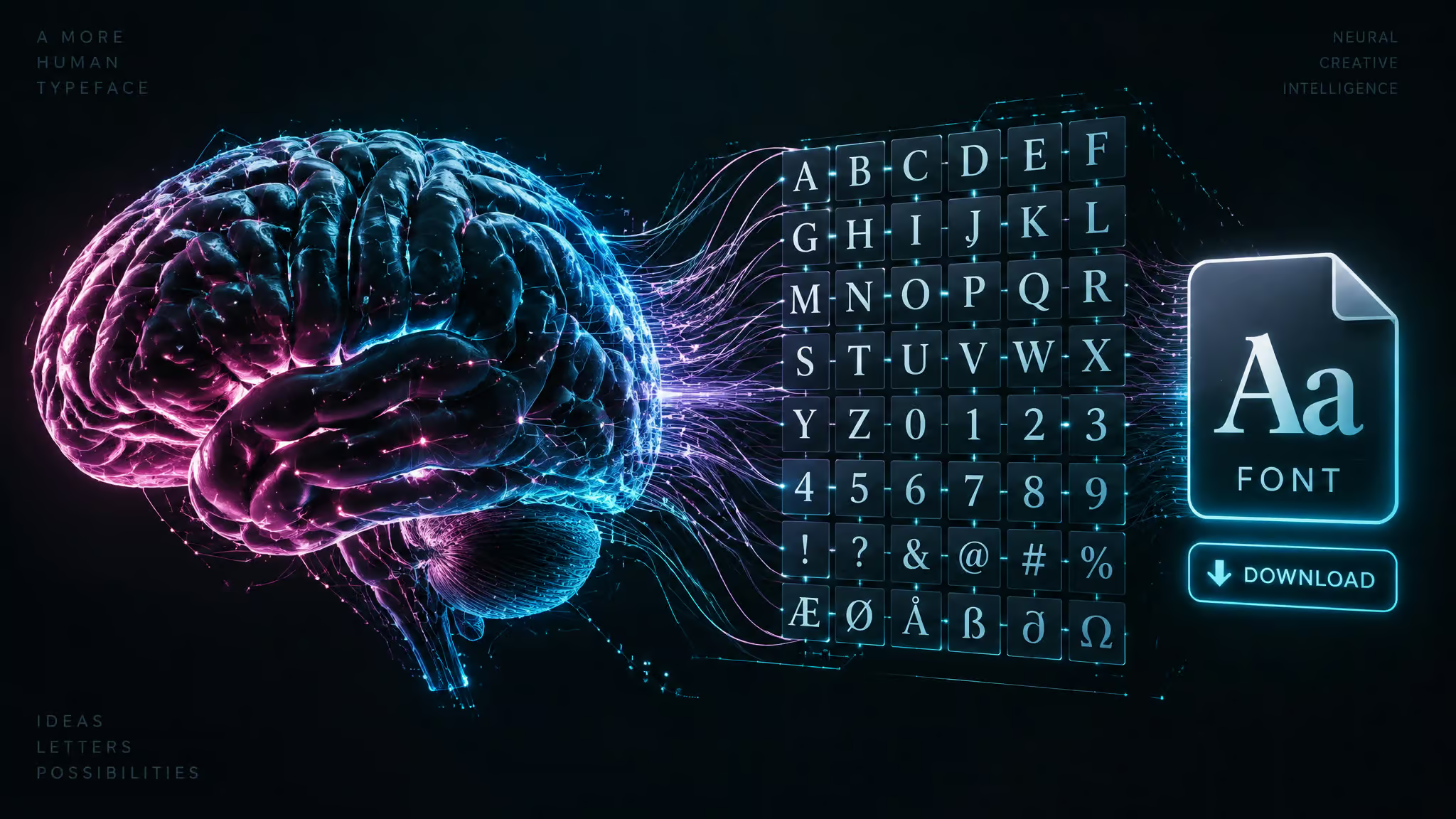
Okay so check this out: I went digging into “AI font generator” tools expecting one category, and it turns out half the category isn’t making fonts at all. Some of these tools spit out a real, installable TTF file. Others hand you a PNG. Others give you fancy Unicode text you can paste into Instagram, which is fun, but it’s not a font, it’s a picture of a font’s vibe. So, can AI generate fonts?
Yes, genuinely yes, some tools compile complete typefaces into downloadable font files. But the label covers at least three different products, and knowing which one you’re looking at is the difference between shipping a working typeface and building a whole project on styled text that was never a font.
Everything here leans on documented hands-on tests and what the tools actually do, not the vendors’ own pitch decks. Here’s the verdict in one breath: prompt-based generation into real TTFs works (Mixfont is the anchor example), handwriting and bitmap conversion into TTFs works with caveats, ChatGPT-assisted glyph sets are rough but usable, and the PNG-and-paste-text tools never make a font at all.
Key Takeaways
Mixfont generates a complete typeface from a prompt or reference image and outputs a downloadable TTF with 320+ glyphs.
DesignCourse’s hands-on test got a usable full character set out of ChatGPT (one duplicate J you’d remove by hand), while drfonts.com’s conversion failed outright: blank cards, chopped G and S glyphs, no download.
The file-format test settles any confusion: if a tool exports an installable TTF/OTF, it’s a font. A PNG or Unicode paste text isn’t.
Table of Contents
Can AI generate fonts? What comes out the other end
AI font generators are really two different products: some compile installable TTF/OTF font files, others output PNGs or pasteable Unicode text that isn’t a font. That’s the whole fog in one sentence, and the file-format test cuts through it: does the tool export an installable TTF/OTF, a PNG, or Unicode paste text? Only the first is a font.
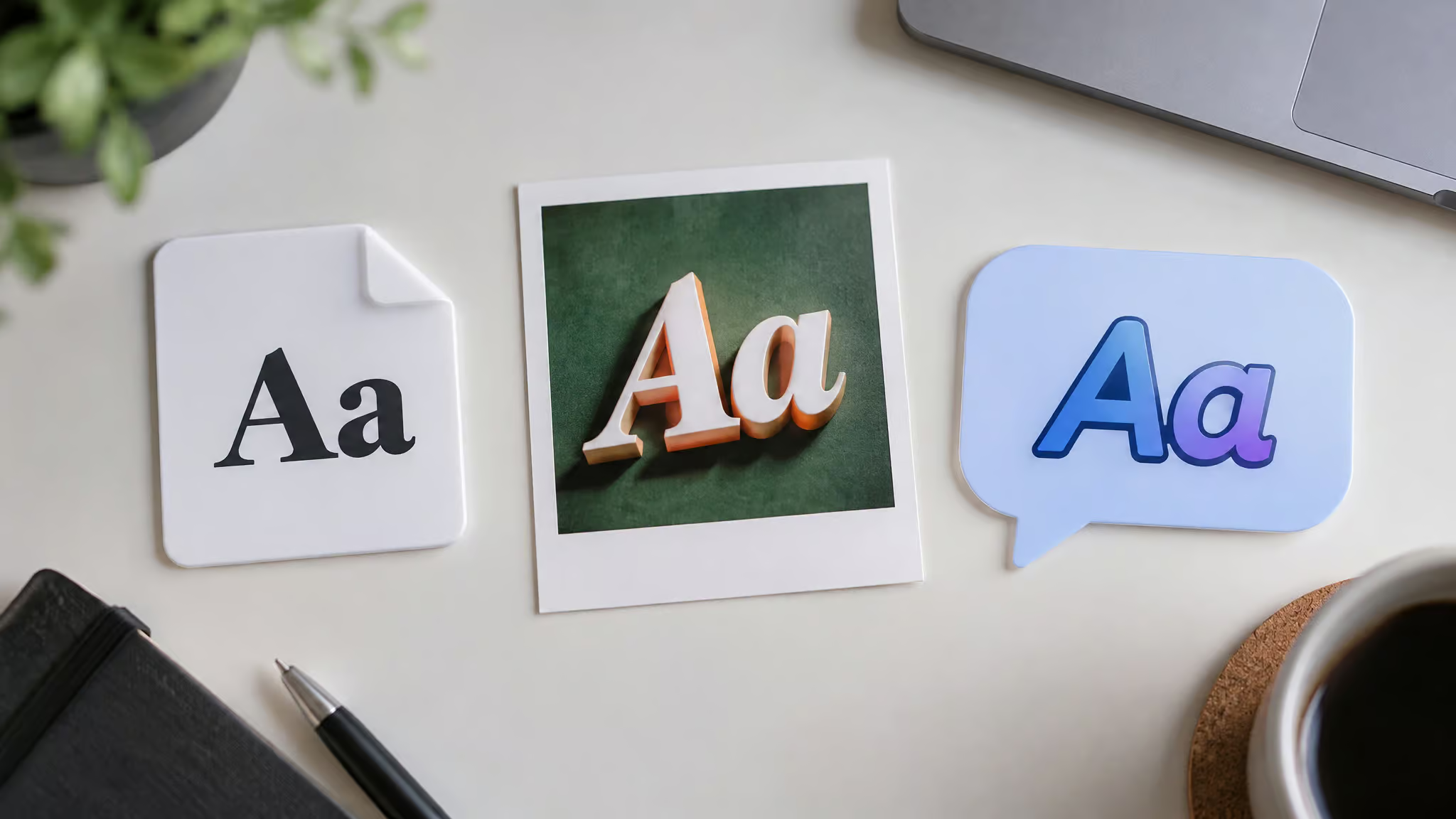
Tiering the yes:
- Prompt-based full generation into downloadable TTFs. Mixfont generates a complete typeface from a text prompt or reference image, with 320+ glyphs per font covering languages, punctuation, and symbols. That’s a real font file, not a screenshot.
- Handwriting/bitmap conversion into TTFs. Calligraphr, Gliph, and Creative Fabrica all turn your lettering into installable files, each with a different workflow.
- ChatGPT-assisted glyph sets. Rough, and you assemble the font yourself, but it can work (documented below).
- PNG-only and fancy-text tools. Never a font. Mixfont’s own platform proves the fog is real: its fancy text generator makes bold, script, gothic, and circled Unicode text you can paste into any app, which is text art, and its Font Finder matches an image to an existing font instead of making a new one.
How AI font generators actually work
An AI font generator is a design tool that creates or modifies typefaces from user input, trained on massive datasets of fonts and typographic principles. It can generate from scratch, remix existing fonts, or suggest variations.
The pipeline, roughly:
- ML models trained on thousands of fonts learn the rules: ascender height, stroke contrast, spacing, kerning.
- Neural style transfer blends traits from existing categories, so you can ask for retro-futuristic meets bold and get something that’s honestly kind of elegant.
- Some platforms fold in your own drawings or preferences as input.
The pitch is speed. Browsing font libraries and tweaking glyphs by hand eats days or even weeks; generation produces bespoke typography in seconds. But here’s the honest bridge: those learned rules are approximations, and the exact dimensions they approximate, spacing, kerning, glyph consistency, are precisely where real output breaks. The tested sections below show exactly that.
AI font generators: three product types, not one
“AI font generator” hides three products: prompt-based file generation, handwriting/bitmap conversion, and font pairing that creates no fonts at all. Here’s what I judged these on, as of 2025: font quality and variety, customization of style, spacing, and weight, downloadability, licensing clarity, ease and speed, and pairing support, with pricing tiers and fit for solo creators versus teams as secondary considerations. They don’t compete; they answer different jobs.
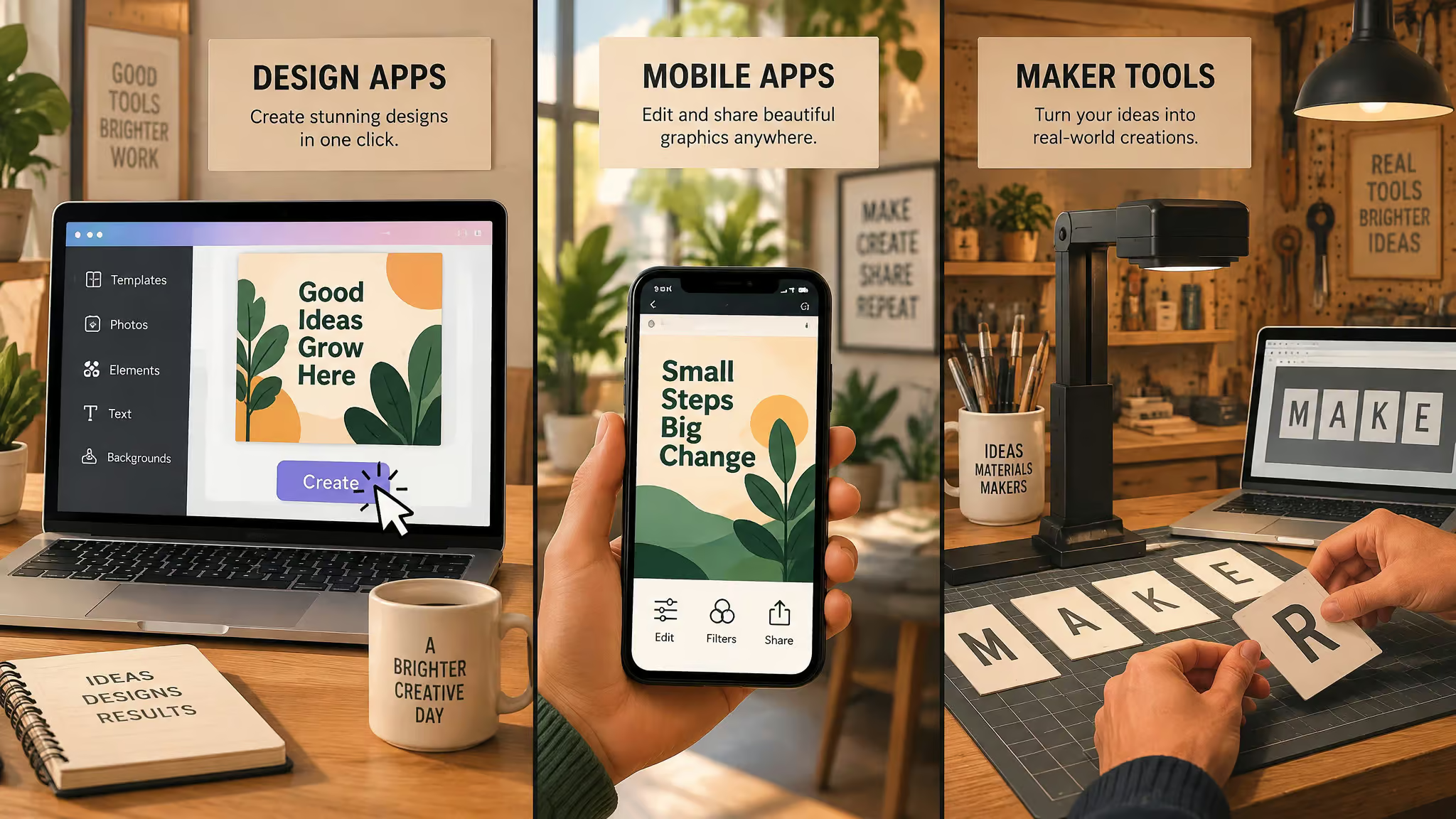
Simplified
The one you hand a beginner. It lives inside Simplified’s design platform, so there’s zero friction: a word or phrase in, aesthetic prompts chosen, font styles out. The shortfall, said plainly: no fine glyph-level tuning or granular spacing control. Great for fast styles, not for type engineering.
Picsart
Mobile-first, and a different category entirely. Theme inputs like “urban,” “futuristic,” or “handwritten” produce styled typography assets, and here’s the catch, delivered the way I’d warn a friend: it exports PNGs, not font files. That’s the difference between a font and a picture of text. Right tool for social assets and marketing graphics; wrong tool if you need to install anything.
Creative Fabrica Font Maker
The hands-on one. You draw individual letters, and AI turns them into an installable font, tidying inconsistencies and sorting out spacing along the way. Genuinely clever, and the closest thing to a maker-table build in this space. The catch: you draw or upload every character yourself, so it’s a time trade, not a shortcut. Bonus: there’s a supportive creator community around it, which counts for more than people admit.
Fontjoy
Fontjoy is a font-pairing tool, not a generator, so let’s be clear up front that no typefaces come out of it. You lock a base font and it uses deep learning to suggest complementary pairings, which is a genuinely handy trick for the eternal “what goes with this” problem. Limitation: it’s limited to Google Fonts, and it can’t create or modify fonts.
Vondy
The power-user pick. Vondy produces original typefaces from scratch, with real knobs for spacing and stroke weight, plus stylistic alternates and ligatures. Design directions run futuristic, vintage, brutalist, and geometric (brutalist gets a nod from me). The exports are the win: OTF/TTF files that drop straight into Adobe, Canva, or Figma. Weak spot, stated without snark: the starter library is narrow in traditional and script genres.
Calligraphr
You work from a PDF template for your hand lettering. You draw or scan each character, the AI cleans strokes, generates ligatures, and randomizes alternates, and you get TTF/OTF output with clear commercial rights. You’ll need the Pro plan for the advanced features.
How to convert handwriting or an image into a font file
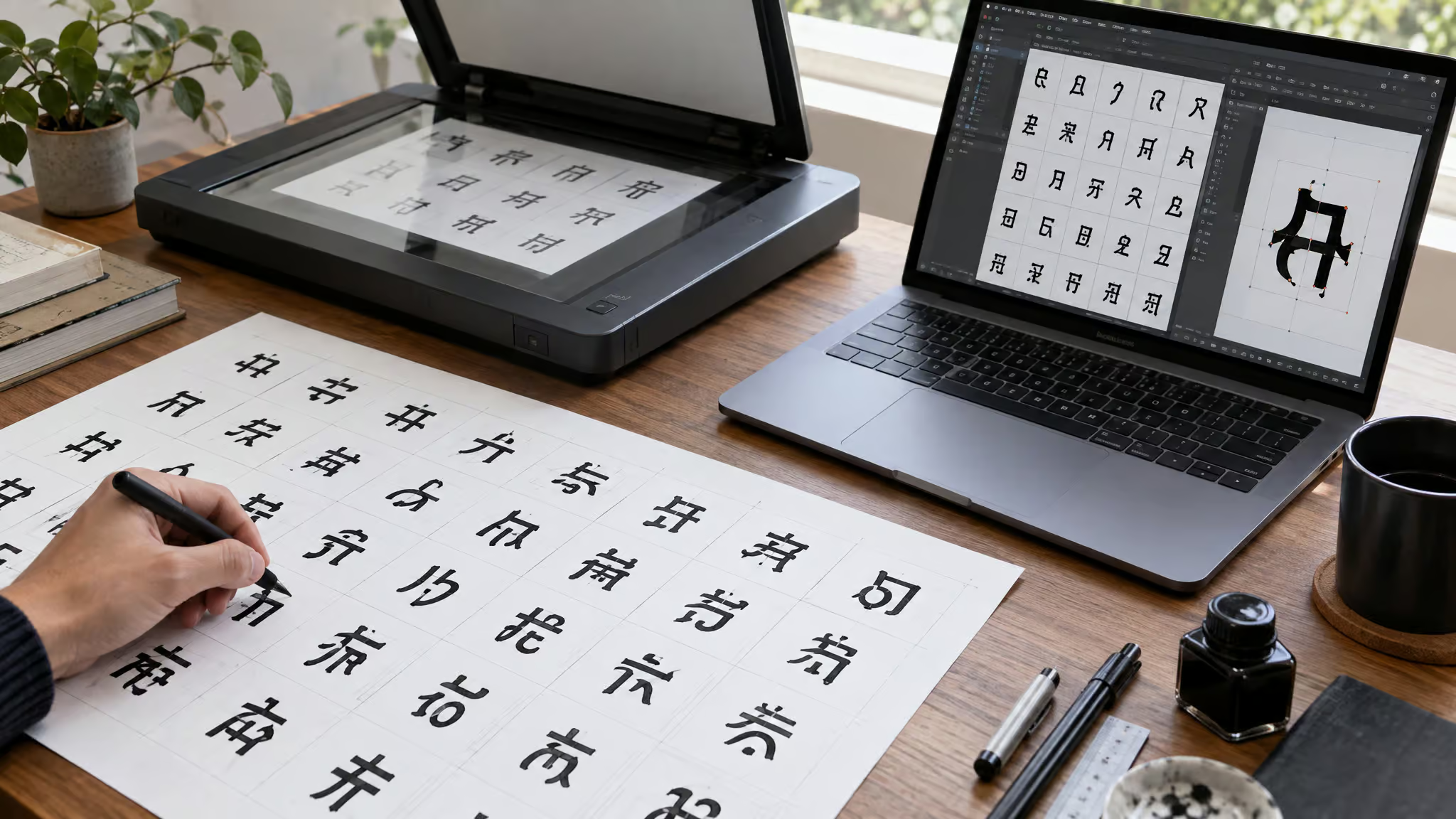
Converting lettering into a font file takes one of three routes, and two very different things can happen: the AI traces your exact lettering into glyphs, or it generates a new typeface from your image’s visual direction. That trace-versus-generate distinction is the whole game, and a lot of confusion about copy and paste font generators comes from tools that do one being described as if they do the other.
- Handwriting template route. Draw or scan each character on Calligraphr’s PDF template and upload it. The AI cleans your strokes and outputs TTF/OTF. This is the pure trace: your letterforms, digitized.
- Bitmap-sheet route. Gliph’s AI-assisted bitmap-to-vector conversion takes black-and-white, high-resolution sheets, 1028 to 2056 pixels, PNG or JPG, and high-contrast black-on-white works best. A sheet typically holds 60 to 100+ characters covering full alphabets, numbers, and punctuation. The pipeline does intelligent labeling, glyph location, and auto-cropping, and the detail worth calling out is per-character review with manual controls, so you’re not rubber-stamping the whole sheet blind. Output is a vectorized TTF. Treat the input spec like a README: clean, high-contrast, in range, and the conversion goes much better.
- Generate-from-image route. Upload a reference image and the AI turns the visual direction into a generated typeface, which is style transfer, not a trace. Mixfont does this, and its handwriting-to-font tool specifically converts a photo of handwriting into an editable font file. You’re getting a font inspired by your image, not your image traced letter by letter.
- The effort-heavy variant. Creative Fabrica Font Maker requires drawing every character yourself before the AI cleans it up into an installable font. Most labor in, most ownership of the result.
Every route ends in a file that usually still needs a cleanup pass, which is exactly what the quality-ceiling section below gets into.
Gliph: a beta converter with unverified vendor claims
Gliph claims direct. TTF export, custom glyph grids, baseline control, and full commercial ownership, features it says Adobe and Picsart lack, but that comparison is self-reported vendor marketing, unverified by third parties. Beta terms: 500 credits per month, covering 100 font sheet uploads at 5 credits each, with unlimited edits via export/import JSON; the free trial is 10 credits with no credit card. Founder Joshua Kaplan has 20+ years of design and illustration experience.
The site’s testimonials from “Jane Doe,” “John Smith,” and “Emily White” look like placeholder names, so treat them as marketing examples. The most trustworthy signal is Gliph’s own positioning: its output is suited for refinement in FontForge, an accelerator, not a finisher.
Red flag: Placeholder testimonials and self-reported feature comparisons mean every vendor claim here needs third-party verification before you build on it.
What happens when you try: one success, one failure
Claims are cheap, so here are two documented hands-on tests: one where AI-assisted generation produced a usable character set, and one where a promised conversion failed outright. Together they show both ends of what these tools actually deliver.
The ChatGPT test: one letter R, a full character set
Yes, ChatGPT can create a font, when you feed it a reference letter and a good prompt, though the output is workable, not professional. The documented test came from DesignCourse’s creator, in full late-night-rabbit-hole fashion: one custom letter R from an 11-year-old tutorial with 600,000+ views, plus Dudu’s customizable X-post prompt from the X platform, fed into ChatGPT. The result was a complete, workable character set, with one duplicate J to delete by hand. It came out close to the desired result and usable for quick, simple needs. Would an experienced type designer call the output junk? Yes, absolutely, and that’s fine, because that’s context for who this is for: people who need a quick custom set, not people shipping a type family.
The drfonts.com test: a conversion that never finished
drfonts.com asks for a full uploaded character set, which it claims to convert into a working font, and the free 24-hour account (no credit card, test unsponsored) made it cheap to find out, this is exactly the kind of hands-on check that rounds up the genuinely free AI font generation tools and reports honestly on what “free” actually gets you. The extraction failed hard: blank cards, chopped G and S glyphs, no feedback when hitting Apply, no smoothing option, and no font download available at the end. The “Write text” preview was terrible. That’s the bench test gone sideways, and it’s the gap between marketing claims and a real conversion attempt that generic listicles never include.
Where AI fonts hit the quality ceiling
The quality limits of AI-generated fonts sit in kerning, ligatures, and glyph-level control, which are precisely the rules the models only approximate, a gap made clear by notable AI-generated typefaces that actually shipped, where they succeed, where they fail, and whether pros would use them. The specific gaps, with sources:
- Simplified offers no fine glyph-level tuning or granular spacing control.
- Creative Fabrica demands manually drawing every character.
- The ChatGPT set shipped with a duplicate J.
- drfonts offered no smoothing at all.
There’s also a documented conversion pattern from public hands-on tests: a handful of characters come through fine while two or three arrive chopped or duplicated, and the tool says nothing when a processing step dies quietly. That silent-failure part is the nastiest, because you find out at export time or later.
The tell of a serious tool is whether it plans for a refinement step. Gliph positions its own output for a FontForge cleanup pass; tools promising finished fonts in seconds are the ones to distrust. Treat AI output as a first draft, budget a manual refinement pass for anything professional, and know that quick, simple jobs like advertisement graphics are the supported sweet spot.
What AI fonts are good for, and what they’re not
Logo wordmarks, game UI, posters, and early identity exploration are where AI-generated fonts shine; production body text and professional type systems are where they fall apart. The strong fits, drawn from Mixfont’s own supported use cases: early identity systems, campaigns, book covers, posters, packaging, game titles and UI, app interfaces, social assets, pitch decks, design-system exploration, mockups, and marketing graphics. The weak fits are anything needing consistent kerning across thousands of words.
The real value is speed: exploring multiple directions in seconds, refining the prompt, rerunning the promising concepts, versus days or weeks of manual glyph tweaking. And the export path lands in working stacks, since Vondy’s OTF/TTF files drop straight into Adobe, Canva, or Figma, and Mixfont’s TTFs ship with 320+ glyphs covering languages, punctuation, and symbols, so a quick job still installs as a complete typeface. So the verdict, conditions attached: fine for quick, simple jobs, though it won’t pass a professional type designer’s bar.
Can you use AI-generated fonts commercially?
Yes, you can use AI-generated fonts commercially, when the specific tool’s license says so, because commercial rights are defined per tool, not by any blanket rule. That’s the whole answer; the rest is reading the fine print per tool.
Per-tool commercial terms
- Mixfont allows commercial use subject to the Mixfont license. Read it before client, business, or product work; “subject to the license” is the honest part, and I’m not going to smooth it over.
- Calligraphr outputs come with clear commercial rights, though the advanced features require the Pro plan.
- Gliph claims full ownership of created fonts, which is a self-reported vendor claim, so weigh it accordingly.
And past each tool’s stated license, this isn’t legal advice, and it’s not meant to be.
What free tiers and beta pricing actually get you
In everyday risk terms, most of these free tiers cost you an afternoon, not money, and none of them ask for a credit card up front. Gliph’s free trial is 10 credits with no credit card; the beta plan runs 500 credits per month, which covers 100 font sheet uploads at 5 credits each, so the math is straightforward: one credit per five uploads’ worth of budget, 100 sheets monthly. drfonts.com offers a free 24-hour account, no credit card. Calligraphr has a free tier with Pro-gated features.
Beta and free terms shift over time, so double-check the current terms before you build anything commercial on them. And keep “free” and “commercial-ready” as separate questions in your head, because a tool being free to try says nothing about whether the output is licensed for client work.
Decoy fonts: typefaces built to defeat AI
Decoy fonts are typefaces designed so humans can read them and AI systems can’t, and this corner of typography is genuinely delightful. Three entries:
Decoy Font and the MIT hybrid-imaging lineage
Decoy Font uses two text layers: crisp foreground outlines and dark, blurred background text, which lets you hide juxtaposed messages, like a blurred “Happy Human” sitting behind a crisp “Sorry Robot.” That’s the demo moment. The lineage goes back to MIT’s 2007 hybrid imaging portrait, which showed Marilyn Monroe up close and Albert Einstein at a distance, originally built to study human perception; decoy fonts repurpose the technique for privacy. Same trick, new motive.
Ghost Font: readable only in video, born from AI fatigue
Ghost Font is Mixfont’s first anti-AI typeface, created by founder Eric Lu, and yes, the irony of a font generator’s founder making an anti-AI font is noted. It works by moving words over a shifting, television-static-like background, readable only in video format, and Mixfont itself acknowledged it’s not a traditional font, an admission I find charming. The origin story, reported by Forbes‘ Leslie Katz and Dezeen‘s Rima Sabina Aouf (via Smithsonian): Lu built it after AI repeatedly and incorrectly summarized his private texts with his mother, and he cites strong AI fatigue and a desire for defense against AI. Hard to argue with that motivation.
ShieldFont: scrambling half the words in your code
ShieldFont, released in July by studios including Seneda & Abrucio and PlayType, replaces roughly half of content words (nouns, verbs, adjectives, adverbs) with random other words in source code. Humans read through it fine; scrapers get garbage, and more than 90 percent of the resulting gibberish is rejected by quality filters, per Fast Company‘s Hunter Schwarz. Per the creators’ white paper, the primary motivator was blocking theft of human writing by AI models, which is their stated motive, not a settled fact about efficacy. These fonts’ defenders claim they work; nobody’s claiming they defeat all AI systems, and neither am I.
From Gutenberg’s black-letter to prompt-driven type
Every Western type revolution started by imitating existing handwriting. Johann Gutenberg, largely credited with the first Western typeface, built a black-letter font mimicking monks’ handwritten calligraphy, and today’s handwriting-to-font tools (Calligraphr, Mixfont’s handwriting route, Creative Fabrica) run the same move at prompt speed. What’s actually changed is the input: Mixfont’s AI font generator takes a text prompt or reference image and returns a complete, installable TTF, 320-plus glyphs covering languages, punctuation, and symbols. Here’s the verifiable irony: Mixfont sells both an AI font generator and Ghost Font, an anti-AI typeface. One vendor, sitting on both sides of the question we started with.
Frequently Asked Questions
What is the best free font generator?
It depends on what you mean by “font.” If you need an installable TTF, Calligraphr has a free tier (with Pro-gated advanced features), Gliph’s beta trial gives 10 credits with no credit card, and drfonts.com offers a free 24-hour account — though a hands-on test of drfonts failed outright, with blank cards, chopped glyphs, and no download. Free to try and commercial-ready are separate questions, so check each tool’s license before client work.
Do AI font generators produce real TTF files or just fancy text you can copy and paste?
Both exist, and the file format is the test: if a tool exports an installable TTF or OTF, it’s a font; a PNG or Unicode paste text isn’t. Mixfont’s own platform shows the split — its generator outputs downloadable TTFs, while its fancy text generator makes bold, script, gothic, and circled Unicode text you can paste into apps, which is text art, not a font. Picsart similarly exports PNGs, not font files.
What are the quality limits of AI-generated fonts — kerning, ligatures, and glyph consistency problems?
Kerning, ligatures, and glyph-level control are exactly where AI output breaks, because those are the rules the models only approximate. Documented failures include a duplicate J in a ChatGPT-generated set, chopped G and S glyphs in a drfonts.com conversion, and Simplified offering no fine glyph-level tuning or granular spacing control. A common pattern: most characters come through fine while two or three arrive chopped or duplicated, and the tool fails silently. Treat AI output as a first draft and budget a manual refinement pass.
When does an AI font generator fail, and when should you hire a type designer instead?
AI font generators fail at anything needing consistent kerning across thousands of words — production body text and professional type systems. They shine at logo wordmarks, game UI, posters, book covers, packaging, and early identity exploration. If you’re shipping a type family or need professional-grade spacing, hire a type designer; for quick, simple jobs like marketing graphics, AI output is the supported sweet spot.
