Open a browser tab to buy your first spool of 3D printing filament and the acronyms hit you like a wall of unlabelled DIP switches. PLA is supposedly weak, PETG is the do-everything middle ground, ABS is mandatory for real parts, and TPU bends if you look at it wrong. Most of those one-line verdicts contradict each other, and worse, they skip the hardware gate entirely.
As AI tools make designing custom parts faster and more accessible, 3D printing is on track to become a household staple over the next decade. Once you can generate a bracket or enclosure in minutes, choosing the wrong consumable becomes the main thing standing between a working part and a tangled ball of plastic on the build plate.
This guide maps every common filament family and photopolymer resin by what it’s made of, how it actually fails under load or heat, and what printer hardware you need before you even hit slice.
Key Takeaways
Basic PLA beat ABS, PETG, and ASA in Stefan of CNC Kitchen‘s static hook and 3-point bending tests, though it’s brittle under sudden impact and softens at 50 to 60°C.
PETG surged during the COVID face-mask boom on open bed slingers, but by 2023 enclosed high-speed printers exposed its slow melting and stringing, pushing brands like Bambu Lab to sell it only in carbon-fiber-reinforced form.
Hardware dictates your material ceiling before polymer specs matter: ABS requires a warm enclosure and ventilation, TPU strongly favors direct-drive extruders, nylon demands active drying, and carbon fiber blends chew through brass nozzles.
Table of contents
Table of Contents
What is 3D printing material? Filaments vs resins
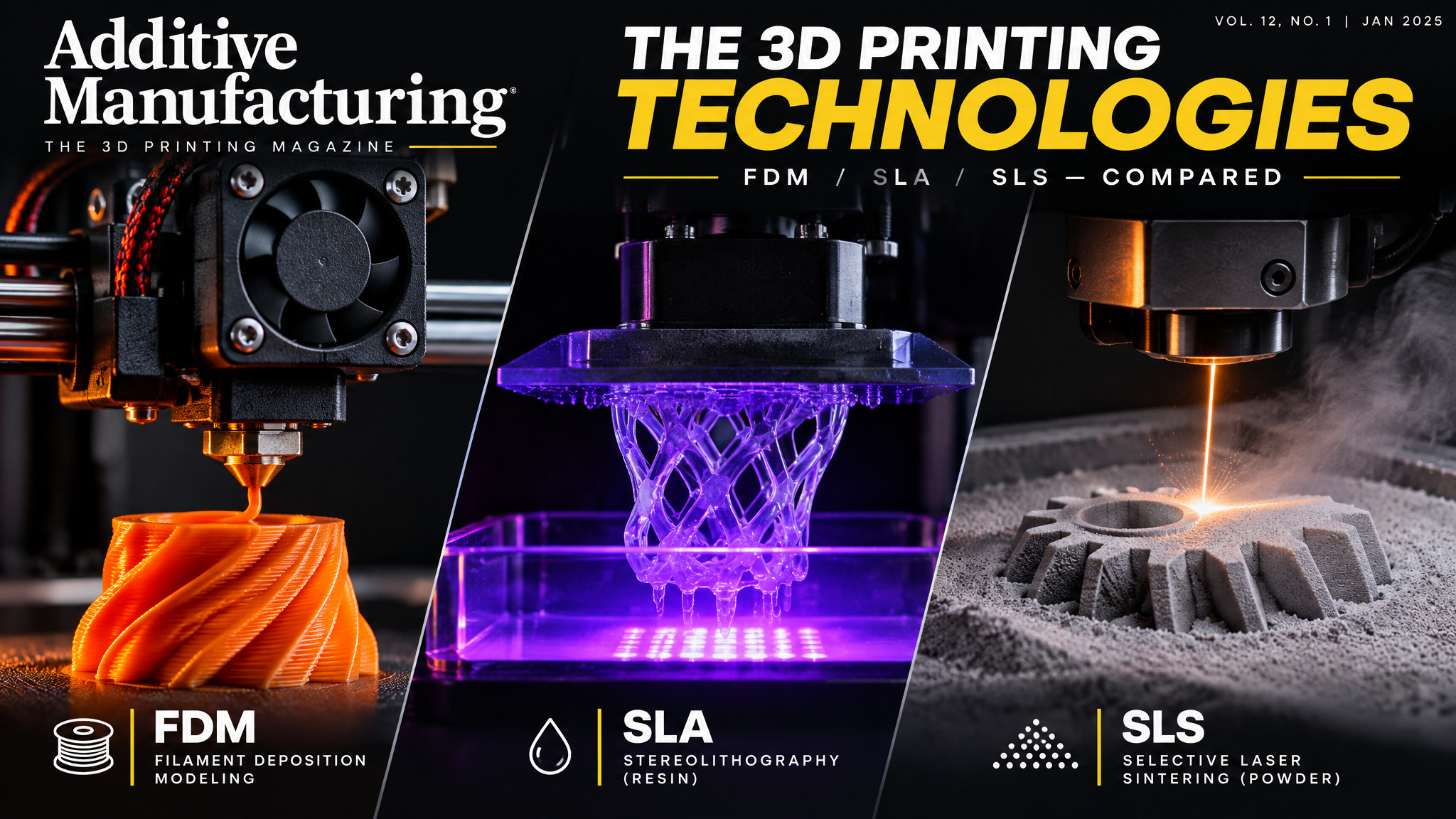
3D printing materials are the consumable feedstock a printer turns into physical parts: either spooled thermoplastic filament melted layer by layer on an FDM machine, or liquid photopolymer resin cured by UV light on an SLA or MSLA printer. Those two families run on completely different hardware, use different workflows, and fail in different ways, so picking a material starts by checking your machine rather than browsing strength charts.
Filament: melted thermoplastic spools
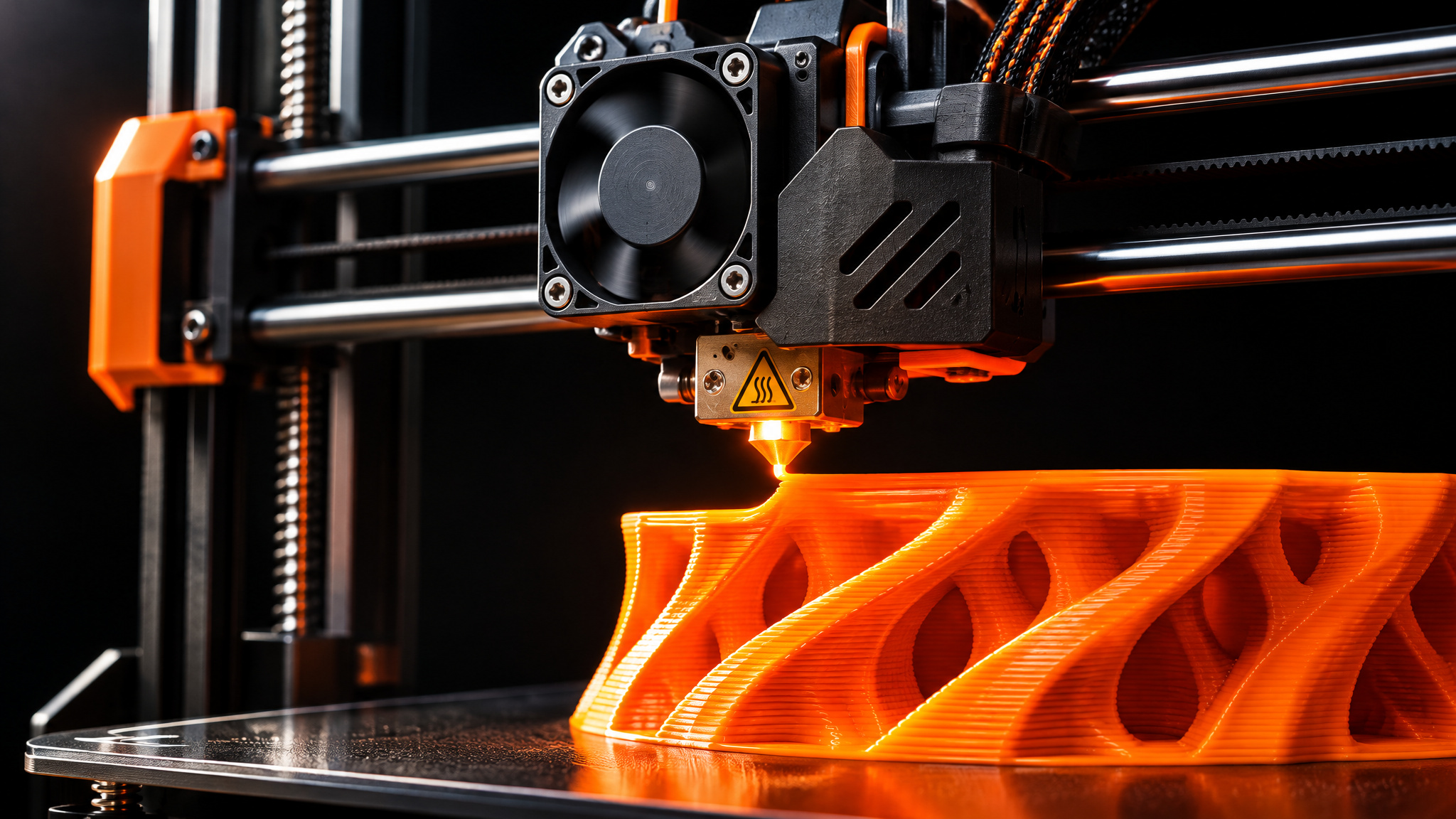
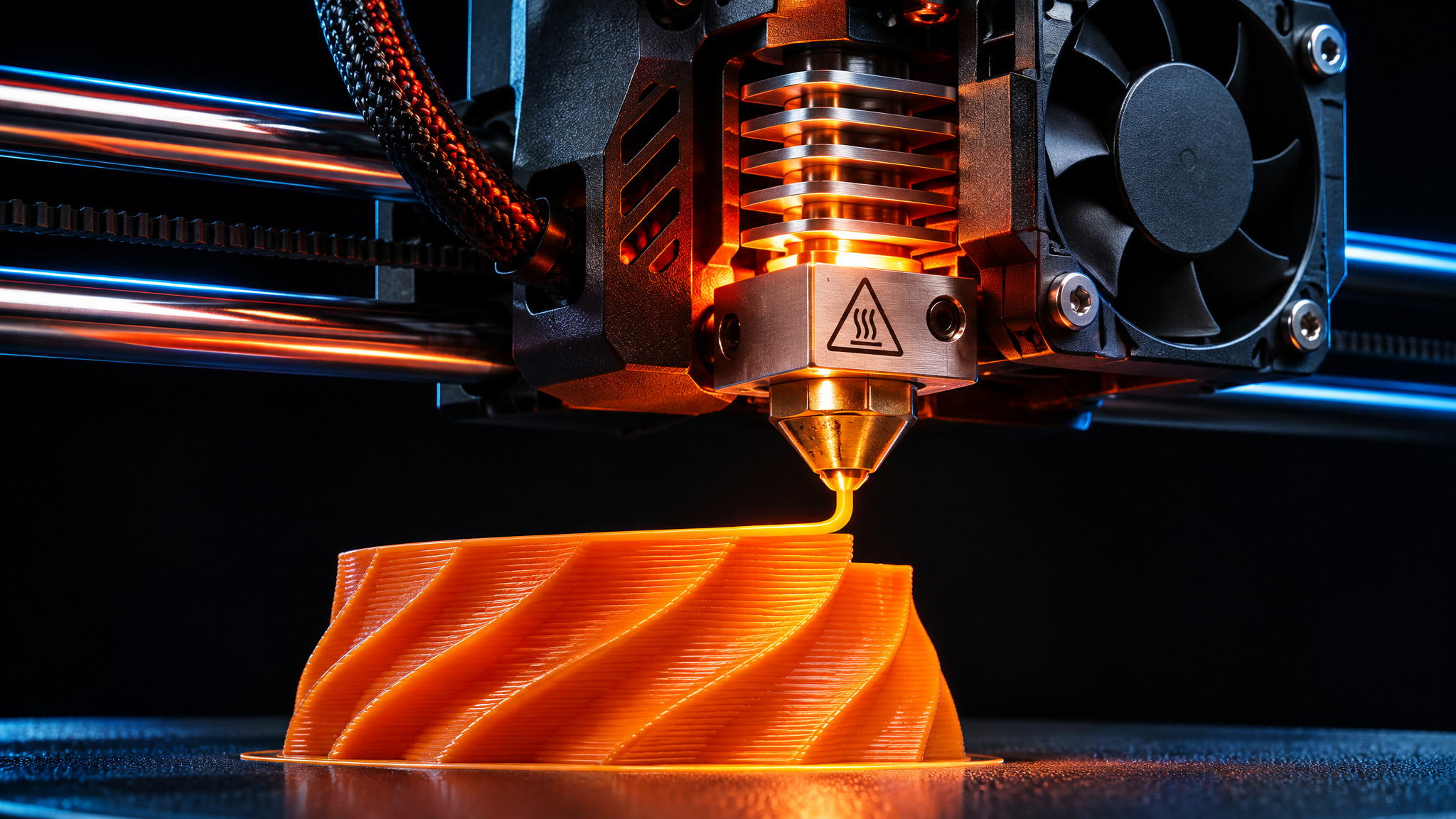
Filament arrives on a spool as a continuous strand of thermoplastic that your printer’s hot end melts and deposits along a programmed toolpath. Before you compare polymer names, check the first hardware gate: diameter compatibility. Almost every consumer desktop printer takes 1.75 mm filament, while 2.85 mm (sometimes labeled 3 mm) is the oddball standard that only specific machines accept.
The second hardware gate is your printer class. An open frame versus an enclosed chamber, a direct-drive extruder at the toolhead versus a Bowden tube feeding from the frame, and a 250°C hot end ceiling versus 300°C+ all dictate which spools you can reliably print. If you’re still sorting out how additive manufacturing processes differ from traditional fabrication or what happens inside the machine during step-by-step extrusion and layer deposition, locking down those machine limits first saves a lot of wasted plastic.
Resin: liquid photopolymer cured by UV
Resin skips the heated nozzle altogether. Instead of melting plastic, SLA and MSLA printers shine UV light into a vat of liquid photopolymer, hardening each layer chemically into a solid part.
That shift changes the entire user experience. You trade filament temperature tuning and extrusion calibration for a chemical post-processing workflow that demands isopropyl alcohol (IPA) washing for uncured parts, a UV post-cure, nitrile gloves, and dedicated ventilation.
PLA (polylactic acid): the forgiving default
Beginners start with PLA because it’s the easiest, cheapest, and most forgiving filament on the market, covering roughly 80 percent of early prints according to one filament-guide presenter. You should only move on from PLA when a part faces above-ambient heat, direct sunlight, constant mechanical stress, or sudden impacts that will snap a rigid polymer.
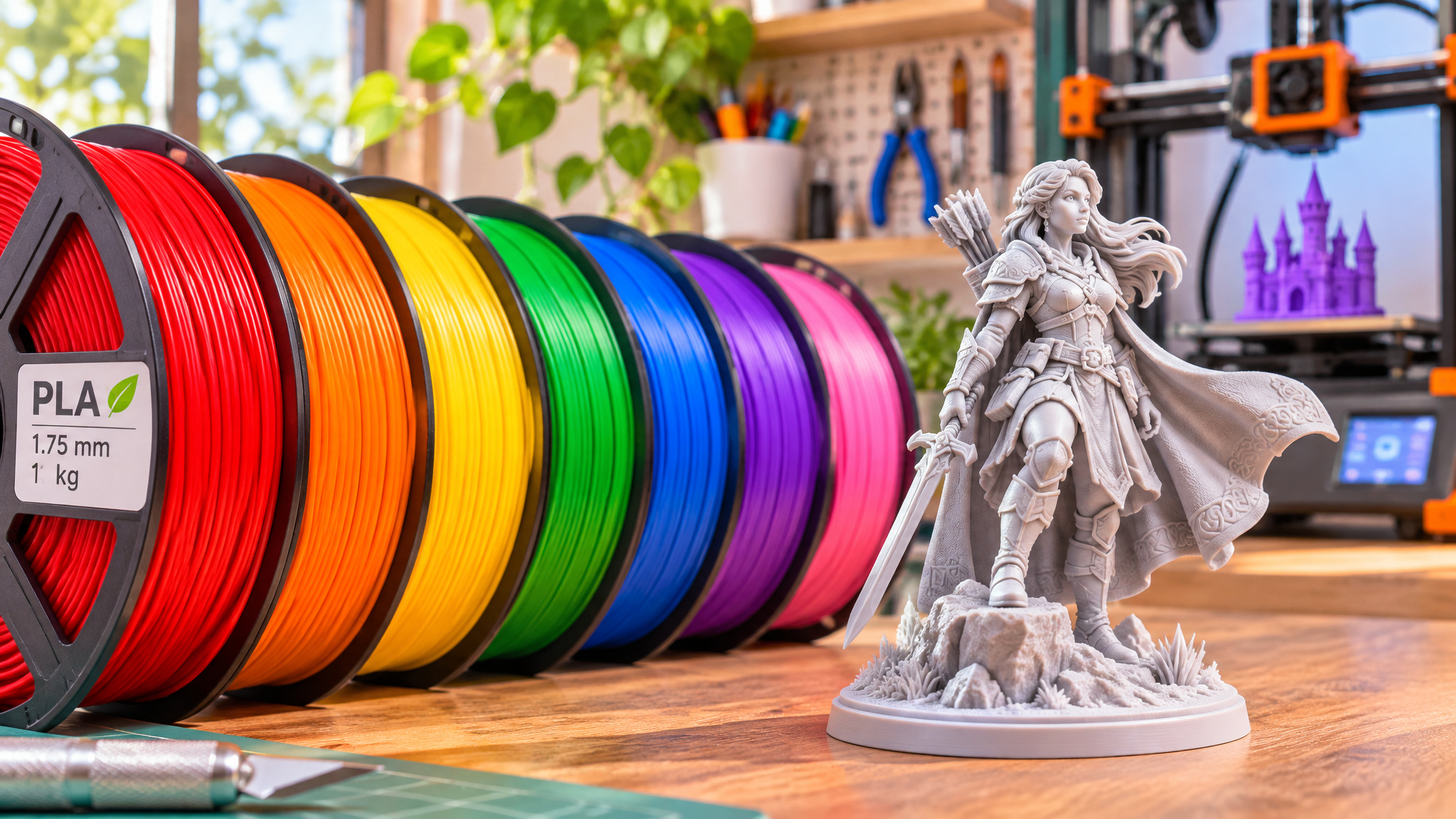
What PLA is made of and how it prints
PLA is a biodegradable thermoplastic derived from renewable crops like cornstarch and sugarcane, making it the most widely consumed bioplastic worldwide as of 2021. Printer manufacturers almost always toss a sample spool of PLA into the shipping box because it makes their hardware look good right out of the gate.
It prints at a low nozzle temperature of roughly 190 to 220°C (most people land between 200 and 215°C) with a 55 to 60°C heated bed. It barely warps, sticks reliably to budget build plates, rarely asks for an enclosure, and delivers crisp surface detail and dimensional accuracy without heroic slicer tuning.
How strong PLA really is, by load type
Ask around online and plenty of makers will tell you that ABS, PETG, or ASA are flatly stronger than PLA. That assumption falls apart the moment you separate static load from impact resistance.
In Stefan of CNC Kitchen‘s testing, basic PLA easily beat other common filaments in static hook pull and 3-point bending tests. PLA is hard and stiff, so it holds a heavy static weight without flexing. Its real weakness is low impact strength: hit a PLA part sharply or drop it on concrete, and it snaps instead of bending.
Where PLA fails: heat, sunlight, and sustained load
Heat is where PLA quietly betrays you. Its glass transition temperature sits around 50 to 60°C, far below its 190 to 220°C print temperature, which means it starts softening in environments that feel merely warm. Leave a PLA bracket on a car dashboard on a sunny afternoon or mount it as a PC fan duct, and it’ll sag out of shape.
Even worse, PLA creeps under sustained mechanical strain. In one reported case from a filament presenter, PLA parts deformed inside a printer cabinet that never topped 45°C simply because they were holding constant tension. Add UV degradation from outdoor sunlight, and PLA becomes strictly an indoor, room-temperature material.
The PLA color and specialty empire
No other filament family comes close to PLA’s visual catalog. You can buy it in silk finishes, rainbow spools that shift hues as the print progresses, glow-in-the-dark blends, two-sided red-and-black co-extrusions, wood-filled textures, matte pastels, fluorescent shades, and metallic golds.
That variety makes PLA the undisputed king of decorative prints: statues, toys, figurines, signs, cosplay props, helmets, and tabletop miniatures. It also handles indoor functional prints cleanly as long as they stay away from heat and heavy shock, including planters, honeycomb storage walls, Gridfinity desk organizers, light-duty shelf brackets, and home trash bins.
PLA Plus and tough PLA: when variants make sense
Walk into a store like Micro Center and you’ll see its house brand, Inland, selling standard PLA right next to PLA Plus and Tough PLA. Depending on the brand’s recipe, those modified blends trade a bit of pure stiffness for extra impact resistance or slight flex so parts survive a drop better.
Even so, one filament presenter sums up modified blends with a blunt rule of thumb: a tiger doesn’t change its stripes. Tough PLA helps a bracket survive an accidental knock, yet it still shares PLA’s low heat ceiling, so a purpose-built polymer like PETG or ABS remains the smarter call when a project faces warm air or sustained load.
PETG: the middle ground and its printer-era limits
PETG is the right choice if you have an open, enclosure-free printer and need functional parts that survive moderate heat, outdoor UV, or sudden knocks better than PLA. Its reputation as the universal upgrade, however, owes more to older printer hardware than to raw mechanical superiority.
PETG properties and print settings
Polyethylene terephthalate glycol (PETG) combines straightforward printability with tougher, more impact-resistant behavior, sitting second only to TPU in flexibility among common rigid-ish filaments. Its glass transition temperature climbs to roughly 70 to 80°C, it resists UV and chemicals better than PLA, produces almost no odor, warps far less than ABS, and bonds layers together tightly.
Most spools print well at a 230 to 250°C nozzle (one source dials in at 235°C) and a 70 to 85°C bed (one source runs 75°C). If you want transparent parts, blends like Fillamentum translucent PETG stay noticeably clearer where comparable PLA turns cloudy.
PETG’s print quirks: stringing, sticking, and moisture
PETG swaps PLA’s effortless surface finish for a few stubborn habits at the nozzle:
- Stringing and oozing across travel moves, which you tame by slowing print speeds down and making small, gradual retraction adjustments.
- Over-adhesion to smooth beds, where PETG grips so aggressively it can tear chunks out of a print surface during removal.
- Nozzle buildup, as sticky molten plastic clings to the brass tip and drops burnt blobs onto later layers.
- Moisture sensitivity that forces thorough drying before printing, even though one source calls finished PETG moisture resistant while others warn it’s extremely hydroscopic on the spool.
Why PETG is still popular and when it’s the wrong pick
According to CNC Kitchen‘s strength tests, PETG doesn’t actually win any structural category. Its status as the automatic second spool came from the bed-slinger era, surging during the COVID face-mask printing boom because open, slow printers couldn’t hit 300°C or keep ABS from warping.
By 2023, enclosed high-speed printers exposed PETG’s slow melting rate, which bottlenecks fast extrusion and worsens stringing; Bambu Lab only sells PETG in carbon-fiber-reinforced form. On an open printer, PETG still shines for clip-on cup holders, vertical planters, Reprack brackets, fan ducts, light diffusers, flexing soft boxes for video lights, mounts, and replacement refrigerator parts.
PLA vs PETG: which filament for functional parts?
Pick PETG for clips, springs, outdoor brackets, fan ducts, and stressed functional hardware, and stick with PLA for indoor decorative pieces and precision parts that see static loads at room temperature.
The split comes down to failure mode and thermal margin. PETG bends under impact instead of shattering, holds its shape up to roughly 70 to 80°C, and resists UV exposure outdoors. PLA wins on static bending stiffness and surface precision, prints faster with sharper overhangs, and offers far more colors, yet cracks under sharp blows and sags past 50 to 60°C.
You also pay a tuning tax for PETG. Higher nozzle and bed temperatures, slower print speeds, weaker overhangs, stringing, and sticky nozzle gunk mean PLA gets clean results much faster when a part never leaves your desk. Once you dial PETG in, though, its layer adhesion makes finished parts reliably tough.
ABS: the heat-resistant workhorse and its enclosure tax
Standard ABS realistically requires a warm, enclosed printer and active fume ventilation; print it in an open room and drafts will pull the corners off your build plate and crack layers apart mid-print. When you have the chamber to support it, ABS unlocks genuine high-heat stability and fast print speeds.
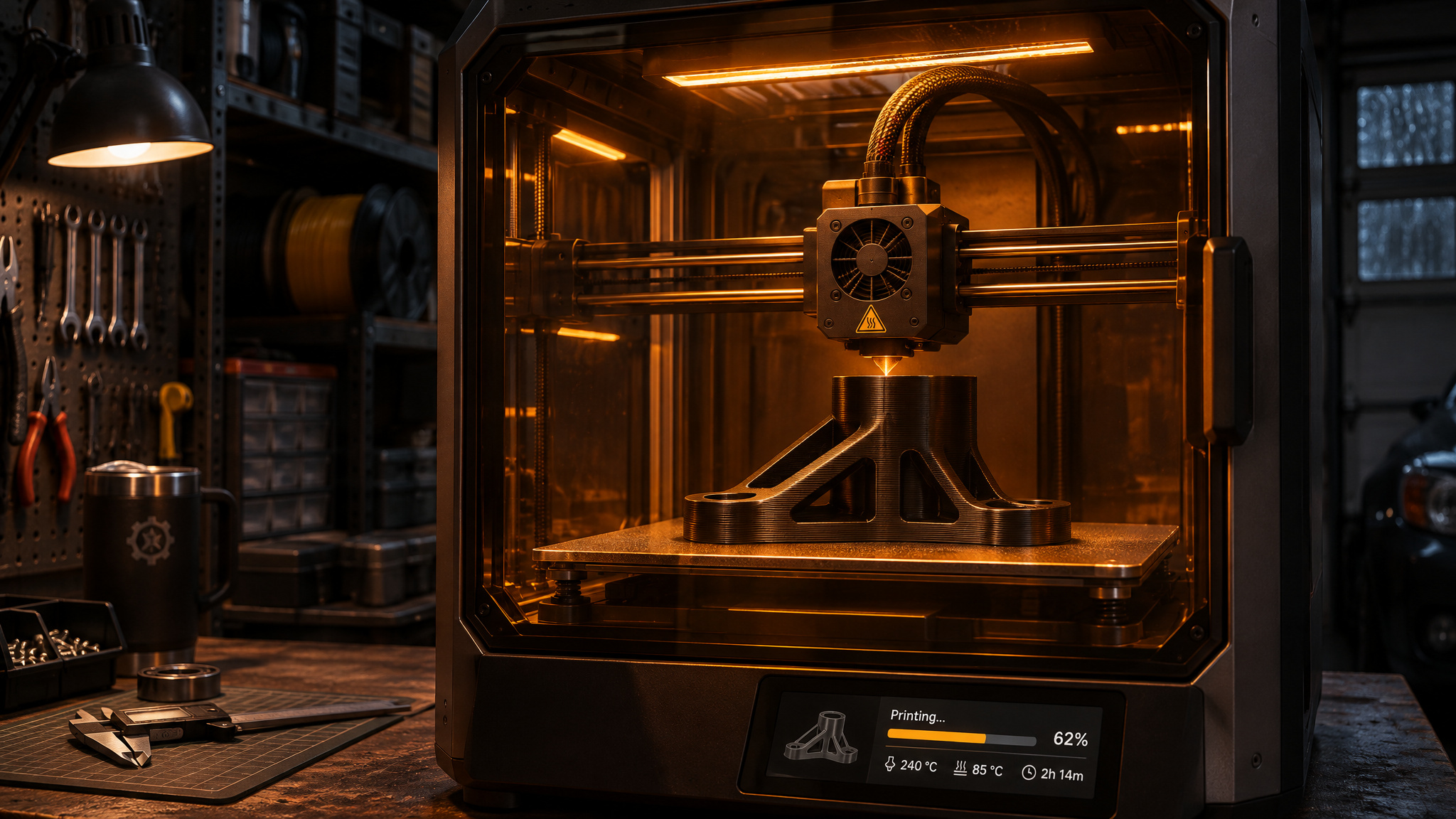
ABS properties and print settings
Acrylonitrile butadiene styrene (ABS) is the same tough, impact-resistant petroleum plastic used in Lego bricks and automotive interior trim. It handles sustained mechanical loads in warm environments without creeping, pushes its glass transition temperature up to around 105°C, and gains extra rigidity in modern ABS-plus formulations.
It prints at 220 to 250°C on the nozzle (one source runs 245°C on the hot end and 95°C on the bed). Because injection molders designed ABS to melt and flow rapidly, it also handles high-speed printing remarkably well, making it a favorite for speed-Benchy runs, and it accepts acetone vapor smoothing for a glossy, layer-free finish.
Printing ABS without an enclosure: what happens
Try printing ABS on an open frame and you immediately run into uneven thermal shrinkage. Any stray breeze or sudden drop in ambient air temperature cools the upper layers faster than the heated bed keeps the base warm, curling corners upward and splitting horizontal layer lines.
Skipping aggressive part-cooling fans helps, since blasting cold air onto hot ABS makes warping worse; parts need to cool slowly inside a warm chamber. A heated bed paired with an adhesive like Magigoo locks the first layer down, and enclosed ventilation with carbon filtration is essential in small rooms because ABS emits VOC fumes while printing.
Hardware quality makes all the difference here. One presenter fought constant warping when running ABS inside a custom enclosure on a Prusa MK3S+, yet later found ABS easier to print than PLA or PETG once they moved to properly heated, purpose-built enclosed printers.
PLA vs ABS head-to-head
PLA wins on convenience, cost, and indoor aesthetics: it’s biodegradable, warps very little at low temperatures, sands, paints, and glues effortlessly, and nails tight tolerances on prototypes. (One comparison source also describes PLA as more ductile in its breakdown, flexing rather than cracking.)
ABS flips every priority toward durability and heat. It handles rough impacts, shrugs off 90°C environments that turn PLA into taffy, smooths chemically with acetone, and resists weathering better, though you pay for those perks with an enclosure, bed adhesive, and fume filtration.
ABS in practice: Voron’s recommendation and example prints
Walk into high-temperature functional printing and ABS shows up everywhere. Practical projects include camera mounting brackets, sturdy spool holders, electronics mounts sitting near hot power supplies, and even functional carabiners, where minor corner warping cleans up quickly by bumping temperatures or adding Magigoo.
The clearest endorsement comes from the DIY Voron 3D printer community. Because Voron machines run hot enclosed chambers that would soften PLA and stress PETG, Voron recommends ABS for its printed structural components, noting that even basic, no-frills spools like Polymaker ABS hold up reliably. Dozens of manufacturers produce ABS in nearly every color imaginable, so matching a build theme is rarely a problem.
ASA: the outdoor upgrade to ABS
Choose ASA over ABS whenever a part will live outside in direct sunlight, because ASA keeps ABS’s ~105°C thermal toughness while fixing its tendency to fade, crack, and turn brittle under UV rays. Indoors, ABS’s lower cost, wider color selection, and easier bed adhesion usually tip the scale back toward ABS.
What ASA fixes over ABS
Acrylonitrile styrene acrylate (ASA) reads like a patch notes update for ABS. It delivers dramatically better UV resistance, stands up to environmental stress cracking, handles long-term heat and chemical exposure, and shrinks less during cooling. That lower shrinkage improves dimensional accuracy and reduces warping enough that you can sometimes print small ASA parts without an enclosure if your room is completely draft-free, and it still vapor-smooths like ABS with the right chemicals.
High-quality ASA also anecdotally produces noticeably fewer fumes than ABS, though no significant VOC testing exists to put a hard number on that difference. When you need car vent clips, exterior mirror caps, outdoor signs, or garden hooks that survive summer sun, ASA is the clear pick.
ASA’s price, availability, and bed adhesion problems
You pay for that UV upgrade in three places: price, selection, and first-layer headaches. ASA commonly carries a 50 to 100 percent price premium over the cheapest ABS spools, and far fewer manufacturers stock it, which shrinks your color options.
It can also fight your build plate. One presenter hit persistent bed adhesion failures across most ASA brands on bare glass and PEI alike. They eventually fell back to hairspray or glue stick for ASA bed adhesion, alongside a warm, preheated chamber to keep corners from curling upward.
TPU: flexible parts and the setup tax
Successful TPU printing depends on a direct-drive extruder, a stiffer Shore hardness rating like 98A, slow print speeds, and dialed-back retraction. Give your printer that setup and TPU unlocks rubbery, shock-absorbing parts that rigid plastics simply can’t imitate.
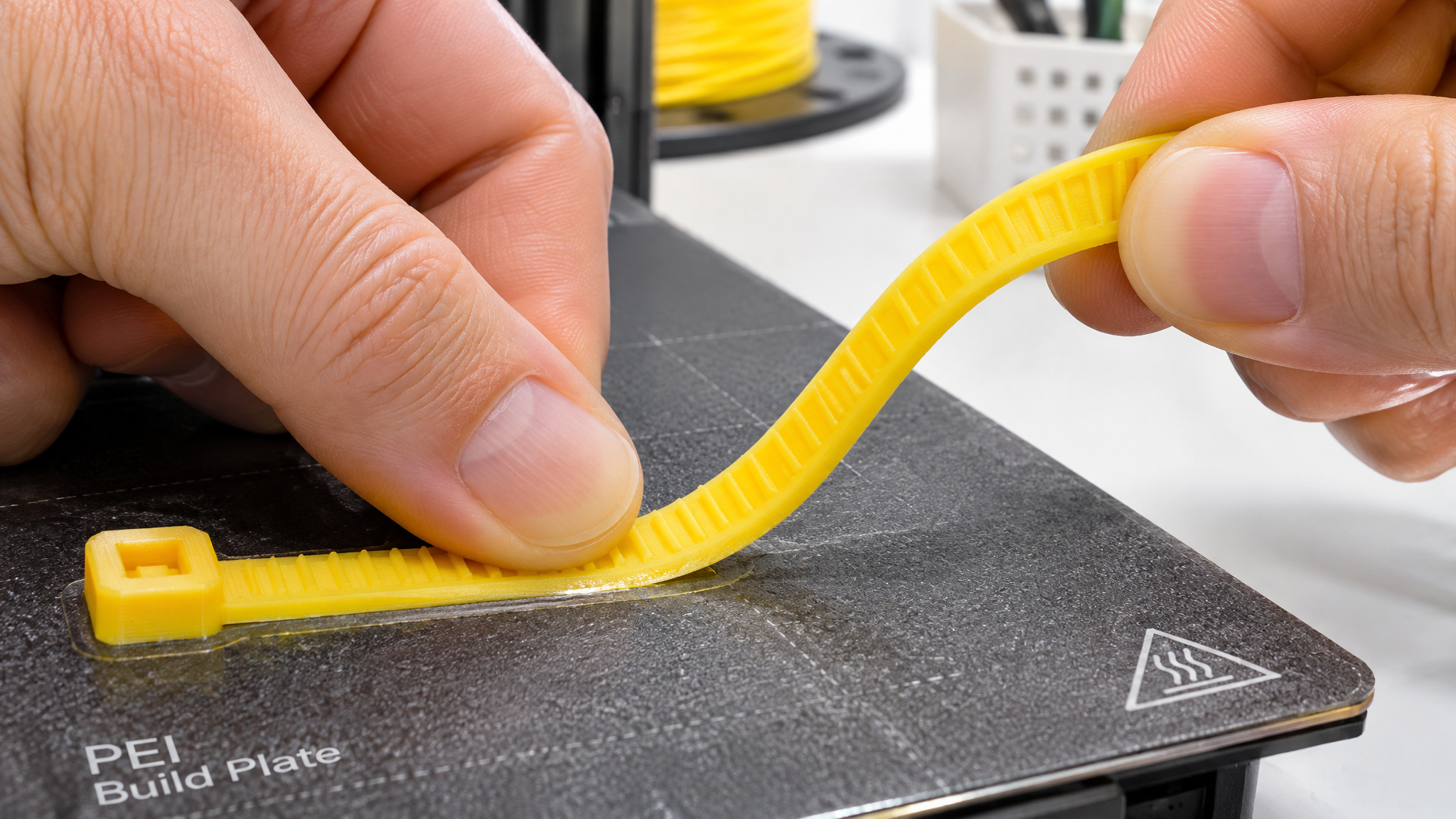
What TPU is used for
Thermoplastic polyurethane (TPU) is the flexible, rubber-like member of the TPE family and the only soft plastic commonly printed on desktop machines. Anytime a design needs to bend, stretch, grip, or soak up vibration, TPU fits the brief: phone cases, watch straps, gaskets, seals, small caster wheels, vibration dampeners, door stoppers, table corner protectors, and durable kids’ toys.
Small cable ties are a great first test print because they show off real flex right off the bed, and customizable designs on Thingiverse let you tweak tie length and hole counts in minutes.
Printing TPU: direct drive vs Bowden and Shore hardness
Your extruder architecture decides how much trouble TPU will give you. On a Bowden printer, where a long PTFE tube separates the feeder gears from the hot end, pushing soft filament feels like shoving a wet noodle through a straw: the strand kinks inside the gap or gets chewed flat by the drive gear before anything reaches the nozzle. A direct-drive extruder mounted directly above the hot end shortens that path and handles TPU far more cleanly.
Your easiest mechanical dial is Shore hardness. A 98A TPU spool is firmer than 95A, and higher A-rating numbers feed much more reliably through tricky extruders while still flexing nicely in finished parts.
TPU settings and moisture storage
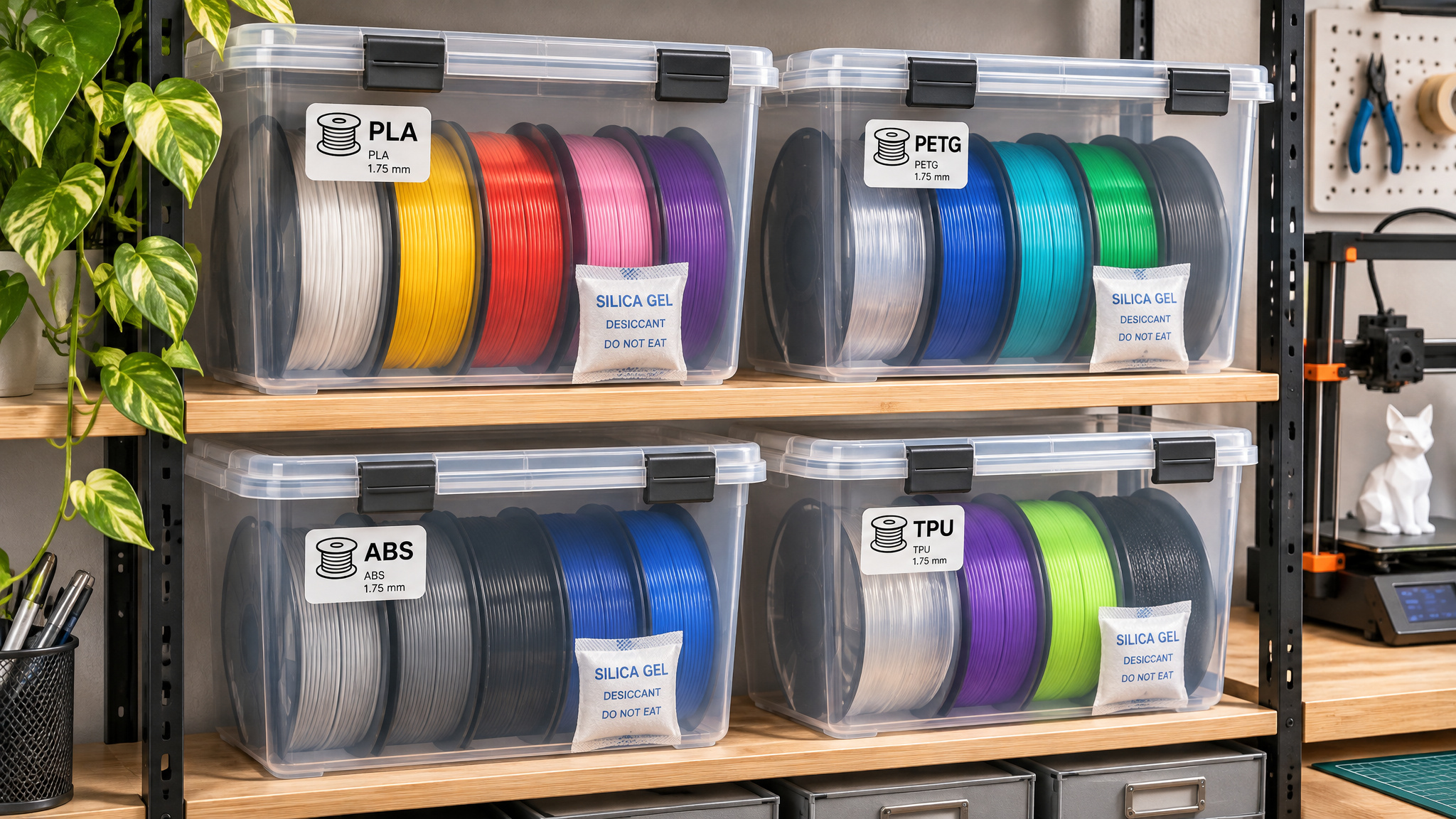
Dialing TPU in means slowing down. Run roughly 220°C on the nozzle and 42°C on the bed, drop your print speed well below PLA profiles, and reduce retraction distance so the extruder isn’t constantly yanking stretchy filament back and forth inside the melt zone. Because TPU drinks ambient humidity, keep active or spare spools sealed in a bag or storage box with desiccant.
Nylon and carbon fiber blends: the next tier
Once you move past the common four filaments, nylon and carbon-fiber composites deliver serious mechanical performance, alongside polycarbonate in the same advanced bracket. Neither one works as a casual drop-in spool: nylon demands an active filament dryer, and carbon fiber blends demand an upgraded nozzle.
Nylon: strongest functional filament, thirstiest spool
Nylon is worth the effort if you own a filament dryer or dry box and print around 250°C on a warm bed, because without active drying, absorbed water ruins extrusion quality. When kept bone-dry, nylon ranks among the strongest and most reliable functional filaments on consumer printers, shrugging off friction, absorbing heavy impacts, and resisting cracks in mechanical gears, hinges, drone arms, and structural mounts.
The catch is moisture. Nylon pulls water out of room air faster than almost any other filament, and when wet filament hits a 250°C melt zone, that water flashes to steam and causes audible puffing or popping sounds at the nozzle alongside rough, weak layers. A filament dryer or dry box is the single biggest factor separating clean nylon parts from foamy scrap.
Carbon fiber blends: stiffness with a nozzle cost
Carbon fiber filaments aren’t pure carbon fiber; manufacturers chop tiny carbon fibers into a base polymer like PLA or nylon. Those fibers boost stiffness, cut flex, reduce warping on large parts, and hide layer lines behind a clean matte finish, making them popular for drone frames, camera mounts, structural brackets, and rigid printer upgrades.
That stiffness comes with a mandatory hardware upgrade: yes, you need a hardened steel or ruby nozzle. Chopped carbon fibers act like sandpaper inside the melt zone and grind standard soft brass nozzles out of spec fast, ruining flow accuracy until you swap in a wear-resistant tip.
Resin: the other 3D printing material family
Liquid photopolymer resin sits completely outside the thermoplastic filament ladder, running on SLA and MSLA machines that cure liquid layer by layer with UV light. Because light cures resin at finer resolutions than molten plastic can extrude, resin achieves surface detail and smooth curves that FDM filament printers can’t match.
Instead of dialing in nozzle temperatures or retraction distances, resin printing centers on a strict handling ritual: washing uncured parts in IPA, finishing them in a UV post-cure station, and wearing protective gloves with proper room ventilation every time you open the vat.
Choosing a 3D printing material: the materials map
Pick your material by checking your printer hardware first and your part’s real-world environment second, using the tables below to match each job to the right plastic.
Material selection by condition
| Part demand or environment | Recommended material | Viability and hardware condition |
|---|---|---|
| Static indoor load or sharp detail | PLA | Yes (strongest in static bending tests, indoor room temp only) |
| Impact, flex, or moderate heat without enclosure | PETG | Yes (best enclosure-free functional pick, handles ~70 to 80°C) |
| Sustained load in high heat | ABS | Yes (requires warm enclosed chamber and carbon-filtered ventilation) |
| Outdoor UV and weather exposure | ASA | Yes (UV-stable, 50 to 100% price premium over cheapest ABS, needs bed prep) |
| Flexible or shock-absorbing parts | TPU | Yes (direct-drive extruder preferred, 98A feeds easier than 95A) |
| High-friction mechanical gears or hinges | Nylon | Yes (requires ~250°C hot end and active filament dryer) |
| High stiffness-to-weight structural parts | Carbon fiber blends | Yes (requires hardened steel or ruby nozzle) |
| Ultra-fine miniature or model detail | Resin | Yes (requires SLA or MSLA printer, IPA wash, and UV cure) |
Filament print temperature reference
Every printer thermistor reads slightly differently, so treat these nozzle and bed ranges as starting baselines before running a temperature tower.
| Filament | Nozzle temp | Bed temp |
|---|---|---|
| PLA | 190 to 220°C | 55 to 60°C |
| PETG | 230 to 250°C | 70 to 85°C |
| ABS | 220 to 250°C | ~95°C |
| TPU | ~220°C | 42°C |
| Nylon | ~250°C | Warm bed |
Heat resistance climbs sharply as you step up the polymer ladder: PLA softens around 50 to 60°C, PETG holds out to roughly 70 to 80°C, and ABS stays stable up to about 105°C.
The beginner-to-advanced ladder
Most makers climb the same natural progression as their projects and hardware evolve. You start almost exclusively with PLA to learn bed leveling and slicer basics, then step up to PETG when a part breaks or softens in warm air. If you’re still deciding on your first machine, our home 3D printing starter guide walks through entry-level hardware before you commit to enclosures or dry boxes.
From PETG, enclosure ownership becomes the main fork in the road: enclosed printers unlock ABS and ASA for high-heat and outdoor builds, while direct-drive extruders invite TPU, active dryers open up nylon, and hardened nozzles clear the path for carbon fiber composites.
Enclosure workaround: removing panels for PLA and PETG
If you already own an enclosed machine designed for ABS or ASA, running low-temperature plastics inside a sealed box can actually hurt print quality by trapping too much heat. Pulling off a side panel or propping open the top lid lets ambient air circulate so PLA and PETG cool cleanly without curling overhangs.
Filament storage, moisture, and the brand question
PLA remains the cheapest filament family with the widest color selection, and once you move past budget shopping, dry storage and printer calibration matter far more than the brand logo printed on the spool.
Hydroscopic filaments like PETG, TPU, and especially nylon soak up water straight from humid room air. Leave a roll sitting on an open spool holder for a few weeks and that trapped moisture flashes to steam inside the hot end, causing stringing, surface bubbles, weak layer bonds, and audible popping sounds. Keeping spools in sealed bags or storage tubs with fresh desiccant, and running wet rolls through a dedicated filament dryer, solves print defects that no slicer tweak can fix.
There’s no single best filament brand across the board. Diameter consistency, dry storage, and a well-tuned extrusion profile beat premium branding every time: an average spool on a dialed-in printer routinely outperforms an expensive spool on a poorly tuned machine. Every manufacturer ships an occasional dud roll, so pick one or two brands your printer likes, keep your spools dry, and tune your machine around them.
Frequently Asked Questions
What is 3D printing material and what are filaments and resins made of?
3D printing material is the consumable feedstock a printer turns into solid objects, split into spooled thermoplastic filaments for FDM machines and liquid photopolymer resins for SLA or MSLA printers. Filaments are continuous plastic strands—ranging from cornstarch- and sugarcane-derived PLA to petroleum-based ABS and rubbery TPU—that melt through a heated nozzle. Resins skip the hot end entirely, using UV light to chemically harden liquid photopolymers layer by layer.
PLA vs PETG: which filament should I use for functional parts?
Reach for PETG when a functional part needs to survive moderate heat up to roughly 70 to 80°C, outdoor UV exposure, or sudden impacts, such as clips, springs, fan ducts, and outdoor brackets. Stick with PLA for indoor, room-temperature parts that hold steady static weight or require crisp precision and clean overhangs. PETG demands slower speeds and extra tuning to avoid stringing and nozzle buildup, so there is no reason to pay that printability tax for parts that never leave your desk.
Is PLA stronger than ABS and PETG or just easier to print?
It is actually both, depending on how you load the part. In CNC Kitchen’s static hook pull and 3-point bending tests, basic PLA beat ABS, PETG, and ASA outright because its rigid structure resists flexing under steady weight. The catch is that PLA shatters under sharp impacts and softens around 50 to 60°C, whereas ABS and PETG absorb blows and hold their shape in much warmer environments.
Can you print ABS without an enclosure and what happens if you try?
Printing ABS on an open frame rarely ends well because stray drafts cool the upper layers faster than the heated bed warms the bottom. That uneven thermal shrinkage pulls corners off the build plate and splits horizontal layer lines mid-print, especially if part-cooling fans are blowing. You also lose the containment needed to filter out VOC fumes, which is why ABS realistically demands a warm chamber and carbon filtration.
When should I use ASA instead of ABS for outdoor 3D prints?
Switch to ASA anytime a print will sit outside in direct sunlight, such as car vent clips, exterior mirror caps, outdoor signs, or garden hooks. ASA keeps ABS’s ~105°C heat resistance while fixing its tendency to fade, crack, and turn brittle under UV exposure, and it shrinks less as it cools. For indoor builds, ABS usually wins because ASA costs 50 to 100 percent more than budget ABS, comes in fewer colors, and can be stubborn about sticking to glass or PEI beds.
Why is PETG still popular if it doesn’t excel at anything?
PETG earned its automatic-upgrade reputation during the open bed-slinger era, surging during the COVID face-mask printing boom because slow, unenclosed machines couldn’t hit 300°C or keep ABS from warping. Even though CNC Kitchen’s testing showed it doesn’t win any structural category—and high-speed enclosed printers by 2023 exposed its slow melting rate and stringing—it remains the easiest functional upgrade for open-frame printers. When you need impact resistance and 70 to 80°C heat tolerance without buying an enclosure, PETG still gets the job done.
How do you print TPU successfully without jams or stringing?
Start with the right hardware: a direct-drive extruder feeds soft filament cleanly, whereas a long Bowden tube lets it kink or get chewed flat before reaching the nozzle. Choosing a firmer Shore hardness like 98A over 95A makes feeding much more forgiving, and running around 220°C on the nozzle with a 42°C bed gives a solid baseline. From there, drop your print speed well below PLA profiles, dial back retraction distance to stop yanking stretchy plastic through the melt zone, and keep spools sealed with desiccant so moisture doesn’t ruin extrusion.
What is TPU filament used for in real projects?
TPU covers any desktop print that needs to bend, stretch, grip, or soak up vibration where rigid plastics would snap. Common projects include phone cases, watch straps, gaskets, seals, small caster wheels, vibration dampeners, door stoppers, table corner protectors, and tough kids’ toys. Customizable cable ties are also a great starter print because they immediately show off real flexibility straight off the build plate.