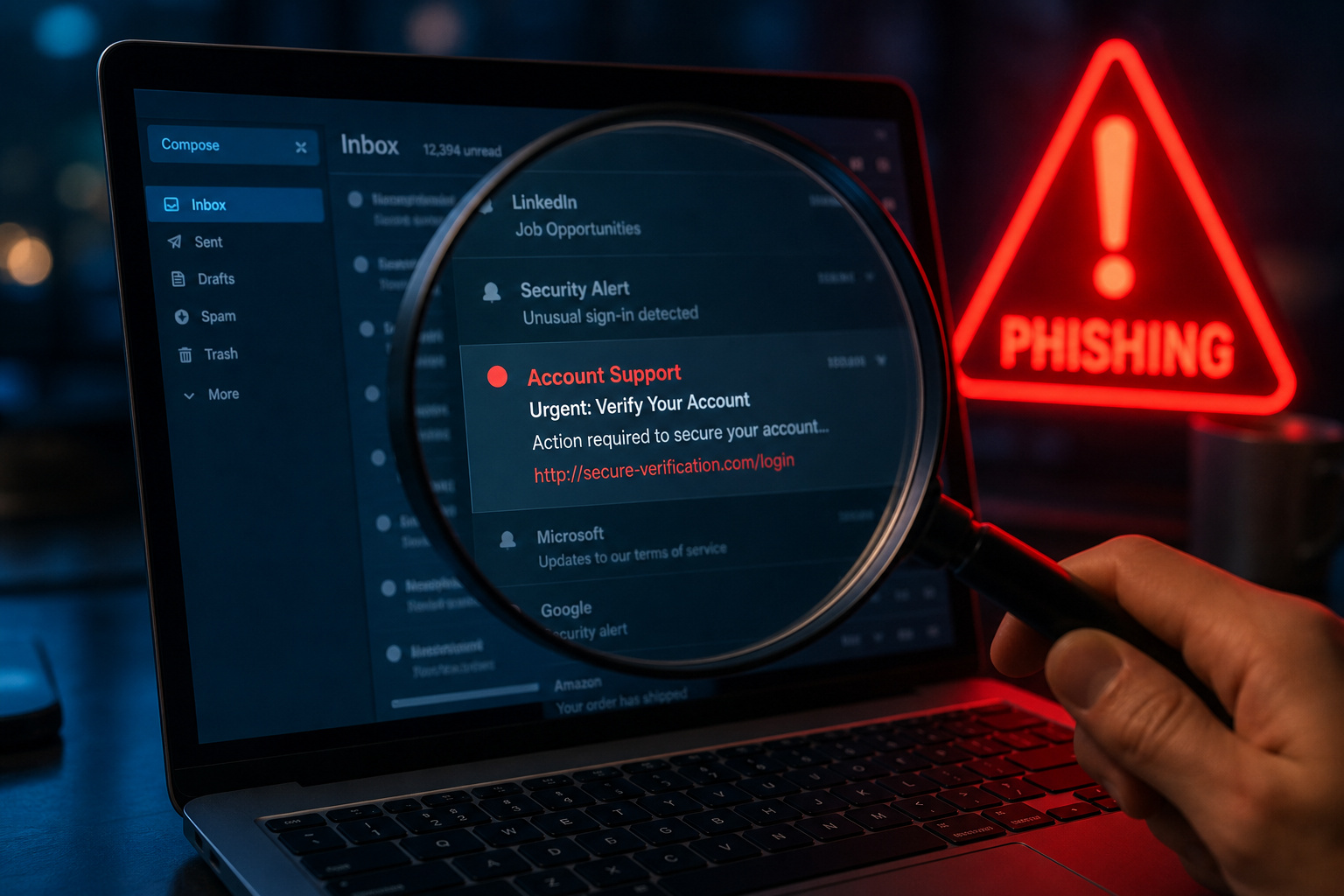
Phishing attacks keep evolving—attackers are after your credentials or trying to plant malware, and they’ve gotten good at making scam messages look real by spoofing display names and using character substitution tricks like replacing ‘m’ with ‘rn’ or ‘L’ with ‘1’. Meanwhile, if you’re sending email (for work, a newsletter, or running a sign-up form), the rules of the game got tougher.
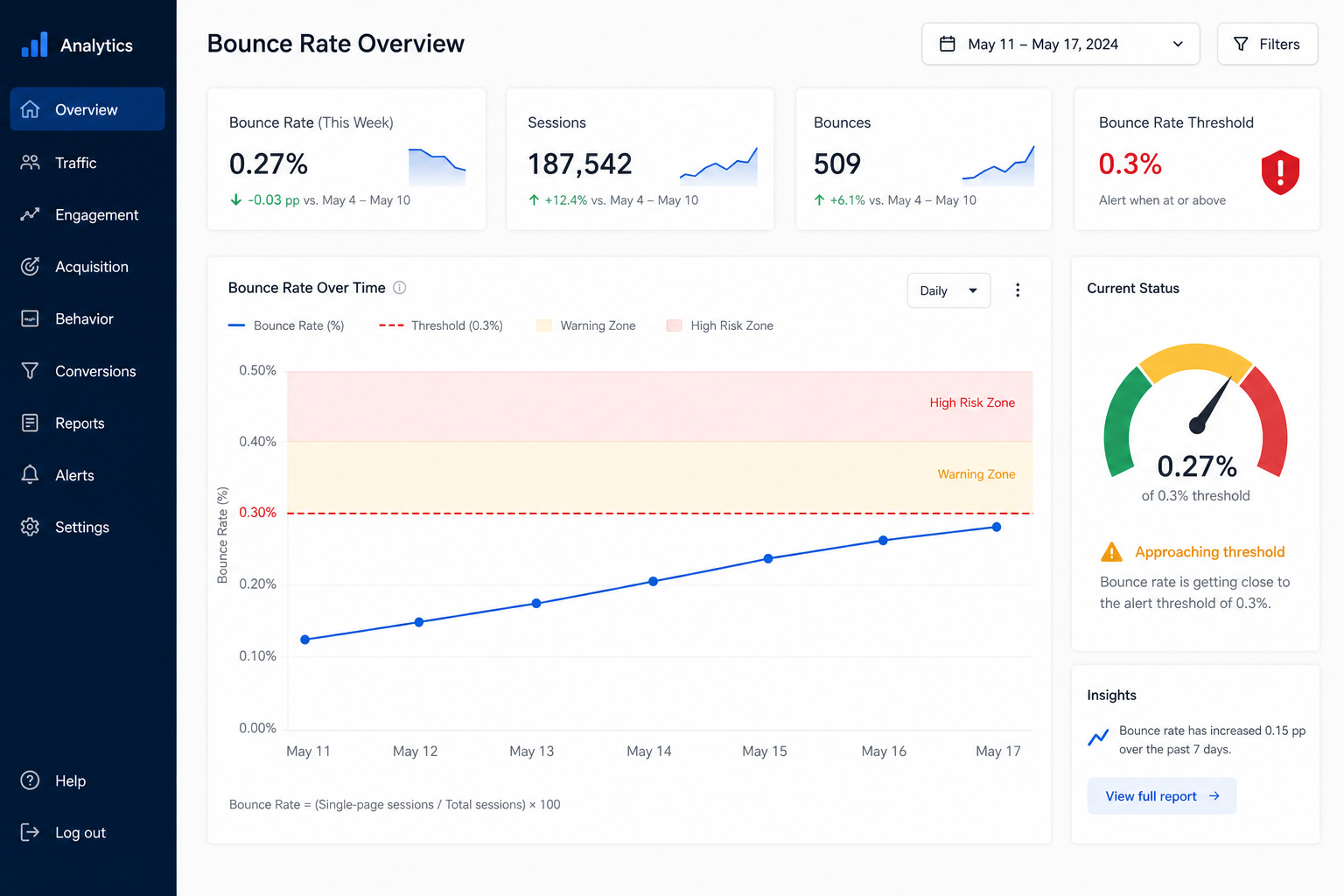
In 2024, Gmail and Yahoo introduced a hard threshold for bulk senders: let your bounce rate climb above 0.3% and your sender reputation takes a hit. That’s a concrete number that affects whether your legitimate mail lands in inboxes, spam folders, or leaves people not receiving emails at all. So now email verification protects sender reputation and improves deliverability under the 2024 Gmail and Yahoo guidelines.
A hard bounce means the address doesn’t exist—permanent failure. A soft bounce is temporary, like a full inbox. Verification tools exist because sending to invalid addresses can push a bounce rate above 0.3%, damaging sender reputation under the 2024 Gmail and Yahoo guidelines. And on the security side, you want to know if that email in your inbox is from your bank or a well-disguised fake.
So how can I verify if an email is legit? You can do it with your eyes, with a domain lookup, with automated email verification software, and with a few advanced checks that security pros rely on. Let’s walk through each layer.
Key Takeaways
The 2024 Gmail and Yahoo bounce rate threshold of 0.3% means sending to invalid addresses now damages sender reputation, making email verification a deliverability requirement, not just a security precaution.
Manual checks—hovering over display names, inspecting headers, and looking for character substitutions like rn for m or .co for .com—catch many spoofed emails before you open a tool.
Tools like Verifalia run over 30 checks (syntax, DNS, MX records, SMTP handshake, disposable address detection) without sending an email to the target, but results like “unknown” are common with providers like Yahoo that block verification.
Table of Contents
Step 1: Manual Inspection — What Your Eyes Can Catch
Before you reach for any tool, the first line of defense is sitting between your ears. Attackers spoof display names to look legitimate, relying on the fact that most people glance at the display name and nothing else. You open an email that says “PayPal Support” and your brain says “okay, it’s PayPal.” But if you hover or look closer, the address might be something like paypa1-security@ThisIsAScam.net.
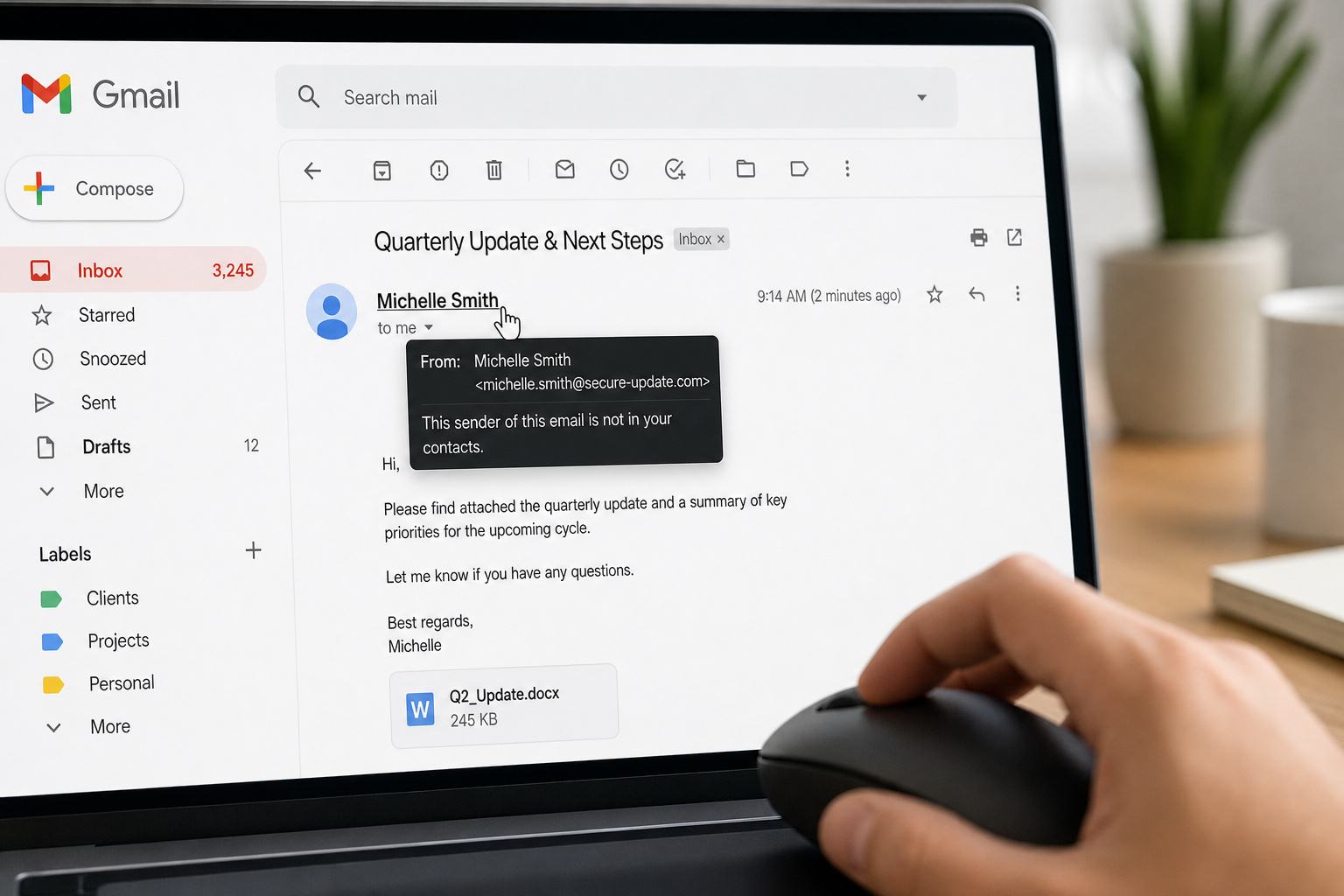
Let’s walk through a realistic scenario. You get an email that looks like it’s from a friend—subject line: I’m stranded in Paris and need funds to leave immediately. Classic. Here’s what you do, in order:
Hover over the display name. In Gmail, mouse over the sender name at the top. In Outlook, view the internet headers (File > Properties > Internet headers). Check the email address, not just the friendly name. Attackers routinely use a real-sounding name with a completely unrelated domain.
Look for character substitution tricks. The most common: rn combined looks like m (think malware vs ma1ware), .co instead of .com, a lowercase L for a 1. These are tiny visual differences that your brain glosses over.
Check the Return-Path and Reply-To fields in the full headers. Even if the From address looks okay, the Reply-To might be a different domain entirely—that’s where your reply will go.
Compare against older messages from the same sender. If you’ve got legitimate emails from your bank, open one and compare the domain, the formatting, the language. Scam emails almost always have subtle mismatches.
Hover over any links without clicking. In most email clients, you can mouse over a link and see the destination URL in the status bar or a tooltip. If the text says “Click here to reset your password” but the URL points to something like ABCCC0mpany.net/reset, that’s a hard no.
Call the sender using a known phone number—not one from the suspicious email. This is the nuclear option for high-stakes scenarios. Pick up the phone and ask.
Watch for odd grammar, unusual timing, or urgent language. Scammers want you to act before you think. Emails that demand immediate action, especially outside normal business hours, are red flags.
That manual pass filters out many low-effort phishing attempts. But sophisticated attackers can spoof display names and domains convincingly, so you may need to inspect the email address for character substitution and transposition. Time to go deeper.
Step 2: Investigate the Domain
If the email address passes the sniff test, the next move is to check the domain it claims to come from.
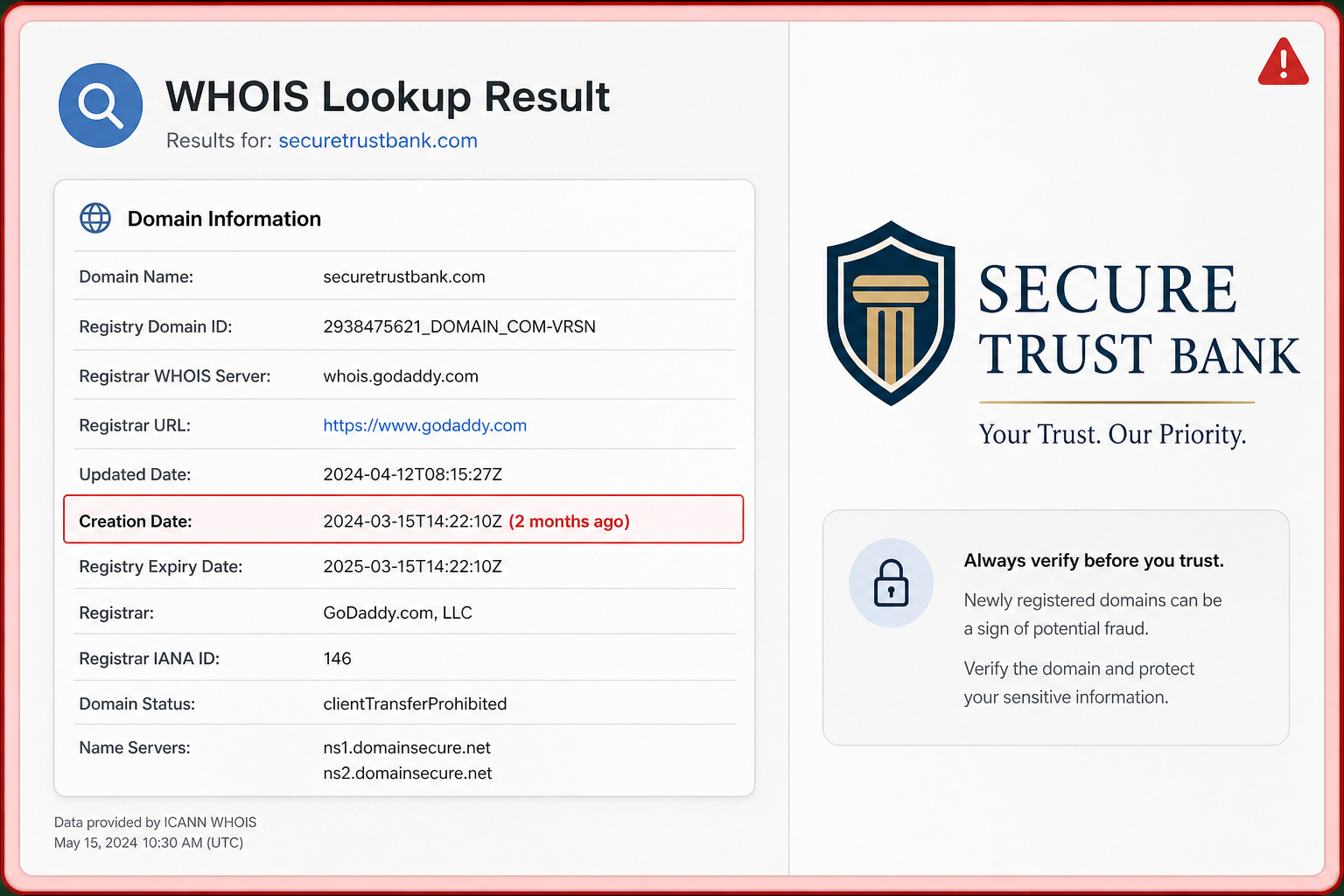
WHOIS lookup via ICANN. ICANN’s free lookup tool will tell you when a domain was registered and who owns it (or at least who registered it, depending on privacy settings). Here’s the key rule: if a domain that claims to be a long-standing business was registered less than 90 days ago, it is almost certainly fraud. No legitimate company spins up a domain last week and starts sending account alerts.
Search the domain with “scam” or “fraud” on Google or Bing. If the domain has been used in phishing campaigns, scam reports will often surface at the top of search results. Then, how to tell if it’s a scammer email? We reverse-engineer common social engineering patterns—urgency, grammatical quirks, mismatched links, and spoofed headers—so you can spot them on sight. It’s a quick check that can save you a lot of trouble.
You don’t need to understand DNS records at this stage—just the creation date and any public reputation data. WHOIS isn’t scary; ICANN’s tool is free, and the creation date is usually the first thing you see.
Step 3: Use an Online Email Verification Tool
Automated email verification tools like Verifalia can check an address in under a second without sending a message to the target. How? They perform what’s called an SMTP handshake: the tool connects to the mail server for that domain and asks, “Hey, does this mailbox exist?” The server either confirms, rejects, or stays silent. The tool never delivers a message—it’s discreet.
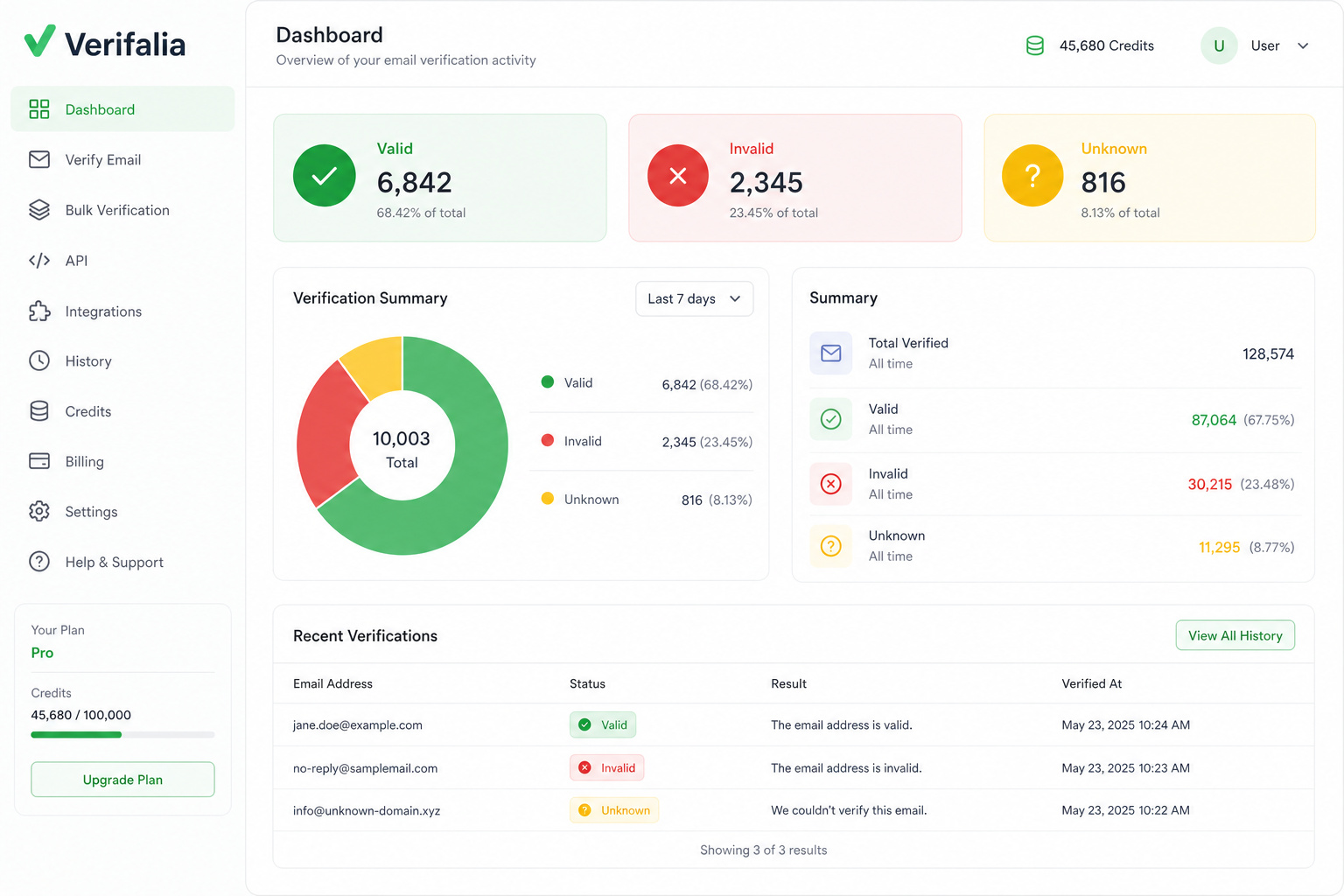
Verifalia runs over 30 separate checks in sequence. That includes syntax validation, domain existence, DNS and MX record verification, the SMTP handshake, disposable address detection, and catch-all domain identification. AI monitors results and generates detailed reports. Verifalia claims 99% accuracy and sorts addresses into 40+ classifications, but real-world accuracy depends on how cooperative the target mail servers are.
Hunter (the Email Verifier) is another solid option. It returns OK, Bad, or Unverifiable results, and for addresses it marks as valid, Hunter claims a bounce rate below 1%. When you compare the leading tools in our best email checker benchmark, that’s a specific performance claim with a caveat: verification can’t prevent all bounces because server configuration and sender reputation also matter.
Mailmeteor runs 15+ checks and offers 100 free verifications per day—enough for personal use.
Email Hippo has a product line with four tiers: CORE (self-service list checker), MORE (API), INSIGHT (email intelligence), and ASSESS (risk assessment for fraud prevention). Their first 100 emails are free.
Email Checker checks format, domain, disposable status, MX records, and SMTP handshake.
Free vs. paid is straightforward: if you’re verifying a handful of addresses a day, free tiers work fine (100/day on Mailmeteor, first 100 free on Email Hippo, Verifalia has a free validator). Need to verify thousands? You’ll want a paid plan or API credits.
Verifalia can identify elusive disposable providers like EmailOnDeck, Mailinator, and Yopmail. That’s useful for cleaning sign-up lists where people use throwaway addresses from disposable email providers.
Step 4: Interpret the Results Correctly
Tools return categories like OK/Bad/Unverifiable or Valid/Risky/Invalid/Unknown—but the labels vary.
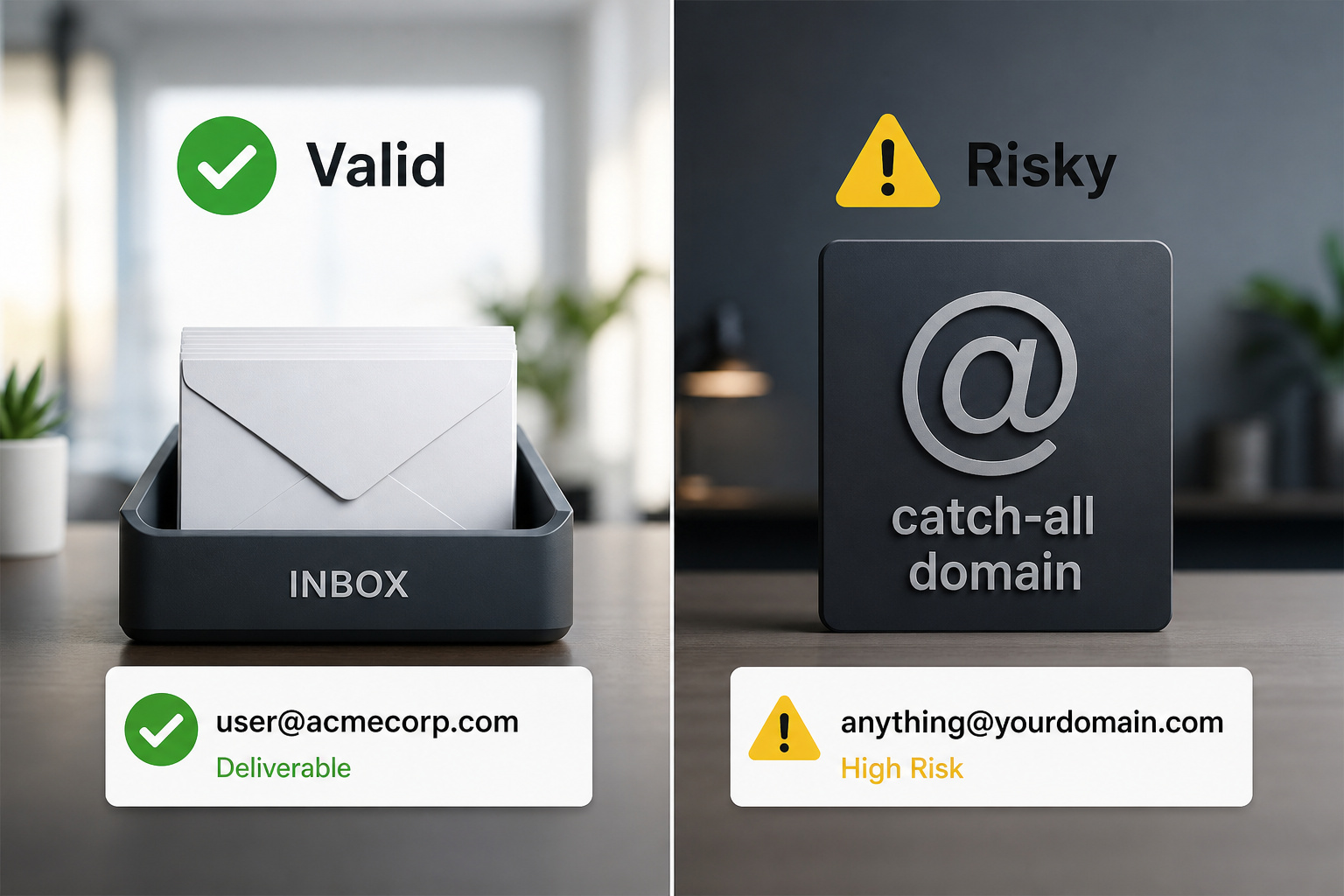
Valid/OK means the mailbox exists and accepts mail. You can proceed with confidence, but not certainty—server configuration changes after the check, or the recipient’s spam filter might block you.
Invalid/Bad means the mailbox does not exist, the domain has no MX records, or the SMTP handshake was rejected. Hard bounce territory.
Risky covers catch-all domains (where the server accepts any address at that domain, even non-existent ones), role-based addresses like info@ or support@, and low-reputation providers. Proceed with caution—these might still bounce or end up in spam.
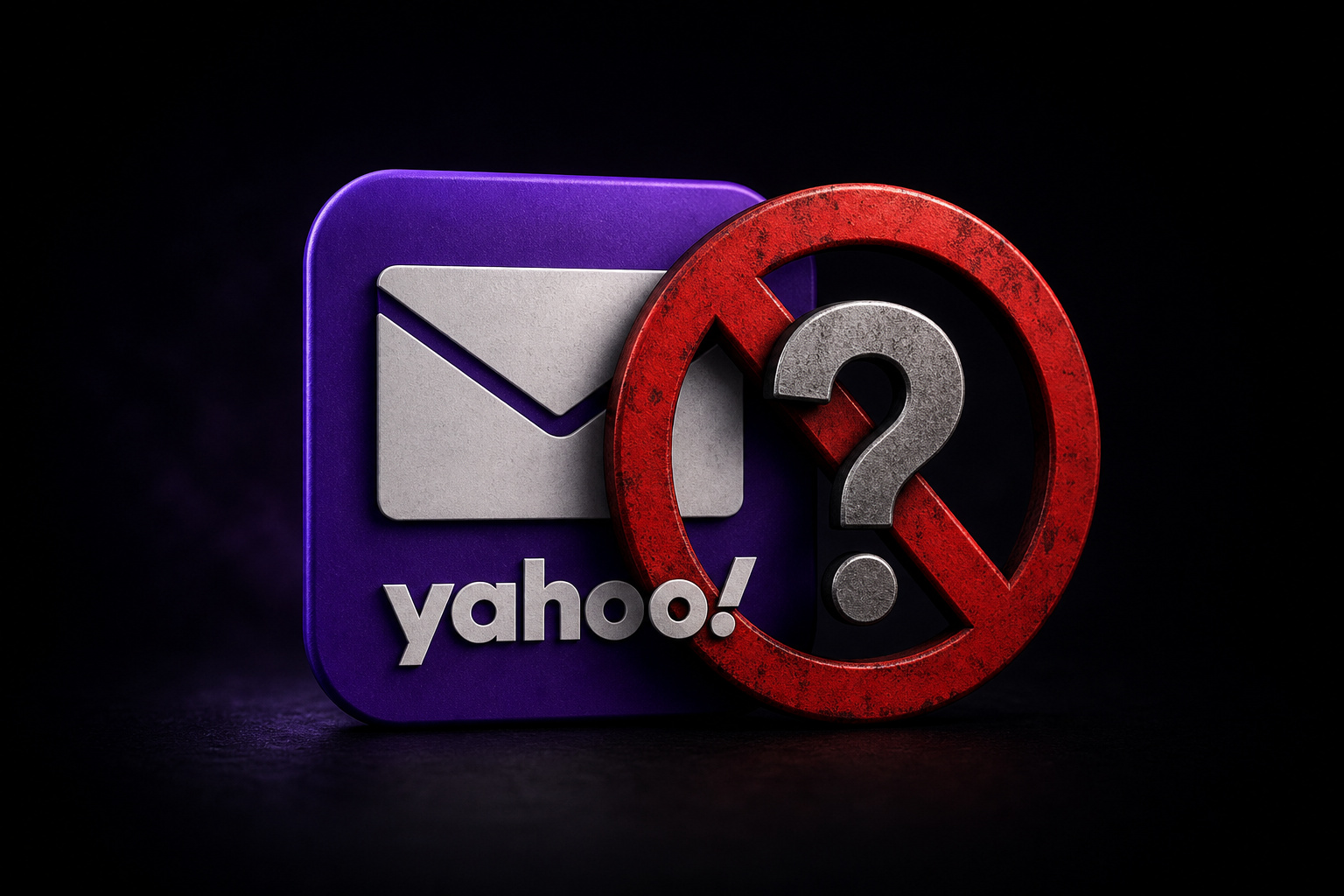
Unknown/Unverifiable is the one that frustrates people. It doesn’t mean the tool failed—results are inconclusive. It means the mail server actively blocked the verification check. Yahoo is the elephant in the room here—it blocks verification, and even advanced tools often return “unknown” for Yahoo addresses. Some mail servers do not cooperate with SMTP handshake probes.
Your decision tree: “Valid” gets a green light but not a guarantee—recipient address existence is not the only factor. “Risky” means investigate further—the address responds but shows warning signs like catch-all or role-based detection. “Unknown” means fall back to manual checks: send a confirmation email or use a different verification method.
Advanced: SPF, DKIM, and DMARC — What They Actually Tell You
SPF, DKIM, and DMARC are authentication protocols that verify a domain’s identity—they are factors in sender reputation assessment. They are not a safety check on the content of the email.
SPF (Sender Policy Framework) checks whether the sending server is authorized by the domain owner. If the email claims to be from example.com, SPF looks up example.com‘s DNS records and checks whether this server is allowed to send for the domain.
DKIM (DomainKeys Identified Mail) cryptographically signs the email. The signature proves the message wasn’t tampered with in transit—if an attacker changes the body, the signature breaks.
DMARC (Domain-based Message Authentication, Reporting, and Conformance) tells receiving servers what to do when an email fails SPF or DKIM: reject it, quarantine it, or allow it.
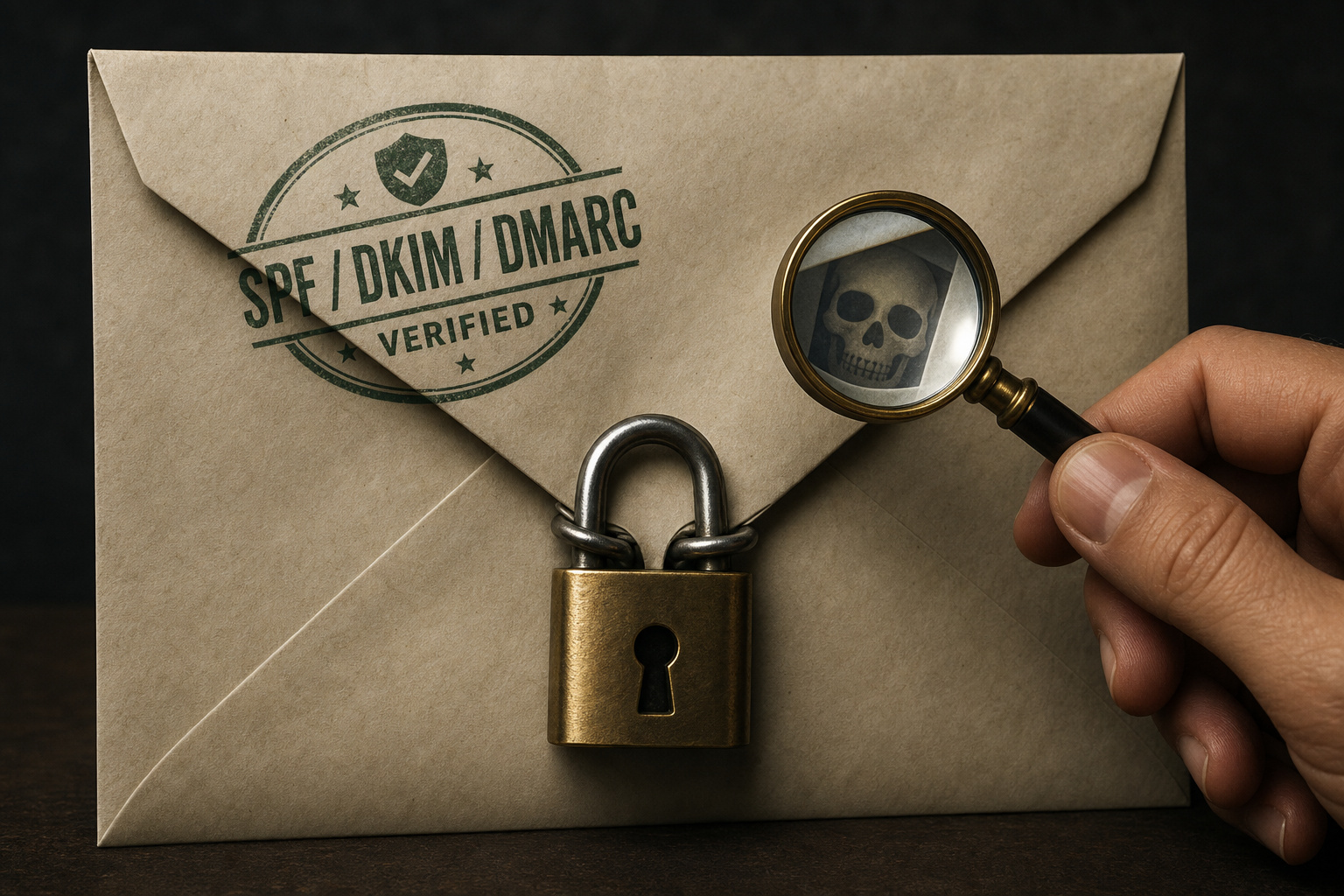
Here’s the critical caveat: SPF/DKIM/DMARC passing does not mean the email is safe. It only proves the domain is real, not that the message is trustworthy—attackers can spoof display names while sending from a compromised domain that has valid authentication. Attackers can spoof display names while sending from a compromised domain that has valid authentication. Think of it like a signed package—the signature proves it came from the right warehouse, but it doesn’t tell you what’s inside. Always verify the display name, the content, and the context separately.
These protocols are factors in sender reputation assessment. Google and Yahoo use authentication as part of their deliverability scoring, so proper SPF/DKIM/DMARC setup is essential for inbox placement.
For Businesses: Bulk Verification and API Integration
If you’re running a mailing list, a sign-up form, or any automated email workflow, manual checks don’t scale—bulk email verification is available via CSV, Excel, or API. You need bulk verification via upload (CSV, Excel, plain text) or API.
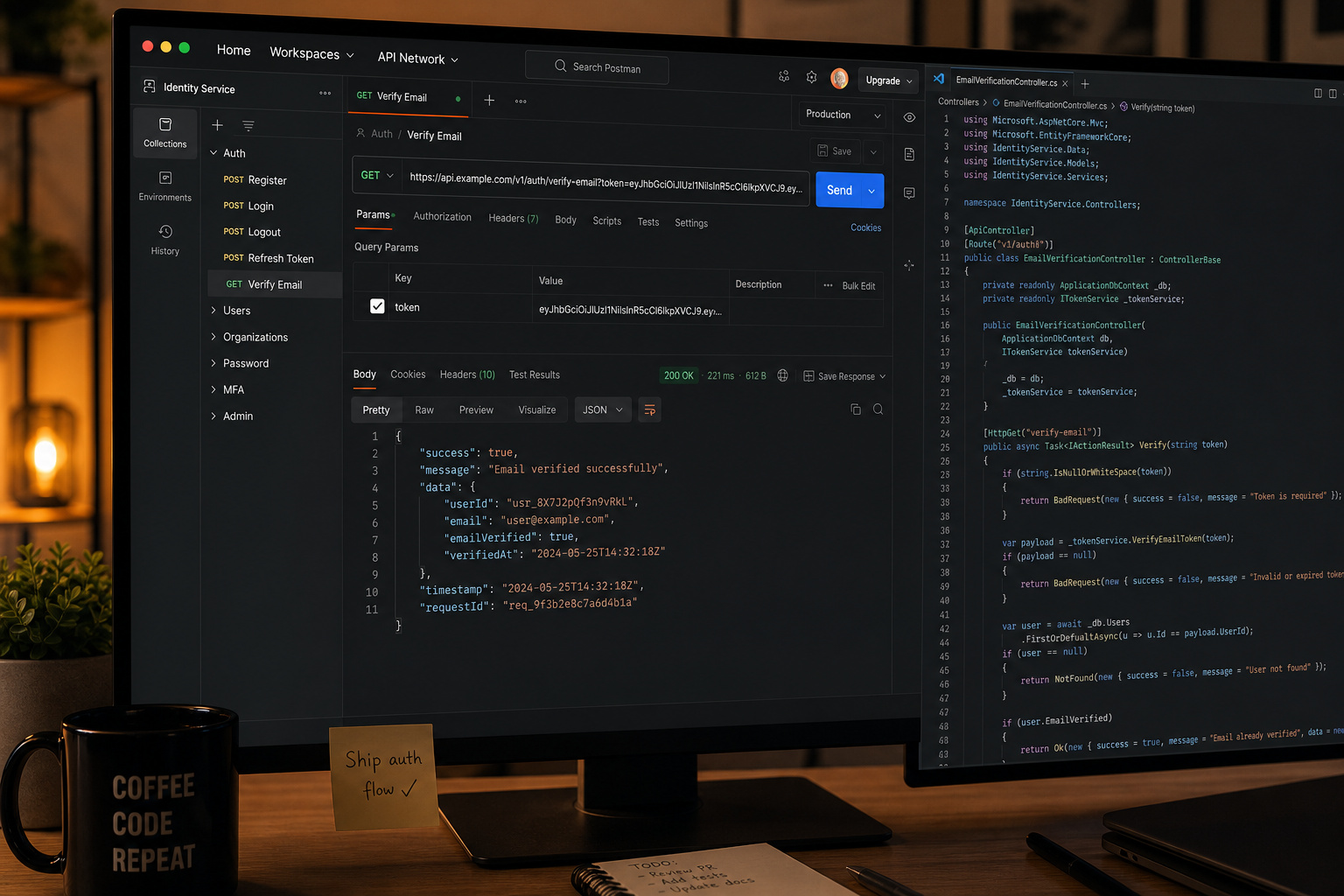
For non-developers: Most tools support uploading CSV, Excel, or plain text files. Verifalia integrates with over 6,000 apps including Zapier, Pipedream, Google Sheets—so a marketer can automatically clean a Google Sheet of leads without writing code. Hunter integrates with HubSpot, Pipedrive, and Zapier—offering Bulk Email Verifier and Email Verifier API. If you have an HTML form, Verifalia offers a free widget that can be embedded into any HTML page or form.
For developers: Verifalia provides free open-source SDKs for .NET, Java, Node.js, JavaScript/TypeScript, Go, Ruby, and PHP. Its API is RESTful, so you can check addresses individually or in bulk from your application. Hunter offers a free API and a Bulk Email Verifier. API-based verification can stop malicious users at the point of sign-up—check the email address before creating an account, and reject disposable or invalid addresses on the spot. Siddhartha Jain, who leads GTM Engineering and Finance at Clazar, reported a 15-20% improvement in determining address validity after switching to Hunter’s verification—Hunter notes that API-based verification can stop malicious users at the point of sign-up.
Choose the path that fits your stack—Zapier enables point-and-click integration, Pipedream allows low-code automation. If you’re a solo operator, a Zapier-connected Google Sheet works—Verifalia integrates with over 6,000 apps including Zapier, Pipedream, Google Sheets. If you’re building a SaaS product, drop in an SDK and verify every new sign-up—Hunter offers a free API and a Bulk Email Verifier.
Important Caveats and Limitations
Some mail servers block verification entirely—Yahoo is notoriously uncooperative, Gmail sometimes is too. Yahoo is notoriously uncooperative. Gmail sometimes is too. That “unknown” result isn’t the tool’s fault—it’s the server blocking the verification check.
Disposable providers like EmailOnDeck can be detected, but new ones pop up constantly—Verifalia can identify elusive disposable providers like EmailOnDeck. Verification tools update their lists, but there’s always a lag—a brand-new disposable domain might slip through. A brand-new disposable domain might slip through.
Email verification cannot prevent all bounces—recipient address existence is not the only factor. Even a “valid” address can bounce if the recipient’s server is down, their mailbox is full, or your sender reputation is poor—server configuration and sender reputation also matter. The email has to survive spam filters, content checks, and server configuration on the receiving end.
Free tools have daily limits—Mailmeteor allows 100 daily email verifications for free. Mailmeteor’s 100/day is fine for personal use, but if you’re cleaning a 10,000-row list, you’ll need a paid plan or a different tool—Email Hippo offers first 100 emails free for CORE, MORE, INSIGHT, ASSESS.
Accuracy claims like Verifalia’s 99% are best-case scenarios—real-world accuracy depends on how cooperative the target mail servers are. Real-world accuracy depends on how cooperative the target mail servers are. When servers don’t play ball, you’ll see more “unknown” results—some mail servers do not cooperate, so results may not be as accurate.
Frame this as “tools are powerful but not magic”—verification tools check SPF, DKIM, DMARC authentication records. They reduce risk dramatically, but they don’t eliminate it—verification results include a score and reason for the status. The smart move is to use verification as one layer in a broader strategy: manual checks for high-stakes emails, automated checks for bulk lists, and a healthy dose of skepticism for anything that looks too urgent or too good to be true—watch for a sense of urgency to respond.
Frequently Asked Questions
How can you verify the legitimacy of a suspicious email?
First, manually inspect the email by hovering over links and checking the sender’s actual address, not just the display name. Then, run a WHOIS lookup on the domain—if it’s less than 90 days old, it’s likely a scam. Finally, use an automated verification tool to check the address via SMTP handshake, but remember that ‘unknown’ results are common with providers like Yahoo.
How does the 2024 Gmail and Yahoo bounce rate threshold affect email verification?
The 2024 Gmail and Yahoo guidelines set a hard bounce rate threshold of 0.3% for bulk senders—exceeding it damages your sender reputation and hurts deliverability. This makes email verification a deliverability requirement, not just a security precaution, because sending to invalid addresses can push your bounce rate above that limit.
