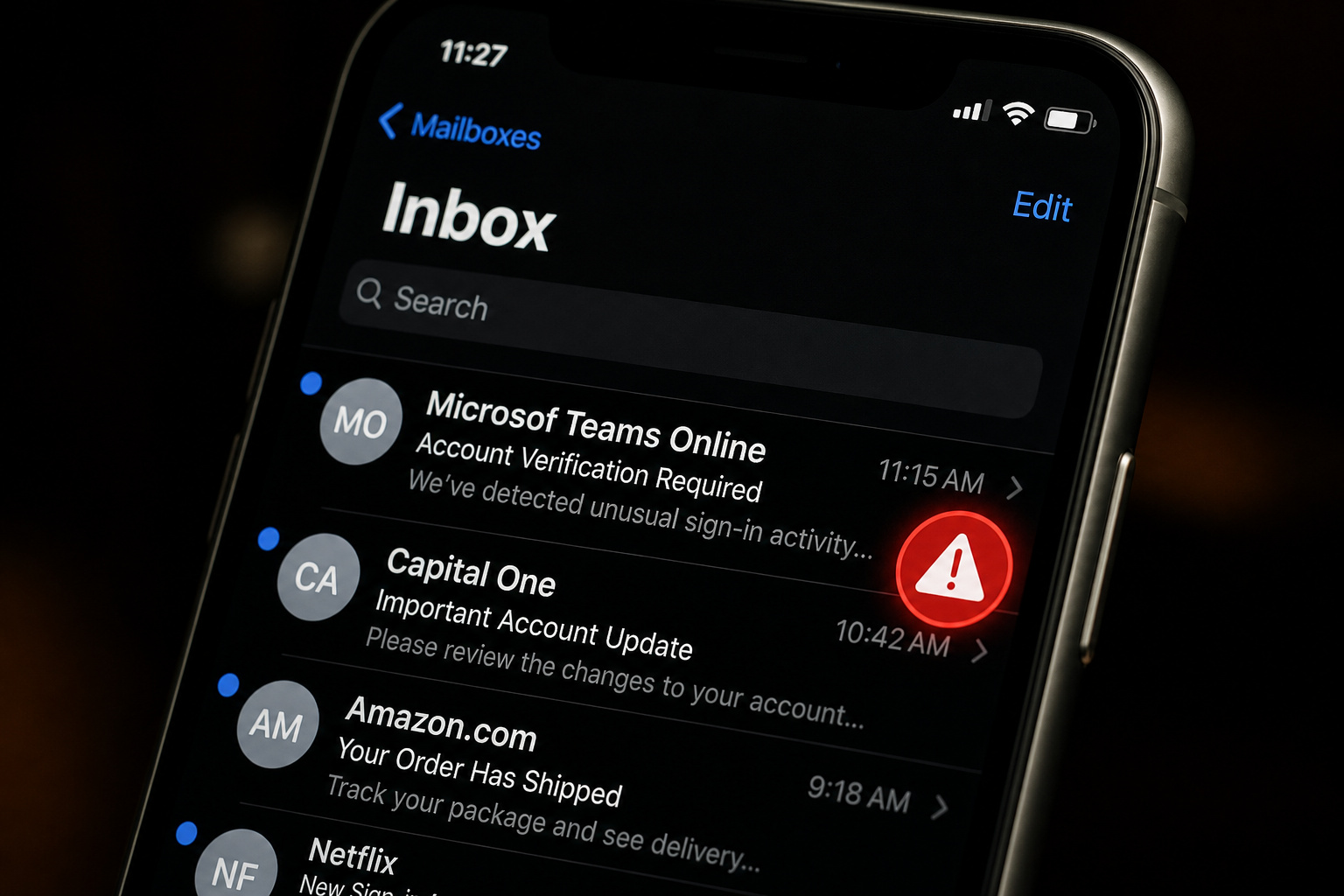
Here’s a number that should make you sit up: the Anti-Phishing Working Group (APWG) logged over 2.1 million phishing attacks in the first two quarters of 2025 — and the Q2 count of 1,130,393 was the largest quarterly total since 2023. That’s an average of more than twelve thousand attacks every single day. The human element shows up in 60% of breaches (Verizon DBIR 2025), and the average cost of a data breach now sits at $4.44M globally, hitting $10.22M in the US according to IBM’s 2025 report.
But the most dangerous assumption is that you’d spot a scam email. Attackers aren’t relying on bad grammar and obvious Nigerian prince pitches anymore. They’ve weaponized psychological hacks, technical evasion, and platform blind spots. Let’s dig in.
Key Takeaways
Over 2.1 million phishing attacks were reported in the first half of 2025 (APWG), with Q2 being the highest quarterly volume since 2023 — this isn’t slowing down.
85% of users check email on smartphones, where inboxes typically show only the display name (KnowBe4). Attackers actively exploit that to hide mismatched sender addresses.
Nearly half of phishing sites in a 2018 study displayed the padlock icon (PhishLabs/APWG), and 80% of users believed that meant the site was safe — the padlock only guarantees encryption, not legitimacy.
Table of Contents
Why this matters now
The APWG’s latest data shows Q2 2025 hit 1.13 million unique phishing sites — the highest quarterly total since they started tracking. On the business side, a single successful phish costs public companies an average of 7.5% of their stock value and $5.4B in market capitalization loss (HBR). According to the UK’s 2025 Cyber Security Breaches Survey, phishing made up 93% of all cyber crime in that country alone.
Verizon’s DBIR 2025 reports that the human element plays a role in 60% of breaches — covering both the person who clicks and the person who misses a social engineering cue. Organizations with extensive security automation save an average of $1.9M per breach (IBM 2025).
The red flag checklist
Below is a practical checklist of red flags to help you identify phishing emails before they cause harm. Each item targets a common tactic attackers use.
Check the sender address, not just the display name
This is the single most overlooked red flag. On mobile — where 85% of you are reading this — most email apps show only the display name. Attackers know that. They’ll set the display name to “Microsoft Teams Online” or “Microsof Teams Online” (one character off, and you’ll miss it in the notification).
The actual sender address? Something like rnicrosoft-support@xyz.com or support@teams-verify.com. You have to manually expand the sender details on your phone to see it. Do that before trusting anything urgent.
Huntress researchers documented a real-world example where the sender appeared to be “Microsof Teams Online” (note the missing ‘t’ in ‘Microsoft’) and the email contained a link that open-redirected through nypost.com to bodasyestilo[.]com. The whole chain started with a single character typo in the display name.
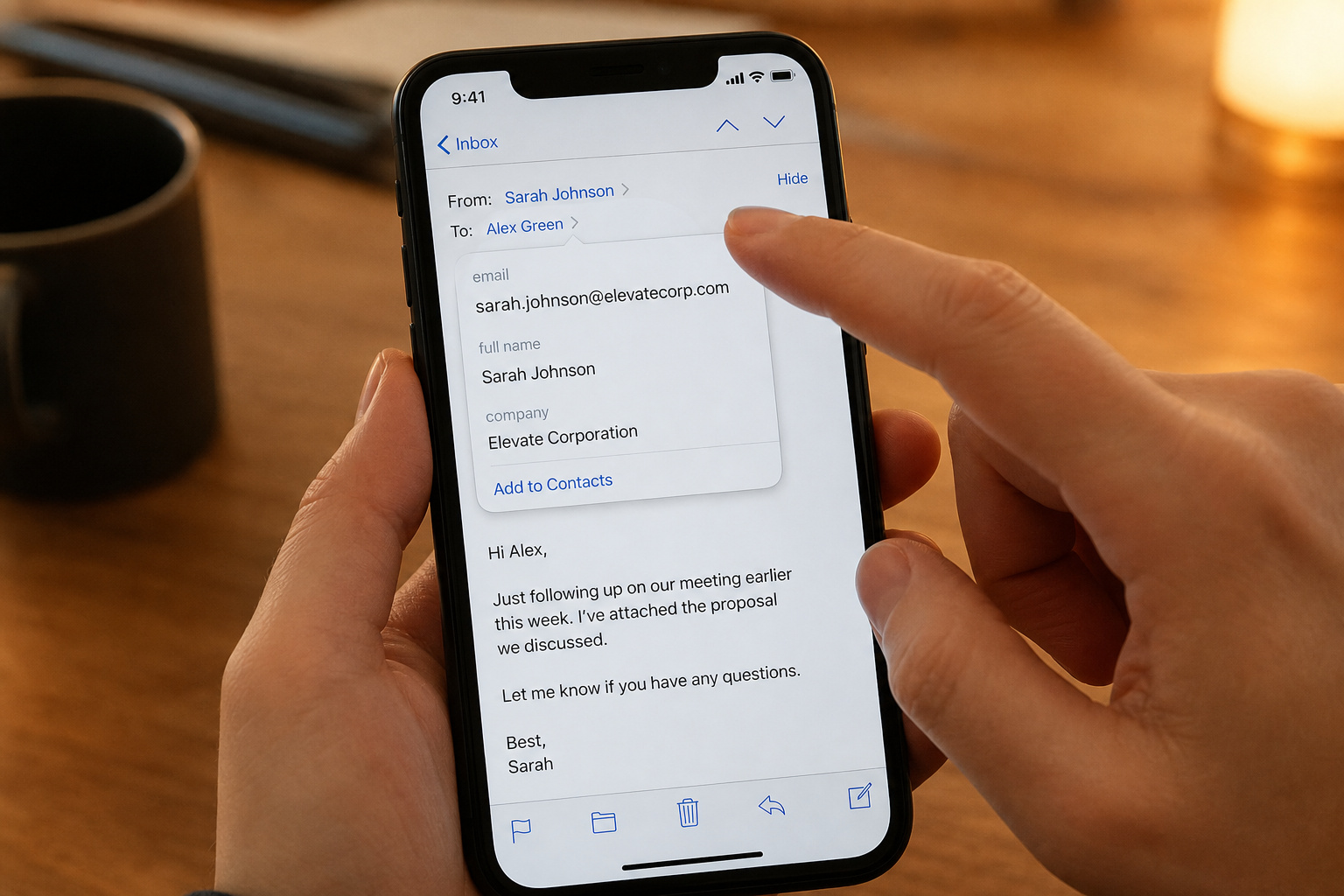
Field note: On mobile, tap the sender line to expand the full email address before you trust the display name — that one tap is your best defense.
Spot the urgency trap and authority impersonation
Attackers don’t need technical sophistication when they can manipulate your brain chemistry. They create a false sense of urgency: Your account will be locked in 24 hours, “Unauthorized login detected,” “Payment update required.” Panic bypasses rational thought. The FTC lists these common storylines: suspicious activity alerts, account problems, fake invoices, government refunds, and free coupons.
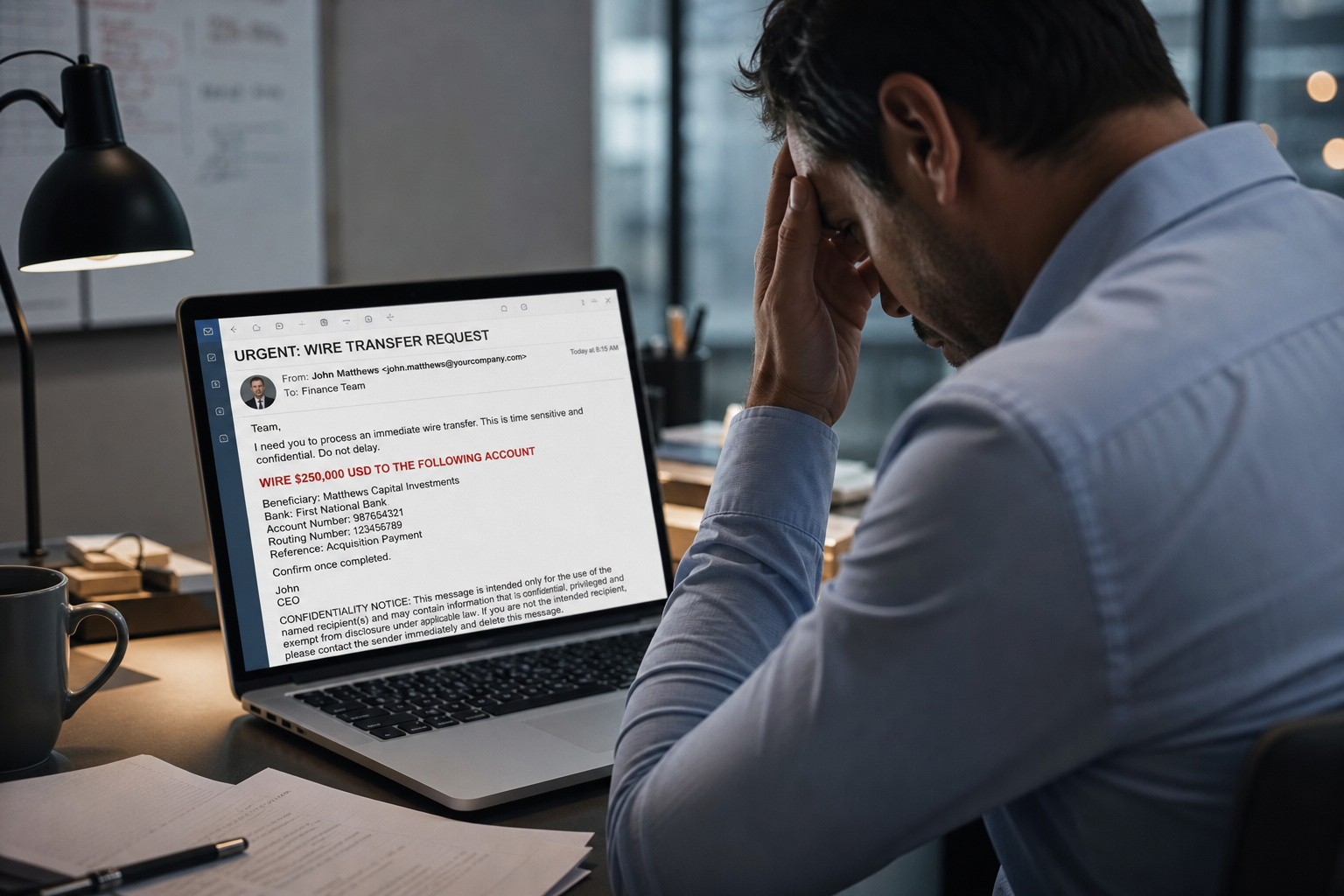
Then there’s authority impersonation. Whaling — where attackers pose as the CEO or CFO, costs enterprises an estimated $1.8 billion annually. The “boss” emails you asking for a wire transfer or gift card purchase. It feels real because we’re conditioned to obey hierarchy.
Legitimate companies rarely demand immediate action via email. If it feels like a fire drill, it’s almost certainly a scam.
Hover over links and inspect attachments before clicking
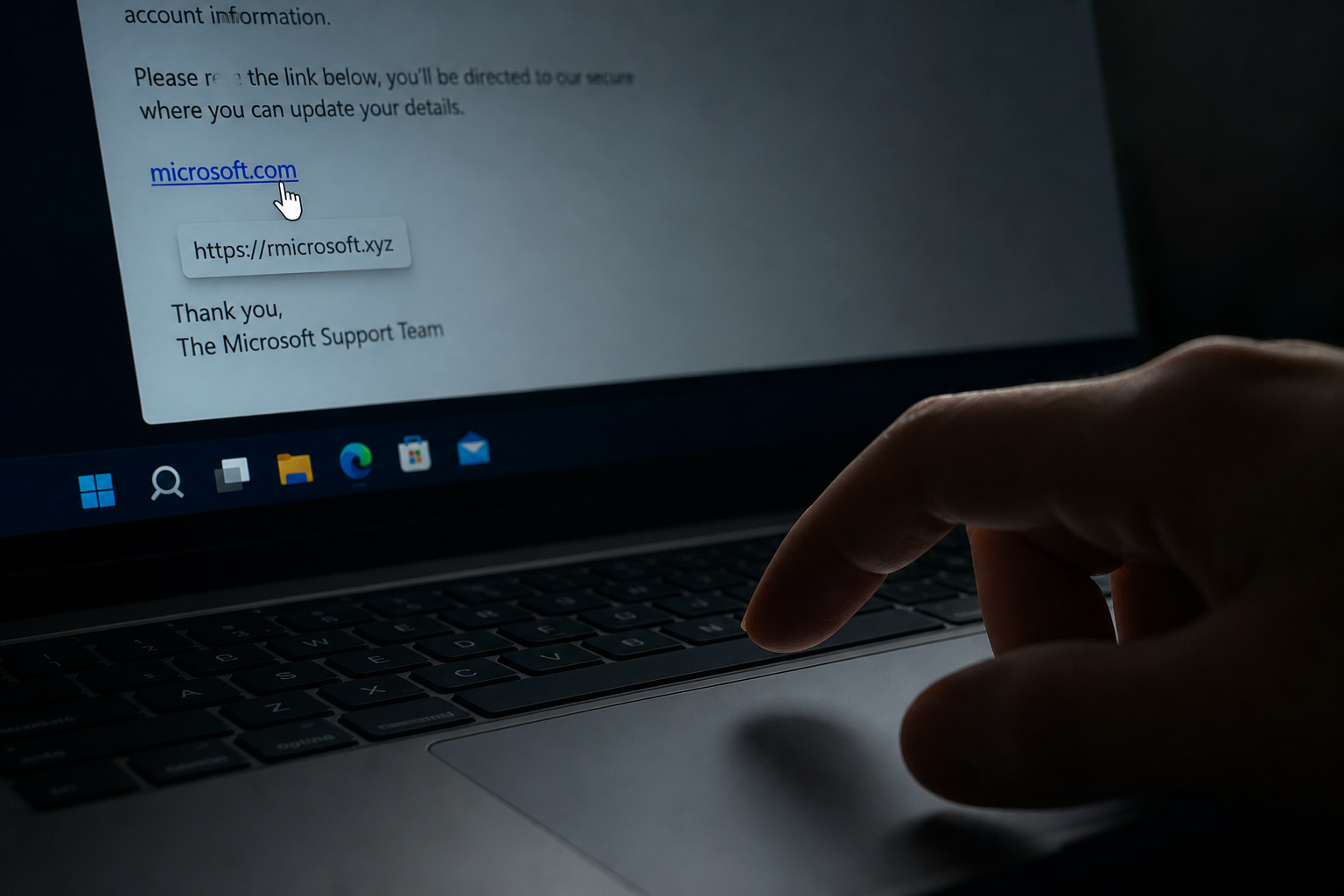
The hover test still works: what the link text says vs. what the URL actually points to. If it says “microsoft.com” but the hover URL is rnicrosoft.xyz, that’s a scam. URL shorteners like Bitly, TinyURL, and Tinycc hide the real destination — treat those as suspicious by default.
Attachments are a whole different beast. Uncommon file types like .iso, .js, .scr, .svg, .hta, and .lnk (shortcut files) are almost always malicious when they arrive unsolicited. Huntress spotted a voicemail-themed phishing email with an .svg attachment that opened in the browser to display a fake Microsoft login page — that was the Raccoon0365 phishing kit. An SVG is an image that can contain scripts; it’s not a harmless picture.
Look for generic greetings, grammar errors, and unusual requests
“Dear Customer” instead of your actual name is a classic tell. Grammar and spelling errors are still common, but here’s the twist: some attackers intentionally include a few errors, from analyzing display name tricks to spotting disposable domains and role-based accounts, how to identify a fake email address to filter out more careful targets. If you’re the kind of person who catches every typo, you’re probably not falling for the scam anyway. So don’t assume a perfectly written email is safe.
The golden rule: legitimate companies won’t email you asking for passwords, Social Security numbers, or credit card details. Full stop.
Watch for timing and mobile-specific red flags
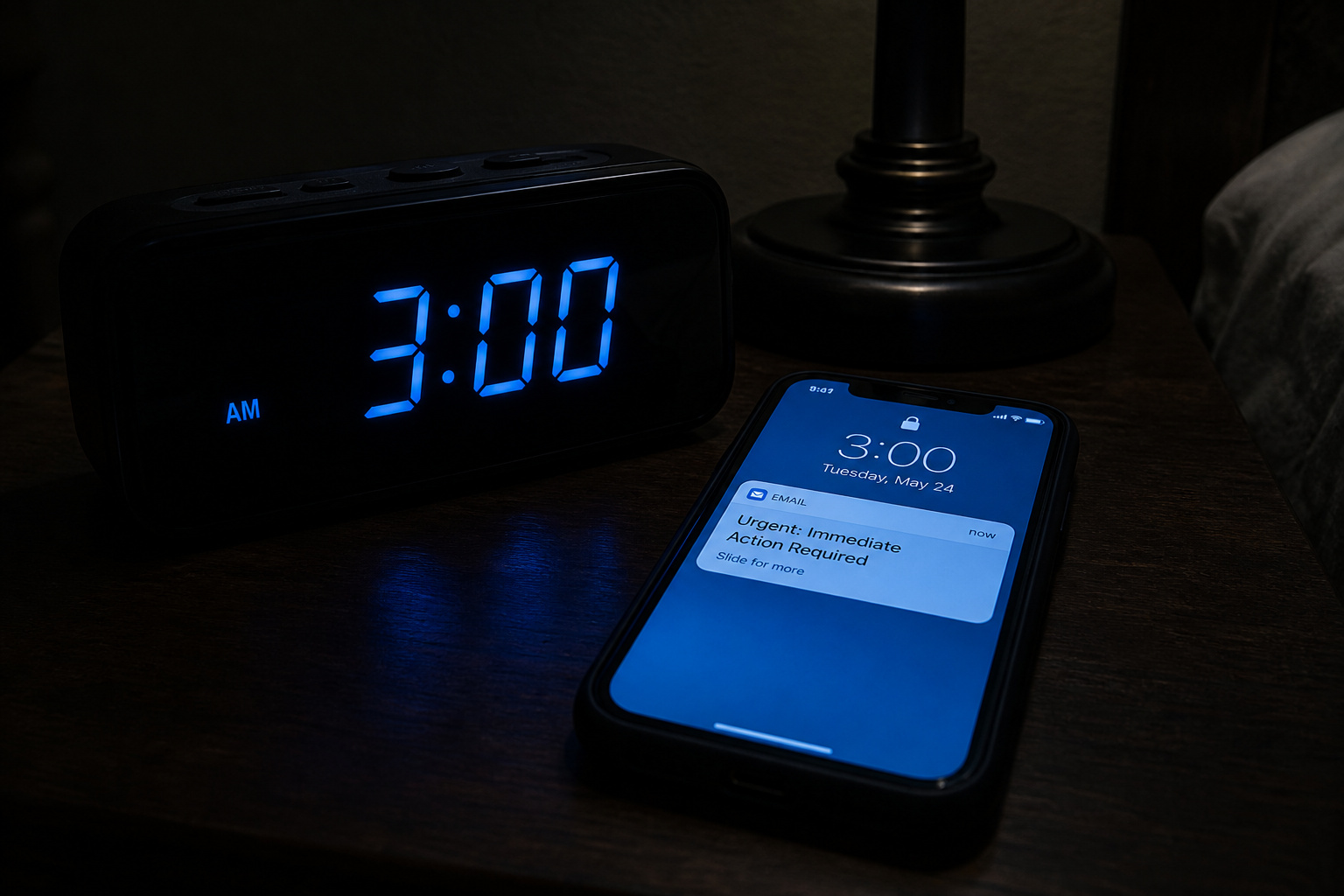
Emails arriving at 3 AM or during odd hours are often phishing — they’re hoping you’re not fully alert. And on mobile, the sender check is invisible by default. Make it a habit to tap to expand the sender details before trusting any urgent message.
Why urgency and authority work on your brain
Urgency induces panic, which clouds judgment and prompts immediate action (that’s the Hoxhunt research talking). The attacker claims your account is being locked in 24 hours, and your amygdala takes over. Authority exploitation works the same way — you’re conditioned to follow instructions from a boss or “IT security.” When someone who sounds like the CEO asks for a wire transfer, most people comply without asking questions.
It’s not just email — the multi-vector threat
Phishing has evolved beyond the inbox. Attackers now use every channel they can.
Vishing — phone calls that sound official
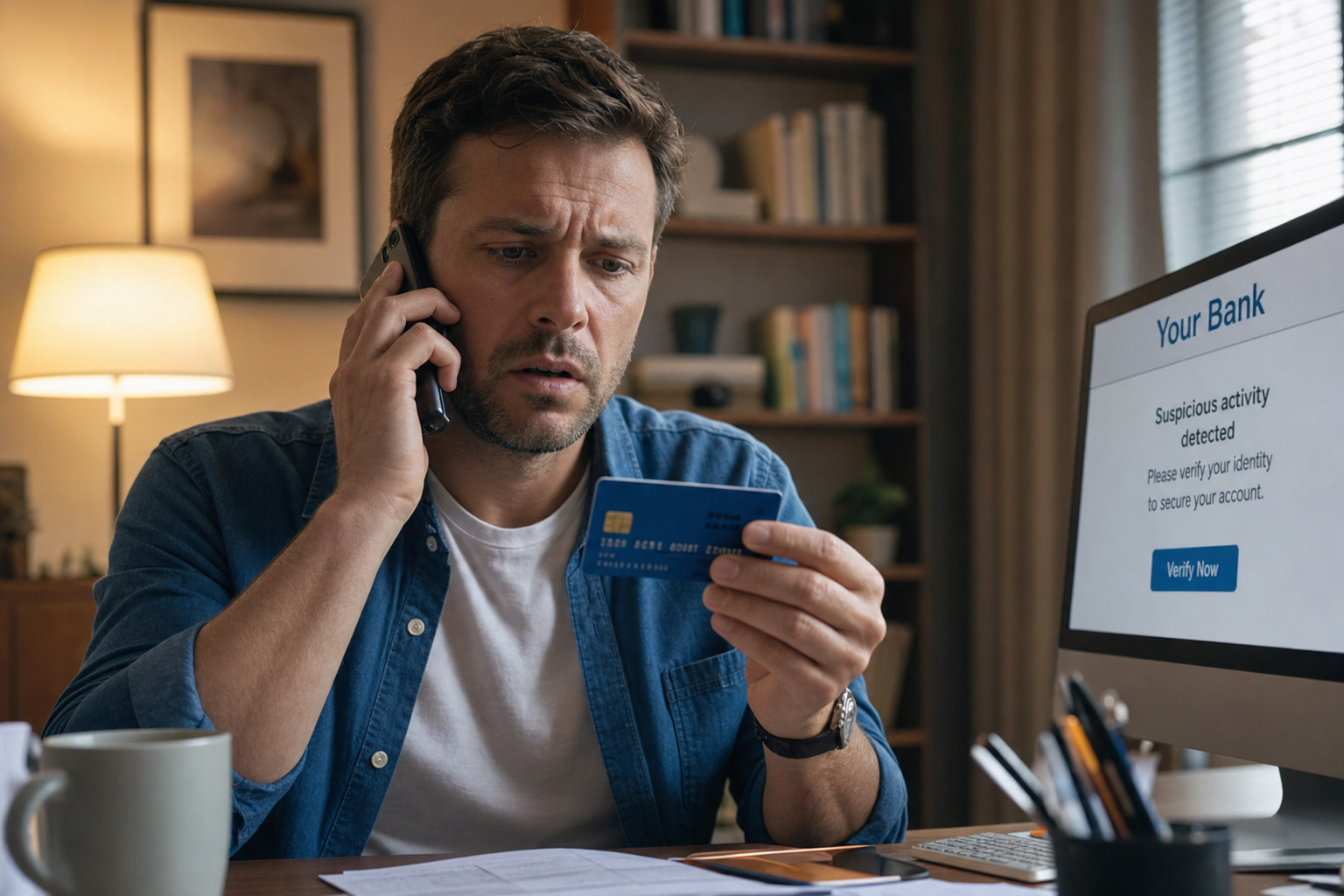
Someone calls pretending to be from your bank, tech support, or a government agency. They ask for your verification code, password, or remote access. Caller ID can be spoofed, so you can’t trust it.
Smishing — text messages with malicious links
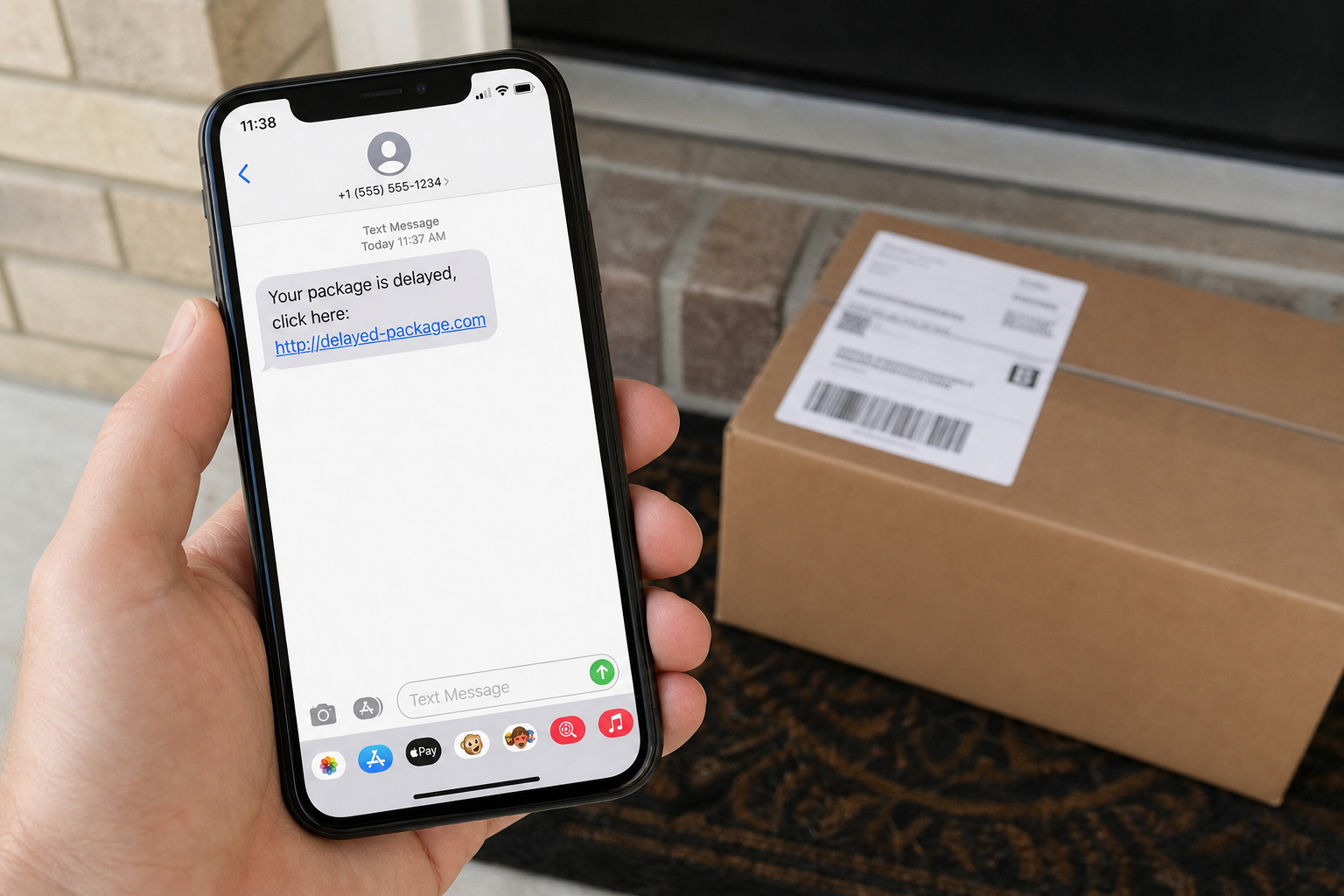
25% of employees click links in text messages (source: Proofpoint). SMS bypasses email filters entirely. Common lures: “Your package is delayed, click here” or Your account has been compromised, tap to secure it.
Quishing — QR codes that evade link scanners
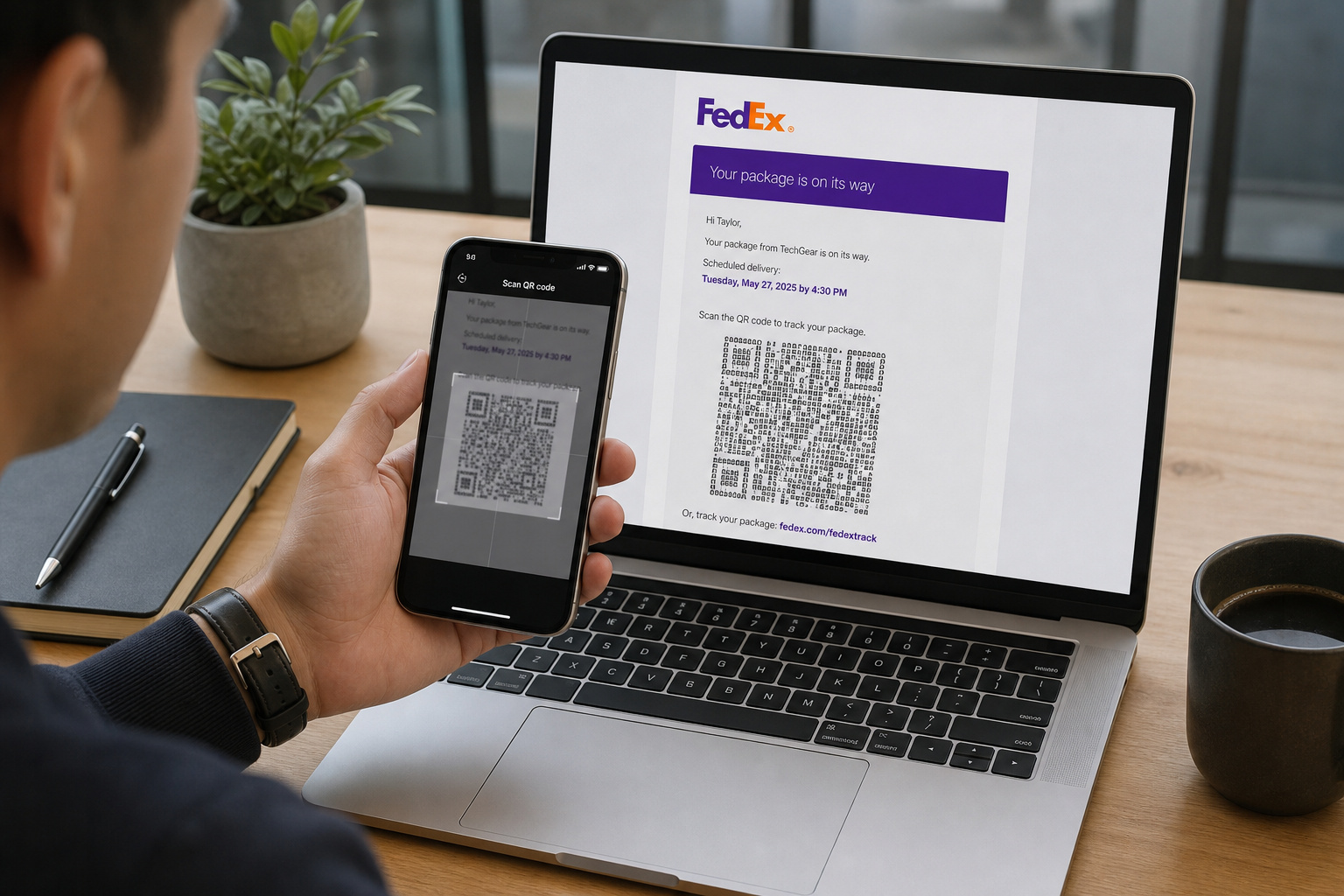
QR codes are images (or even ASCII text), so they slip past email scanners that look for URLs. Huntress documented a FedEx-themed email that contained a QR code made of ASCII characters — not a static image, which security tools couldn’t parse. You scan the code, you land on a fake login page. Attackers are increasingly using this because it’s hard to detect, so how can I verify if an email is legit? So security pros lean on header analysis and SPF/DKIM/DMARC to cut through the hype.
Callback phishing — the no-link attack
Here the email gives you a phone number to call instead of a URL. If you call, you’re socially engineered. Huntress reported a Visa callback scam demanding $699.95, with the phone number formatted for an Australian target. No link to inspect, no attachment to scan — just a well-crafted script on the other end of the line.
Deepfake voice/video and live-meeting fraud
AI voice cloning and face-swapping have gotten terrifyingly good. Attackers impersonate an executive or vendor during a Zoom, Teams, or Google Meet call, pressuring someone to alter payment details, share MFA codes, or grant remote access. If the “CEO” on a video call asks you to approve a wire, your brain says “that’s his face and voice.” This is a new frontier.
Living off Trusted Sites (LoTS)
This is elegant and scary. Attackers send the email from a legitimate service — for example, no-reply@email.figma.com. The link goes to figma.com (a trusted domain), which then redirects to a fake Microsoft login page. Between the legitimate redirect and the malicious page, they drop a Cloudflare Turnstile challenge to block automated scanners. The whole attack lives off the reputation of sites you already trust. Huntress documented this exact chain.
Don’t trust the padlock
Let’s kill a dangerous myth. The padlock icon in your address bar means the connection is encrypted — it does not mean the site is safe. In Q3 2018, 49% of phishing sites already had that padlock, up 25% from the year before (PhishLabs/APWG). A separate survey found that 80% of users believed the padlock indicated a safe website.
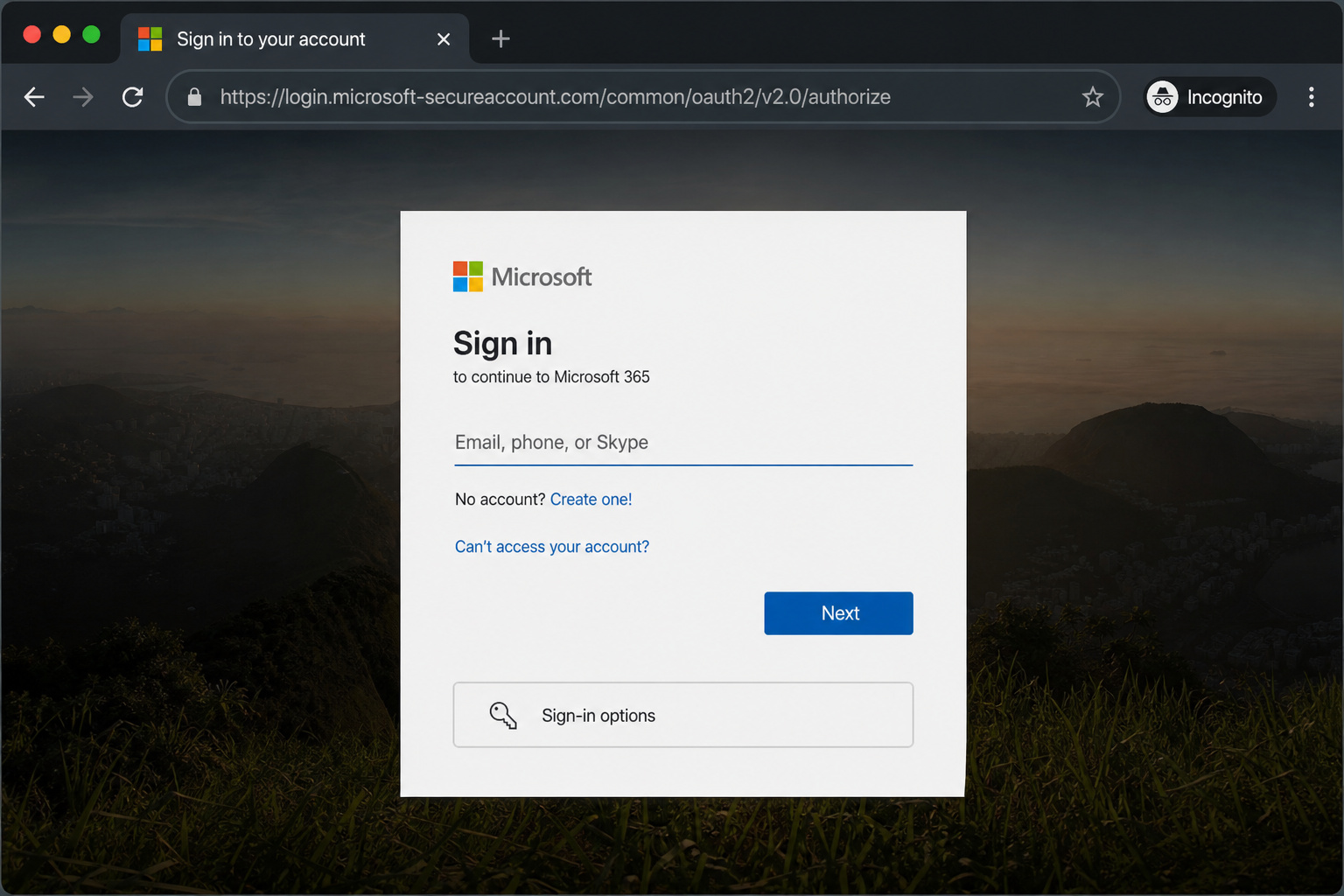
Attackers can get free SSL certificates from Let’s Encrypt in minutes. The padlock is a liability, not a shield. Never use it as a shortcut for “this site is legitimate.”
What to do if you suspect a phishing email
Pause. Don’t click, don’t reply. Verify the request through a channel you already trust — open a new browser tab and manually type your bank’s URL, or call the number you know is real, not the one in the email.
Then report it:
– Email: forward the phishing email to reportphishing@apwg.org
– Text: forward the phishing text to SPAM (7726)
– Website: file a complaint at ReportFraud.ftc.gov
The golden rule again: legitimate companies don’t email or text you with a link to update payment information.

What to do if you already clicked or responded
If you suspect that your personal information was compromised — passwords, Social Security number, credit card details, head to IdentityTheft.gov. That site gives you a step-by-step recovery plan based on exactly what was stolen. Many modern email clients also offer a one-tap reporting feature that forwards the suspicious message to your security team instantly — use it if available. And as a behavioral technique, always verify requests by contacting the sender through a separate, trusted channel before acting, this is called premise-first verification. Finally, ensure you have regular data backups in place so that if an attack succeeds, you can restore your critical files without paying a ransom.
If you clicked a link or opened an attachment: immediately update your security software and run a full system scan. Change your passwords, including every account that shares that password. Enable multi-factor authentication on everything that supports it — MFA relies on three categories: something you know (a password), something you have (a phone or token), and something you are (a fingerprint or face scan). Using at least two of these makes it much harder for attackers to break in. But keep in mind that MFA can be bypassed via push-bombing, where attackers spam you with approval requests until you cave; if you didn’t request a code, don’t approve it.
If your SSN or financial data was shared, place a fraud alert on your credit reports.
The most dangerous assumption
No single indicator is reliable. HTTPS isn’t safety. Grammar errors aren’t guaranteed. MFA isn’t infallible (push-bombing bypasses it). And phishing isn’t limited to email — it’s text messages, phone calls, QR codes, even video calls with a fake face and voice.
The best defense is a habit: pause, verify through a separate channel, and report. Every time.
Frequently Asked Questions
What are four warning signs that an email is a phishing email?
Look for a mismatched sender address when you expand the display name, urgent language demanding immediate action, generic greetings like ‘Dear Customer’ instead of your actual name, and suspicious links or attachments like .svg or .iso files. No single sign is definitive, so always check a combination of these red flags.
What is a common indicator of a suspicious email?
The most overlooked red flag is the sender address versus the display name — attackers set the display name to something trusted like ‘Microsoft Teams Online’ while the actual address is a random domain. On mobile, you have to tap the sender line to see the full email address, which most people skip.
How does a scammer send emails from your email?
Scammers spoof the display name or use lookalike domains that are one character off from a legitimate company, like ‘rnicrosoft-support@xyz.com’ instead of ‘microsoft.com’. They don’t need to access your actual inbox — they just forge the sender field to trick you into thinking the email came from someone you trust.
Can phishing emails come from legitimate services like Figma or Dropbox?
Yes, this is called Living off Trusted Sites (LoTS). Attackers send the email from a real service’s domain, like no-reply@email.figma.com, and the link goes to figma.com before redirecting to a fake Microsoft login page. The attack exploits the trust you already have in those platforms.
What’s the difference between phishing, smishing, and quishing?
Phishing is email-based, smishing uses text messages (SMS), and quishing uses QR codes that evade link scanners. Attackers also use vishing (phone calls), callback phishing (no link — just a phone number to call), and deepfake video calls. All are designed to trick you into handing over credentials or money.
