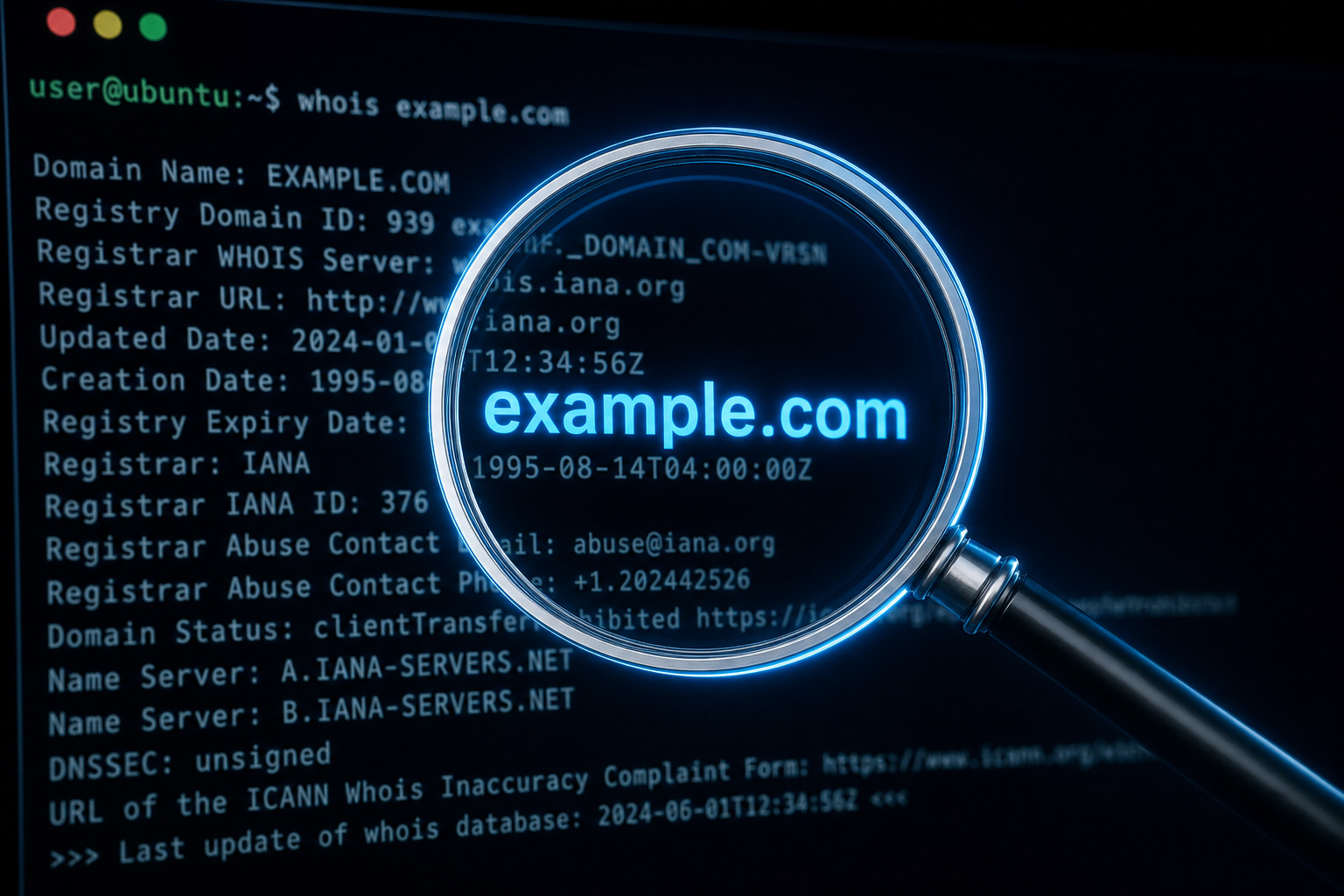
Most people try to look up an email by pasting the whole thing into WHOIS and get nothing back. Here’s why that fails, and what actually works.
Key Takeaways
WHOIS databases store registration data for domain names, not email handles — pasting name@gmail.com into a WHOIS tool returns nothing useful because you asked the wrong question.
Due to GDPR and ICANN’s permanent Registration Data Policy (effective August 21, 2025), most registrant information is now redacted by default — “REDACTED FOR PRIVACY” is the normal response, not a tool failure.
When current WHOIS data is a wall, three workarounds actually help: historical WHOIS snapshots, Reverse Whois pivoting, and OSINT searches using Google dorks and social media — the last method is often the only option for free webmail addresses.
Table of Contents
The common mistake: pasting a full email into WHOIS
You paste name@gmail.com into a WHOIS tool and get back… nothing useful. Or “REDACTED FOR PRIVACY.” The tool isn’t broken — it’s working exactly as designed. The problem is you asked the wrong question.
WHOIS databases are built for domain names, not email handles. Every record in that database (over 374 million active domains across 7,596 TLDs, if you’re counting) is indexed by domain name — example.com, not john@example.com. So when you paste a full email address, the system either shrugs or returns whatever it can guess.
The fix: extract the domain after the @. If you’ve got john@company.com, look up company.com in WHOIS. That’s the correct first step. But most guides leave you hanging — they don’t tell you that even after you do that, you’ll hit another wall.
What we’re really doing is separating two related but distinct problems: finding the owner of a domain (via WHOIS), and finding the specific person behind an email handle (usually via OSINT). This article covers both, but you need to know which one you’re actually trying to solve.
How WHOIS and RDAP actually work today
When you run a “WHOIS lookup” today, you’re probably not actually using the WHOIS protocol. ICANN now requires all generic top-level domains (gTLDs) to support RDAP (Registration Data Access Protocol). Your tool likely uses an Auto mode that picks the right protocol transparently, so you don’t need to think about it. But understanding the difference makes you smarter about interpreting results.
What a WHOIS record actually contains
A standard record gives you: registrant name, registration and expiration dates, nameservers, and the registrar — unless the owner has privacy protection enabled. The exact fields vary by registry and registrar, but the core is always the same: domain-level metadata, not the person behind a specific email address.
RDAP: the modern replacement and why it matters
RDAP is WHOIS 2.0. Instead of old plain-text output, it returns structured JSON per RFC 9083 — way easier to parse consistently, especially if you’re automating. It also supports differentiated access, meaning some data can be visible to certain requestors (like law enforcement) and hidden from others. Your lookup tool handles the protocol switch automatically, so the only thing you’ll notice is cleaner data.
RDAP enables the privacy redaction we’re about to talk about. It’s the new plumbing that makes default redaction possible and consistent.
The privacy wall: why most lookups hit “REDACTED FOR PRIVACY”
So you extract the domain, run the WHOIS, and get back… “REDACTED FOR PRIVACY.” You’re not doing anything wrong. This is the system working as designed.

The timeline matters: GDPR kicked off the shift in 2018, when ICANN introduced a Temporary Specification that required registrars to hide personal data by default. That temporary measure became permanent on August 21, 2025 — the Registration Data Policy is now settled law in the WHOIS world. Free domain privacy (like GoDaddy’s, which comes automatically with every domain) is standard, not an upsell. Some registries even proactively conceal information at the registry level to comply with local privacy laws.
When you see “REDACTED FOR PRIVACY” or a proxy address like proxy@privacy.com, don’t assume the tool failed. Assume the policy did its job. The question becomes: what can you try next?
Workaround 1: historical WHOIS data
Privacy protection hasn’t always been the default. Older WHOIS records often contain the real owner’s details. If you can access a historical snapshot, you might find unredacted data.
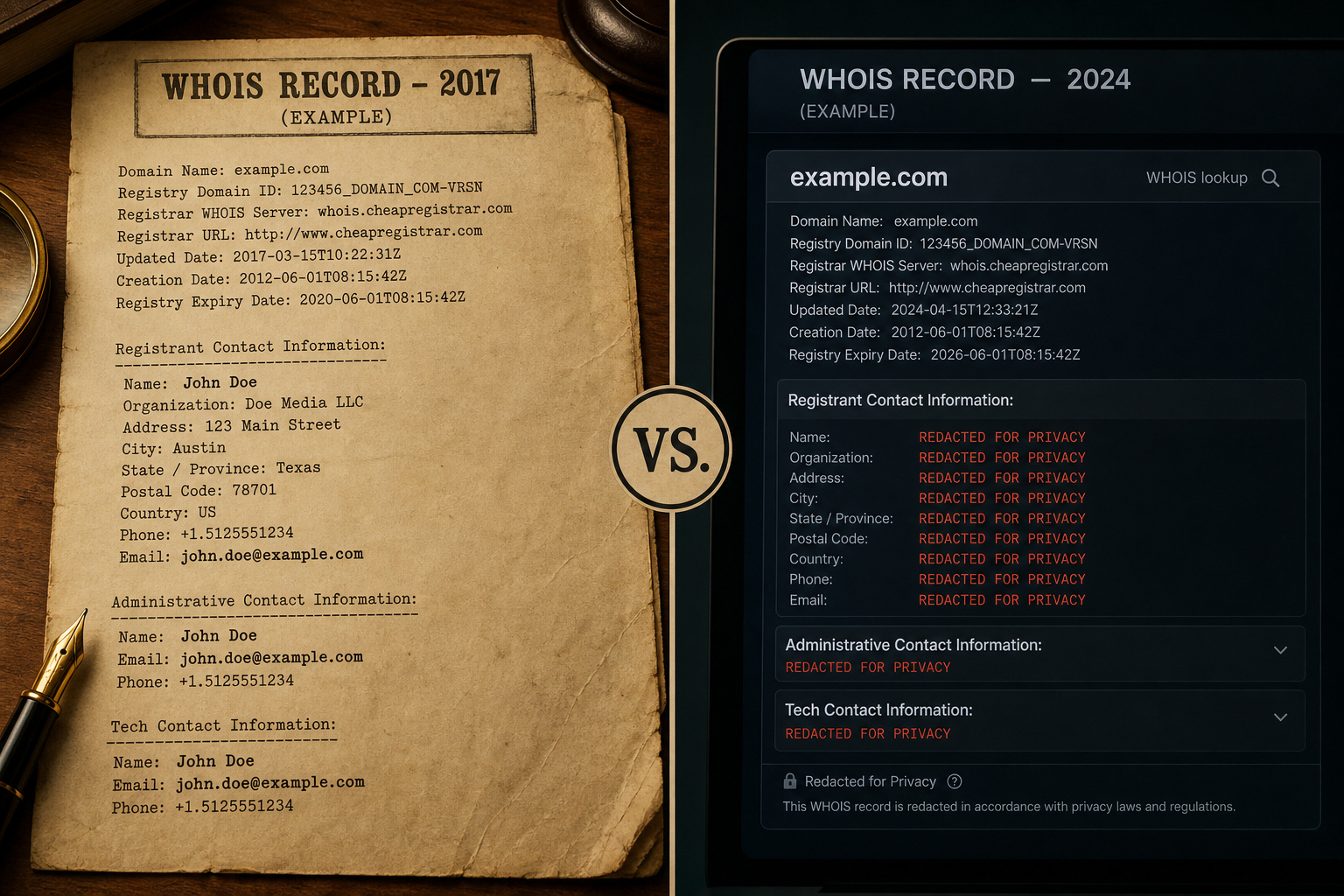
Tools like the WhoisXML History API can retrieve past records — if they were ever publicly available. This works precisely because privacy rules changed; records from 2017 or earlier predate default redaction. Investigations show a domain’s current WHOIS may show nothing, but a 2019 snapshot has the registrant’s name, phone number, and address in plain text.
The catch: if the domain was always private (maybe registered after 2018 with privacy enabled from day one), no historical record exists with real details. It’s a workaround, not a guarantee. Worth checking, but don’t expect miracles.
Workaround 2: Reverse Whois and pivoting techniques
The domain WHOIS is a wall. But what if you flip the question? Instead of “who owns this domain,” ask “what domains does this person own?” That’s Reverse Whois.
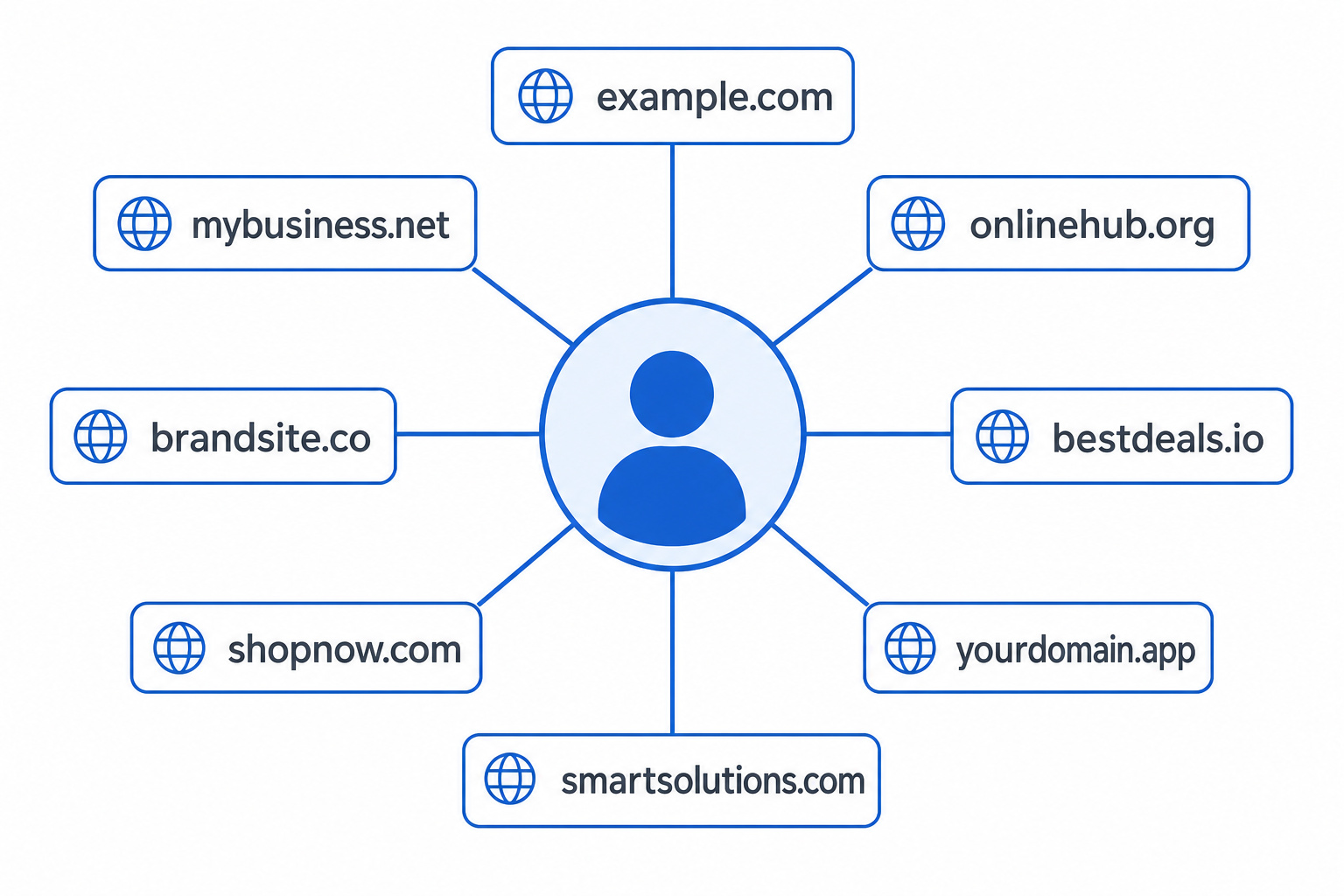
Start with any known scrap of data — a name, phone number, address, or even a proxy email like proxy@privacy.com. Search for all domains that share that same data. If a WHOIS record shows the proxy email, you can find other domains using the same proxy, but first you should know how to identify a fake email address to avoid being misled. Often one of those other domains will have older, less-protected records that reveal the real owner.
This is a standard pivoting technique in cyber investigations. Use cases go beyond finding an email owner: trademark enforcement, tracking a competitor’s portfolio, or connecting seemingly unrelated domains to the same person. It’s not guaranteed — you need at least one non-redacted data point to start from, but when it works, it’s powerful.
Workaround 3: OSINT — Google dorks and social media search
Take the email handle — the part before the @, and search it on Google, LinkedIn, Twitter/X. This often works.
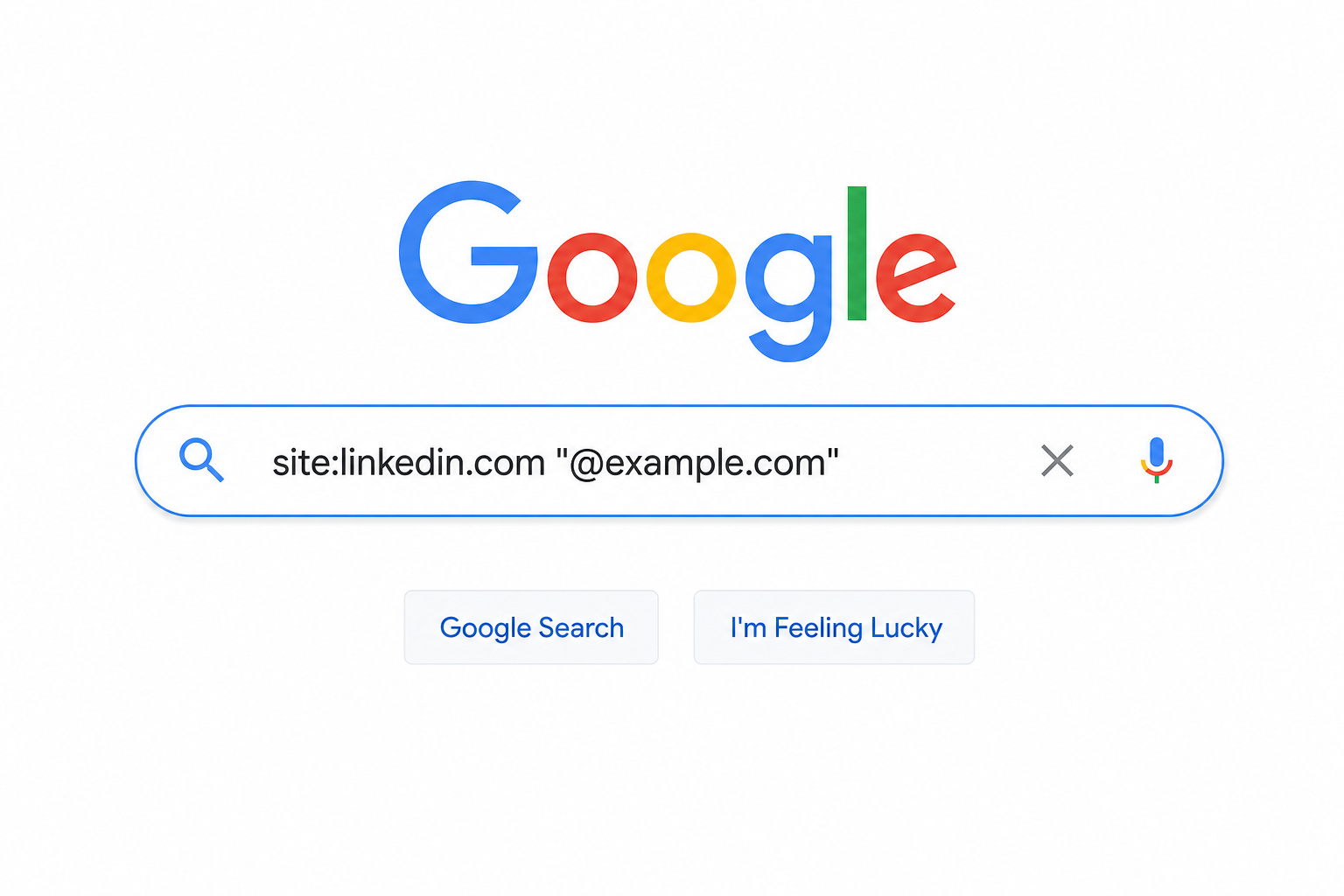
The OSINT workflow: from email handle to social profile
The process is straightforward:
- Extract the handle from the email (e.g.,
john.doefromjohn.doe@company.com). - Search it on Google. Often the handle appears in a LinkedIn profile, a conference speaker bio, or a company directory.
- Refine with site: dork queries:
site:linkedin.com "john.doe"orinurl:john.doe. These narrow results to specific platforms. - Cross-reference across multiple sources to confirm identity.
Why free webmail addresses are a dead end for WHOIS
Gmail, Yahoo, Outlook — these are free providers that own their domains. WHOIS on gmail.com or yahoo.com returns Google’s or Yahoo’s corporate registration, not the individual user’s info. You can’t WHOIS your way into identifying a Gmail account.
OSINT is the only practical free method. Search the handle on Google and social platforms. Manage your expectations: this works well for professional emails (where people use their real name as the handle) and poorly for casual/personal ones (throwaway handles, nicknames, privacy-conscious users).
The most direct free tool: Mailmeteor Reverse Email Lookup
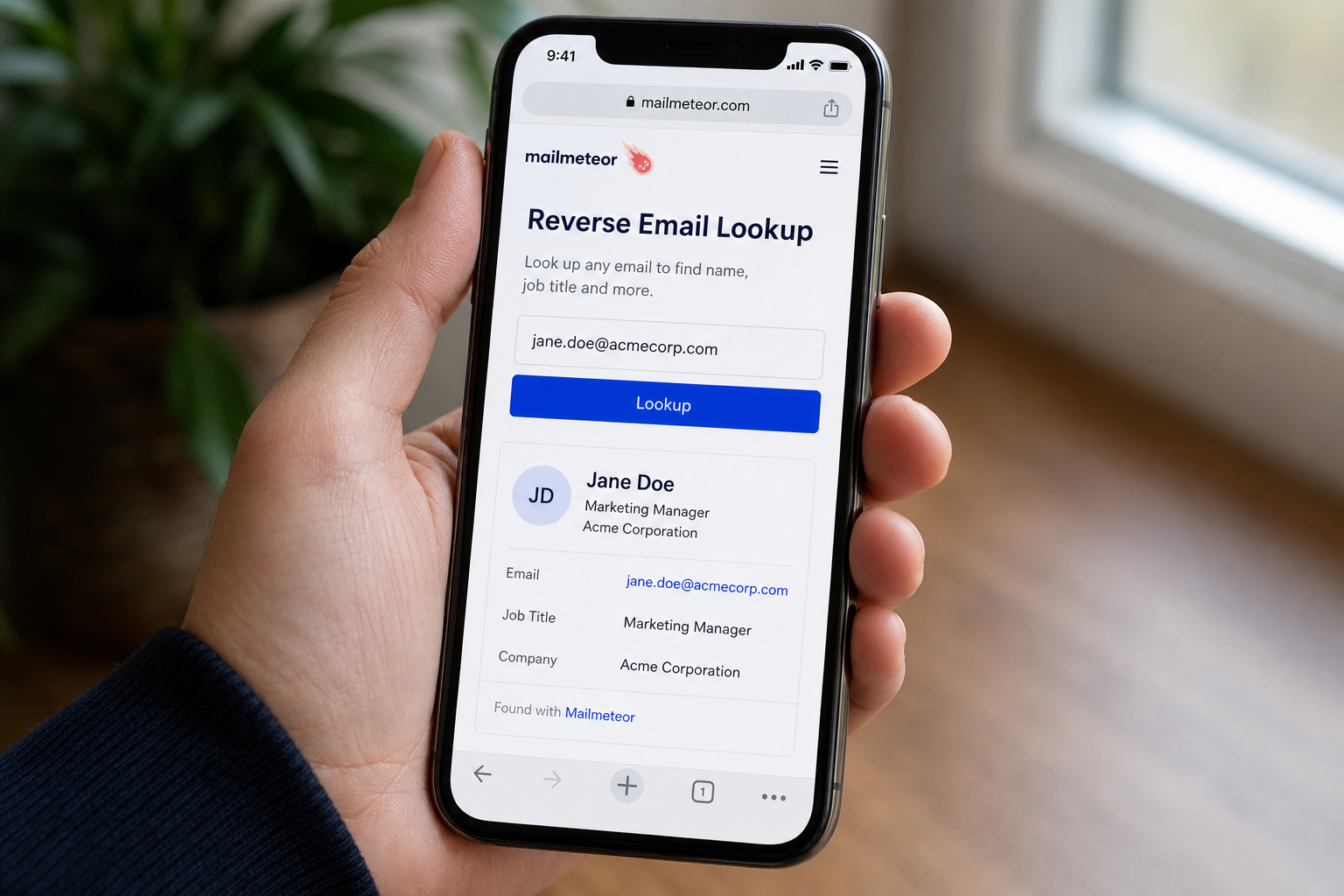
If you want to skip the domain extraction and OSINT workflow, there’s one free tool that does the heavy lifting for you. Mailmeteor’s Reverse Email Lookup uses OSINT techniques to find the name, job title, and company behind a professional email address — no sign-up required, though even more powerful email address finders exist on the Deep Web to uncover email addresses linked to a person’s name.
It’s free. Paste an email, get results in seconds. The tool cross-verifies findings in real-time and does not store your search queries. Security-minded? The How can I verify if an email is legit guide walks through header analysis, SPF, DKIM, and DMARC. Trusted by 6 million professionals, it’s used for founders (understanding who’s engaging with product/outreach), customer support (looking up senders to personalize replies), sales leads (identifying who’s behind an inbound lead), recruiters (uncovering candidate profiles), marketers (verifying email validity before a campaign), and security folks (fraud detection — is this email associated with a real person?).
It works best for professional emails (like name@company.com). Personal Gmail addresses may not return results — that’s the limitation of OSINT-based approaches.
Other free WHOIS tools: what each one is good for
Mailmeteor handles the direct email lookup. But there are other free tools that serve different parts of the workflow. Here’s what each is actually good for — and where they’ll disappoint you.
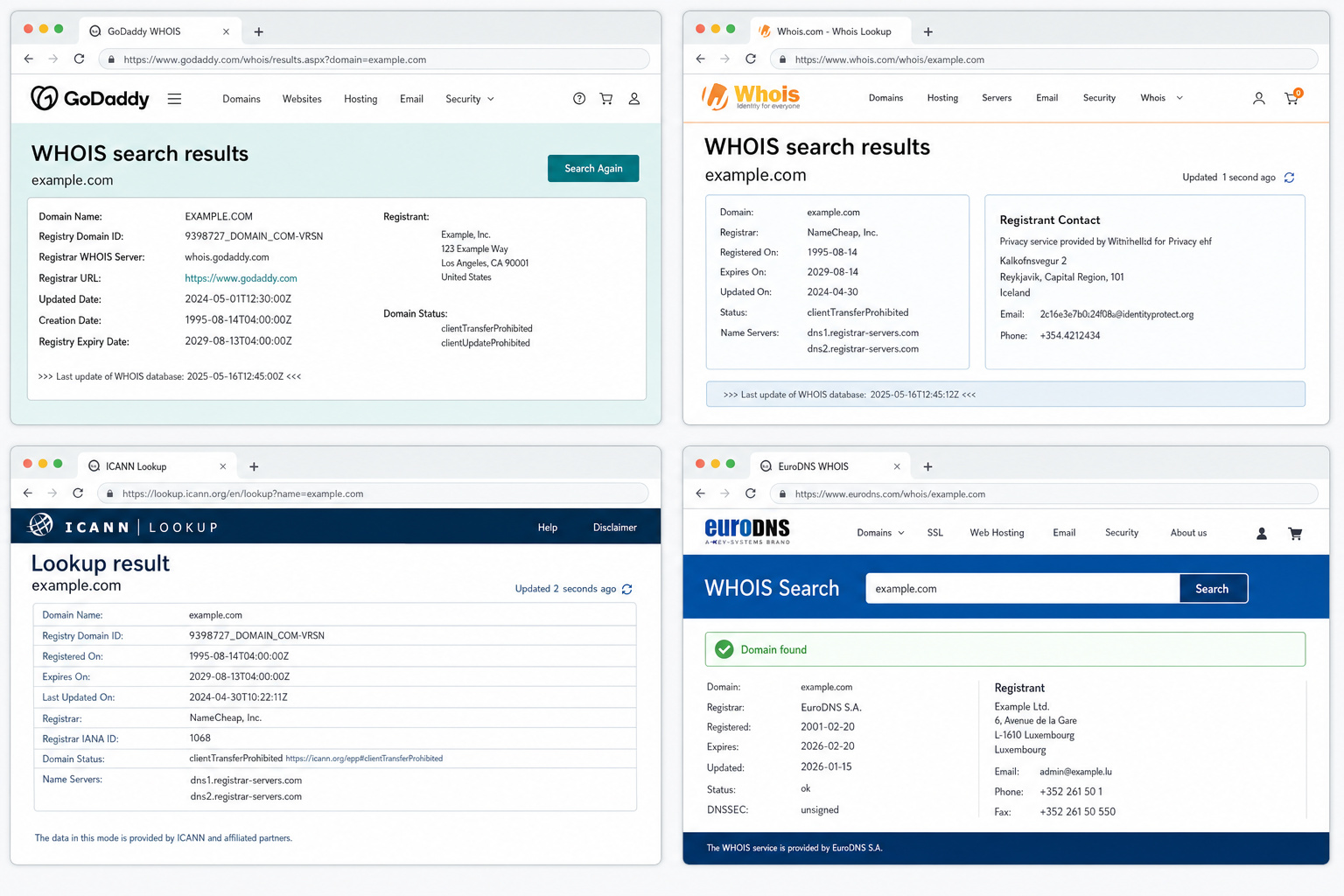
GoDaddy WHOIS Lookup
Great for checking domain availability or basic ownership info — creation dates, expiration dates, registrar. Returns a clean, user-friendly interface. Key caveat: GoDaddy provides free domain privacy with every domain, so results often show “REDACTED FOR PRIVACY.” Use it for quick availability checks, not owner identification.
Whois.com Domain Lookup
Traces ownership and tenure. Returns registration date, expiry, ownership/contact info (if not redacted), nameserver info, registrar info. Shows “available” for unregistered domains, “privacy-protected” for taken ones. Solid general-purpose WHOIS tool.
ICANN WHOIS Lookup
The official authoritative source. Less user-friendly than third-party tools — returns raw error messages like “Domain not found” or “No registry RDAP server was identified” for unregistered domains. Use it when you need the canonical answer, not when you want a nice interface.
EuroDNS .EMAIL Whois Lookup
Niche tool specifically for .EMAIL domain extensions. If the email you’re investigating uses a .email TLD (like hello@company.email), this is the right tool. Otherwise, skip it.
Bulk WHOIS API for large-scale queries
Allows up to 500,000 domains in a single request. Paid, but relevant for enterprise security teams or researchers who need to scan massive domain lists. Not for casual one-off checks.
Reverse Whois as a complementary tool
We covered the technique already — this is the tool version. Use it when you have a name or email and want to find all domains linked to that entity. Great for competitor research and trademark enforcement.
When free methods hit a wall: paid alternatives and their value
Free methods work for a single check of a suspicious email. But if you’re investigating fraud, monitoring competitors, or need to verify hundreds of domains, the free tools have limits.
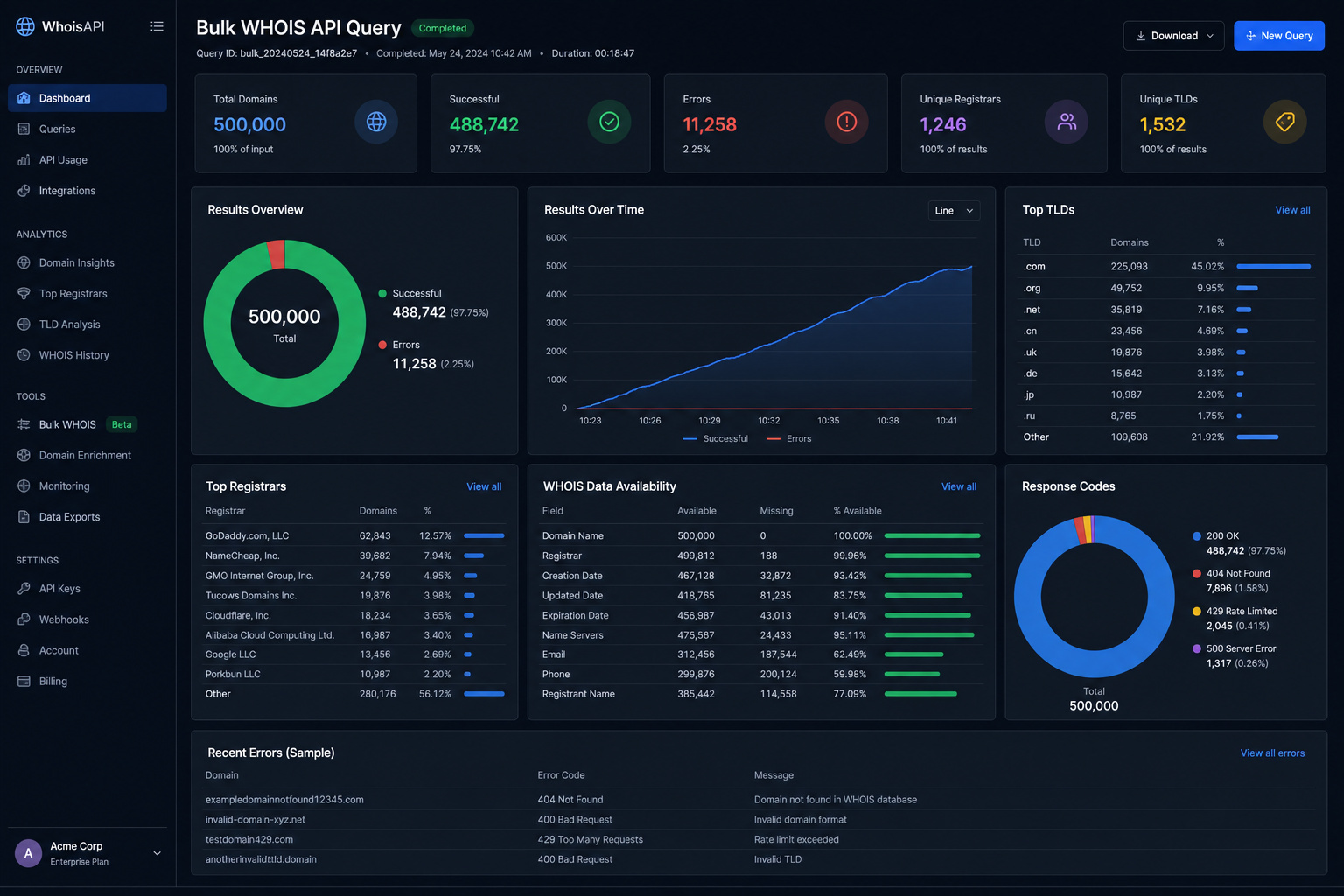
Free WHOIS is single-query, often redacted, with no history. Paid APIs (like WhoisXML API or Bulk WHOIS API) provide structured JSON, historical data, and bulk capabilities. The WhoisXML API, for example, gives you normalized WHOIS information for any domain, IP, or email — and it’s used by organizations like Cyware and the University of Perugia for automated threat enrichment and academic investigations.
The decision isn’t about being cheap vs. splurging — it’s about risk and ROI. If you’re dealing with a potential Business Email Compromise (BEC) fraud involving a six-figure wire transfer, a paid API that gives you historical snapshots and structured data is cheap insurance. If you’re just curious about who sent a newsletter signup, free methods are fine.
How to verify if an email is legitimate using WHOIS signals
What if you’re not just curious — you’re trying to figure out if an email is a scam? WHOIS data can help.
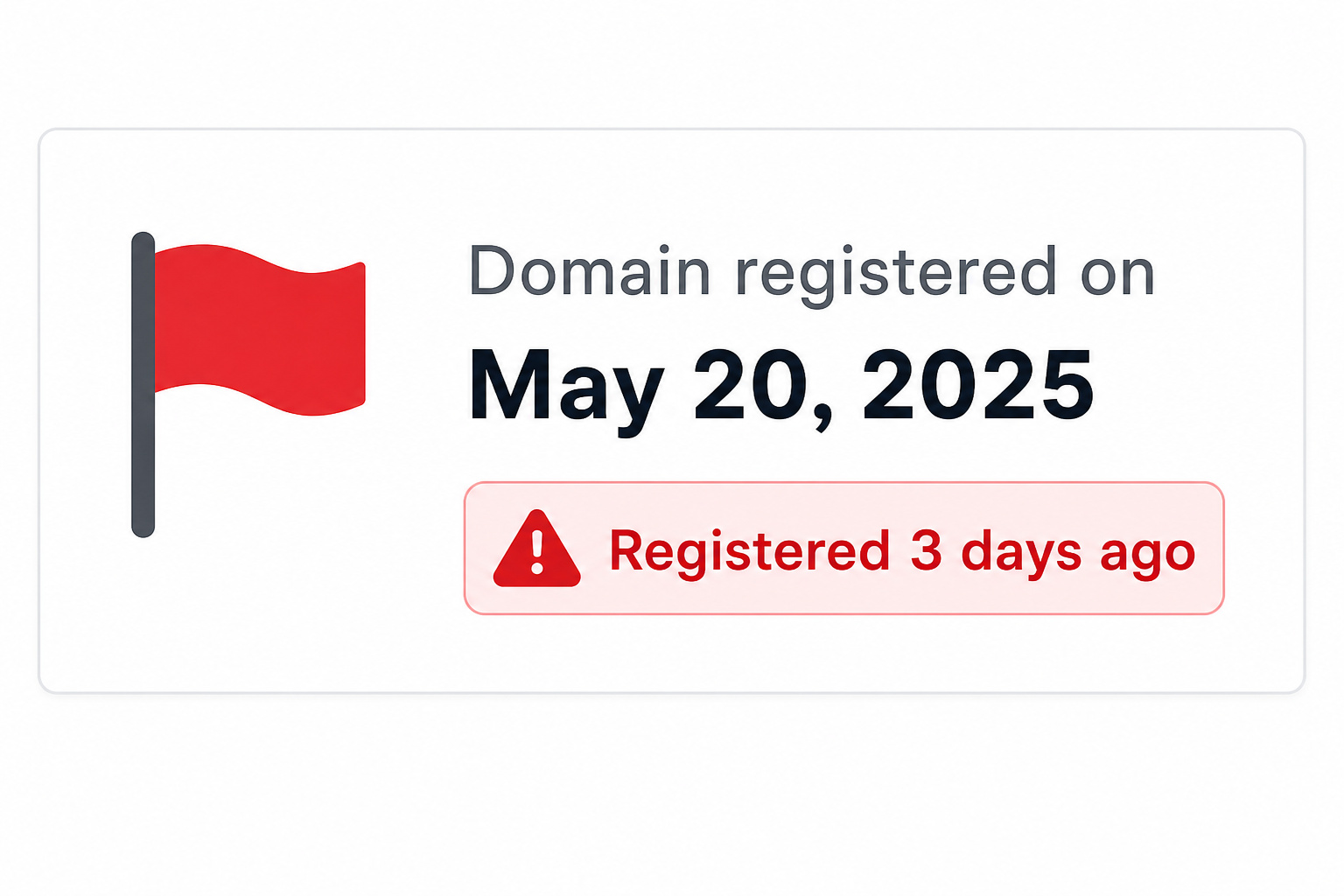
Red flag: A domain registered within the last week combined with mismatched registrant info is a strong BEC indicator — verify through email headers and SPF/DKIM before trusting it.
A domain registered last week from a suspicious email like admin@scam123.net is a bigger red flag than a ten-year-old domain from a known company. Look for:
- Very recent registration – potential BEC fraud indicator
- Too-frequent ownership updates – suspicious churn
- Mismatched registrant info – name on WHOIS doesn’t match the company in the email
- Generic or throwaway contact details –
privacy@proxy.comis normal, butasdf@asdf.comis a red flag
None of these are definitive — startups also register new domains, and legitimate businesses sometimes make changes. But combined with other signals (email headers, SPF/DKIM, web reputation), WHOIS data becomes a valuable piece of the puzzle. This approach catches brandjacking and typosquatting cases before they escalate. If you find a typosquatting domain, the Uniform Domain-Name Dispute-Resolution Policy (UDRP) provides a legal pathway to claim it.
Limitations and ethical guardrails
First, the data might be wrong. Second, you can’t legally use it for certain purposes. And third, if you find a scam, here’s what to do — and what not to do. A common false-positive scenario: the domain owner may not be the person sending the email, especially if the domain is compromised or used for shared hosting. Always cross-check with other signals.
Why the data might be wrong or stale
WHOIS records are only as good as what the registrant typed when they signed up — garbage in, garbage out. Records go stale 24–48 hours after changes (or longer for some registries). A domain owner might have moved, changed phone numbers, or sold the domain without updating the record. Always verify findings through a second source.
The right way to use and report findings
Unsolicited contact using WHOIS data is forbidden. You cannot use the registrant’s email or phone number to spam them, market to them, or harass them. That’s a violation of ICANN policy and potentially law.
If you find a scam or fraudulent domain:
- Report inaccurate WHOIS data to ICANN – registrars are required to investigate and correct false info.
- For BEC fraud, report to the FBI’s IC3 (Internet Crime Complaint Center).
- Report to the domain’s registrar – they can suspend or cancel domains with false WHOIS data.
Do not confront the domain owner directly. If it’s a scammer, you’re tipping them off. If it’s a legitimate owner with a misconfigured domain, you’re just being a vigilante. Go through official channels.
The bigger picture: WHOIS as part of a due diligence toolkit
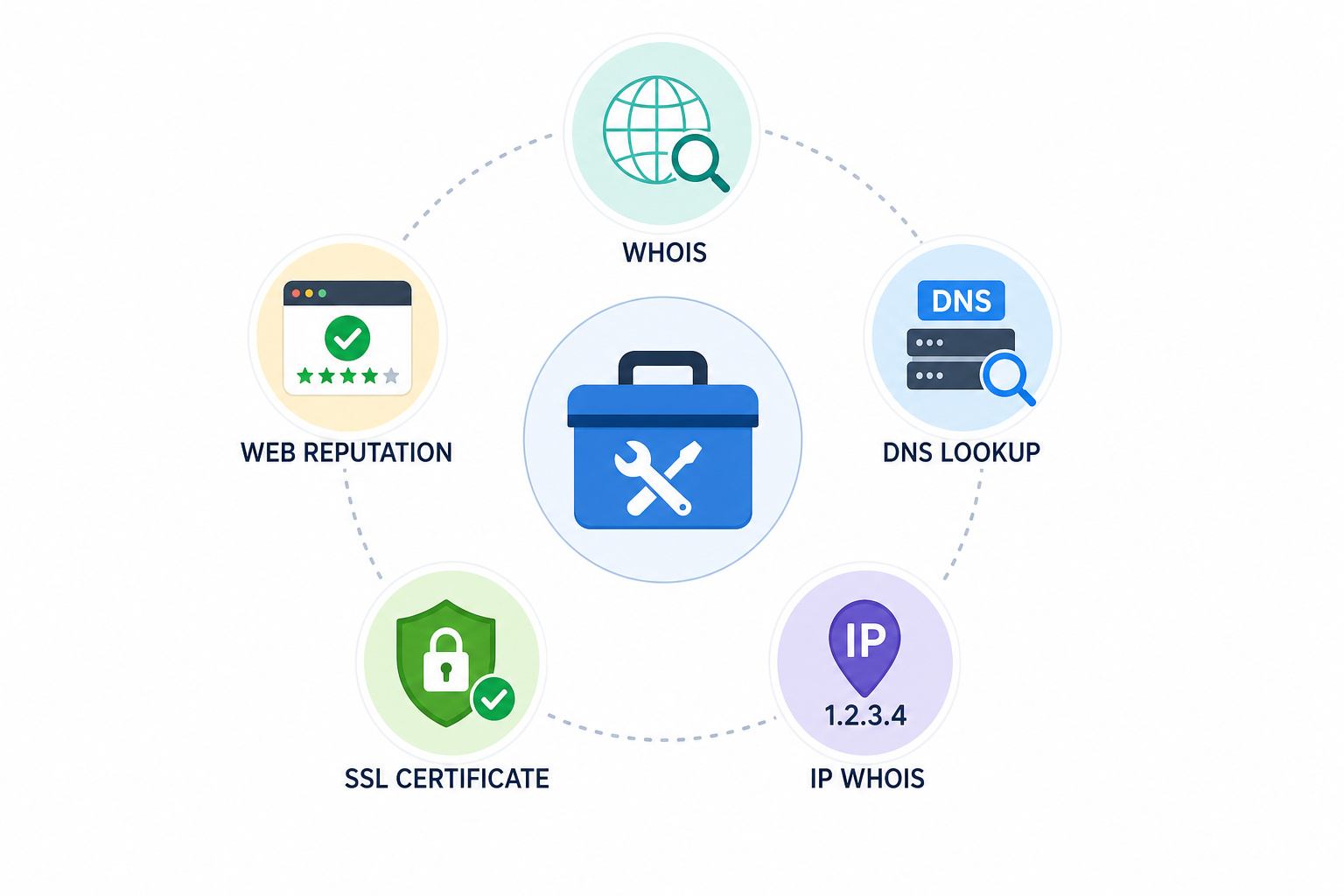
So you’ve got the domain owner’s info — now what? The value of WHOIS isn’t just knowing a name. It’s placing that name in context with other data: DNS records, IP ownership, SSL certificates, web reputation scores.
Think of WHOIS as one tool in a broader kit:
- WHOIS = who owns the domain
- DNS lookup = how the domain is configured (IP addresses, mail servers)
- IP WHOIS = the organization behind the IP (queried from ARIN, RIPE, etc.)
- SSL certificate transparency = what certificates have been issued for the domain
- Web reputation = has the domain been flagged for malware or phishing?
Business professionals use this combination for due diligence on suppliers, customers, and partners. Regular WHOIS searches can even reveal competitors’ future product launches — if they register a new domain for a product name before announcing it. The goal is risk assessment, not just name hunting.
You know what works and where the limits are — that puts you ahead of anyone who just pastes an email into WHOIS and gives up. Start with the domain extraction, check the current WHOIS (expect redaction), then layer in historical data, Reverse Whois, and OSINT searches. For most free checks, that’s enough. For serious investigations, know when to pay for the right tools. And always play by the rules, the data comes with responsibility.
Frequently Asked Questions
Why does pasting a full email address into WHOIS return nothing useful?
WHOIS databases are indexed by domain name, not email handles. When you paste name@gmail.com, the system can’t match it to a record because every entry is tied to something like example.com. The correct first step is to extract the domain after the @ and look that up instead.
What does ‘REDACTED FOR PRIVACY’ mean in a WHOIS lookup?
It means the system is working as designed. Due to GDPR and ICANN’s permanent Registration Data Policy, most registrant information is hidden by default. Free domain privacy is now standard, so seeing that message doesn’t indicate a tool failure — it indicates the policy did its job.
How can I find the owner of a domain when WHOIS data is redacted?
You have three main workarounds: historical WHOIS snapshots that may contain pre-privacy records, Reverse Whois pivoting to find other domains linked to the same person, and OSINT searches using Google dorks and social media. The last method is often the only free option for webmail addresses.
What’s the difference between WHOIS and RDAP?
RDAP is the modern replacement for the old WHOIS protocol. Instead of plain-text output, it returns structured JSON that’s easier to parse automatically. It also supports differentiated access, meaning some data can be visible to law enforcement while hidden from public lookups. Most tools handle the switch automatically.
How can WHOIS data help me verify if an email is a scam?
Look for red flags like a very recent domain registration, frequent ownership changes, or mismatched registrant info that doesn’t match the company in the email. A domain registered last week from a suspicious address is a stronger BEC indicator than a ten-year-old domain from a known company. Combine these signals with email header analysis and SPF/DKIM checks.
