Here’s the article.
You’ve got over 100 online accounts. That’s not a guess — that’s the number for the average person. Most advice stops at “use a mix of characters” or “make it long.”
So I dug through government PDFs, CISA tip sheets, password manager pricing pages, and breach stories to put together a geek-curated, category-organized list of password examples. Not just a flat list of strings to copy — but a breakdown of why each type works (or fails), and how to construct your own.
Key Takeaways
CISA says passwords should be at least 16 characters long — length beats complexity every time, and a 16-character passphrase of four random words is far stronger than a 12-character mixed-set monstrosity.
The average person has over 100 accounts, which makes memory-only management impossible — you will eventually fall into patterns, reuse, or small variations that attackers spot instantly.
The best strategy is to memorize one strong passphrase for your password manager, let it generate and store unique 16-character random passwords for everything else, and turn on MFA wherever it’s available.
Table of Contents
Why You Need Strong Password Examples (and the Three Rules That Make Them Work)
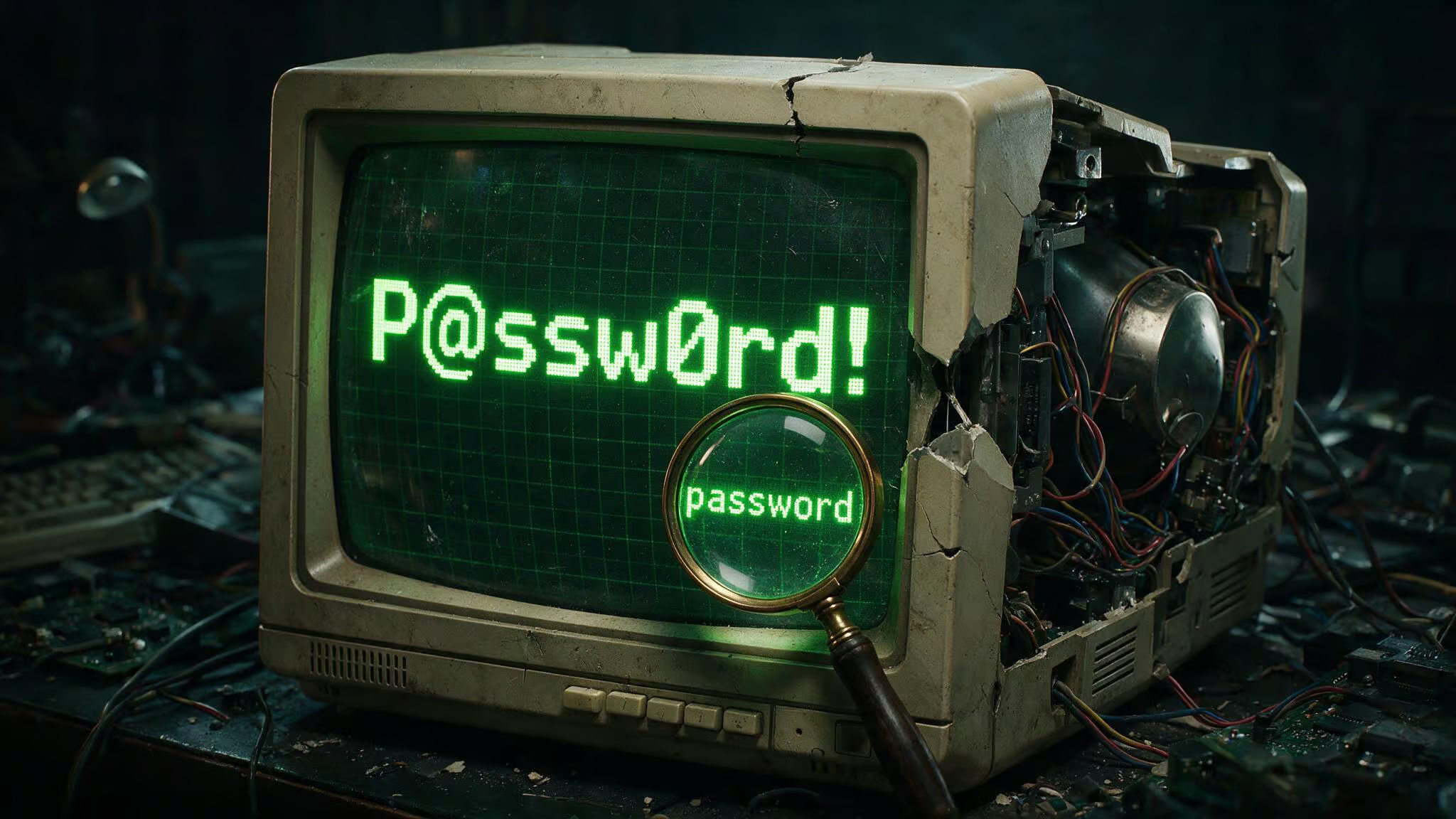
Let’s start with a password that looks clever: P@ssw0rd!. It has uppercase, lowercase, a number, a special character. It meets every complexity checkbox a website has ever thrown at you. It’s also useless.
The problem isn’t the substitutions — it’s that the base is a dictionary word, it’s only eight characters long, and cracking tools check P@ssw0rd! in the first pass of their common-pattern dictionary. Complexity matters less than length and randomness.
So here are the three rules every password in this list is evaluated against:
- Length: at least 16 characters. CISA states this. The old 12-character advice? Ignore it. Every extra character multiplies the number of possible combinations exponentially, and a 16-character lowercase passphrase is stronger than a 12-character mix of every symbol on your keyboard.
- Uniqueness: every account gets its own password. No exceptions. Small variations like adding a number or changing a letter don’t count as unique — attackers know those tricks. If one site gets breached, credential stuffing means they try that same password on your bank, email, and social media.
- Randomness: no dictionary words, names, dates, keyboard patterns, or any information that can be guessed from social media or leaked databases. The password should look like noise — even if it’s built from words, they should be unrelated and unpredictable.
Every example in this list is judged against these three rules. If it fails one, it’s a template at best, not a final password.
The Real Cost of Bad Password Habits
You’ve probably read the stats about credential stuffing — when a breach on a low-value forum gives attackers a password, and they try it on every major service until one sticks.
Take Emma, whose story was documented by StaySafeOnline. She reused the same password on her bank and her email. A company she had an account with suffered a data breach. Attackers grabbed her email and password, then logged into her bank account and initiated a $700 transfer.
It took her hours to reclaim her accounts, file disputes, and change passwords everywhere. Her solution? A friend helped her set up a password manager.
Then there’s Ted, from a Sticky Password blog post. Ted prided himself on remembering every password. No notes, no manager — just his memory. For a while it worked. But over time, his logins became hesitant and fragile.
He’d mistype, hit the wrong case, forget which variation he used on a given site. The cognitive load made him slower and more frustrated, and eventually he started reusing simple patterns just to keep the mental overhead manageable. He shifted to a password manager not because he was lazy, but because his brain was never built to hold random strings.
16-Character Random String Examples (the Gold Standard)
These are the strongest option — a random mix of uppercase, lowercase, numbers, and special characters. You’ll never have to remember any of them if you use a password manager. Here are examples with a quick construction breakdown:
VYffnxK9O$VuL59k— 16 characters, random mix. Note the$symbol placed mid-string, not at the end. That’s a pattern-break.8&QpP3SdsPzUf5P6— 16 characters. Starts with a number and ampersand, which is unusual for a password (most people stick them at the end).2kwe-85o5-LPFYz8— 16 characters, uses hyphens as visual separators. The hyphen is a valid character, and grouping can make the string easier to type on mobile.cXmnZK65rf*&DaaD— from CISA’s own examples. Notice the*&combination — two special characters in a row.Yuc8$RikA34%ZoPPao98t— 20 characters, from CISA. Mixes uppercase and lowercase, with$and%inside.k8dfh8c@Pfv0gB2— CISA’s bank account example. The@is placed early.e246gs%mFs#3tv6— CISA’s social media example. Starts with a letter followed by numbers.
What to look for: every password uses at least 16 characters, mixes cases, includes numbers and special characters, and has no recognizable words or patterns. Do not copy these exact strings — they’re public now. Use them as templates for the kind of randomness your password manager should generate.
Passphrase Examples (Memorable and Still Strong)
Passphrases are the sweet spot for anything you do have to remember — like your password manager’s master password. The trick is to pick 4 to 7 unrelated random words (CISA recommends 4-7; I usually stick to 4-6) to form mnemonic passwords. Your brain remembers meaning, so a sequence like HorsePurpleHatRun is more memorable than Hx8#mQ2!. Add a twist — a number, a separator, an unexpected capital, and you get something both human-friendly and machine-resistant.
Here are some working patterns:
Four-word passphrases (no spaces, no separator)
– HorsePurpleHatRun — 18 characters. Straight from CISA. Four unrelated words, no spaces.
HorsePurpleHatRunBay— 5 words, same approach.museumOrbitCactusPiano44— 4 words, number at the end.
Four-word passphrases with separators and numbers
– cobalt-harvest-lantern-7 — hyphens, number.
river!pepper!galaxy!notebook— exclamation marks as separators.piano#galaxy#notebook#3— hash tags.museum_rocket_teacup_41— underscores.
Phrase-based (sentence without spaces)
– coffeeBeforeSunriseAlways — a story, no obvious grammatical structure.
trainLateButStillSmiling— similar idea.myUmbrellaHatesWindGusts— silly, memorable, long.
Quick construction tip: pick four unrelated nouns or verbs. Avoid names, famous quotes, movie titles, or song lyrics — those are guessable via language-model cracking. Add a separator or a number if you want extra entropy, but a 4-word passphrase is already strong at 16+ characters. Creative mnemonic strategies, from movie quotes and song lyrics to personal stories and acronyms, turning everyday memories into uncrackable passwords, are what make memorable password ideas work. CISA’s HorsePurpleHatRunBay (5 words) is overkill for most uses, but it shows the pattern.
Short Password Examples for Legacy Sites (8-12 Character Limits)
I know, I know — some sites still cap passwords at 8-12 characters. Legacy banking portals, insurance systems, corporate internal tools. It’s frustrating, and you have to work within their limits. These passwords are compromises — they’re the best you can do under the constraint, but they’re not as strong as 16-character random strings.
Use a password manager like LastPass or 1Password to create and store strong passwords, and never reuse them. Also, learn how to identify a fake email address to avoid phishing attempts, and push the site to update its policy.
Two-word + number (12 characters)
– CactusPiano9 — two unrelated words, one digit.
OrbitTeacup7LanternMoss4quartzKettle8mangoSphinx3velvetComet6
Creative spelling — swap in phonetic or variant spellings to increase entropy within the same length.
caktusOrbit7— cactus misspelled.lantrnPiano9— lantern shortened.teacupGalaxi4— galaxy misspelled.
Alternating case — another entropy hack for the same character count.
cAcTuSorbit9— every other character capitalized.LanTERNpian7— mixed case in the words.orBitTeAcup4
These aren’t bulletproof, but they’re better than P@ssw0rd! or Password1. Use them only where you have no choice.
Leet-Speak and Hybrid Patterns — Why P@ssw0rd! Is No Longer Strong
In the 2000s, we all thought we were clever turning password into P@ssw0rd!. And at the time, it was decent. Cracking tools now ship with dictionaries of common leet substitutions. P@ssw0rd! is checked as fast as password1 — the tool maps @ to a, 0 to o, and so on. The result: an 8-character password that meets every complexity rule but is a single dictionary word with a coat of paint.
Here’s a hybrid example from the Okaloosa sheriff’s office cybersecurity packet: dmGU@$Y0P180. It’s 12 characters, built by taking the first letter of each word in a phrase, then substituting some characters with numbers and symbols. It’s more complex than P@ssw0rd!, but it’s still only 12 characters and follows a predictable pattern. It’s not a strong password — it’s a teaching example.
The One Example You Should Never Use (Government-Warning Edition)
I spent a while digging through a sheriff’s office cybersecurity packet — the kind of PDF that looks like it was photocopied from a training binder in 2012. And there it was: dmGU@$Y0P180, printed right in the document. The construction method was explained step-by-step: take a phrase, remove all but the first letter of each word, then substitute numbers and symbols. And right next to it, in bold: This is an example password please do not use.
Bad Password Examples to Avoid (Common Weak Patterns)
Let’s run through the categories of failure so you can audit your own passwords.
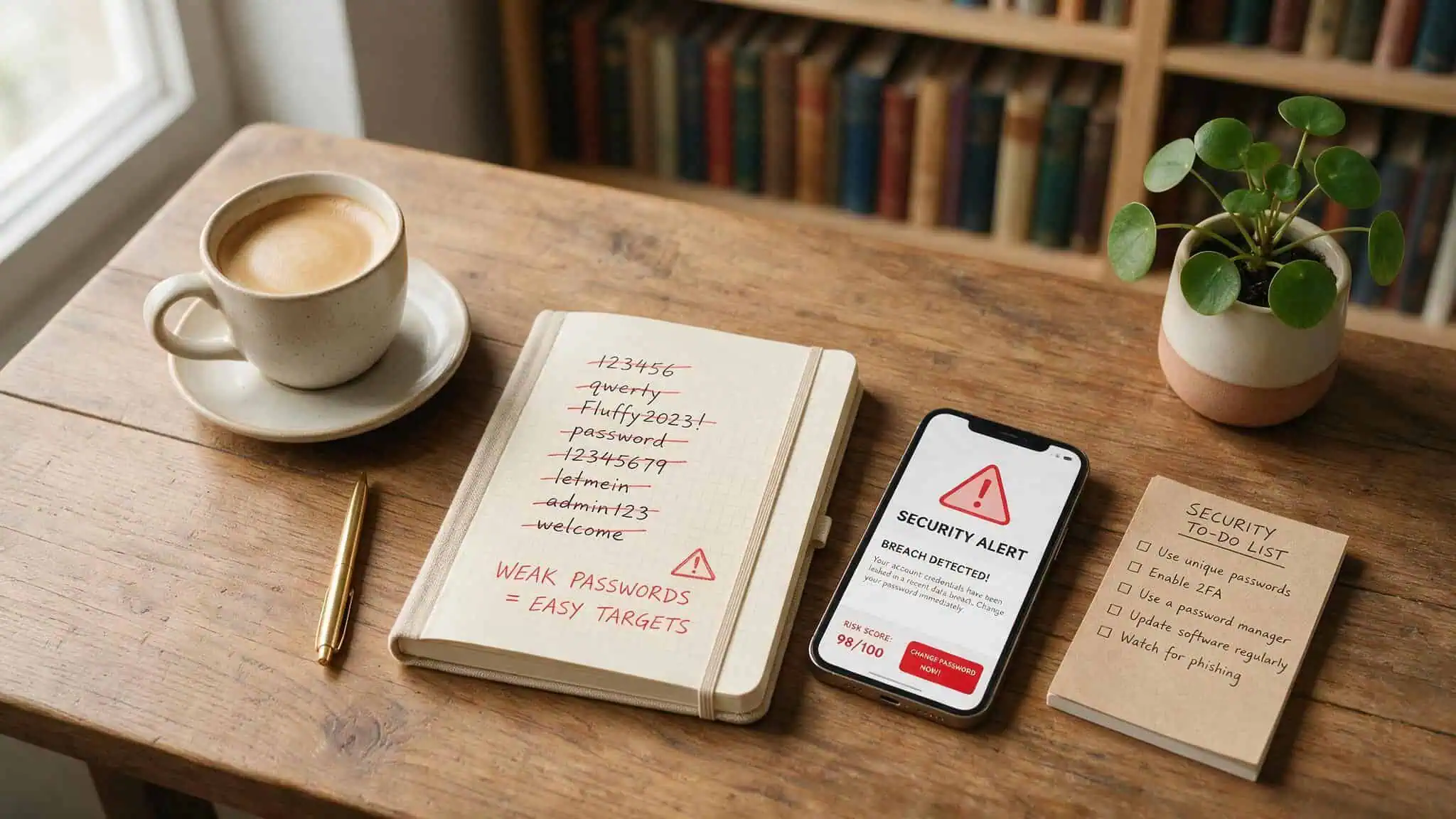
Personal info — anniversaries, pet names, zip codes, favorite sports teams, birthdays. Looks plausible to a human, cracked by a machine that’s been fed public records and social media data. Fluffy2023! is an example that combines a common pet name with the current year and a predictable special character. John1980 is a name and a year.
MyDogRex1 — three dictionary words with a number. All weak.
Dictionary words with common substitutions — P@ssw0rd, Qwerty123, LetMeIn2. These are the first things cracking tools check. The substitution tables are public and well-known.
Sequential patterns — 123456, abcdef, qwerty. These are checked in the first nanosecond of any cracking attempt. CISA warns that simple passwords like 12345 can be broken quickly.
The mechanism: personal info is guessable via social engineering. Dictionary words (even with substitutions) are in every cracking database. Sequential patterns are the first thing brute-forced. Avoid all of them.
How to Actually Manage All These Passwords — The Password Manager Solution
You have over 100 accounts. Even if I gave you the perfect 16-character random password for each one, you can’t remember them. The solution is a password manager: an encrypted vault that stores every password behind a single master password you do memorize.
Bitwarden is CNET’s top pick for 2025, and for good reason. The free plan gives you unlimited password storage on unlimited devices. It’s open-source, audited annually, and uses AES 256-bit encryption with zero-knowledge architecture — meaning even Bitwarden can’t see your passwords. Premium is $10 per year for individuals, $40 per year for up to six users. That’s less than a dollar a month for enterprise-grade security.
Other strong contenders:
- 1Password: no free plan, $36/year for individuals. Unique feature: Travel Mode, which lets you remove sensitive vaults at border crossings.
- NordPass: $25 first year (renews at $36), uses XChaCha20 encryption (modern and fast), includes 3GB of secure file attachments.
- Dashlane: $60/year for individuals, supports families up to 10 users, includes a built-in VPN.
- Keeper: $35/year for individuals, free plan limited to 1 device and 10 passwords. Good for offline access.
- LastPass: not recommended due to the 2022 breach where encrypted vaults were stolen — if your master password was weak, an attacker could decrypt them.
What to look for: zero-knowledge architecture (the provider can’t read your vault), AES-256 encryption, cross-platform sync, MFA support. Set up your password manager today, generate a unique 16-character random password for every account, and start with your email and bank — those are the keys to everything else.
Modern Password Change Frequency (and Why the Old Rules Are Wrong)
If you’ve ever worked in corporate IT, you’ve been forced to change your password every 90 days. That advice comes from an older era — when passwords were shorter and breaches were less common. The Okaloosa sheriff’s packet still says that change every 60 to 90 days for sensitive websites.
Modern guidance, from NIST, is different: change passwords only if you suspect they’ve been compromised. Unnecessary forced changes lead to predictable patterns — people cycle through Password1, Password2, Password3 — and weaken security.
If your workplace still enforces regular changes, use it as an opportunity to generate a fresh random password via your manager. And maybe share the NIST guidance with your IT team. It might not change policy overnight, but it plants the seed.
Beyond the Password — MFA and Passkeys
A strong password is the foundation. But even the best password can be stolen in a phishing attack or a data breach. That’s where multi-factor authentication comes in.
MFA adds an extra step: an app-generated code, a texted code, your fingerprint, or a facial scan. Even if an attacker gets your password, they can’t log in without the second factor. Enable it wherever it’s offered — especially for email, social media, financial accounts, and your password manager itself.
Passkeys go a step further. Instead of a shared secret (a password that both you and the server know), passkeys authenticate using your trusted device — typically with biometrics or a PIN. The key never leaves your device, making them phishing-resistant by design. They’re still rolling out, but support is growing fast. Bitwarden began letting users log into the vault with passkeys in January 2024. 1Password, NordPass, Dashlane, and Keeper now all support passkeys too.
You don’t have to switch completely today. But the direction is clear: passwords are becoming one layer of a multi-layered system. Password manager + MFA + passkeys = the modern security stack.
You Now Have a Complete Password Strategy
Here’s the only thing you ever need to memorize: one strong passphrase for your password manager. Everything else — the 100+ accounts, the bank logins, the forum accounts you made in 2015, gets a unique 16-character random password generated and stored automatically.
Right now, pick one account. Your email is a good start. Generate a new 16-character random password with your password manager. Enable MFA on it.
That single action protects your most critical account and starts the habit. You don’t need to do all 100 at once — start with the ones that matter most.
People Also Ask
What are some good password examples?
Good passwords are at least 16 characters long, random, and unique per account. The strongest examples are random strings like VYffnxK9O$VuL59k or passphrases like HorsePurpleHatRun — four unrelated words with no spaces. Never reuse them, and let a password manager generate and store them.
What is a clever password?
A clever password isn’t P@ssw0rd! — that’s checked in the first pass of any cracking tool. Real cleverness is a 16-character passphrase of four random words like museumOrbitCactusPiano44, or a random string with symbols placed mid-string instead of at the end. Length and randomness beat clever substitutions every time.
How does a passphrase compare to a random string password?
A passphrase like HorsePurpleHatRun is easier to remember than a random string like VYffnxK9O$VuL59k, but both are strong at 16+ characters. Passphrases work because your brain remembers meaning, not noise. Add a separator or number for extra entropy, and use random strings for everything stored in a password manager.
Why is P@ssw0rd! no longer considered a strong password?
P@ssw0rd! is only 8 characters and uses common leet substitutions that cracking tools map instantly — @ to a, 0 to o. It’s checked as fast as password1 because the substitution tables are public. Length beats complexity, so a 16-character lowercase passphrase is far stronger than any 8-character mixed-set password.
