Passwords are supposed to be unguessable by machines but memorable by humans. Those two goals pull in opposite directions, and most advice tells you to try harder. You’ve probably felt the tension: you create something like “Summer2024!” because you’ll remember it, then find out it’s on every cracker’s dictionary. Or you generate a random string your password manager loves but your brain refuses to touch.
The classic XKCD comic from 2011 nailed this. “Tr0ub4dor&3” looks like a password — weird capitalization, number substitution, symbol. Feels secure. But “correct horse battery staple”?
That’s four ordinary words. Easier to type, easier to remember, and exponentially harder to crack. Length beats complexity every time.
I’ve spent time digging into this problem — the lockouts, the hesitation at login screens (“was this the one with the extra symbol or the one without?”), the mental friction of trying to remember which variation goes where. There are clever tricks for building passwords that don’t suck. They’re not about discipline or willpower. They’re about working with how your brain functions instead of against it.
Key Takeaways
Memorizing more than ten unique passwords fails — human brains aren’t built for dozens of random strings, which forces simplification and reuse over time
A passphrase of 4–6 random words with a separator and optional number beats a short complex password every time, because length creates more entropy than weird characters
The padding technique (alternating two close-at-hand keys like “vcvcvcvc”) can boost cracking time from 45 years to more than a quadrillion centuries — and your muscle memory does all the work
Table of Contents
Why Relying on Memory Backfires (and What to Do Instead)
Consider Ted. Ted isn’t a real person — he’s a composite from the Sticky Password source material, but I’ve met about a dozen people like him. He tried to memorize all his passwords. Every single one. Ted’s experience mirrors what many face: memory alone degrades security over time.
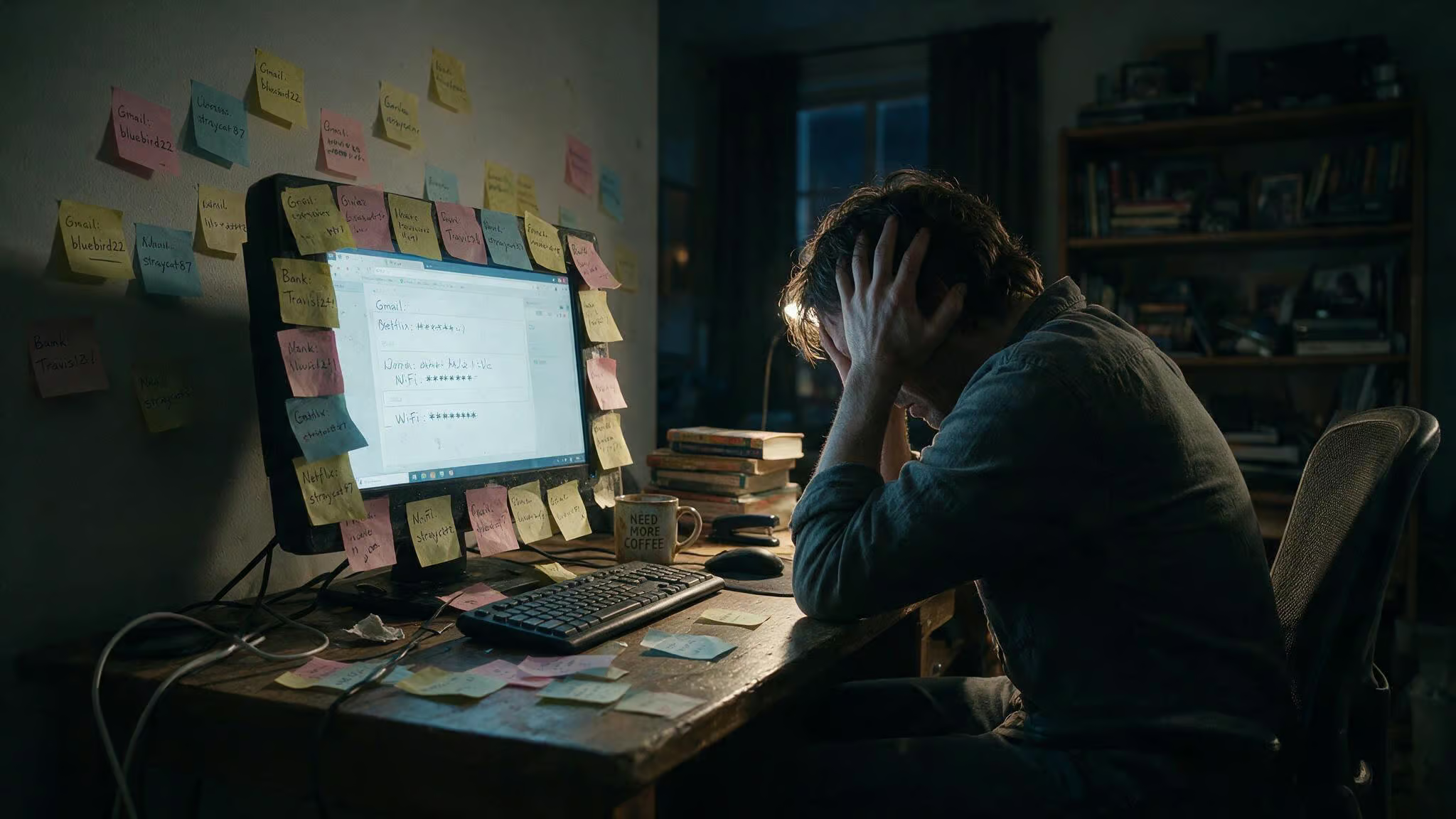
He’d sit at login screens and hesitate, second-guessing himself. “Was this the password with the extra symbol, or the one without?” He’d try a variation, get locked out, reset the password, and repeat the cycle. Eventually, he started using the same password with minor tweaks because remembering 20 unique strings was impossible.
Ted’s story is the truth: relying on memory alone feels secure but systematically degrades into weaker habits. The threshold where this becomes unrealistic is low — around ten logins. Once you’re past that, memorization introduces friction at every login. Each attempt becomes a decision point, mistakes and lockouts increase, and you start making rushed decisions like reusing passwords or picking predictable patterns.
The human brain is excellent at remembering meaning, stories, and patterns. It’s terrible at storing dozens of long, unique, meaningless strings. We didn’t evolve to manage passwords — they’re a very recent concept in human history. The instinct to memorize everything is a security risk, not because you’ll forget them, but because the memorization process forces simplification over time.
Bill Gates declared passwords dead in 2004. Yet here we are. The practical solution isn’t to try harder at memorization — it’s to memorize one strong master passphrase and let a password manager handle everything else. When passwords don’t have to be remembered, they don’t have to be simplified, patterned, or reused.
The Passphrase Formula — 4-6 Random Words
The core idea from that XKCD comic balances security with human cognitive limits. Take 4-6 random words, add a separator, throw an optional number on the end. That’s it. The length does the heavy lifting — a 20-character passphrase of all lowercase words is harder to crack than a 12-character monster with symbols because the search space grows with length.
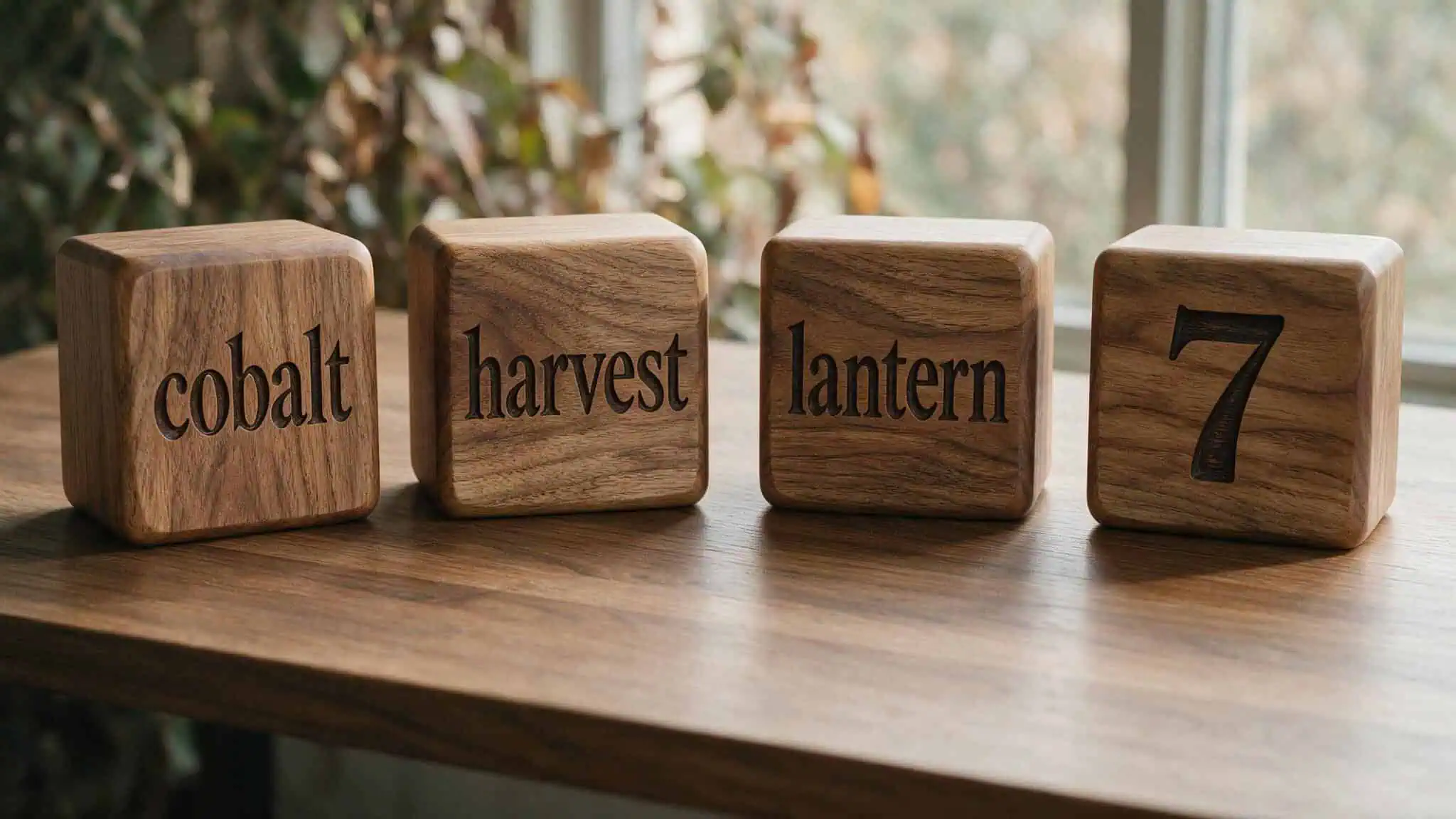
Here’s the formula in action:
- With separators:
cobalt-harvest-lantern-7,museumOrbitCactusPiano44,river!pepper!galaxy!notebook - Without separators (camelCase):
coffeeBeforeSunriseAlways,trainLateButStillSmiling,myUmbrellaHatesWindGusts - Ending with a number:
blueMugQuietBalcony77,ticketStubRedScarfMoon,oldMapHiddenDrawer5 - Various separators:
Lantern-Cactus-Orbit-9,piano#galaxy#notebook#3,museum_rocket_teacup_41
Don’t copy any of these — make your own so you’re not using something already in a breach database. The pattern is what matters.
Use a separator that doesn’t require the shift key, like a hyphen or equals sign. Keeps typing fast and easy. Pick words that don’t naturally go together — the weirder the combination, the harder to guess. Invent a silly mnemonic story to link them. The more absurd the mental image, the easier it sticks.
Aim for at least 12 characters total. Include all four character types if the site requires it, but length is the real hero here. You don’t need special characters in a 25-character passphrase. The recommendation from AbilityNet is 12+ characters minimum.
If you want to generate one online, CorrectHorseBatteryStaple.net follows this formula directly. Generate multiple passphrases, then clip a word from each to make your own unique combo. That way, even if the generator logged your output (and you shouldn’t assume it didn’t), your actual passphrase isn’t anywhere in its database.
Poetic Passwords — Turn Shakespeare and Oscar Wilde Into Uncrackable Keys
This trick works because it uses something your brain already knows cold: a line of poetry you love. The technique takes a line, extracts the first letter of each syllable, capitalizes stressed syllables, and keeps the punctuation. It sounds complicated but it’s intuitive once you see it.
Let’s try the line “But soft, what light through yonder window breaks?” from Romeo and Juliet. Run it through the syllable rule:
- But ? B
- soft ? s (unstressed)
- what ? w (unstressed)
- light ? L (stressed, capitalized)
- through ? t (unstressed)
- yon ? Y (stressed)
- der ? d (unstressed)
- win ? W (stressed)
- dow ? d (unstressed)
- breaks ? B (stressed)
Keep the punctuation — the comma after “soft” and the question mark. So “But soft, what light through yonder window breaks?” becomes bS,wLtYdWdB?
Add context like “A2S2” for Act 2, Scene 2, or “1597” for the publication year, and you get something like bS,wLtYdWdB?A2S2. That’s a 14-character password with mixed case, punctuation, and numbers. And you’ll never forget it because you know the line.
For passages without strong meter, just take the first letter of each word. Oscar Wilde’s “Be yourself; everyone else is already taken” becomes By;eeiat.-OW. Add his birth year (1854) or death year (1900) to round it out: By;eeiat.-OW1854.
This works with any poem or quote you genuinely love — a line from a favorite novel, a movie quote you can recite, a passage from scripture. The key is that you already know the source material cold, so the password is never random.
Song Lyric Passwords — From Journey to Any Favorite Tune
Same idea, different source material. Take a song lyric, grab the first letter of each word, keep the original casing and punctuation.
Journey’s “Don’t Stop Believin'” — the line “Just a small town girl” becomes Jastg. Simple, recognizable, and that period is doing work.
To extend it for length, incorporate the second line: “Livin’ in a lonely world” gives you Jastg. L’ialw. Now you’ve got a period, an apostrophe, and lowercase letters adding complexity.
Add a leet substitution — replace the first ‘a’ with ‘@’: J@stg. L’ialw. Now you’ve got a symbol in there too. My personal rule is to only do one number replacement at the first instance, which keeps it consistent across accounts.
The piña colada method works too. From the song: If you like piña coladas. And gettin’ caught in the rain! becomes Iylpc&gcitr! — the ampersand and exclamation point come straight from the original lyric.
I’ve been using a variation of this since 2019, picking a different song for each account. The trick is to use a lyric you can sing without thinking about it. Your acoustic memory does the work — you essentially hum the tune in your head to reconstruct the password.
Affirmation Passwords — Turn Goals Into Uncrackable Daily Reminders
This one’s personal. After reading James Clear’s Atomic Habits, I started using goals and mantras as passwords. The idea is simple: you see your password every time you log in, so it doubles as a daily reminder of something you’re working toward.
“I am enough” becomes Iamenough! — straightforward, memorable, and the exclamation point adds a character type. Add a meaningful but non-obvious number, like your ideal weight: Iamenough!128.
My rule: one number replacement only, at the first instance. So if the word has an ‘a’, I might replace it with ‘@’. If it has an ‘i’, I might use ‘1’. But only one per password, and always at the first occurrence. It keeps the pattern consistent across accounts so I don’t have to remember which variation I used.
Make sure the number isn’t easily guessable. Don’t use your birthday or anniversary — attackers check those first. Your ideal weight might seem obvious, but it’s not scrapable from social media the way a birthday is.
This isn’t a peer-reviewed security technique. It’s a personal trick that happens to work well for me and a lot of people in the communities I moderate. The dual-purpose benefit — security plus a mental nudge toward your goals, makes it worth trying.
The Name-Date-Place Method and Other Structured Approaches
Sometimes you need something quick and simple. These five structured methods are easy to apply when you’re in a hurry.
Name-Date-Place: Combine a person’s name, a significant date, and a meaningful place. Mary1950Cambridge — Mary, born in 1950, honeymoon in Cambridge. Make sure the information isn’t easily pieced together from social media.
Memorable date with phrase: Pair an event description with its date. WeddingDay15061980 for a wedding anniversary on June 15, 1980. Don’t use just the date alone, and avoid dates like your birthday that anyone can find online.
Combining unrelated words: Pick 3-4 random words with no natural connection. BookCheeseTree is weird but memorable. The weirder the combination, the harder to guess — BookCheeseTree is much better than RedBlueGreen.
Replacing letters with numbers/symbols: Classic leet speak. sunflower becomes sun310w3r (f?3, o?0, e?3). Use with caution — pa55w0rd is in every cracker’s dictionary because it’s too obvious. The substitution has to be non-obvious to be useful.
Acronyms from memorable phrases: Take the first letter of each word. “I like to eat chocolate cake on Sundays!” becomes IlteccoS!. The exclamation point comes from the original phrase. This works well with phrases that already have punctuation.
The caveats across all these: avoid personal information that can be found on social media, don’t use predictable substitutions, and never use a date alone without additional context.
Mnemonic Frameworks — Person-Action-Object Stories
This is the advanced technique, backed by research. The Person-Action-Object (PAO) method turns passwords into ridiculous mental images that your brain can’t forget.
Here’s how it works: think of a famous person doing something absurd with an object in a specific setting. Bill Gates swallowing a bike on a beach — that image is going to stick. The weirder, the better.
To link it to a specific website, create a scene that connects the site’s name to the password words. For the site “Art Of Memory,” imagine an eagle landing on a brain sculpture, using a spoon to scoop a mushroom. That encodes a passphrase like Eagle-Spoon-Mushroom3!.

A 2014 study backs this up. A 2014 study found that 77% of participants could recall all four PAO stories over 158 days. That’s nearly six months. A 2017 study found that mnemonic passwords are roughly as memorable as freely chosen passwords with non-letter characters — so you’re not sacrificing memorability for security. A 2019 study with 209 participants evaluated four mnemonic strategies—including techniques for encoding meaningful password ideas like personal dates or names—and found they all performed well.
The limitation: this works for 3-5 passwords, not hundreds. PAO stories take mental effort to construct and maintain. For 3-5 critical accounts, they’re fantastic. For everything else, create strong, unique passwords and store them in a password manager.
The Major System — Encoding Words Into Numbers
This one requires learning a consonant-to-digit mapping, but it produces deterministic, reproducible passwords. The major system maps consonant sounds to digits: 0 = s/z, 1 = t/d, 2 = n, and so on. You encode a word by replacing consonants with numbers while leaving vowels in place.
“opensesame” becomes o9e20e0a3e — the ‘p’ maps to 9, ‘ns’ maps to 2 and 0, ‘s’ maps to 0, ‘m’ maps to 3. “password” becomes 9a006o41.
You can add additional rules that connect vowels to special characters characters for more security. So instead of just numbers, you’d get something like “o9e20e0a3e” with some vowels replaced by symbols.
This isn’t easy. You have to learn the consonant-to-digit mapping and practice it. The payoff is that you can turn any word into a deterministic password without a manager — no storage, no manager, just your brain and the system. Books like Remember It! by Nelson Dellis and How to Train Your Memory by Phil Chambers go deep into this technique if you want to master it. Richard Feynman was known to use a similar mnemonic system for remembering numbers.
Song Visualization, Symbol Mnemonics, and Other Creative Aids
Three more techniques that use different memory pathways.
Sing the password to a tune. Acoustic memory works the same way advertising jingles do — they stick in your brain because they have rhythm and melody. If you set a password to the tune of a song you know, you’ll recall it by humming the melody. For example, ‘TwinkleTwinkleLittleStar’ becomes ‘TTLS!’ when you sing it to the tune.
Memory champion Nelson Dellis recommends singing passwords to lock them in. Yes, it feels silly. Works anyway.
Symbol visualization. From Phil Chambers’ book: give symbols visual associations. The # symbol becomes hash browns. The ^ caret becomes a carrot.
The > greater-than sign becomes a cheese grater. When your password has symbols, picture the objects in a scene. Your visual memory handles the rest.
DeepMnemonic framework. This is a research paper (not a consumer tool) where an AI generates mnemonic passwords for passwords. The model takes your password and produces a semantically meaningful story to help you remember it. It’s not something you can download today, but the approach shows where this is heading.
The Padding Technique — Add Unbreakable Strength
This is an efficient entropy booster. Steve Gibson has been advocating padding for years, and the numbers are frankly absurd.
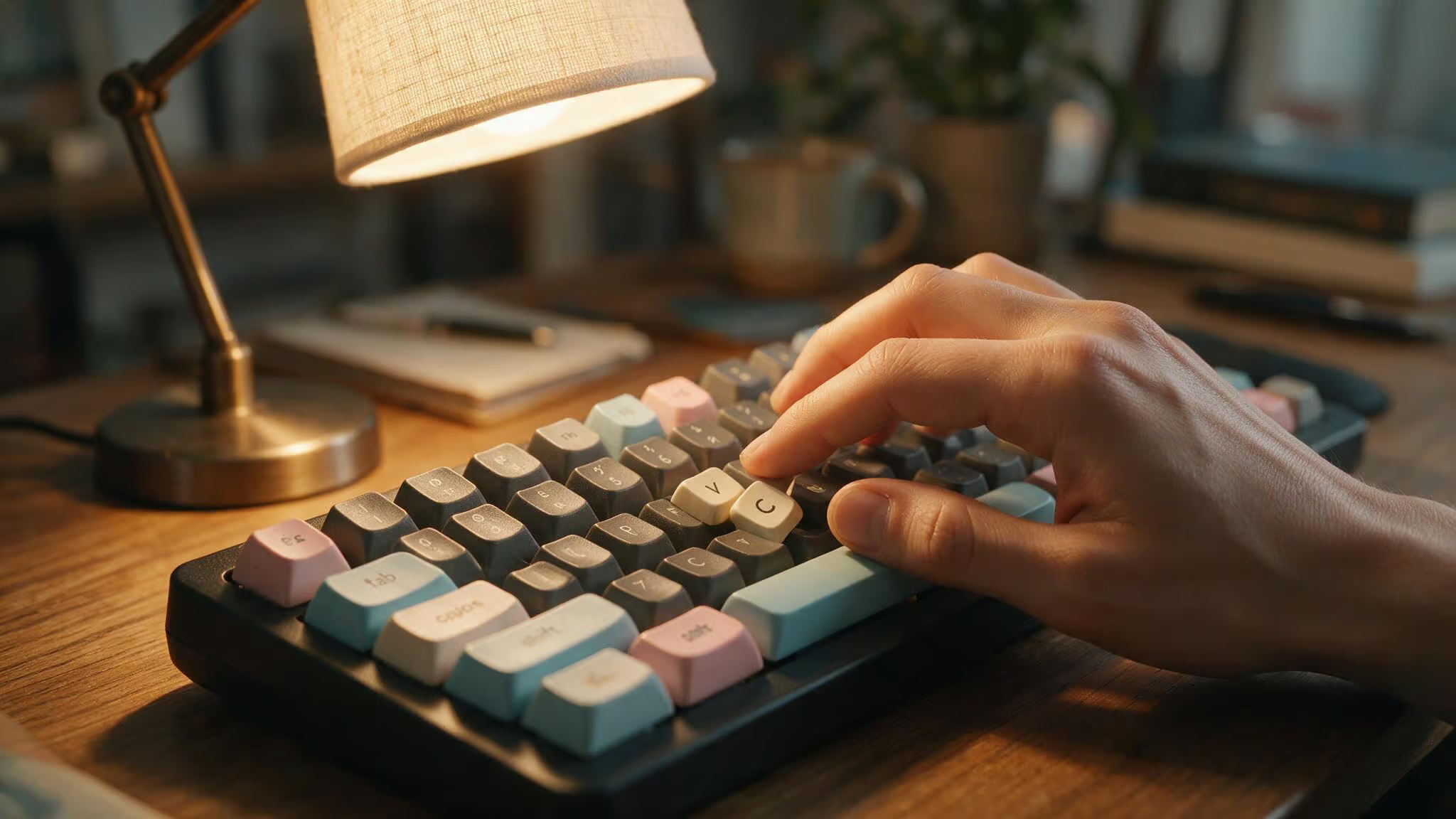
The concept is simple: add a pattern of easy-to-type characters to the end of any password. Every character you add multiplies the cracking difficulty exponentially. A few extra characters can turn “crackable in a day” into “crackable in a million years,” a shift clearly illustrated in this password examples list of geek-curated patterns.
The good pattern: pick two keys that are close together on the keyboard and alternate them. vcvcvcvc — your fingers learn the motion, not the sequence. Or use three characters in a row: lkjlkjlkjlkj. Easy to type, hard to guess.
The bad pattern: anything predictable like !!! or 123. Attackers know those patterns and their cracking dictionaries include them.
Here’s the effect: Gibson’s Search Space Calculator — which estimates cracking time based on character types and length, gives some eye-opening numbers. The poetic password bS,wLtYdWdB? (12 characters, mixed case, punctuation) takes over 45 years for a massive cracking array. That’s already solid. But adding vcvcvcvc (20 characters total) raises the estimate to more than a quadrillion centuries.
Field note: Padding turns a strong password into an absurdly strong one. The base handles the break-in; the padding buries the key. Your muscle memory does all the work.
Forty-five years is beyond any practical attack. Quadrillion centuries is overkill. The padding adds zero mental burden because your muscle memory handles it. You remember the base password. Your fingers remember the padding.
Note: Gibson’s calculator is a cracking-time meter, not a password-strength meter. It’s useful for comparison, not as an absolute guarantee.
Working Around Site Constraints — Short Passwords Done Right
You craft a 22-character passphrase. You’re proud of it. And then the site tells you passwords must be 8-12 characters. Some sites still have these limits, and you can’t do much about it.
When forced short, you lose the length advantage, so you have to compensate with character set diversity and obfuscation. Three strategies:
Word combinations with numbers: CactusPiano9, OrbitTeacup7, LanternMoss4. Two words, one number, under 12 characters. quartzKettle8, mangoSphinx3, velvetComet6 follow the same pattern.
Misspelling: caktusOrbit7, lantrnPiano9, teacupGalaxi4. Attackers’ dictionaries won’t contain “caktus” or “galaxi” — those aren’t words, so they’re not in the lookup tables.
Alternating capitalization: cAcTuSorbit9, LanTERNpian7, orBitTeAcup4. The irregular case breaks pattern-matching without being harder to remember (you just alternate in a consistent way).
Be honest with yourself: these are weaker than 20+ character passphrases. Most systems require at least 8 characters, and 12 is where you want to be for short passwords. If a site limits you to 8, consider whether you really need that account.
The Password Manager Ecosystem — Protecting Your Master Password
Everything in this article leads to one conclusion: memorize one master password using these techniques, and use a password manager for everything else. The threshold is ten logins — beyond that, memorization becomes unreliable.
Your master password is the single point of failure. Anyone with access to it unlocks all your secure sites. A poetic passphrase with padding and MFA handles both strength and memorability.
Password managers like Bitwarden and 1Password use zero-knowledge architecture. A dishonest employee can’t break into the password store, and the NSA can’t force the company to turn over data because the company doesn’t have the keys. The trade-off: if you forget your master password, nobody can help you recover it. That’s the cost of real security. The NSA itself recommends using a password manager with a strong master password.
Enable multi-factor authentication on your password manager. Most let you use an authenticator app — setup takes two minutes and adds a massive layer of protection. MFA involves at least two of: something you know (your master password), something you have (your phone), and something you are (your fingerprint). Without that code from your authenticator app, a thief can’t get into your vault even if they know your master password.
Tools and Generators — Online Resources
The Memorable Password Generator at mdigi.tools creates passphrases with hint phrases to help you remember them. Four types: Words Password, Phrase Password, Words Password with special characters, Phrase Password with special characters. Default is three English words ending with a numberer; you can set the length from 3 to 15 words. Character replacements include a?@, e?3, i?!, o?0, s?$.
Passwords are generated entirely in your browser, not transmitted. Nothing is stored or transmitted. Still, don’t fully trust any online tool. Generate several passphrases, then clip a word from each to build your own. That way, even if the generator logged output, your combination exists nowhere in its records.
CorrectHorseBatteryStaple.net is another option — it follows the XKCD formula directly. Same trust advice applies.
Accessibility and Simpler Approaches
Most password advice ignores users with cognitive disabilities and seniors. Techniques like unrelated word combinations (BookCheeseTree) or Name-Date-Place (Mary1950Cambridge) require less cognitive load than the major system or PAO stories. They’re still secure enough for accounts not requiring high sensitivity.
AbilityNet provides free IT support for older people and disabled people in the UK. Their helpline is 0300 180 0028, and they can be reached at enquiries@abilitynet.org.uk. Their factsheet was last updated in February 2025 and is licensed under Creative Commons Attribution-Non Commercial-ShareAlike 3.0 Unported License. If you or someone you know needs simpler approaches, they’re a solid resource.
Common Mistakes to Avoid
Five pitfalls that undermine the techniques above.
- Personal information from social media. Birthdays, pet names, children’s names, anniversaries — attackers look there first. If it’s on your Facebook profile, it’s not a secret.
- Password reuse across sites. One breach compromises all your accounts. A breach at a minor forum gives attackers your email and password to try on bank sites.
- Obvious substitutions. “pa55w0rd” is in every cracker’s dictionary. So is “P@ssw0rd!” and “Summer2024!” The substitutions have to be non-obvious to matter.
- Predictable padding. “!!!” and “123” at the end of a password are the first patterns crackers check. Use something like alternating close keys instead.
- Verbatim quotes or famous phrases. “To be or not to be” is already in cracking dictionaries. If you’re using a quote, transform it through the syllable method so it’s not a direct match.
- Ignoring password updates. If you need to change a mnemonic password, simply alter one word or number — for example, change ‘cobalt-harvest-lantern-7’ to ‘cobalt-harvest-lantern-8’. Avoid using famous quotes or personal stories as mnemonics, as people who know you might guess them.
Putting It All Together — Your Memorable Password Strategy
Here’s the strategy in simple terms. You don’t need to memorize 50 passwords. You need one good master password, a password manager to handle the rest, and MFA to protect the vault.
- Build your master password using the poetic or passphrase formula. Make it at least 20 characters. Add padding like “vcvcvcvc” for absurd cracking-time safety. Enable MFA on your password manager.
- Use a password manager for every account. Let it generate random strings — don’t try to memorize each one. The threshold is ten logins; anything beyond that belongs in a manager.
- For sites with short character limits, use word combinations with misspelling or alternating capitalization. Understand that this is a weaker position and treat those accounts accordingly.
- For the 3-5 accounts you absolutely need to remember (email, banking, password manager itself), use PAO stories or the poetic method backed by padding.
Modern security isn’t about discipline or willpower alone. It’s about designing around human limits. Your brain evolved for stories and meaning, not random strings. Work with it, not against it, and you’ll never hesitate at a login screen again.
People Also Ask
What’s a good memorable password?
A good memorable password is a passphrase of 4–6 random words, like ‘cobalt-harvest-lantern-7’. Length beats complexity, so a 20-character string of lowercase words is harder to crack than a 12-character mix of symbols and numbers. The key is using words that don’t naturally go together and adding a separator like a hyphen.
How does the padding technique make a password stronger?
The padding technique adds a pattern of easy-to-type characters like ‘vcvcvcvc’ to the end of any password, and every extra character multiplies cracking difficulty exponentially. A 12-character poetic password that takes 45 years to crack becomes effectively uncrackable at over a quadrillion centuries with just eight padding characters. Your muscle memory handles the padding so you don’t have to think about it.
What’s the difference between a passphrase and a complex password?
A passphrase uses 4–6 random words like ‘correct horse battery staple’ and relies on length for security, while a complex password uses weird capitalization, number substitutions, and symbols like ‘Tr0ub4doru0026amp;3’. Length beats complexity every time — a 20-character passphrase of all lowercase words is exponentially harder to crack than a 12-character monster with symbols because the search space grows with length.
Why does the Person-Action-Object method work for remembering passwords?
The Person-Action-Object method works because it turns passwords into ridiculous mental images that your brain naturally remembers — like Bill Gates swallowing a bike on a beach. Research shows 77% of participants could recall all their PAO stories after nearly six months, and the weirder the image, the better it sticks. The limitation is that it works best for 3–5 critical accounts, not hundreds.
