I ran XTreme-G drivers many years ago, back when tweaking an INF file or hunting down a community-repacked GPU release felt like a legitimate way to squeeze extra life out of mid-range silicon. Recently, I stumbled across the name again and went down a late-night rabbit hole to see if the old favorite still holds up. Instead of a maintained explainer or a clean changelog, the search trail turned up scattered Reddit threads, aging forum posts, and YouTube benchmark clips. Finding out what the mod is today, where people still download it, whether same-version testing shows real gains, and what it costs to run takes piecing those fragments together.
Key Takeaways
Near-zero modern gains: In a 2023 test of 15 games on a GTX 1650 laptop, Extreme G 536.40 hit 1073 total average FPS compared to 1069 on standard 536.40, a difference of 4 total FPS and 1 total 1% low frame.
One outlier skewed the win: Remnant 2 gained +5 FPS in 1% lows on the modded build, and excluding it drops Extreme G’s 1% lows below stock in most of the other tested games.
Fixed installation friction: Because XTreme-G packages are unsigned, Windows blocks them until you disable driver signature enforcement in advanced startup, and you give up official NVIDIA support in the process.
Table of contents
Table of Contents
What XTreme-G drivers are and who makes them
XTreme-G drivers are unofficial, modified graphics drivers built by TweakForce from official NVIDIA releases rather than written from scratch. The package takes NVIDIA’s standard release and applies registry and driver tweaks aimed at improving performance, stability, or image quality. Across different eras and forums, you’ll see the same lineage called Xtreme-G, Extreme G modified driver, or Xtreme G modded drivers, all pointing back to TweakForce’s builds.
Tracking down the mod’s primary documentation is an exercise in forum archaeology. A dedicated TweakForce discussion thread sits on the NVIDIA GeForce Forums, though the page is locked behind a JavaScript gate that yields no readable thread content when you try to pull it directly. What survives in public view spans more than a decade of distinct eras, stretching from 2011 builds like 266.58 through 280.19 all the way to 2023-era 536.40. Because the underlying architecture and NVIDIA’s own driver stack changed across those twelve years, any verdict on performance applies strictly to a named version and era rather than the mod as a timeless concept.
Where to download XTreme-G drivers
XTreme-G drivers are posted on a community-run Reddit page called TweakForce whenever a new official NVIDIA driver ships, with NVIDIA PhysX offered as a separate download. With standard NVIDIA drivers, GeForce Experience or NVIDIA’s own download portal is a single verified source for every release.
No canonical download hub exists for the modded builds. Searching for a specific version drops you into scattered Reddit posts, legacy archives like Guru3D, old forum threads, and links tucked inside YouTube video descriptions. Because distribution is community-run rather than vendor-hosted, verifying that an installer genuinely traces back to TweakForce and avoiding stale third-party mirrors becomes part of the job before you ever click run.
XTreme-G vs stock: the same-version benchmark
To see whether the mod changes frame rates in modern games, you have to hold the driver version constant and compare modded against stock head to head. Comparing Extreme G 536.40 directly against standard NVIDIA 536.40 isolates TweakForce’s tweaks from any game-ready optimizations NVIDIA shipped between releases.
Test setup
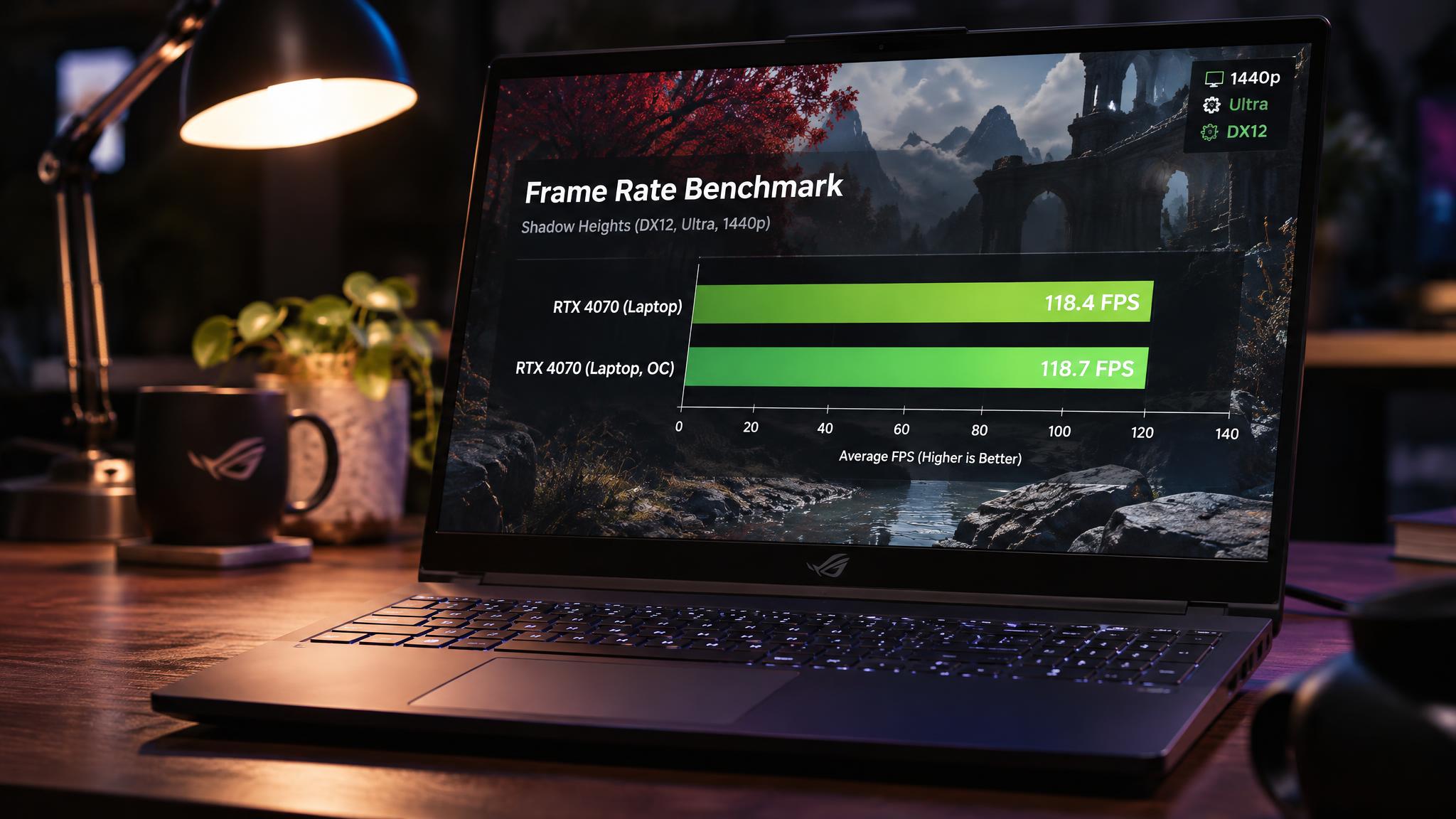
In 2023, a tester on the Laptop Tweaking Tips YouTube channel benchmarked both drivers across 15 single-player games on a GTX 1650 laptop. Most titles ran at medium settings, with newer games dropped to low presets and Resident Evil 4 configured on a custom mix of medium, high, and low options. Where FSR 2.0 or 2.1 was enabled, it stayed on the quality preset across both runs.
What the totals show
Standard 536.40 finished the 15-game suite with 1069 total average FPS, working out to 71.27 FPS per game, alongside 758 total 1% lows (50.53 per game) and a 70.90% stability ratio. Extreme G 536.40 came in at 1073 total average FPS (71.53 per game) and 759 total 1% lows.
That’s a 4 FPS gap spread across 15 games, plus a single frame on the 1% low total. That tester’s verdict was blunt: modded drivers make almost no difference, they’re a hassle to install, and sticking with the regular official driver is the better move.
The Remnant 2 outlier: reading per-game results
Headline totals in small benchmark suites can manufacture a modded-driver win out of a single game’s variance. Looking past the aggregate sum on the 536.40 run shows why per-game numbers matter more than suite totals.
Remnant 2 gained +5 FPS in 1% lows on Extreme G 536.40, which single-handedly pushed the modded driver’s suite numbers ahead of stock. Once you pull Remnant 2 out of the spreadsheet, Extreme G’s average 1% lows actually trailed the standard driver in most of the remaining games, with Red Dead Redemption 2 standing as another lone exception showing a higher 1% low. Small-N benchmarks are fragile in other ways too: an earlier upload of that same benchmark video carried a typo showing 749 for the 1% low total before a re-upload corrected it to 759.
The real cost of installing modded drivers
Installing XTreme-G drivers requires bypassing a Windows security check, accepting update lag behind official releases, and giving up vendor support for near-zero measured frame-rate gains.
What installation requires
XTreme-G builds are unsigned, so Windows blocks the installer by default until you reboot into advanced startup and disable driver signature enforcement. First-time installers routinely stall at that signature check and assume the downloaded archive is corrupt before realizing the package lacks a valid digital signature.
What you give up beyond FPS
Beyond the startup hurdle, modded releases trail official NVIDIA drops and carry zero vendor support, leaving you on your own if a game update introduces crashes or shader stutters. Non-gaming workloads can break quietly too. In 2011 community testing, certain driver versions broke Folding@home, demonstrating that background GPU compute tasks can fail even when gaming benchmarks appear stable.
The 2011 era: when driver choice genuinely mattered
XTreme-G earned its reputation in an era when driver-to-driver variance was large enough to measure on a strict test bench. Back in 2011, an enthusiast posting on overclock.net switched over from ATI after fighting driver issues and started benchmarking NVIDIA releases under tight controls to see which versions held up best.
Every run kept the CPU pinned at a fixed 5.1 GHz with consistent settings, though GPU core clocks varied between some benchmarks. In the single-card phase, that poster compared Xtreme-G 266.58, 267.24, and 270.51 (likely BETA) against stock 266.58 WHQL, 267.60 WHQL, 268.03 WHQL (modded INF), 270.51 BETA, 270.61 WHQL, 270.71 WHQL (modded INF), and 270.73 WHQL (modded INF). On 17/05/2011, he dropped in a second GPU to merge single-card and SLI testing, covering 266.58 WHQL, 270.51 BETA, 275.27 BETA, 275.33 WHQL, and 280.19 BETA while maintaining separate recommendations for single-card and SLI rigs.
The BIOS-modding culture around XTreme-G
The same enthusiast circle running XTreme-G in 2011 treated driver tweaks as just one layer alongside hardware-level BIOS flashing. To unlock Fermi GPU voltage, enthusiasts paired Nibitor 6.02, Nvflash, and GPU-Z with an HP utility and Win98 files to build a bootable DOS USB stick.
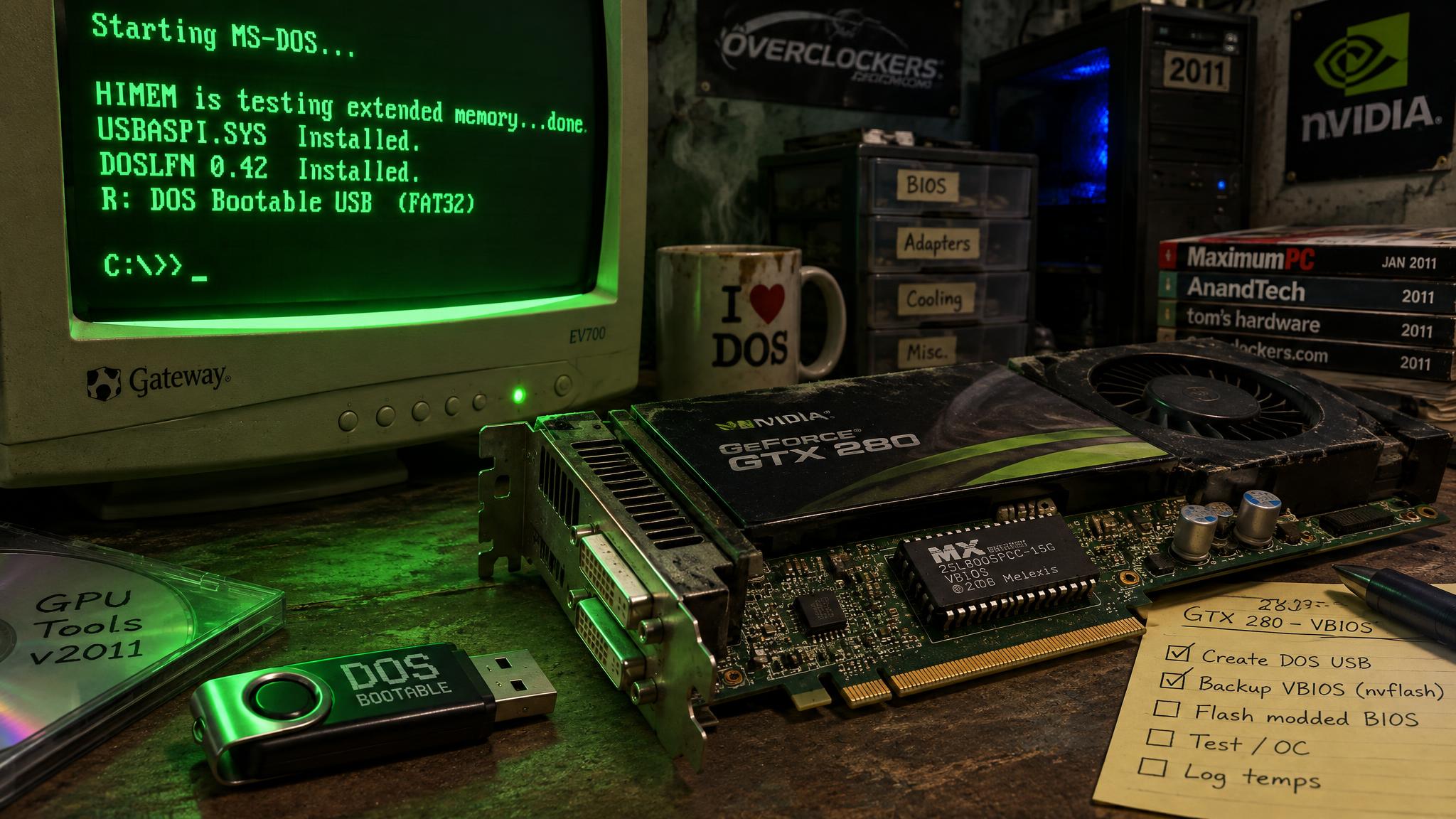
From that bootable prompt, the documented workflow started by backing up the stock ROM with nvflash -b backup.rom, deliberately avoiding GPU-Z backups after a community member named brad warned they could trigger checksum size issues. Next came opening the file in Nibitor under tools > Fermi voltage to raise the max voltage and save modded.rom, followed by flashing from DOS with nvflash -r, nvflash --eraseeeprom, and nvflash -4 -5 -6 modded.rom. Flashing in Windows was used only as a last resort when DOS failed, since DOS carried less risk.
Laptops, RTX, and whether the line is still alive
TweakForce’s modded driver line is still active for modern releases, and the 2023 GTX 1650 benchmark proves XTreme-G builds install and run on laptop hardware despite OEM driver quirks. Even so, RTX cards interface with drivers differently, so results may vary on RTX hardware, and the tester believes 2023 may be the last year newer titles run successfully on a GTX 1650.
RTX cards interface with drivers differently than GTX cards, so GTX 1650 laptop results don’t tell us how RTX hardware performs. That tester also noted 2023 might be the last year newer titles run well on a GTX 1650 at all, and picked up a 2TB NVMe SSD to expand future runs with online games like Warzone 2.0, Valorant, and PUBG.
XTreme-G or stock: a decision framework
Coming back to XTreme-G years after running it myself, the numbers point straight back to official NVIDIA drivers for almost every rig. You’re trading away signed-driver convenience and official support for a 4 FPS total margin across 15 games.
- Stick with stock drivers: Grab manual downloads straight from NVIDIA to skip GeForce Experience auto-updates. If a new release breaks a game, roll back to an earlier official driver.
- Use NVCleanstall for lean installs: If your goal is stripping telemetry or extra components from an official package without disabling Windows signature enforcement, NVCleanstall offers a lower-friction path (though it strips official packages rather than tuning performance like a modded driver).
- Skip XTreme-G for daily gaming: Unless you specifically want to experiment with an untested RTX edge case and don’t mind disabling driver signature enforcement, the classic Omega drivers comparison belongs in the history books alongside 2011 INF tweaks.
Even readers willing to push hardware hard rarely chase tiny frame-rate margins alone. A GeekExtreme reader poll (August to November 2026) asked what makes a demanding graphics feature worth using. 53.5% of the 43 respondents picked noticeably better visuals, while 20.9% wanted fewer settings to manage, 14% chose lower hardware cost, and just 11.6% picked higher, steadier frame rates. Because the poll counts only readers who chose to answer at one vote per browser, its results describe those 43 readers rather than gamers in general, yet the takeaway aligns cleanly with the benchmark reality: chasing 1 FPS on an unsigned driver is a trade few setups need to make.
Frequently Asked Questions
What are XTreme-G drivers and who makes them?
XTreme-G drivers are unofficial, community-tweaked graphics packages maintained by TweakForce. Instead of coding a driver from the ground up, TweakForce takes an official NVIDIA release and layers on registry and driver adjustments meant to boost performance, stability, or image quality. You’ll also see them referred to as Extreme G or Xtreme-G modded drivers across forums, with releases stretching from 2011 builds like 266.58 up to 2023’s 536.40.
Are modded NVIDIA drivers safe to install?
Installing them means lowering your system’s guardrails, because XTreme-G packages lack a digital signature and require disabling Windows driver signature enforcement. On top of that, there is no central vendor hub—files live on a community Reddit page, old forum threads, and third-party mirrors, so verifying you’re getting an authentic TweakForce build is on you. You also forfeit official NVIDIA support and risk breaking non-gaming workloads, much like 2011 builds that quietly broke Folding@home.
How do XTreme-G modded drivers compare to stock NVIDIA drivers in FPS benchmarks?
In same-version testing, the two are practically indistinguishable. A 2023 benchmark across 15 single-player games on a GTX 1650 laptop put Extreme G 536.40 at 1073 total average FPS and 759 total 1% lows, compared to 1069 average FPS and 758 1% lows on stock 536.40. Spread over 15 titles, that’s a 4-frame total lead and a single frame on 1% lows—hardly worth the installation headache.
Do modded GPU drivers actually improve performance or is it placebo?
On modern hardware, any performance boost is mostly noise rather than a reliable upgrade. In that 15-game 536.40 test, a +5 FPS 1% low bump in Remnant 2 single-handedly masked the fact that the modded driver actually trailed stock 1% lows in most of the other titles, aside from Red Dead Redemption 2. While driver tweaks mattered more back in 2011 when version-to-version variance was wide, chasing tiny frame-rate margins today makes little sense—especially when RTX behavior on these mods isn’t even proven.
How does NVCleanstall compare to modded drivers for stripping telemetry?
NVCleanstall is the cleaner, lower-friction choice if your main goal is trimming bloat and telemetry. Unlike a modded release, it works on official NVIDIA packages, so you don’t have to disable Windows driver signature enforcement or give up vendor-signed files. The trade-off is that NVCleanstall only strips out extra components rather than applying performance tweaks—though given how little modded drivers gain today, that’s barely a loss.