
You’re trying to email a 2GB video export. Gmail says 25MB max. Outlook says 10MB. Your recipient needs the file yesterday, and now you’re staring at a blank browser window with “WeTransfer” already typed in because that’s the only name you remember. I’ve handled raw camera footage, CAD model archives, and dataset dumps that laugh at email attachment limits.
The problem is that every file-sharing service promises “fast and secure,” but the differences live in the architecture: how they encrypt, how they move data, how long they keep it, and what they do with the key. This guide compares the actual mechanisms so you can pick the right tool for your specific situation.
Key Takeaways
Dropbox Transfer lets you send up to 100GB per transfer without consuming your Dropbox storage, but you need a Dropbox account to send; recipients don’t.
Filemail is the only service here that uses UDP Transfer Acceleration for raw speed, plus it carries the broadest compliance stack (HIPAA, SOX, GDPR, ISO27001) — but UDP can be blocked by corporate firewalls.
file.kiwi is the only zero-knowledge option: files are encrypted with 128-bit AES-GCM in your browser before upload, and the decryption key lives only in the share link — the provider never has it.
Table of Contents
The Real Large File Sharing Guide: No Hype, Just Raw Data
Every service here will tell you it’s “fast and secure.” That tells you nothing. What matters are the things most comparison articles skip: encryption architecture (client-side or server-side?), transfer protocol (UDP or TCP?), retention window (7 days or permanent?), and whether the recipient has to jump through hoops. I’ve dug into the technical docs, free tiers, and fine print so you don’t have to. Here’s what I found.
Free Tier Reality Check: What You Actually Get for Nothing
The headline number — “5GB free!”, is almost useless. What matters is how long the file stays alive, whether you can store files for later, and how much friction you’ll hit. Let’s walk through the real free tiers:
- Filemail free: 5GB per transfer, files stay 30 days, 250GB storage. Decent for occasional use — long enough to share a project and forget about it.
- TransferNow free: 5GB per transfer, files vanish after 7 days, no storage at all. Good for a quick one-off, but if your recipient forgets to download, it’s gone.
- file.kiwi free: No file size limit — that’s the hook, but files auto-delete after 96 hours (the FAQ says 96; the main page says 90, but trust the FAQ). No sign-up required for basic use. No ads. Encrypted before upload.
- Dropbox Transfer free: 100GB per transfer free (250GB with the Replay Add-On). Sender must have a Dropbox account, but the transfer doesn’t eat your storage quota. Recipient doesn’t need an account.
- SendBig free: 30GB per transfer free, with expiry up to 3 years. That’s generous — set it and forget it, plus you get email notifications when someone downloads.
The gotcha isn’t the file size; it’s the retention window. If you’re sharing a file with a slow-reacting client, 7 or 4 days might not be enough. And if you need to share files repeatedly without a sign-up wall, file.kiwi or SendBig’s free tier win. Another hidden constraint to watch for is bandwidth throttling on free tiers—some services cap download speeds at a few Mbps, making large files very slow to retrieve.
None of the services here explicitly throttle, but always check the fine print. For a deeper dive into which free services actually handle big files without throttling, check out our send large files free comparison.
Dropbox Transfer: The Ecosystem Player
If you already live in Dropbox, Dropbox Transfer is a separate feature designed for ad-hoc large sends — not the same as sharing a folder. You get 100GB per transfer free, and you can bump that to 250GB with the Dropbox Replay Add-On. The transfer doesn’t touch your Dropbox storage quota, which is a nice touch. The sender needs a Dropbox account, but recipients just click a link and download. It’s server-side encrypted (standard Dropbox encryption), no client-side magic.
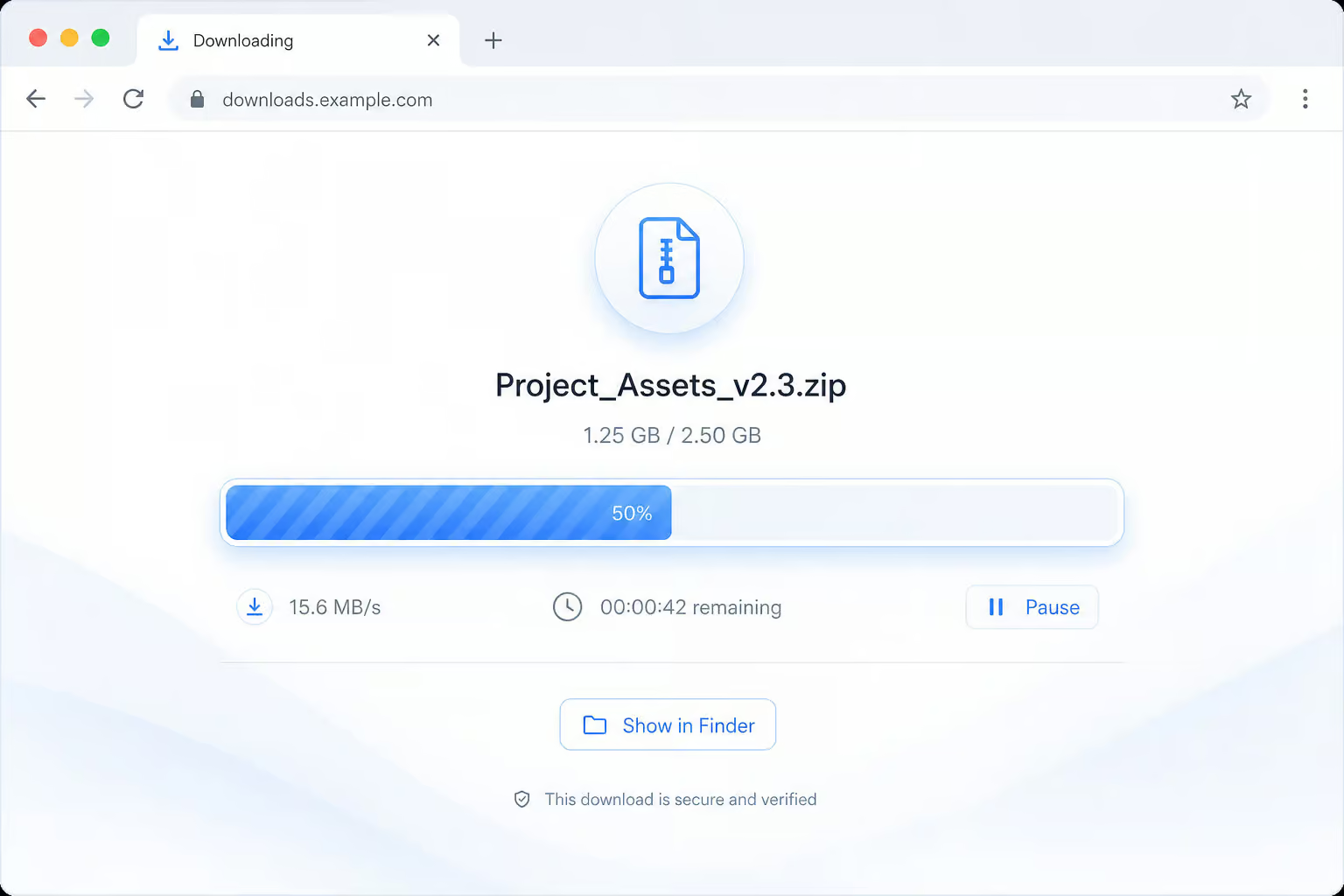
For existing Dropbox users, this is the path of least resistance. But there’s no API or CLI for sending transfers programmatically, and the encryption is not zero-knowledge. It’s a solid “one less thing to think about” option if you’re already paying for Dropbox. For a full breakdown of how Dropbox Transfer compares to a direct shared link, see our Dropbox send large files benchmarks.
Filemail: Speed and Enterprise Compliance
Filemail has two things nobody else in this comparison matches: UDP Transfer Acceleration and the widest compliance certification stack I’ve seen in a file-sharing service.
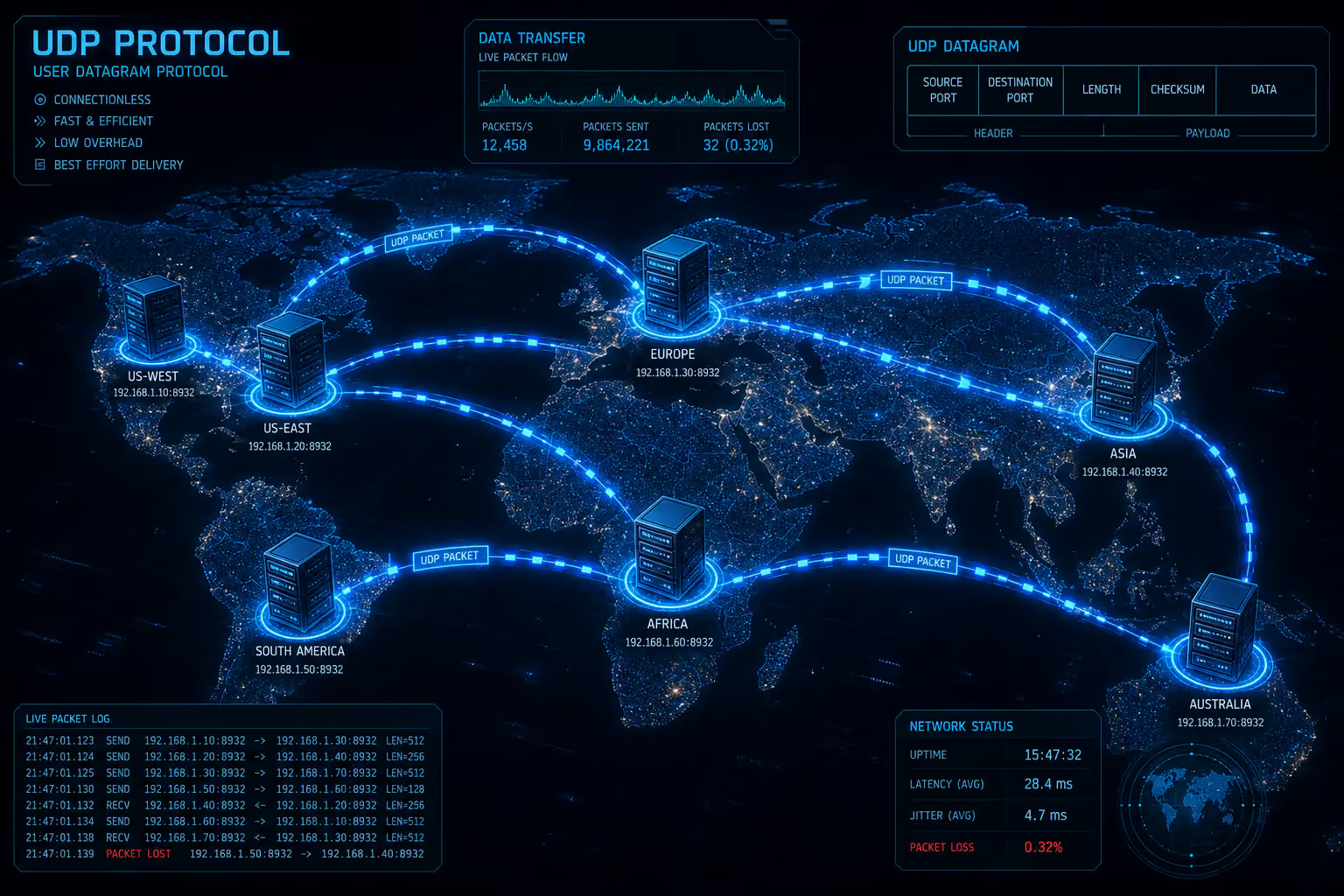
The UDP acceleration matters because most web-based transfers use TCP, which has overhead — congestion control, acknowledgments, retransmissions, that can cap speed on high-latency connections. Filemail’s globally distributed servers blast data over UDP, using all available bandwidth. In theory, that means faster uploads, especially for large files. The caveat: some corporate firewalls block UDP, so it might not work inside locked-down networks. But if you control both ends of the connection, it’s a real speed advantage.
Red flag: UDP acceleration is fast, but test it inside your corporate network first — many firewalls block UDP entirely, forcing a fallback to TCP.
On the compliance side, Filemail Enterprise carries: GDPR, ISO27001, HIPAA, SOX, FINRA, FISMA, GLBA, and Cyber Essentials UK. All files through Filemail are scanned for viruses and malware; anti-virus definitions update weekly. Plus they claim no data breaches since 2008, with frequent penetration tests. If you’re in healthcare, finance, or government, this is the only service here that ticks all those boxes.

Pricing scales from a free tier (5GB, 30 days, 250GB storage) up to Personal (250GB per transfer, permanent files, 1TB storage), Pro (any size, UDP, E2E encryption), Business (compliance certifications), and fully custom Enterprise. They also have native apps for Windows, Mac, Linux, iPhone, iPad, Android, and an Outlook plugin. Recipients don’t need an account. The Pro plan includes UDP acceleration and end-to-end encryption.
file.kiwi: Privacy-First, Zero-Knowledge Sharing
file.kiwi takes a fundamentally different approach: it encrypts your files in the browser before they ever leave your machine, using 128-bit AES-GCM. The decryption key is stuffed into the share link and never touches the server. That means even if file.kiwi’s servers were compromised, attackers would only get encrypted blobs they can’t decrypt. That’s the definition of zero-knowledge.
The tradeoff: the share link is your single point of security. If someone gets the link, they can decrypt the file, and file.kiwi can’t help you recover it. But for sensitive data where you don’t trust the provider, this is the architecture you want.
Beyond the encryption, file.kiwi is surprisingly feature-packed for a free service: no file size limit, no ads, no sign-up for basic use. You can upload and share immediately — the link works before the upload finishes, so MP4 files start playing instantly. It has a Webfolder feature (persistent shared folder with QR codes for in-person sharing), a command-line tool (npx @file-kiwi/node), plus a separate MCP server that lets AI tools like Claude or Cursor upload files and return a download link. That last one feels like giving your AI a USB port — wild but useful. The service also supports IPTV streaming for compatible files.
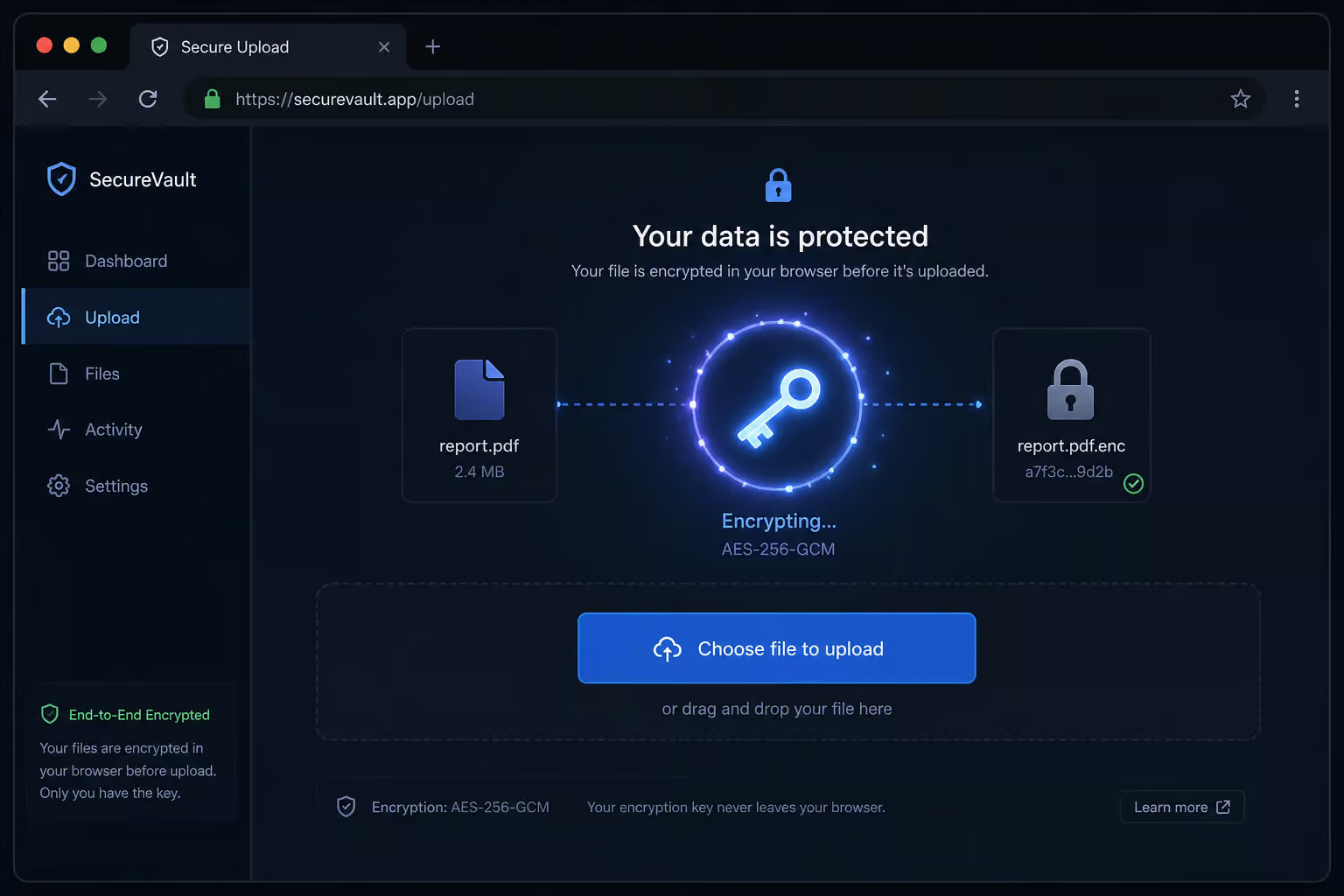
Auto-delete is 96 hours by default (you can extend on a paid plan). There’s a Windows app, a Chrome extension, and you can resume interrupted uploads. But what if your file exceeds the limit—say, how can I share 20 GB files? The service is as close to “just works” as I’ve seen for ad-hoc file sharing.
TransferNow: Integration and White-Label Powerhouse
TransferNow is built for organizations that need to embed file reception into their own workflows. It offers an API and SDK for programmatic transfers, plus an Outlook add-in, a Gmail extension, and a Chrome extension. The enterprise plan supports SSO with Microsoft Entra ID and Google Workspace. But the standout feature is white-label customization: you can get a custom subdomain, logo, wallpaper, and build file reception forms with text fields, dropdowns, and checkboxes — all without managing backend infrastructure or relying on services like Files Over Miles for ad-hoc sending.
For receiving files on your own website, TransferNow gives you a widget with HTML embed (one line of code) or a full form generator. That’s a way to let customers or clients upload large files directly to you.
On the technical side: files are encrypted at rest with AES-XTS 256 bits (the same algorithm used for modern full-disk encryption) and in transit with SSL/TLS. Their datacenters carry AICPA SOC 2 Type II certification. You can pick storage regions (Europe, America, Asia). Free tier: 5GB, 7-day retention, no storage. Paid tiers: Starter (10GB, 30 days), Premium (250GB per transfer, 365-day retention, 1000GB storage), Team (500GB, 2000GB shared storage), and Enterprise (custom everything).

Why send large files free 10GB? That 10GB Starter tier is the sweet spot for free sharing, and recipients don’t need an account.
Security Architecture: Client-Side vs. Server-Side Encryption
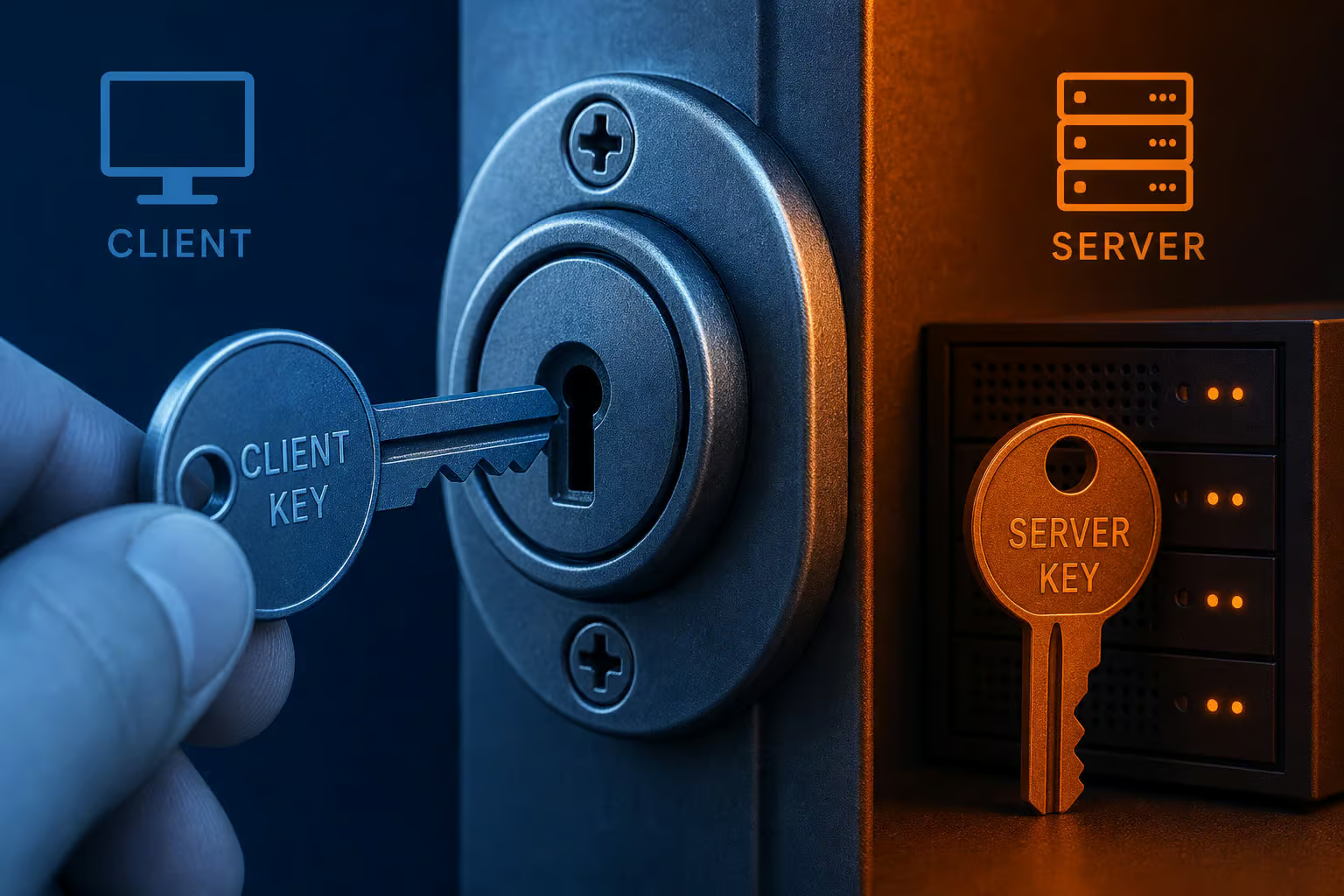
Every service says “end-to-end encryption,” but it means different things. The critical question: who holds the decryption key?
- file.kiwi encrypts files with 128-bit AES-GCM in your browser before upload. The key lives only in the share link, never on the server. Zero-knowledge. The provider cannot read your files.
- Filemail uses TLS-1.2 with AES-256 for data in transit. Files are at rest on their owned servers. They offer optional password protection and E2E encryption on Pro plans, but the default architecture is server-side — they can technically access your files.
- TransferNow encrypts at rest with AES-XTS 256 bits and in transit with SSL/TLS. They also use password-derived encryption for some features. Server-side — they hold the keys.
- Dropbox Transfer uses standard Dropbox server-side encryption. Not zero-knowledge.
The “best” approach depends on your threat model. Client-side encryption (file.kiwi) means stronger privacy but shifts responsibility to you: lose the link, lose the file. Server-side encryption (Filemail, TransferNow, Dropbox) means the provider can help recover files, but they have the keys — a legal or operational risk in some contexts. For compliance-heavy use, Filemail and TransferNow offer audited controls that zero-knowledge services typically don’t.
Speed: UDP Acceleration vs. Standard TCP and Real-World Time
Filemail is the only service here that moves data over UDP instead of TCP. That’s a protocol-level speed advantage: UDP doesn’t have TCP’s congestion control handshakes, so it can blast data at full bandwidth. Add globally distributed servers, and Filemail can seriously cut transfer times — especially for large files over long distances.
The real-world caveat: UDP is often blocked by corporate firewalls, making it a silent incompatibility for many business networks. In that case, standard TCP-based services may actually be more reliable. If you’re sending from inside a restrictive network, Filemail’s UDP acceleration might fall back to TCP, and you lose the speed advantage. Also, browser-based uploads carry JavaScript overhead, while native desktop apps (Filemail and file.kiwi both have them) can push data more efficiently.
file.kiwi’s real-time sharing is a different kind of speed: the recipient can start downloading or streaming (MP4) before the upload finishes. That’s not raw throughput, but it reduces perceived wait time.
I can’t give you precise benchmark numbers — those depend on your network, server location, and file size, but if raw speed is your priority and you control the network, Filemail’s UDP acceleration is the clear winner. For environments where UDP is blocked, Filemail’s desktop app still performs well.
Integrations and Developer Tools
If you’re automating file transfers or building them into a workflow, integration depth matters more than file size limits:
- file.kiwi offers a CLI (
npx @file-kiwi/node) that lets you script uploads. It also has an MCP server for AI tool integration (Claude, Cursor) — you can have an AI upload a file and hand you a download link. Chrome extension for right-click sharing. - TransferNow provides a full API and SDK for programmatic sends, plus SSO with Microsoft Entra ID and Google Workspace. Outlook add-in, Gmail extension, Chrome extension. The white-label widget and form generator make it easy to embed file reception on your site.
- Filemail has native desktop apps (Windows, Mac, Linux) that integrate with the OS context menu — right-click to send. Outlook plugin, custom subdomain, and a one-line HTML form for website integration.
- Dropbox Transfer is web-only for sending; no API/CLI. Deep OS integration for Dropbox sharing, but not for the Transfer feature.
The pattern: if you need programmatic automation (CI/CD, scripts), file.kiwi’s CLI or TransferNow’s API are the options. If you need to embed file reception on a website, TransferNow’s widget and Filemail’s HTML form both work well. For manual desktop use, Filemail’s native apps are the most seamless.
Compliance and Enterprise Readiness
If you operate in healthcare, finance, government, or any regulated industry, compliance certifications can be a hard gate:
- Filemail Enterprise has the broadest stack: GDPR, ISO27001, HIPAA, SOX, FINRA, FISMA, GLBA, Cyber Essentials UK. Also offers a Data Processing Agreement (DPA) on request.
- TransferNow holds AICPA SOC 2 Type II certification for its datacenters. Their enterprise plan can include customized compliance arrangements.
- file.kiwi and Dropbox Transfer (basic) do not provide enterprise compliance certifications in this context.
For HIPAA-covered data or SOX-reporting workflows, Filemail is the obvious choice. For general security audits, TransferNow’s SOC 2 Type II is sufficient for many organizations. If you just need a quick share for non-sensitive data, compliance isn’t a factor.

Recipient Experience: One-Click Downloads
All four main services let recipients download without creating an account or installing software. That’s table stakes. But the details vary:
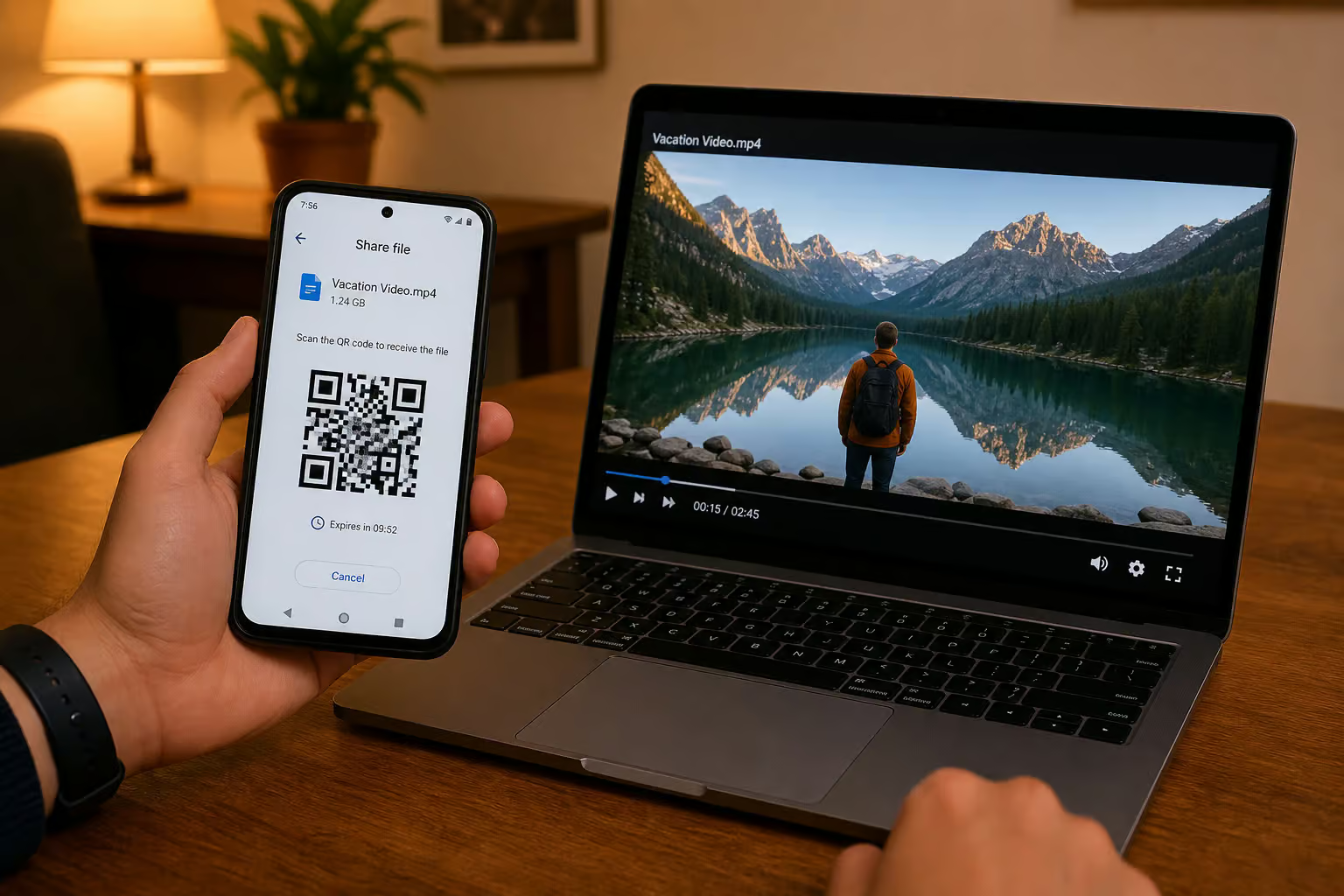
- file.kiwi adds QR codes for in-person sharing — you can put the link on a screen, someone scans it, and they get the file. MP4 files play instantly in the browser, which is great for video reviews. Webfolders act as persistent drop boxes; recipients can upload files back without signing up.
- TransferNow offers password protection on transfers and shareable links, plus file preview and the ability to set expiry dates. Recipients can see which files are included.
- Filemail sends an email with a download link — straightforward, no frills.
- Dropbox Transfer gives a clean download page with no advertising.
The question is: how non-technical are your recipients? If they’d struggle with a URL and a download button, file.kiwi’s QR codes and instant playback make it the most forgiving. For secure sharing, TransferNow’s password protection adds a layer.
Self-Hosted Alternatives: The Ultimate Control Tradeoff
I’d be remiss not to mention that you can always cut out the middleman and host your own file transfer infrastructure. rsync, FTP, a simple HTTP server, or custom scripts give you full control over encryption, retention, and bandwidth. But the operational overhead is real: server maintenance, security patching, bandwidth provisioning, and making sure your recipient can actually reach the server through firewalls.
Self-hosting is a romantic idea, but I’ve found that for most real-world use cases — especially when the recipient might be on a different network, a cloud service eliminates hours of debugging. The services above exist because the tradeoff is worth it. If you’re already running a homelab and have the skills, go for it. Otherwise, pick one of the cloud options above.
Decision Framework: How to Choose the Right Service
Here’s how I’d approach it, based on your primary constraint:
- Maximum privacy / zero-knowledge required? ? file.kiwi. Client-side encryption before upload, key in the link, no server access. Just handle the link carefully.
- Need the fastest speed on your own network? ? Filemail. UDP Transfer Acceleration and globally distributed servers. But test whether your corporate firewall allows UDP.
- Compliance certifications for healthcare/finance? ? Filemail Enterprise. HIPAA, SOX, GDPR, ISO27001 — it’s the most certified option.
- Want to embed file reception on your website or automate transfers? ? TransferNow. API, SDK, white-label widget, form builder. The deepest integration set.
- Already in the Dropbox ecosystem? ? Dropbox Transfer. 100GB free per transfer, sender needs account, but it’s frictionless if you’re already paying for Dropbox.
- Largest free tier with long retention? ? SendBig. 30GB free, up to 3 years expiry, no sign-up required for basic use. Or file.kiwi if you want no size limit but can live with 96-hour auto-delete.
For sending files over 50GB on a paid plan: Filemail Personal gives you 250GB per transfer at a reasonable price. TransferNow Premium also offers 250GB. Both are cheaper than most enterprise plans for a single user.
No single service wins across all axes. The trick is matching the mechanism — encryption architecture, transfer protocol, retention window, integration depth, to your actual workflow. That’s what most guides miss. Now you’ve got the raw data to make the call.
People Also Ask
How can I share 20 GB files?
Dropbox Transfer lets you send up to 100GB per transfer for free, and file.kiwi has no file size limit on its free tier. Filemail’s Personal plan supports 250GB per transfer, and SendBig offers 30GB free with expiry up to 3 years. The best choice depends on whether you need speed, privacy, or long retention.
What is the best large file sharing site?
There is no single best service — it depends on your priority. For zero-knowledge privacy, file.kiwi encrypts files in your browser before upload. For raw speed, Filemail’s UDP Transfer Acceleration is fastest, but it can be blocked by corporate firewalls. Dropbox Transfer works best if you’re already in the Dropbox ecosystem, and TransferNow is the top pick for embedding file reception on a website.
How can I send 100GB files for free?
Dropbox Transfer offers 100GB per transfer for free — the sender needs a Dropbox account, but recipients can download without one. file.kiwi has no file size limit on its free tier, but files auto-delete after 96 hours. SendBig provides 30GB free per transfer with retention up to 3 years, making it a strong option if your file is under that limit.
How does UDP Transfer Acceleration make file sharing faster?
Most file transfers use TCP, which has overhead from congestion control and acknowledgment handshakes that cap speed on long-distance connections. Filemail uses UDP instead, which blasts data at full bandwidth without those checks, significantly cutting transfer times for large files. The tradeoff is that some corporate firewalls block UDP, forcing a fallback to standard TCP.
Are file transfer services like WeTransfer compliant with HIPAA or other regulations?
Most free services are not compliant with healthcare or financial regulations. Filemail Enterprise carries the broadest compliance stack, including HIPAA, SOX, GDPR, ISO27001, and several others, making it the go-to for regulated industries. TransferNow holds AICPA SOC 2 Type II certification, while file.kiwi and Dropbox Transfer do not offer enterprise compliance certifications.
What happens if my file is too big for the free tier’s limit?
If your file exceeds the free tier limit, you either need to upgrade to a paid plan or use a service without size limits. file.kiwi has no file size cap on its free tier, though files auto-delete after 96 hours. For larger files on a paid plan, Filemail Personal offers 250GB per transfer, and TransferNow Premium also supports 250GB per transfer.
