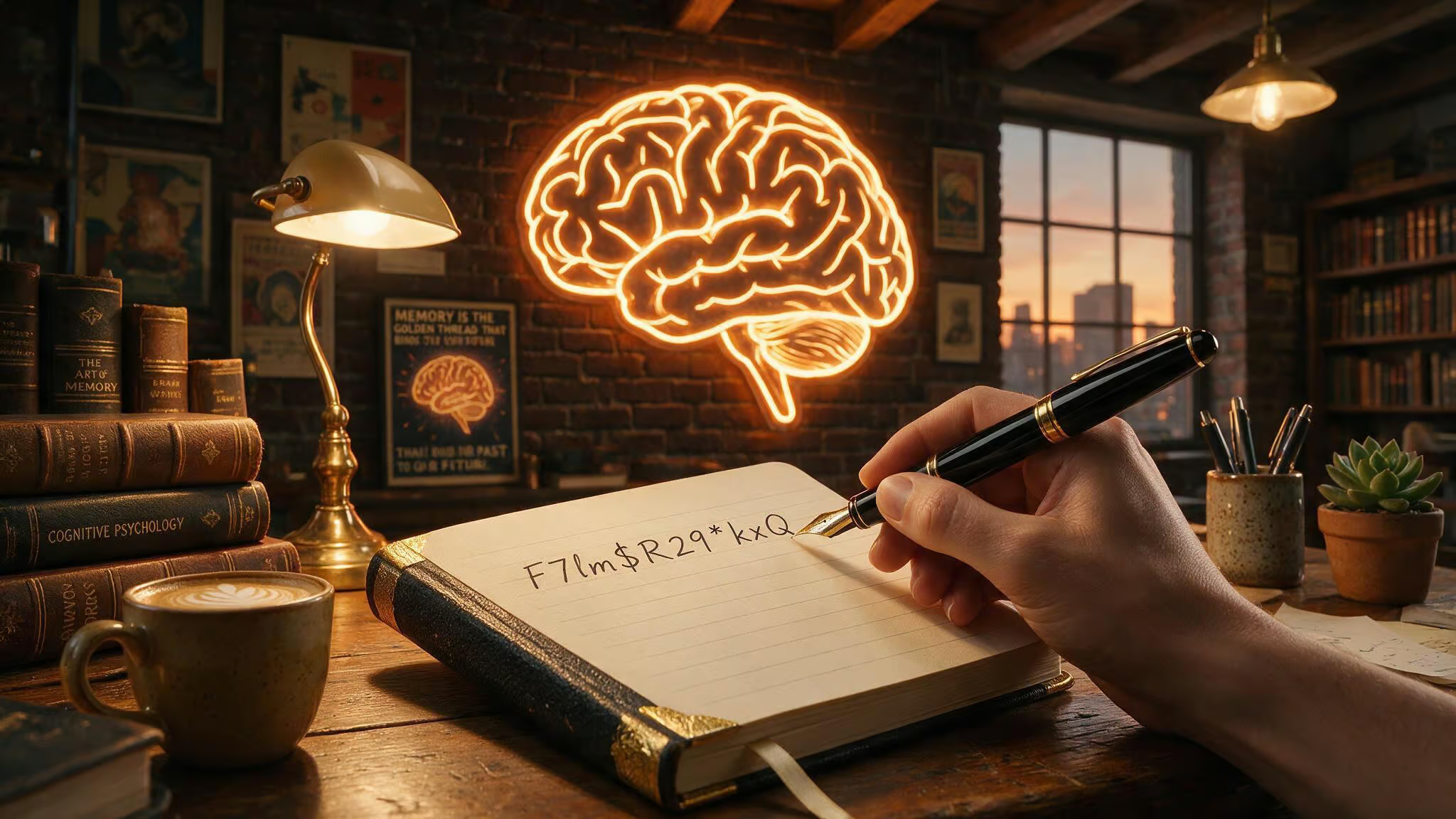
Here’s the article, written in the GeekExtreme voice according to the editorial assignment and using the source dossier as invisible scaffolding.
So I was digging into password advice the other day — the usual “use a strong password” stuff, and I stumbled onto something that flipped how I think about this. We end up with “Summer2024!” or “Password1”, which are neither memorable nor secure.
Turns out there’s a proper solution, and it’s backed by both NIST and CISA. It’s not a clever hack or a new app. It’s a technique that exploits how your brain works. And the math is wild. It’s not a clever hack or a new app.
It’s a technique that exploits how your brain works. And the math is wild.
Key Takeaways
A six-word passphrase from a 19,000-word vocabulary delivers about 85 bits of entropy, making it roughly 1,050,000 times harder to crack than a random 10-character password with ~65 bits.
CISA’s official recommendation is a passphrase of 4–7 unrelated words — “Horse Purple Hat Run Bay Lifting” is their example, and NIST’s updated SP 800-63 guidance explicitly discourages complex composition rules.
Steve Gibson’s Search Space Calculator shows that adding a simple padding pattern like “vcvcvcvc” to a passphrase can push brute-force cracking time from ~45 years to over a quadrillion centuries.
Table of Contents
The problem: why “easy to remember” passwords are usually weak
Let’s start with a story from CISA — because it’s not hypothetical. Emma got a $700 bank transfer alert she didn’t authorize. That sinking feeling is bad enough. But when she tried to log in to stop the transfer, she couldn’t get into her bank or her email.
Same password on both accounts. The attacker had pulled her password from a company breach, posted it online, and locked her out of everything. She spent hours on the phone recovering access.
That’s the consequence of password reuse. It’s not about someone guessing “12345” (though that’s easy). It’s credential stuffing: one breach at a random service leaks your password, and automated bots try it everywhere — email, bank, social media. Emma’s story is a documented example from a government agency.
On the other side is Ted’s pattern, described by Sticky Password. He tried to memorize all his passwords. Felt responsible, right? But relying solely on memory creates friction: he’d hesitate, forget which variant he used, end up hitting “forgot password” more often.
Over time, that friction pushes you toward simpler passwords, predictable patterns, and — you guessed it, reuse. The “memory-only” approach feels secure, but it’s a trap. Your brain is not a secure database.
Why traditional “complex password” rules fail
You know the drill: at least 12 characters, mix of upper and lower, include a number and a symbol, avoid dictionary words. The result is something like “Tr0ub4dor&3” — the canonical example from the XKCD comic that made this whole conversation mainstream. That password looks strong. It’s a pain to remember, but is it secure?
NIST’s own guidance says no. The updated SP 800-63 document explicitly states that complex composition rules are counterproductive. Why? Because they drive users to create predictable passwords, reuse passwords across sites, or store them in spreadsheets or sticky notes. When you force people to jump through those hoops, they just find workarounds — and those workarounds are often worse than a simple but long string of words.
The XKCD comic targeted exactly this: “Tr0ub4dor&3” might take a while to crack, but it’s still far weaker than four random words like “correct horse battery staple.” And here’s the thing — that comic is cited by both NIST and How-To Geek. It’s not just a webcomic opinion; it’s a cultural anchor with institutional backing.
The solution: passphrases as the core technique
So what actually works? A passphrase. CISA defines it simply: a memorable phrase of 4–7 unrelated words. Not a sentence, not a quote — unrelated words.
But avoid using famous examples like this one, attackers also know them. Use a randomly generated set from Diceware or your own unrelated words.
Their example is “Horse Purple Hat Run Bay Lifting.” Sticky Password’s formula is even more structured: 4–6 random words, a separator, and an optional number, yielding a mnemonic passwords list of examples like “cobalt-harvest-lantern-7” or “museumOrbitCactusPiano44” or “river!pepper!galaxy!notebook.”
A random 10-character password with mixed-case letters, numbers, and symbols has about 65 bits.
That difference means the passphrase takes roughly 1,050,000 times more effort to crack.
Memorizing “cobalt” is as easy as memorizing a random string of characters like “c7! Zp.” It’s easier, because your brain is wired to recognize whole words as units.
How passphrases work with your brain
Humans are terrible at rote memorization. We’re great at association. Passphrases leverage that same principle.
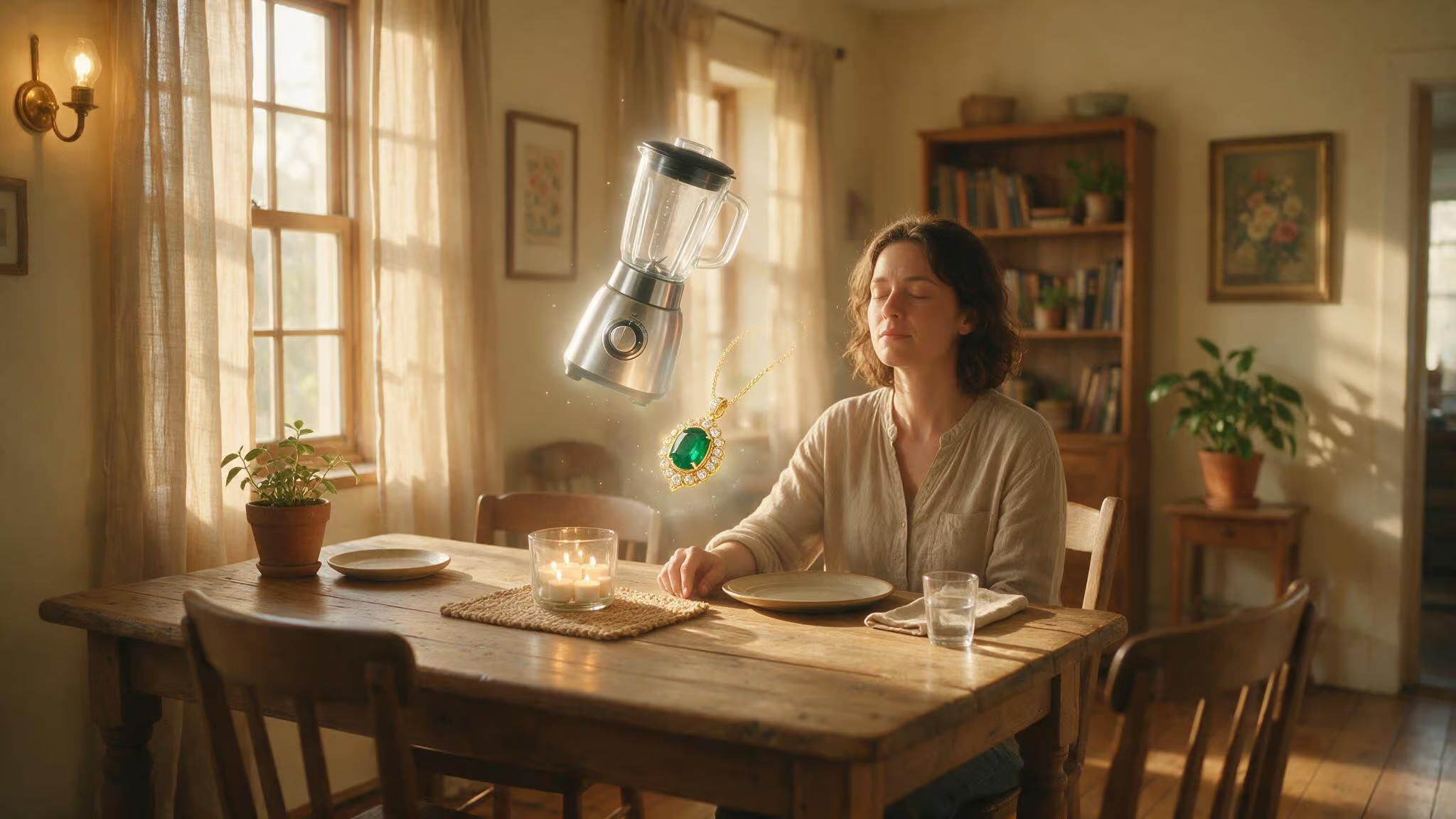
NIST’s blog gives a great visualization technique: turn your passphrase into a mental image. Their example: “blender vent sauté pendant red chair” describes objects visible from the author’s dining room. No matter where you are, you can close your eyes and see that scene. The brain converts characters to words, and words to images.
If visualization doesn’t work for you — for example, if you have aphantasia, you can still use a sentence-based method or Diceware, which rely on word sequences rather than mental imagery.
Memorizing an entire word is as easy as memorizing a single letter. So a four-word passphrase is as easy to recall as four random letters — but with exponentially more entropy.
Using a password manager: the practical necessity
Okay, passphrase for one password works great. But you have over 100 online accounts. There’s no way you’re memorizing 100 unique passphrases.
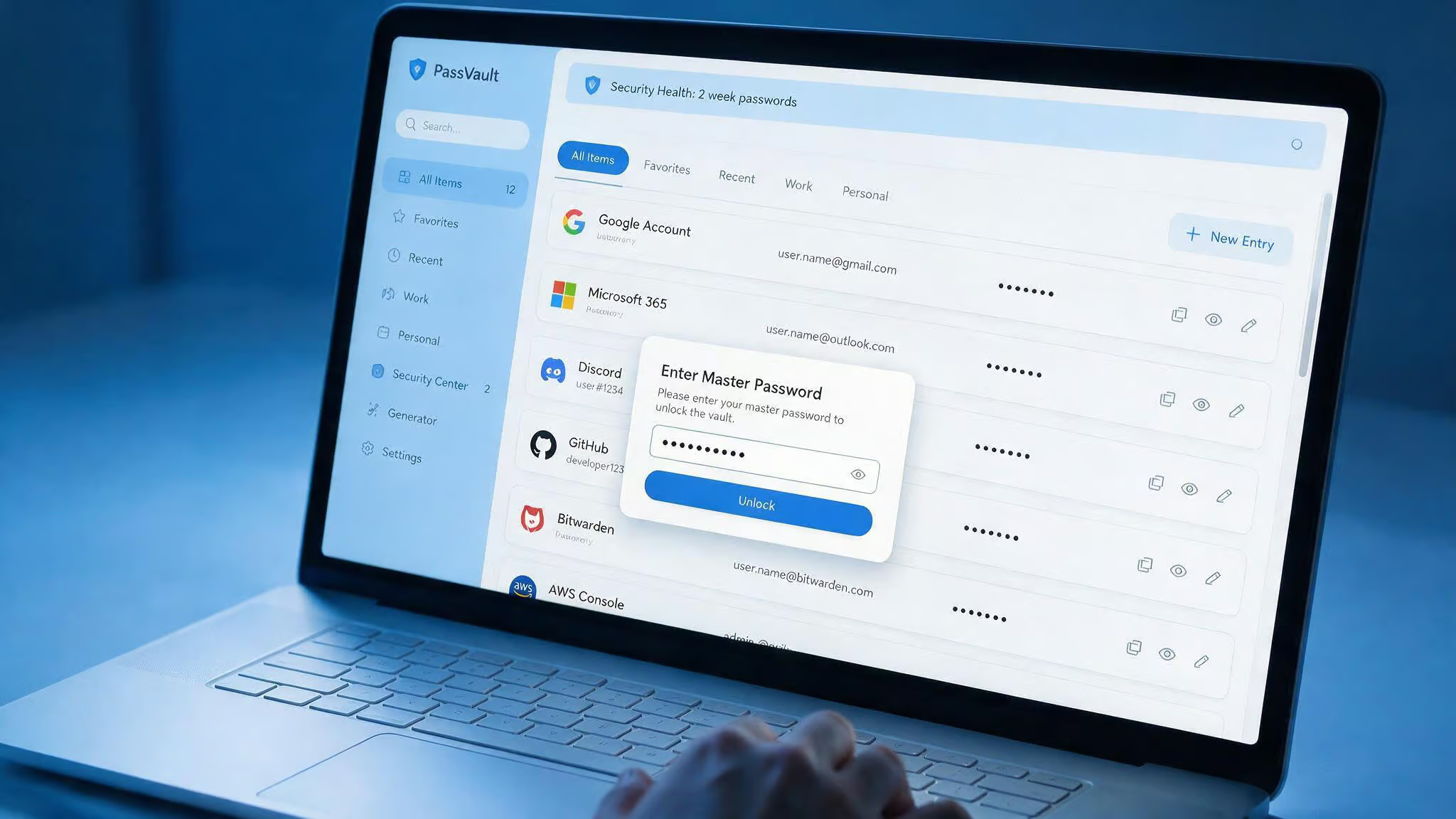
A password manager generates, stores, and autofills strong, unique passwords for every account. You need to remember only one strong master password — which, yes, should be a passphrase. Everything else is handled automatically, but the ultimate geek guide to mnemonic passwords cuts through the hype by showing how to generate, remember, and secure them with real, memorable systems. Modern managers use zero-knowledge encryption: even the company can’t see your passwords. Because the master password isn’t stored on their servers, even the NSA can’t compel them to turn over your data.
Most password managers also scan your existing vault and flag weak or reused passwords. It’s a security audit that runs in the background. Options range from free browser-based managers (Chrome, Edge, Firefox, Safari) to dedicated tools like Bitwarden, 1Password, Dashlane, KeePassXC, and Keeper Security. Consumer Reports has ratings if you want a starting point.
Most password managers also provide recovery codes or an emergency sheet when you set up your master password. Print these and store them safely — in a safe, a lockbox, or with a trusted contact, so you can regain access if you ever forget your master password.
Pick one that fits your setup — they all solve the same core problem. Consumer Reports has ratings if you want a starting point.
Creating your master password: creative techniques
Your master passphrase is the one you must memorize. Make it good — and make it yours. Here are three techniques that go beyond stringing random words together.
Poetic passwords. Take a line of poetry, pick the first letter of each syllable, capitalize stressed syllables, and keep any punctuation. Example from Romeo and Juliet: “But soft, what light through yonder window breaks?” becomes “bS,wLtYdWdB?”. Another from Oscar Wilde: “Be yourself; everyone else is already taken.” becomes “By;eeiat.-OW”. It’s nonsense to a computer, but you’ll remember it if you know the line.
While easy passwords to remember numbers are one approach, Steve Gibson, a venerable PC security expert, suggests padding a short password with a repeating pattern of two easy-to-type keys. Pick two keys that are close together on the keyboard — “vc” works, and alternate them: “vcvcvcvc”. Add that to your poetic password “bS,wLtYdWdB?” and Gibson’s Search Space Calculator shows the brute-force cracking time jumps from over 45 years to over a quadrillion centuries.
Sentence method. Take the first letter of each word from a meaningful sentence, keeping any numbers and punctuation. Example: The first house I ever lived in was 613 Fake Street. Rent was $400 per month. becomes “TfhIeliw613FS.Rw$4pm”. Personal and easy to reconstruct.
Use one of these for your master password only. Everything else goes in the manager.
When constraints apply: edge cases and workarounds
Real-world friction exists. Some sites still limit passwords to 8–12 characters. You can work around it: use a shorter passphrase with a twist, like “CactusPiano9” — a two-word phrase with a number. It’s not as strong as six words, but it’s better than “Password1”.
If you can’t use a password manager at all — maybe due to workplace policy or personal preference, a physical password notebook is acceptable if you treat it like cash. Do not leave it in your car or on your desk at work. Keep it safe at home.
Diceware, the low-tech method of rolling dice to pick random words, now recommends at least six words because cracking hardware has improved. The old four-word recommendations are outdated. If you’re using Diceware, aim for six or more.
One more: if a password manager doesn’t allow spaces in your master password (some don’t), use a separator character like a hyphen or dot. “cobalt-harvest-lantern-7” works just fine.
Beyond passwords: MFA and passkeys as essential layers
Even the strongest passphrase is a static secret. NIST points out that passwords and passphrases are both static secrets, knowable, stored somewhere, and can be stolen. That’s why multifactor authentication (MFA) is necessary.
MFA adds a second factor — something you have (a code from an authenticator app) or something you are (your fingerprint). It stops credential stuffing, because even if an attacker gets your password, they can’t log in without the second factor.
Most password managers support authenticator apps. Enable MFA on your most important accounts: email, financial accounts, social media.
Passkeys are the next step. They use your device’s biometrics to authenticate — no password to type, and they’re phishing-resistant. Even if you’re tricked into visiting a fake site, the passkey won’t work there. Many password managers store passkeys alongside passwords.
Passkeys are gaining traction on major platforms, and NIST is optimistic that adoption will accelerate. The password + MFA combo is the practical baseline.
Summary: your practical action plan
Here’s what you do, in order of impact:
- Use a passphrase for passwords you must memorize. Four to six random words, a separator, optional number. “museumOrbitCactusPiano44” is a real example that works.
- Adopt a password manager for everything else. Generate strong, unique passwords for every account. You need to remember only one strong master password. Zero-knowledge encryption keeps your data safe even from the provider.
- Enable MFA on all important accounts with an authenticator app. That extra step stops the attacks that even a great password can’t prevent.
- Consider passkeys where supported — they’re phishing-resistant and eliminate the password entirely on those sites.
If your passwords are long, unique, and random, you do not need to change them regularly. NIST’s updated guidance says regular password changes are unnecessary. Only change a password if you suspect a breach. Otherwise, let it ride.
That’s it. You now have a concrete, source-backed method that solves the “easy to remember but hard to guess” problem — no sticky notes, no “Summer2024!”, no guessing. And the best part? The math is on your side.
People Also Ask
What is a strong password but easy to remember?
A passphrase made of 4–7 unrelated words — like u0022Horse Purple Hat Run Bay Liftingu0022 — is both strong and easy to remember. Your brain processes whole words as single units, so memorizing four random words is about as easy as memorizing four random letters, but the entropy is exponentially higher. This approach is backed by both NIST and CISA.
What’s the hardest password to guess?
The hardest passwords to guess are long, random passphrases with high entropy — think six unrelated words from a large vocabulary, optionally padded with a simple repeating pattern like u0022vcvcvcvc.u0022 A six-word passphrase can deliver around 85 bits of entropy, making it over a million times harder to crack than a typical 10-character complex password. Adding padding can push brute-force cracking time from decades to quadrillions of centuries.
How does a passphrase protect against credential stuffing?
A passphrase protects against credential stuffing because it’s long, unique, and not reused across accounts — so even if one service is breached, attackers can’t use that passphrase to log into your other accounts. The real defense, however, is combining a passphrase with multifactor authentication (MFA). MFA stops credential stuffing cold because the attacker would also need your second factor.
Why does NIST discourage complex password rules?
NIST’s updated SP 800-63 guidance explicitly says complex composition rules — like requiring uppercase, numbers, and symbols — are counterproductive. They drive users to create predictable patterns, reuse passwords, or write them down, all of which weaken security. Instead, NIST recommends long, memorable passphrases that are easier to remember and harder to crack.
