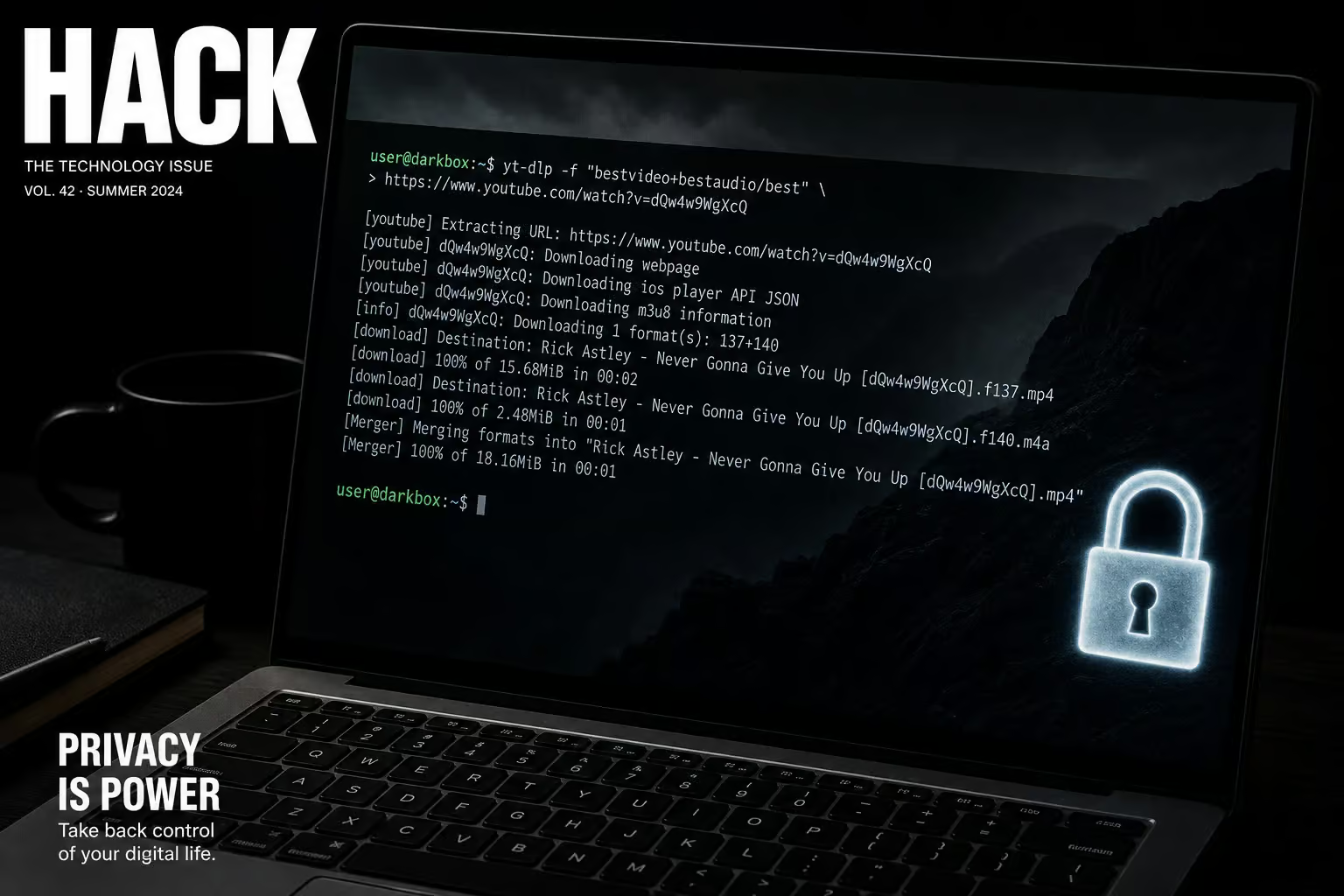
I spend a lot of time in GitHub repos, and I’m always a little delighted when a project’s documentation is both thorough and honest. That’s what you get with yt-dlp — the feature-rich command-line audio/video downloader for thousands of sites. It’s the active fork of youtube?dl based on youtube?dlc, meaning it’s where all the new features and fixes land.
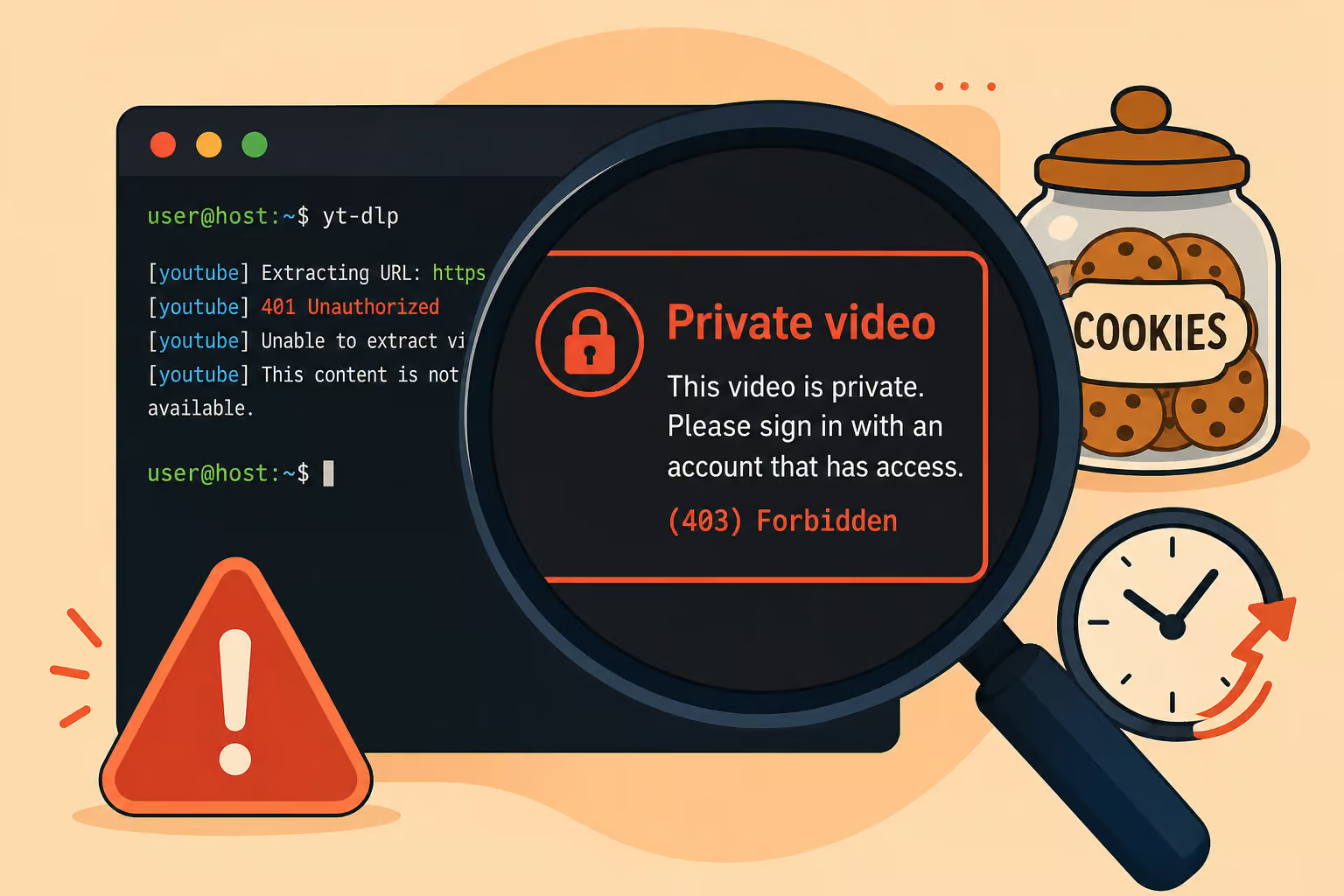
A private video is restricted to specific accounts — yours, if you have access. yt?dlp uses your existing session to prove you’re authorized. No backdoor, no shady closed?source tool. Just your own login and a well?maintained open?source project you can audit, which also works to download unlisted YouTube videos with just the URL.
The README admits something most projects wouldn’t: stable is “stale and prone to external breakage.” That honesty points you at the right release channel (nightly) for regular use.
Let’s walk through how to set it up, authenticate, and download private videos you already have the right to watch.
Key Takeaways
Three release channels exist: stable (monthly, often broken), nightly (recommended for regular use), and master (canary). The README says stable is stale — trust that.
Two dependencies everyone forgets: ffmpeg/ffprobe for merging video+audio, and a JavaScript runtime (deno is the default) for full YouTube extraction. Without them, private video downloads will fail or give you lower quality.
The most reliable authentication method is --cookies-from-browser — it loads your logged?in session from Brave, Chrome, Edge, Firefox, Safari, Vivaldi, and even Whale. No typing passwords, no CAPTCHAs.
Table of Contents
Installation: Getting yt?dlp and the two critical extras
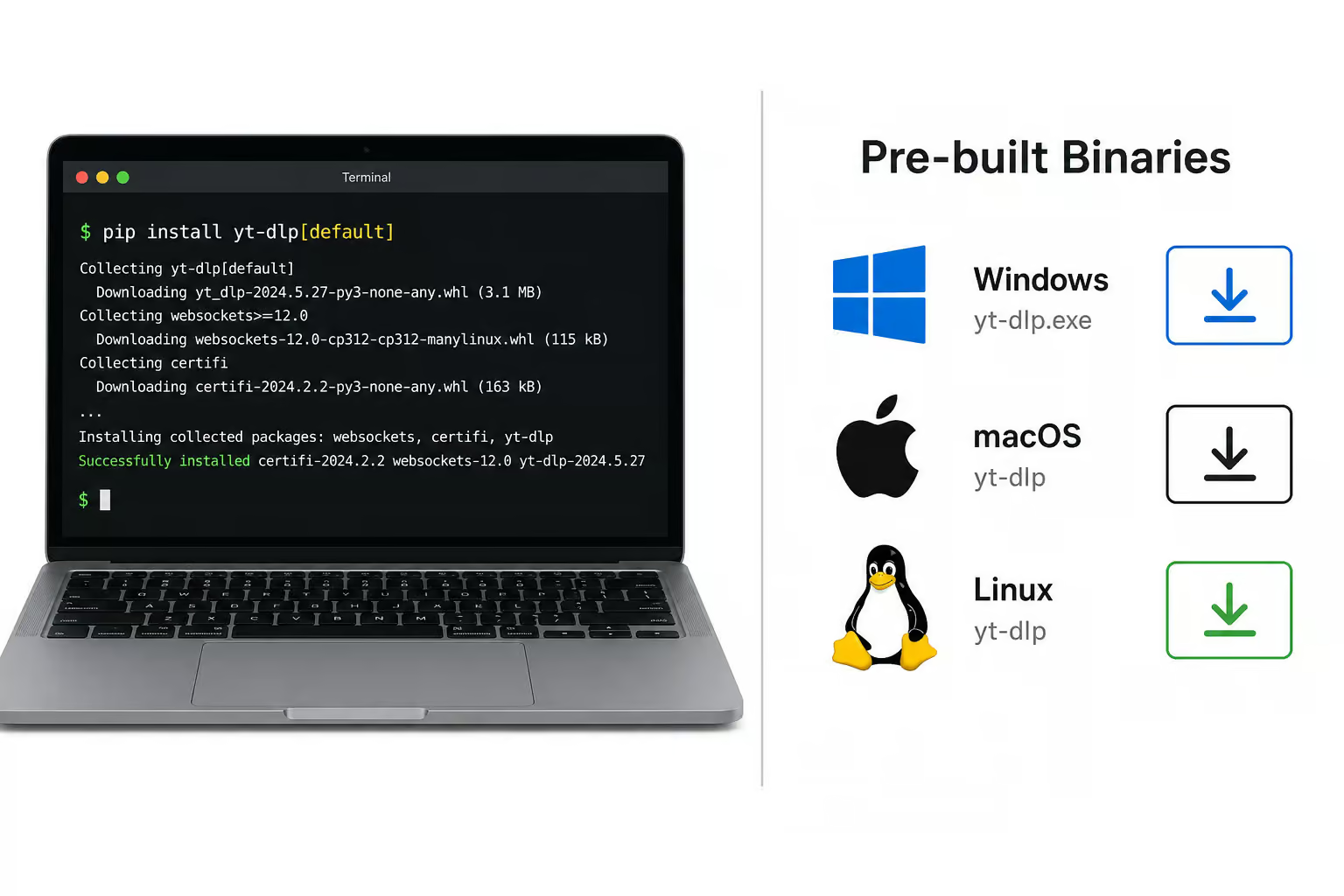
You can install yt?dlp via release binaries or pip. The simplest is grabbing a pre?built binary from the releases page:
- Windows (Win8+):
yt-dlp.exe– no Python needed. - macOS (10.15+):
yt-dlp_macos– works out of the box. - Linux x86?64 (glibc 2.17+):
yt-dlp_linux– standard for most desktops. - Linux ARM64 (Raspberry Pi 4/5, Apple Silicon running Linux):
yt-dlp_linux_aarch64. - ARMv7l (older Pi boards):
yt-dlp_linux_armv7l.zip.
If you’re already in the Python ecosystem, pip install "yt-dlp[default]" installs the tool with recommended extras. (To get the freshest fixes, use --pre for nightly builds.)
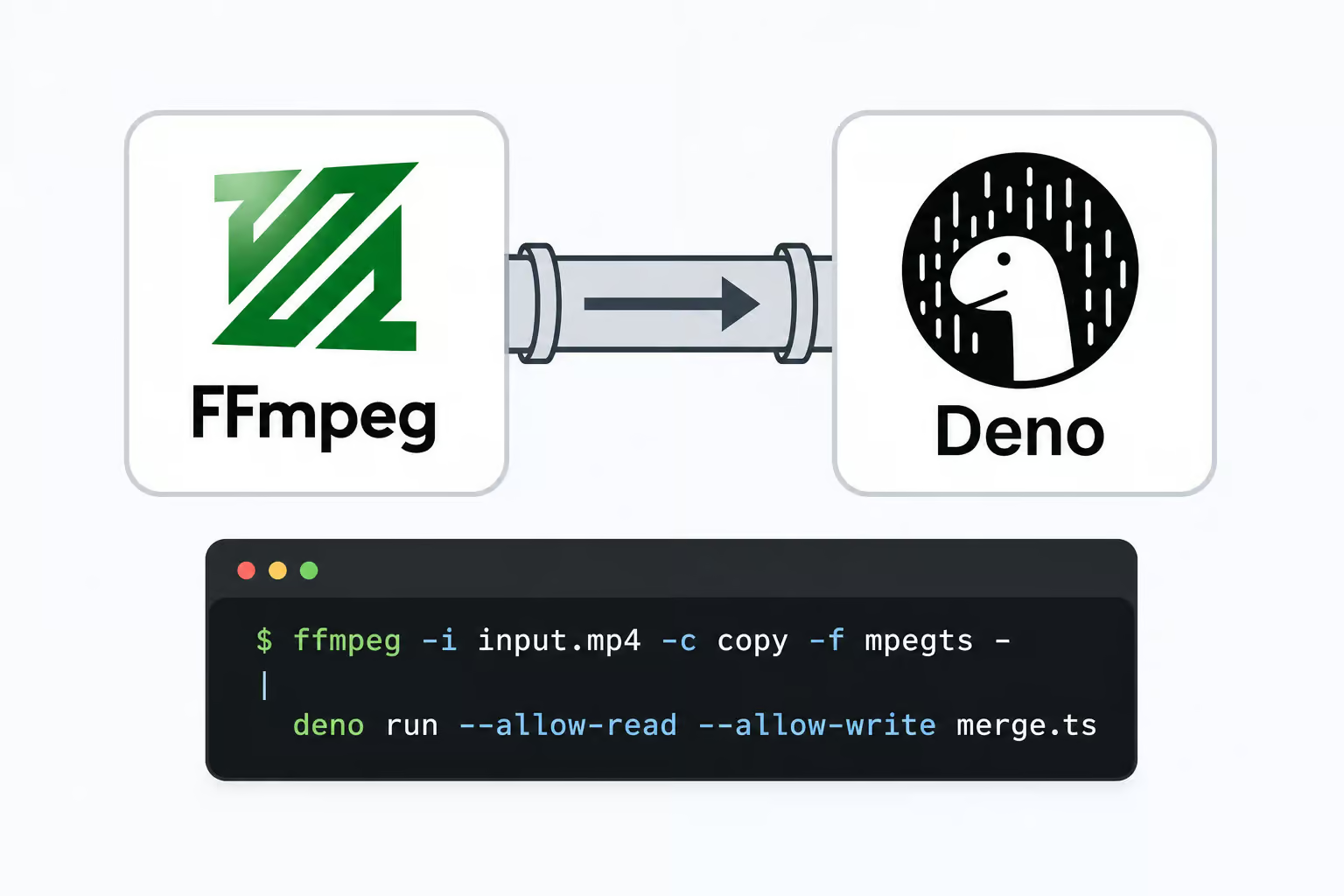
yt?dlp needs ffmpeg and ffprobe to merge separate video and audio streams (YouTube often serves them separately) and to handle post?processing like format conversion. The real binaries live at yt?dlp/FFmpeg?Builds on GitHub — not the Python package with the same name.
The other critical dependency few mention: a JavaScript runtime. For full YouTube support — especially for private videos that may require JavaScript challenge solving, you need yt-dlp-ejs and a JavaScript runtime. Deno is the default and recommended, but Node.js, Bun, and QuickJS also work. If you get extraction errors related to “JS challenge,” this is why.
Optional extras include curl_cffi for TLS fingerprint impersonation (helps when YouTube’s anti?bot measures get aggressive) and certifi, brotli, websockets, and requests for specific network scenarios.
Authentication: Letting yt?dlp see your private videos
Here are the four methods, ordered from easiest to most script?friendly.
Method 1: --cookies-from-browser (the “just works” approach)
yt-dlp --cookies-from-browser chrome <private-video-url>
yt?dlp reaches into your browser’s cookie store and extracts the session that’s already logged into YouTube. No passwords, no CAPTCHAs. Supported browsers:
- Brave, Chrome, Chromium, Edge, Firefox, Opera, Safari, Vivaldi, and Whale
On Linux, Chromium cookies may be locked in a keyring. You can specify which one: gnomekeyring, kwallet, kwallet5, kwallet6, or even basictext. If you use Firefox with multi?account containers, you can target a specific container: --cookies-from-browser firefox:default::container_name.
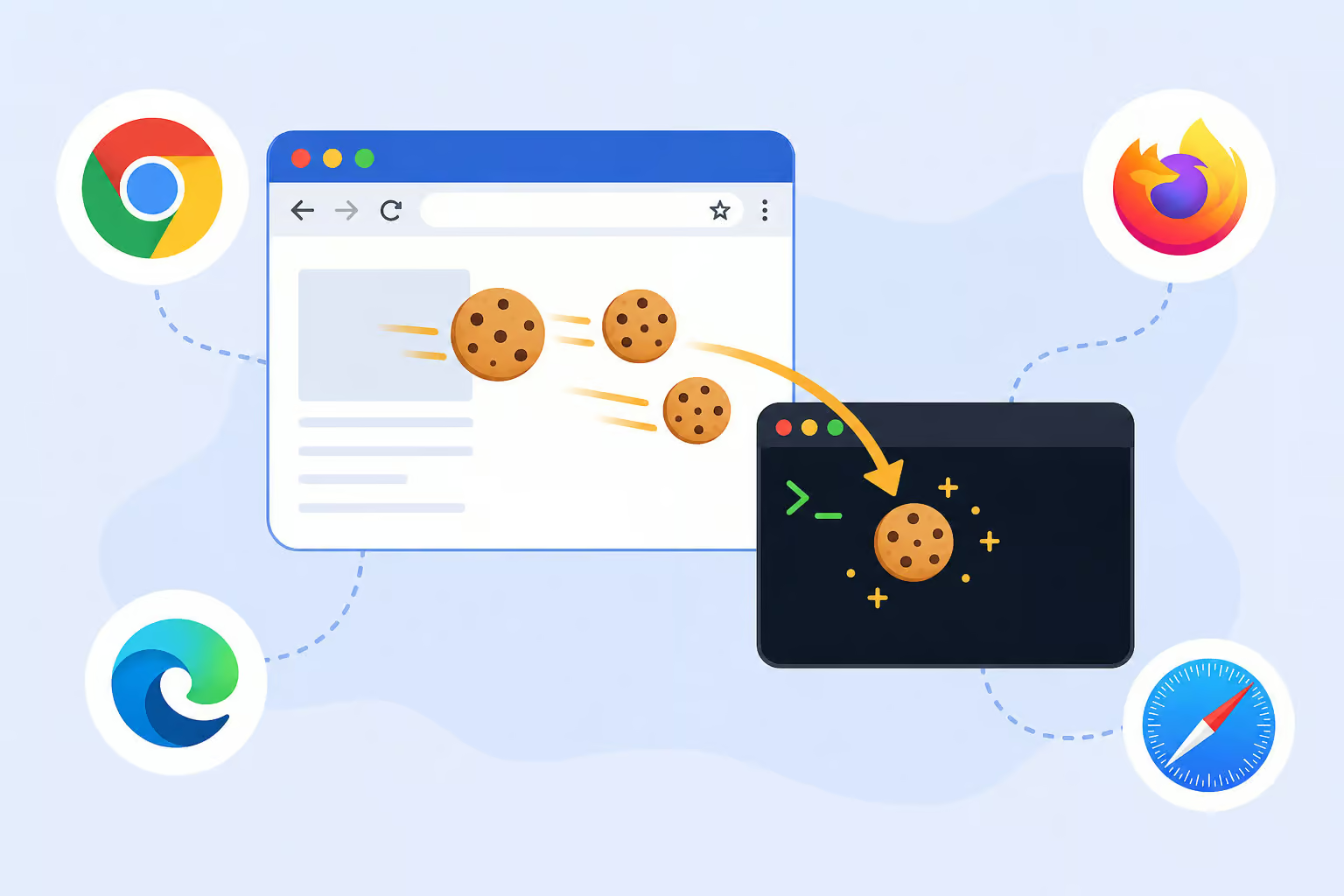
This is the method I use every time. Stale cookies are the #1 cause of “Private video” errors — a fresh --cookies-from-browser fixes it.
Method 2: --cookies FILE (headless/server setup)
For machines without a GUI browser (a headless server, a Raspberry Pi running 24/7), export your cookies to a Netscape?format file. Any browser extension can do that, or you can dump yt?dlp’s own cookie jar:
yt-dlp --cookies-from-browser chrome --cookies output.txt --simulate <url>
Then reuse that file: --cookies output.txt.
Method 3: --username / --password and --netrc (scripting friendly)
Direct login works but may trigger CAPTCHAs:
yt-dlp -u myaccount@gmail.com -p my_youtube_password <url>
For automation, --netrc is cleaner. Create a ~/.netrc file (chmod 600) with:
machine youtube login myaccount@gmail.com password my_youtube_password
Then run with --netrc. No passwords in command history. If you use a secret manager, --netrc-cmd lets you pass a shell command that outputs the netrc format on the fly.
Method 4: OAuth tokens and --video-password
Some private or age?restricted videos have an extra password. Use --video-password PASSWORD. If you have explicit view access, you can also download private YouTube videos with access using yt?dlp with OAuth tokens cached from mobile YouTube clients (android, ios) — niche but useful when cookies don’t cut it.
Basic download: Running the command and picking the right format
Once authenticated, the syntax is trivial:
yt-dlp [OPTIONS] URL
By default, yt?dlp selects bv*+ba/b — best video plus best audio, merged via ffmpeg.
But private videos often have limited formats. You might only get a single combined stream (video+audio already muxed). That means the default fallback can give you lower quality than expected — not a bug, just the tool being flexible. Check what’s available first in the download private video from youtube guide.
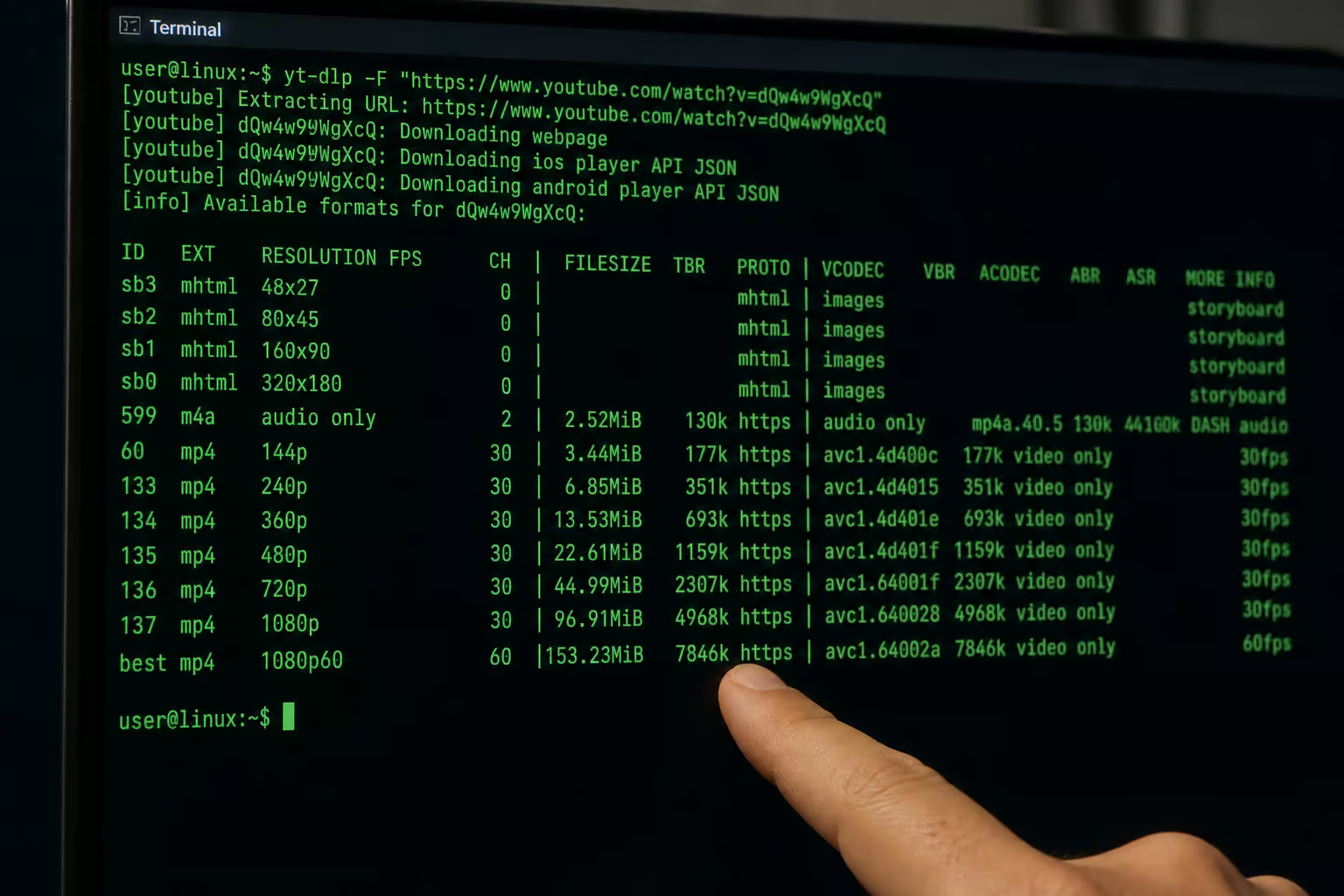
yt-dlp -F <url>
The output lists every format ID, resolution, codec, and file size, so you can download exactly what you want:
-f best— the single best combined format-f "bv*+ba/b"— best separate video + audio (requires ffmpeg)-f 22/17/18— prefer format 22, fallback to 17, then 18-f "best[height=720]"— best format that’s exactly 720p
- `-f “bv[height
- ?720][tbr>500]”` — complex filter for video with height ?720 (or unknown) and bitrate >500
Format sorting with -S is useful too. I often use -S +size,+br,+res,+fps to prioritize smaller sizes over raw quality when I’m archiving. (The README warns against using worst — it’s counterproductive.)
By default, the output template is %(title)s [%(id)s].%(ext)s, which keeps filenames sane. You can customize with -o if you want subdirectories or chapter?based naming.
Advanced options: Chapters, audio, subtitles, thumbnails
Chapters and sections:
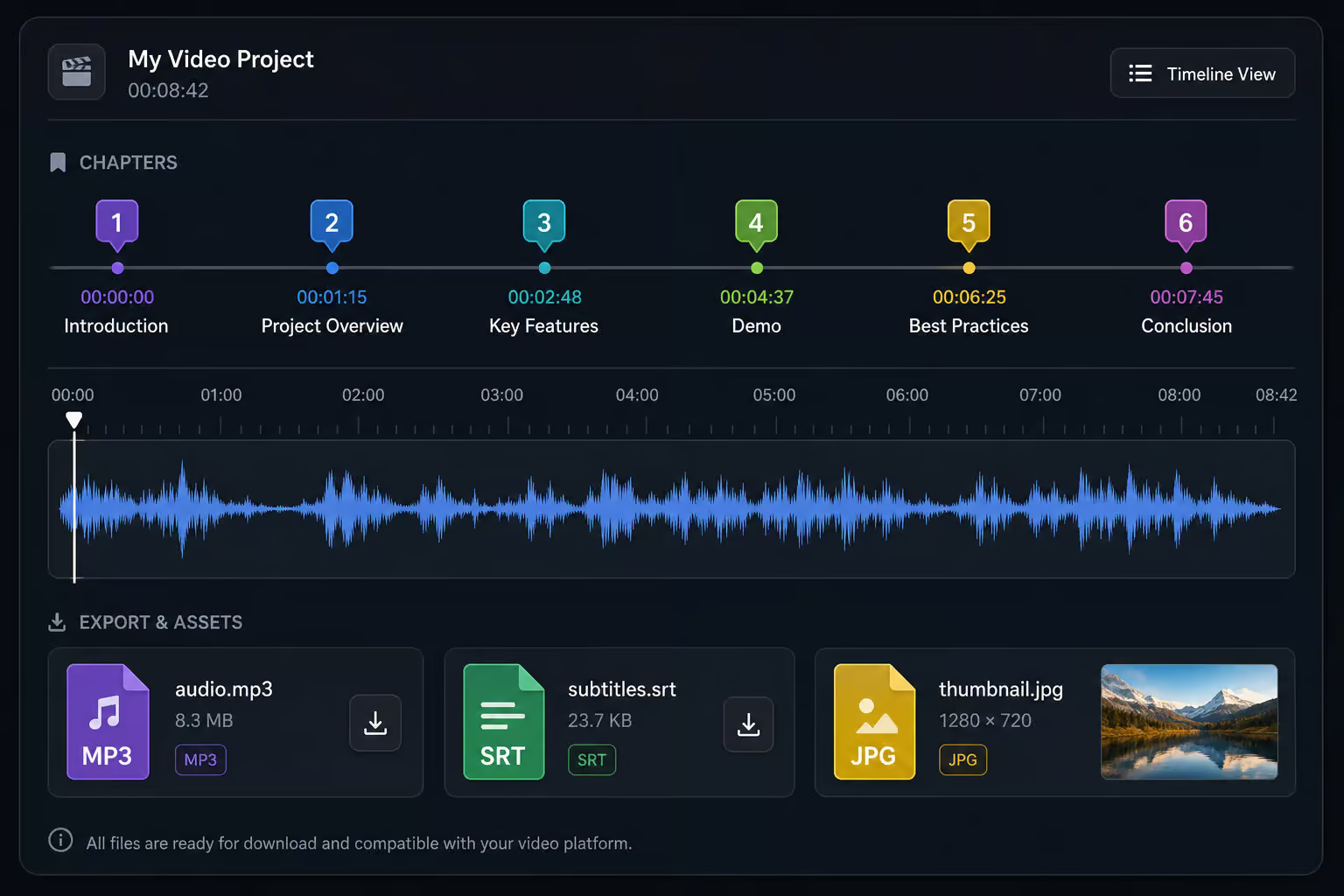
--download-sections "*10:15-inf" downloads from 10:15 to the end. --split-chapters splits a video into separate files by internal chapter markers. Useful for long members?only streams or educational content where you want specific segments.
Audio only:
-x --audio-format mp3 converts the video to MP3 (requires ffmpeg). Also supports aac, flac, opus, wav, etc.
Subtitles and thumbnails:
– --write-subs / --write-auto-subs — download subtitle files, including YouTube’s auto?generated captions.
--write-thumbnail— saves the video thumbnail.--embed-metadata,--embed-thumbnail,--embed-chapters— keep all metadata right inside the local file.
--embed-metadata bakes title, uploader, description, and chapter info into the file, making browsing a local media library better.
Troubleshooting: When downloads fail
Most errors with private videos are authentication-related. Here’s the checklist:
- “Private video” or “Sign in” error ? stale cookies. Re?run
--cookies-from-browserwith a freshly logged?in browser session. - Use
--verboseto see what dependencies yt?dlp detected and where the request fails. The first lines show which runtime and ffmpeg are available. --simulatelets you test authentication and format listing without writing anything to disk. Perfect for debugging.--ignore-no-formats-error— sometimes metadata is accessible but formats aren’t. This lets you extract titles and descriptions even if the video can’t be saved.- Update yt?dlp first. Before any deep troubleshooting, run
--update-to nightly. YouTube changes its extraction logic often, and an old version is a common failure. - Security warning: Never use
--compat-options allow-unsafe-extorallow-unsafe-exec-expansion. These are flagged by a specific security advisory (GHSA?79w7?vh3h?8g4j) — they can enable remote code execution. The README warns about them, and for good reason.
Update channels: Keeping yt?dlp current
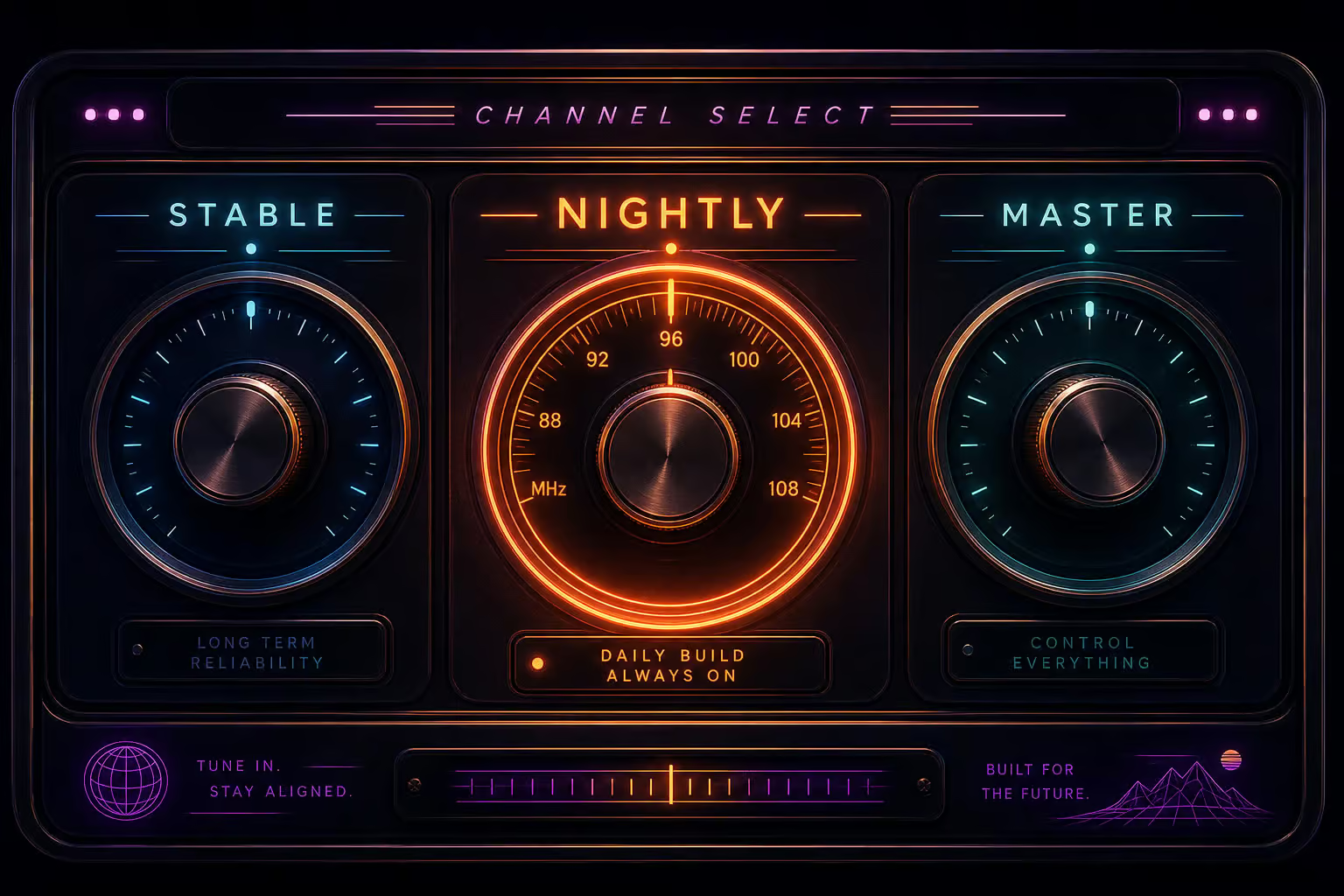
yt?dlp has three release channels, each serving a different risk budget:
- stable — monthly releases. Per the README: “stale and prone to external breakage.” I don’t recommend it for anyone actively downloading YouTube videos.
- nightly — built whenever code changes, before midnight UTC. This is the recommended channel for regular use. You get fixes within hours.
- master — built after every push. Canary territory, you get the latest, but expect occasional bugs.
Update commands:
yt-dlp -U              # update within current channel
yt-dlp --update-to nightly  # switch to nightly
yt-dlp --update-to stable@2023.07.06  # pin to a specific tag
If your installation is older than 90 days, yt?dlp prints a warning. You can suppress it with --no-update, but update — it’s a one?liner.
Why open?source is safer than closed downloaders
You’re about to hand this tool your YouTube credentials. Why trust yt?dlp over a random GUI downloader found on some forum?
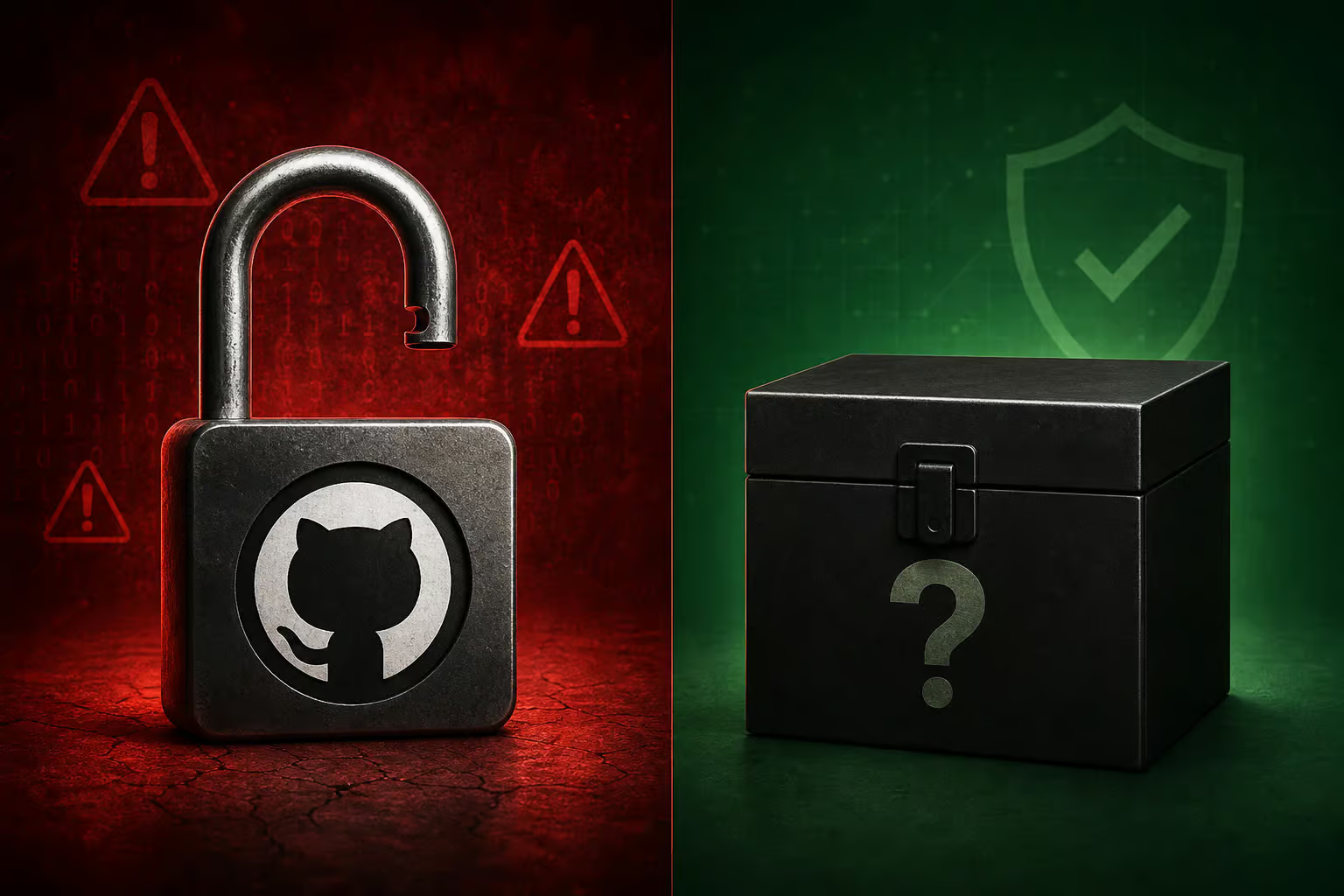
The source code is public (Unlicense; the PyInstaller binaries include GPLv3+ code). Anyone can read, compile, and verify the binaries. The project publishes GPG signatures for every release:
curl -L https://github.com/yt-dlp/yt-dlp/raw/master/public.key | gpg --import
gpg --verify SHA2-256SUMS.sig SHA2-256SUMS
gpg --verify SHA2-512SUMS.sig SHA2-512SUMS
Closed?source downloaders are a black box — you can’t know what they do with your cookies, your IP, or your downloaded files. Malware injection, credential theft, or phoning home with your account data is impossible to detect.
When a project has an active community, documented third?party licenses, and published security advisories (like the GHSA for the unsafe compat options), it’s a level of transparency you won’t find in “one click YouTube downloader” apps.
Putting it all together
Here’s the workflow for downloading a private YouTube video you have legitimate access to:
- Install yt?dlp (binary or pip) plus ffmpeg/ffprobe and a JavaScript runtime (deno).
- Authenticate using
--cookies-from-browser chrome(or your browser of choice). - Inspect formats with
-F. - Download with
-f best --embed-metadata. - If something fails, run
--verbose, check for stale cookies, and update to nightly.
A single command that covers common cases:
yt-dlp --cookies-from-browser chrome -f best --embed-metadata <private-video-url>
Only download videos you have permission to access — your own uploads, members?only content you’ve paid for, or videos explicitly shared with you.
For the full documentation — including every flag, every dependency, and the most up?to?date troubleshooting, head to the official yt?dlp README on GitHub.
Frequently Asked Questions
What is yt-dlp and how is it different from youtube-dl?
yt-dlp is a feature-rich command-line audio/video downloader that works with thousands of sites. It’s the active fork of youtube-dl based on youtube-dlc, meaning it gets all the new features and fixes that the original project has stopped receiving.
How do I download a private YouTube video with yt-dlp?
First authenticate using –cookies-from-browser to load your logged-in browser session — no passwords needed. Then run yt-dlp with the video URL. If you get a ‘Private video’ error, your cookies are probably stale; refresh your browser login and try again.
Which yt-dlp release channel should I use — stable, nightly, or master?
Use nightly for regular use. The README itself admits stable is ‘stale and prone to external breakage,’ so it’s not recommended for active downloading. Master is canary territory with the latest code but occasional bugs.
How does –cookies-from-browser work and which browsers are supported?
It reaches into your browser’s cookie store and extracts the session that’s already logged into YouTube — no typing passwords or solving CAPTCHAs. Supported browsers include Brave, Chrome, Edge, Firefox, Safari, Vivaldi, and even Whale.
Why is yt-dlp safer to use than a closed-source YouTube downloader?
The source code is public and anyone can read, compile, and verify the binaries. Closed-source downloaders are a black box — you can’t know if they’re stealing your cookies, injecting malware, or phoning home with your account data.
