
So you’ve got a private YouTube video you’re legitimately allowed to watch — maybe it’s your own draft, a team review, or a family clip, and you hit that download button expecting it to work. Instead, every free tool you try returns an error, and the ones that promise to handle private content magically ask for a login they can’t verify.
Private YouTube videos are tied to specific accounts. They’re invite-only. If your downloader can’t prove it’s you — the same logged-in user who has access, it will bounce every time. That’s why cookie authentication is the critical step.
I’ve spent too long debugging this flow with the youtube-dl-gui tutorial (maintained by Jelle Glebbeek, last edited February 2026, 629 forks on GitHub) and can walk you through the methods that work — and the ones that waste your time.
Key Takeaways
Private videos require cookie authentication: you must export your browser’s logged-in session as a cookies.txt file and feed it to a tool like yt-dlp or youtube-dl-gui.
Most online tools (including PasteDownload) explicitly state they can only access publicly available content; they cannot handle login-walled private videos.
The only fully legitimate download method is via YouTube Studio if you own the video — everything else requires the uploader’s permission or a fallback like screen recording.
Table of Contents
The authentication barrier: why most tools fail
Let’s get the root cause out of the way. A private YouTube video doesn’t appear on the channel page, and even the direct link is useless unless you’re logged into the account that was granted access. Standard downloaders — the ones that work for public or unlisted videos, never attempt to authenticate. They just send a generic request and get a 403 or a redirect.
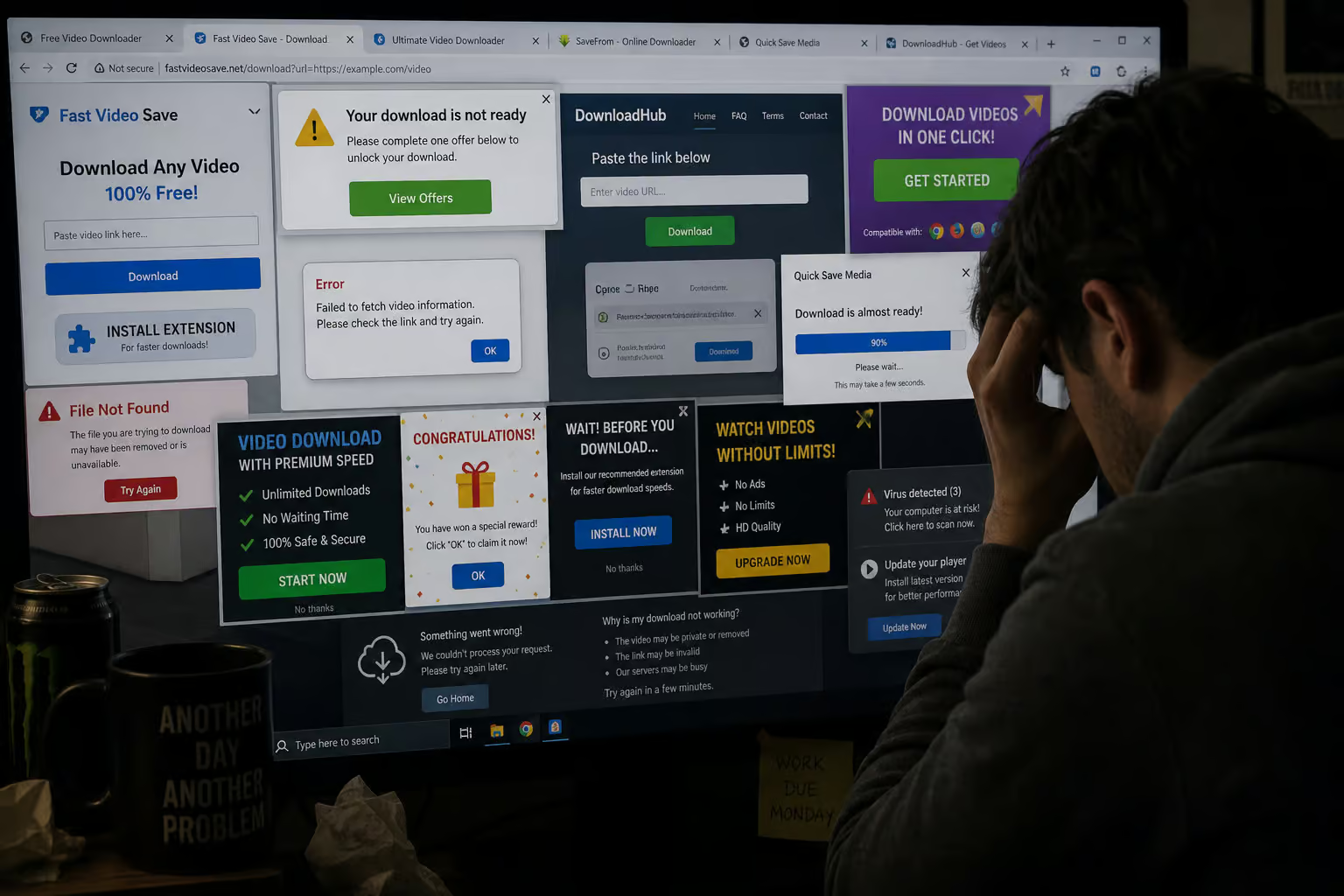
Take PasteDownload as an honest example. Their FAQ flatly states: We can only access content that is publicly available. Private accounts, password-protected content, or media behind login walls cannot be downloaded. Most tools won’t tell you that until you’ve wasted minutes pasting URLs.
To download a private video you’re authorized to see, your downloader needs to borrow your login session. That means exporting cookies from your browser and handing them over.
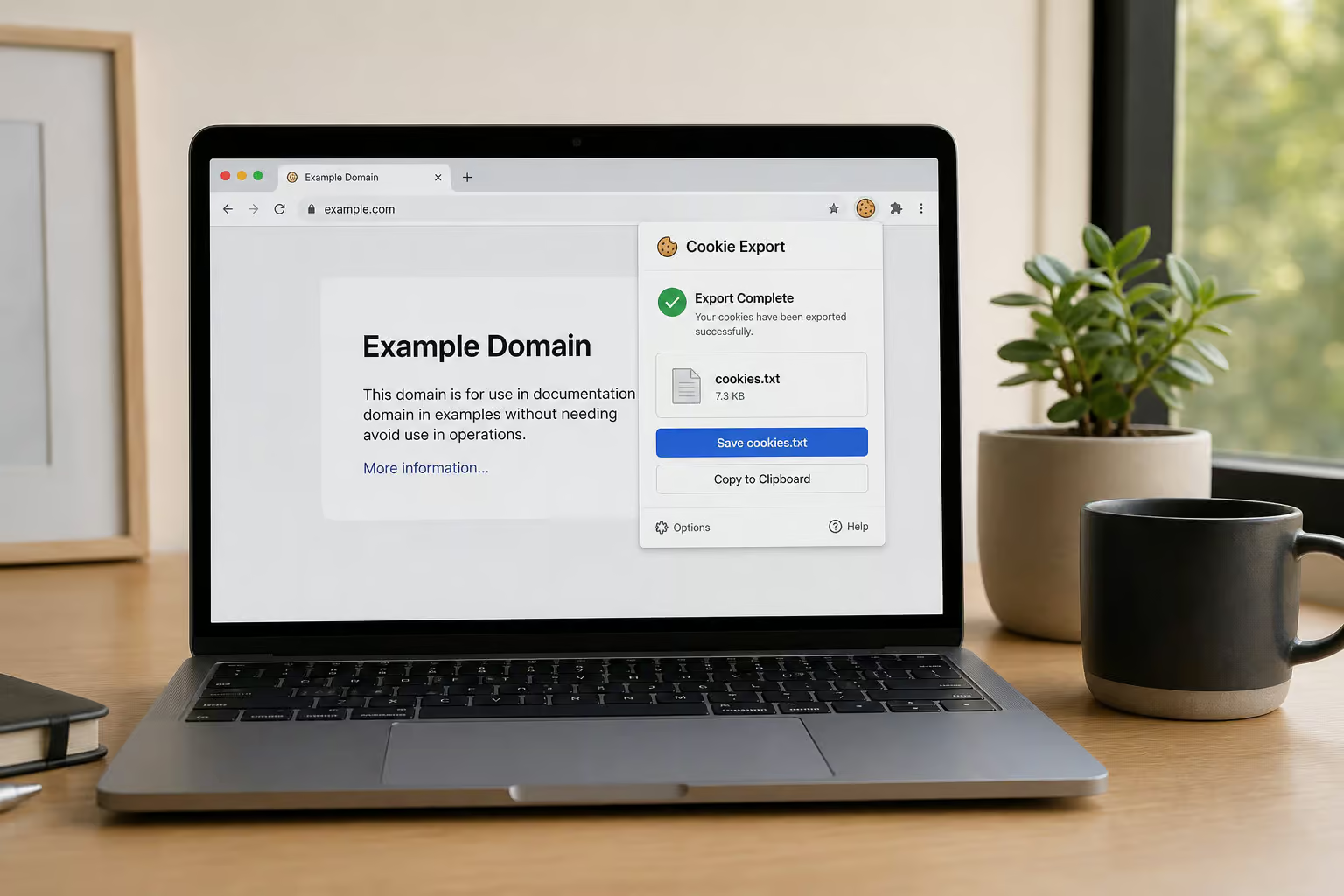
Method 1: The cookie-authenticated approach (yt-dlp & youtube-dl-gui)
This is the reliable workflow I’ve tested, and it’s the one the youtube-dl-gui tutorial was built for. You’re basically handing the downloader a digital hall pass — your browser’s cookies, so it can prove to YouTube that you’re allowed in.
Extracting cookies from your browser
First, you need a browser extension that can export cookies as a plain text file. Head to the Chrome Web Store or Firefox Addon Store and grab a cookie-export extension (there are several; any with decent ratings works). Log into YouTube in that browser, navigate to any page, then use the extension to export your cookies as cookies.txt. That file contains your session token for YouTube.
Setting up authentication in youtube-dl-gui or yt-dlp
If you prefer a graphical interface, open youtube-dl-gui and look for the key icon — that’s the authentication settings button. Click it, then ‘Click to select cookies.txt’, point it at the file you just exported, and hit Ok. That’s it, the GUI now uses your session.
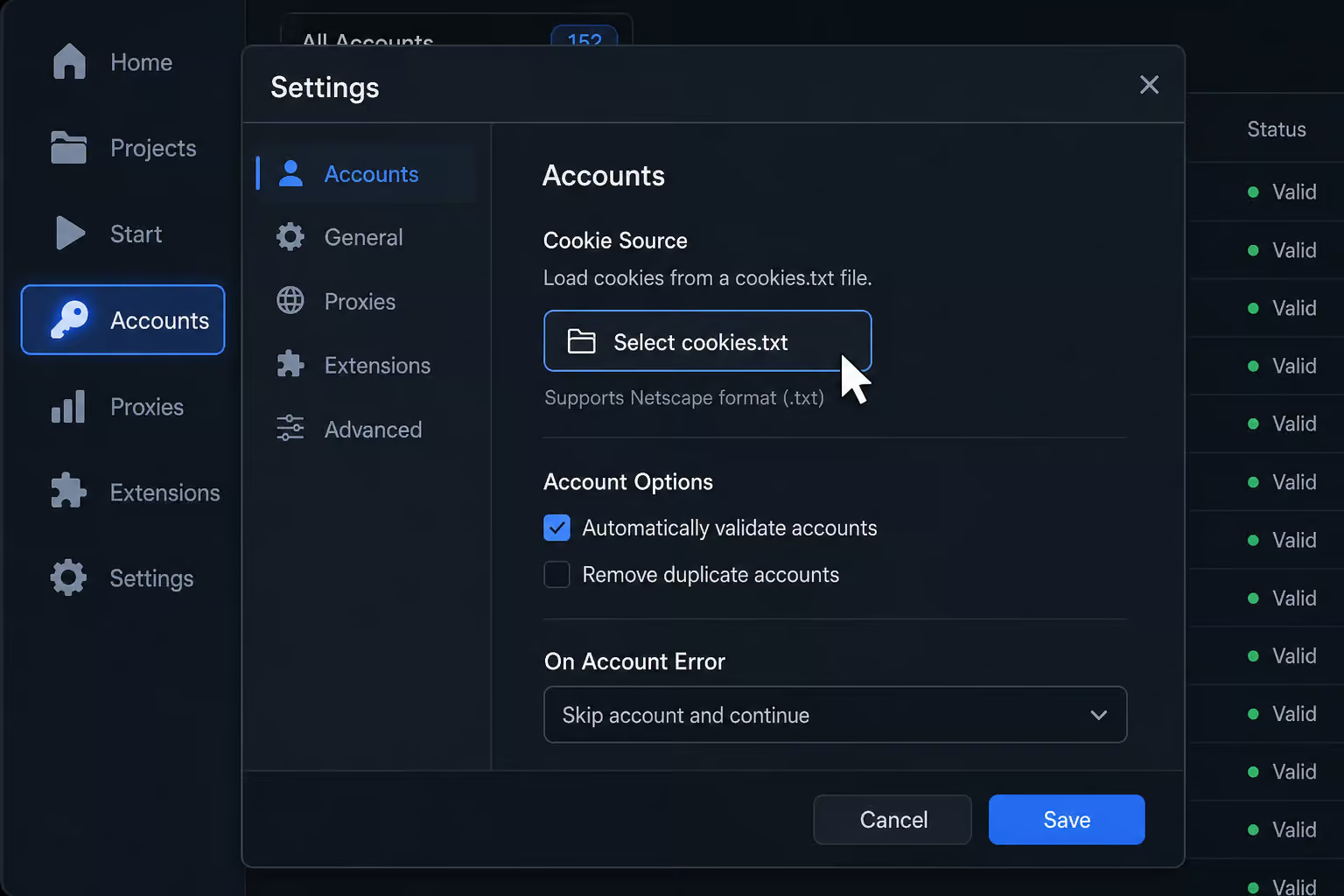
To remove cookies later, just open the same window and press ‘Remove cookies’.
For command-line enthusiasts, yt-dlp is the open-source powerhouse. Install it from GitHub, open your terminal, and run:
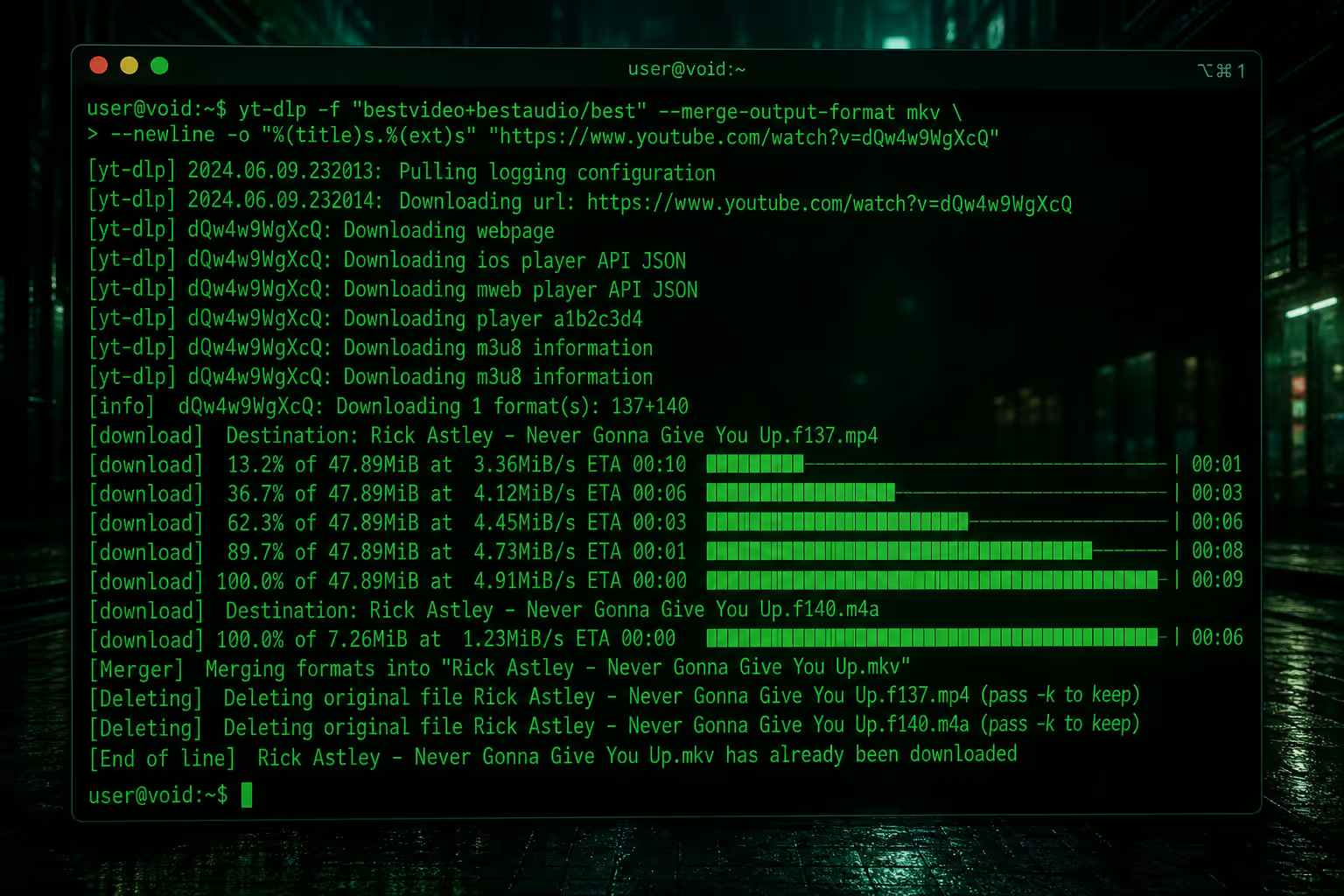
yt-dlp --cookies-from-browser chrome "PRIVATE_VIDEO_URL"
Replace chrome with firefox if that’s your browser, and plug in the actual URL. The tool pulls your cookies automatically and downloads the video. It’s tiny wizardry.
Test it with a video that requires login. If the cookies are set correctly, the download should start right away. This method works for YouTube and other services that rely on cookie-based authentication.
Method 2: Firefox’s built-in network developer tool
If you’re already on Firefox and don’t want to install any extra extensions, you’ve got a gem. Firefox’s developer tools can capture the direct video stream URL while you’re watching the video.
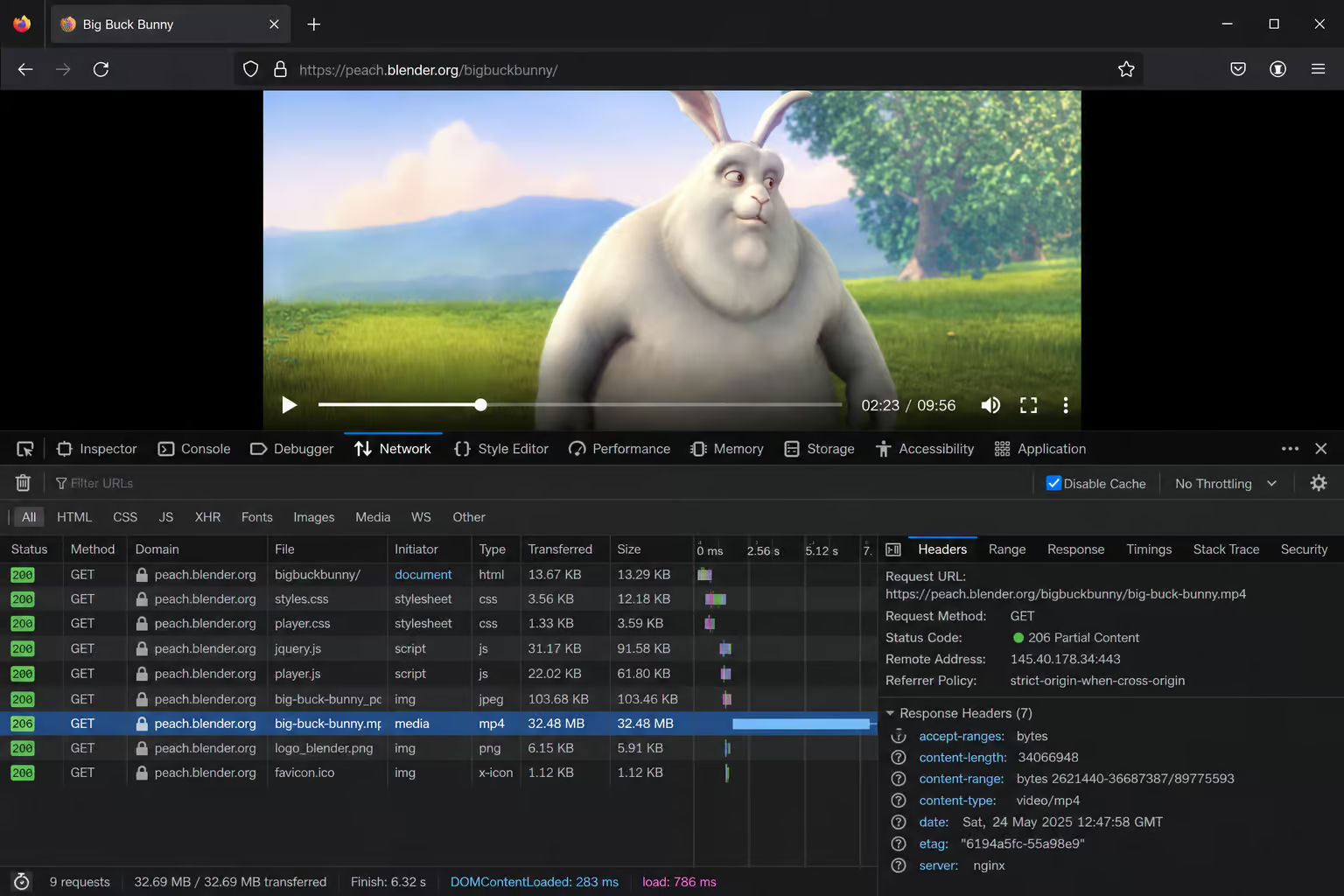
Steps: open the video (make sure you’re logged in), hit F12 to open Developer Tools, go to the Network tab, and play the video. You’ll see a stream of requests. Look for one with a .mp4 or similar video-type response — that’s the actual video file. Right-click it, open in a new tab, and then save the video using your browser’s standard save dialog.
No additional tools, no cookie exporting.
Method 3: RealPlayer 25 (commercial software)
If command lines aren’t your thing and you’d rather just click buttons, RealPlayer 25 is a desktop app that handles authentication internally. You sign into your YouTube account directly within the player, and it can download videos from your Watch Later, Liked, and Private lists.
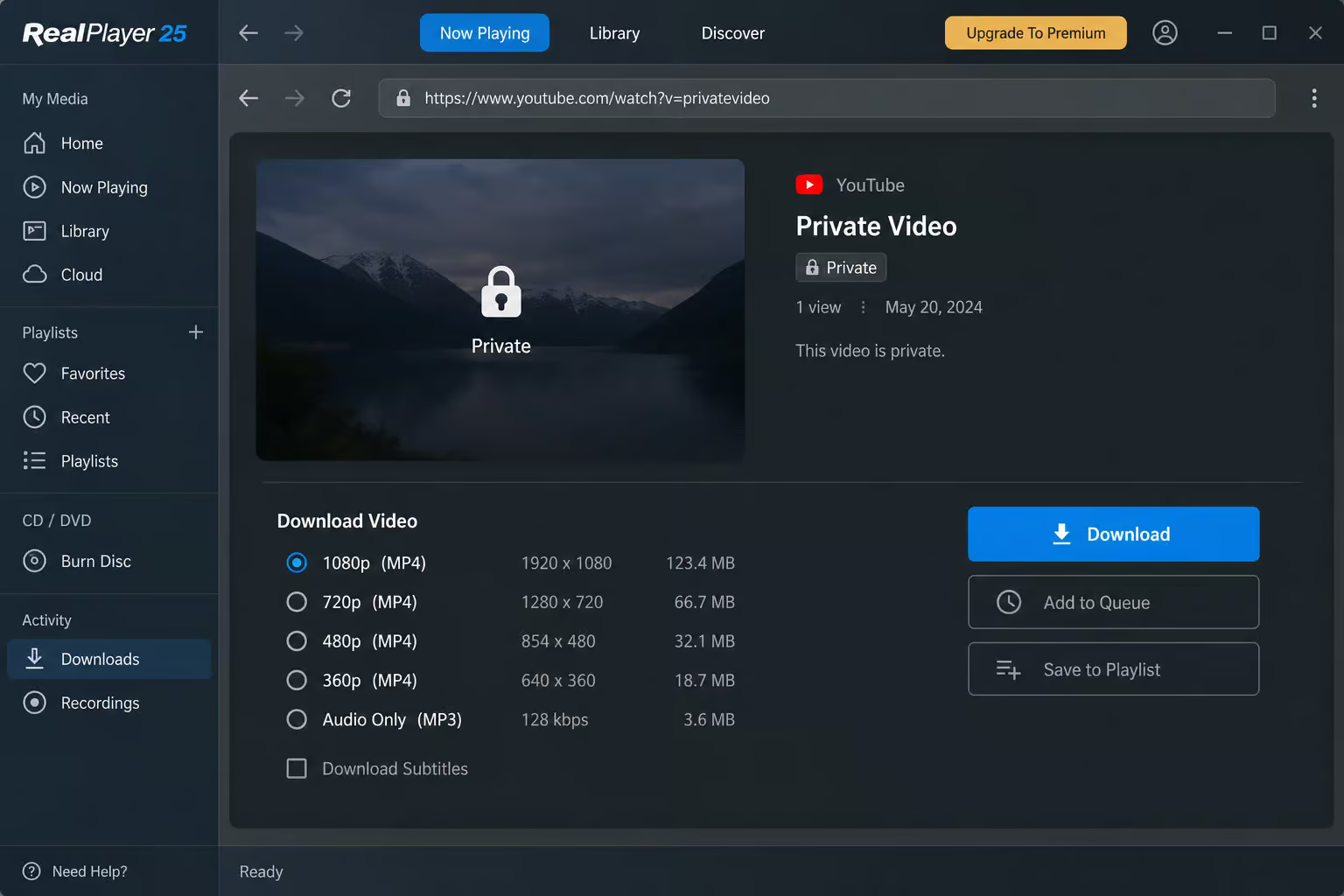
The flow: open RealPlayer 25, go to the Downloader section, sign in with your YouTube credentials, select the private video, pick your preferred resolution and format, and hit Download. No cookie exporting, no terminal—only the legitimate method to download private YouTube videos with access.
It’s a paid product, but it’s a one-stop shop for users who don’t mind spending a little for convenience.
Method 4: Screen recording (the fallback)
When everything else fails — maybe the tool isn’t compatible, or you’re on a platform where cookie extraction is a hassle, screen recording is the option. If you can view the video, you can capture it.
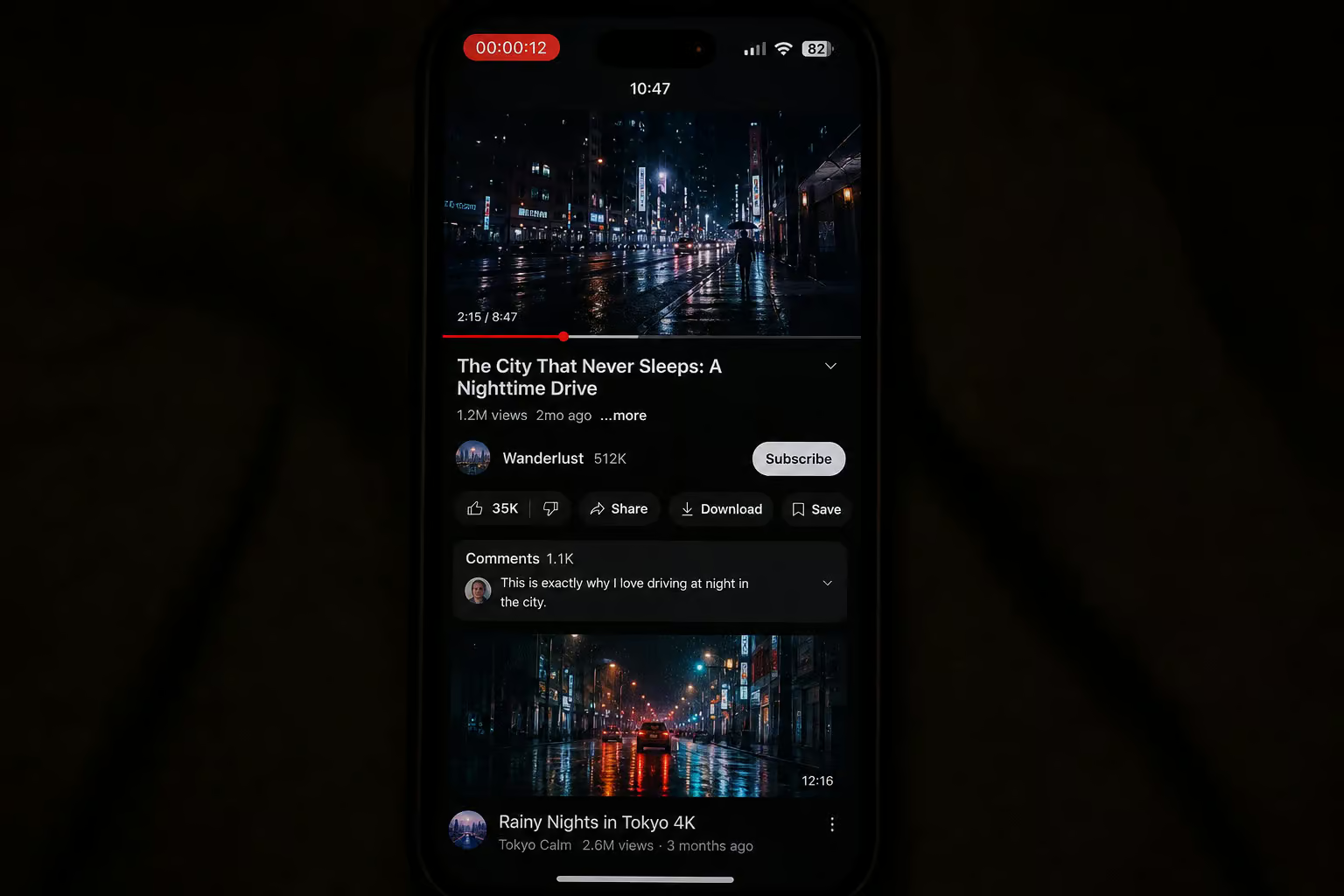
The catch: quality takes a hit (you’re recording at your screen resolution), you have to watch the whole thing in real time, and sharing the recording without permission violates YouTube’s terms. Keep it for personal use only.

Why most “private video downloader” tools fail
A lot of tools claim they can download private videos, but the fine print tells a different story.
Free online tools (PasteDownload, etc.)
As noted, PasteDownload is upfront about its limitation, but many others aren’t. Free online tools typically work by pasting a URL — they can’t authenticate, so they only handle public or unlisted content. Many also fail on videos longer than two hours and are cluttered with ads.
Chrome extensions (Addoncrop + Foxified)
Chrome’s policies make it difficult for video-downloader extensions to stay in the store — they’re often removed. One workaround is Addoncrop, but it requires Foxified (an extension that lets Chrome run Firefox-compatible add-ons) to function. It’s a Rube Goldberg machine: visit Addoncrop’s site, add it to Chrome, which triggers Foxified installation, grant permissions, and then you can download.
Can VLC Media Player download private videos?
You may have seen guides claiming VLC can download private YouTube videos. The source material I worked with had a documented conflict on this point. After cross-referencing, the resolved position is that VLC can only download unlisted or public videos via its network stream feature — not truly private ones that require authentication.
Legal and ethical considerations
Here’s the line, and it’s simple:
- If you own the video: you can download it directly from YouTube Studio. That’s the only legitimate method.
- If someone else uploaded it: you need explicit permission. Downloading without consent is a copyright violation.
- If you have viewing access (shared link, invited account) and use one of the methods above for offline personal use, you’re in a gray area — you may be violating YouTube’s terms of service, but you’re not violating copyright if you don’t redistribute.
- YouTube Premium offers a legal offline download option for videos you’re authorized to watch.
General YouTube downloaders (for public/unlisted only)
These tools are great for public or unlisted content, but none of them can handle private videos. I’m including them so you know what’s out there and don’t waste time testing them on private links.
- Crayo AI – A free clip creator tool for making short videos, not a downloader. No account required.
- SaveFrom.net – Browser extension offering various resolutions and MP3 conversion. Works for public content only. Ads on the site.
- YTD Video Downloader – Desktop app with batch download and built-in converter. Free version is slow and ad-supported.
- VideoProc – Full video processing suite with downloader. Unlimited free downloads but no free plan — it’s paid software.
- SSYouTube – Free online downloader, paste URL, no install. Limited to public content, ads.
- iTubeGo – Multi-format downloader, fast, audio extraction. Paid only, no free version.
- Y2Mate – Online tool that handles playlists and single videos, no registration. Distracting ads.
- TubeMate – Android app, multiple resolutions, not on Play Store — you’ll need to sideload it. Public/unlisted only.
Which method should you actually use?
Here’s a quick decision framework based on your situation:
- You own the video: download from YouTube Studio — simplest, no tricks.
- You have access and want the most reliable method: use yt-dlp or youtube-dl-gui with cookie extraction. Best quality, works if cookies are fresh.
- You want a GUI without the terminal: try RealPlayer 25 (paid) or youtube-dl-gui with the cookie export.
- You don’t want to install anything: Firefox dev tools are your friend.
- Nothing else works: screen record, but accept the quality loss and real-time requirement.
- You’re on Android: the “download private video from youtube android” guide (linked) covers Modified YouTube clients or using yt-dlp via ADB.
And double-check that you have permission. Respect copyright, and you’ll be fine.
Frequently Asked Questions
Why can’t I download a private YouTube video with a normal downloader?
Normal downloaders send a generic request that doesn’t include your login session, so YouTube treats you as an unauthenticated user and blocks the request with a 403 error. Private videos are tied to specific accounts, so the tool needs to prove it’s you by borrowing your browser’s cookies.
Is it legal to download a private YouTube video that someone shared with me?
It’s a gray area. If you have viewing access via an invite or shared link and you download for personal offline use without redistributing, you’re likely violating YouTube’s terms of service but not copyright law. If you don’t own the video, you need explicit permission from the uploader — downloading without consent is a copyright violation.
What’s the difference between downloading a private video and an unlisted video?
Unlisted videos don’t appear in search or on the channel page, but anyone with the link can view them without logging in — so standard downloaders work fine. Private videos require the viewer to be logged into a specific account that was granted access, which means the downloader must authenticate using your browser cookies or a direct login.
