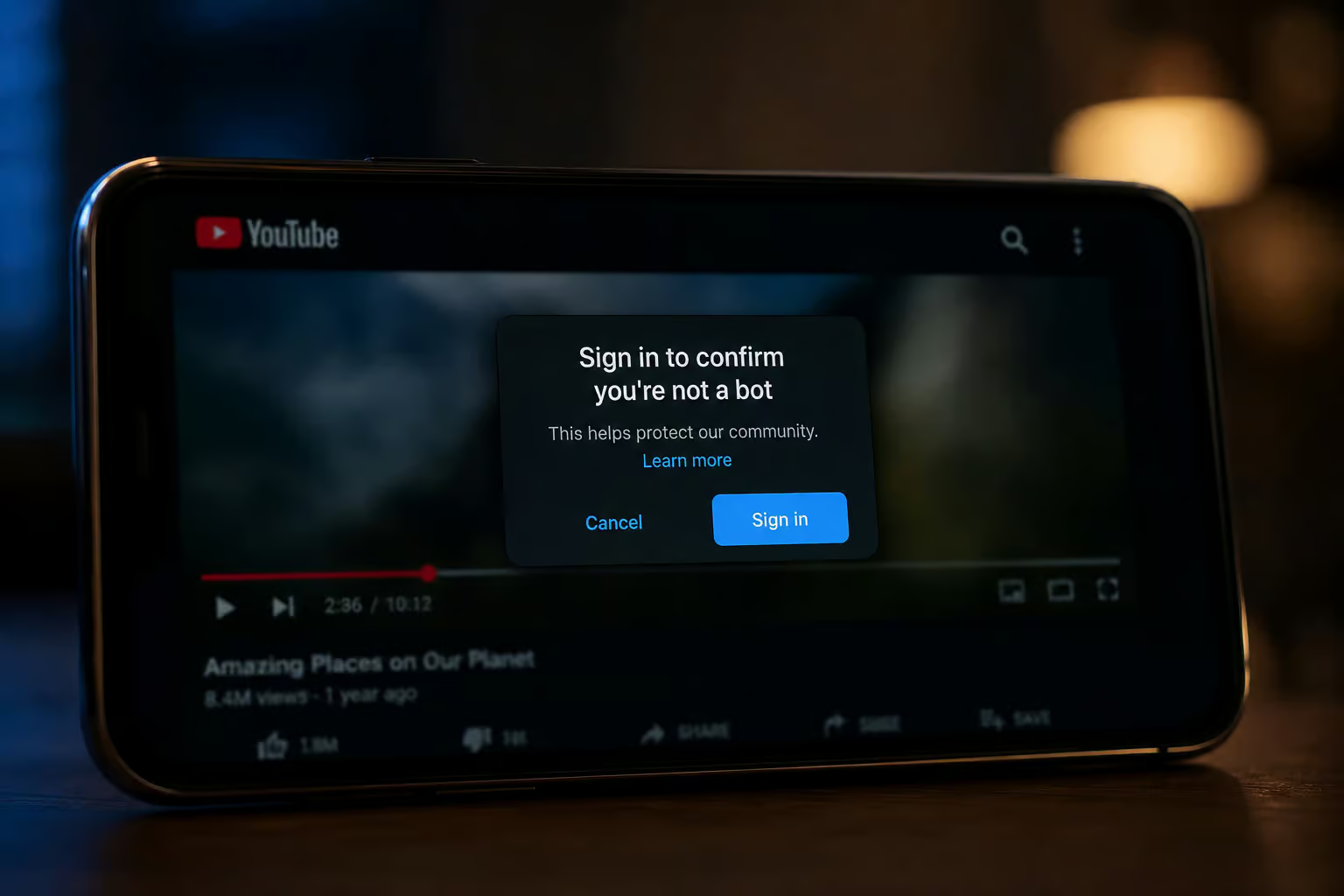
You paste a private YouTube URL into your usual downloader. You hit go. And then — nothing. Or worse, an error that asks you to sign in to prove you’re not a bot.
The video exists. You have access to it in your browser. But your tool can’t see past the gate.
I ran into this exact wall the week before writing this. And after digging through logs, forum threads, and app bugs, I found that the barrier isn’t DRM — it’s authentication. YouTube doesn’t encrypt private videos with Widevine like Netflix does. Instead, it signs every stream URL to your IP and a session timestamp that expires in aboutbout two of hours. If your downloader can’t prove it’s you, it gets blocked.
The good news: you can download private videos on your Android phone — no desktop required. The bad news: none of the install-and-tap apps do it alone. Here’s what I found, step by step.
Key Takeaways
The main obstacle to downloading private YouTube videos isn’t DRM — it’s authentication. YouTube cryptographically signs every stream URL to your IP and a session timestamp that expires in about two hours, and third?party tools need your login cookies to bypass the sign-in gate that asks you to confirm you’re not a bot.
NewPipe version 0.25.0 has a confirmed bug that throttles downloads to ~100 kB/s (instead of multiple MB/s), but the fix is already in yt-dlp commit 5038f6d — if you use yt-dlp directly (via Termux) or a wrapper like Seal, you can work around the bug today.
The most reliable method on Android is yt-dlp run through Termux with an exported cookie file from your logged?in browser (Kiwi Browser + “Get cookies.txt LOCALLY” extension does the job), but your account may get rate?limited after repeated use — the cat?and?mouse game with YouTube never stops.
Table of Contents
Why Private YouTube Videos Are Hard to Download
When I first tried to grab a private (unlisted or members?only) video, I assumed DRM was the problem. YouTube could use Widevine — the same hardware?level encryption that Netflix and Disney+ use, but it doesn’t. Probably because Widevine would break too many edge cases, like embedded players or older devices. Instead, Google takes a different approach: it cryptographically signs every video and audio source URL to your IP address and a timestamp.
That link works for about two hours, then expires. Refresh the page, and you get a fresh set of signed links.
This is why direct?link grabbers fail. The URL is worthless without your current session. And YouTube’s bot detection has gotten sharper. Run a standard yt-dlp command against a private video and you’ll see:
Authentication required: provide cookies via --cookies-from-browser or --cookies to proceed.
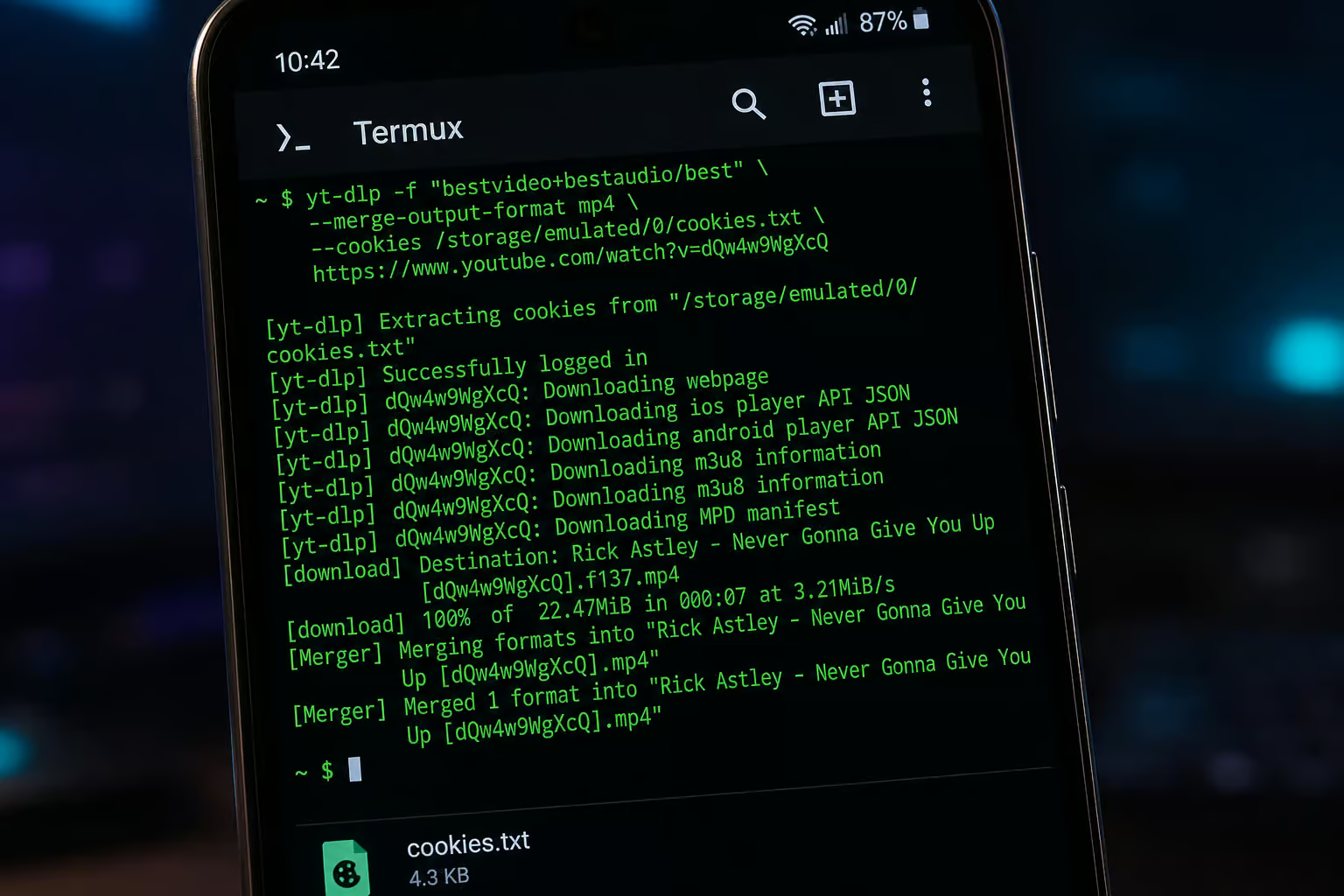
That’s not a DRM lock — it’s an authentication gate. The video isn’t encrypted; it’s just locked behind the requirement that the downloader proves it’s you. The fix is simple in theory: give yt-dlp your YouTube cookies. Easier said than done on a phone, but doable.
Why You Might Want to Download Private Videos (and the Risks)
I keep a YouTube playlist of saved videos — tutorials, rare interviews, creator exclusives. Over time, I’ve watched that playlist shrink as videos get removed or bumped to private without notice. Creators can revoke access at any time. If you care about a video, the only ownership is a local copy.
Yes, it violates YouTube’s Terms of Service to download any video via third?party tools, even your own uploads. But archivally — keeping a copy for yourself after a creator pulls the public link, sits in a different ethical zone than ripping and re?uploading. I’m not a lawyer. What I can say is that if you choose to do this, use your own account’s cookies and never share the downloaded files.
Step 1: yt-dlp via Termux — The Most Reliable Method
It’s a power?user approach — you’ll be typing commands in a terminal, but the payoff is control.
What you need: Termux (get it from F?Droid, not the Play Store, for the latest version), Python, and yt?dlp.
pkg install python
pip install yt-dlp
How to export YouTube cookies from your Android browser
- Install Kiwi Browser (it supports Chrome extensions) or Firefox Android.
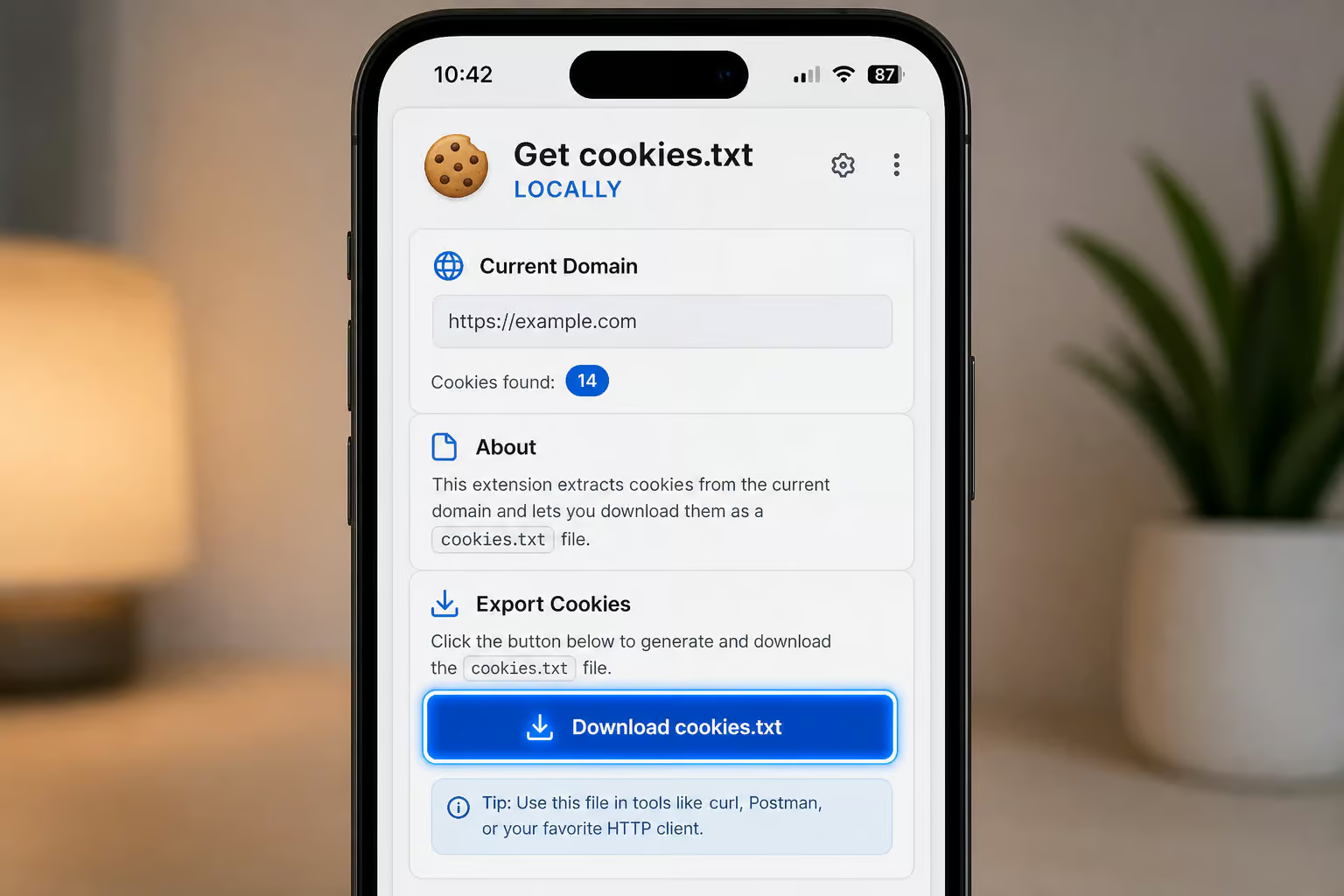
- Add the “Get cookies.txt LOCALLY” extension.
- Log into YouTube in that browser.
- Tap the extension icon and export cookies.txt to your device storage.
- Transfer that file to wherever Termux can find it — I drop it in
~/storage/downloads/.
Now run:
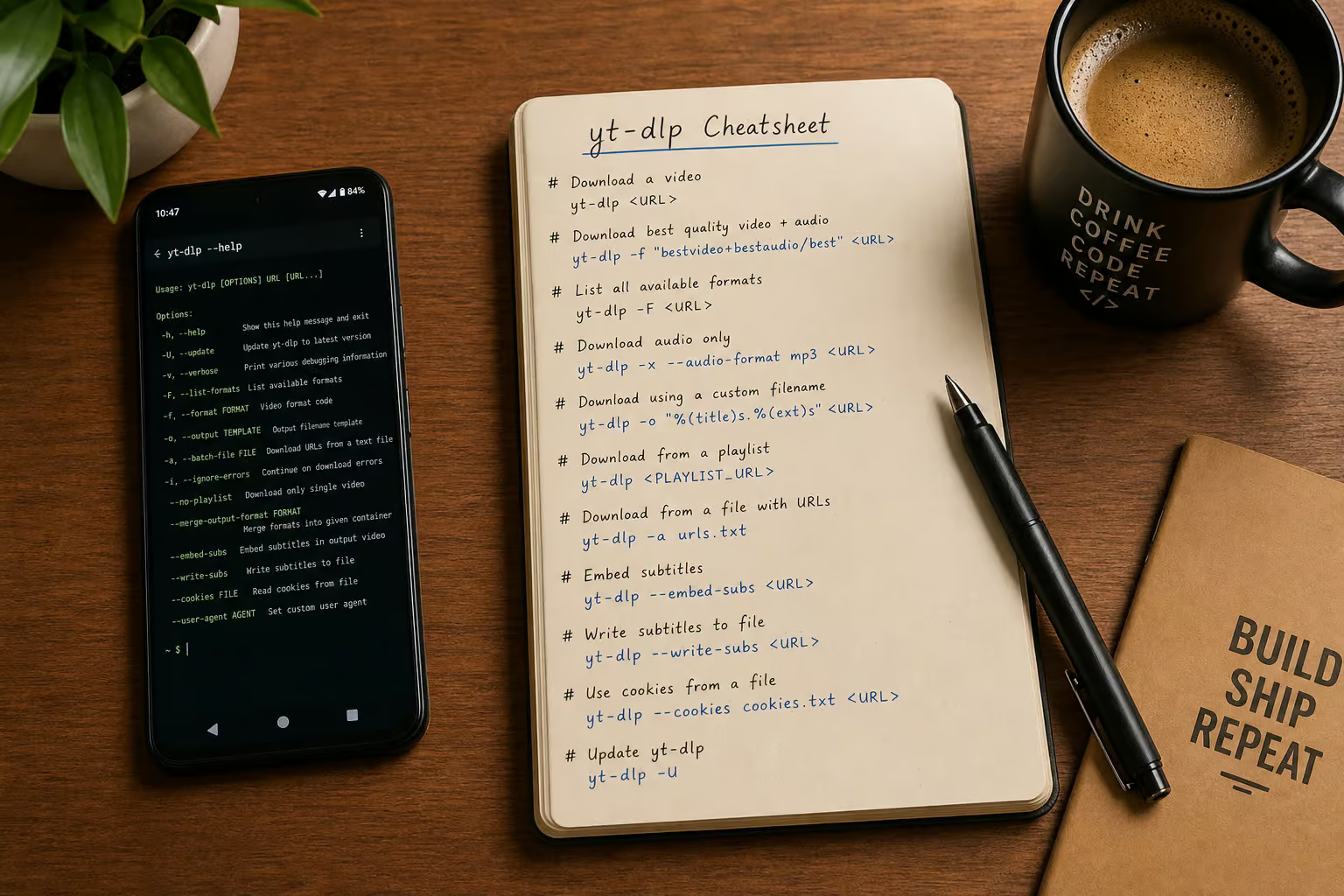
yt-dlp --cookies /path/to/cookies.txt https://youtube.com/watch?v=7FfWz1NRQJQ
Or, if yt?dlp can detect the browser, the simpler:
yt-dlp --cookies-from-browser chrome URL
The download should start at full speed. One caveat: your account may get rate?limited after repeated cookie?based downloads, so you might want to check out the best YouTube video downloader for saving files, but don’t treat it as a permanent solution.
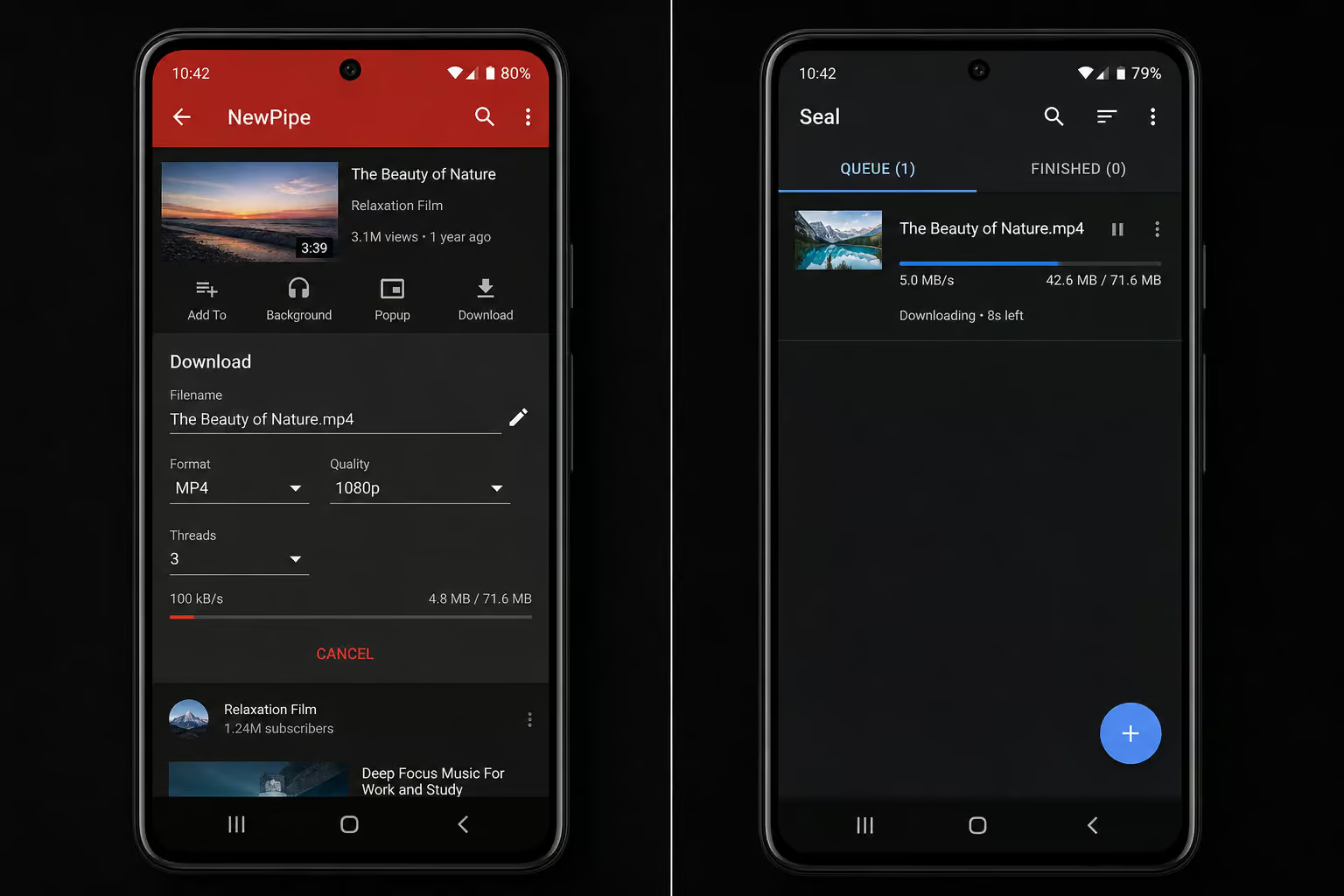
If you run into the slow?download bug that plagues NewPipe 0.25.0 (~100 kB/s, hitting 128kbps m4a audio hardest), know that the fix is in yt?dlp commit 5038f6d. As long as you keep yt?dlp updated, you’re golden.
Step 2: Modified YouTube Clients — NewPipe, Seal, Clipious, and Alternatives
Here’s the landscape for app?based private video downloads.
NewPipe (version 0.25.0) has a confirmed bug where downloads crawl at ~100 kB/s instead of multiple MB/s. It’s caused by a YouTube API change. The fix exists in yt?dlp, but NewPipe hasn’t rolled a new release yet. Also, NewPipe doesn’t natively support cookie injection for private videos.
You can watch them in the app if you’re logged in via another method, but downloads won’t work without authentication. On a Pixel 4a running Android 13, the bug report showed a minimum buffer ahead of 25 seconds before playback resumes, with ExoPlayerLib version 2.12.3, device information from logcat indicating hammerhead, Nexus 5, LGE, API 25, process ID pid 3111, user ID uid/pid 10076/3111, and the ExoPlayer cache directory at /storage/emulated/0/Android/data/org.schabi.newpipe/cache/exoplayer.
Seal is a yt?dlp wrapper for Android. It does support cookie injection, which makes it a better choice for private videos than NewPipe alone. Point it at your cookies.txt and it should work. Seal is also mentioned as a potential working alternative for downloading.
Clipious is another YouTube client that’s been reported to handle downloads, including private ones, making it one option for those looking into how to download private video from youtube. It’s Invidious?based, so it may be more resilient to YouTube’s changes.
LibreTube is privacy?focused and great for ad?free browsing, but its authentication support for private videos is limited — you can’t download private video from youtube online with it.
Grayjay (“Follow Creators, Not Platforms”) aggregates YouTube, Nebula, PeerTube, and Patreon. It’s a newer player; I haven’t tested its private?video download capabilities, but it’s worth a look if you want multi?platform support.
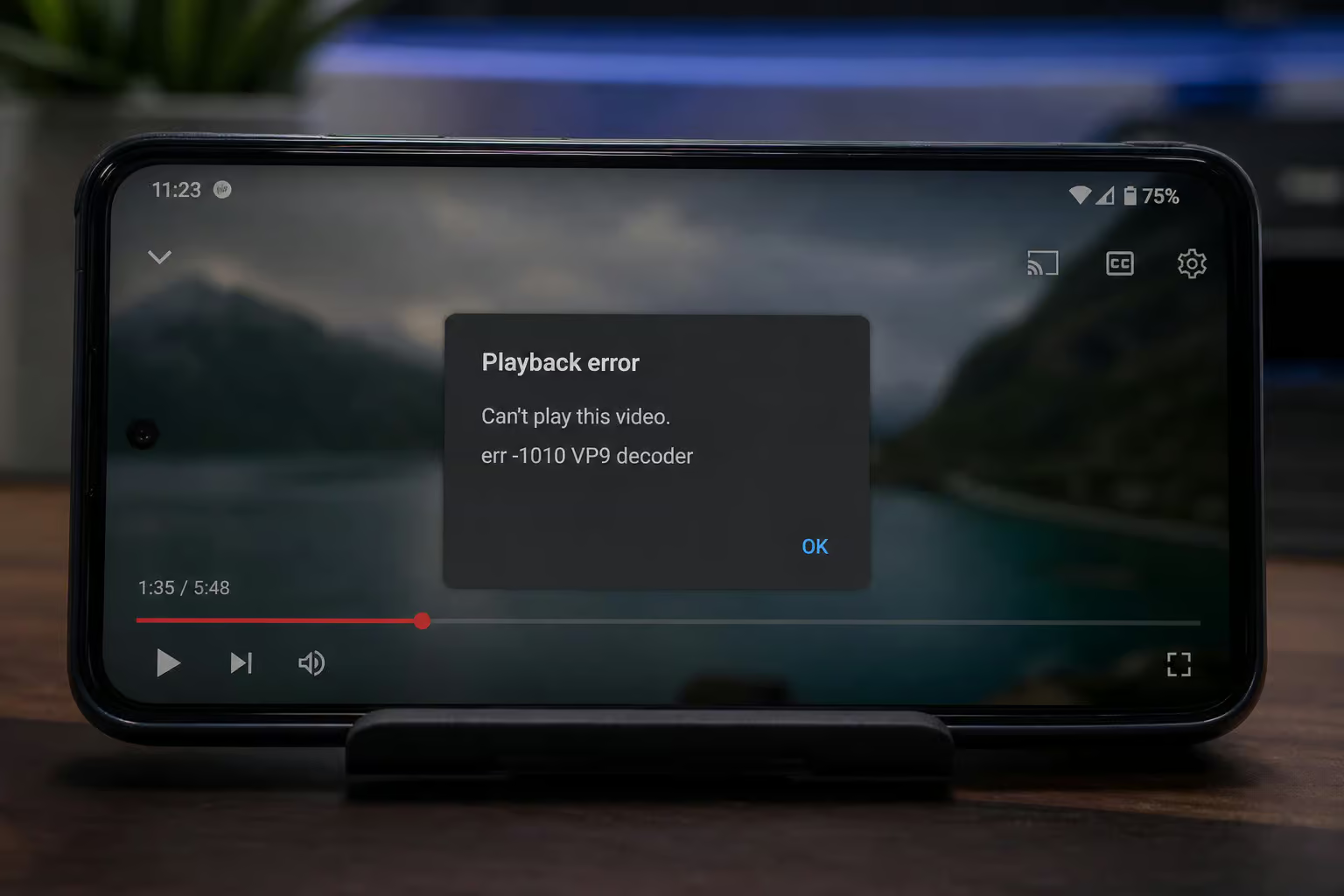
Device?specific gotcha: On older phones, you might hit codec errors — err -1010 (VP9 decoder storeMetaDataInBuffers) or err -2147483648 (AAC decoder config priority). These aren’t downloader bugs; they’re hardware decoder limitations. Try switching to h264 streams or use software decoding if the app supports it.
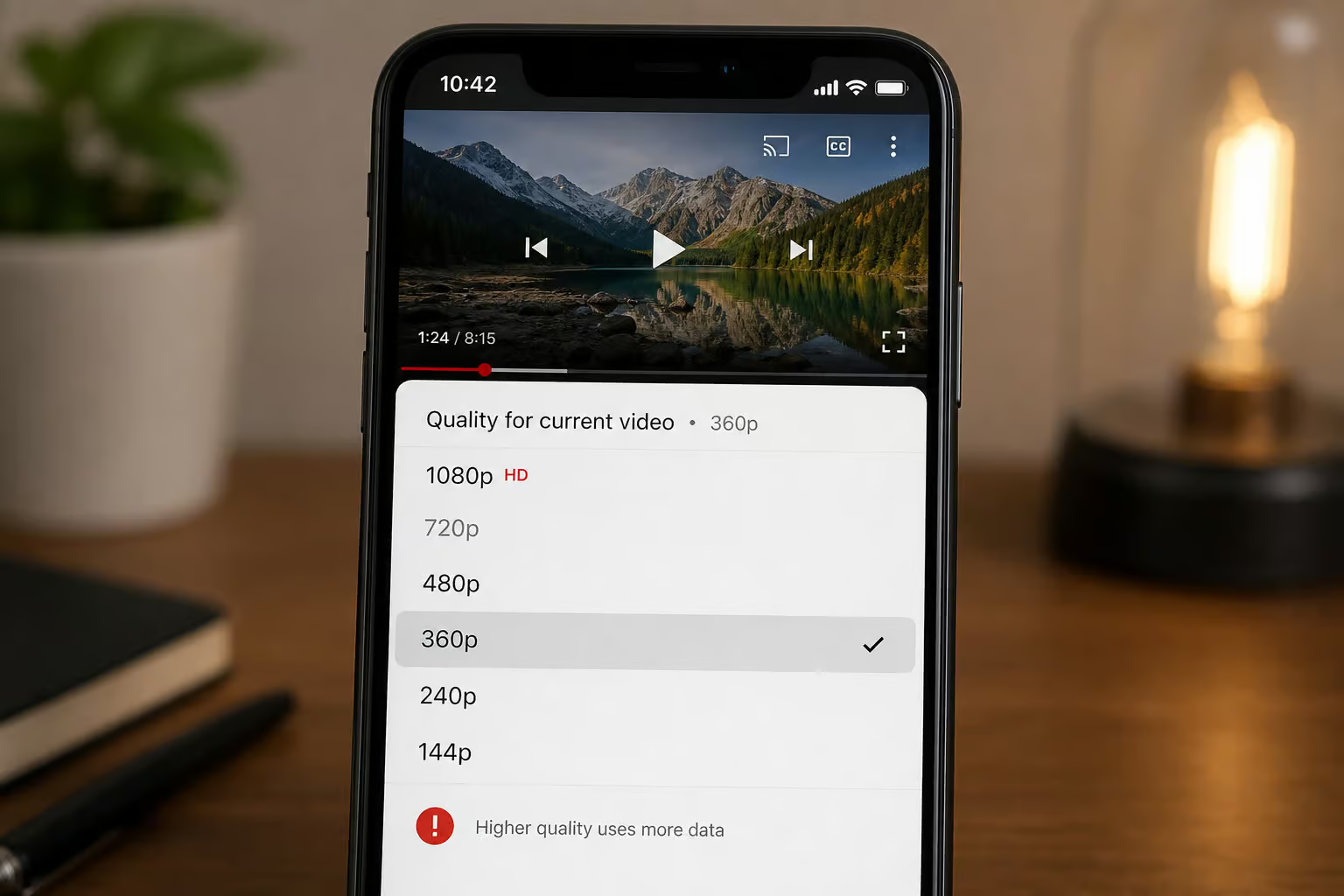
Also note: YouTube killed source 22 (720p h264 with combined audio). Older clients that relied on that format now max out at 360p (source 18). Update your app to get AV1/VP9 support for higher resolutions.
My recommendation: if you want an app, start with Seal. It wraps yt?dlp and gives you authentication power without the terminal.
Step 3: Web Frontends — Invidious and Piped as Proxies
When direct download apps break, web frontends like Invidious and Piped can act as server?side proxies. They handle YouTube’s API changes on their end, so your client doesn’t have to keep up.
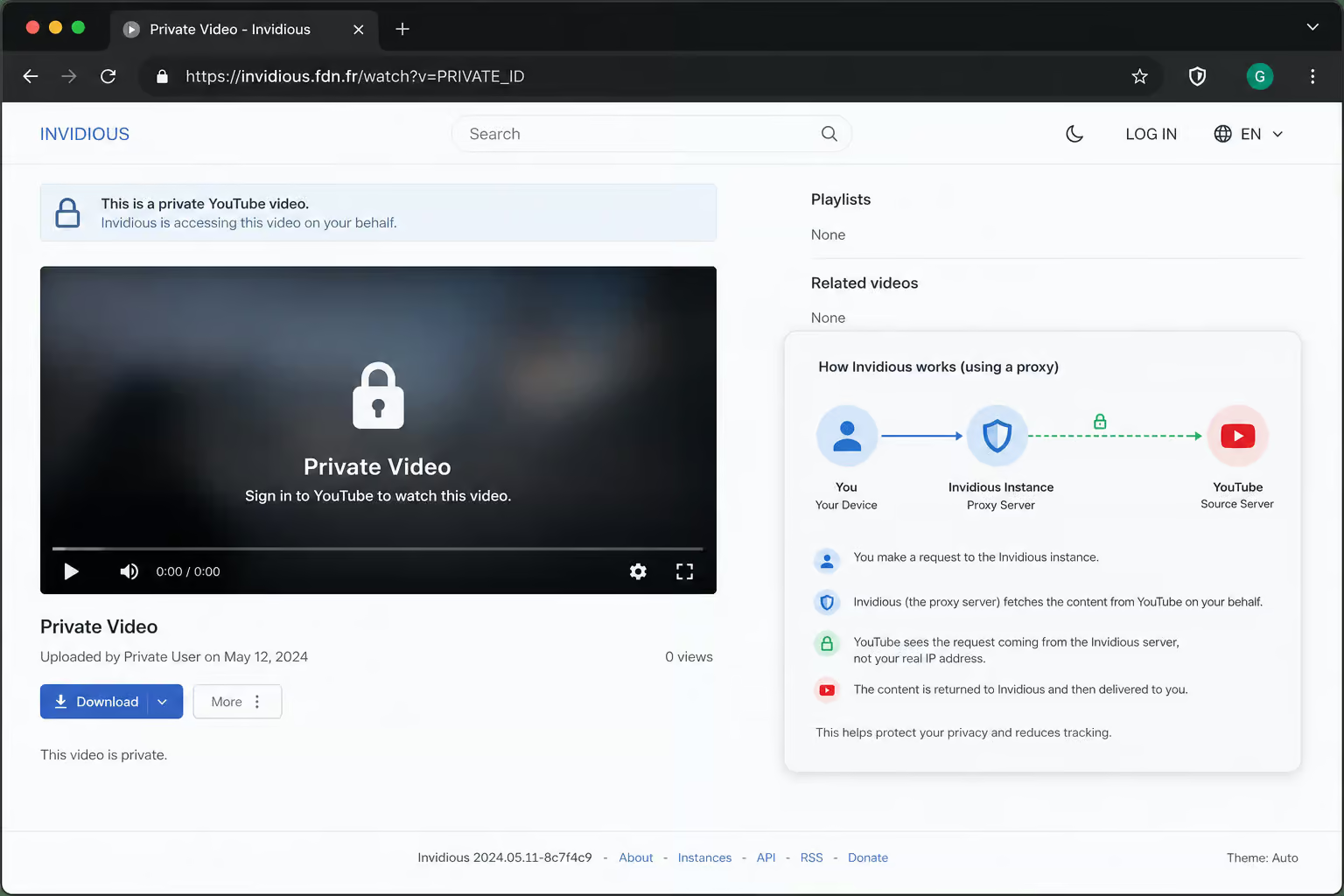
The Invidious team has acknowledged that YouTube’s policy change affects all third?party software. But Invidious has a history of finding workarounds. Both Invidious and Piped come with built?in SponsorBlock and ad blocking — bonuses.
For private videos: these frontends may still require cookies, but the proxy handles some of the authentication dance for you. Access them through your mobile browser — no app install needed for basic browsing. Downloads happen on the server side, so you’ll get a file link or a direct stream.
This is a fallback when yt?dlp or Seal isn’t working.
Troubleshooting Common Errors
Here are the errors I’ve seen and how to fix them.
- Downloads stuck at ~100 kB/s — You’re hitting the NewPipe 0.25.0 bug (or an outdated yt?dlp). Solution: update yt?dlp (commit
5038f6dhas the fix) or switch to Seal which wraps the latest yt?dlp. Clearing NewPipe’s cached metadata and restarting can help if the bug manifests as endless buffering at ~60 KB/s. - If you see a message asking you to authenticate to prove you’re human, this means yt?dlp lacks authentication. Export cookies from a logged?in browser (Kiwi + Get cookies.txt LOCALLY) and use
--cookiesor--cookies-from-browser. Your account may get rate?limited after repeated use. - Codec errors (
err -1010,err -2147483648) — Your device’s hardware decoder can’t handle VP9 or AAC. On older devices (like a Nexus 5), you’ll see these in the logs. Try switching to h264 streams (use-f 18or-f 22if available) or enable software decoding in the app. - Resolution limited to 360p — YouTube killed source 22 (720p h264). Update your client to one that supports AV1 or VP9 for FullHD.
- Endless buffering at 60 KB/s — Close the video, clear cached metadata, restart playback. Restores speed to 1–2 MB/s.
Final Word — Choose the Method That Matches Your Comfort Level
Here’s how I’d rank the options — and a side-by-side comparison of how each tool handles private videos:
- Most reliable: yt?dlp via Termux with exported cookies. Desktop?grade control, terminal required.
- Best app?based: Seal (yt?dlp wrapper with cookie support). Clipious as a backup.
- Not recommended for private videos: NewPipe alone (authentication gap + known bug) and LibreTube (limited auth).
- Fallback: Invidious or Piped as web frontends.
| Tool | Private Video Support | Authentication Method | Known Bugs | Ease of Use |
|---|---|---|---|---|
| NewPipe | No (authentication gap) | None natively | ~100 kB/s throttle (0.25.0) | Easy, but broken |
| Seal | Yes (with cookies.txt) | Cookie injection | None reported | Moderate |
| Clipious | Yes (reported) | Invidious-based | Depends on Invidious uptime | Moderate |
| LibreTube | Limited | Limited auth | Auth support weak | Easy |
| Invidious | Partial (may need cookies) | Proxy + optional cookies | YouTube policy changes | Easy (web) |
| yt-dlp + Termux | Yes (most reliable) | Cookie file export | Rate-limiting after repeated use | Hard (terminal) |
Keep every tool updated. Follow the yt?dlp repo, watch the NewPipe issue tracker.
Frequently Asked Questions
Is there any way to access a private video on YouTube?
If you have the link and are logged into an account with permission, you can watch it in a browser. To download it, you need a tool that authenticates with your session cookies. Without those cookies, YouTube’s server treats the request as unauthenticated and blocks it with a sign-in prompt.
