Every $200 to $900 beginner 3D printer promises auto-leveling and effortless setup on the box, right up until week two when a flexible filament print jams the extruder, a corner peels off the build plate mid-job, or a slicer update turns a Saturday afternoon project into four hours of troubleshooting. When that happens, a machine bought on hype ends up gathering dust on a shelf after a single novelty print.
The printers that survive your first month aren’t always the ones with the flashiest spec sheets. They’re the ones with reliable bed leveling, minimal calibration overhead, sane slicing software, accessible spare parts, and predictable failure modes you can fix without a degree in mechanical engineering. Separating true starter hardware from step-up machines that only pay off later is how you actually stick with the hobby.
Key Takeaways
Reviewers and real buyers split on the top starter pick: Two of the five buying guides and reviews we checked name the Bambu Lab A1 as the best overall beginner printer, two pick the Bambu Lab A1 Mini, and one chooses the Anycubic Kobra 3 Combo, whereas among 34 forum posters who reported what they actually bought first, 13 started on a Creality Ender or similar budget machine, 10 chose a Bambu A1 or A1 Mini, seven bought an Elegoo Centauri Carbon or Centauri Carbon 2, and four went with a Prusa.
The Elegoo Centauri Carbon is our top overall pick: At $299 to $379 depending on the retailer, its enclosed CoreXY design cuts room noise and unlocks ABS printing without bedslinger wobble, though you give up multi-color support and a heated chamber.
Single-color beats multi-color for month one: Single-nozzle multi-color add-ons purge wasted filament on every color swap across brands, while tool-changing systems like the ~$800 Snapmaker U1 double your upfront cost before you even know if the hobby will stick.
Table of contents
Table of Contents
How these beginner picks were ranked
Instead of trusting “beginner-friendly” marketing labels, we ranked these machines on five failure vectors that actually sink a first month: auto bed leveling reliability, calibration burden, slicing ecosystem, spare-parts availability, and documented hardware headaches like nozzle clogs, build-plate adhesion trouble, and wrong-filament selection. Every printer recommended here cleared a high bar across independent testing, earning at least 4 out of 5 or 8 out of 10 from three or more publications, including PCMag, Tom’s Hardware, All3DP, CNET, TechRadar, Creative Bloq, 3DPrintBeginner, 3DWork, CGMagazine, Tom’s Guide, and 3DWithUs.
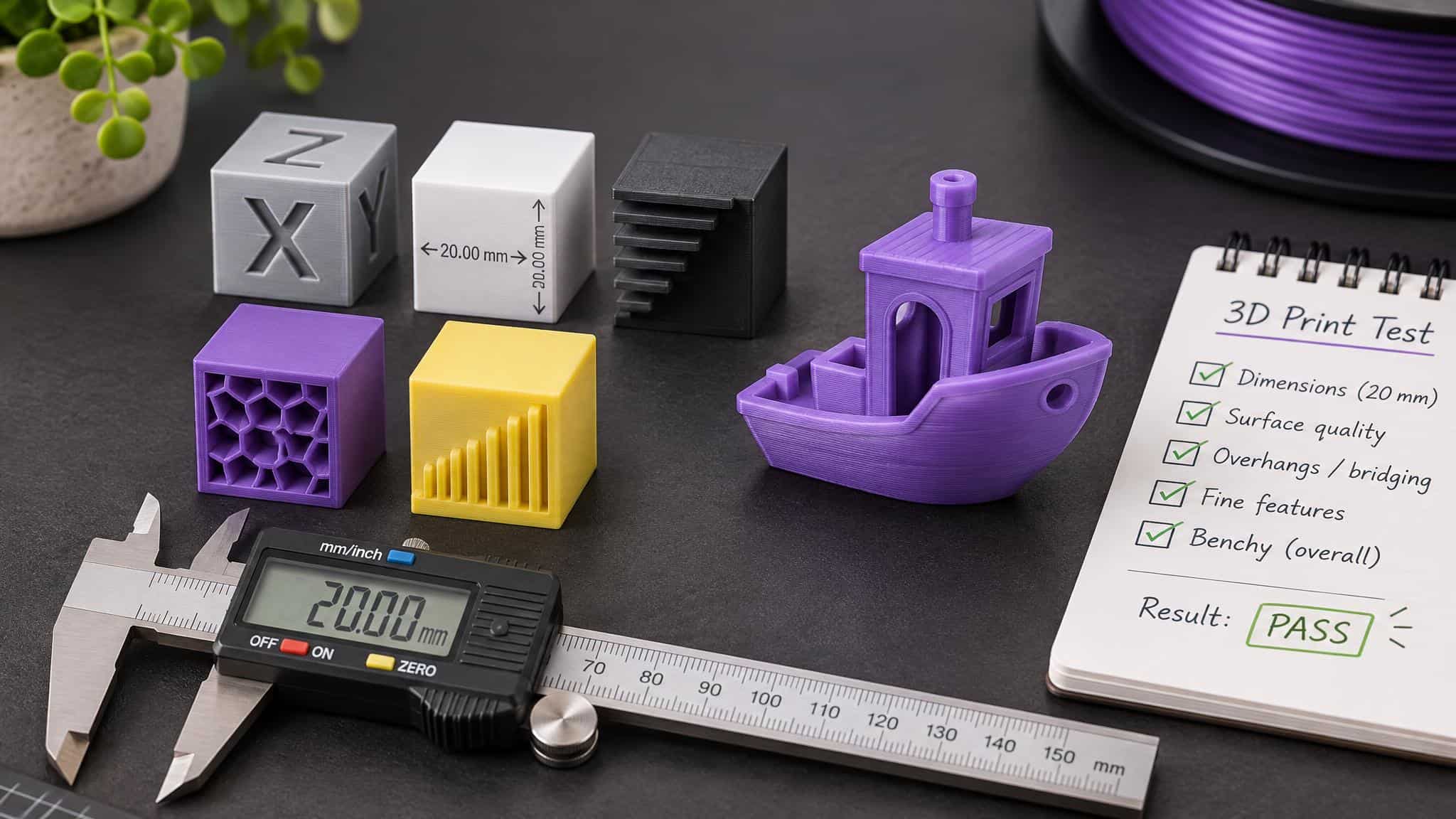
Auto-leveling is no longer a luxury feature you have to hunt for. Across seven buying guides and reviews we checked, six say beginner-friendly printers level their own beds automatically and only one says they don’t. Because automatic leveling is now the baseline, the real separator isn’t whether a machine probes the bed, but whether that mesh holds up once you move past your first test cube. Getting your first-week bed leveling and slicer settings dialed in early is what prevents most first-month print failures like warping and layer shifts.
Because retailer discounts and bundle promos shift constantly, all prices below are given as fluctuating ballpark ranges or snapshots at the time of writing rather than fixed sticker numbers.
What to decide before buying your first 3D printer
Before comparing build volumes or print speeds, a first-time buyer should look for a machine that’s easy to assemble, low-maintenance, and not drowning in features you won’t touch for six months. Narrowing the field comes down to three practical questions: what you can spend, what you actually want to make, and where the printer will live. A clear look at what a first year of filament, nozzles, and accessories actually costs keeps you from blowing your whole budget on hardware alone.
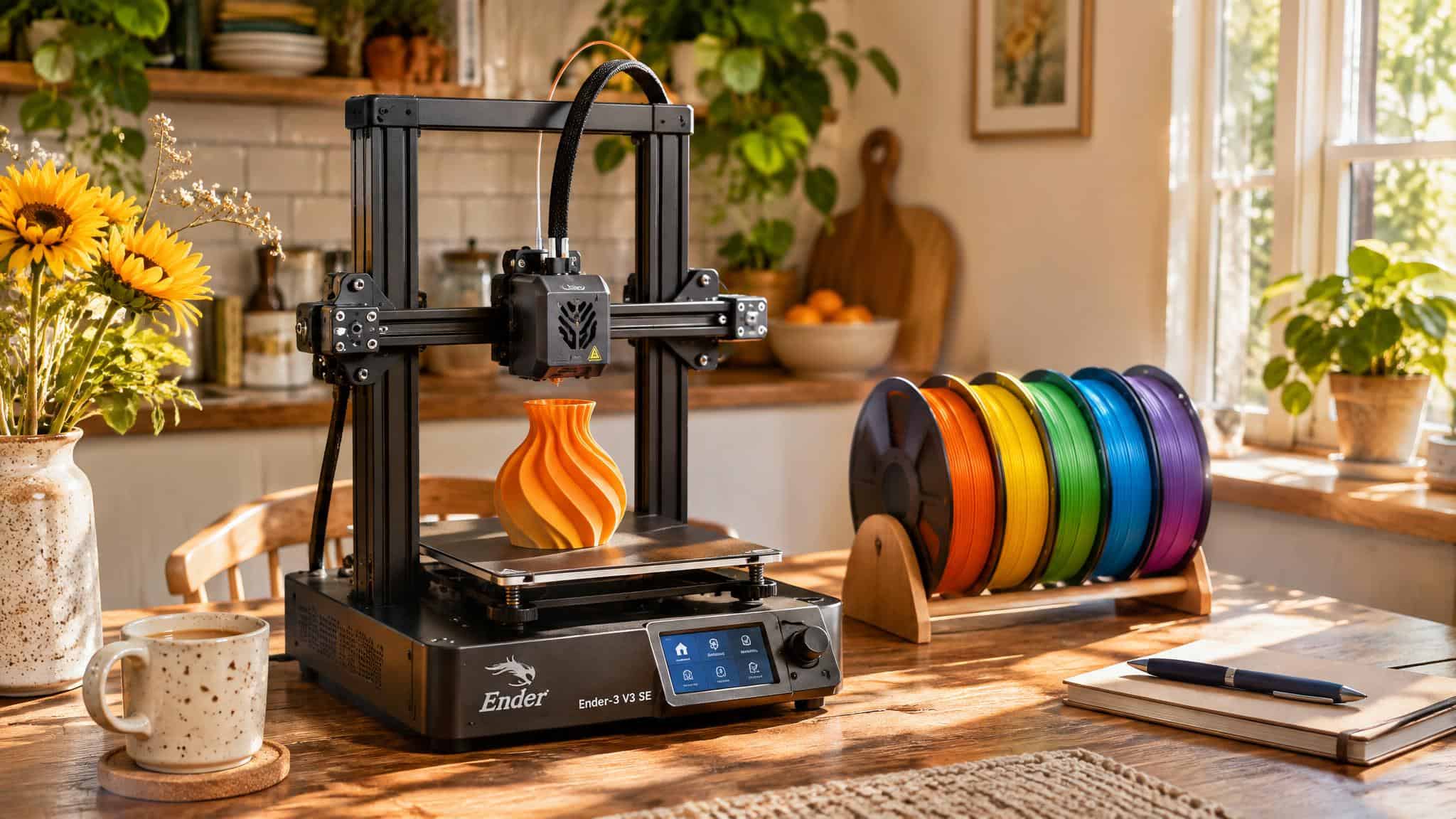
Budget and the cheap-first rule
Excellent, dead-simple printers can easily top $1,000, but starting cheaper is the smarter move if you’re still testing whether 3D printing will stick. A first 3D printer runs anywhere from $150 to $799, with most beginner models sitting in the $200 to $500 range. Real-world buyers split sharply on how much to risk up front: among five forum posters asked what they paid for their first machine, two spent under $300, two spent over $500, and one landed between $300 and $500.
If you print a single Cinderwing3D Crystal Dragon and lose interest, an expensive flagship gathering dust in the corner is wasted money. The best starter machine isn’t the cheapest or the priciest on the shelf; it’s the one that handles your first projects cleanly while leaving leftover budget for filament.
What you’ll print decides the machine
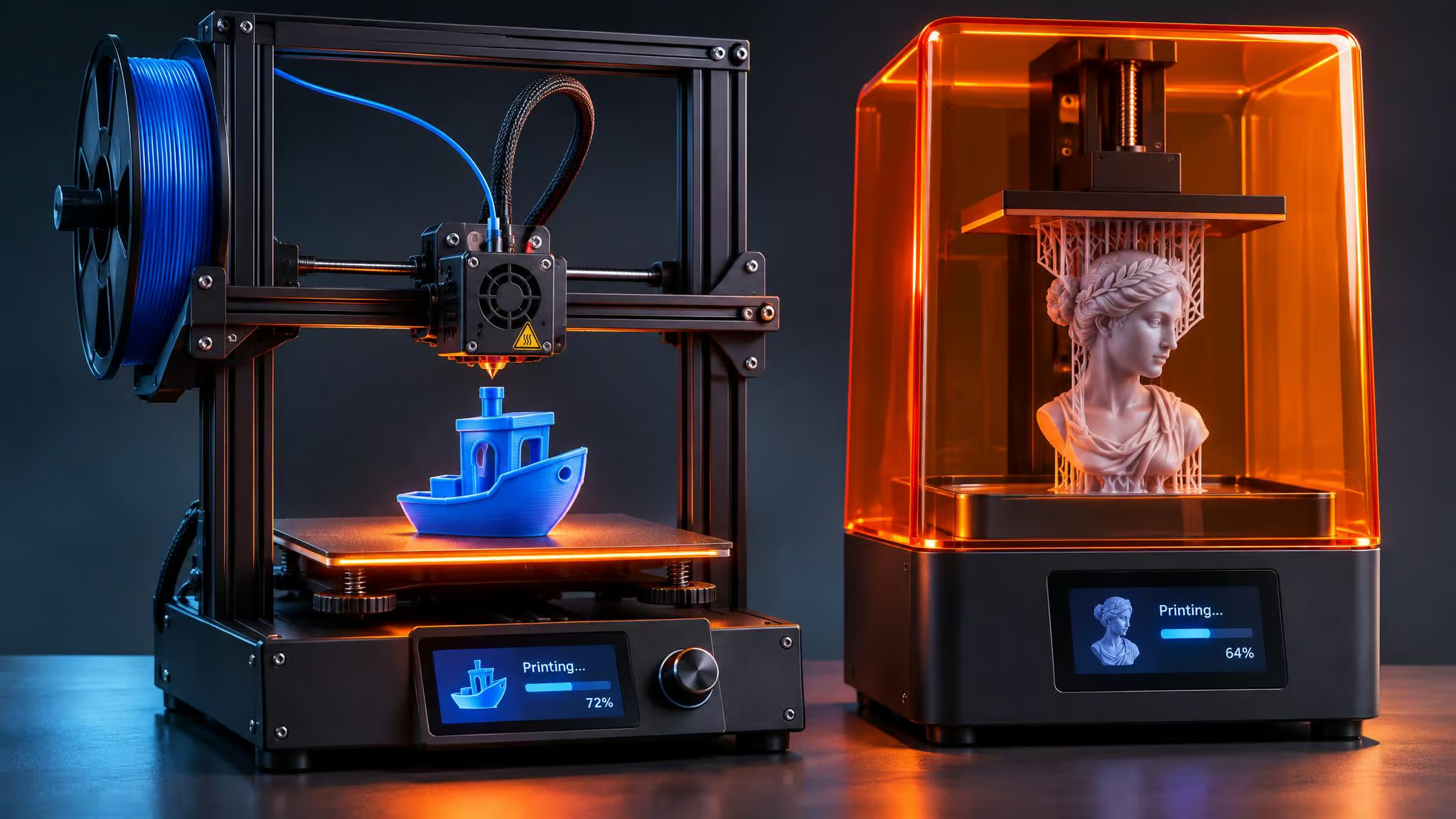
Your target material dictates the hardware frame you need. A basic open-frame FDM printer can’t do everything: buyers who already plan on making durable, engineering-grade functional parts in ABS, ASA, or nylon will require an enclosed chassis, while people who want to create high-quality miniature models are better off with a resin 3D printer.
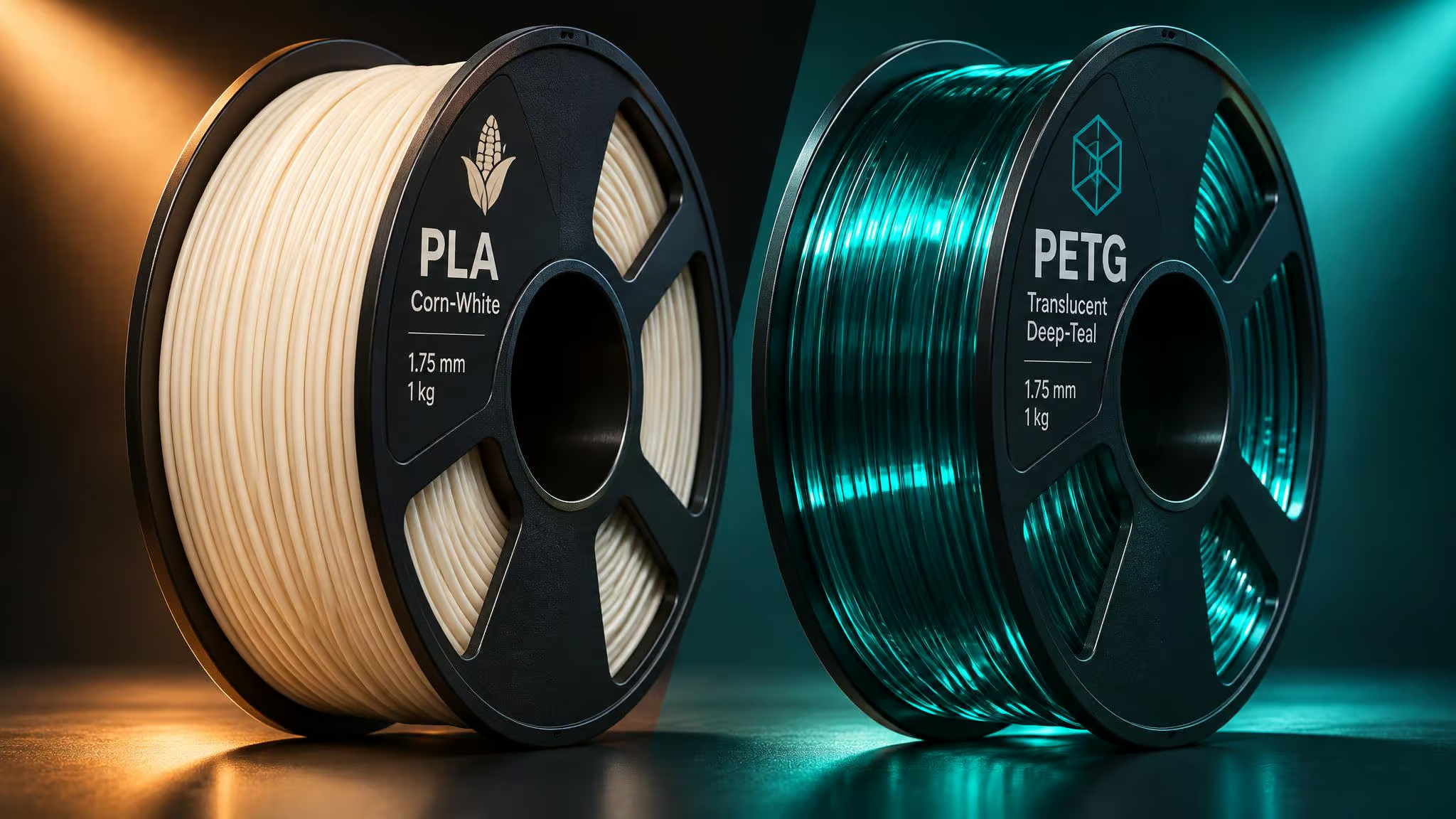
For toys, decorative models, and cosplay props, PLA is cheap, forgiving, and prints reliably on any open-frame machine like a Creality Ender 3, Anycubic Kobra, Elegoo Neptune, Prusa Mini, or Bambu Lab P1P. When you want to understand when a beginner should step up from PLA to PETG, material heat resistance and moisture uptake start driving the choice. If you already know you need high-temperature enclosures for tougher engineering plastics, Rick Bertacchi, who writes at stldenise3d.com, favors the Prusa CORE One or the more budget-friendly Anycubic Kobra S1.
Where the printer lives
You don’t need a dedicated workshop to start filament printing, though noise and fumes still set hard boundaries. Bertacchi keeps a compact Bambu Lab A1 Mini tucked in a closet and pulls it out to the kitchen table on weekends, and he notes that while many printers are too loud for sleeping quarters, his teenager runs a quiet Prusa Mini+ right on a bedroom dresser. Resin printers are the strict exception: they emit toxic fumes and require dedicated ventilation, making a bedroom or unventilated apartment corner a non-starter. Even with filament machines, it helps to check what indoor air-quality studies say about enclosures and ventilation before setting up next to your desk.
Elegoo Centauri Carbon: the best first 3D printer for most beginners
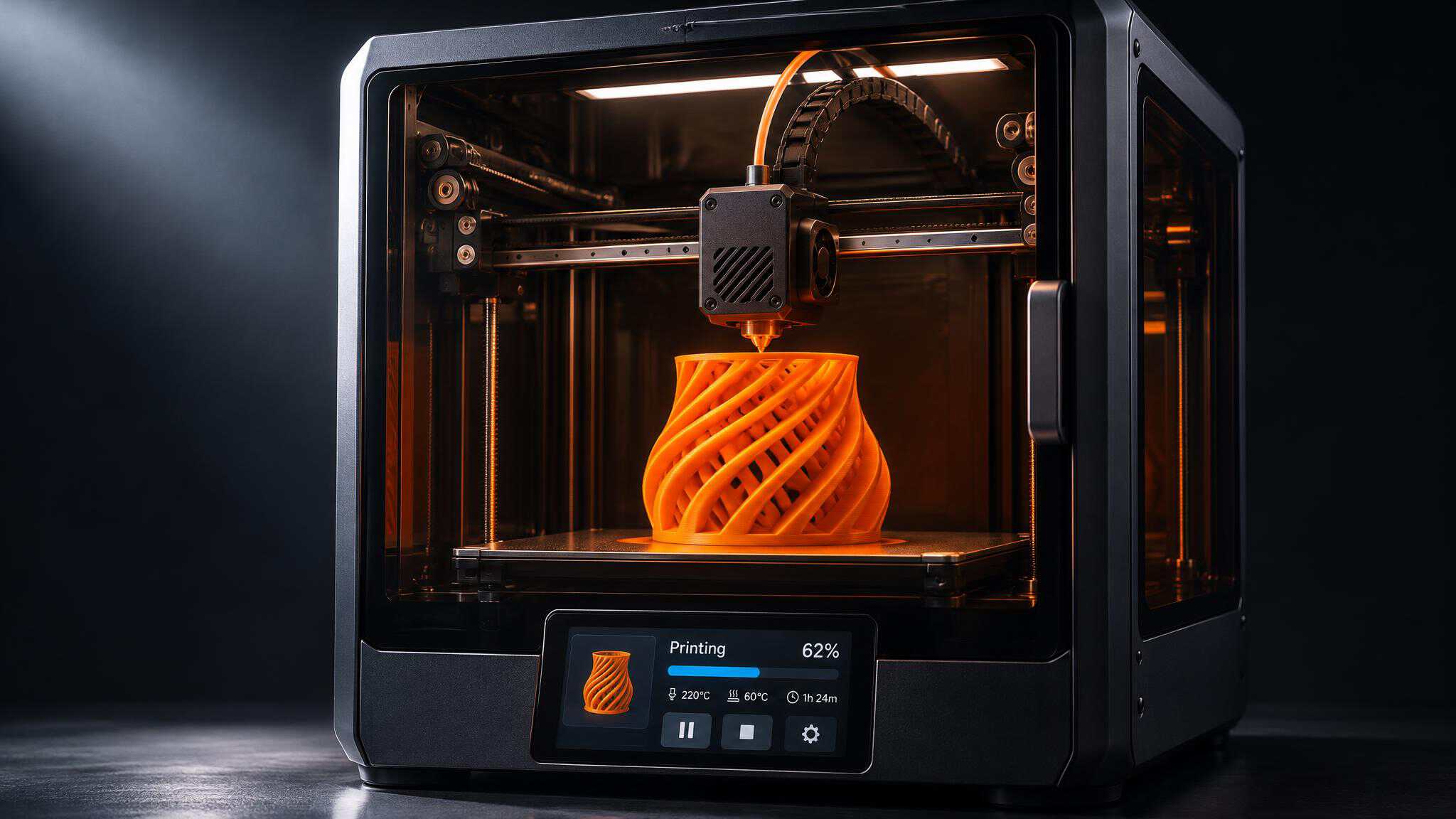
The Elegoo Centauri Carbon is our top overall pick for beginners because its enclosed CoreXY frame eliminates the room noise and open-air warping that trip up most starter bedslingers, all for $299 on Elegoo’s site ($379 list, also seen at $329.99 and on sale for $267.29). Reviews and real buyers actually point in slightly different directions on the broader market: among five buying guides and reviews, two pick the Bambu Lab A1, two pick the Bambu Lab A1 Mini, and one picks the Anycubic Kobra 3 Combo, whereas among 34 forum posters who reported what they bought first, 13 chose a Creality Ender or similar, 10 bought a Bambu A1 or A1 Mini, seven picked an Elegoo Centauri Carbon or Centauri Carbon 2, and four bought a Prusa.
Observed prices
Observed prices run $219,, $800 across 2 sources (checked Wednesday, November 25, 2026). Sources: slashgear.com, youtube.com.
Reviewers cluster around Bambu’s plug-and-play polish, while buyers in the wild lean heavily toward value Creality kits and enclosed Elegoo hardware. As one poster put it, starting on an Ender 3 V3 SE meant infinite tinkering and frustration before switching to a Bambu Lab A1 Mini.
As Elegoo’s first CoreXY machine, the Centauri Carbon uses two motors driving the X and Y axes for fast, precise motion inside a 256 by 256 by 256 mm (7 by 7 by 7 inch) build volume. Critics praised its speed, print quality, and ease of use, and the full enclosure both dampens noise and lets you print ABS when you’re ready to move beyond PLA. Hardware compromises still bound what a sub-$350 enclosed printer can do, so it’s worth knowing the trade-offs up front:
- Core specs: 256 by 256 by 256 mm build volume, CoreXY kinematics, full enclosure for quieter operation and ABS capability, $299 to $379 typical range.
- Chamber limitations: It uses a single stepper motor, and the unheated chamber is pitch-dark inside, which introduces warping risk on larger prints.
- Adhesion and stability: The stock cold plate delivers disappointing adhesion, and tall structures can topple if you skip supports.
- No multi-color path: It’s strictly a single-filament machine, which keeps first-month setup simple even if you eventually outgrow it.
More expensive rivals packed with multi-nozzle swaps and heated chambers only start paying off once you’ve outgrown the beginner label and want to manage their added complexity.
Budget picks: Ender 3 V3 SE and Kobra 3 V2
If you want to keep your hardware spend under $220, the Creality Ender 3 V3 SE is the strongest entry point because it pairs a Sprite direct drive extruder and rare budget TPU support with automatic leveling. Step up toward $400, and the Anycubic Kobra 3 V2 becomes the cheapest way to test four-color printing, provided you’re willing to troubleshoot occasional nozzle clogs and cold-plate adhesion quirks.
Creality Ender 3 V3 SE
Priced around $199 to $219, the Ender 3 V3 SE leaves behind Creality’s old reputation for stripped-down, frustrating starter kits. It brings over auto bed leveling from the Creality K1 series, ships with a flex plate so finished models pop off cleanly, walks you through assembly with on-screen step-by-step instructions, and fits a solid 220 by 220 by 250 mm build volume. Its Sprite direct drive extruder pushes top speeds to 250 mm/s (around 150 mm/s in normal printing) and handles flexible TPU, which is almost unheard of at this price. That’s plenty of capability for detailed multi-part models like Bunny’s Safe from the Rain with 3Domsculpts’ Chibi Totoro.
The compromises are mostly about missing creature comforts. You get a basic dial screen instead of a touchscreen, no Wi-Fi (full-size SD card transfers only), no filament sensor, no camera for remote checks, and an open frame. Tom’s Hardware also found the sticky polycarbonate build plate a nightmare to clean after prints.
If you’re tempted by $99 MicroCenter printer deals while shopping in this bracket, skip them. Those are typically older Ender 3 units being cleared out of the warehouse, and grabbing random outdated clearance hardware is the fastest way to frustrate yourself out of the hobby.
Anycubic Kobra 3 V2
Sitting at $329 at writing ($399 with the ACE Pro multi-color combo, usually $499), the Anycubic Kobra 3 V2 offers a 255 by 255 by 260 mm build area and was the first budget machine to clone Bambu’s multi-material system. Input shaping and auto-leveling keep print artifacts down, a 720p camera lets you check jobs without hovering over the desk, and the quick-change all-metal hotend pushes filament fast through a 0.4 mm nozzle that fixed 3DWork’s earlier leak complaints. Creative Bloq singled out its single-color print quality as especially strong.
Its failure ledger shows up when you push the multi-color add-on. Four-color printing only works if you buy the ACE Pro combo, and in testing, the ACE Pro occasionally selected the wrong filament. Reviewers also ran into nozzle clogs, disappointing cold-plate adhesion, an unheated and poorly lit chamber, and an exclusion on flexible TPU in multi-color jobs.
Across the market, beginner pricing clusters into clear tiers, though retailer sales move these numbers weekly:
| Price tier | Representative printers | Key trade-off |
|---|---|---|
| $199 to $250 | Creality Ender 3 V3 SE, Bambu Lab A1 Mini (standalone) | Open frame; PLA and light TPU only |
| ~$300 | Elegoo Centauri Carbon | Enclosed CoreXY, no multi-color |
| $329 to $400 | Anycubic Kobra 3 V2 / Combo, Elegoo Centauri Carbon 2 | Multi-color waste or higher slicer learning curve |
| $469 to $729 | Prusa Mini+ (kit to retail) | Quiet and reliable, smaller 180 mm bed |
| ~$800 to $900 | Snapmaker U1, Bambu Lab X2D | Steeper cost and step-up complexity |
Ease-of-use picks: Bambu A1 Mini and Prusa Mini+
If you’d rather spend your weekends printing than calibrating, the Bambu Lab A1 Mini and Prusa Mini+ take two very different paths to the same low-friction goal. One leans on a slick smartphone ecosystem and blistering speed, while the other bets on proven mechanical simplicity and long-term firmware support.
Bambu Lab A1 Mini
The Bambu Lab A1 Mini runs $199 to $250 standalone depending on the sale ($359.99 with the AMS Lite, and up to $599 noted for four-color AMS bundles), putting a 180 by 180 by 180 mm build volume together in roughly 20 minutes of setup. It pairs auto bed leveling with Flow Dynamics calibration, a PEI-textured spring steel build plate that releases prints easily, and a modern touchscreen with a friendly on-screen helper. In practice it cruises at 200 to 300 mm/s, with a 500 mm/s ceiling and 10,000 mm/s2 acceleration.
For most beginners, the smartest play is a staged purchase: buy the A1 Mini standalone first, put your leftover cash toward filament, and only add the AMS Lite later if you decide the hobby is sticking. The AMS takes up extra desk space and wastes material during swaps, though it still delivers four-color Bambu printing for far less than the $950 Bambu Lab P1S color combo. Bambu’s app and MakerWorld library also make printing a couch-to-printer affair with almost no computer time, which is huge for families. Just weigh that convenience against Bambu Lab’s negative PR and legal controversies before locking yourself into its closed ecosystem.
Bambu A1 Mini vs. Elegoo Centauri Carbon for a first printer
Choosing between the Bambu Lab A1 Mini and the Elegoo Centauri Carbon comes down to convenience versus enclosure versatility. The A1 Mini gives you a smaller 180 mm cube, a lower ~$199 to $250 entry price, 20-minute bedslinger setup, and a phone-first MakerWorld workflow with a clear multi-color upgrade path. The Centauri Carbon costs more at ~$299 to $379, but steps up to a 256 mm cube, CoreXY speed, an enclosure that cuts room noise, and the thermal stability to print ABS later.
Prusa Mini+
The Prusa Mini+ spans a wide price range ($469 as a kit, $499 semi-assembled, $522 through Amazon, and $729 list discounted to $519 at writing) for a compact 180 by 180 by 180 mm cantilever printer. Critics unanimously praised its print quality, easy filament loading, magnetic bed, auto leveling, and straightforward screen. You can print a carrying handle to make it genuinely portable, and Bertacchi’s teenager runs one on a bedroom dresser without noise complaints, making it a strong compact option for students in dorms or shared bedrooms.
Prusa Research also favors long-term firmware updates over constant hardware churn, recently bringing Input Shaping to existing Minis via software. Still, the small bed caps larger props, there’s no built-in camera or app for remote monitoring, kit assembly is nontrivial if you skip the semi-assembled version, and All3DP hit a Bowden extruder jam during testing.
Multi-color printing and the filament waste problem
Single-color printing is the smarter starting point for most beginners because almost every affordable multi-color system wastes a surprising amount of plastic. Single-nozzle designs like Bambu’s AMS, Anycubic’s ACE Pro, and Creality’s CFS Lite all have to cut, retract, and purge filament through the same hotend every time a layer changes color, leaving piles of purge waste beside your print across every brand. Starting single-color and adding a module later avoids paying for that waste while you’re still learning the basics.
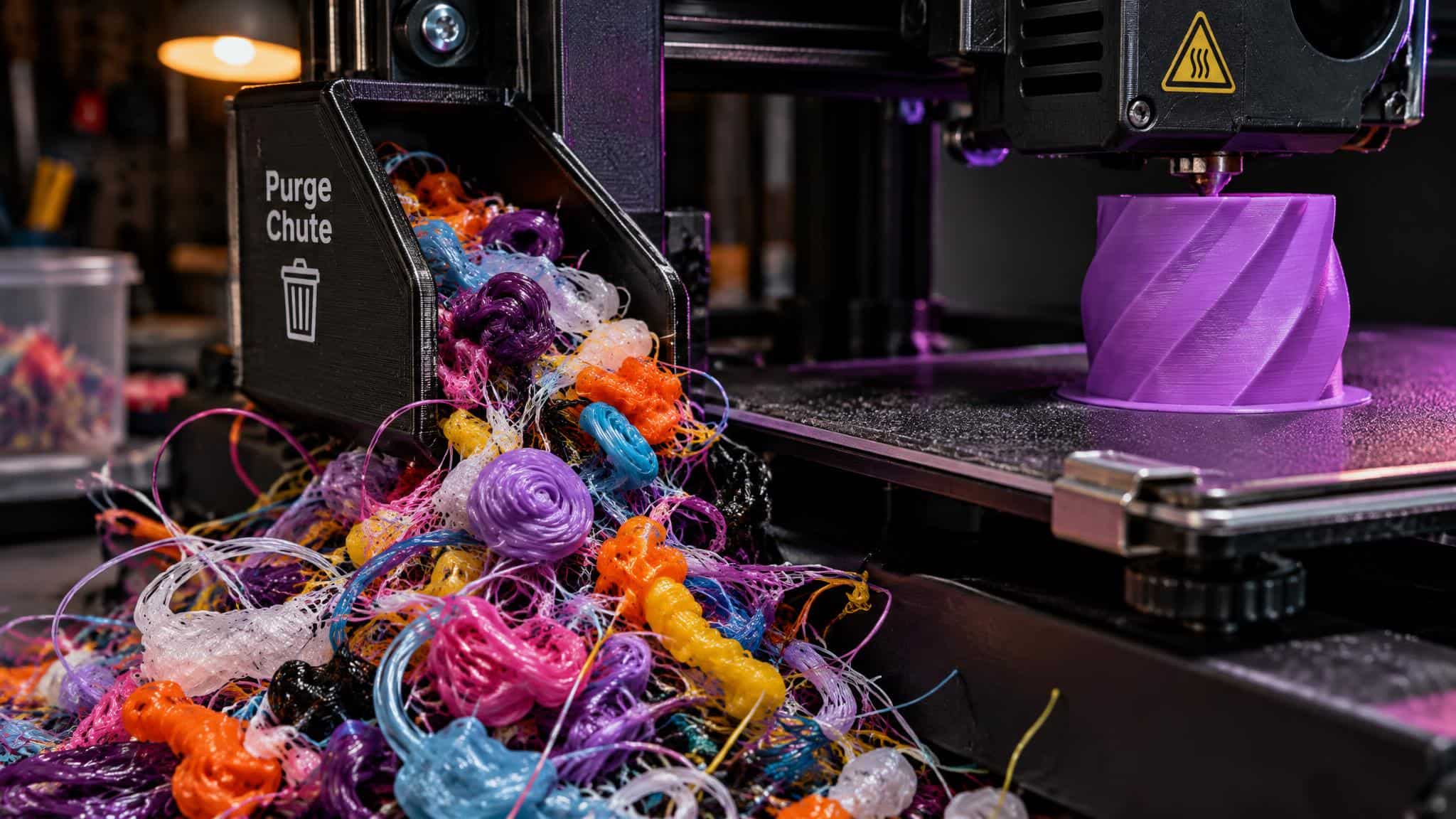
The Snapmaker U1 attacks that problem structurally at $849 list (~$800 at writing), roughly double the price of the other beginner picks. Built on a 500 mm/s CoreXY frame, it uses four separate tool heads that park one nozzle and grab another instead of purging a single hotend, avoiding color bleeding across tested characters, toys, and signs. Snapmaker claims up to an 85% reduction in filament waste compared to single-nozzle multi-color systems, and reviewers broadly frame tool-changing as the cleaner future of multi-color printing.
Usability on the U1 is surprisingly approachable: you remove transport screws, secure the tools and filament, follow the self-explanatory UI calibration that 3DWithUs praised, and slice in an easy-to-learn Snapmaker Orca app while an AI camera watches a roomy auto-leveling bed for errors. Even so, spending double a starter budget is intimidating for a newcomer, and printing ABS or ASA still requires a mandatory $150 enclosure. If you’re comparing it against a $950 Bambu Lab P1S color combo, wait until you know multi-color printing is worth the steep buy-in.
Step-up machines that outlast the beginner label
Several hyped machines look tempting on paper, yet their hardware quirks create first-month friction that beginners don’t need. They make far better second printers once you’ve learned your way around a slicer and a nozzle wrench.
Bambu Lab X2D
At $899.99, Tom’s Hardware called the Bambu Lab X2D reasonably priced for a CoreXY machine with a swappable dual-nozzle system, a 149°F heated chamber, auto bed leveling, minimal print artifacts per PCMag, and a fast, filament-drying AMS 2 Pro (which needs its own power source). Beginners should skip it because the second nozzle runs a Bowden extruder, which limits speed and risks Prusa Mini+ style clogs that force you to keep spare nozzles handy; TechRadar also found assigning filament types to nozzles complicated for newcomers, there’s no filament recycling, and critics note multi-toolhead printers remain more efficient.
Elegoo Centauri Carbon 2
Selling around $400, the Elegoo Centauri Carbon 2 builds on our top pick with an enclosed CoreXY frame, hardened nozzle, multi-color support, and broad material compatibility. While it offers strong value on specs, the real barrier is the computer time required to master slicing software, making it a better step-up machine than a day-one starter.
Creality SparkX i7 with CFS Lite
Discounted to $349 at writing from its usual $429, the Creality SparkX i7 with CFS Lite pairs auto bed leveling with a sturdy steel nozzle that handles PLA, PLA-CF, PETG, and TPU. Tom’s Hardware noted it runs fast and quiet despite an open frame, and PCMag found its print quality far exceeds its price, but multi-color jobs still waste filament and the lack of active spool tension lets filament unravel.
Elegoo Saturn 3 Ultra: the resin exception for miniatures
Resin printing works for miniature-focused beginners only if you accept higher running costs, chemical post-processing, and mandatory room ventilation. While filament-based FDM (also called FFF) is the most popular 3D printing method for general builds, the Elegoo Saturn 3 Ultra uses a 12K masking LCD to cure liquid resin into crisp tabletop miniatures that filament nozzles simply can’t match. Make sure you weigh the mess, part strength, and safety trade-offs between filament and resin before committing to a vat of photopolymer.
Resin costs more than spools of PLA, takes extra steps to wash and cure, and emits toxic gases that demand proper airflow. While critics liked using Wi-Fi on the Saturn 3 Ultra to send model files, CNET flagged the lack of wireless print monitoring and 3DWithUs noted you can’t send model details mid-run, which is a real safety drawback when you’re working around toxic resin.
Which beginner 3D printer to buy, by situation
Match your answers from the three opening questions directly to one machine:
- PLA-only on a tight budget: Buy the Creality Ender 3 V3 SE ($199 to $219) for TPU capability, or the Bambu Lab A1 Mini standalone ($199 to $250) for faster setup.
- Quiet, enclosed value around $300: Buy the Elegoo Centauri Carbon ($299 to $379) for CoreXY speed, noise reduction, and room to grow into ABS.
- Easiest phone-to-printer workflow with future color: Start with the Bambu Lab A1 Mini standalone and add the AMS Lite later ($359.99 combo).
- Quiet reliability on a bedroom dresser: Pick the semi-assembled Prusa Mini+ ($499 to $522) if you don’t mind a smaller 180 mm bed.
- High-detail miniatures with dedicated ventilation: Go with the Elegoo Saturn 3 Ultra.
Skip the $99 clearance Ender 3 deals on retail shelves, and hold off on heavyweights like the Bambu Lab X2D or Snapmaker U1 until you’ve genuinely outgrown your first machine.
Frequently Asked Questions
What is the #1 3D printer?
Our top overall pick for beginners is the Elegoo Centauri Carbon, which pairs a quiet, enclosed CoreXY frame with a 256 mm build cube for around $299 to $379. That said, there’s no single consensus across the market: among five buying guides and reviews we checked, two favor the Bambu Lab A1, two pick the Bambu Lab A1 Mini, and one chooses the Anycubic Kobra 3 Combo. Real-world buyers split differently too, with 13 of 34 forum posters starting on a Creality Ender or similar budget machine, 10 choosing a Bambu A1 or A1 Mini, seven buying an Elegoo Centauri Carbon or Centauri Carbon 2, and four picking a Prusa.
What are the best 3D printers for beginners?
The best starter machine depends on your budget and what you want to make. We rank the Elegoo Centauri Carbon ($299 to $379) best overall for its enclosed CoreXY design, while the Creality Ender 3 V3 SE ($199 to $219) and standalone Bambu Lab A1 Mini ($199 to $250) lead the budget tier. If you want whisper-quiet reliability in a tiny footprint, the Prusa Mini+ ($469 to $522) excels, and miniature painters with proper ventilation should look at the Elegoo Saturn 3 Ultra resin printer.
What is the best cheap 3D printer for beginners?
Under $250, your strongest options are the Creality Ender 3 V3 SE at $199 to $219 and the standalone Bambu Lab A1 Mini at $199 to $250. The Ender 3 V3 SE gives you a larger 220 by 220 by 250 mm bed and flexible TPU support via its Sprite direct drive extruder, whereas the A1 Mini trades build volume for a 20-minute setup and a slick phone-first workflow. Whatever you do, skip $99 warehouse-clearance Ender 3 deals, because outdated hardware is the quickest way to burn out on troubleshooting.
How does the Bambu A1 Mini compare to the Elegoo Centauri Carbon for a first 3D printer?
Choosing between these two comes down to smartphone convenience versus enclosed versatility. The Bambu Lab A1 Mini costs less upfront at $199 to $250 standalone, sets up in roughly 20 minutes, and lets you print straight from the MakerWorld app with an easy AMS Lite upgrade path, though its 180 mm cube limits larger parts. Stepping up to the Elegoo Centauri Carbon ($299 to $379) gets you a roomy 256 mm build volume, faster CoreXY kinematics, and a full enclosure that dampens noise and unlocks ABS, at the cost of being strictly single-color.
Which printer is best for student use?
The Prusa Mini+ is a standout pick for dorms or shared bedrooms because it’s compact, quiet enough to sit on a dresser without disturbing anyone, and easy to carry around with a printable handle. If $469 to $522 is too steep for a student budget, the Bambu Lab A1 Mini ($199 to $250 standalone) also tucks easily into a closet and pulls out onto a desk or kitchen table whenever you need it. Just avoid resin printers like the Elegoo Saturn 3 Ultra in a dorm, since toxic fumes make dedicated room ventilation mandatory.
Is PLA or PETG better for beginners?
PLA is the better starting filament because it’s inexpensive, forgiving, and prints cleanly on virtually any open-frame beginner machine. Stepping up to PETG only makes sense once your projects demand higher heat resistance or you’re ready to deal with moisture uptake. Start with PLA for toys, props, and decorative prints so you aren’t fighting material quirks while learning the ropes.
What should I look for when buying my first 3D printer?
Skip the flashy speed claims and focus on reliable auto bed leveling, minimal calibration hassle, sane slicing software, and easy-to-find spare parts. Before picking a model, lock down three practical constraints: your total budget with filament factored in, the materials your projects require (open frames handle PLA, while ABS or nylon demand an enclosure), and where the printer will live given its noise and fumes. Getting those fundamentals right keeps a starter machine from turning into a dusty shelf ornament after week two.
Is a multi-color 3D printer worth it for a beginner, or should I start single-color?
Starting single-color is the smarter move for your first month. Affordable single-nozzle systems like Bambu’s AMS, Anycubic’s ACE Pro, and Creality’s CFS Lite have to cut, retract, and purge plastic on every color change, leaving piles of wasted filament beside your prints. Tool-changing machines like the ~$800 Snapmaker U1 cut that waste dramatically, but spending double a starter budget makes little sense before you know the hobby will stick.