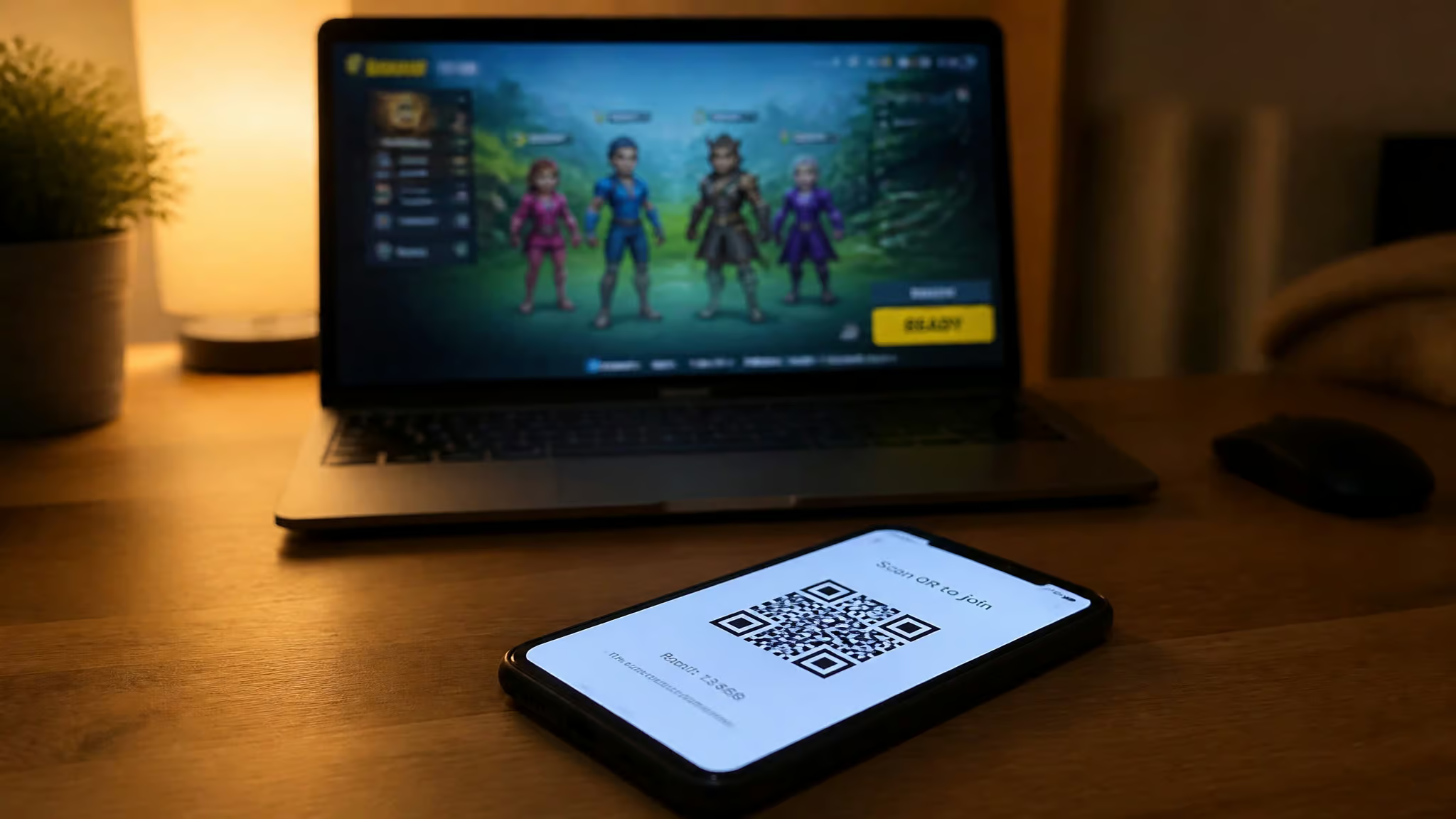
AirConsole is not a console. There is no box, no plastic, no HDMI cable. It’s an online multiplayer gaming service from a Swiss studio called N-Dream, and the whole trick is that it runs in any WebGL-compatible browser. Your phone becomes the controller—not a streaming receiver, not a second screen for the game itself, just the input device. The game runs on the big screen you’re looking at: a TV, a laptop, or increasingly a car dashboard.
I dug through user reports, bug complaints, partnership announcements, and a handful of honest forum threads to find out.
Key Takeaways
AirConsole uses your phone as a controller over your local network (QR code scan, no Bluetooth pairing) and requires a stable internet connection for all game data — no offline play at all.
The free tier rotates a selection of games weekly; the full library costs $23.99/year ($3.99/month), which works out to about $2/month on the annual plan — cheaper than a single Jackbox Party Pack for a year of access.
The service runs on most WebGL-compatible browsers, the Atari VCS (with known WebGL bugs in Chrome), and in Skoda/Volkswagen vehicles (stationary only) — but identical VCS units can behave differently, so reliability is inconsistent.
Table of Contents
How AirConsole Works
The entire system hinges on a connection between your phone and a browser on a larger screen.
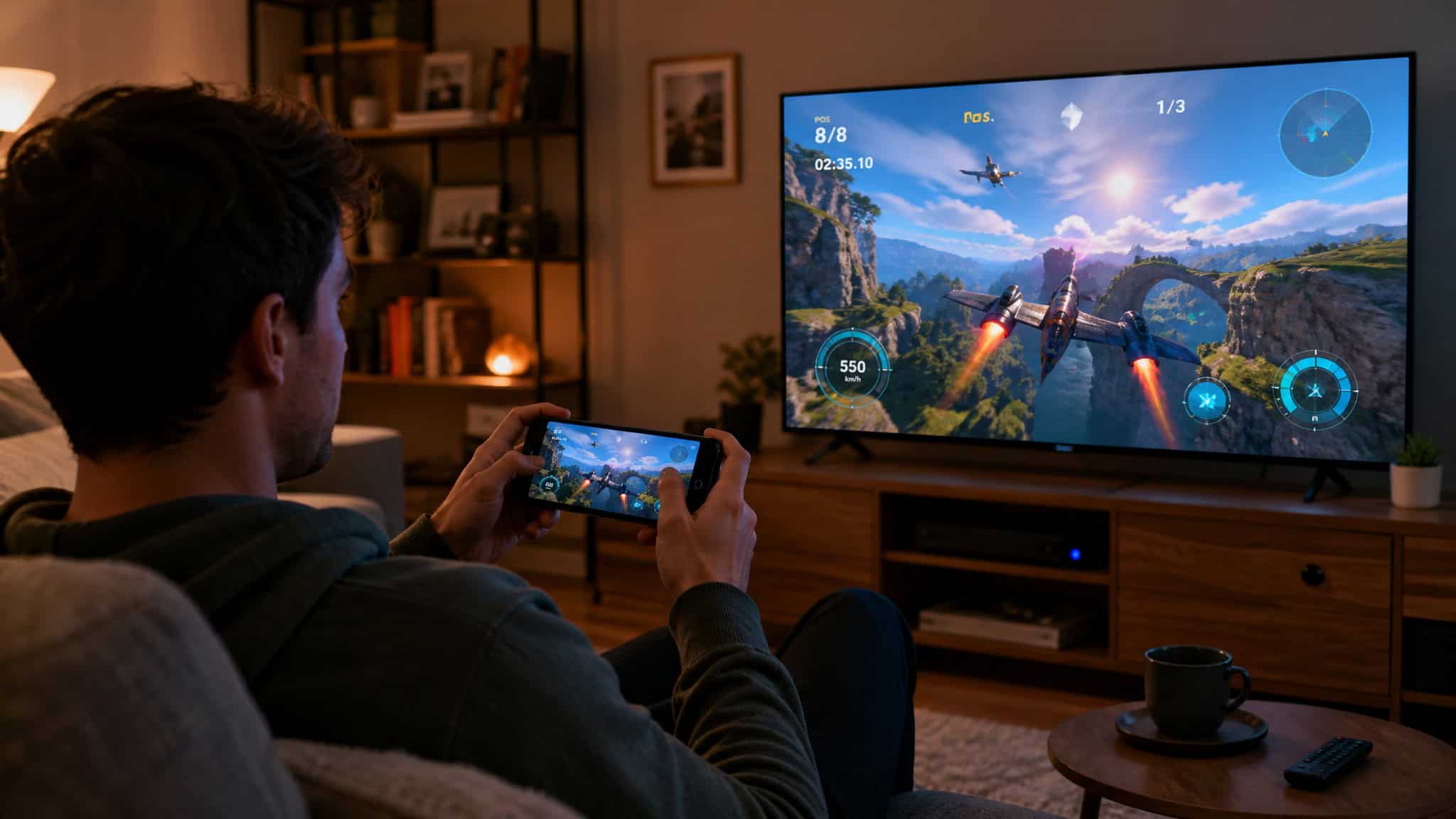
Setting up AirConsole on a TV, computer, or tablet
The setup is smooth. Open a browser on the screen you want to play on — any modern TV with a browser, a laptop, even a tablet, and head to AirConsole.com. Then grab your phone, scan the QR code that pops up, or type in a short URL if your phone camera is finicky. That’s it.
The phone connects over your local network, not Bluetooth, which is why it feels instant. No app installation on the TV, no pairing dance, no console hardware to set up. Everyone in the room can join the same way.
The phone controller is available for iOS and Android — any smartphone works. The key thing: the game itself runs on the browser screen. Your phone is sending button presses and tilt data across the network.
What the phone shows and does as the controller
Depending on the game, your phone becomes a different input tool. For many titles it’s big on-screen buttons — directional arrows, A/B/C action buttons, the kind of thing you’d expect from a mobile game. Some games turn the phone into a second screen (say, a private hand of cards or a map), and a few use it as a drawing surface for Pictionary-style mayhem.
The phone’s gyroscope works, so games like PixWing let you tilt to steer, and the golf game (more on that later) uses a natural swing motion. That makes the phone feel more like a real controller than a TV remote. It’s not revolutionary input methodology, but it’s a neat practical trick that works well for casual play.
WebGL browsers and the internet requirement
AirConsole needs a browser that supports WebGL — that’s the technology that lets the browser render 3D graphics without a plugin. Chrome, Firefox, Opera, Safari on modern devices, most of them work. But if your device’s browser doesn’t support WebGL, the game screen stays blank or throws an error.
The bigger constraint is the internet connection. All game data lives online — there’s no offline mode. No spotty Wi-Fi heroics. If your router dies or your signal is weak, game night ends. That’s a limitation if you’re planning to take AirConsole to a friend’s house with questionable Wi-Fi or a cottage with cellular-only access.
AirConsole’s Game Library — Size, Rotation, and Quality
The library offers over 140 titles, but quality varies — polished standouts next to forgettable clones.
The AirConsole games worth trying: golf and PixWing
The library claims over 140 multiplayer titles, most of them are mobile-quality mini-games. The two standouts are the golf game (called Golffriends in the list) and PixWing. The golf game is the best demonstration of the phone-as-controller concept — you swing the phone like a club, and the physics feel natural enough to make you forget you’re holding a phone. PixWing uses gyro tilt controls for what’s essentially a shoot-’em-up, and it works well. Both feel like they were designed for this interface, not ported from something else.
User Rick Dangerous counted 134 games they considered fun — subjective, but more than a handful of okay titles. The general vibe from players is “mobile quality but still fun,” which is right for a party game.
Clone games and duds: Brawlanders, Tic Toc Boom
Tic Toc Boom is a Bomberman clone — not terrible if you like Bomberman, but nothing original. Brawlanders is a Super Smash Bros. clone that users describe as “lazy and awful.” Dust Squad has control issues that make it frustrating rather than entertaining. Mega Monster Party refused to launch via the AirConsole app on Atari VCS but worked fine in Chrome on the same machine — inconsistent, annoying.
Burning Rubber 5 Air, Go Kart Go Air!, Garfield Kart — you get the idea. Not all of them are bad, but you’ll hit a few that make you wonder why they’re in the library.
Free games rotate weekly: what that means for you
The free tier is a rotating selection that changes every week. The developer confirmed this in response to a user review. On one hand, it keeps things fresh — you get to sample different genres and find out what clicks. On the other hand, if you discover a game your group loves, you can’t count on it being there next week.
The free rotation is a taste-tester, not a permanent roster. If you want consistent access, you need the Hero subscription.
AirConsole Pricing — Free Games vs the Hero Subscription
AirConsole offers two distinct tiers: a free, rotating selection and a paid subscription that unlocks the full library.
What you get free vs what AirConsole Hero costs
The free tier requires no credit card and gives you a rotating set of games. It’s enough to evaluate the platform — I heard from multiple people who played for weeks without paying a cent. The premium tier, AirConsole Hero, unlocks the full library. It costs $3.99 per month or $23.99 per year.
If you’re looking for a better deal, we have a guide on how to get a free gaming console. The annual plan works out to roughly $2 per month, which is a round of drinks or a takeaway coffee in most cities.
One user on the AtariAge forum compared the annual cost to the “price of a beer” for a full weekend of party gaming. That’s the right frame: it’s cheap, but only if you use it.
Who finds the subscription worth it
The conversion story that keeps coming up is SabertoothRetro’s girlfriend. She tried a few games on the free tier, liked them, and bought the annual subscription herself. That’s the ideal path: test, enjoy, upgrade.
But the subscription is a real barrier for younger users who don’t have their own payment method. And some players compare it unfavorably to Jackbox Party Pack — a one-time purchase versus a subscription that you have to keep paying to keep access. The tradeoff: if one or two games become your group’s favorites, $23.99 for a year is a steal. If you only play once every few months, the free rotation might be enough.
Where AirConsole Works — Browsers, Atari VCS, and Cars
AirConsole’s compatibility extends beyond standard browsers to some unexpected hardware, though not without issues.
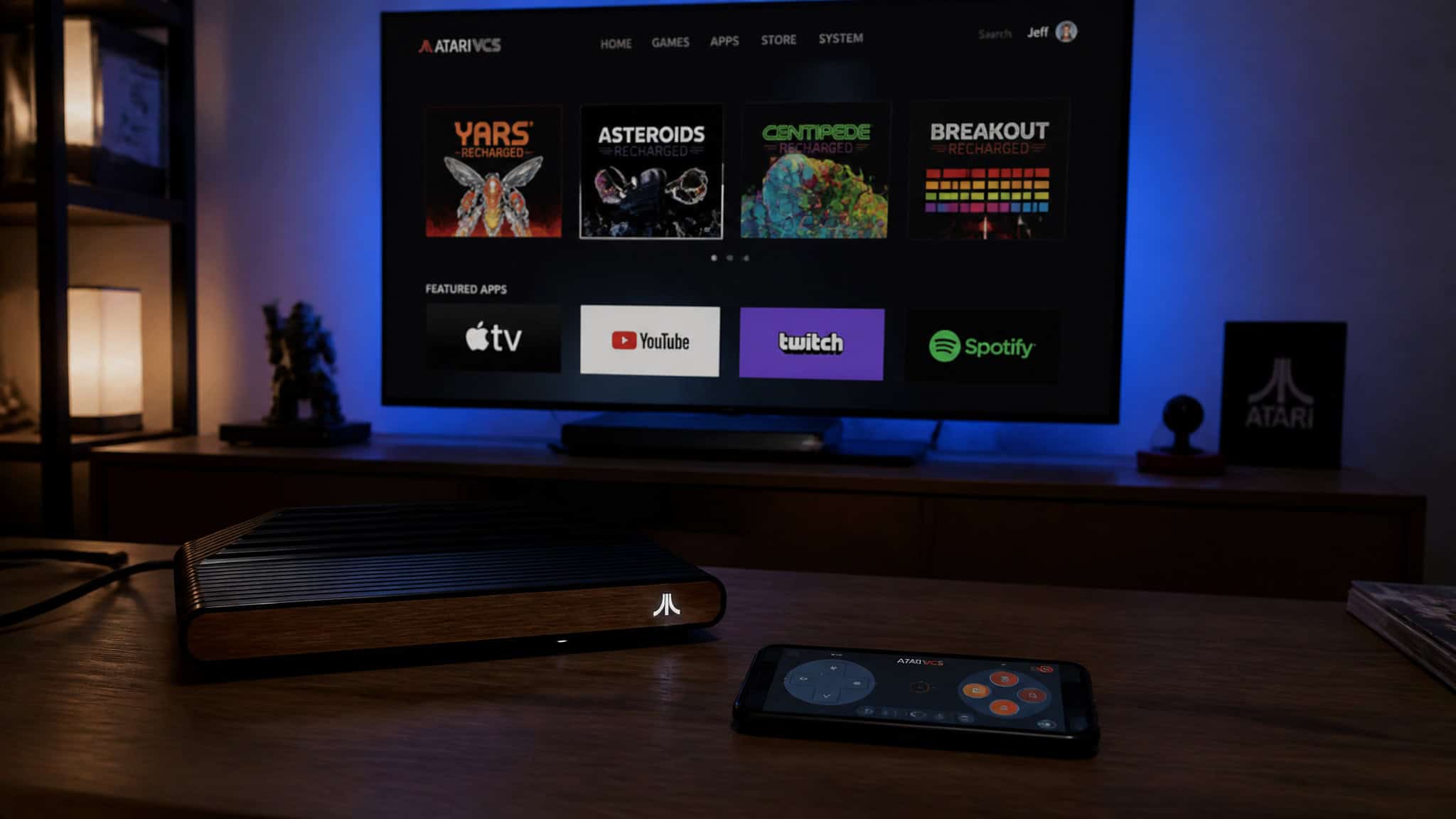
AirConsole on the Atari VCS: WebGL errors and quirks
The Atari VCS is an odd device — a retro-styled mini-console that runs a custom Linux-based OS. AirConsole is available on its store, and for some owners it’s the main reason to use the console, especially if they’ve found free gaming consoles near me through Buy Nothing groups or library programs. One user reported spending half their VCS time on AirConsole and called it one of the best things about the VCS.
But there’s a catch. Several users reported WebGL errors in Chrome on the VCS that prevent games from loading. Mockduck originally tested AirConsole on March 5, 2021 and ran into issues. In September 2021, justclaws tried two identical, up-to-date VCS units — AirConsole worked on one, failed on the other.
That’s bizarre and frustrating. A workaround: try Firefox or Opera instead of Chrome. Sometimes that’s all it takes. But the inconsistency is a reliability red flag.
AirConsole in cars: Skoda now, Volkswagen by 2025
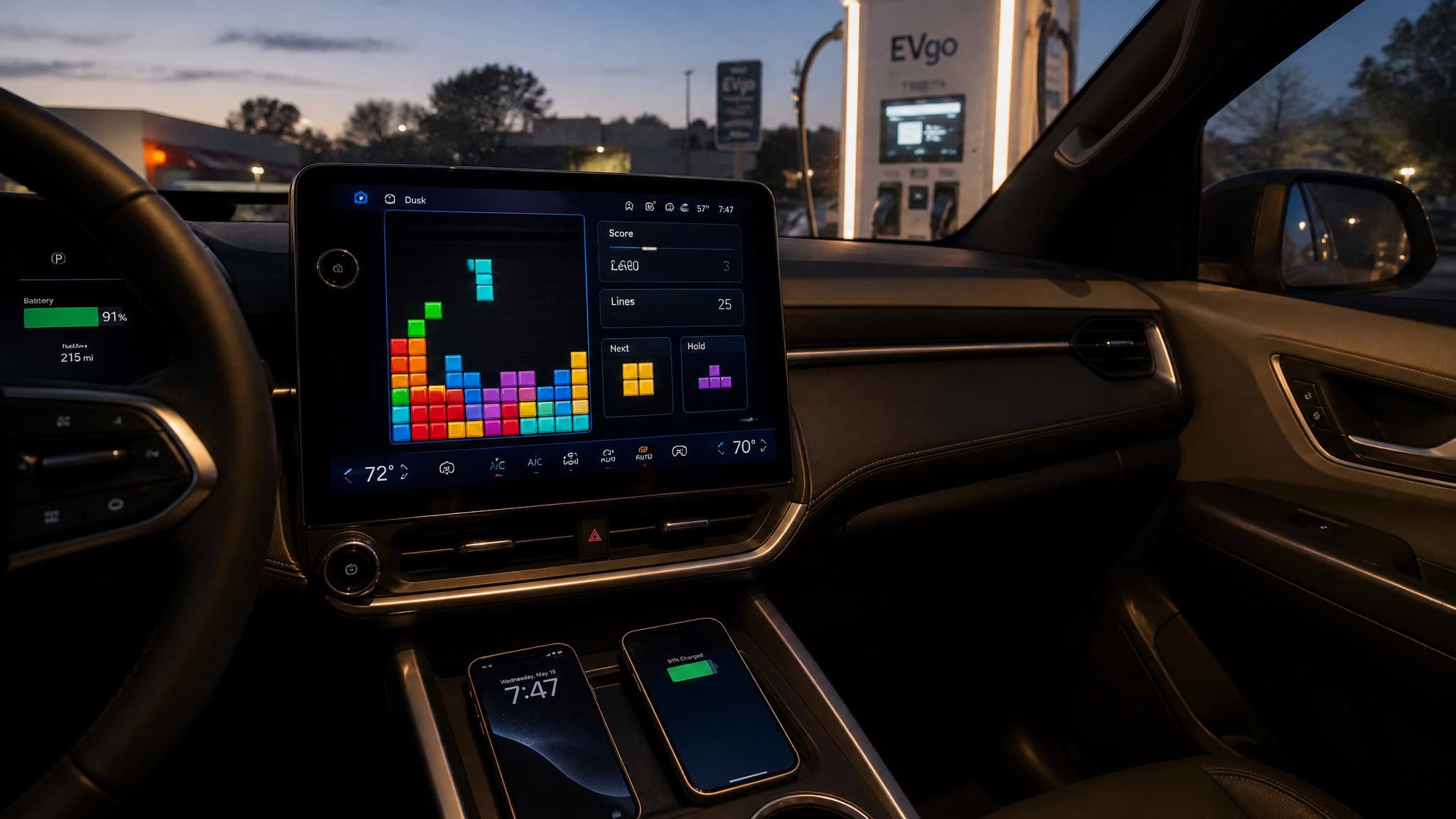
AirConsole is integrated into Skoda vehicles (the Enyaq and Elroq EV models) via Skoda Play. The in-car library is 15 games, including a Skoda-exclusive version of Tetris. Big caveat: it works when the car is stationary.
But for EV owners waiting at a charging stop, it turns idle time into a mini party session. The Media Streaming Package that includes AirConsole is free for the first three years.
Volkswagen is expanding the partnership to the Passat, Tiguan, Golf, and ID. series by 2025, with a planned launch in some European countries in September, and the company has set a target for more games and regions to follow. It’s a clever way to turn the in-car screen into something beyond navigation.
Why AirConsole won’t load in your browser
If you hit a blank screen, the most common culprit is WebGL compatibility. Try another browser — Chrome, Firefox, Opera, and make sure it’s up to date. If all else fails, check the device’s firmware or try a different screen altogether. The deeper issue is that identical hardware (like the VCS) can still behave differently, so “works on my machine” is not a guarantee.
Who AirConsole Is For — Family, Friends, and Non-Gamers
AirConsole is designed for social, low-pressure play, making it a fit for groups that include non-gamers.
A Cards Against Humanity–style hangout for non-gamers
The best way to think about AirConsole’s audience is to picture a living room, not a gaming desk. It’s built for mixed groups where some people never touch a controller. The phone-as-controller is familiar and low-pressure — everyone already knows how to tap and swipe. One user (Rick Dangerous) played a trivia game with his wife for 3-4 rounds and had a blast. Mockduck was initially skeptical but changed his mind after using it.
The vibe is closer to Cards Against Humanity than to Call of Duty: social, silly, no skill required. It works for families with kids, for a group of friends who want something casual, or for a date night that doesn’t involve a console purchase.
How many people can play AirConsole at once?
Here’s the honest answer: I couldn’t find a documented platform-wide cap. Each player needs their own smartphone, and the practical limit seems to be however many devices your Wi-Fi can handle. Individual games show their own player counts on the screen — some support 4, others up to 8. If you have a weak router, lag or dropouts will set the ceiling.
Is AirConsole safe for kids?
No documented parental-control features exist in the sources I reviewed. The game content skews casual and family-friendly — party games, trivia, kart racing, so it’s probably fine for supervised play. But if you’re a parent, I’d recommend being in the room, not relying on platform safeguards that may not exist.
AirConsole vs Jackbox Party Pack and Other Alternatives
Comparing AirConsole to its main rival, Jackbox Party Pack, reveals the key trade-offs between subscription and one-time purchase models.
AirConsole vs Jackbox Party Pack: value and game types
The closest direct competitor is Jackbox Party Pack, and the comparison is useful because it highlights everything AirConsole gets right and where it stumbles. Jackbox is a one-time purchase per pack (usually around $25). Each pack contains a few polished, proven party games that use phones as the input device — same mechanic. AirConsole is a subscription: $23.99/year gives you access to the entire library, but it’s an ongoing cost, not a buy-once product.
A forum user said flat out that AirConsole is “not worth the subscription compared to Jackbox.” That’s a critique. On the other hand, AirConsole runs on any browser with no pack purchases — no per-pack costs, no need to buy a specific pack to play the one game your group likes. The free tier lets you test without commitment.
If you value a curated, polished set of games, Jackbox wins. If you want variety and browser-everywhere flexibility, AirConsole has the edge.
Intellivision Amico and the bigger market picture
Mockduck’s original review compared AirConsole to the Intellivision Amico, a dedicated family-friendly console that never launched. The comparison was apt: both targeted casual party gaming. But AirConsole already works on hardware people own — a browser and a phone, whereas the Amico required buying a new console that mostly faded into vaporware. AirConsole has momentum: the CEO announced 10 million players in April 2021.
The automotive expansion (Skoda, Volkswagen) pushes it into a new arena — in-car entertainment during charging stops. It’s not a market leader, but it’s a credible alternative that’s quietly building a multi-platform presence.
Is AirConsole Worth It? The Honest Verdict
Here’s where I land after reading all the forum threads, bug reports, and pricing breakdowns.
AirConsole wins on zero hardware cost, zero setup friction, and a free tier that rotates games weekly. It’s great for mixed groups, non-gamers, and anyone who wants a low-pressure party game without buying a console—but if you do want a dedicated machine, you should know how to get a free Xbox console through giveaways and Microsoft Rewards points. The phone-as-controller works better than you’d expect — especially the golf game and PixWing.
It loses on the uneven library (clones, control issues), the WebGL/browser unpredictability, the stubborn dependence on a stable internet connection, and the subscription model that some players won’t justify.
The 3.2 out of 5 user rating from the forum thread is about right — not great, not terrible. A single low-confidence data point, but it matches the vibe.
My practical advice: try the free tier at your next gathering. If your group finds a game it loves — the same way SabertoothRetro’s girlfriend did, then the $23.99/year Hero plan is a low-risk buy. If the free rotation is enough, don’t pay a cent. The platform works best when you take it for what it is: a clever, occasionally janky, browser-based party box that lives in the browser tab alongside your streaming services.
It’s not a console killer. It’s not the future of gaming. But for a Saturday night with friends, it might be the kind of weird little thing you need.
People Also ask
How much does AirConsole cost and is the subscription worth it?
AirConsole has a free tier with a rotating weekly selection of games, and a premium Hero subscription at $3.99/month or $23.99/year (roughly $2/month on annual). The subscription is worth it if you play regularly with a group that finds games they love, but the free rotation is enough for occasional use.
Why won’t AirConsole load in my browser?
The most common cause is WebGL incompatibility — try switching to Chrome, Firefox, or Opera and make sure your browser is up to date. On the Atari VCS, identical hardware units can behave differently, with one working and another failing, so ‘works on my machine’ is not a guarantee.
How many people can play AirConsole at once?
There’s no documented platform-wide cap, but each player needs their own smartphone and the practical limit depends on your Wi-Fi router’s capacity. Individual games show their own player counts, typically supporting 4 to 8 players, and a weak router will cause lag or dropouts before you hit that ceiling.
Is AirConsole safe for kids to use?
The game content skews casual and family-friendly with party games, trivia, and kart racing, but there are no documented parental-control features. It’s probably fine for supervised play, but as a parent you should be in the room rather than relying on platform safeguards that may not exist.
