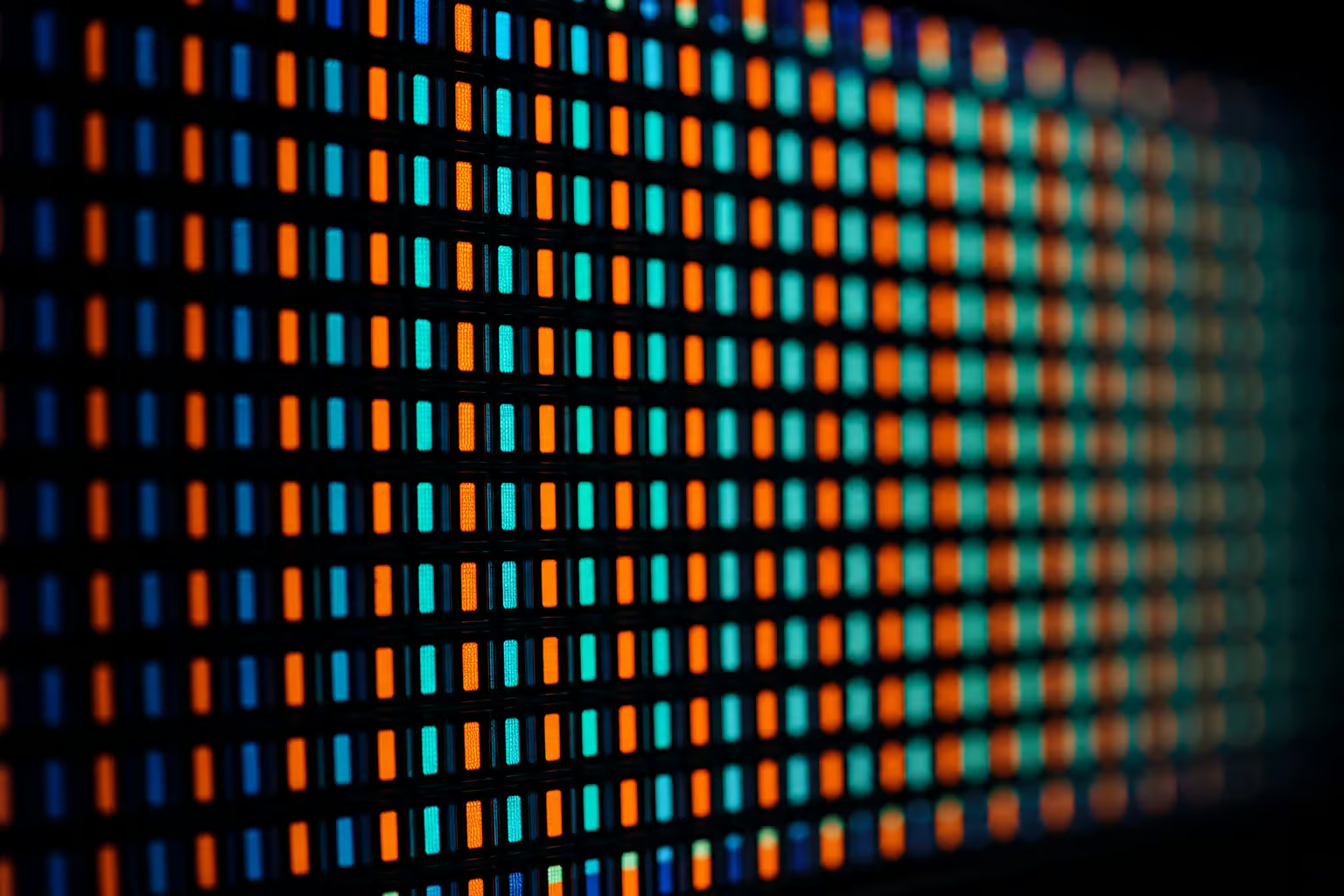
Okay, so check this out: you’re hovering over the buy button on a clean 1440p, 240Hz, G-Sync certified monitor. You’ve spent hours comparing performance metrics, but then you spot a detail in the fine print that gives you pause. The specifications list it as an “LCD” panel. Right next to it on the retail shelf, a cheaper, no-name display boasts “LED” in bold neon lettering.
Here’s the catch: the idea of an “LCD vs LED” matchup is a marketing misnomer. They aren’t competing display types at all. Comparing them is a category error because one describes the pixel grid that forms the image, while the other refers to the illumination layer sitting behind it. Almost every “LED” monitor you’ll find on shelves today is an LCD panel that uses a modern, solid-state backlighting system.
For hybrid users whose desks serve two masters—long, grueling CAD drafting sessions during the day and high-refresh rank grinds in competitive shooters at night—understanding how these physical layers interact is crucial. Let’s cut through the retail noise and look at the physics that dictate how your next display will handle fine vector details and rapid-fire render pipelines.
Key Takeaways
LED monitors are not a separate technology bracket; they are LCD panels that swapped out legacy fluorescent light tubes for solid-state light-emitting diodes, raising operating lifespans up to 100,000 hours.
For dual-purpose workspaces demanding both text clarity for fine architectural CAD drafting and fast visual execution, high-refresh In-Plane Switching (IPS) panels deliver the best balance of 178-degree viewing angles and precise color registry.
True high dynamic range (HDR) performance under a strict $800 budget is best achieved by targeting Mini-LED backlighting arrays certified by the VESA DisplayHDR standard, which provides localized physical dimming zones instead of weak edge-lit glow.
Table of Contents
LCD and LED Monitors: Clarifying the Nomenclature
To understand why this tech-label confusion exists in the monitor aisle, we have to look at how a modern display is sandwich-constructed. At its heart, an LCD is a matrix of liquid crystals acting as physical light shutters between polarizing filters, relying on a backlight plane to decide what you see on screen.
| Metric | Legacy CCFL Backlighting | Modern LED Backlighting |
|---|---|---|
| Power Draw (Watts) | 40W – 50W (for standard 24-inch screens) | 30% to 50% lower power consumption |
| Operating Lifespan | 30,000 to 60,000 hours (dims over time) | Up to 100,000 hours before brightness decay sets in |
| Panel Thickness | Bulkier, thicker housing due to glass tubes | Thin profiles, perfect for keeping multi-screen layouts looking crisp |
| Environmental Footprint | Fragile glass tubes containing toxic mercury | Solid-state diodes, mercury-free, structured disposal not required |
| Illumination Consistency | Often uneven; relies on side-lit tubes aging at different rates | Superb consistency, especially with full-array or local dimming |
LED Backlighting Technology
Swapping out older, fragile bulbs for light-emitting diodes (LEDs) was a major shift in how monitors are lit. Instead of waiting for a vintage bulb to warm up, solid-state point sources provide immediate maximum brightness.
LED point sources cut operating power consumption by 30% to 50% compared to legacy fluorescent systems, while delivering longevity up to 100,000 hours before brightness decay sets in. Diodes emit saturated light, pushing scenes and allowing monitor frames to shrink down to thin profiles.
In terms of physical layout, budget displays often use edge-lit designs that guide light from the side bezels using clear acrylic plates. If you want unmatched consistency across the screen, full-array configurations backlights step in to spread light evenly directly behind the active pixels.
CCFL Backlighting Technology
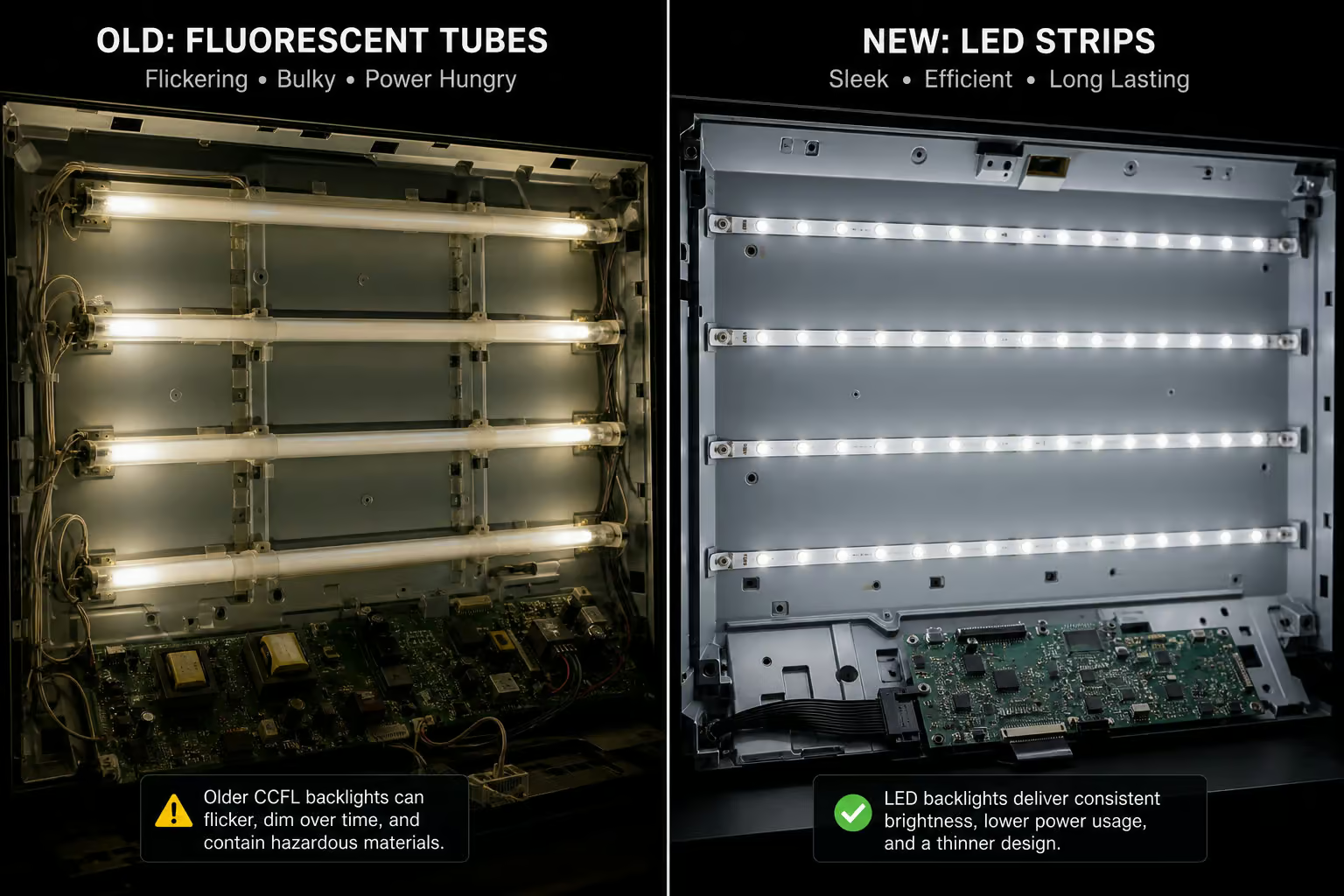
Cold-cathode fluorescent lamps (CCFLs) were the primary light source of the traditional LCD monitor era. Think of these as tiny, delicate neon-style glass tubes lining the interior of heavy, older screens.
They functioned well enough a decade ago, but they consume a massive 40-to-50W for a compact 24-inch screen. That means they act as miniature radiators on your desk during marathon summer gaming sessions.
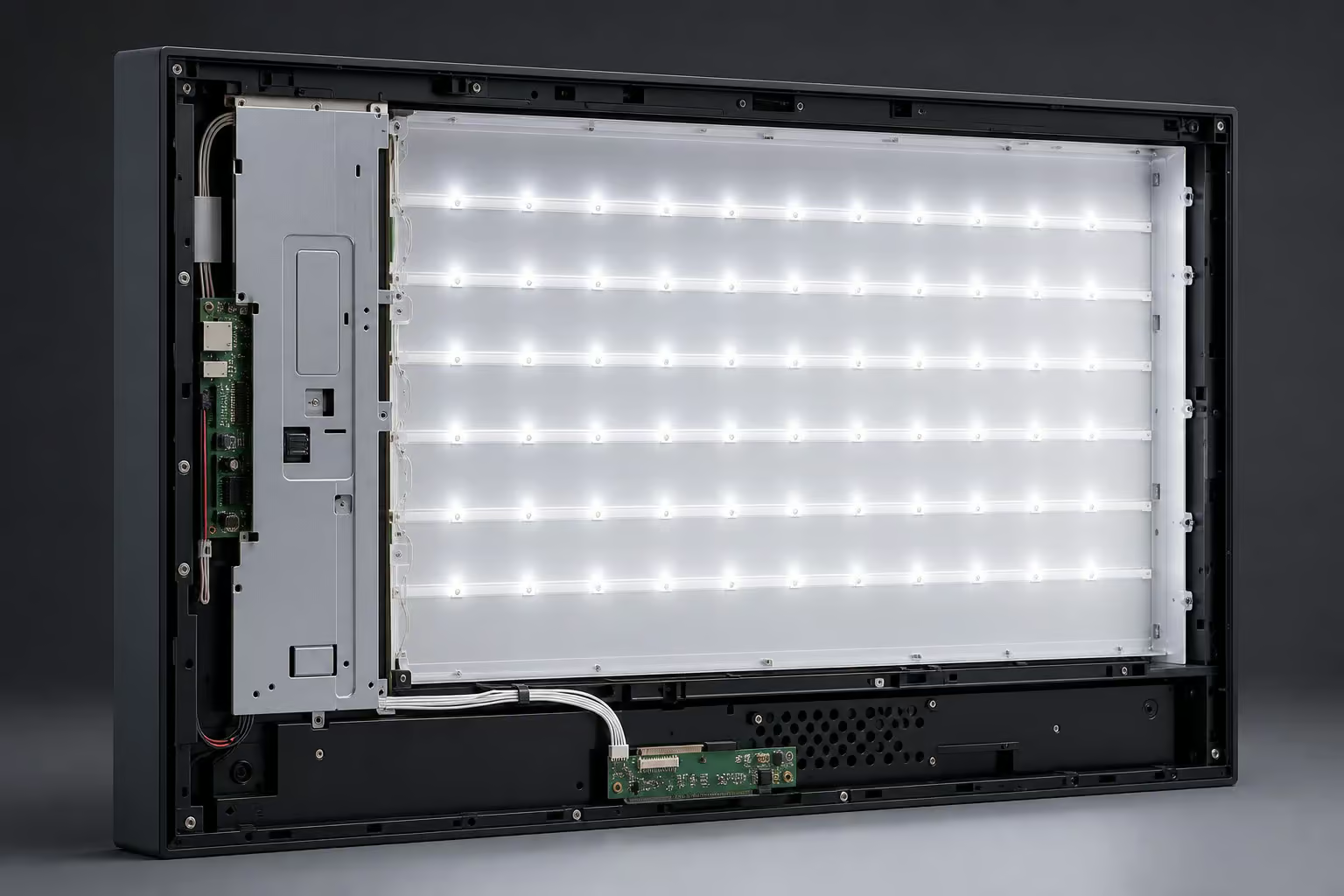
CCFL tubes contain toxic mercury, suffer from shorter lifespans of 30,000 to 60,000 hours, and slowly fade in luminosity over years of daily production tasks. If you’re hunting for second-hand deals, picking up a cheap legacy CCFL screen eventually costs more in utility bills and desk heat than buying a modern, entry-level LED-lit IPS display.
Panel Technology: Evaluating IPS, VA, and TN
While the backlight layer determines the brightness and power profile of your display, the physical alignment of the liquid crystal pixels defines your visual experience. This crystal architecture determines how fast the screen resets, how colors look when you lean backward, and how deep the shadows look in dark environments.
IPS Panel (In-Plane Switching)
IPS architecture scales light evenly by rotating liquid crystals horizontally parallel to the panel. This design choice results in wide 178-degree viewing angles, maintaining clean color coordinates and line clarity without off-axis washing out.
For architects who need coordinates to sit true when showing CAD blueprints to a colleague standing off-center—or even gamers checking online casino reviews on a secondary screen—this wide viewing angle is critical. Excellent manufacturing yields make high-refresh IPS displays the default market sweet spot where you get professional-grade color accuracy without a premium surcharge.
But that’s only half the story. Be aware of “IPS glow,” an edge-lit light bleed that manifests as greyish artifacts in dark, atmospheric gaming scenes.
VA Panel (Vertical Alignment)
VA panels position liquid crystals vertically perpendicular to the glass, closing tightly when electricity is cut to block out the backlight completely. Because they seal so effectively, VA panels are the contrast kings, producing deep, inky blacks that make game worlds pop with moody atmosphere.
The compromise lives in gray-to-gray speed. VA crystals take longer to change states when transitioning from pitch-black coordinates to dark gray steps. During fast-paced gameplay, this transitional lag causes “black smearing,” leaving a muddy, distracting trail behind fast-moving targets.
TN Panel (Twisted Nematic)
TN is the oldest LCD technology still in active use, relying on twisted crystal structures that unwind rapidly under high physical voltage. TN panels trade away image quality for raw physical speed and low manufacturing costs, typically serving as the lowest-cost option.
For years, competitive e-sports players favored TN panels for their fast response times.
TN panels suffer from severe vertical color shifting, restricted color depth, and poor off-axis viewing that looks instantly washed out if you sit even slightly below your screen’s center. Unless you’re on a shoe-string budget where every millisecond counts, modern high-refresh IPS panels have made TN panels obsolete for general daily use.
OLED Display: The Premium Emissive Alternative
OLED (Organic Light Emitting Diode) technology functions differently than LCDs. While standard LED monitors still rely on a backlight shining through a layer of liquid crystals—a fundamental contrast detailed in Mini-LED vs OLED gaming HDR comparisons—OLED screens use emissive pixels. Every single pixel on an OLED panel acts as its own microscopic, self-contained colored lightbulb.
When an OLED pixel needs to show black, it turns off, resulting in zero-black limits and near-instantaneous response times. However, because they lack backlights and rely on organic materials, OLEDs command a premium price tag that pushes them well past the standard sub-$800 budget sweet spot.

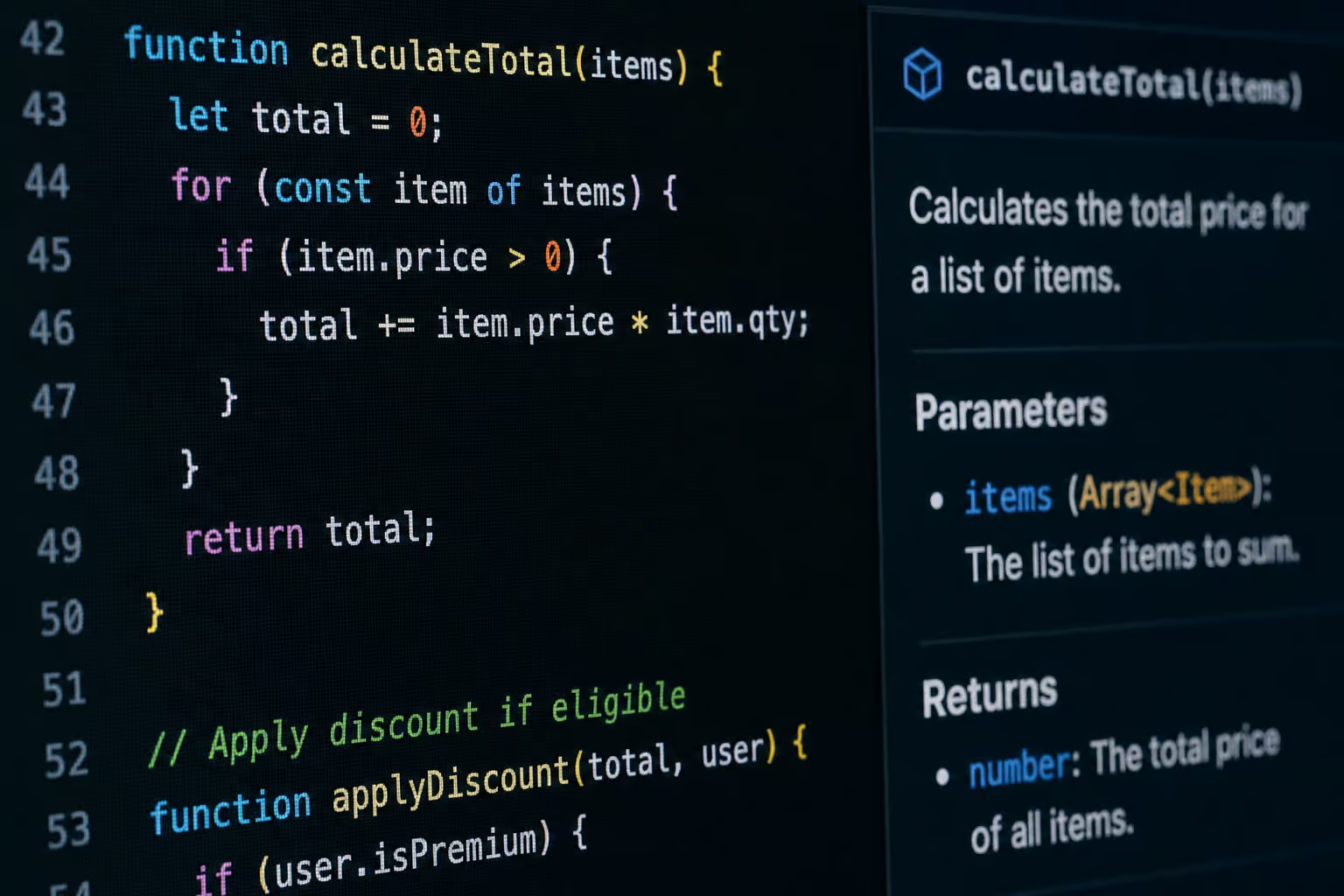
For dual-use workspaces, there is also a specialized text-rendering risk to consider. Many consumer-grade OLED displays utilize non-standard sub-pixel arrangements (like WBGR layouts) that confuse Windows and macOS text-rendering engines. This can cause fine vector lines and characters in CAD software or code editors to look fuzzy or fringed with red and blue halos. If you spend five to six hours a day looking at static text and architectural plans, a high-density, LED-backlit IPS LCD remains a crisper, more reliable choice.
Gaming Performance: Refresh Rates and Input Limits
To prevent motion blur and screen tearing in fast-paced titles, high refresh cycles must work hand-in-hand with active synchronization pipelines.
Response Time Recommendations for Fast-Paced Play
When you’re trying to track targets in Battlefield 6, Fortnite, or Apex Legends, look for a native, un-overdriven Gray-to-Gray (G2G) response time under 3ms.
Avoid “extreme” overdrive profiles or 0.5ms marketing modes. These settings work by pumping excess voltage into the liquid crystals to force quick transitions, but they often overshoot their target. This creates a distracting visual artifact known as corona or inverse ghosting, which leaves glowing, halo-like silhouettes behind moving targets on your screen.
Adaptive Sync Technologies: Ending Frame Tearing
A classic rendering bottleneck occurs when your graphics card pumps out frames at an erratic pace while your monitor attempts to refresh on a static, fixed schedule. This mismatch results in either horizontal screen tearing or sluggish stuttering.
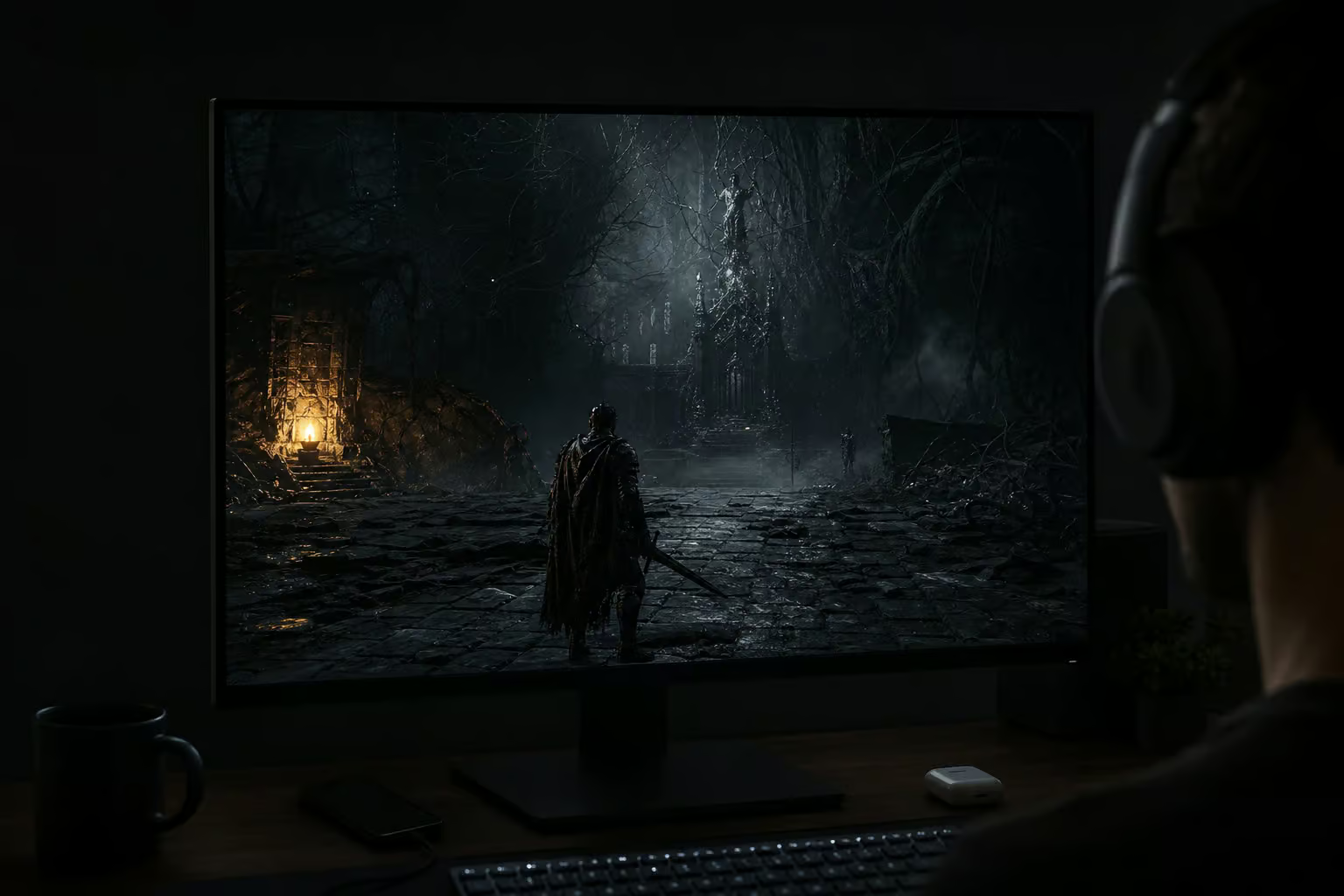
Hardware-driven adaptive sync technologies like NVIDIA G-Sync and AMD FreeSync act as negotiated bridges between your graphics card and your display. They force the monitor to wait for the GPU to finish rendering a frame before refreshing.
This dynamic handshake smooths out frame pacing and eliminates screen tearing without the input lag penalty introduced by old-school, software-level V-Sync.
Ergonomics and Heat: Managing Marathon Screen Sessions
Marathon system sessions lasting five to six hours take an underappreciated physical toll on your body and your hardware. Legacy CCFL displays run hot, venting heat off the front of glass lines and drying out your eyes. Over time, that constant thermal stress degrades internal polarizers and causes permanent, localized panel yellowing.
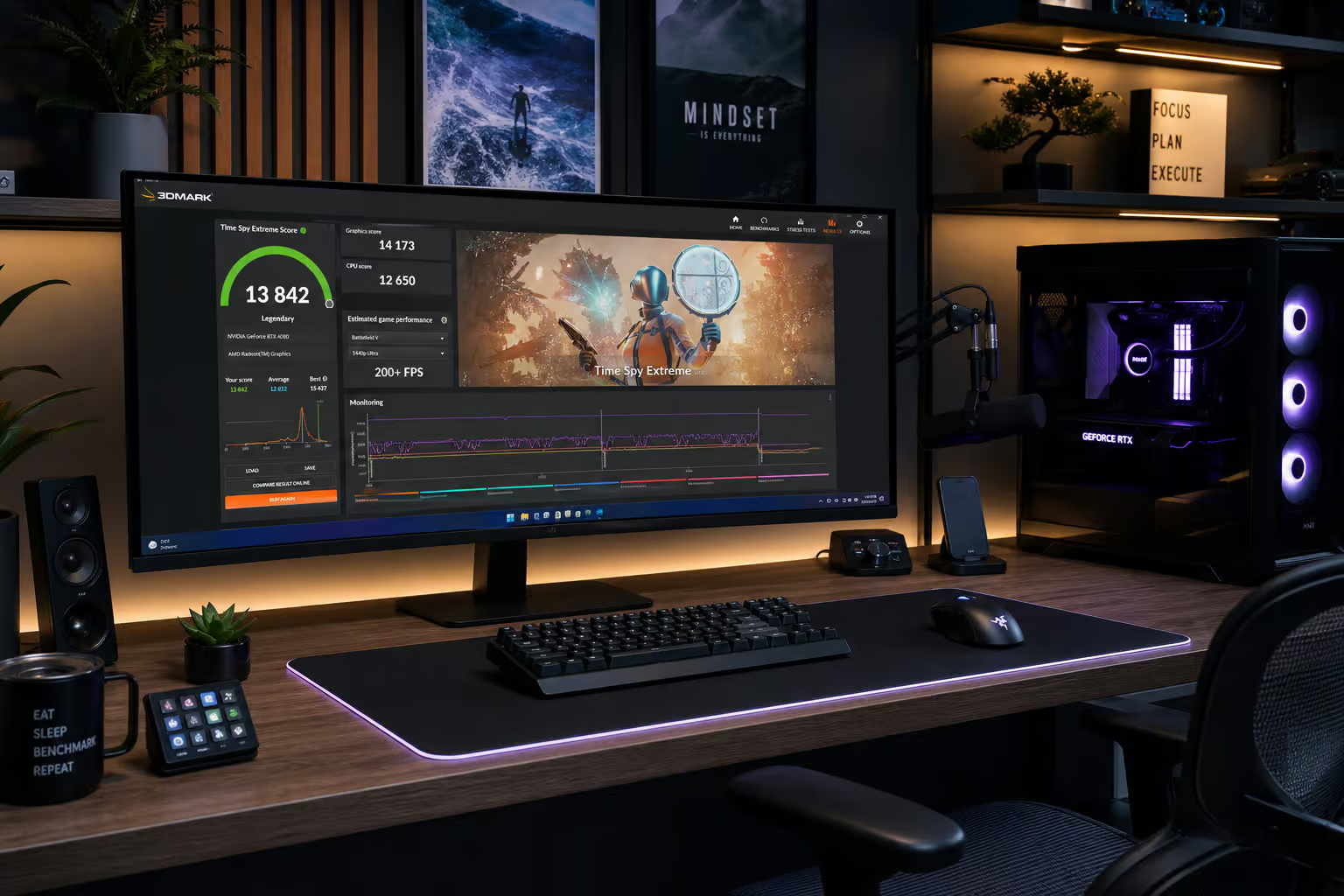
Modern, DC-modulated, flicker-free LED backlights avoid the high-frequency pulsing of cheaper Pulse-Width Modulation (PWM) dimming systems, saving you from silent neurological eye strain and headaches. Many panels also incorporate hardware-level low-blue-light modes to shift the emission spectrum away from disruptive wavelengths when you’re working into the early hours of the morning.
For hybrid professionals, the real ergonomics challenge lies in workspace calibration. Wide-gamut displays boasting high DCI-P3 color volumes are incredible for saturated, cinematic gaming environments. However, showing those same hyper-saturated profiles during technical drafting sessions can cause severe eye fatigue.
Look for displays with a well-calibrated, quick-toggle sRGB color space mode. This keeps coordinates naturally saturated and preserves clean, high-contrast text rendering when you’re resolving complex plans on a plain background.
Economic Benchmarks: Real-World Display Hardware Value
If you’re hunting for a display upgrade, the $180 to $250 price range represents the current sweet spot. At this price point, you can bypass entry-level panel limitations and secure features that actually impact your daily workflow.
MSI G274QPF-QD: High-Value 1440p Gaming Champion
The MSI G274QPF-QD is a 1440p IPS workhorse that serves as a benchmark for sub-$300 setups.
By utilizing a specialized Quantum-Dot layer over its LED backlighting system, it expands wide color space coverage, letting developers design layouts under clean color gamuts while retaining fast frame pacing. It is a fantastic entry-level upgrade for hybrid users who want crisp 1440p details during work and zero-compromise response times at night.
AOC Q27G3XMN: Deep Contrast VESA DisplayHDR Value
If you want deep, moody shadows without paying a premium, the AOC Q27G3XMN is a standout recommendation. Instead of relying on edge-lit zones, it features a localized Mini-LED backlight array that puts physical dimming zones directly behind the VA panel.
The monitor’s VESA DisplayHDR certification is your litmus test here. It guarantees the panel has the peak brightness nits needed to deliver high-contrast pop, turning HDR visuals into a visual upgrade rather than a washed-out, muddy mess.
Summary: The Modern Gamer-Architect Decision Matrix
When you’re trying to clear the marketing fog and choose a new monitor under a strict $800 budget, ignore the basic “LCD vs LED” backplate labels. Instead, focus on the physical layout that matches your workflow.
- The Hybrid Creator & Player: Spot a high-refresh, 1440p IPS panel paired with G-Sync or FreeSync. This combination guarantees the 178-degree viewing angles and precise text registry required for intensive CAD blueprints during the day, with rapid gray-to-gray transitions for competitive gaming at night.
- The Dark Room Cinematic Gamer: Target a Mini-LED backlit VA panel like the AOC Q27G3XMN. You will secure inky, atmospheric blacks and verified VESA DisplayHDR brightness performance without stretching your budget to premium OLED territory.
- The Pure E-Sports Competitor: If your focus is purely on frames and ladder ranks, a budget-friendly TN panel or a fast response IPS display under 3ms will keep your pipeline clean.
Because LEDs act as the illumination source for LCD pixel matrices, prioritize panel architecture (IPS, VA, or Mini-LED) over backlight labeling during your search.
Frequently Asked Questions
Which is better LED or LCD monitor?
This is actually a category error because they aren’t competing technologies. Almost every modern monitor is an LCD panel that uses LED backlighting to illuminate the image, so you don’t have to choose between them.
What’s better for eyes, LCD or LED?
Eye comfort depends more on the backlight control system than the label. You should prioritize monitors that use DC-modulated, flicker-free backlighting rather than Pulse-Width Modulation (PWM), which can cause neurological eye strain and headaches during long sessions.
Is an LCD display good for gaming?
Yes, provided you choose the right panel architecture like IPS or VA. While older LCD technology like TN panels were once the standard for speed, modern high-refresh IPS panels now offer a superior balance of sharp image quality and rapid response times for gaming.
What are the disadvantages of LED over LCD?
The term LED simply refers to the light source, not a disadvantageous technology. The real performance differences come from the panel type (IPS, VA, or TN) and how the backlighting is applied, such as the difference between cheaper edge-lit designs and superior full-array local dimming.
Can I use an OLED monitor for professional CAD work?
While OLEDs offer amazing contrast, they can be problematic for CAD and text-heavy work due to non-standard sub-pixel arrangements. These layouts often cause red and blue fringing around fine vector lines and characters, making a high-density LED-backlit IPS display a more reliable choice for precision drafting.
What is the difference between IPS and VA panels for gaming?
IPS panels provide the best viewing angles and color consistency, which is ideal if you use your monitor for both work and play. VA panels win on contrast and deep, inky blacks, but they can suffer from ‘black smearing,’ where dark objects leave a muddy trail during fast-paced movement.
Is it worth paying more for a Mini-LED monitor?
It is worth the investment if you prioritize high-quality HDR gaming without spending thousands on an OLED. Mini-LED arrays provide localized physical dimming zones that result in significant contrast improvements, preventing the dull, washed-out look typical of cheaper edge-lit displays.
