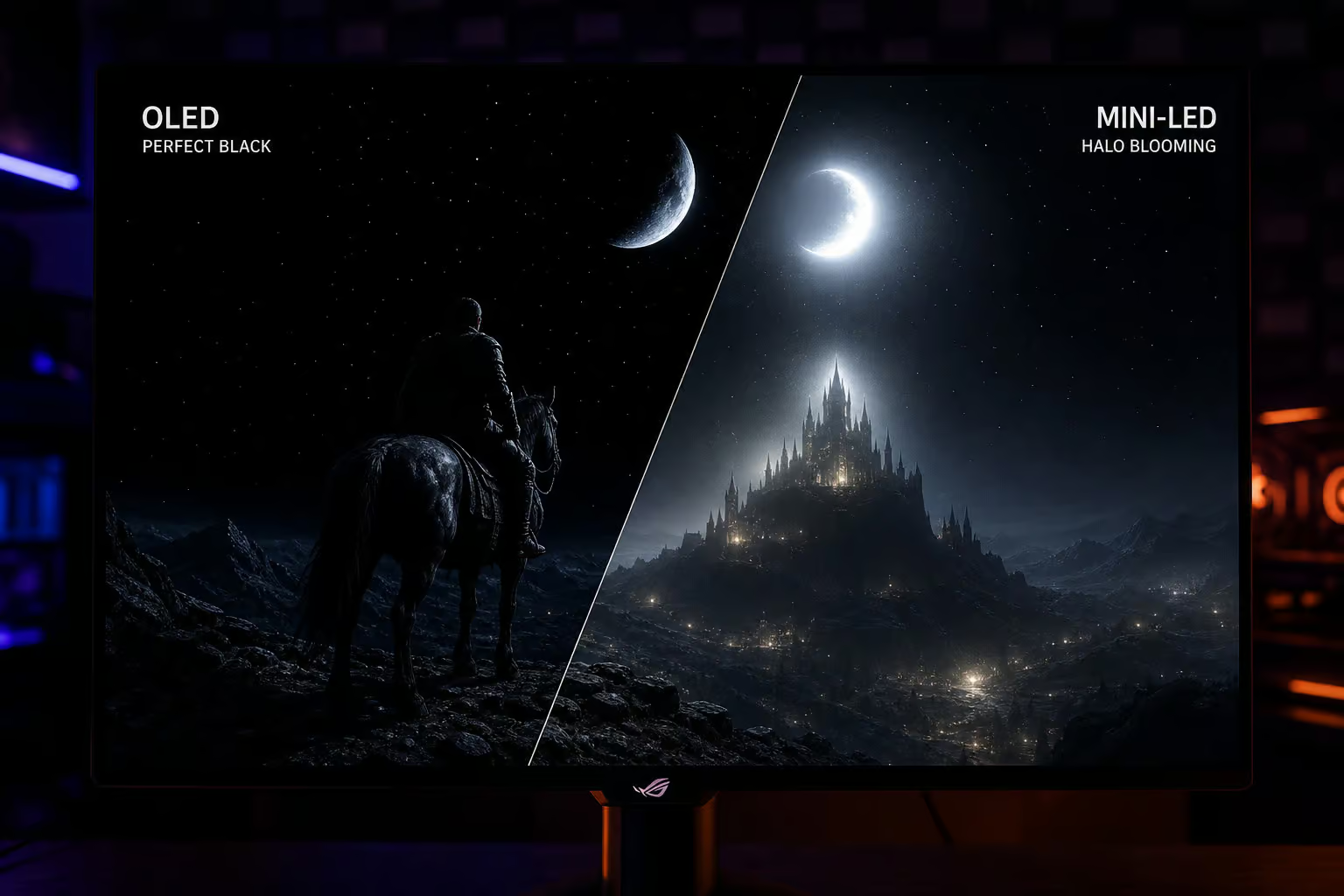
The choice between massive peak brightness and flawless black levels used to be a matter of preference. But if you’re deciding between an OLED or a Mini-LED display today, you’re navigating two different sets of hardware anxieties: the creeping fear of OLED burn-in against the occurrence of Mini-LED blooming artifacts.
Marketing teams love to throw peak nits and infinite contrast ratios at this debate, but those specs fail to capture how real-world gaming exposes the limits of both technologies. Here at GeekExtreme, we look past the hype to uncover what dictates your experience. This is a hardware battle, and an environmental calculation based on the lighting in your room, and an algorithmic struggle where the display’s firmware actively fights the game developer’s artistic intent.
Fortunately, certain manufacturers are stepping up to bridge these gaps. Specifically, KTC has emerged as a disruptive force in this space, offering high-spec Mini-LED and OLED models that deliver flagship performance without the traditional premium markup.
Key Takeaways
High-end Mini-LED displays pushing up to 3,000 dimming zones suffer from blooming and algorithmic dimming, ruining high-contrast scenes in dark games.
Surface finishes alter room compatibility, with QD-OLED panels reacting to ambient light by throwing a purple tint, while some matte OLEDs introduce visible rainbow grain.
Local dimming on living room TVs outperforms standard 32-inch PC monitors, making the TV implementation the superior choice for backlight mitigation.
Table of Contents
OLED performance: Micro-contrast and motion clarity
Forget the spec sheets for a second and let’s talk about how pixels fire. At the core of the OLED experience is per-pixel illumination, which changes the baseline hardware logic of rendering a scene.
The 3D effect of absolute black
Because an OLED panel can completely switch off individual pixels, it achieves blacks and infinite contrast. But the magic is what happens at the boundary line.
This pixel-level precision generates micro-contrast. When you are exploring a digital environment, the tiny black pixels sitting between the illuminated bricks on a wall provide a hyper-realistic depth that traditional backlights cannot emulate. It creates a vivid 3D effect, drawing you into the image in a way that goes far beyond raw brightness specs. If you want to experience this pixel-perfect depth on your desk, the KTC G27P6 serves as an excellent reference point—delivering a stunning 240Hz QHD OLED panel that maximizes motion clarity and near-instantaneous 0.03ms response times.
Pixel response times vs synchronization artifacts
For competitive gaming, OLED is a cheat code. Because there are no liquid crystals physically twisting to change state, the motion clarity and pixel response time are unmatched. Panning a camera across a complex horizon looks sharp.
However, it isn’t a perfect experience. While the pixels are fast, OLED panels can struggle with refresh synchronization. When climbing through fluctuating, unstable framerates (especially around the 60fps mark), many displays exhibit noticeable VRR-related flicker. It’s a frustrating visual trade-off: you get motion clarity, but occasionally your shadows pulse as the sync algorithm tries to keep up.
Analyzing Backlight Constraints and Firmware Limitations
You’d think cramming thousands of tiny lights behind an LCD panel would finally solve the contrast problem. It doesn’t. It’s clear how the core algorithmic flaw of Mini-LED hardware gets glossed over in favor of peak brightness numbers.
Understanding Display Blooming and Artifacting
The visual experience of Mini-LED is defined by the hardware’s inability to perfectly isolate light. Because the panel must group LEDs into physical zones, you will encounter blooming—a halo of light leaking into dark areas—and potential backlight ghosting, which creates a trailing smudge behind fast-moving objects. These characteristics are inherent to the zoning process and differentiate the panel’s presentation from the pixel-perfect precision of emissive displays.
The hardware limits of zone-based dimming
Mini-LED relies on physical backlight grids targeting specific sections. But even on premium displays boasting 3,000 dimming zones found in high-end Mini-LED implementations—the hardware isn’t granular enough. The panel physically cannot isolate tiny highlights without light bleeding into the surrounding pixels, leading to blooming artifacts and less micro-contrast than per-pixel illumination.
When dimming logic overrides artistic intent
To stop you from seeing that blooming, the display’s software has to intervene. This introduces the villain of the Mini-LED story: the dimming logic and over-brightening.
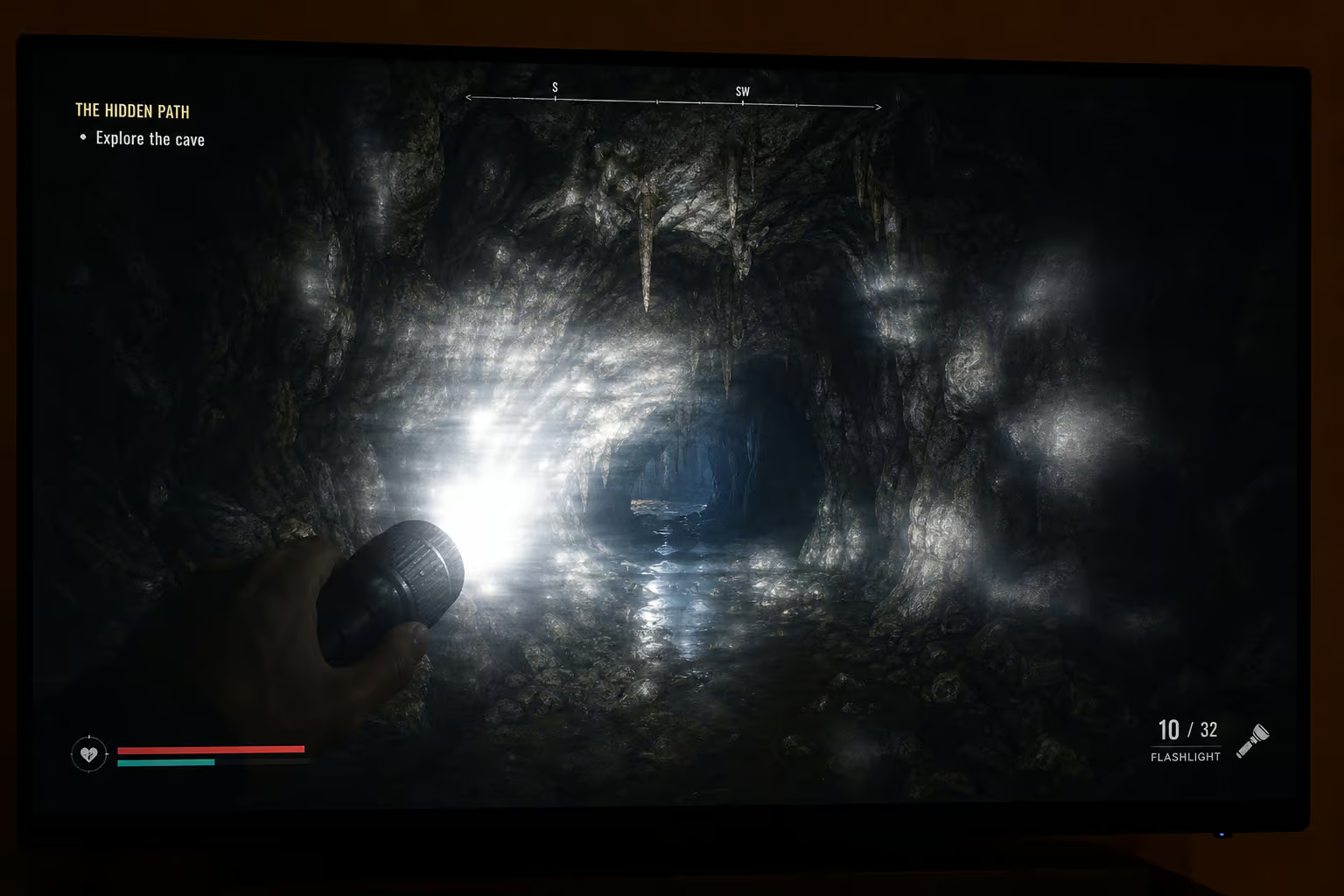
If there’s a bright torch in a dark cave, the typical Mini-LED algorithm hits a panic state. To avoid a halo effect, the firmware might dim the highlight, ruining the visual impact. Alternatively, the software might decide to preserve the torch, choosing instead to artificially elevate the entire backlight zone around it. This trades intended shadow detail for a flat, washed-out black crush.
Case Study: High-Contrast HDR Performance
In practice, these algorithmic compensations ruin high dynamic range (HDR) horror titles. Take a dark, high-contrast game like Resident Evil 4. A visual trade-off observed in high-brightness Mini-LED gaming deployments is an aggressive “breathing” effect. Aiming a bright crosshair, swinging a flashlight, or looking at a point-source light frequently forces the dimming algorithms to overcompensate. For the duration of the highlight, the in-game atmosphere is flattened into a washed-out mess, overriding the moody exposure the developers intended.
Ambient Light and Surface Treatment Considerations
We love imagining perfect gaming setups in pitch-black rooms, but physics doesn’t care about the aesthetic. The surface finishes of these panels react to ambient light, transforming your choice of an OLED vs IPS monitor into a strict lifestyle parameter.
Glossy reflections and QD-OLED reactions
If you want the purest image, glossy screens offer better clarity, but they operate like mirrors in bright offices. Furthermore, the chemistry of the panel matters.
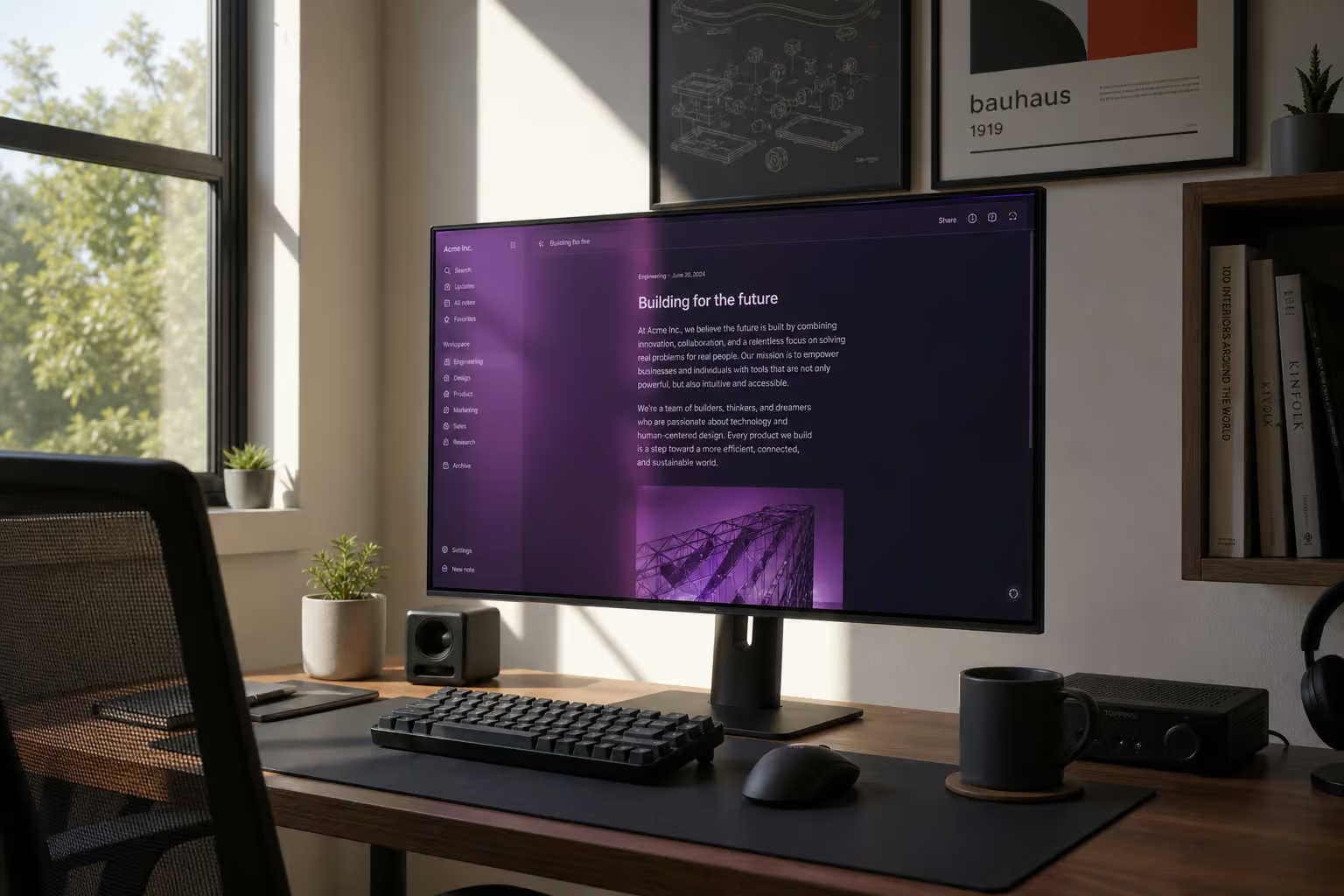
QD-OLED panels boast phenomenal rec 2020 coverage. Their color volume translates to a perceived intensity that feels more vibrant than traditional LCD and LED gaming monitors. However, under natural or bright artificial room lighting, QD-OLED panels react awkwardly with the ambient light, exhibiting a raised purple tint across black areas.
Matte coating friction and WOLED texturing
WOLED (White OLED) panels lean hard in the opposite direction. They are highly functional in bright rooms and generally avoid the purple tint issue, but they require anti-glare application and are prone to gray banding.
While matte panels reduce mirror reflections—a helpful step in reducing gaming eye strain—the textural trade-off is clear. Community reports regarding the LG 27GS95QE-B matte coating cite graininess over solid bright colors. In a typical workspace environment, the trade-off manifests as thousands of tiny rainbow fragments dancing across a bright sky or a white webpage.
Comparative Analysis: Display Form Factors
There’s a strange, undocumented divide in modern display technology: scaled-down desktop components perform worse than their living room equivalents.
Desktop Mini-LED hardware struggles
Packing Mini-LED tech into standard 32-inch or 27-inch monitors has frequently resulted in vast performance inconsistencies, poor HDR color accuracy, and slow backlight latency. Historically, this gap is why massive LG C-Series OLED TVs were favored as PC gaming screens over smaller, native monitor alternatives.
However, brand specialization has turned the tide. By bypassing the bloated, slow-processing scalers found in generic displays, KTC’s gaming monitors implement robust, low-latency On-Screen Display (OSD) controls. Their algorithms give users direct control over local dimming aggression (Low, Standard, High), allowing you to tailor the backlight response to the exact game pace—whether you need fast response for competitive esports or stricter halo suppression for cinematic horror.
Maintenance Requirements and Productivity Utility
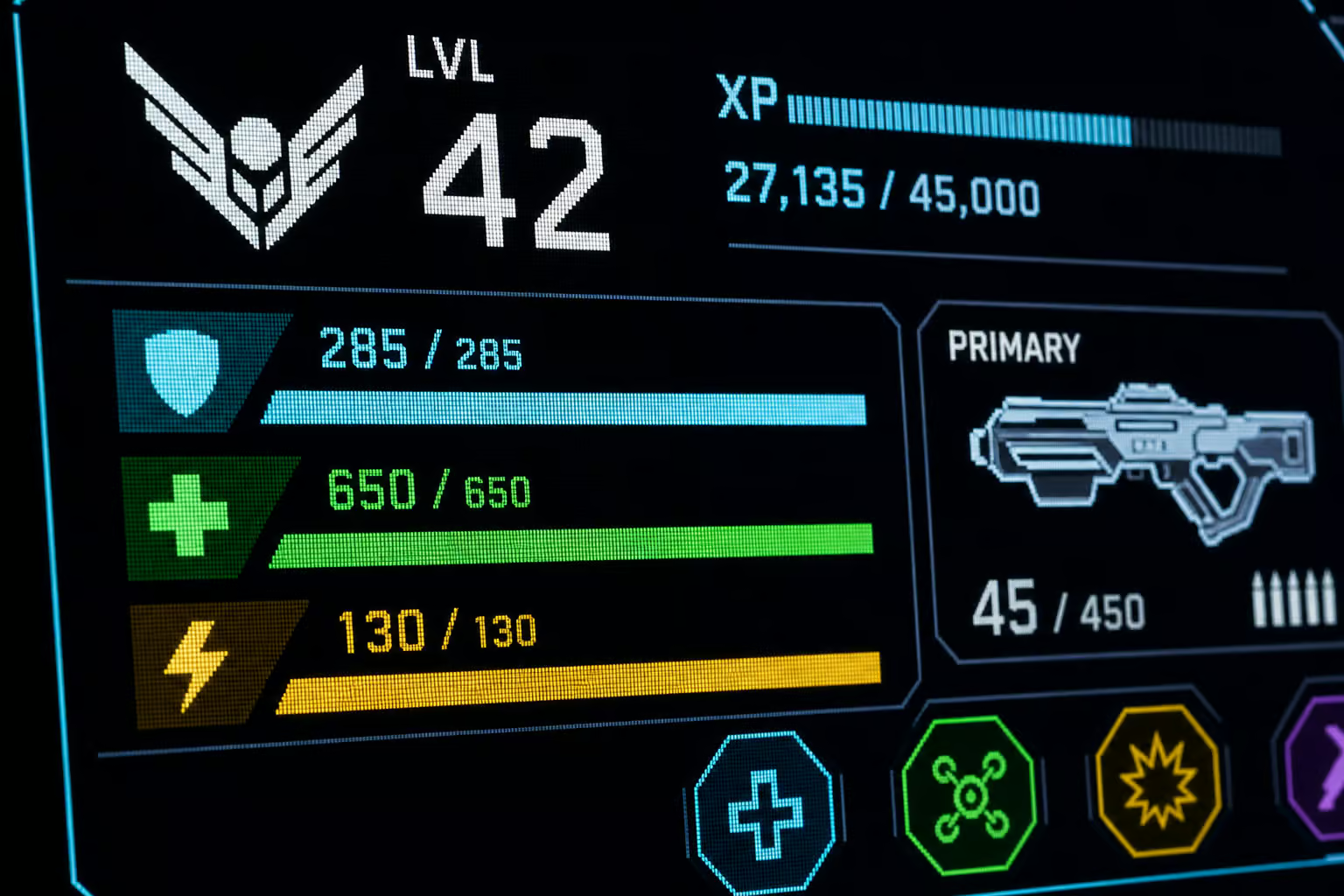
The dirty secret of OLED gaming is that owning one requires a part-time job mimicking a screensaver. The susceptibility to burn-in from static elements—specifically a persistent taskbar, browser UI, or unmoving game HUDs—ensures panel degradation.
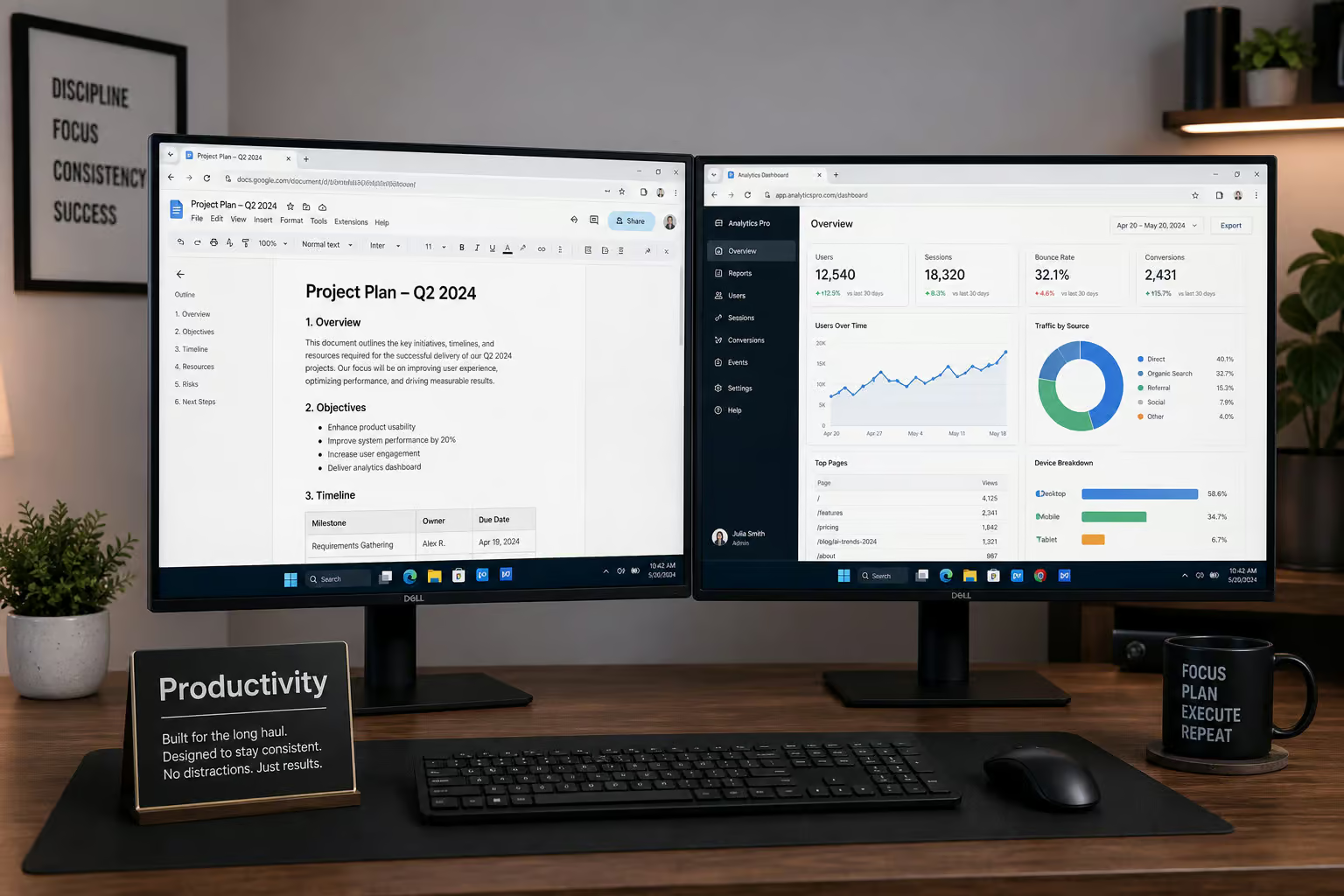
This is where Mini-LED claims its crown. For productivity geeks who like leaving a code editor or Slack window open for ten hours at 800 nits, Mini-LED is the ultimate hybrid. It delivers higher peak brightness for daytime rooms while maintaining resistance to static-element burn-in.
Emerging Display Technologies
Are we stuck with this compromise forever? Not entirely. We’re sitting squarely in the middle of emissive display maturation. Horizon tech like Tandem OLED—which stacks layers to increase brightness—and microLED, which attempts to deliver per-pixel illumination with inorganic, burn-in-proof materials, are exactly what the future needs.
But right now? Those next-generation display tech announcements are years away from hitting the 32-inch consumer market. You’ll have to build based on the hardware sitting on shelves today.
Conclusion: Selecting a Display Strategy
When you’re comparing Mini-LED and OLED for gaming, specifications matter less than your desk topology and window placement. The decision matrix below clarifies exactly which compromises you are making.
OLED vs Mini-LED Comparison
| Feature | OLED (QD-OLED / WOLED) | Mini-LED |
|---|---|---|
| Ideal Environment | Controlled light, dark rooms, “caves.” | Bright offices, open windows, bright daytime viewing. |
| Contrast & Black Levels | Perfect blacks. Micro-contrast and 3D depth. | Deep blacks, but inherent blooming and halo artifacts around bright spots. |
| Motion Clarity | Near instantaneous pixel response. Zero ghosting. (Can have VRR flicker). | Good, but prone to minor smearing or backlight latency during fast motion. |
| Software Impact | None. Pixels illuminate perfectly independently. | High. Dimming logic actively overrides creator intent, leading to over-brightening or black crush. |
| Desktop Anxiety | High. Constant management required to hide static taskbars and mitigate burn-in risk. | Zero. Immunity to static-image degradation. Leave windows open. |
If you demand true black levels, heavily value narrative consistency in dark atmospheres, and can treat your display gently during desktop use, OLED is the clear objective winner.
If you treat your PC as a grueling hybrid workstation, enjoy incredibly punchy daytime gaming, and refuse to babysit a fragile panel against taskbar burn-in, Mini-LED remains the pragmatic heavyweight champion.
Frequently Asked Questions
Is Mini LED almost as good as OLED?
Mini LED can produce higher peak brightness, but it struggles to match the pixel-level precision of an OLED. While Mini LED uses regional dimming zones to approximate contrast, it cannot achieve the same absolute black levels or the micro-contrast depth found in emissive OLED panels.
Does OLED still burn-in 2026?
OLED panels remain susceptible to permanent image retention, especially when displaying static elements like taskbars, browser UIs, or game HUDs for extended periods. While newer technology continues to improve, the risk of panel degradation from static content is still a primary concern compared to the burn-in resistance of Mini LED.
Why don’t pros use OLEDs?
Professional usage often requires high static brightness and long-term stability that can conflict with the maintenance needs of an OLED. Users who spend all day in productivity applications prioritize a display that does not require careful management to avoid burn-in and provides consistent brightness without aggressive dimming algorithms.
Is it worth upgrading from Mini LED to OLED?
An upgrade to OLED is worth it if you prioritize infinite contrast, perfect black levels, and superior motion clarity for gaming. However, you should stick with Mini LED if your room is very bright, your work involves static desktop elements, or you frequently play HDR games where you find backlight blooming and algorithmic dimming distracting.
What is the difference between Mini LED and OLED backlighting?
OLED is an emissive technology where each individual pixel produces its own light, allowing for perfect control over contrast and black levels. Mini LED is an LCD-based technology that relies on a grid of physical backlight zones, which often leads to visible halos, blooming, and artifacts when the dimming logic struggles to balance bright highlights against dark backgrounds.
Can I use an OLED monitor for office work?
You can, but it requires diligent maintenance to prevent permanent damage from fixed UI elements like the Windows taskbar. If you prefer a ‘set it and forget it’ experience for long-term productivity, a high-quality Mini LED or standard LED monitor is generally a more practical choice that avoids the risk of OLED pixel degradation.
Why do some OLED monitors look grainy?
Graininess is primarily an issue with matte-coated WOLED panels, where the anti-glare finish can create a faint, shimmering texture visible over solid colors. This is a common trade-off for users who choose matte screens to reduce reflections in bright environments, as opposed to the mirror-like finish of glossy panels.
