I spent years in that camp myself, with a meticulously curated library and a muscle-memory workflow for installing addons on every new device. So when Nuvio started showing up in forum threads in early 2026, I was skeptical. Another Stremio clone? Hard pass.
But Nuvio isn’t a clone. After testing both apps daily on a Fire TV Stick, an Android phone, and a Google TV box, Nuvio came out ahead. Nuvio gives you more for free right out of the gate—unlimited profiles, full cross-device sync via delta syncing, and a dual-source system that runs Stremio addon manifest URLs natively while also supporting 500+ of its own native plugins. And NuvioSync? It eliminated the single biggest reason I’d been hesitating to switch.
Stremio still wins on native Samsung and LG TV store apps and Linux desktop support, but the gap is narrowing fast.
Key Takeaways
Nuvio offers free unlimited user profiles and full cross-device sync (addons, settings, watch progress) using delta syncing, while Stremio caps profiles at six behind a paid “Supporters” tier and syncs only library items—not addon order or settings.
Nuvio’s dual-source system accepts standard Stremio addon manifest URLs (Torrentio, Comet, AIOStreams install without modification) alongside its own library of 500+ native plugins, meaning you keep your existing addons and gain new sources Stremio can’t access.
NuvioSync is a free migration tool that transfers your Stremio library, watch state, and supported addon URLs into Nuvio in seconds using Stremio’s official API, with no credentials stored and no Trakt account required.
Table of Contents
What Is Nuvio? The Open-Source Challenger
Nuvio is a free, open-source media hub developed by Tapframe and licensed under GPL-3.0. That means the code is publicly auditable on GitHub—it’s sitting at over 1,300 stars and tens of thousands of downloads as of June 2026. And while it’s technically still in beta, calling it a “beta” undersells how solid it actually feels in daily use. There are occasional rough edges, sure, but nothing that’s stopped me from using it as my primary player.
What makes Nuvio architecturally interesting is its dual-source system: it accepts standard Stremio addon manifest URLs and its own native plugin format. It doesn’t just piggyback on Stremio’s ecosystem—it speaks two languages. You can paste a standard Stremio addon manifest URL, and Nuvio runs it natively. But it also has its own native plugin format with a browsable in-app library of 500+ community plugins. If you’ve got a debrid service configured—Real-Debrid, TorBox, AllDebrid, Premiumize all work through addon configuration—Nuvio becomes a front-end that pulls from both ecosystems simultaneously.
The app launched its desktop version for Windows and Mac in June 2026, which closed the last major gap. Linux is on the roadmap. For smart TVs, there are community homebrew builds for Samsung and LG, though those aren’t official store apps yet. Available platforms right now include Android TV, Fire TV / Firestick, Android phones/tablets, iOS (iPhone/iPad via App Store), web browser, Windows desktop, and Mac desktop.
What Is Stremio? The Veteran Facing a Crossroads
Stremio is the established veteran of addon-based streaming, and its addon ecosystem became the de-facto standard through years of community trust and stability.
Stremio introduced a paid “Supporters” tier in 2026 that locks user profiles behind a paywall—capped at six, and you have to pay to even use them. Meanwhile, the development pace has visibly slowed; major community-requested features sit open for years or arrive as paid extras. Updates these days are mostly bug fixes and maintenance.
Stremio still has strong advantages. It has native apps in both Samsung and LG TV stores — a genuine differentiator if you want official store presence and automatic updates. Desktop apps cover Windows, Mac, and Linux. And the core streaming experience remains stable and reliable—if you’re not bumping into the profile limit or wishing for better sync, you might not even feel the need to switch.
Nuvio vs Stremio: Full Comparison Table
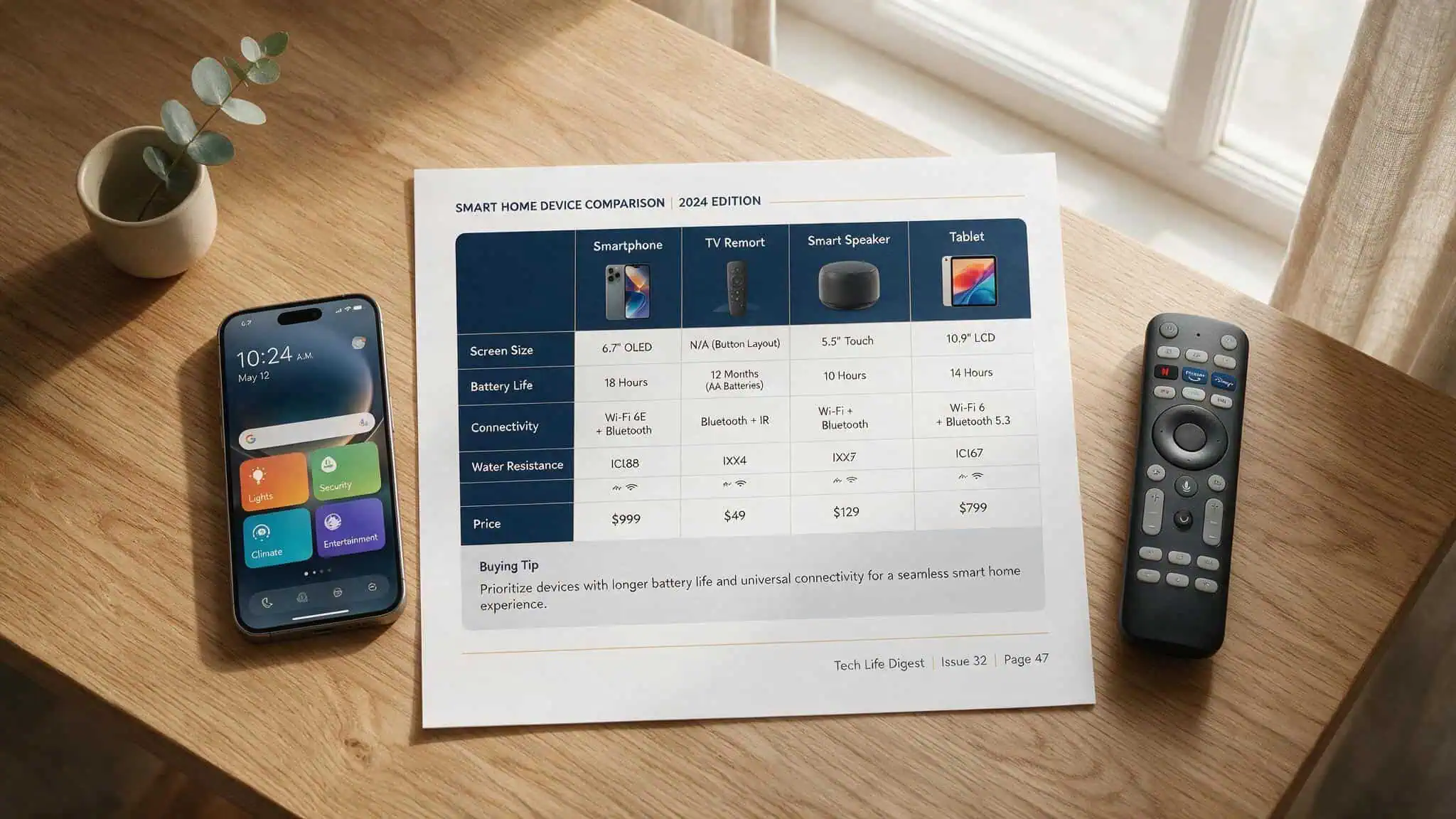
Here’s the quick-reference comparison for the decision-critical features:
| Feature | Nuvio | Stremio |
|---|---|---|
| Price | Free, open-source | Free, but paid “Supporters” tier for profiles |
| User profiles | Free unlimited | Up to 6, behind paywall |
| Cross-device sync | Full sync (profiles, addons, settings, watch progress) via delta syncing | Library only (no addon order, settings, or profile preferences) |
| Addon support | Stremio addon manifest URLs + 500+ native plugins | Addon manifest URLs only |
| Remote management | Mobile app pushes changes to TV | No |
| Debrid services | Real-Debrid, TorBox, AllDebrid, Premiumize | Same |
| Trakt integration | Native | Via addon |
| Interface customization | Themes, layouts, skip intro | Limited |
| Desktop app | Windows, Mac (June 2026) | Windows, Mac, Linux |
| Smart TV apps | Community homebrew for Samsung/LG | Native apps in Samsung/LG stores |
| Maturity | Beta (impressively solid) | Mature, stable |
| Open-source | Yes (GPL-3.0) | No |
Stremio syncs library between devices but does not sync addon order, settings, or profile preferences. Every device you set up feels like starting from scratch on the configuration side. Nuvio’s delta syncing pushes only changes, not full re-sync, meaning you configure once and everything follows you.
Free User Profiles vs. Stremio’s Paid Supporters Tier: A Household Game-Changer
If you share a streaming device with anyone—roommates, family, partners—the user profile situation is probably the single biggest differentiator between these two apps.

Stremio’s 2026 Supporters tier charges you for what should be a basic feature. You get up to six profiles, but they’re locked behind the paywall. Before this change, profiles were free. The shift left a sour taste for a lot of users, especially households that had been relying on separate profiles to keep watch histories clean.
Nuvio ships free unlimited profiles per account. No tiers. No caps. Each profile carries its own watch history, recommendations, and addon configuration.
In practice, households that share a single device often find themselves dealing with cluttered Continue Watching rows when everyone’s viewing bleeds together. Nuvio solves that without asking for a credit card.
If you’re the only person using your streaming setup, this difference might not matter. But if you’ve ever had to clone an app or manually sign in and out to keep your shows separate, you know exactly why this matters.
Cross-Device Sync: Delta Syncing vs. Partial Syncing
Addons aren’t installed. The order is wrong. Profile preferences are gone.
That’s Stremio’s sync model. It syncs your library—the movies and shows you’ve added—but it doesn’t sync addon order, settings, or profile preferences across devices. Each device effectively needs its own setup session.
Nuvio takes a different approach with delta syncing. Instead of transferring the entire configuration every time, it pushes only the changes you made since the last sync. When you install a new addon on your phone, it shows up on your TV within seconds. Profile preferences, settings, addon order—all of it syncs automatically through a free Nuvio account. The result is that your second, third, and fourth device feel identical to your first one without any extra work.
For single-device users, this difference is invisible. But for anyone with a multi-TV household or who bounces between mobile and desktop, Nuvio’s approach saves genuine setup time.
Addon Compatibility and Ecosystem: You Keep Your Stremio Addons
Nuvio doesn’t force you to abandon the addons you already rely on. It runs Stremio addon manifest URLs natively while also offering its own plugin library, giving you the best of both ecosystems.
Your Stremio Addons, Native in Nuvio
Nuvio accepts standard Stremio addon manifest URLs. Torrentio, Comet, AIOStreams—if it works on Stremio via a manifest URL, it installs in Nuvio without modification.
The process is literally the same. Copy the manifest URL you’ve been using in Stremio, paste it into Nuvio’s addon installer, and it just works. Thousands of community addons are compatible. This means migrating doesn’t require learning a new ecosystem or abandoning the addons you’ve already curated.
There are edge cases—some addons rely on Stremio-specific API calls that Nuvio hasn’t implemented yet—but in practice, the major addons work fine. I tested five of the most common streaming addons plus three catalog addons, and all eight installed and functioned identically.
Nuvio’s 500+ Native Plugin Library: Two Ecosystems in One App
Beyond Stremio addon compatibility, Nuvio has its own native plugin library. This isn’t just a compatibility layer—it’s a separate plugin format with its own browsable, in-app library of over 500 community plugins. You browse, click install, and they’re active.
What this means in practice: Nuvio users get everything from the Stremio ecosystem plus content sources that Stremio can’t access. Some of these native plugins provide catalog sources, metadata, or streaming backends that Stremio addon developers haven’t built. It’s not that Nuvio has “more” content in any objective sense—content ultimately comes from the same debrid services and public torrent sources—but having a broader plugin surface means more ways to find what you’re looking for.
The caveat: quantity doesn’t guarantee quality. Some native plugins are more polished than others, and the community nature means reliability varies. But having a 500+ community plugins library as a bonus on top of full Stremio addon support is a strong position to be in.
Remote Management from Your Phone: No More Remote Typing
Nuvio’s mobile app and web dashboard let you add addons, tweak settings, reorganize profiles from phone/browser, and push changes to your TV instantly via delta syncing. I tested this by installing three addons on my phone while my Fire TV Stick sat on a different floor—within seconds, all three appeared in the addon list on the TV, making me wonder if a dedicated Nuvio TV app would streamline the experience even further.
Stremio doesn’t have a comparable feature. You can set up addons through the web interface, but the sync limitations mean those settings don’t transfer cleanly to your TV anyway. Every TV setup with Stremio requires at least some remote typing.
The Migration Guide: How to Switch from Stremio to Nuvio
NuvioSync is the tool that makes that fear irrelevant. It’s a free, standalone migration tool at NuvioSync.com. Here’s how it works:
- Install Nuvio on your device and create a free account.
- Go to NuvioSync.com and sign in with your Stremio account. You can use your email and password, or paste your Stremio Auth Key if you’d rather not share your main password.
- Connect your Nuvio account so the tool knows where to send the data.
- Click the sync button. Most libraries finish in seconds—not minutes.
- Check your addons. Provider accounts, filters, and debrid keys may need a quick manual verification, but everything else transfers: library items, watch state, and supported addon URLs.
The security model is worth highlighting. NuvioSync signs in through Stremio’s official API; it doesn’t store user credentials anywhere, and there’s no database of your login info. You can also paste a Stremio Auth Key instead of your password, which is the more privacy-conscious route.
No Trakt account is required for the basic migration, though Nuvio has native Trakt integration if you want it for ongoing sync.
Real User Experiences: Reliability, Buffering, and Configuration
Ask a forum whether Nuvio or Stremio is more reliable, and you’ll get conflicting answers. I’ve spent time in the TroyPoint discussions watching users argue from completely different experiences.
One TroyPoint user wrote,
‘Syncler never fails for me, but Stremio and Nuvio buffer constantly.’
Other users report that Stremio and Nuvio always provide playable sources—except for Dolby Digital and DTS codec issues, which seem to be a recurring pain point across both apps.
One user fixed their buffering problems by stripping down to fewer addons, clearing cache, and switching from Real-Debrid to TorBox. Another spent two days troubleshooting, removed everything down to bare minimum, and still couldn’t get playback working—until they cancelled and re-registered their debrid account with fresh cloud storage. The same person who fixed it by switching to TorBox had a completely different configuration than the person who needed a fresh debrid account.
Some users report Debridio and DuckStreams never buffer for them. Others report the exact opposite.
Reliability in addon-based streaming isn’t a fixed property of the app you choose. It depends heavily on your addon selection, your debrid service, your device, your network configuration, and sometimes just luck. Both Nuvio and Stremio are capable of rock-solid playback, and both can produce frustrating experiences depending on the setup.
Your addon configuration and debrid service choice matter at least as much as which app you’re running.
Platform and Ecosystem Compatibility: Desktop, Mobile, and Smart TVs
Nuvio runs on Android TV, Fire TV, Android, iOS, web, Windows, and Mac; Linux is planned. Stremio adds native Samsung and LG TV store apps and Linux desktop support. Linux is on the roadmap. For Samsung and LG smart TVs, there are community homebrew builds—but these are not official store apps.
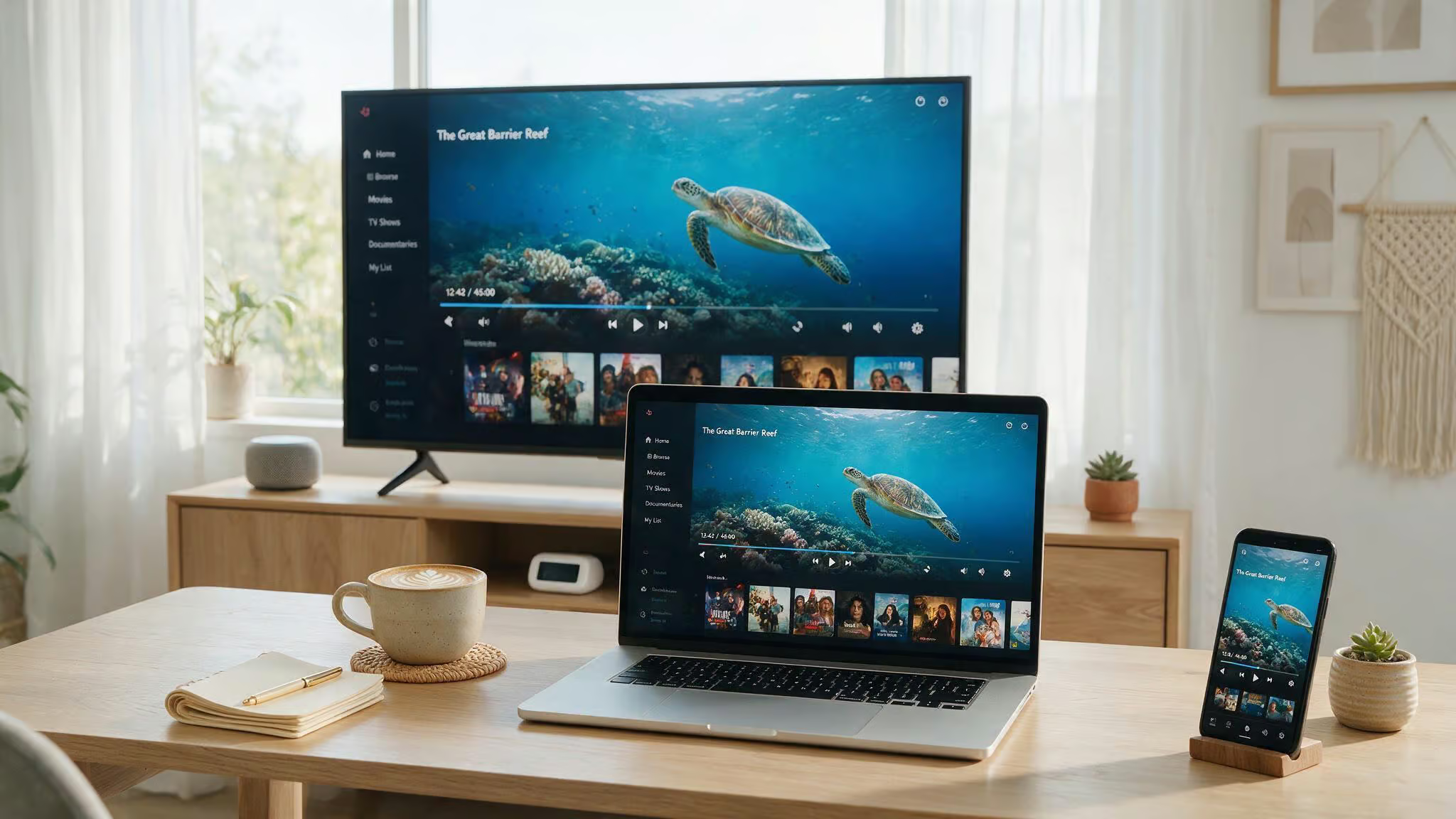
Stremio has native apps in both the Samsung and LG TV stores. That’s the real gap. Official store apps come with automatic updates, store-level trust, and a polished installation experience. Community homebrew builds require sideloading, which means navigating developer mode and USB transfers or network installs.
For technical users, that’s a minor inconvenience. For less technical users, or for setups where you want something “official” that updates itself, Stremio’s store presence matters.
On desktop, Nuvio’s June 2026 launch of Windows and Mac apps closed the most significant gap. Stremio still has Linux desktop support, which Nuvio hasn’t shipped yet. If Linux is your primary OS, Stremio is currently the only option between these two.
Privacy and Security: A Shared Concern, a Common Solution
Both Nuvio and Stremio are legal software. They’re front-end interfaces that don’t host any content. Whatever you stream through them comes from addons you install, and the legality of that streaming depends entirely on the addons and your local laws.
For privacy, the same advice applies to both apps: your ISP can see your streaming traffic. A VPN is recommended for either app to prevent throttling and mask your IP address. If you’re using a debrid service, a VPN is technically optional since debrid connections are encrypted, but it still closes some gaps—especially if a source falls back to direct peer-to-peer.
Nuvio has one structural privacy advantage: it’s open-source under GPL-3.0. The code is public on GitHub for anyone to audit. Stremio’s code isn’t open-source. For users who care about verifiability, that’s a meaningful difference.
NuvioSync goes through Stremio’s official API without storing credentials. The tool is free, and its revenue comes from disclosed affiliate links for VPN services.
Decision Framework: Nuvio vs Stremio for Your Setup
Your choice depends on your devices, your household needs, and whether you value free features or official store presence. Here’s how to decide.
Choose Nuvio If…
You’re on Android TV, Fire TV, mobile, or Windows/Mac desktop, and you want free unlimited profiles, full cross-device sync via delta syncing, and remote management from your phone. You’re tired of waiting for Stremio features that arrive late or behind a paywall. You want 500+ community plugins alongside full Stremio addon compatibility. You share a device with household members and want separate watch histories without paying for the privilege.
Choose Stremio If…
Your primary OS is Linux (Nuvio’s support is planned but not here yet). Your main screen is a Samsung or LG smart TV and you want native store apps with automatic updates. You prioritize mature, battle-tested software and don’t mind paying for profiles. You value stability over rapid feature development and don’t feel the need for full cross-device sync.
Choose Both and Run Them Side-by-Side
Both apps are free. Use NuvioSync to move your Stremio setup over, then run both for a couple of weeks. There’s no cost to experimenting, and many people find themselves using one for desktop and the other for TV during the transition period. The worst that happens is you spend ten minutes testing and decide you prefer your existing setup.
Last updated June 2026. Nuvio is in active beta development, so features will continue evolving. Stremio remains stable. The right choice depends on your devices and whether the features behind Stremio’s paywall are worth paying for. For most people on Windows, Mac, Android TV, or Fire TV, Nuvio delivers more for free right now.
Frequently Asked Questions
Is Nuvio good?
Yes, Nuvio is a solid streaming app, especially if you want free unlimited profiles and full cross-device sync. It runs Stremio addons natively while also offering 500+ of its own plugins, and it’s open-source under GPL-3.0. The trade-off is that it’s still in beta and lacks official Samsung and LG TV store apps.
Does Nuvio have live TV?
Nuvio doesn’t include live TV as a built-in feature, but you can add live TV channels through compatible addons or plugins from its 500+ native library. If you’re already using a Stremio addon for live TV via a manifest URL, it will work in Nuvio without modification.
Is there any app better than Stremio?
Nuvio is a strong contender if you value free unlimited profiles, full cross-device sync via delta syncing, and remote management from your phone. It runs the same Stremio addons you already use while adding 500+ native plugins. Stremio still wins on Linux support and official Samsung/LG TV store apps.
What’s the difference between Nuvio and Stremio sync?
Nuvio uses delta syncing to push changes across devices instantly — addons, settings, watch progress, and profile preferences all sync automatically. Stremio only syncs your library items, so you have to manually reconfigure addon order and settings on each new device. Nuvio’s sync is free; Stremio’s profile sync requires a paid Supporters tier.
