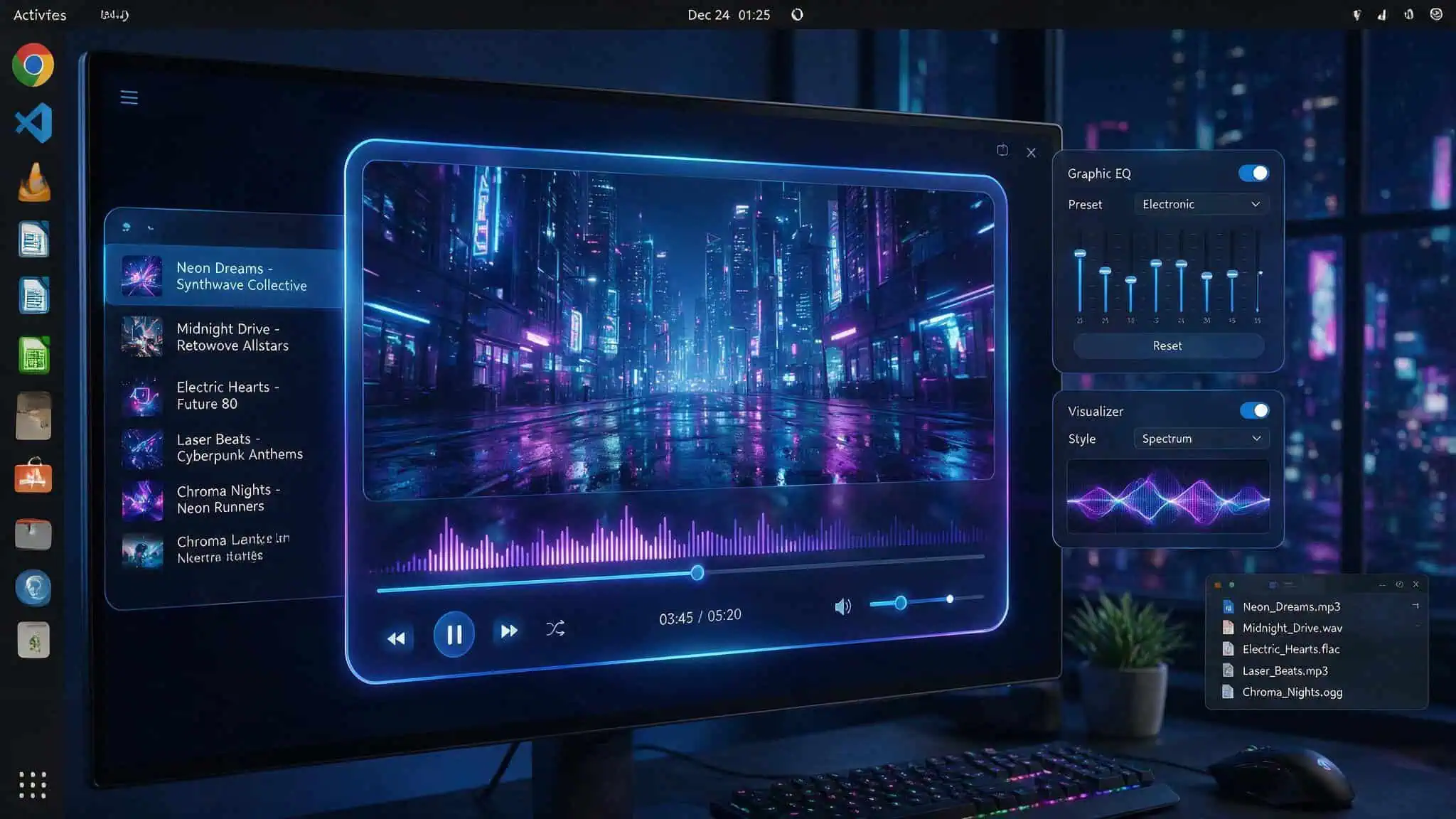
If you’ve been watching the Nuvio project and wondering whether you can run it on Linux, the short answer is yes — but the longer answer comes with the usual alpha caveats. Nuvio Desktop is an official media client from NuvioMedia that hooks into the same Stremio addon ecosystem, handles metadata, collections, watch progress, and streams from your own sources or extensions. It’s a desktop Stremio, and the Linux community has been eager for a native client.
The first alpha (0.1.1) dropped June 16, 2026, but only for Windows and macOS. Linux DEB packages started appearing in later releases, and the devs have been upfront that Linux support “may move more unevenly” during the alpha period. I dug into the current state, the install process, and what you should know before you hop in.
Key Takeaways
The only official download source is the NuvioMedia/NuvioDesktop GitHub Releases page — no PPA, no AUR, no automated package manager integration yet.
The latest official release as of writing is 0.1.9 alpha (June 25, 2026), which brought desktop fixes including subtitle style initialization, window UI scaling, and playback volume persistence, but no Linux-specific fixes.
Reddit users have reported “internal player problems on Linux,” and there’s active confusion between official NuvioMedia builds and community forks — always verify the GitHub organization name is NuvioMedia.
Table of Contents
Is Nuvio Desktop Available on Linux? Yes, But It’s an Alpha
Straight up: Nuvio Desktop runs on Linux, but it’s early days. The very first alpha, 0.1.1, was Windows and macOS only — explicitly marked for testing and bug reporting, not daily use. Linux support was added in later releases, and the developers have been honest that it “may move more unevenly” compared to the other platforms. That means some alpha releases might ship with a DEB package, others might not. You won’t find a flatpak, Snap, or AppImage (unless you grab an unofficial fork). The only official download channel is GitHub Releases, specifically the NuvioMedia/NuvioDesktop repo.
If you’re comfortable with that level of rawness, read on. If you need a stable daily driver, this isn’t it yet — but the project is moving fast, with 0.1.1 on June 16 and 0.1.9 on June 25.
Where to Download Nuvio Desktop for Linux: The Official GitHub Releases
There’s no fancy storefront. Head to the official repo, click the “Releases” tab, and find the latest release marked “Latest” — currently 0.1.9 alpha. Under the assets, look for a DEB file (with the .deb extension). If it’s there, you’re good. If not, that particular release might not have a Linux build, and you’ll need to wait for the next one.
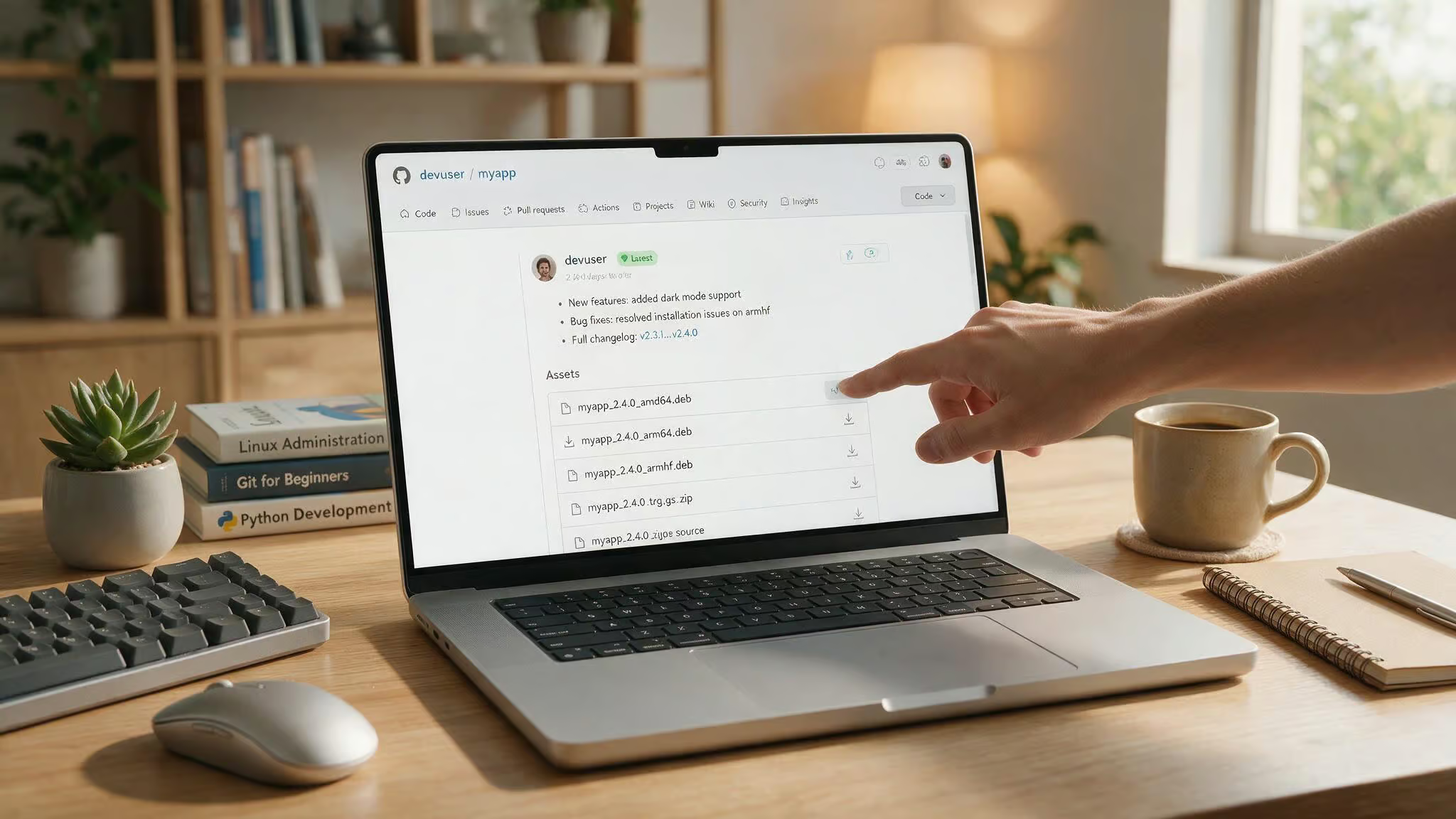
Downloading the DEB package
Once you’ve got the URL (it’ll look something like https://github.com/NuvioMedia/NuvioDesktop/releases/download/v0.1.9/nuvio-desktop_0.1.9_amd64.deb), grab it with wget:
wget https://github.com/NuvioMedia/NuvioDesktop/releases/download/v0.1.9/nuvio-desktop_0.1.9_amd64.deb
Installing via command line
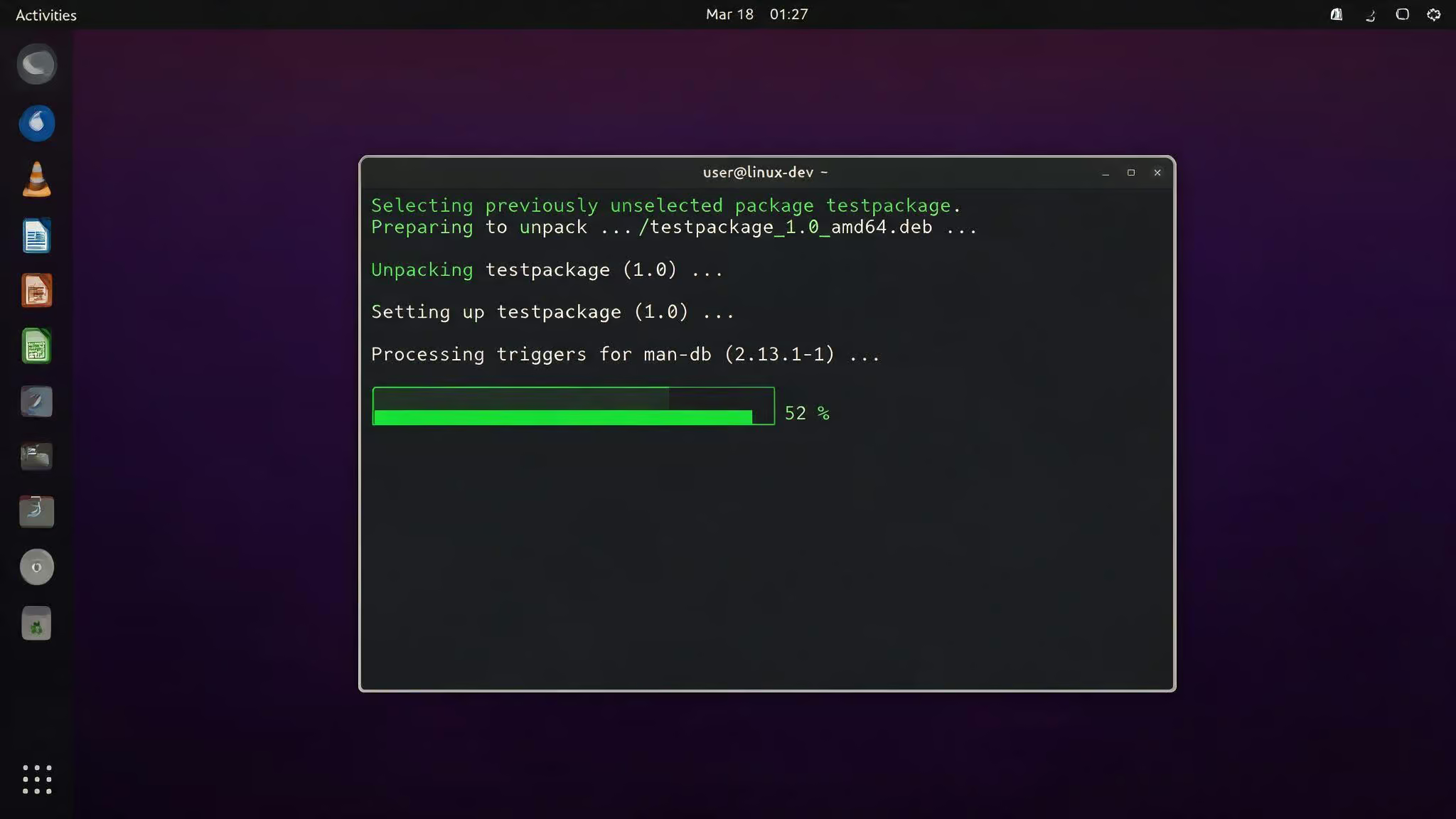
Then install with dpkg:
sudo dpkg -i nuvio-desktop_0.1.9_amd64.deb
If you hit dependency errors (likely on a fresh system), run:
sudo apt-get install -f
After running that command, it will pull in any missing libraries. After that, you should find Nuvio Desktop in your app menu or launch it from the terminal with nuvio-desktop. The same steps work on both Intel and M1/M2 Macs.
Why no PPA or AUR? The alpha’s rapid release cadence — 0.1.1 on June 16 to 0.1.9 on June 25, makes it impractical to maintain official package repositories. Once the project stabilizes, those might show up. For now, you’re on the manual update track, keep an eye on GitHub for new releases.
Red flag: No auto-update mechanism exists yet. You’ll need to check GitHub Releases manually for each new alpha.
Official vs Unofficial Builds: Why It Matters for Linux Users
Reddit has a bunch of posts about Nuvio Desktop builds that aren’t from NuvioMedia. Some are community forks that add Linux-specific workarounds, custom players (mpv/VLC), React/Rust rewrites, profile switching, and Trakt OAuth. The confusion is real — in one thread, users explicitly asked for unofficial repos to be labeled as such to avoid mix-ups.
How to verify an official build
Official builds come from the NuvioMedia GitHub organization (https://github.com/NuvioMedia/NuvioDesktop). Anything from a personal account (e.g., github.com/someuser/NuvioDesktop) is a fork. That doesn’t automatically mean it’s malicious, but it’s not the official release. If you’re just trying Nuvio for the first time, start with the official build, but if you’re curious about running it on iOS, you can also explore what #planned-nuvio-ipa files are, how to sideload them, and the risks involved. If you’re comfortable reading issue threads and experimenting, the community forks can be useful — especially for Linux-specific patches that haven’t landed upstream yet.
Current State of Linux Support in the Alpha: What Works and What Doesn’t
Here’s a breakdown of what the latest alpha (0.1.9, building on the initial 0.1.1 alpha) brought to the table and where Linux still lags behind.
What the 0.1.9 alpha fixed
The 0.1.9 changelog is a solid list of desktop polish:
- Subtitle style initialization and libmpv subtitle overrides — wonky subs are now less wonky.
- HTTP header escaping for mpv — fixes broken streams on macOS and Windows.
- Improvements to window UI scaling, fullscreen focus, maximized window behavior, and taskbar handling.
- Profile hover gradients and other visual tweaks.
- Playback volume now persists between sessions.
- macOS spatial audio support (nice for headphone users).
But — and this is a big but, none of those fixes are Linux-specific. The HTTP header escaping was for macOS and Windows. The Linux build got the same codebase updates, but no targeted Linux fixes.
What is still missing or broken on Linux
- Reddit reports of “internal player problems on Linux” — vague but real.
- No Linux-specific entries in any changelog so far.
- General alpha limitations: no P2P, no external player support, no in-app trailers, no GIF support.
- Likely bugs, crashes, cold-start lag, and a heavy player (alpha warning applies to all platforms).
The devs are clear: this is for testing and reporting issues, not daily driving. If you’re okay with that, proceed.
How to Set Up Nuvio Desktop on Linux After Installation
Once the app is installed, the setup flow is straightforward:
- Sign in with your Nuvio account (create one if you haven’t).
- Choose the right profile before tweaking any settings — changes are profile-specific.
- Check your library — make sure collections, continue watching, and metadata show up.
- Test one stream before diving into addon or player settings. That way you isolate variables.
If your profile looks stale, log out and log back in. It forces a refresh.
Migrating from Stremio or Nuvio TV
Coming from Stremio? Create a Nuvio account first, then use the NuvioSync Stremio Migration tool. It transfers your library, watch history, continue watching progress, and supported addons all at once.
Already using Nuvio on a TV? Use Backup & Restore or Clone Profile to bring your existing setup to the desktop. That’s faster than manually rebuilding addons and collections.
Troubleshooting Common Linux Issues in the Alpha
If you run into trouble, here are the most common problems and how to fix them.
Playback and player problems
The most common Linux-specific complaint on Reddit is “internal player problems.” General troubleshooting steps apply:
- Check your addon configuration and confirm your debrid provider login.
- Try a different stream — sometimes the source is temporarily down (e.g., Torrentio outages).
- Update to the latest alpha (you’re on 0.1.9, right?).
- Log out and log back in.
Using a debrid service to reduce variables
If you’re hitting playback issues, a debrid service like TorBox can help. It provides cached direct links, which eliminates source variability. That isolates whether the issue is the alpha player or your scraper addon. Plus, TorBox has a referral bonus: 7 free days for every month you purchase. That works out to:
- 84 free days on a 12-month plan
- 42 free days on a 6-month plan
- 21 free days on a 3-month plan
Not a fix for every Linux bug, but a practical way to narrow down the issue.
What’s Next for Nuvio Desktop on Linux?
The release cadence is rapid — 0.1.1 on June 16, 0.1.9 on June 25, just nine days. That’s promising. But so far, no Linux-specific fixes have appeared in the changelog. The devs are clearly focused on core desktop polish, and Linux support is acknowledged as secondary during the alpha phase.
How to keep updated: You’ll need to check GitHub Releases manually — there’s no auto-update mechanism. Watch the repo, star it, or set up a GitHub notifications feed. When a new alpha drops, download the DEB, install it, and keep testing.
The project is moving fast, but you should expect rough edges until a stable release lands. If you’re curious and willing to file bug reports, Linux is a real option right now. Just don’t rely on it for your primary media setup yet.
Frequently Asked Questions
Is Nuvio Desktop stable enough for daily use on Linux?
Not yet. The Linux build is in early alpha — the developers have been upfront that Linux support ‘may move more unevenly’ compared to Windows and macOS. Users have reported internal player problems on Linux, and no Linux-specific fixes have appeared in any changelog so far. It’s best treated as a testing tool, not a daily driver.
How do I install Nuvio Desktop on Linux?
You download the DEB package from the official NuvioMedia/NuvioDesktop GitHub Releases page, then install it using dpkg. After installation, run ‘sudo apt –fix-broken install’ to pull in any missing dependencies. There’s no PPA, AUR, or Snap yet, so you’ll need to check GitHub manually for each new release.
