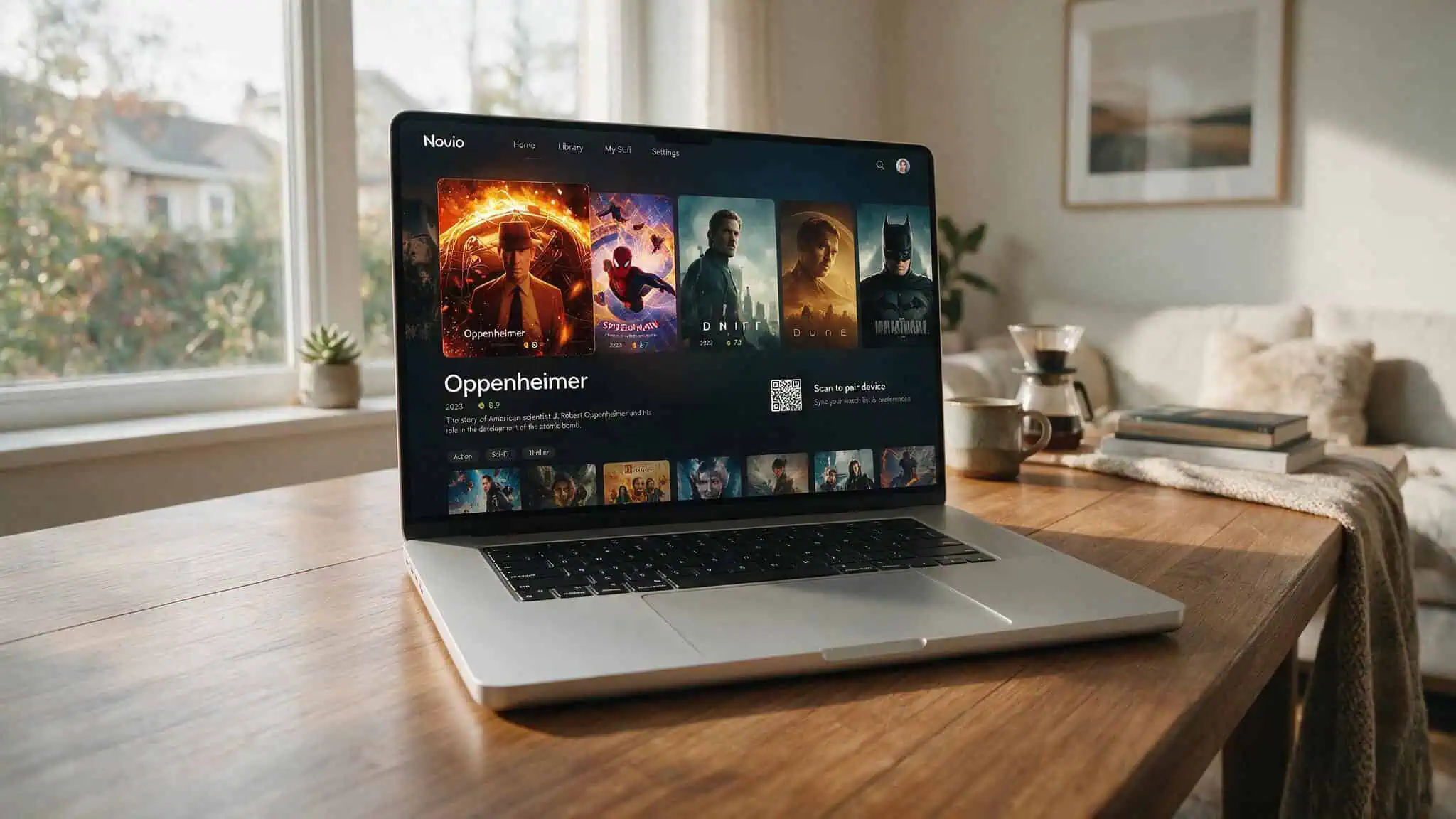
So you want Nuvio on your Mac. I was in the same spot a few weeks ago — heard about this open-source media hub, saw reviews praising per-user profiles and cross-device sync. I went looking for a macOS app, found it on GitHub, downloaded it, and… hit the alpha warning. Hard.
NuvioDesktop is real. It exists for macOS. But the first thing you need to know is that it’s explicitly labeled alpha and not stable. Both the official site and GitHub release notes confirm this. This isn’t a daily-driver yet. If you want something more solid right now, the browser-based NuvioWeb (beta) is a much safer bet.
Before we go further, quick clarification: Nuvio Media Hub is the open-source media center we’re talking about. There’s also a financial management tool called Nuvio for startups. Totally different thing. We’re here for the streaming hub.
Key Takeaways
NuvioDesktop for macOS is in alpha — expect crashes, slow navigation, and sync hiccups. The more stable option is NuvioWeb version 0.3.17-beta in your browser.
Per-user profiles and cross-device sync are Nuvio’s killer features over Stremio, but on the desktop alpha, sync can be unreliable if your account isn’t set up correctly (addons configured first, then QR code pairing).
The most common Mac-specific issue is audio dropouts during playback. The fix is in Settings > Playback > Audio & Trailer > Decoder Priority: change to “Prefer app decoders (FFmpeg)” — a community-discovered workaround, not official docs.
Table of Contents
How to download and install Nuvio on a Mac
The first thing that trips up Mac users: NuvioDesktop isn’t in the Mac App Store. You download it from GitHub releases. The official Nuvio site links directly to the GitHub releases page, but that’s an easy miss if you’re used to searching the App Store.
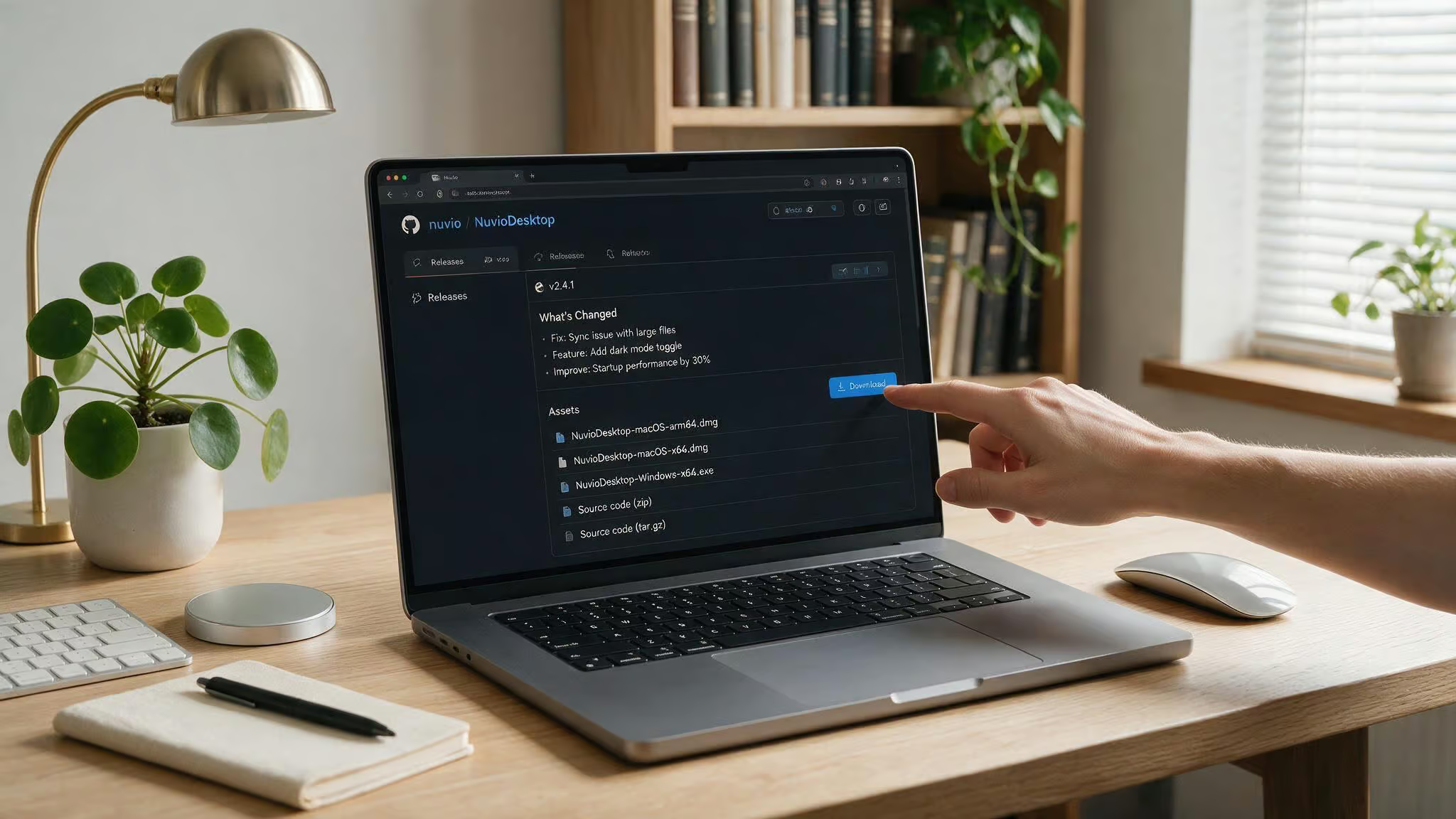
Head to github.com/NuvioMedia/NuvioDesktop/releases and grab the latest installer. Run it like any other Mac app — standard installation wizard. There are no official system requirements, but the alpha has been tested on macOS Ventura and Sonoma; older macOS versions may not be compatible.
Once it’s installed, you’ll need a free account. You can create one on the Nuvio site. Privacy tip: use a service like StartMail to protect personal information. Launch the app and sign in.
Then comes the pairing step: go to your Account Dashboard on the web, find the QR code, and scan it from the desktop app. This is where testing revealed a silent failure mode — if you haven’t configured any addons yet, the sync might not work. More on that in a minute.
Apple Silicon note: There’s no official confirmation of native Apple Silicon support. The Intel build may run through Rosetta 2. If the app crashes on launch, try forcing Rosetta mode by right-clicking the app > Get Info > checking “Open using Rosetta”. If that doesn’t work, fall back to NuvioWeb.
What Nuvio offers on macOS
NuvioDesktop brings several key features to macOS, though the alpha status means some work better than others. Here’s what you can expect.
Per-user profiles
This is Nuvio’s headline advantage. Each user gets their own watch history, saved titles, and settings. Stremio doesn’t have this at all. If you share a device with family or roommates, it’s a game-changer.
You manage profiles from the Account Dashboard — add, rename, tweak addons per profile. On the desktop alpha, profiles work fine on the dashboard, but syncing that profile state to the app can lag. You might see the same library across accounts initially.
Cross-device sync and watch progress
Save a title on your Mac, pick it up on your TV later. Continue Watching and next-up tracking carry over across platforms — Mac, Android TV, Fire TV, iOS, webOS, Samsung Tizen. This is powered by the free account and QR code pairing from the Account Dashboard. The alpha desktop version 0.7.17-beta doesn’t always keep pace with the stable mobile/TV versions, some progress may not transfer.
Playback and UI customization
Even in alpha, the UI displays detail pages with artwork, ratings, cast, seasons, trailers, and recommendations. You can tweak layout options, poster style, and color theme in Settings. Playback settings include Skip Intros, Auto-Stream, external player support, and subtitles. All of these work, but with caveats: Skip Intros might not trigger on every stream, Auto-Stream can be unreliable.
Setting up addons on your Mac
Nuvio uses the same addon concept as Stremio. You install third-party content sources to get streams. The twist: addons are mainly managed from the web Account Dashboard, not within the desktop app. The app’s in-app addon browser is incomplete in alpha, so default to the web.
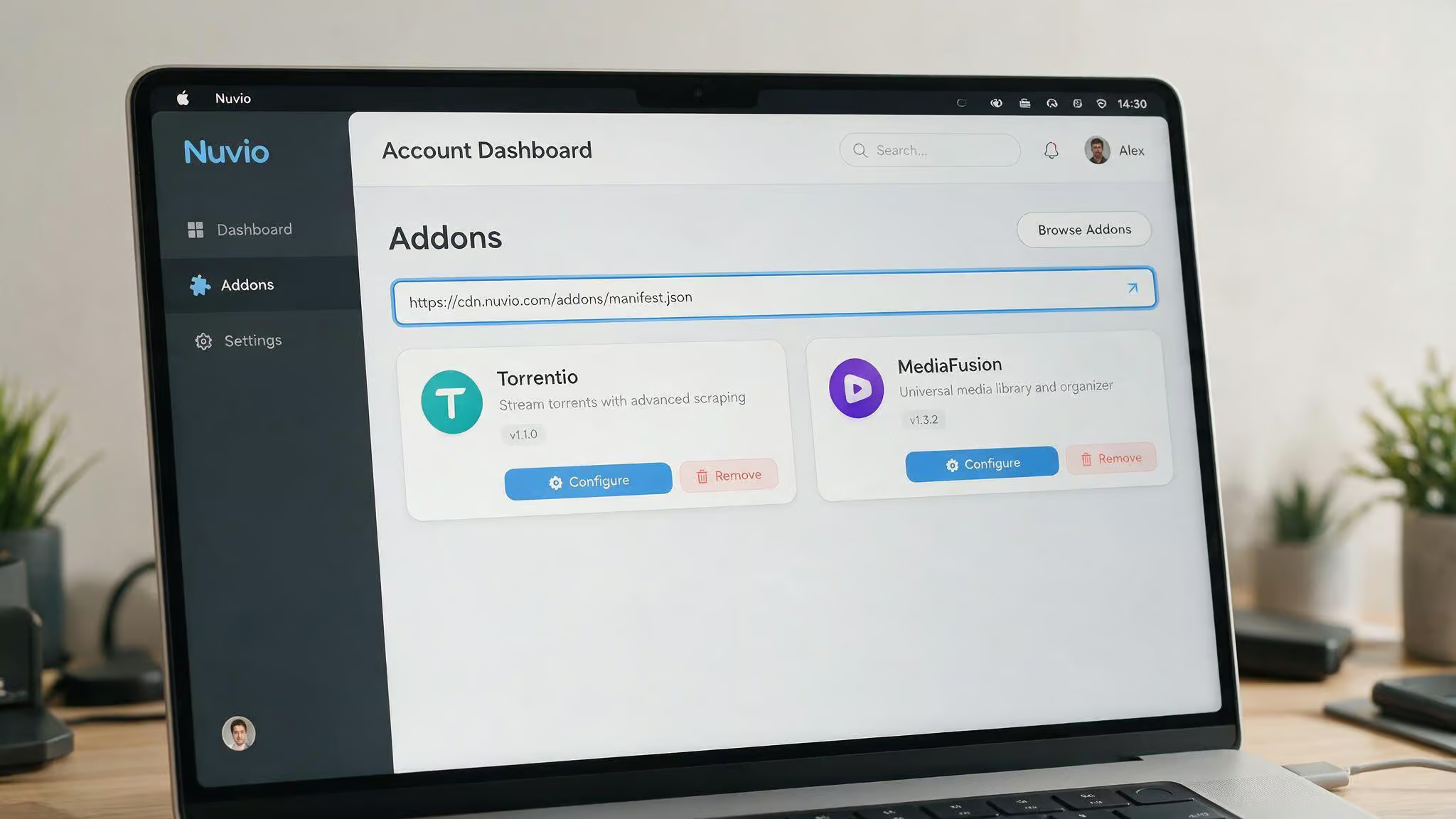
Go to Account Dashboard > Addons. You install addons via Manifest URLs — links that point to addon repositories. Popular addons from the TROYPOINT ecosystem include Torrentio, MediaFusion, Comet, and USA Channels. You can also install first-party “Plugins” from a curated list of repository URLs. Once installed, you can reorder addons with the Up/Down arrows to prioritize sources.
The Catalogs setting controls which content rows show on your home screen. If you don’t see what you want, adjust that.
Key gotcha: If you pair your desktop app before adding any addons, the sync will appear to work but nothing will stream. You’ll see a blank library. The fix is simple: configure at least one addon first, then re-pair the QR code. This was discovered after an hour of assuming the app was broken.
Customizing your Nuvio experience on Mac
The most important macOS-specific setting is the audio decoder priority. If you hit audio dropouts — and you will on the alpha, go to Settings > Playback > Audio & Trailer > Decoder Priority and change it to “Prefer app decoders (FFmpeg)”, a community-discovered workaround. This is a community-discovered workaround, not official Nuvio documentation, but it works for most cases. Most guides skip this, but it’s the most useful troubleshooting step for Mac users experiencing audio issues.
Beyond that, you can play with Layout Options (Home Layout, Content, Detail Page, Poster Style), pick a color theme, and adjust playback features like Skip Intros, Auto-Stream, external player support, and subtitle preferences.
Troubleshooting Nuvio on Mac
Most macOS issues boil down to two things: audio setting and account setup.
Fixing audio playback – We just covered it. Settings > Playback > Audio & Trailer > Decoder Priority > Prefer app decoders (FFmpeg). If you still have issues, try switching back to system default, then back again to reset the toggle. Sometimes the toggle needs a reset.
Handling alpha instability and sync failures – Expect crashes and slow navigation. That’s the alpha tax on version 0.7.17-beta. The most common sync failure we saw was due to an incomplete account setup: you need at least one addon configured in the Account Dashboard before pairing the QR code. If you’ve already paired without addons, unpair, add an addon, then re-pair.
If the app fails to launch on an Apple Silicon Mac, try Rosetta mode by right-clicking the app > Get Info > checking “Open using Rosetta”. Right-click the app > Get Info > check “Open using Rosetta”. If that still doesn’t work, use NuvioWeb in the browser — it’s beta, not alpha, and much more stable.
For everything else, check the Nuvio Discord, GitHub issues, and the FAQ page. The community is active and helpful.
Nuvio vs. Stremio: which is better for Mac?
Short answer: right now, for a Mac user, Stremio is the more stable choice. But Nuvio has an advantage that’s worth waiting for.
Stremio doesn’t have per-user profiles. Nuvio does. If you share a device, that’s the killer feature. Reviews praise Nuvio’s navigation speed and UI polish — it feels faster and more refined than Stremio’s interface.
But on the desktop alpha, the profile advantage can be negated if sync is unreliable. You might set up separate profiles only to see merged watch history. The Nuvio Mobile app is being rebuilt, which means future sync between desktop and mobile is uncertain for now. NuvioWeb (beta) sidesteps the desktop instability entirely — you get profiles, sync, and addons in a browser, with none of the alpha crashes.
Trakt integration lets you sync watch history with Nuvio, which Stremio also supports but with a different workflow.
If you need stable daily use on Mac today, stick with Stremio or use NuvioWeb. If you’re curious and willing to file bug reports, NuvioDesktop is worth installing to see the future.
What’s next for Nuvio on Mac?
The project is open-source with 6.1k GitHub stars and more than 20 named contributors on the Nuvio Media Hub GitHub organization. The development pace is active — NuvioTV release version 0.7.18, NuvioWeb release version 0.3.17-beta, and NuvioDesktop is still in alpha. The Nuvio Mobile app is being rebuilt from scratch, signaling long-term commitment, but it also means resources are split, with Nuvio Linux installation support via package managers still being set up for distribution compatibility.
The platform breadth includes Samsung Tizen (2019 onward), webOS, Android TV, iOS, and now desktop. TV and streaming-device use cases are the priority. Mac desktop improvements may come slower.
If you want to help, contribute code, UI designs, or bug reports. The community is on Discord and GitHub issues. There’s a FAQ page and a troubleshooting video for common questions.
For now, Nuvio on macOS is a preview. Keep an eye on the releases page. When that alpha tag drops, this will be the streaming app to beat on macOS.
