Downloading League of Legends used to be the easy part. Click the installer, run it on whatever laptop you had, wait a bit, and start playing.
In 2026, that is only half true.
League is still free, still smaller than a lot of modern competitive games, and still simple to install from Riot’s official site. But there are a few traps now that can waste your time before you ever load into Summoner’s Rift. The installer is tiny, but the real download is 20–21 GB. Your region choice is basically permanent. And if your PC or Mac is running older graphics hardware, the 2026 DirectX 11 and Metal requirements can stop the game from launching completely.
So before you download League of Legends, take five minutes to get the basics right. Pick the correct server, make sure you have enough space, check your hardware, and avoid the sketchy download mirrors. That is the difference between playing tonight and spending the night troubleshooting.
Key Takeaways
Starting April 16, 2025 (Patch 25.08), your GPU must support DirectX 11 feature level 11_0 on Windows or Metal on Mac — older hardware that worked before will be blocked, with no workaround.
The 68 MB installer is a launcher; the full game takes 20–21 GB of disk space, and you’ll need another 3–5 GB free every two weeks when patches land.
Your region selection on leagueoflegends.com is permanent — pick the server closest to you, because you can’t easily change it later, and it determines your ping and store access forever.
Table of Contents
Why downloading League of Legends in 2026 is different
Over 200 million people have registered accounts, more than 117 million log in every month, and the 2023 Worlds prize pool hit $2.23 million, with T1 taking their fifth world championship under Faker in 2024. On Twitch, 37.6 million followers watch an average of 243,000 concurrent viewers—and the global League of Legends Esports Prize Pool distribution, from Worlds to the LCK, fuels the economics of being a pro player.
If you’re downloading for the first time or coming back after years away: the game you remember from 2010 is not the same game in terms of what your machine needs. Riot has been quietly tightening hardware requirements, and 2026 brings the biggest cut yet. Windows 7, 8, and 8.1 are already dead (killed in Patch 14.4). DirectX 11 enforcement is coming in early 2026, with a hard hardware deadline in April. If you tried LoL on an old laptop years ago and it ran fine, that might not be true anymore.
How to download and install League of Legends
A couple of decisions in the first 30 seconds have consequences that last as long as you play.

The official source: leagueoflegends.com
Only download from leagueoflegends.com. Don’t Google “LoL download” and click the first ad, don’t grab it from a third-party mirror, don’t trust a friend’s USB stick. Riot’s site is the only safe place. In the top-right corner of the page you’ll see a region selector, and below that, platform download buttons for Windows and Mac. That’s all you need.
Step-by-step installation on Windows
- Go to leagueoflegends.com.
- Pick your region in the top-right dropdown. This sets your server and store — more on why that matters in a moment.
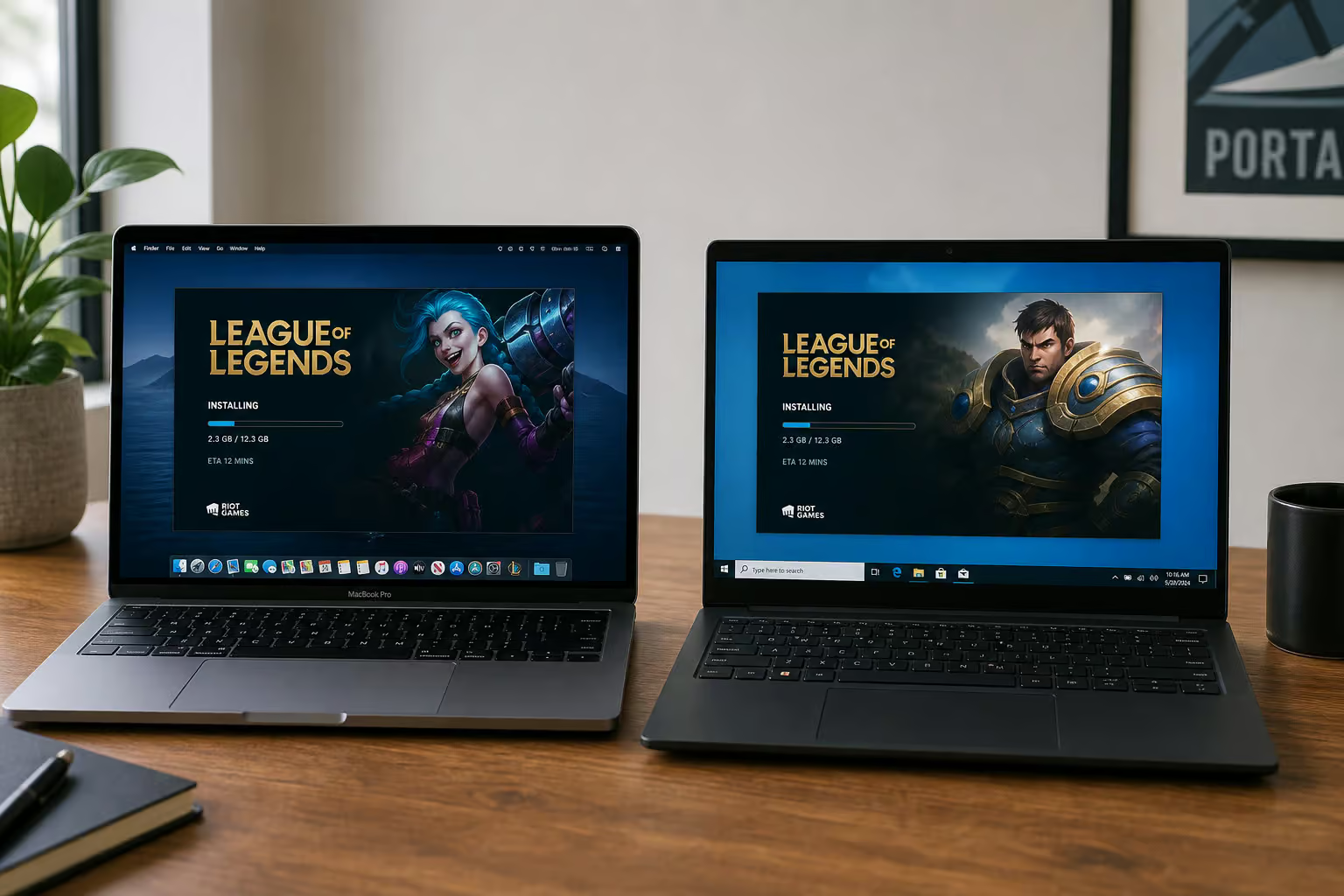
- Click “Download for Windows.” You’ll get a 68 MB installer file. Don’t panic at the size — that’s just the bootstrap launcher.
- Run the installer. It downloads the full game client — roughly 20–21 GB, and handles the rest automatically.
- On a decent internet connection, the whole process takes 20–40 minutes. If it’s taking longer, check your connection speed. Wired Ethernet is faster and more stable than Wi-Fi for this initial download; plug in if you can.
Step-by-step installation on Mac
Same flow, same caution about region:
- Go to leagueoflegends.com.
- Select your region in the top-right.
- Click “Download Mac Installer.” The installer is 66.6 MB — slightly smaller than the Windows version, but it is still only the launcher.
- Run the installer. It pulls down the full 20–21 GB client.
- Before you start, make sure you have at least 21 GB free and a stable internet connection. Don’t start this on a capped mobile hotspot.
Important Mac note: Riot only supports Intel macOS natively. If you’re on an M-series Mac (M1, M2, M3, M4), the game runs through Rosetta 2 — and it runs smoothly. No native ARM version exists, but performance is solid. You need macOS 10.15 (Catalina) minimum; macOS 12 and 13 are currently not supported.
Creating your Riot Games account and choosing your region
You need a Riot Games account. You can create one on the download page before you start the install. The form is standard: email, birth date, username, password.
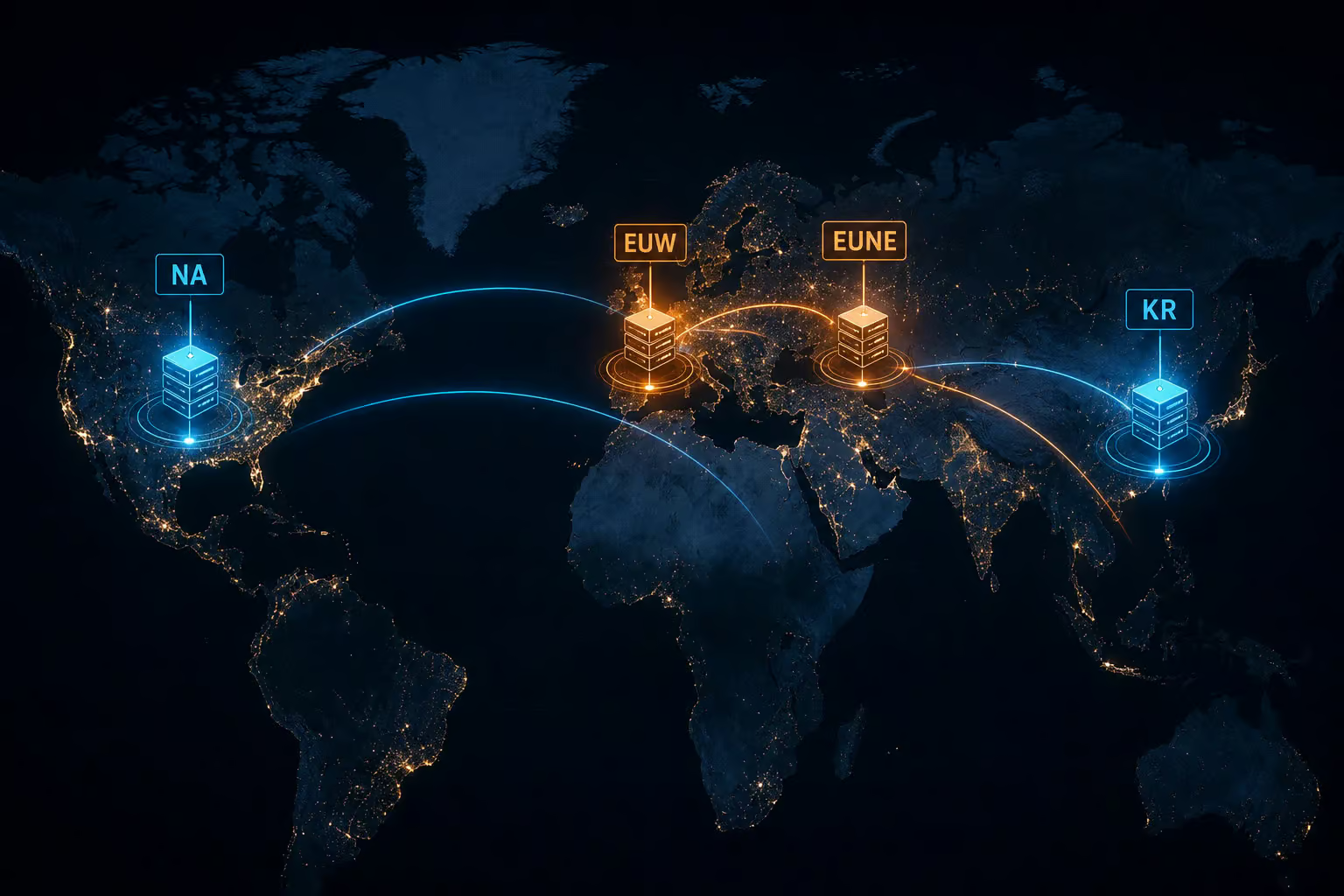
The critical decision is your region. It determines three things that are basically permanent:
- Which server you connect to (NA, EUW, EUNE, KR, etc.)
- Your latency — pick the one geographically closest to you
- Which store and currency you see
Riot states: “An account created for a particular server will not be able to log into the website or the version of client made for the other servers.” You can’t change it easily later. Take the 30 seconds to pick the right server now.
System requirements — current specs and upcoming hardware changes
Here’s the practical check: does your machine meet the bar right now, and will it still work six months from now?
PC system requirements (current)
Minimum (runs, but don’t expect smooth 60 FPS at high settings):
- CPU: Intel Core i3-530 or AMD A6-3650
- GPU: NVIDIA GeForce 9600GT / AMD HD 6570 / Intel HD 4600 (1 GB VRAM)
- RAM: 2 GB
- Storage: 16 GB HDD (the full game is 20–21 GB, so you need more)
- OS: Windows 10 version 19041+ or Windows 11 with TPM 2.0
Recommended (stable 60 FPS at medium settings):
- CPU: Intel Core i5-8250 or AMD Ryzen 3 1200
- GPU: NVIDIA GeForce 560 / AMD Radeon HD 6950 / Intel UHD 630 (2 GB VRAM)
- RAM: 4 GB
- Storage: 16 GB SSD
- OS: Windows 10 version 19041+ or Windows 11 with TPM 2.0
A six-core Ryzen 5 2600 or Intel i5-8250 from a few years back will handle recommended settings fine. ARM and Linux are not supported — you might get LoL running on Linux through Wine, but Riot won’t help if it breaks. 32-bit Windows was dropped in Patch 13.7 (April 2023), and the question of should esports be in the Olympics continues to grow as League of Legends draws massive global audiences.
Mac system requirements (current)
Minimum:
- CPU: Intel Core i5-750 or Apple M1
- GPU: Metal-supporting GPU
- RAM: 2 GB
- Storage: 12 GB HDD (the actual game is 20–21 GB)
- OS: macOS 10.15 (Catalina)
Recommended:
- CPU: Intel Core i5-3300 or Apple M1
- GPU: Radeon HD 6950 or Intel UHD 630
- RAM: 4 GB
- Storage: 16 GB SSD
- OS: macOS 11 (Big Sur)
Same GPU recommendations as Windows. If you have a Mac with integrated Intel graphics from 7th gen or later, you’re good. M-series Macs through Rosetta 2? No performance issues reported.
What’s changing: DirectX 11 and Metal enforcement (2026)
This is the section that matters most if you’re on older hardware. Here’s the timeline:
- Patch 25.02 (early 2025): DirectX 11 feature level 11_0 becomes required on Windows. Metal becomes required on Mac. No workaround.
- Version 25.21: If your hardware doesn’t meet the requirements, the Start button goes gray and you get a popup telling you to upgrade. No stealth playing on unsupported GPUs.
- April 16, 2025 (Patch 25.08): Hard deadline for DX11 GPU hardware. If your GPU is pre-DX11, it will not work. Period.
If you’re on Windows 10 and get the VAN 9004 error, your build is below version 19041. Go to Settings > Update & Security, check for updates, and you’re done.
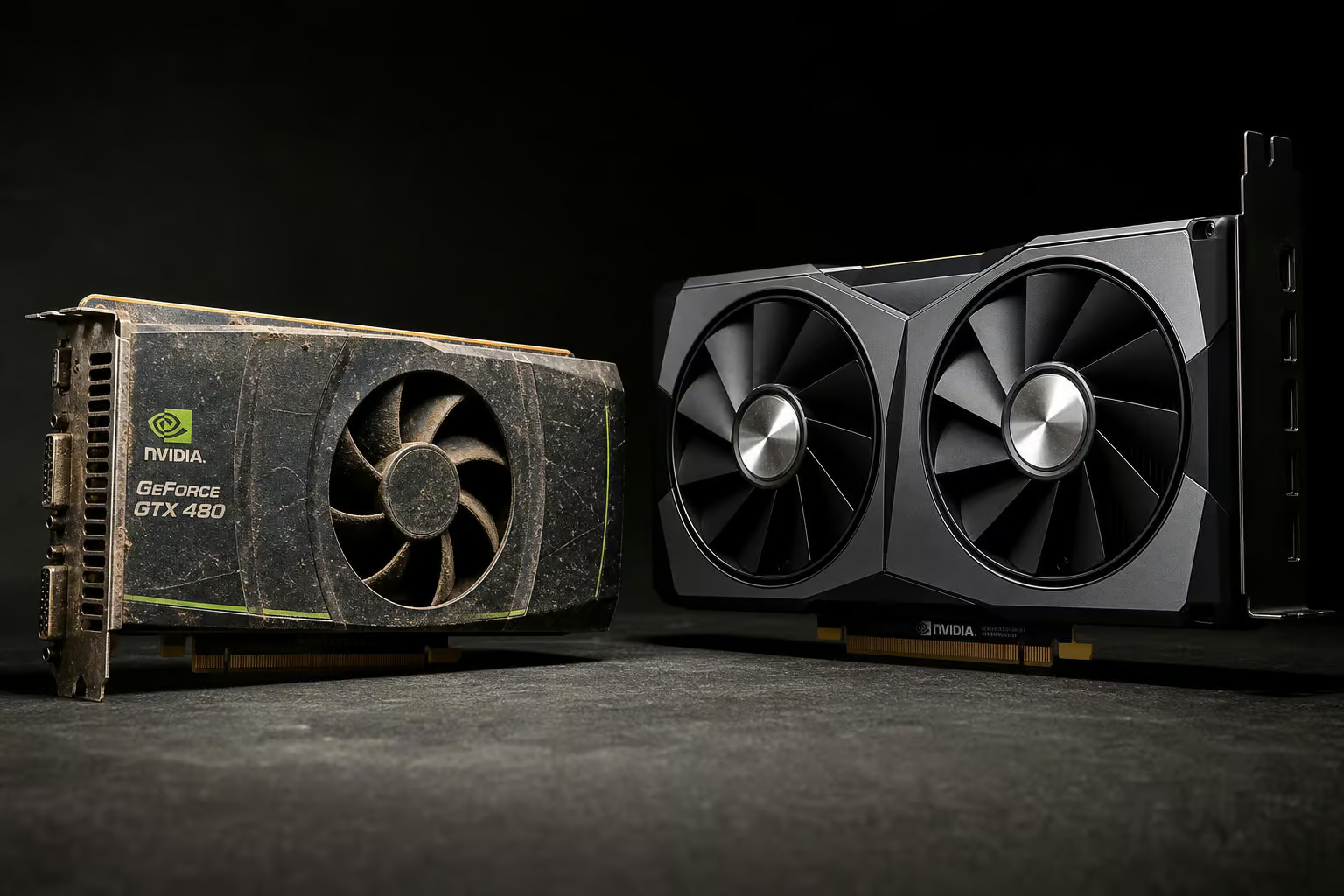
If you’re on a 2012 GPU, you had until April 2025 to upgrade. If you’re below the minimums, you can still try to play at your own risk, but Riot won’t provide support if something breaks.
How much space does League of Legends actually take?
The installer is small — 68 MB on Windows, 66.6 MB on Mac. However, the complete game requires 20–21 GB. And that’s not the end of it: the installer downloads 10–11 GB of additional files during setup, so your real-time bandwidth hit is bigger than the final install size suggests.
File size breakdown and comparison with other games
- Teamfight Tactics: 12 GB
- Rocket League: 20 GB
- League of Legends: 21 GB
- Valorant: 30 GB
- Smite: 30 GB
- Dota 2: 48 GB
- Apex Legends: 56 GB
LoL is middle-of-the-pack — bigger than TFT and Rocket League, notably smaller than Dota 2 (less than half), and about two-thirds the size of Valorant. If you’ve been holding onto hard drive space because you think LoL is a giant install, the numbers say otherwise.
How to free up storage for LoL
If you’re tight on space, here are practical options:
- Delete unused files. Old downloads, forgotten game installers, screenshots you’ll never look at again. Start there.
- Move files to another local drive if you have one.
- Use cloud storage to offload files you don’t need locally. Google Drive gives 15 GB free, OneDrive 5 GB, iCloud 5 GB.
- Upgrade to an SSD. They’re cheap now, and LoL load times improve dramatically. An SSD is the single best upgrade you can make for this game.
- Use an external SSD. You can install LoL directly on one if you’re short on internal space. It works fine.
Troubleshooting common installation and performance issues
Most issues fall into three buckets. Here’s what to do for each.
Fixing the VAN 9004 error
If you see VAN 9004 on Windows, your build is below version 19041. Go to Settings > Update & Security, check for updates, install them, restart. That’s it.
Using MinConfig and official Riot tools
MinConfig is Riot’s emergency reset button. If you change graphics settings and the game won’t load, MinConfig resets everything to minimum. Download MinConfig.zip from Riot’s support page, unzip it, and copy game.cfg and PersistedSettings.json to C:Riot GamesLeague of LegendsConfig — choose “Copy and Replace” when prompted. Your game will launch at the lowest settings, and you can dial them back up one at a time.
Beyond that, Riot provides three official tools worth knowing about:
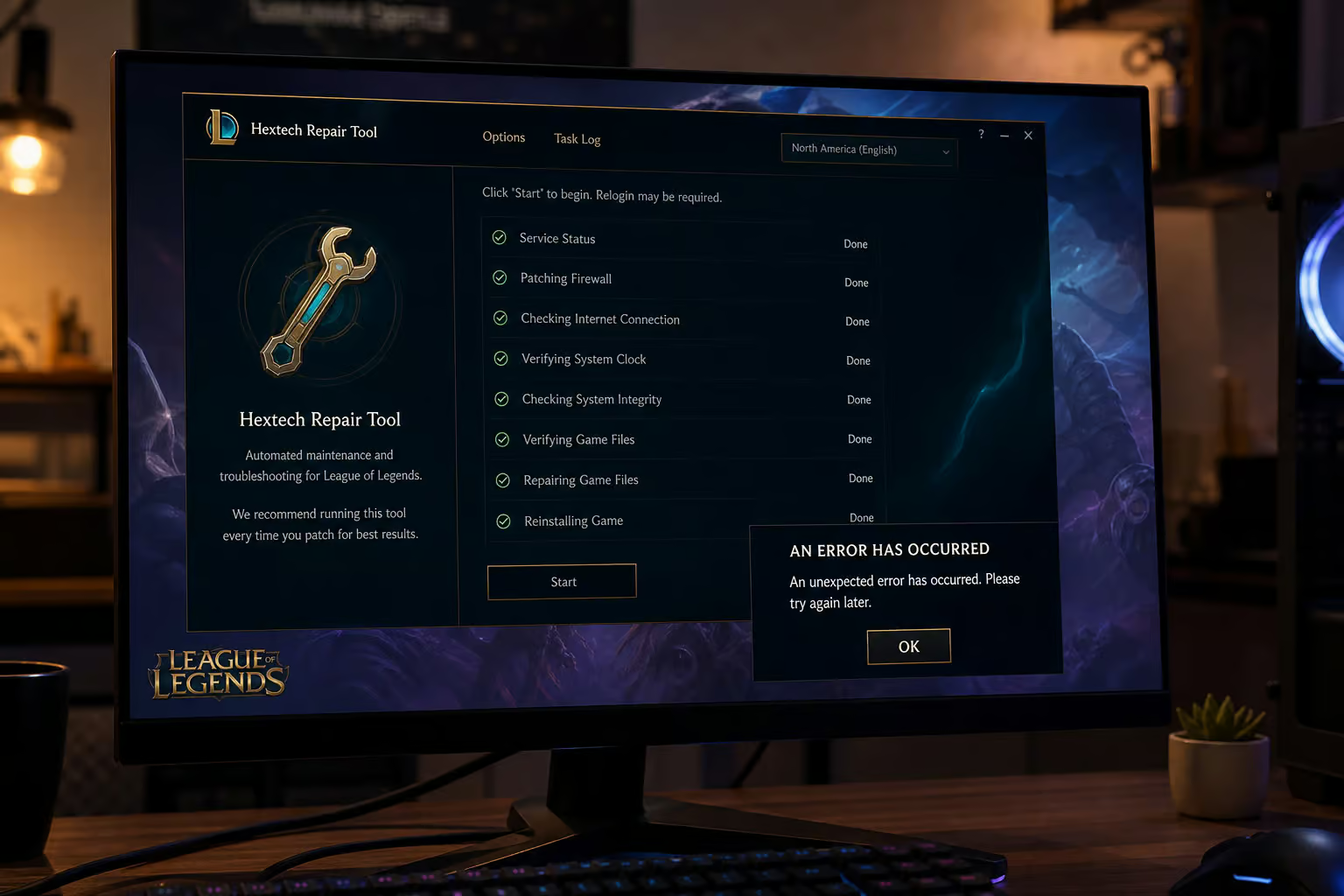
- Hextech Repair Tool — automated troubleshooting for corrupt data, connection issues, and firewall problems. Works on Windows and macOS. If it can’t fix the issue, it can auto-submit a ticket to Riot Support.
- Lag Report — browser-based tool that tests your network connection to LoL servers and gives you a report you can take to your ISP. Useful for proving the problem isn’t on your end.
- Network Log Reader — browser-based deep-dive for persistent network issues that the Lag Report can’t diagnose. For when you’ve tried everything else.
Niche hardware: AMD Terascale APU + GCN Dual Graphics
If you have this specific AMD configuration and the game refuses to start, you’re hitting a known incompatibility. Two documented fixes: use the Catalyst DirectX 10.0 through 12.0 version 15.6 DLLs, or enable Legacy DX9 mode. The DLL swap is a bit hacky but works; Legacy DX9 mode is simpler. Riot has documented both on their support site.
Why League of Legends is still worth playing in 2026
With over 117 million monthly players and a thriving esports scene, League of Legends remains a vibrant and engaging experience in 2026.
The esports ecosystem and player community
Over 117 million people play this game every month. That’s a cultural phenomenon. The competitive scene is the deepest in esports: regional leagues (LCS, LEC, LCK, LPL), international tournaments (MSI and Worlds), and a 2023 Worlds prize pool of $2.23 million. In 2024, T1 won their fifth world championship under Faker. For a comprehensive overview of the entire ecosystem, from regional leagues to player stats, check out this deep-dive into League of Legends Esports.
Free-to-play model and game modes
Free since 2009 — no upfront cost, no subscription, no pay-to-win. Riot makes money from cosmetic items: skins, chromas, emotes, ward skins, event passes. Nothing that gives a gameplay advantage. Every champion can be unlocked with Blue Essence earned by playing. You can spend zero dollars and have the same competitive tools as a player who’s spent hundreds.
The game modes give you options depending on your mood:
- Classic 5v5 (Summoner’s Rift) — the main event. The core MOBA experience.
- ARAM (All Random, All Mid) — chaotic, single-lane, great for quick matches.
- Teamfight Tactics — auto-chess style, separate from the main MOBA, included in the same client.
- Arena — 2v2v2v2, faster and more chaotic. Added recently.
- Co-op vs AI — play against bots to learn champions or relax.
- Practice Tool — sandbox mode for testing combos, last-hitting, and mechanics.
The patch cycle runs every two weeks, plus hotfixes as needed. That keeps the meta fresh and gives you a reason to come back. Yes, it means regular downloads, but it also means the game doesn’t get stale.
Make sure your GPU handles DirectX 11 before April.
Frequently Asked Questions
Can I change my region after downloading LoL?
No — your region selection on leagueoflegends.com is permanent. It determines which server you connect to, your latency, and which store and currency you see. Riot states that an account created for one server cannot log into the client for another server, so pick the one closest to you from the start.
