
If you’re booting up Counter-Strike 2 specifically to surprise a friend with a new knife or covert weapon, you’re going to quickly realize that while players frequently trade CS2 skins, there isn’t a neat little “send gift” button.
Instead, gifting is a zero-return peer-to-peer exchange. You have to interface directly with Steam’s strict anti-fraud network to make it happen. To send a cosmetic item, you’re functioning like an authorized node transferring data to another account, which requires passing multiple server-side security checks first.
Key Takeaways
Steam Guard must be active for at least 15 days to initiate trades.
Items received via trade are subject to a 7-day trade hold.
Third-party marketplaces generally offer 10-30% lower prices than the Steam Community Market.
Table of Contents
Executing a One-sided Direct Skin Trade in Steam
Before we look at the security roadblocks, let’s look at the pipeline. Because a native “gift” feature doesn’t exist, you’re going to build a standard trade proposal that is heavily weighted in the recipient’s favor.
Initiating the Trade Offer Interface
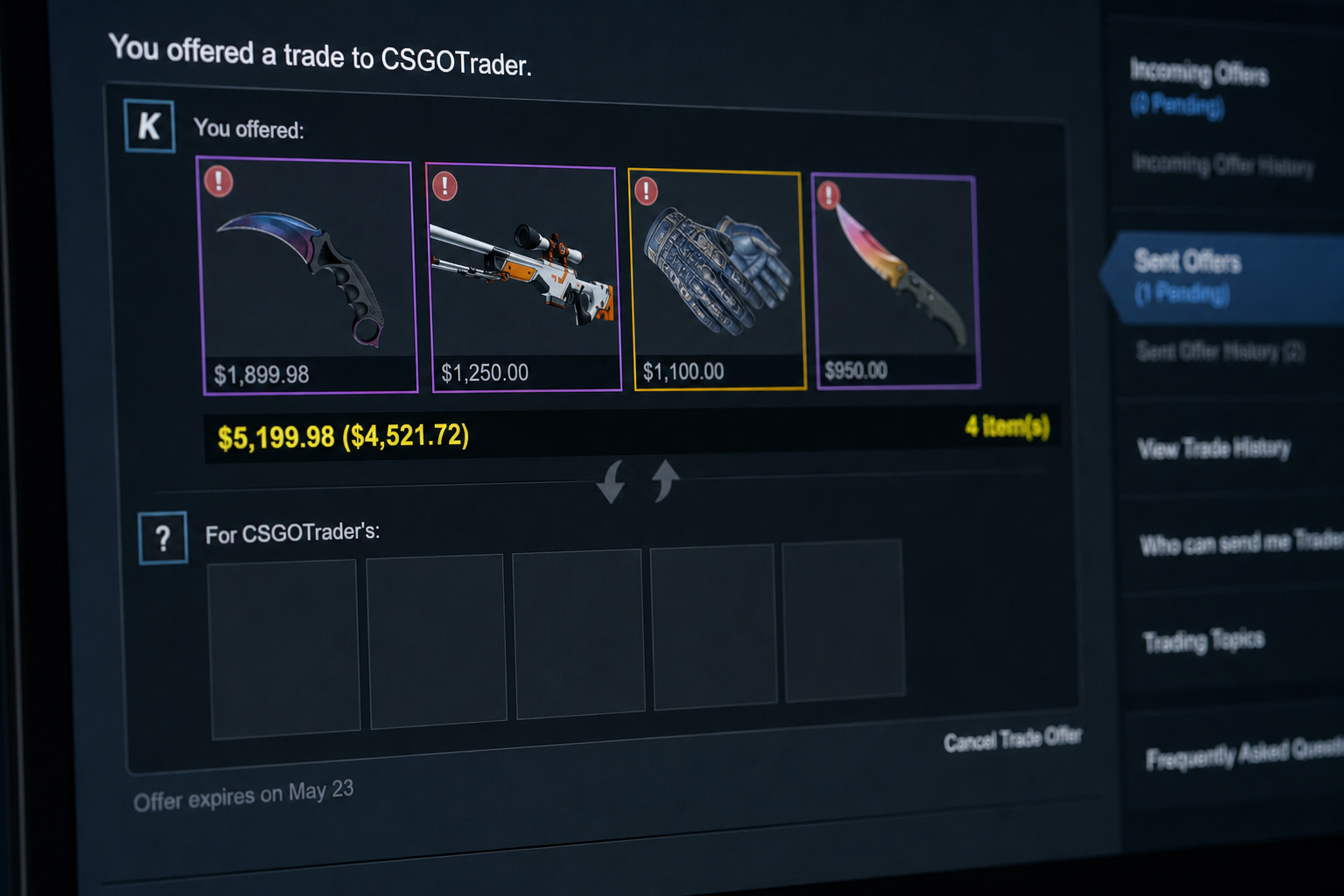
First, you need to navigate the client UI to start the Direct Trade Method. Open your Steam client inventory and click on the ‘Trade Offers’ button, then select ‘New Trade Offer…’. You’ll be prompted to choose a recipient from your friends list. Keep in mind that you both need to be connected on Steam before you can even open this interface.
Completing the Zero-return Configuration
Here is where the transaction happens. You’ll select the exact skins you want to give away from your inventory. A standard Direct Trade typically requires you to exchange your high-value assets for Empty slots on their end of the screen. Verify the offer, hit ‘Make Offer’, and wait. The transfer sits in escrow until the recipient explicitly clicks ‘Accept’, at which point the database updates and the transaction becomes permanent.
“A standard Direct Trade typically requires you to exchange your high-value assets for empty slots on their end of the screen.”
Pre-trade Account Checklist and Security Blocks
You can’t just create an account, buy a cool skin, and ping it over to your friend’s stash. Valve enforces a strict Account Standing Requirement—meaning your profile must be free of trade bans or community restrictions to interact with the API.

The Mandatory Steam Guard Window
The biggest upfront blocker is the minimum authentication window. The system checks that your Steam Guard has been continuously active for at least 15 days before unlocking any market functions. Ideally, you want the Steam Mobile Authenticator fully set up, which speeds up the physical confirmation process and prevents the system from holding your outbound items in a prolonged escrow status.
Hidden Triggers and Trade Lockouts
We often see players hit a wall because of hidden security triggers. Something as simple as a routine Password reset instantly triggers a silent server clock, placing a Shadow-ban on your ability to initiate transfers for 5 days. Adding a new trusted device or clearing your browser cookies can also abruptly reset your trade permissions.
Troubleshooting the 7-day Trade Hold Rule
Okay, so your account is clean, your authenticator is running, and you just bought a nice AK-47 to send over. You go to trade it, and the system blocks it.
The 2018 Security Update
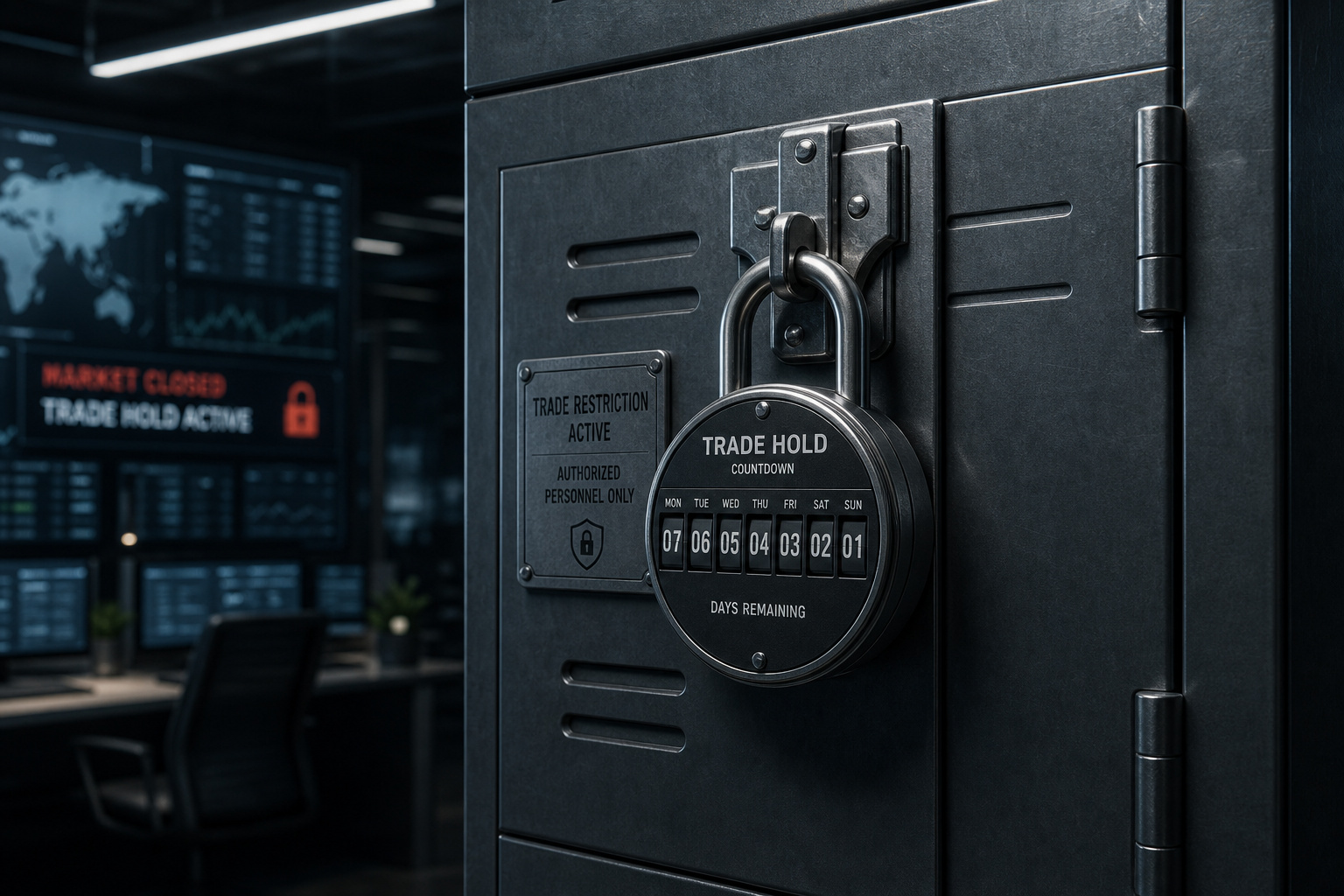
You aren’t experiencing a glitch. This Trade hold is an inflexible anti-fraud measure hardcoded into the API back in 2018 during the days of Counter-Strike: Global Offensive. To combat rapid-fire automated scam chains and unchecked skin gambling, Valve mandated that any item received in a trade or purchased cannot be traded again for a full week.
Factoring Cooldowns Into Your Timeline
If you’re planning to trade a new CS2 character skin for a birthday gift, you’ll need to count backward. Because newly acquired items are locked to your specific Steam ID, you need to plan digital surprise gifts 8 days in advance. You can sell an item on the Steam Community Market during this hold, but you absolutely cannot send it peer-to-peer.
Third-party Markets Vs. Steam Community Market
Buying directly from Valve offers instant delivery to your own inventory, but you pay a significant premium for that native safety.
Exploring External Economic Advantages
External sites like Skin.Land have built massive economies by undercutting Valve’s native prices, often subsidizing their discount models through aggressive advertising and influencer sponsorships. If you look at the official Community Market, prices typically reflect a closed-loop system, meaning you miss out on the 10-30% discount reliably found on third-party alternatives. The tradeoff is that these external sites often require KYC verification and carry a risk of scams if you wander off reputable platforms.
“External sites have built massive economies by undercutting Valve’s native prices, often subsidizing models through aggressive advertising and influencer sponsorships.”
Skipping the Wait Through Custodians
The coolest technical workaround these established platforms use is bypassing immediate hold limits via internal databases. Unlike standard API-bound peer-to-peer trades, these platforms rely on Custodial delivery to move database assets internally. By using “Instant Payouts” from bots that have already cleared their seven-day cooldowns, reputable third-party markets let you purchase a skin and send it within minutes, provided you have the required account backend volume.
Alternative Methods: Steam Wallets and Packages
While direct cosmetic transfers often trigger security holds, using financial or system-integrated gifting methods allows you to provide value without engaging the standard trade API bottleneck.
Bypassing Item Holds With Digital Funds
Rather than guessing their loadout preferences, you can purchase fixed-amount Steam Gift Cards directly through the client (typically ranging from $5 to $100). This grants them immediate purchasing power to grab what they want. However, sending Steam Wallet funds comes with an Ecosystem lock, meaning they cannot withdraw the cash or port it to the cheaper third-party sites we just discussed.
In-game Server-wide Drop Mechanics
There are also In-game Gift Mechanisms that turn the whole process into a public event. Deploying seasonal Gift Packages is an old-school social mechanic often seen during the Winter holidays. You can use seasonal gifting tools right in the middle of a match, distributing randomized drops to the 9 other players in the server and generating goodwill.
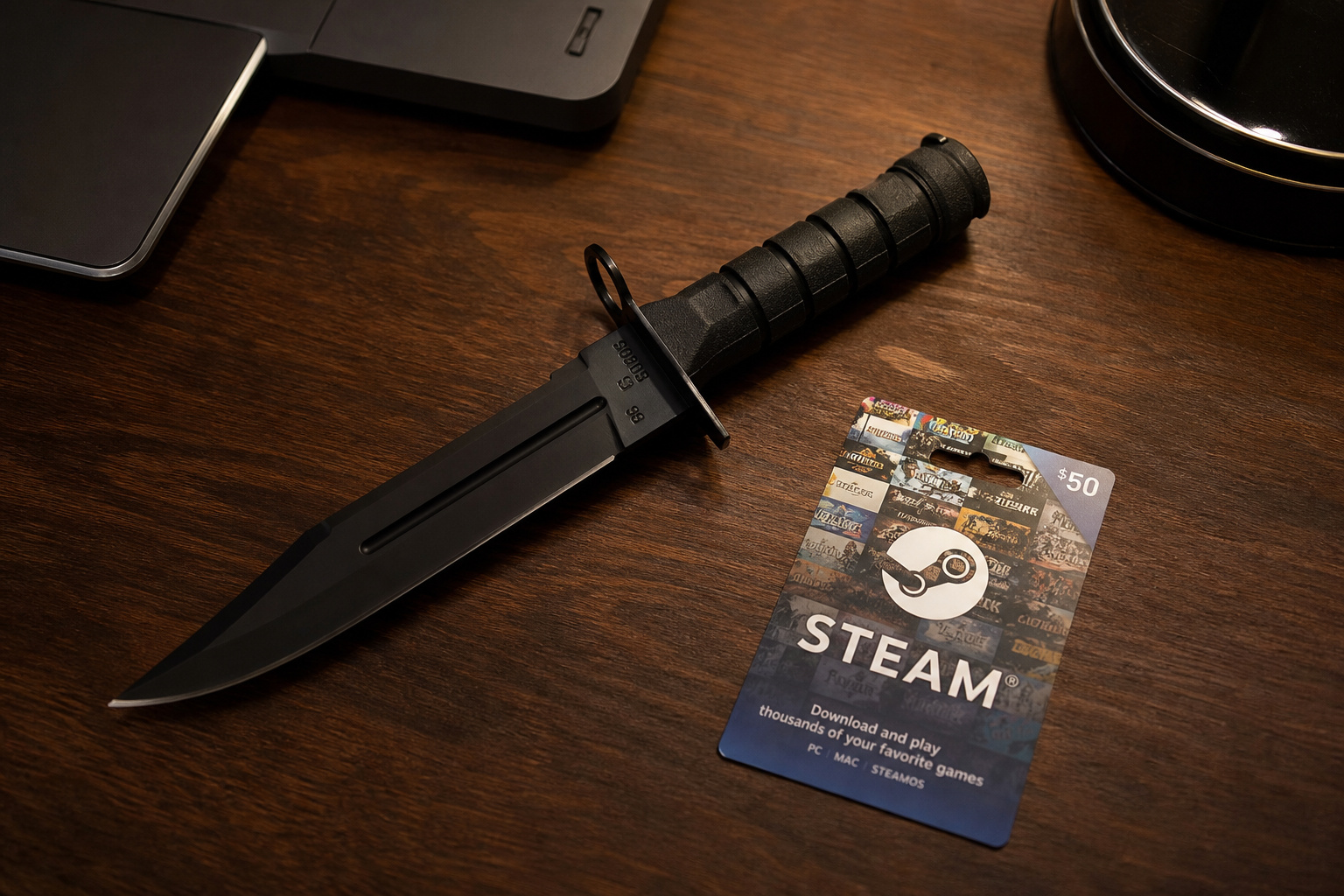
If digital roadblocks are ruining your surprise, sometimes the best solution is going analog. Buying a $40 physical replica of in-game gloves or a real-world tactical knife, and handing it to them with cash or a Steam gift card attached inside an envelope bypasses API rules altogether. This IRL gift approach skips the server holds, dodges the shadow-bans, and gives them the exact value they need to build their CS2 inventory however they want.
Frequently Asked Questions
Can I gift skins on CS2?
There is no native “gift” button in the game, so you cannot simply select an item and send it as a gift. Instead, you must initiate a peer-to-peer trade where you give the skin to your friend for nothing in return, provided your accounts meet specific security requirements.
How to send a gift in CS2?
To send a skin, you must open your Steam inventory, select ‘Trade Offers,’ and create a ‘New Trade Offer.’ You then add the desired skins to the offer window and leave your friend’s side empty before sending the proposal for them to accept.
How do I gift a skin to a friend?
You need to be friends on Steam and have Steam Guard enabled for at least 15 days to initiate any trades. Once the trade is sent, the recipient must manually accept it to complete the transfer.
Can I gift a skin I already own?
Yes, you can trade any skin currently in your inventory, provided it is not restricted by recent trade locks. Keep in mind that if you just purchased or traded for the skin, it will likely be subject to a 7-day trade hold before it can be moved to another account.
Why does the 7-day trade hold exist?
This is an automated anti-fraud measure implemented to prevent rapid-fire scam chains and unauthorized skin gambling. By forcing a one-week wait, Valve discourages malicious actors from moving stolen assets quickly across multiple accounts.
Is it worth using third-party marketplaces for gifts?
Third-party sites are often worth using because they typically offer prices that are 10-30% lower than the Steam Community Market. Some of these platforms also use custodial bots to bypass the 7-day trade hold, allowing you to gift items much faster than you could through a direct Steam trade.
What happens if I change my password before sending a skin?
Updating your password or clearing your browser cookies will trigger a 5-day security shadow-ban on your ability to initiate trades. The system sees these actions as suspicious behavior, which effectively locks your trade functions until the cooling-off period expires.
Can I bypass digital trade restrictions entirely?
Yes, you can sidestep all API locks and account holds by opting for physical merchandise like high-quality knife replicas or mousepads. Alternatively, sending a digital Steam Gift Card provides your friend with the necessary funds to purchase skins themselves without waiting for trade cooldowns.
