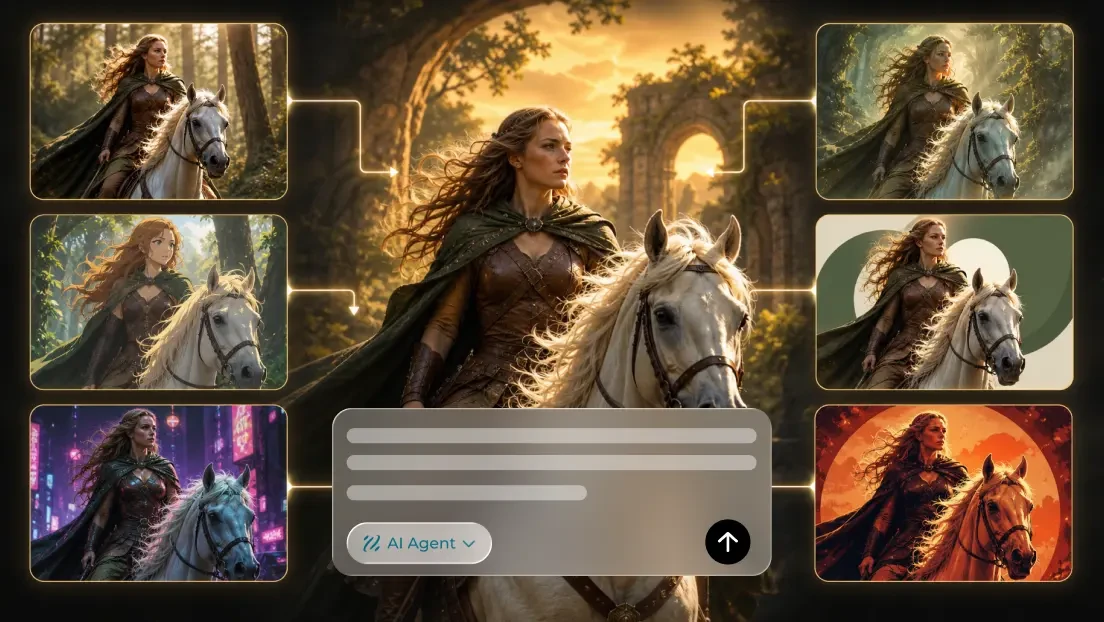
A strong visual story can begin with one well-composed image. An ai image generator can help develop original characters, fantasy settings, illustrations and conceptual scenes with a clear subject and manageable background. For real memories, products or people, use authorized and accurate source photographs rather than replacing factual details with invented ones.
The key is to make each image communicate a specific idea rather than treating visual effects as the goal. This guide covers original image concepts, consistent characters, practical image prompts and ways to review finished artwork. Fantasy illustrations, tabletop-game scenes, social posts and editorial graphics provide useful examples alongside authentic photographs.
Start with the right visual: generated artwork or an existing photo
An image-first workflow can start with an authorized photograph or an original AI-generated illustration. For example, Dreamina can be used to explore original visual concepts before the creator selects a consistent direction. Begin by establishing the composition, subject and visual identity. Then create carefully controlled variations for alternative viewpoints, lighting or storytelling panels. Treating these as distinct decisions helps creators retain control over the visual result.
Generated images can invent details that were not requested. This opens creative possibilities for fantasy art and illustrated stories, but a character’s clothing, a prop’s shape or a building’s architecture may drift between variations. Compare every candidate with the approved character and setting references.
For original fantasy art, a new illustration is a creative interpretation of the scene. For historical subjects, portraits and product photography, it is not evidence of details beyond the authentic source. Label synthetic illustrations appropriately and keep original source material available.
Design AI images with a clear focal point
Before generating an image, decide what readers need to notice. A fantasy character holding a lantern should have a readable silhouette, visible hands and enough space around the light source. A crowded battle illustration with overlapping objects may obscure the main idea. Design the composition around its focal point.
For a tabletop-game illustration, create three clear layers: foreground stones, a ruined gate and distant mountains. This structure establishes depth without overwhelming the viewer. For character art, use a stable background and recognizable costume or color palette that can be checked against subsequent images.
Inspect the generated image before publishing. Check anatomy, hands, props, lighting direction, text-like marks and background geometry. A malformed sword or extra fingers can distract from an otherwise effective illustration. Correct the image or choose a cleaner variation.
Choose the output format early. A vertical character portrait needs space above and below the subject; a wide website banner needs room at the sides. Compose for the destination instead of cropping away important story elements as an afterthought.
Five composition techniques for AI illustrations
Focal-point contrast: Use differences in brightness, color or sharpness to direct attention toward the subject. It suits portraits, landscapes and product illustrations.
Rule of thirds: Position the main subject off-center when the surrounding environment contributes to the story. Leave purposeful space rather than filling every corner.
Layered depth: Separate foreground, middle ground and background with distinct shapes and lighting. This makes complex fantasy environments easier to understand.
Atmospheric detail: Clouds, mist, reflected light or textured surfaces can establish mood without competing with the main subject. Use restraint so the scene remains legible.
Character expression: A clear posture, gaze or hand gesture can communicate intention in a still illustration. Check facial features and anatomy carefully, especially across a series.
Avoid combining every visual technique in one image. Choose one primary emphasis and, if necessary, one supporting atmospheric detail.
Write prompts that produce useful images
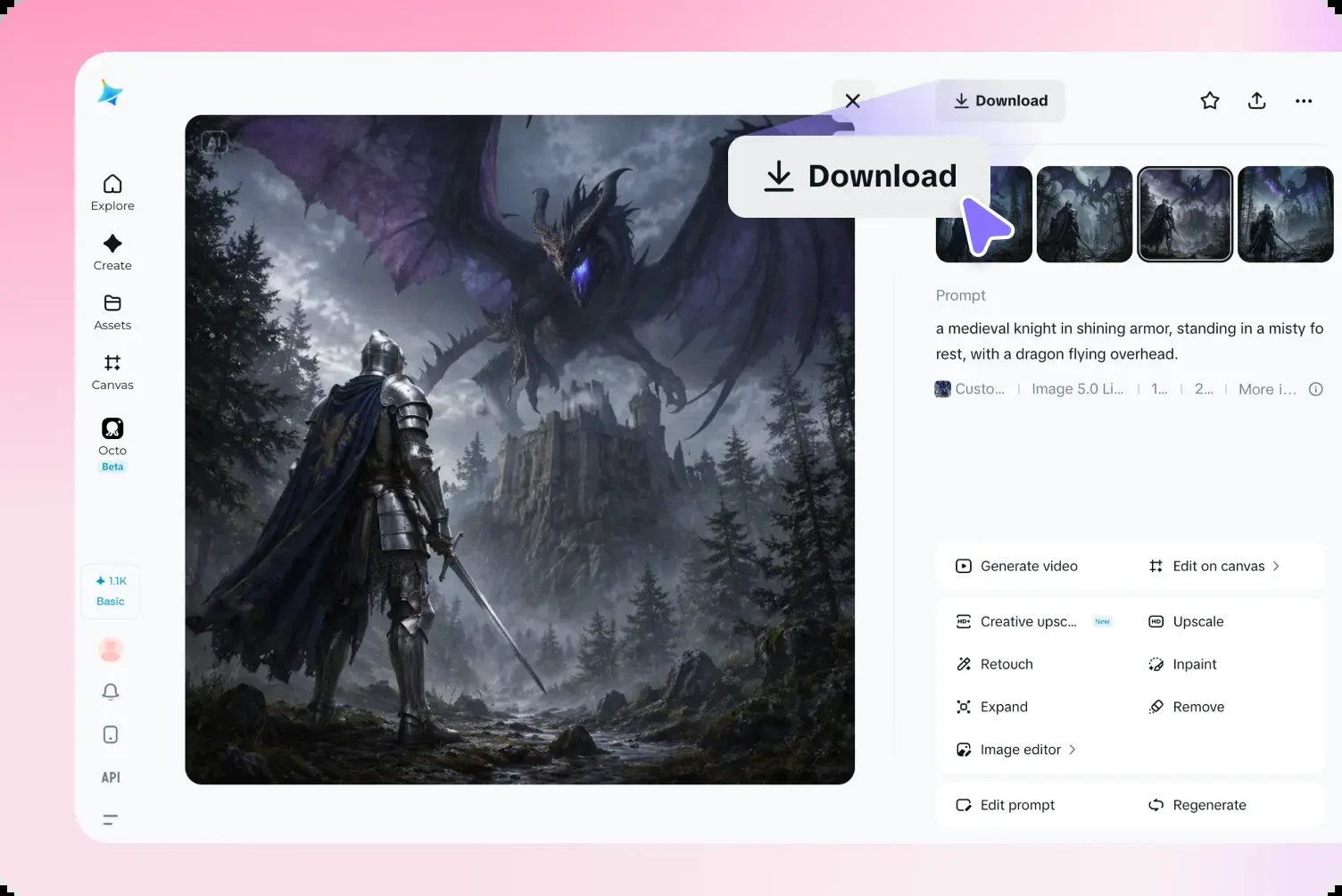
Write a focused image prompt with subject, setting, composition, lighting, style and exclusions. For a related second illustration, preserve the approved character and environment while changing only the intended viewpoint or story beat. For example, design a lantern-lit castle courtyard, then create a closer view of its gate with matching architecture and lighting. This makes inconsistent details easier to identify.
Fantasy landscape prompt: “Ancient stone bridge across a misty gorge, distant blue mountains, dawn light, wide composition, painterly fantasy concept art, clear foreground and background, no lettering.”
Character portrait prompt: “Original traveling mage with a dark green cloak and brass lantern, standing against a simple stone wall, three-quarter view, warm side lighting, visible hands, recognizable silhouette, no text.”
Creature illustration prompt: “Friendly small dragon perched on a library shelf, teal scales, amber eyes, soft storybook illustration, uncluttered background, consistent anatomy and scale markings, no extra limbs.”
For an actual product, use a verified photograph rather than inventing its appearance. A suitable background concept might describe a ceramic mug on a neutral tabletop while preserving its real handle, glaze and printed design. Do not invent accessories, features or unsupported product claims.
These instructions describe the intended result; they cannot guarantee perfect preservation. Compare every generated image with its reference, especially when identity or product accuracy matters.
Creative ideas for fantasy art, photos and other visuals
Fantasy character portraits: Develop a consistent costume, silhouette and facial reference before generating alternative expressions or viewpoints. Keep identifying details stable when character continuity matters more than spectacle.
Tabletop campaign environments: Create an original tavern interior, ruined tower or enchanted forest as an establishing image. Add a second illustration of a relevant detail while preserving the geography players need to recognize.
Creature concepts: Create an original animal companion or fantasy creature with clear anatomy. Generate a character sheet showing a few expressions or viewpoints, then check limbs, tails and distinctive markings across images.
Old family photographs: Preserve authentic photographs when sharing memories. If adding an illustrated background or graphic frame, make clear which elements are newly created rather than implying they were present in the original scene.
Product photos: Explore backgrounds or layouts while keeping the verified product shape, color and markings accurate. Do not use generated imagery to imply a function or feature the real product does not have.
Original illustrations: Explore cover art, atmospheric landscapes or character introductions. For a tabletop campaign, an illustrated map can establish mood, but labels and exact geography should be added separately and checked for accuracy.
The best visual approach depends on the story’s purpose, not simply on which generated image looks most dramatic.
A practical workflow from image idea to finished artwork
First, choose an authorized photograph or create an original concept image. For a fantasy-game illustration, sketch the scene in words: who is present, where they stand and what the viewer should notice. Generate a few options, select one composition and record its key visual traits before making related images.
After selecting the source, a free ai image generator can help explore alternative lighting, backgrounds or viewpoints for an original illustration. Review each result against the approved image for distorted objects, altered identities and inconsistent details. A convincing visual series depends on suitable references and careful editing, not on decorative effects alone.
Inspect each image at publication size and compare the beginning, middle and end of a storyboard. Look for facial changes, warped hands, shifting buildings, unstable edges and objects that appear without narrative reason.
If an image fails, simplify the prompt. Reduce background clutter, choose a clearer viewpoint or select a cleaner reference image. Keep approved versions clearly named and save the prompt that produced them.
After choosing a result, crop carefully and add captions or labels separately if they help the presentation. Preview the exported image in the layout where it will appear.
Keep characters, faces and important details consistent
Facial consistency is one of the most sensitive aspects of AI portrait variations. Even a slight change in the eyes, mouth or jawline can make a familiar person look different.
Begin with small, controlled variations and avoid changing several facial features or viewpoints at once. If a new expression changes identity, return to the approved portrait reference.
For pets, check the number and shape of limbs, the direction of the ears and the continuity of fur patterns. For architecture, compare window positions and straight lines. For products, inspect logos, labels and physical proportions.
Do not assume that a prompt saying “preserve identity” will always work. Treat it as a request that must be checked against the actual result.
Respect source images, consent and authenticity
Old photographs can carry personal or historical meaning. Before altering or illustrating a family portrait, consider whether the people depicted, or their families where relevant, would welcome that use.
Be especially cautious with images of children, deceased relatives or people who did not consent to having their likeness transformed. Review the service’s privacy and retention terms before uploading personal photographs.
An AI-generated expression or imagined background does not reveal how someone actually looked or behaved in an undocumented moment. If you share an altered portrait, describe it as an AI-assisted illustration rather than a newly discovered photograph. For historical or journalistic contexts, preserve the original and label interpretations.
You can still create an evocative presentation with a carefully designed border, caption or contextual layout that leaves the original photograph intact.
Common AI image problems and practical fixes
The face changes: Use the approved reference image and reduce changes to expression or viewpoint.
Background objects bend: Simplify the scene and use a clearer perspective with fewer overlapping elements.
Extra limbs or distorted paws appear: Simplify the pose and inspect anatomy before selecting the image.
The composition feels crowded: Reduce decorative objects and establish a clearer focal point.
The photo loses its original mood: Specify the existing light and color treatment instead of introducing an unrelated visual style.
The crop cuts off the subject: Choose a format that suits the original composition or prepare more space around the focal point.
The output feels artificial: Simplify textures, lighting and decorative details. A restrained illustration may be more convincing than an ambitious transformation.
Exporting and sharing generated visuals
Match the image’s aspect ratio to its destination. A vertical story, square feed post and wide website header place different demands on framing.
Keep captions, names and other exact text in an editor rather than embedding them in generated images. Check the current requirements of the platform you plan to use.
For social media, the first image should make the subject easy to recognize. For a website, consider how the image looks on mobile and whether captions remain readable. Use an accessible description when an illustration carries important information.
Keep the original photograph alongside any AI-assisted variation. That makes it easier to compare accuracy, revisit the edit or share the unmodified image when authenticity matters.
Make every image serve the visual story
The strongest AI illustrations preserve the idea that made the source concept worth creating. Thoughtful lighting, atmospheric depth or a recognizable character gesture can make an original image memorable. Excessive detail can obscure the composition, break character consistency and distract from the story.
Choose a visual style that fits the idea, review every generated result and be clear about what is real versus interpreted. AI image generation works best when the artwork supports the message rather than competing with it.
