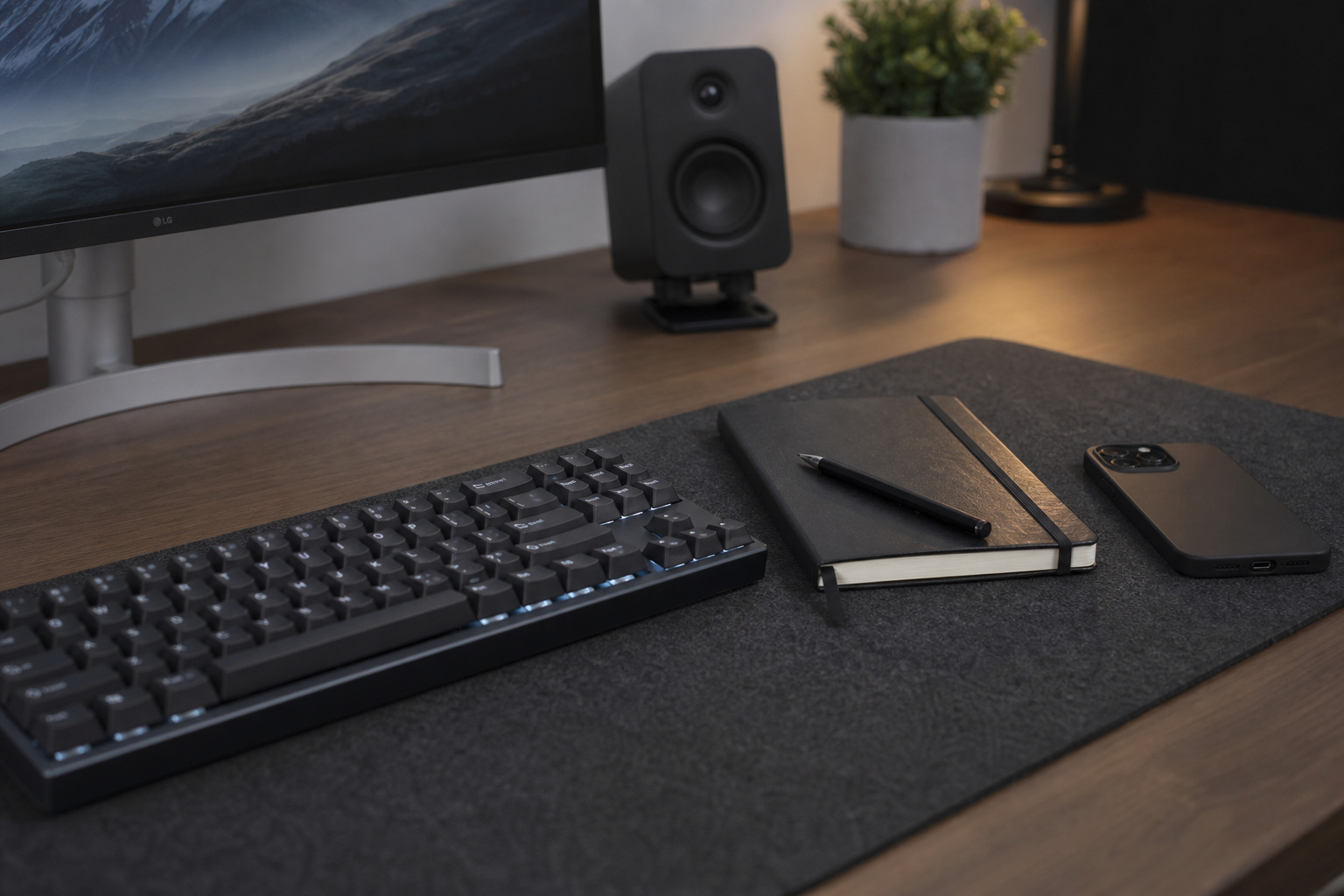
You sit down at your high-end workstation after a long day of patching code or managing servers, queue up to relax, and suddenly notice that two premium hours have vanished. Instead of playing that new game or planning a project, you’ve spent the entire time in a zombie-like trance scrolling through the algorithmic lottery loops of x.com or feeds on your phone.
Standard productivity hacks like simple app timers, screen-time limits, or sudden “digital detoxes” inevitably crash when pitted against the algorithms described in The Social Dilemma.
Reclaiming your focus requires migrating to a structural, system-wide upgrade: a values-first digital minimalism method. Grounded in the foundational research of Cal Newport’s 2019 book Digital Minimalism, this framework isn’t a temporary patch. It is a complete tech transformation driven by utility values that replaces low-value, isolating dopamine cycles with active, high-fidelity real-world hobbies and structured interactive play.
Key Takeaways
Digital minimalism is not a quick temporary detox; it is a permanent systemic tech transformation that requires you to build a fulfilling analog lifestyle first to fill the vacuum of digital abstention.
Implementing interface friction—such as switching your screens to Grayscale mode, restricting feed use to desktop browsers for 30 to 60 minutes daily, and limiting followings to Dunbar’s number (150)—breaks compulsive unconscious habits.
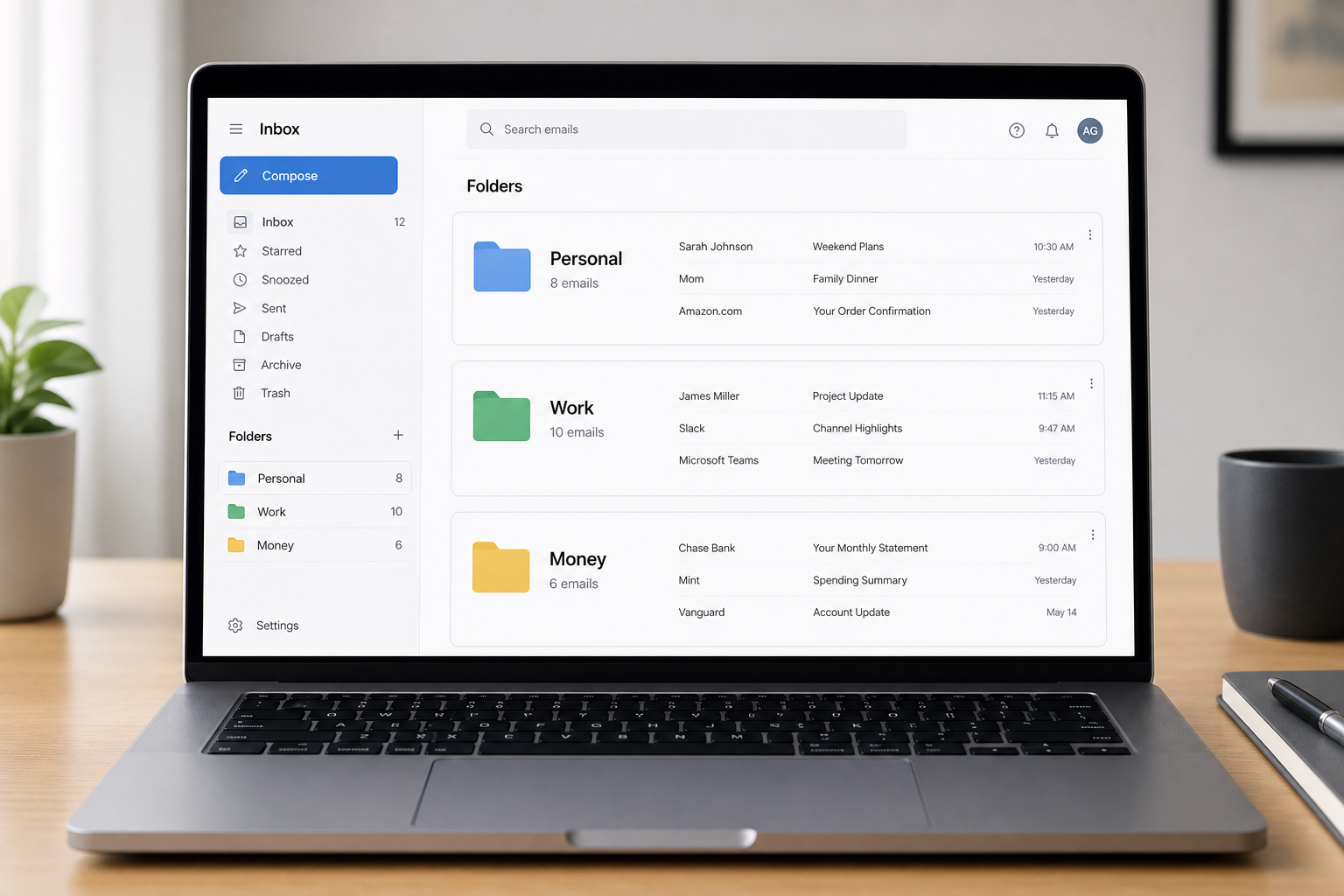
Cognitive overload can be systematically managed by organizing emails into three specific folders (Personal, Work/School, and Money) and deploying local message retention settings to clear attachments automatically after 30 Days or 1 Year.
Table of Contents
Step 1 — Embody Techno-Selectionism Over Default Maximalism
Most of us operate under a broken system default where we accept any new app, service, or platform that offers even a fraction of potential convenience. To build a highly optimized lifestyle, you must replace this passive acceptance with an active filter.
Techno-selectionism: Rebuilding your toolset from scratch
The core of the digital minimalism method is techno-selectionism. This philosophy treats the smartphone as a specific physical tool rather than an omniscient invitee to your personal space. Under the default maximalist approach, you keep an app around if there’s any conceivable chance it might be useful somewhere down the road. Techno-selectionism inverted this logic: you can experiment with new technologies and platforms, provided they serve your active purposes or offer genuine utility; otherwise, you should abandon them immediately.
This means aggressively deconstructing the “Illusion of Professional Connectivity”—the nagging myth that you must maintain highly active profiles on LinkedIn, Instagram, or other attention-dragging platforms to secure a lucrative career. By choosing to step away, you will have to deal with the “first-fortnight fatigue.” The first two weeks of cutting off high-stimulus feeds bring literal neurochemical withdrawal and low-level brain fatigue.
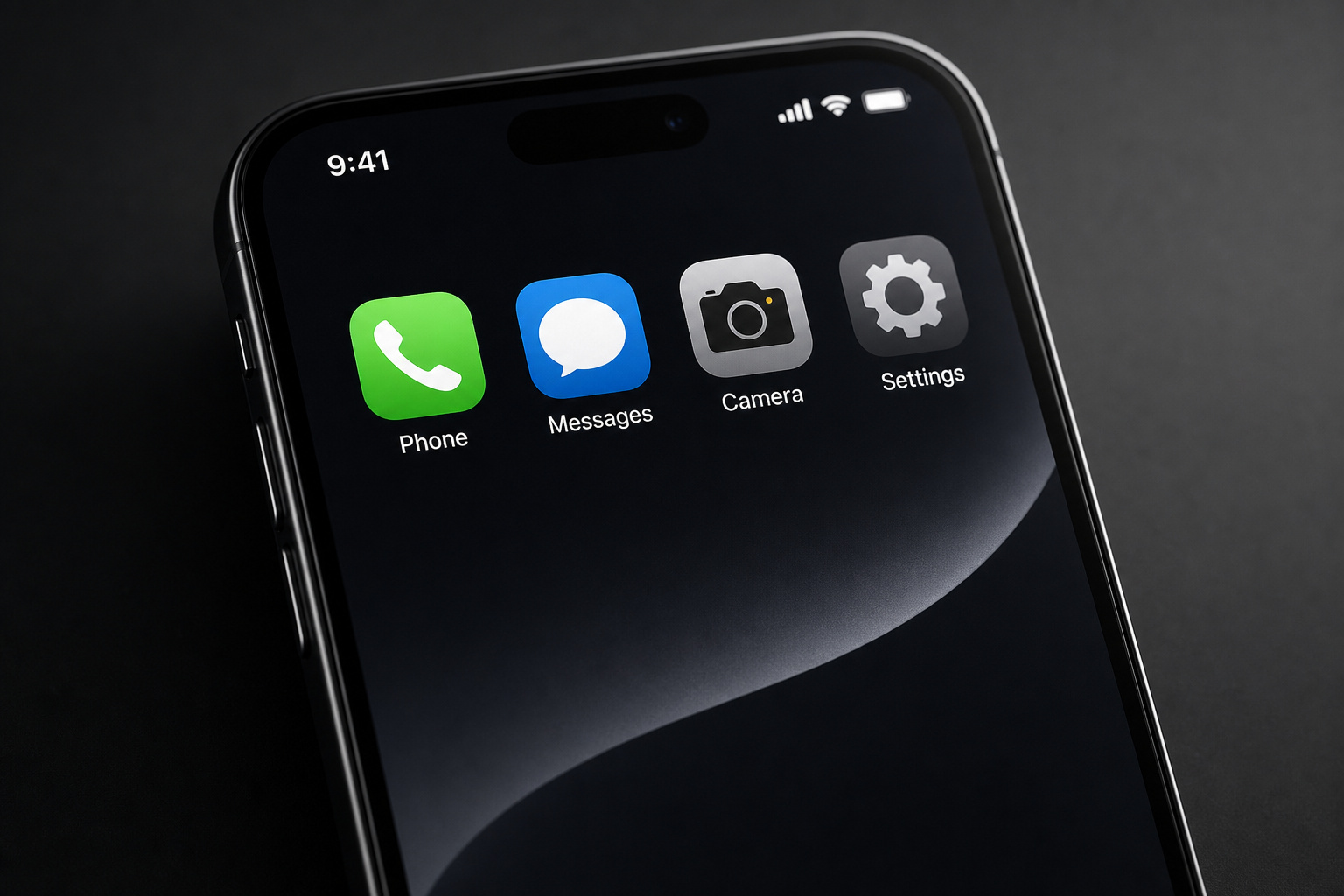
Step 2 — Fix Your Analog Life First to Fill the Structural Void
Clearing out digital noise without an offline system upgrade is a recipe for instant relapse. If you remove online stimulation without deploying a physical environment to occupy your mind, the resulting cognitive vacuum will drag you right back to the infinite feed.
Fixing analog life first: High-quality leisure as a priority
The central principle of the transition to limited tech usage is that you must strengthen your offline routines first to meaningfully occupy the space left by digital abstention. This methodology is heavily inspired by Aristotle’s exploration of fulfilling activities in Nicomachean Ethics, focusing on self-generative, non-instrumental leisure—high-quality activities performed purely for the satisfaction of their execution, rather than as a means to an end.
To build high-quality leisure into your actual calendar, schedule physically demanding, highly present real-world projects. Swap the passive glow of the phone for scratch-cooking a complex meal, lifting weights at the gym, or playing in a local music ensemble or symphony symphony.

Go outside: Deep nature immersion as non-digital rest
Alongside scheduled activities, nature immersion serves as an effective, underlooked cognitive buffer. Make it a rule to go outside every single day. Conduct unplugged walks with absolutely no headphones, or take a physical notebook to perform work sessions in the fresh air. This device-free time acts as a natural memory flush, letting your mind process thoughts in parallel without constant interruptions or background pings.
Step 3 — Shift from Mindless Isolation to Values-Based Social Spaces
Minimizing tech use doesn’t mean retreating into isolation; it means optimizing your interfaces so they foster high-fidelity human connection. You want to shift from passive online consumption to values-based, active communication.
Prioritizing in-person interaction over digital feed performance
To rebuild how we relate to others, apply the principles of Essentialism to select the narrow group of relationships that truly matter. Your phone should be used strictly as a tool to organize and plan get-togethers, never as a replacement for real-world socialization. When planning isn’t possible, prioritize phone calls or video chats where vocal tones and facial expressions are fully visible.

To lower feed anxiety, go through phases of social media deactivation, or aggressively mute accounts that spam your timeline. If you follow someone important to you who posts constantly, muting their updates eliminates the social obligation of tracking their daily trivialities while still preserving direct-messaging channels for coordinates and schedules.
Gaming for connection: How I turned multiplayer gaming into cooperative socializing
Instead of focusing solely on the negative aspects, understanding the pros and cons of gaming allows you to actively reframe screen time as a deliberate social engine. If you enjoy gaming, aim to spend most of your time playing co-op and online multiplayer titles with real-world friends over Discord. This flips multiplayer gaming from an isolating time-sink into an active, cooperative social outlet. Rather than logging on to play alone with muted strangers, scheduling regular co-op campaigns with actual friends turns the screen back into an interactive playground that helps offset isolation.
Step 4 — Redesign Your Physical Interface with High Visual Friction
Your phone’s user interface is medically calibrated to trigger unconscious pick-up-and-unlock habits. You can systematically break these loops by adding heavy visual friction directly to your home screen layout.
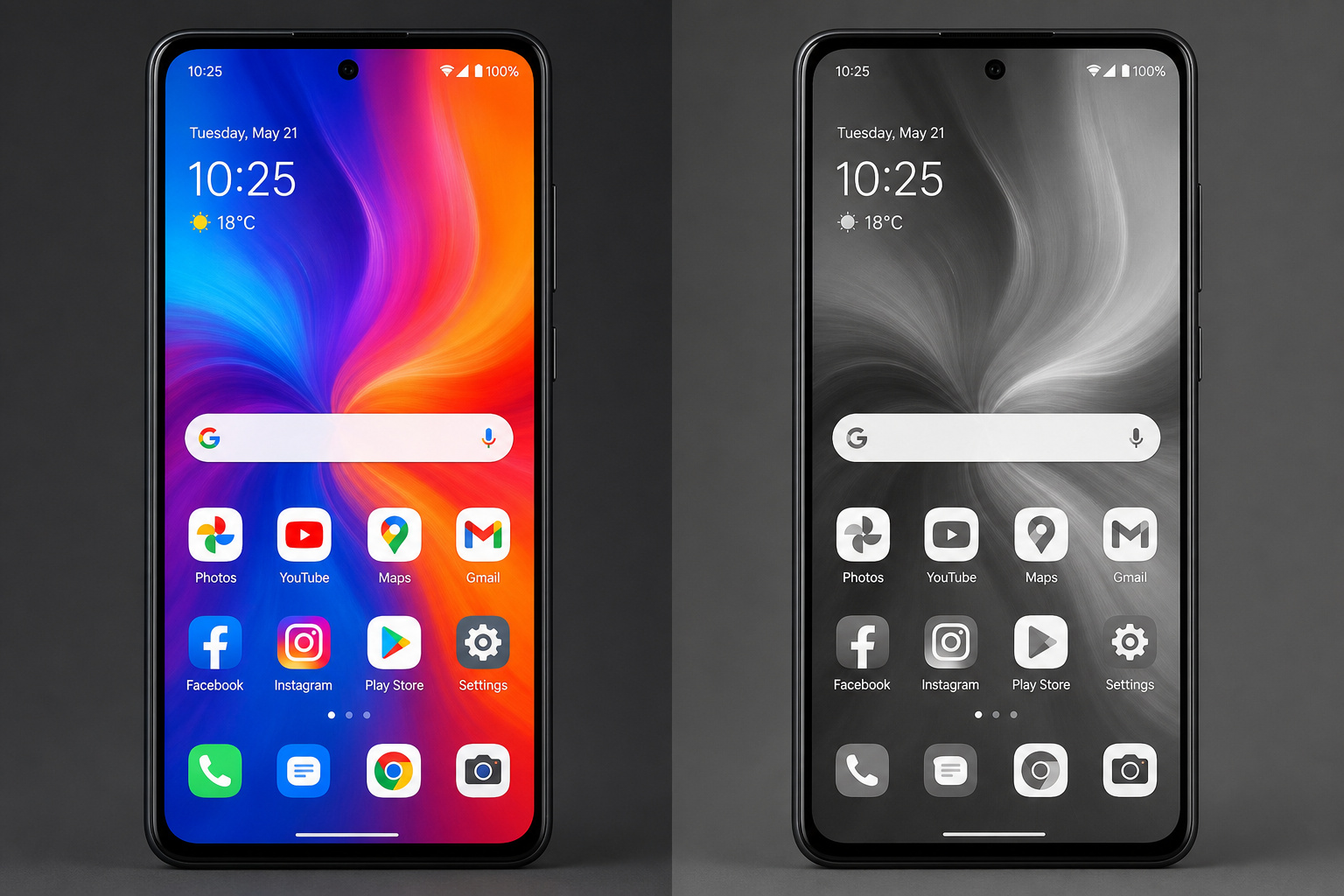
App & home screen decluttering: Turn your design back into a utility tool
Treat your mobile devices strictly as utility tools by running a comprehensive interface cleanup. First, delete all unused or “just-in-case” apps—remember, you can always redownload them in minutes if you actually need them. Next, turn off non-essential notifications for everything that causes a distraction, keeping visual alerts active only for productive utilities like messages, phone calls, calendar events, reminders, the clock, and mail.
If you use an iPhone running modern iOS, keep only your absolute daily essentials on your front page. Move all other lesser-used apps directly into the App Library to hide their temptation. Finish the build by setting a completely flat, non-distracting wallpaper to minimize visual noise.
Grayscale (black & white) mode: Breaking the subconscious dopamine loop
The bright, saturated palettes of modern displays are designed to trigger primitive attention mechanisms in your brain. To instantly neutralize this, switch your phone or PC to Grayscale mode, especially when focusing on deep work. Setting displays to black and white removes the visual appeal of screens, discouraging compulsive, subconscious browsing. Without flashy red notification badges and neon app icons, checking your device becomes a dry, purely functional task.
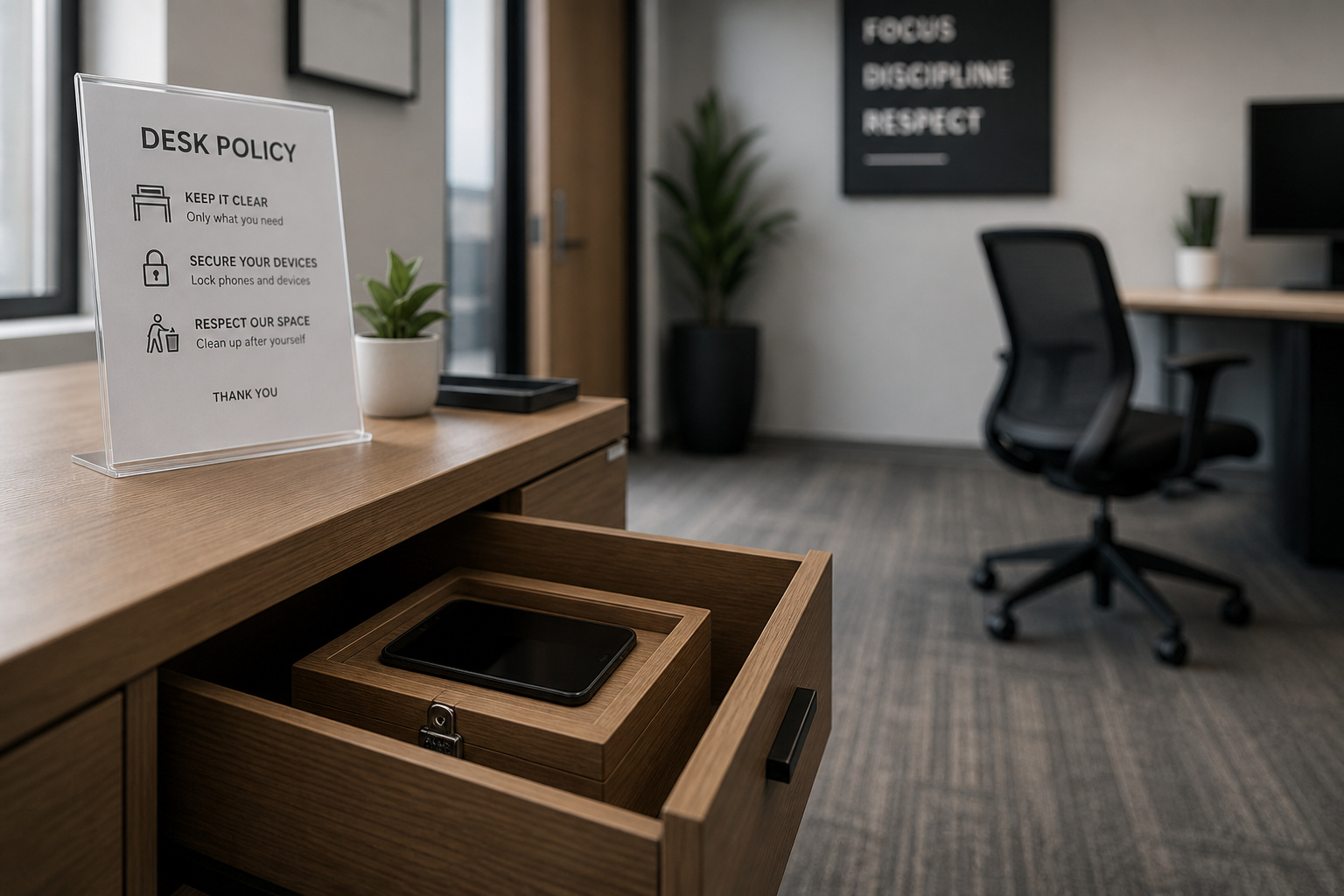
Step 5 — Enforce Environmental Phone Boundaries and Social Curbs
Physical distance remains one of the most reliable roadblocks to automatic pick-up habits. You must establish strict physical and logical parameters to quarantine your devices from your immediate attention space.
Deliberate phone avoidance: Keeping devices out of sight
To build clean physical boundaries, treat your phone like an uninvited guest. When meeting friends for coffee or sitting down for dinner, leave your phone silent and out of sight in your bag or a drawer rather than face-up on the table. Make deliberate phone avoidance a standard protocol: do not look at your device in the mornings, during focused work blocks, or during screen-free interactions with family. Force yourself to take daily walks without the device entirely, creating dedicated dead zones where you’re completely unreachable.
Social media optimization: Filtering to Dunbar’s number and setting time blocks
If you choose to use social networks, optimize your feeds using strict biological limits. Audit your following lists and prune old acquaintances, brands, celebrities, and hashtags until you limit your following count to exactly 150 accounts—matching Dunbar’s number for manageable social groups. Remove all social media apps from your phone entirely, forcing yourself to access them only via desktop web browsers. Finally, constrain your daily social media screen time to a strict window of exactly 30 to 60 minutes.
Step 6 — Automate the Inbox and Systemic Data Cleanups
Cognitive overload doesn’t just come from active feeds; it also accumulates silently from unmanaged back-end data, bloated inbox caches, and always-on workplace chat pings. Run routine, programmatic data purges to keep your systems running light.
At work, you can mitigate the constant-response trap of platforms like Slack or Microsoft Teams by batching check-ins to twice-daily windows and utilizing automated status updates. This resets your team’s expectations, helping you avoid professional backlash while keeping your attention focused.
Email zero-inbox strategy: Managing folders and quick sorting

Don’t let thousands of unread marketing emails sit in your main feed. Spend exactly 10 minutes daily sorting through your inbox as part of a structured Zero-Inbox strategy. Unsubscribe from promotional mailers immediately, dump read messages into an archive folder, and sort everything you keep into exactly three clean, targeted directories:
- Personal (using your name): Emails directly related to personal life.
- Work/School: Emails linked to professional and educational commitments.
- Money: Receipts, purchases, bills, and financial statements.
Automated message retention settings: Decongesting background digital storage
Your smartphone’s storage cache can become a physical trigger for digital hoarding. On iOS, go to your settings and adjust your message retention settings to keep messages for either 30 Days or 1 Year. This automatically runs a background attachment cleanup, systematically clearing out heavy photos, video clips, and Web links. Combine this with weekly sweeps to clear out redundant downloads, browser bookmarks, and old files to keep your system storage running lean.
Step 7 — Commit to Analog Alternatives as Subversive Rituals
However, choosing slower, analog tools can serve as a deliberate shield to protect uninterrupted human thought from tracking and algorithmic optimization.
Physical tools as small acts of rebellion against algorithmic design
Opting for offline tools is not about back-to-basics nostalgia; it is a satisfying, quiet revolt against platforms built to capture and commodify your behavioral profiles. Carrying a premium paper notebook, writing out tasks with a quality pen, utilizing physical paper maps for local navigation, or maintaining a residential landline are active, deliberate declarations of cognitive sovereignty. These analog alternatives construct unhackable boundaries around your focus, ensuring that the most valuable and optimized system in your entire setup remains your own clear mind.
Frequently Asked Questions
What is the digital minimalism strategy?
Digital minimalism is a systemic approach that replaces passive, algorithmic-driven tech consumption with intentional, values-based utility. It requires an active filter for technology, where you only use tools that provide genuine value, while concurrently building a rich analog lifestyle to ensure you don’t relapse into digital habits.
What are the three principles of digital minimalism?
The core three principles are technoselectionism, which means treating tools as utility rather than entertainment; establishing non-negotiable analog routines to fill your time; and redesigning your digital workspace to create high friction, such as using grayscale mode or strict time blocks for feeds.
How does Grayscale mode help with phone addiction?
Modern phone displays use hyper-saturated colors specifically designed to trigger primitive attention responses in the brain. Switching your device to grayscale removes the visual stimulation that makes icons and notification badges pop, making your phone a boring, purely functional tool rather than an addictive source of dopamine.
Why does limiting your feed to Dunbar’s number matter?
Dunbar’s number (150) represents the cognitive limit for the number of stable social relationships a human can maintain. By pruning your social media followings to this limit, you eliminate the social obligation of tracking trivialities from acquaintances and focus only on high-fidelity connections that truly matter to your life.
Can I use gaming while practicing digital minimalism?
Yes, but you must shift from passive, solitary consumption to active, cooperative engagement. By scheduling co-op campaigns with real-world friends over voice chat, you transform gaming from an isolated, time-sink loophole into a social engine that strengthens your interpersonal relationships.
Is the ‘first-fortnight fatigue’ normal when deactivating social media?
Yes, it is a predictable part of the process. The first two weeks of cutting off high-stimulus feeds often trigger genuine neurochemical withdrawal and low-level brain fatigue as your mind adjusts to a lack of constant algorithmic input.
How much time should I spend on social media daily?
To maintain a minimalist balance, limit your daily social media access to a strict window of 30 to 60 minutes. To enforce this, consider moving these platforms entirely to desktop web browsers rather than keeping the apps on your phone, which adds the necessary friction to prevent mindless scrolling.
