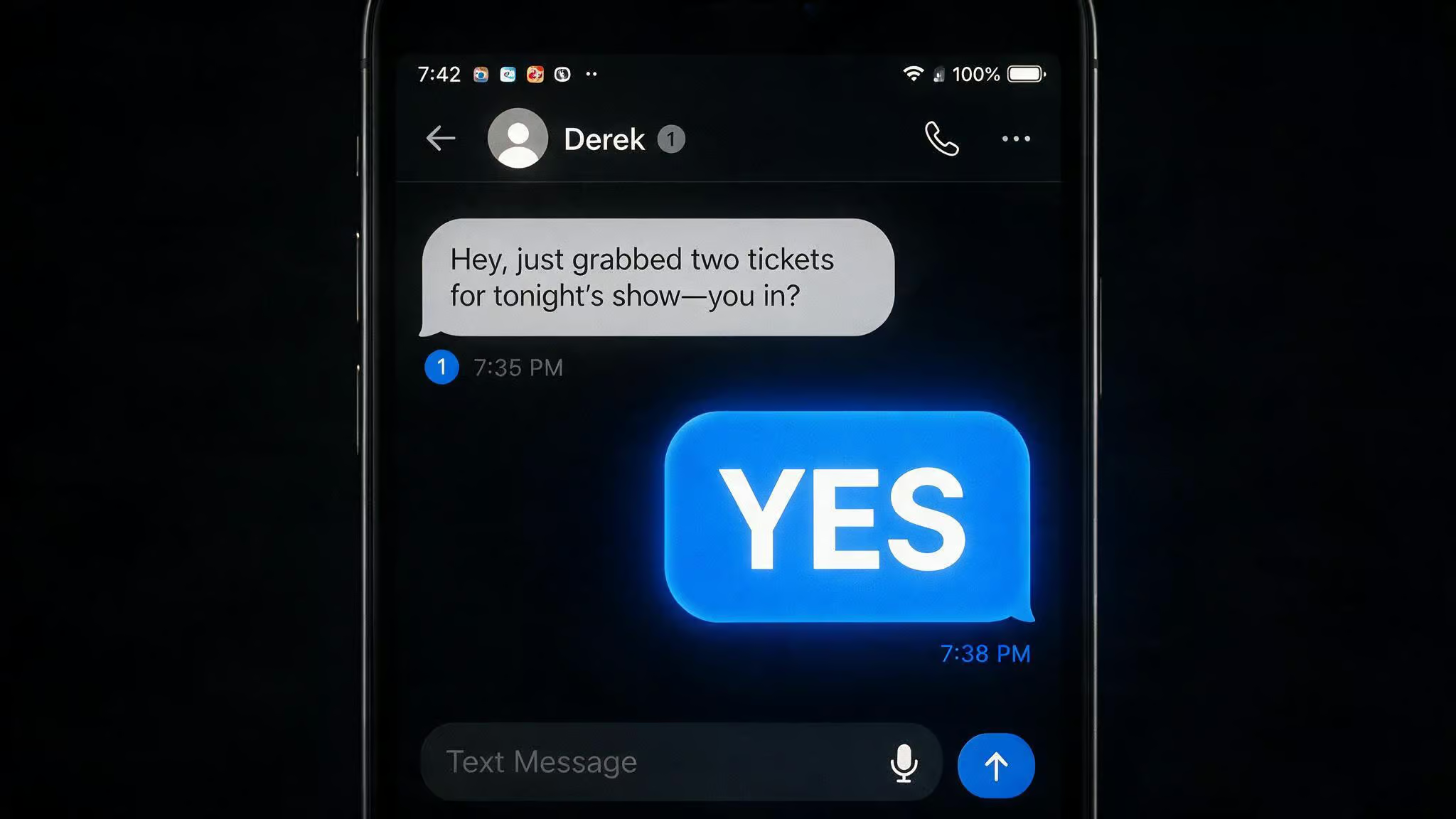
Here’s a quick check before we dive into the steps: you don’t cancel Public Mobile. You let the port do it. That’s the whole trick. If you manually cancel first, you lose your number and the whole thing falls apart.
A customer signed up for Public Mobile, couldn’t find the $29 for 10GB (5GB, US/Canada/Mexico) Black Friday deal in their account, found the identical plan at Freedom Mobile, and asked the community forum how to port out. Two users — slusagm and softech, laid out the exact sequence that works in the Public Mobile community forum thread titled ‘How to cancel the service and port out the number’. Here at GeekExtreme, we spend time in carrier forums digging up the workflows that work, not the generic “call support” advice.
Key Takeaways
Porting your number out is how you cancel — manually cancelling first will deactivate your line and block the port entirely
You must reply “YES” within 90 minutes of receiving Public Mobile’s confirmation text or the port request expires and you have to restart from your new carrier
Disable Pre-Authorized Payment before porting by going to Payment > Manage Subscription > toggle “Subscribed” off — otherwise you might get charged for service you no longer have
Table of Contents
Why you might want to cancel Public Mobile (and how to decide)
Public Mobile runs on Telus’s network, which means solid coverage, but as a prepaid flanker brand, your traffic can get deprioritized during congestion — so at a busy airport or packed event, you’ll feel the slowdown. Speeds are capped at 250 Mbps on 5G, and after you burn through your data, you’re throttled to 512 Kbps. Fine for messaging and light browsing, but that’s about it.
The frustration? Promos. Public Mobile launched a limited-time flash sale offering a 50% discount on its 5G Canada-U.S.-Mexico plans, available exclusively for new activations — 60GB for $20 per month (regularly $40), 80GB for $25 per month (regularly $50), 100GB for $30 per month (regularly $60), valid 24 months. Existing customers?
Locked out. A customer posted on the Public Mobile community forum saying they couldn’t find the $29 for 10GB (5GB, US/Canada/Mexico) Black Friday deal in their account, then saw the same plan at Freedom Mobile and decided to switch.
If you’re in a similar spot — want a deal you can’t get, or want to move carriers, the prepaid model makes it simple. No contracts, no credit check, no early termination fees. But it also means any prepaid balance you have left is gone when you close. No refunds.
The core insight: porting out is the cancellation method. You don’t tell Public Mobile you’re leaving. You tell your new carrier you’re coming, and they pull the number over. The port closes the account automatically. Don’t hit any cancel button — it’ll deactivate your line and block the number transfer.
Before you start: what you need to prepare
First, your account needs to be active and able to receive texts — that’s how you’ll get the confirmation code. Dead or suspended accounts can’t do the handshake.
Log into My Account and do two things.
Grab your account number. Head to the Profile page at this direct link:
https://myaccount.publicmobile.ca/en/account/my-profile
That number is the key your new carrier needs to pull your number over. Copy it down or keep the tab open.
Kill auto-pay. Navigate to the Payment page, click Manage Subscription, and toggle “Subscribed” to off. Here’s the direct link:
https://myaccount.publicmobile.ca/en/account/my-payment/manage-subscription
If you don’t flip that switch, you could get charged for another month of service you won’t be using. Do this before you start the port.
How to port your number out of Public Mobile
The process has four steps. Each one is straightforward, but the timing matters.
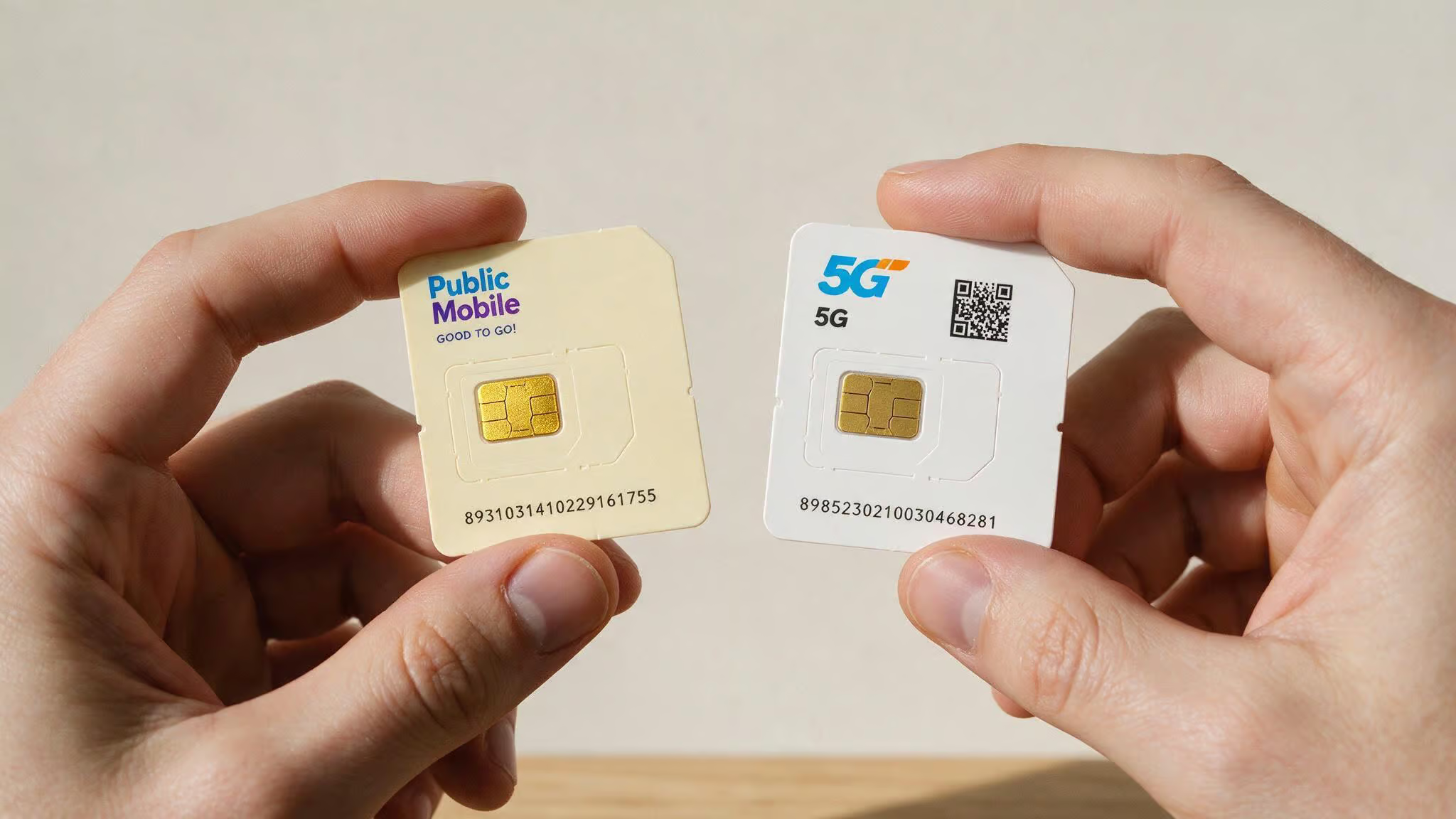
Step 1: Start the port from your new carrier
Activate your new line with Freedom Mobile (or whoever you’re switching to), and tell them you want to bring your number. Hand over your Public Mobile account number — that’s the identifier they use to request the transfer.
The port request goes from your new carrier to Public Mobile. Your only job is providing the account number.
Step 2: Keep your Public Mobile SIM in and wait
After the new carrier kicks off the request, Public Mobile will send a confirmation SMS to your number. That text is the signal — you need to be able to read it and respond, especially if you’ve been tracking recent news about what is happening with Public Mobile.
Don’t yank the SIM yet. Leave the Public Mobile SIM in your phone until you get that message. Pulling it early means you miss the text, and the whole process stalls.
Step 3: Reply “YES” within 90 minutes
When the confirmation text arrives, you reply with the word “YES.” Exactly that — capital letters, nothing else.
You have 90 minutes from when the text arrives. Set a timer. If you miss the window, the port request expires and you’ll need to contact your new carrier to restart it.
Step 4: Switch SIMs and verify
After you’ve sent the reply, swap in your new SIM. Now wait.
The port is complete when you can receive incoming calls on the new number. Ask someone to call you, or make a call yourself. If incoming calls come through, the number has transferred. At this point, your Public Mobile account is closed automatically. You won’t be able to log into My Account anymore.
What happens after the port: account closure and expectations
Your Public Mobile account is closed, no separate cancellation step needed. You can’t log in, and any prepaid balance you had is forfeited. That’s how prepaid works — no surprise bills, but no grace period either. To avoid losing money, consider using up your prepaid balance or timing your port to the end of your billing cycle.
No early termination fees because there was no contract. If you left auto-pay on by mistake and get charged, you’ll need to contact Public Mobile support with proof of account closure to request a refund.
Common mistakes to avoid
Manually cancelling before porting. This deactivates your line and blocks the port. The port is the cancel — don’t do both.
Forgetting to disable Pre-Authorized Payment. You could get charged for service you no longer have. Flip the toggle before you start.
Missing the 90-minute window. The port request expires. You have to restart from your new carrier.
Removing the Public Mobile SIM before replying. You won’t receive or reply to the confirmation text, and the process grinds to a halt.
Troubleshooting: what if something goes wrong?
Missed the 90-minute window. The port request expires and you must restart from the new carrier.
Accidentally cancelled the PM account first. Contact Public Mobile support to see if reactivation is possible. If not, you may need a new number from your new carrier.
Got charged after porting (auto-pay wasn’t disabled). Contact Public Mobile support with proof of account closure and request a refund.
General issues. Use the “Get Support” section on Public Mobile’s site or community forum, or call your new carrier’s porting team.
Wrap up
That’s it. You’re ready to port out. Remember: never hit cancel — let the port do the work. Kill auto-pay.
Reply “YES” within 90 minutes. Everything else is automatic.
If you want more detail on how Public Mobile performs day-to-day, check out our full Public Mobile review. And if you’re curious about the network behind it — towers, deprioritization, roaming, we break that down in which carrier does Public Mobile use.
Frequently Asked Questions
How do I cancel my Public Mobile plan?
You don’t cancel directly — you port your number out to a new carrier. The port automatically closes your Public Mobile account. If you hit any cancel button first, your line deactivates and the number transfer gets blocked.
How do I cancel a public subscription?
To cancel a Public Mobile subscription, disable Pre-Authorized Payment in your account settings under Payment > Manage Subscription, then port your number to a new carrier. The port closes the account automatically — no separate cancellation step needed.
What happens if I cancel my Public Mobile account before porting?
Your line gets deactivated immediately, which blocks the number transfer entirely. You’ll likely lose your number and need to get a new one from your new carrier. The port is the cancel — never do both.
