
Your ISP can tell you’re using I2P. I2P doesn’t try to hide the fact that you’re connected to it. What it does hide is what you’re doing and who you’re talking to.
When I started digging into how detectable I2P is, I found that approximately 32,000 peers are active daily, with about 14,000 behind NAT or firewalls. The short answer breaks into two phases: bootstrapping is trivially visible; the steady-state is hidden but still leaves a connection footprint.
Key Takeaways
A new I2P user’s first connection is trivially detectable: DNS queries to hardcoded reseed domains, a TLS handshake with a distinctive User-Agent string, and a download of a file named i2pseeds.su3
After about 24 hours of operation, I2P traffic shows no identifiable protocol headers — only statistical patterns like fixed handshake message sizes (288, 304, 448, and 48 bytes) remain as fingerprints
A censor running just 10 malicious routers can gather enough peer IPs to block more than 95% of the peers a stable client knows about, making the network unusable at above 90% blocking rates
Table of Contents
Can Your ISP See You Using I2P? Here’s What They Actually Detect
Your ISP sees your IP address connecting to other I2P peers. That’s just how the internet works. But the interesting part is when that connection becomes obvious.
The bootstrapping phase is the most visible moment in I2P’s lifecycle. When you first start the router, it needs to find the network. It does this by making DNS queries to hardcoded reseed domains, followed by a TLS handshake. That handshake includes a specific User-Agent string that any intrusion detection system (IDS) can fingerprint. Then it downloads a file called i2pseeds.su3.
The TLS Client Hello contains a specific User-Agent string, making it trivially identifiable. Your ISP or any observer on the path can see these connections and know you’re bootstrapping an I2P router. P router.
After about 24 hours of operation, things change. Once you’re past the handshake, individual I2P messages don’t have any obvious protocol headers that scream “I2P.” The traffic is encrypted, and the protocol identifiers are gone. What remains are statistical patterns: packet sizes, timing, and protocol usage. An observer cannot simply look at a packet and identify it as I2P because individual messages have no identifiable protocol headers or fields.
Yes, your ISP can tell you’re using I2P, especially during the first few minutes. But after that, they see encrypted traffic between you and a bunch of other IPs, and nothing in those packets explicitly labels itself as I2P.
What Your ISP Cannot See: Inside the Garlic
Even though your ISP knows you’re connected to the network, they cannot see what you’re doing inside it. No content, no destination addresses.

This is where garlic routing comes in, and the I2P documentation uses a precise botanical metaphor: each individual client message is a single “garlic clove,” and a bundle of cloves — possibly destined for different recipients, gets wrapped into a single “garlic message” (the bulb). By default, the router bundles a Delivery Status Message and a DatabaseStoreMessage (containing your LeaseSet, which is how hidden services find you) into that same garlic message.

From the outside, an observer sees one encrypted blob. They can’t tell how many messages are inside, who each one is for, or what they contain. The garlic bulb is encrypted with layered encryption (ElGamal/AES with SessionTags), so peeling it open requires the right keys at each layer.
Garlic routing bundles multiple messages into a single message, defeating timing correlation. If you’re sending multiple messages at once, they get packed together. An observer can’t match individual messages to individual responses because they don’t know where one clove ends and another begins. Padding is applied too, though currently only to multiples of 16 bytes — so it’s minimal but still adds some noise.
I2P also uses unidirectional tunnels. Incoming and outgoing messages travel through different paths. A single request-response cycle uses four tunnels: two outbound, two inbound. Tunnels are rebuilt every ten minutes, so even if someone maps your tunnel, it won’t last long. Tunnels can be up to seven hops, giving you control over the anonymity-speed trade-off.
Your ISP sees encrypted traffic going in and out of your device, but they cannot read a single message, see which eepsite you’re visiting, or figure out who you’re chatting with inside I2P. Everything inside the network is encrypted end-to-end.
I2P vs. Tor: Which Is More Detectable?
Both networks are detectable during bootstrapping, but the way they’re detectable differs in meaningful ways.

Tor’s TLS Client Hello includes the certificate’s Common Name (CN) in the Client Hello. That CN identifies the protocol as Tor. It’s a clear label. Any observer who sees that TLS handshake knows you’re connecting to a Tor node.lized architecture with directory authorities allows a censor to locate and block all public Tor routers with relative ease, whereas I2P has a decentralized architecture with no entity having a complete view.

I2P’s bootstrapping reveals itself through the User-Agent string and reseed domains, but it doesn’t have a CN leak. The TLS handshake to reseed servers doesn’t include a Tor-style CN that identifies the network. After bootstrapping, I2P traffic has no equivalent identifiable parameters — no structured TLS handshake, no fixed protocol header.
Architecturally, the differences are stark:
- Tor is centralized (directory authorities), TCP-only, and uses onion routing (single messages sent one at a time). It’s designed for low-latency clearnet browsing and has exit nodes that connect to the regular web.
- I2P is fully decentralized (no single entity has a complete view), uses both TCP and UDP, and employs garlic routing (bundled messages). It has no exit nodes — it’s designed for communication within its own network.
Tor’s centralized design makes it easier to map and block all public routers. I2P’s decentralized design makes that harder, but by operating just 10 routers, a censor can still block over 95% of peer IPs.
For detection risk: Tor’s TLS handshake is a clear signature, especially during the initial connection. I2P’s bootstrapping is also detectable but through different signals. After bootstrapping, I2P’s operational phase is harder to fingerprint because it lacks Tor’s structured TLS handshake — a key distinction explored in this i2p vs tor deep-dive.
Can Deep Packet Inspection Fingerprint I2P Traffic?
Deep packet inspection (DPI) and intrusion detection systems (IDS) can fingerprint I2P traffic, but the difficulty depends on which phase we’re talking about.

During bootstrapping, detection is straightforward. The DNS queries, TLS handshake with specific User-Agent, and the i2pseeds.su3 download are all easily spotted by an IDS.
During the operational phase, it’s harder but not impossible. The first four handshake messages between I2P routers have fixed lengths: 288, 304, 448, and 48 bytes. That’s a pretty distinctive pattern. Over time, statistical analysis of packet sizes reveals over-represented lengths: UDP messages around 50-100, 300, 500, 600, and 1100 bytes; TCP messages around 1000-1100, 1400-1500, and 800 bytes. Empty TCP ACK segments are also over-represented.
Statistical identification is possible but not real-time. It requires collecting data over time and analyzing distributions, not just matching a simple signature. Commercial tools from Tenable and SonicWALL have I2P detection modules, but researchers found they’re not efficient at large scale. Tenable’s guidance basically says “manually check for rogue processes.” SonicWALL suggests filtering via App Control, but that can also block legitimate traffic — collateral damage.
I2P’s port range of 9000-31000 also complicates port-based blocking. And the I2P team is working on an authenticated key agreement protocol that would make automated identification harder by changing the handshake mechanics. But for now, the fixed message sizes remain a fingerprint.
Can ISPs Block I2P? Yes — And With Fewer Resources Than You’d Think
A censor only needs to run 10 routers to learn about and block more than 95% of the peers a stable client knows about. Six routers block 90%. This works because the censor operates routers that participate in the network, collect peer IPs from the netDb (the distributed hash table), and then blacklist those IPs. It’s shockingly cheap.
A concrete example of address-based blocking is the Great Firewall of China’s null routing technique, where the GFW sends forged TCP RST packets or drops traffic to specific IP addresses it wants to block. Historically, the GFW has blocked I2P reseed servers — in April 2017, China blocked I2P’s reseed servers, effectively preventing new users from joining, demonstrating that null routing can be used against I2P’s bootstrapping infrastructure.
I2P’s resistance to censorship has not been extensively studied, so the data we have comes from a single systematic evaluation. Normal eepsite load time is about 3.4 seconds. At 65% peer blocking, that jumps to over 20 seconds with 40% timeouts. At 70-90% blocking, you’re looking at more than 40 seconds of latency and over 60% timeouts. Above 90% blocking, 95-100% of requests time out.
Reseed servers are a single point of blockage. In April 2017, China blocked I2P’s reseed servers, effectively preventing new users from joining. There’s a built-in workaround: manual reseeding via the i2pseeds.su3 file. But it requires users to find and download that file outside of I2P, which is a friction point.
About 14,000 of the roughly 32,000 daily active peers are behind NAT or firewalls. These peers don’t have a public IP in the netDb, which makes them harder to block via address-based blocking. A censor can only discover them if its routers are selected as introducers. This subset of firewalled peers is naturally more censorship-resistant and could serve as bridges for circumvention strategies. The researchers tested their blocking approach on their own eepsites rather than publicly known ones to avoid disrupting legitimate users.
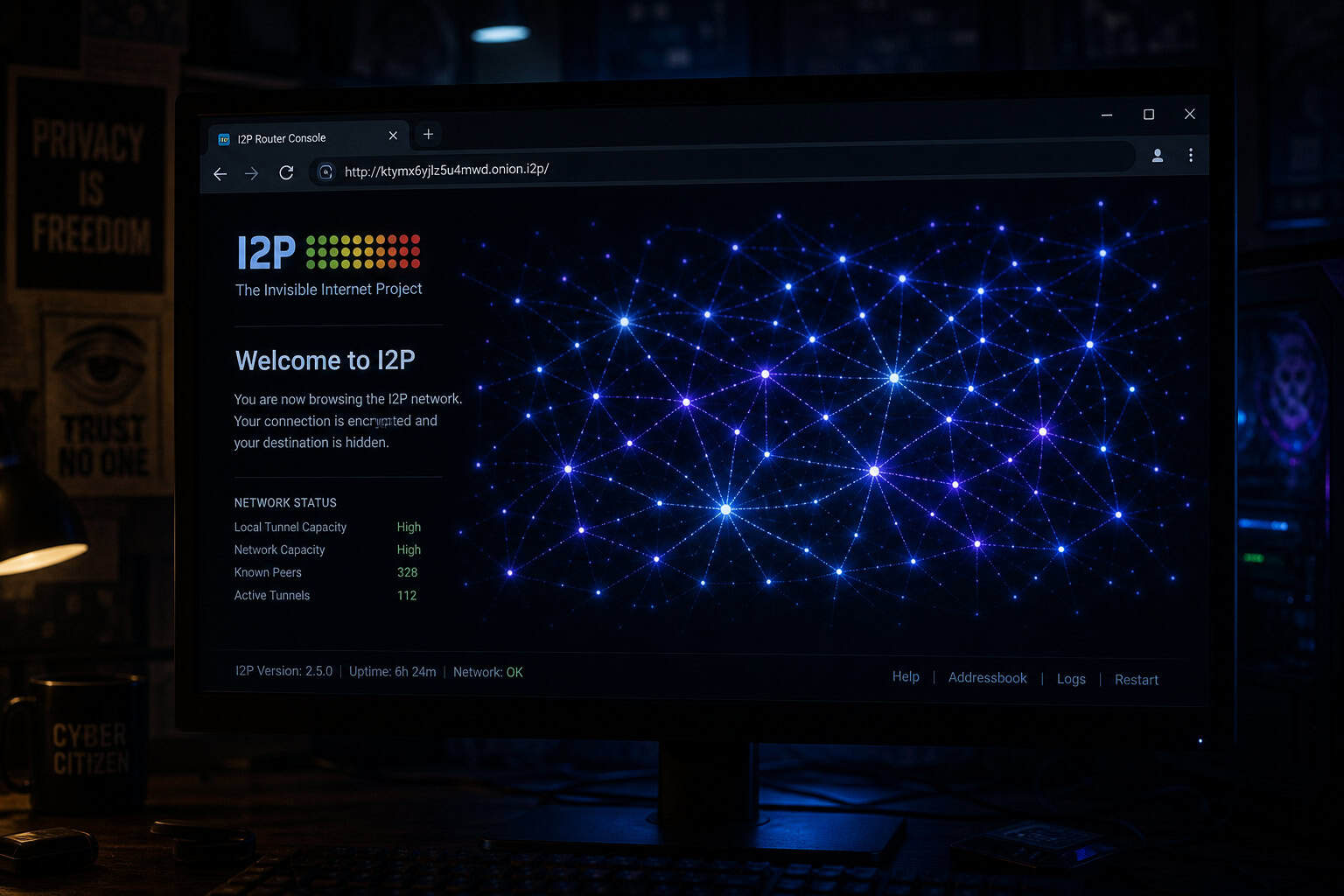
The I2P network has about 32,000 daily peers, which might mean it has not yet become a target of censorship. That could change. Newly joined peers are less likely to be blocked immediately, which provides a brief window of uncensored access for fresh routers. And about 6,000 of those peers are in countries with poor press freedom scores, suggesting real-world censorship evasion use via curated directories of the best I2P sites — forums, file sharing, blogs, and tools, plus how to find more and stay safe while exploring.
How to Hide I2P from Your ISP: VPNs and Other Obfuscation
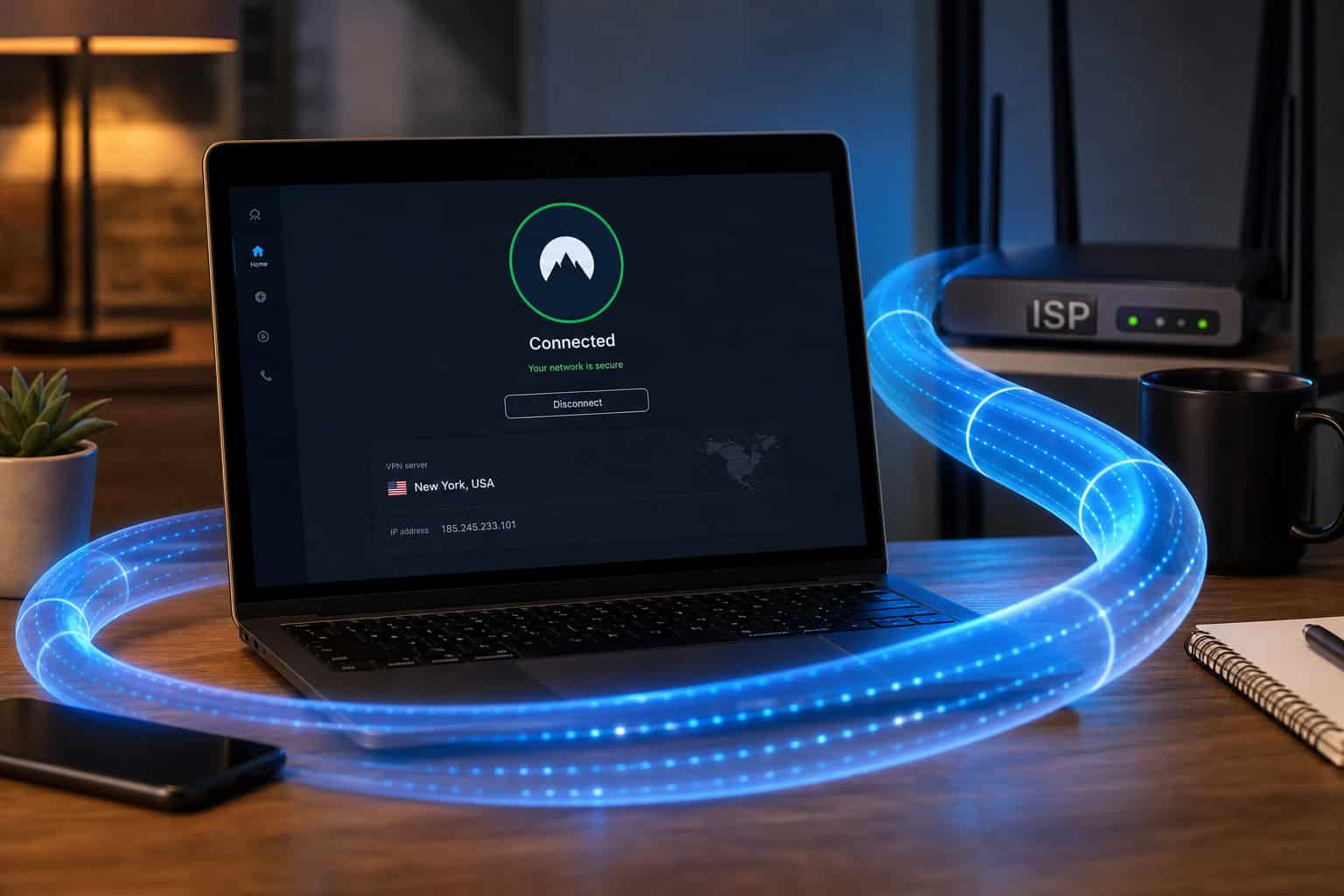
Using a VPN (e.g., ExpressVPN) with I2P hides I2P usage from ISPs, prevents IP leaks, bypasses network restrictions, and encrypts non-I2P traffic. A VPN encrypts everything leaving your device, so your ISP sees an encrypted tunnel — not the I2P traffic inside it. I2P doesn’t hide that you’re using it; a VPN does that job.
The layered setup works like this: VPN encrypts all your traffic ? ISP sees only the VPN connection ? I2P traffic is inside that tunnel, invisible to the ISP. The VPN also prevents IP leaks, encrypts any non-I2P traffic you might have, and masks metadata leaks.
Port randomization (9000-31000) already complicates port-based blocking, but a VPN adds another layer. The ISP sees connections to the VPN server’s IP, not to I2P peers. Even deep packet inspection can’t see past the VPN’s encryption — unless the ISP can decrypt the VPN tunnel itself (which is unlikely with modern protocols).
The NTCP2 protocol is an in-development obfuscation protocol that would make I2P traffic harder to identify by changing how TCP connections look on the wire, but it is not widely deployed yet. It’s not widely deployed yet, but it’s on the roadmap.

Firewalled peers — those 14,000 daily peers behind NAT, could serve as natural bridges. They lack public IPs, so they’re resistant to address-based blocking. If you need to access I2P from a censored network, connecting through firewalled peers (or configuring your own router as a hidden node) adds another layer of obscurity.
What Can You Actually Do Inside I2P? (And Why the Detection Trade-off Matters)
So your ISP knows you’re on I2P, but can’t see what you’re doing. What exactly are you doing?
Eepsites are the most visible use case. These are .i2p websites hosted entirely inside the I2P network. Your ISP cannot see which eepsite you visit because domain resolution happens inside I2P, not over public DNS. You type a .i2p address into your browser, it resolves through I2P’s DHT, and the connection stays within the network — never touching clearnet DNS or routing.
Other use cases include:
- I2P-Bote: an anonymous, decentralized email system where nobody — not even the relay routers, can read your messages
- I2P Chat: encrypted instant messaging that stays entirely within the network
- BitTorrent over I2P: prevents IP leaks while downloading or seeding because all traffic routes through the I2P overlay
- Decentralized applications (dApps): services that run entirely on I2P infrastructure
- Cryptocurrency: some wallets support I2P integration for anonymous Bitcoin and Monero transactions
Everything inside I2P is encrypted end-to-end. Your ISP sees encrypted blobs, not your messages. The detection trade-off matters because the protected activities are real and valuable — private communication, uncensored publishing, secure file sharing.
The key difference from Tor: I2P has no exit nodes. You can’t use it to visit regular websites anonymously. It’s not designed for that. It’s a network for internal communication — services hosted within I2P talking to users within I2P.
Is I2P Safe and Legal? Risks, Best Practices, and When to Use Something Else
I2P is legal in most countries. It’s software — downloading and running it isn’t a crime. But what you do with it can be, same as any other tool. In high-censorship regions — where about 6,000 I2P peers reside, based on press freedom data, even having privacy tools installed can attract unwanted attention.
The main risks include:
- Sybil attacks: an attacker can run many routers to gain outsized influence over the network
- Traffic analysis: statistical correlation of timing and packet sizes can deanonymize users, though garlic routing makes this harder than with Tor
- Compromised routers: malicious routers can observe traffic that passes through them
- User misconfiguration: the biggest risk is usually the person at the keyboard
Malware I2Ninja, Dyre, and CryptoWall 3.0 use I2P as a hidden channel to reach a command and control centre.
Best practices for safer use:
- Use a dedicated browser profile for I2P, separate from your main browsing
- Disable DNS and JavaScript inside the I2P browser
- Don’t mix identities — don’t log into your regular accounts through I2P
- Encrypt end-to-end even within I2P (some services don’t by default)
- Consider a VPN if you need to hide I2P use from your ISP
- Keep your router software updated
If I2P isn’t what you need, consider alternatives. Tor is better if you want to browse the clearnet anonymously. Signal handles most messaging needs with end-to-end encryption and doesn’t require any network bootstrapping. Session offers decentralized messaging similar to Signal but without phone number requirements. Each tool has a different focus; pick the one that matches your threat model.
It doesn’t pretend to hide its use, but it’s remarkably good at protecting what happens inside. Your ISP knows you’re there, but that’s the limit.
People Also Ask
How anonymous is I2P?
I2P is anonymous for activities inside its own network, like visiting eepsites or messaging, because garlic routing bundles messages with layered encryption and no destination addresses leak. But your ISP can detect you’re using I2P itself, and statistical traffic analysis could potentially deanonymize users over time.
What’s the difference between I2P and Tor?
Tor is centralized with directory authorities, uses onion routing for single messages, and has exit nodes for clearnet browsing. I2P is fully decentralized, uses garlic routing to bundle multiple messages, and has no exit nodes — it’s designed for internal network communication only, not anonymous web browsing.
Is using I2P legal?
Downloading and running I2P software is legal in most countries, but what you do inside it can carry legal risks depending on local laws. In high-censorship regions, simply having privacy tools installed can attract scrutiny, so check your local regulations and threat model before using it.
