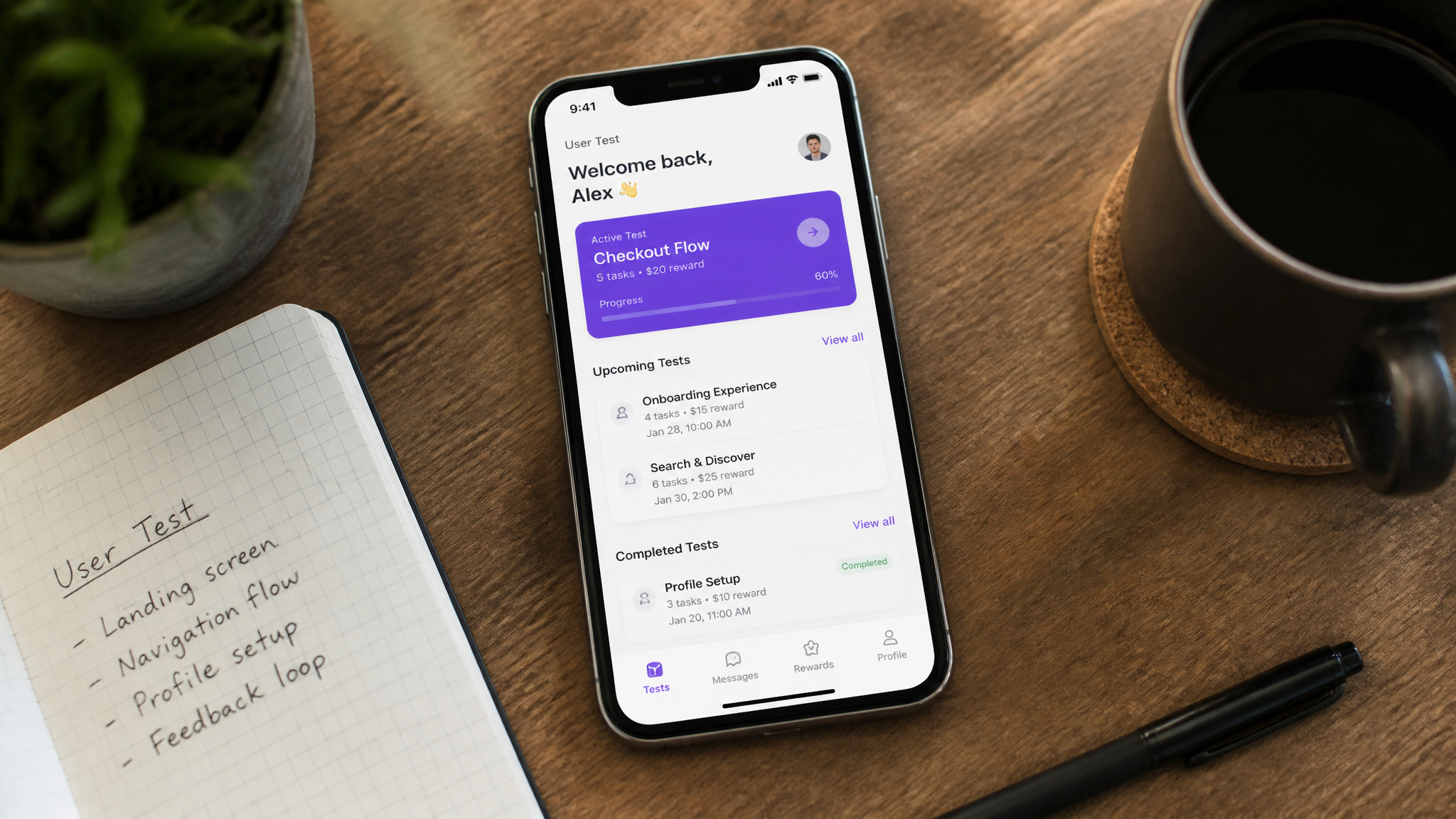
App testing is an underrated side hustle. It’s honest work you can do in your pajamas, and you don’t need a computer science degree or a “QA” title to start. I cut my teeth testing casino apps, and the work turned out to be more interesting than I expected.
It’s often the first recommendation for earning a little money from home, with most tests paying $10 for 20 minutes. It’s low-barrier, respects your time, and there are actual humans on the other end reading your feedback.
It sounds like one of those “get rich from your couch” ads your internet-savvy uncle keeps falling for. Is it legit? Yes, but like most things, the devil is in the platform.
It’s a side gig, not a get-rich-quick scheme, and it’s not going to replace your full-time job. But if you have a smartphone and about 20 spare minutes, you can start this week, as most tests take 20 minutes and pay $10.
Here’s the whole breakdown: what app testing is, how to sign up for the right platforms, what a test involves, and how you get paid.
Key Takeaways
App testing pays $3 to $30 per test, with most tests taking about 20 minutes and paying $10.
You don’t need a degree or prior experience; platforms like Tester Work hire anyone with a modern device, but matching a client’s specific demographic criteria is what gets you invites.
The main testing formats are question-based, screen-recorded think-aloud, and live video calls; think-aloud, which has varying levels of discomfort, is a skill you can learn.
Table of Contents
What App Testing Actually Is (And How It Differs from QA Testing)
App testing is user testing, real-world scenarios and user experience, not hunting for bugs in code like a QA tester. You’re the “ghost user.” You simulate someone’s journey through an app or site to see if a normal, real human can figure out the flow without getting lost or wanting to throw their phone across the room.
A typical test gives you a job to solve. You might get a scenario where you’re asked to find a specific product and go through the checkout process, narrating your steps as you go. You’re not looking for memory leaks or broken API calls. It’s more fundamental: is this clickable thing actually getting clicked? Is the checkout process set up to convert, or is it making the UX designer question their life choices?
You often test prototypes, not just finished apps and websites. It’s the “does this concept even make sense” stage, which is the most important feedback a company can get. Usability testing is the “can a real person do this?” question. QA testing is the “is this technically broken?” question.
One answers for the human, the other for the machine. Both are needed, but the focus here is on the first one.
Do You Need Experience or a Degree? (The Real Requirements)
No, you don’t need a technical background, a degree, or any prior testing experience. The minimum bar is a smartphone, tablet, or computer, plus internet access, as confirmed by Tester Work’s requirements. That’s it. Companies aren’t hiring you for your dev skills; they’re hiring you because you’re an everyday user with eyeballs and a brain, though if you’re curious about how to become a game developer, the required skills there, like programming in C++ and Java, are a world apart from this gig.
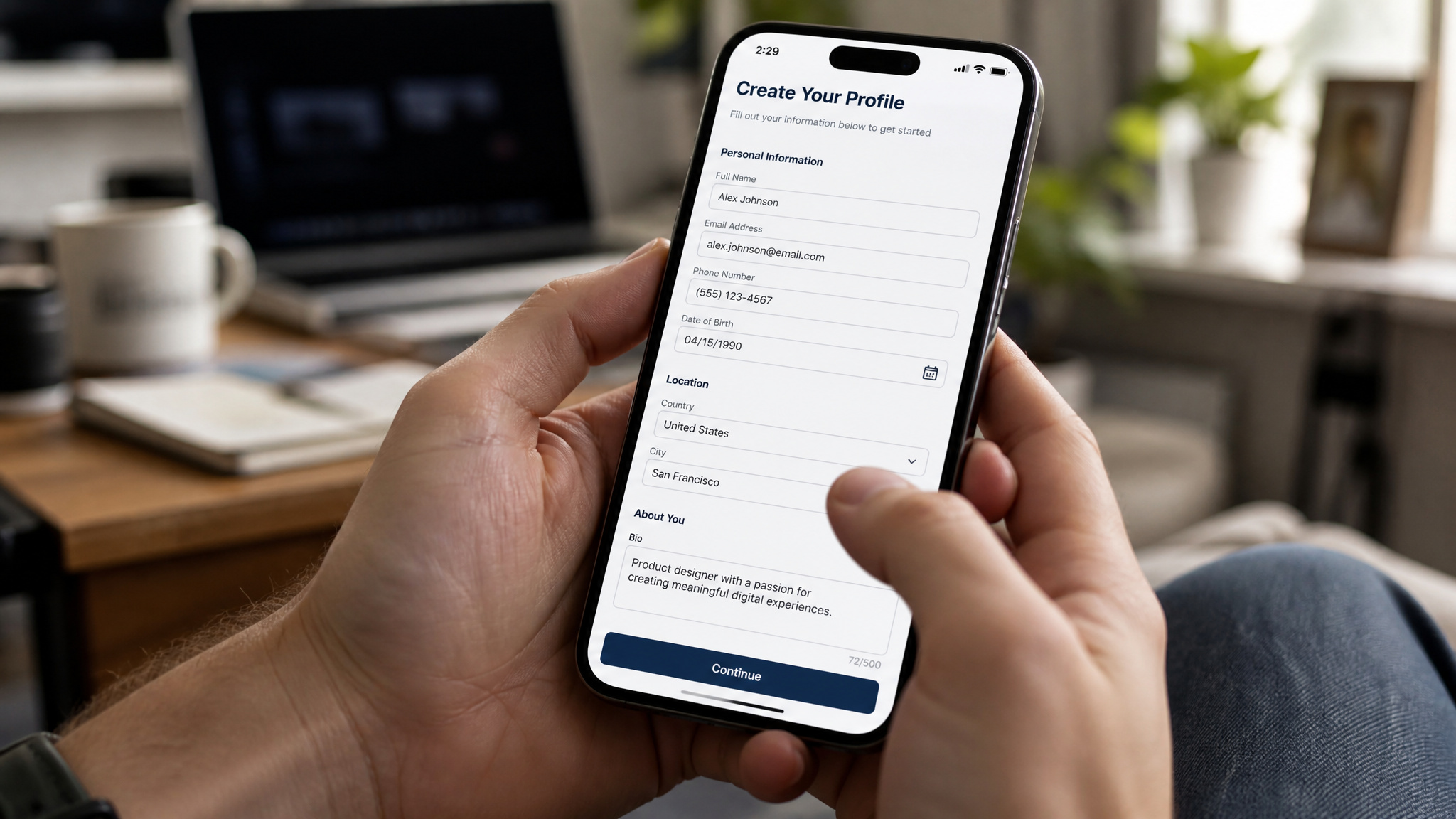
But the awkward truth most guides won’t tell you up front: your demographic fit matters more than your skills. That’s the actual key to getting started.
Platforms match you to tests based on your age, location, device type, interests, and even your profession. If you own an iPhone 15 Pro in the US and the client is launching an iOS app, you’re gold. If you happen to be a 60-year-old Android user in Japan, you won’t see that test. This is where a lot of new testers get zero invites and give up, many rush through the profile setup and then wonder why nobody shows up. The difference isn’t luck, it’s your profile matching. Attention to detail and the ability to follow instructions are your main tools, but your demographics are what make them usable.
How to Sign Up on App Testing Platforms (Step by Step)
The sign-up process is quick, free, and gets you set up through a specific flow, as detailed by Tester Work: a simple registration, a demographic survey, the platform’s QA assessment, a training video, and then you’re waiting for invites. Skip those steps, and your payout functionally disappears. Here’s the step-by-step.

When you register, you’re giving basic info and then filling out a detailed demographic survey. That’s not just for the profile stats; it’s your tool to matching.
Next comes the QA assessment. Expect a short, 3-step quiz that’s less about tech knowledge and more about your observation and reading skills. It’s not about knowing how to break code, it’s about making sure you can follow a client’s instructions without losing your mind. Don’t be intimidated.
Then, the mandatory training videos, which Tester Work requires before you can get paid. Before you can expect to be paid, you have to watch their training tutorials and read their FAQ docs. That sounds like busywork, but it’s a sanity check: you need to know what the client expects, how to file a bug report, and what a test scenario looks like. Just read the docs, follow the rules, and you’ll walk right into paid gigs.
Keep your account alerts on. You’re not hunting for work, you’re getting curated test cycles sent to your dashboard.
The Demographic Profile Is the Ticket
The algorithm sends tests only when you match a client’s specific criteria to your data. Many brand new testers rush through the demographic profile and then wonder why invites dry up. If you skip questions, there’s no matching algorithm to match. The system literally said: complete your profile demographics to qualify for as many tests as possible.
This means filling out age, location, devices, interests, profession, and everything else you can think of. And here’s the secret to staying alive long term: update your profile when your circumstances change. Did you just upgrade your phone? Move to a new state?
Get a job in a new industry? Update the profile. The new device or location means you’re a new demo for a client, which means a whole new batch of test invitations.
Does a complete profile guarantee tests? No, nothing does that. But this is the difference between being available for 100% of what you qualify for and only a fraction. Treat it like the high-stakes resume, because that’s exactly what it is.
Passing the QA Assessment Without Experience
The assessment gate freaks new people out, and it shouldn’t. The Tester Work onboarding step is this 3-step “QA assessment,” but the term “QA” is misleading, as it tests observation and reading skills, not technical knowledge. You’re not writing test cases; you’re proving that you can read a set of instructions and spot a usability flaw.
The way to approach this as a beginner is to avoid over-explaining your steps. Read the prompt carefully, think like a user, and take your time. The platform isn’t trying to trick you; it’s a sanity checkpoint for clients so they know actual humans fielding their studies aren’t robots.
Why Skipping the Training Videos Means Skipped Payments
You won’t get paid if you skip the training videos and FAQ, as Tester Work states you must watch the training video and read the frequently asked questions. The sole reason they tell you to do this is to set you up for success. It’s not just a hoop to jump through the platform; it has a real financial flipside.
The training is literally your first lesson on what the client expects. It covers how to report issues, how to understand the types of test scenarios, and how to communicate effectively. Failing to watch this is a financial decision against yourself. It’s a hoop, but it’s a 20-minute one that literally keeps you from getting your $10, as most tests pay that amount.
The Best App Testing Platforms to Start With
Here’s a short, practical breakdown of the three platforms people have success on. And to answer the big question: Yes, you can definitely test on your phone without a computer. The source confirms you’re strictly allowed a smartphone, tablet, or computer.
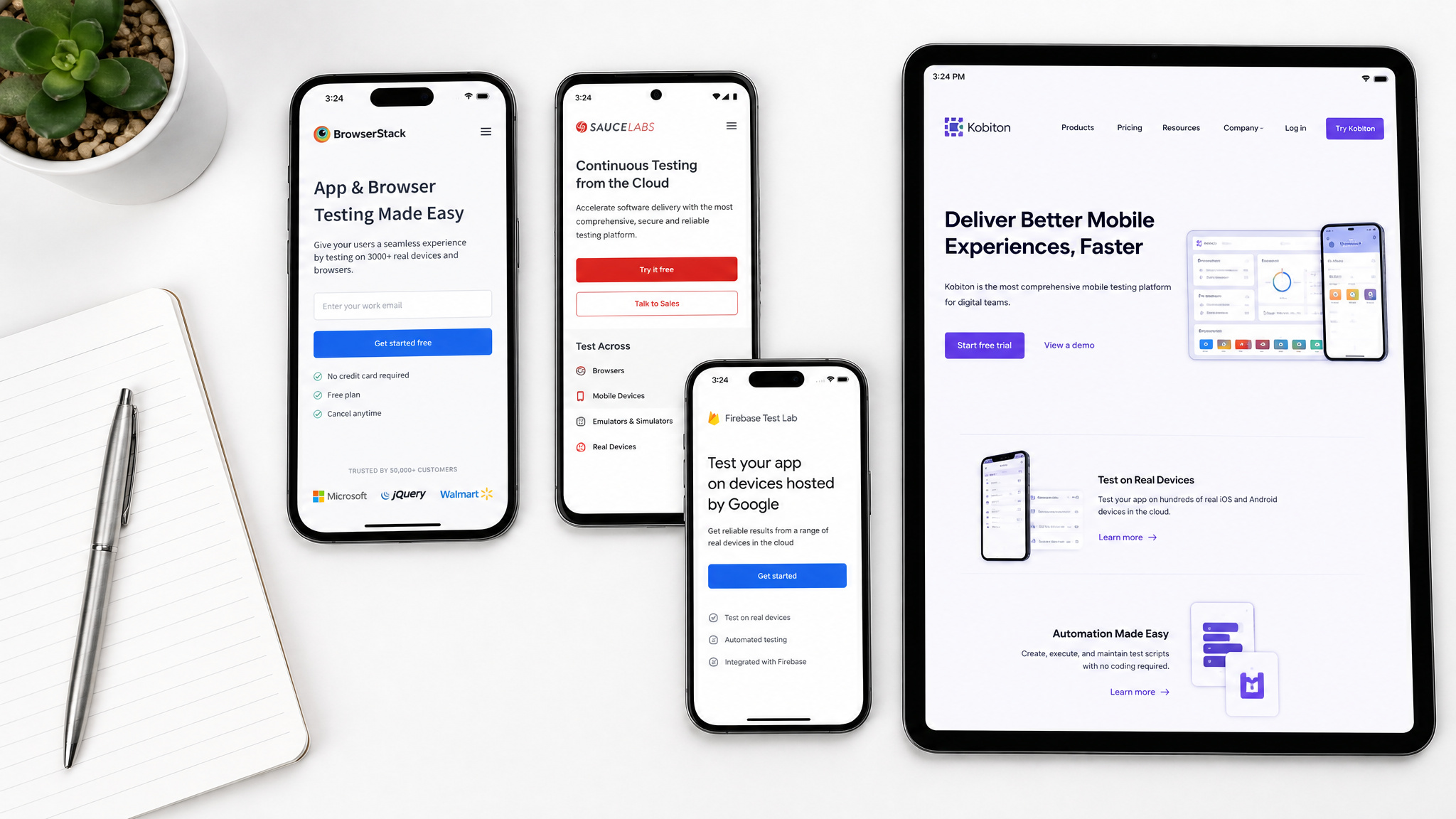
Tester Work is the workhorse. It’s a test format name with a global community of over 100,000 testers. They run daily cycles and have a feature called Testathon® events that are like hackathons, but for testers specifically for the community. They tailor tests to you via tickets, and it’s a nice, active ecosystem.
UserTesting is the brand-name option. This one is exclusive, with “world-class organizations” using it. They have three test formats: a question-based mode (no video, just your opinions), a recorded think-aloud session, and a live chat with a client you see in the video.
clickworker is the mobile-first option. It’s a more direct approach: you get an app job, install it, test it, and report. It’s done in minutes, and it’s built to work on Android and iOS. It’s the test while the train’s pulling into the station workflow.
Tester Work: Test Cycles, Testathons, and Global Reach
Tester Work is the real kicker, with an active community of over 100,000 testers. They operate on an exclusive invite system where you’re granted access to test cycles that start every day. You don’t scroll looking for a task; your dashboard gets slots.
Plus, they have Testathon® events. Think of these as sprint style, scheduled time-boxed testing sprints, exclusive to Tester Work members. It’s a chance to earn extra, but also to work alongside a team and get real-time feedback from test managers.
User Testing: Recorded Sessions and Live Video Calls
UserTesting is the one where you feel like an actual consultant. They classify products for household-name clients you’ve recognized, and there’s a steady stream of sessions that drop daily.
The best part is the variety, with tests ranging from 5 to 60 minutes and paying $3 to $30. Question-based tests are the easiest, screen-recorded think-alouds are your standard, and live video calls are the higher-ticket items. The live call feels like a conversation with a product team that values your opinion, and sure, the tech difficulty is there: you’re not just clicking games, you’re helping B2B SaaS and mobile apps make decisions, much like the all round impressive casino apps that balance usability with real-time engagement.
clickworker: Mobile-First Testing for On-the-Go Earners
clickworker is the utility player. The whole point is that the testing is mobile-centric, works on Android or iOS, and built for those who don’t want to fire up a laptop. The app jobs are simple: install, test, report, clean up. It’s the cream of the crop for the train commute or whenever you have 10 free minutes in a waiting room. If the other platforms are about desk-based observations, this one is about quick, grab-and-go feedback.
What a Test Actually Looks Like (The Three Formats Explained)
Most app testing boils down to this simple pattern: you get an invite, click a link, and complete a short pre-qualification survey. If you pass that, you jump into the actual test. Most tests run about 20 minutes and pay $10, though some range from 5 minutes to a full hour, as stated by Tester Work.
The core of the experience is one of three things: a Q&A, a think-aloud you record, or a live call. The first is the easiest, the second involves the demo double, and the third is the most interactive. If you’re new, start with the first one to get a feel for the flow, then work up to the others.
Question-Based Tests: The Easiest Starting Point
No screen, audio, or video recording is needed here, just a set of questions to fill out.
You’re answering simple questions about the app’s overall vibe: Did the navigation feel right? Was it too many steps? You can do it on any device and there’s no chance of a technical glitch with your mic. It’s zero stress, and it still pays you for your time. Perfect for the first run.
Think-Aloud and Screen Recording: How to Get the Final Verdict
You’re given a new app prototype or a pre-release website, and you have to say your thoughts out loud while your screen (and sometimes your webcam) records you. It feels monumentally awkward the first time you do it, standing there talking to yourself about a button that looks a lot like a link. But it’s powerful.
The client wants that direct, unfiltered audio “walking you.” They want to hear your hesitations and the micro-interactions that just don’t work right. A quiet user who never speaks is a useless test session. But it’s thoroughly learnable.
Before your first test, do a quick 5-minute run with a demo drive. You won’t feel awkward later. The client is not judging you; they’re looking for the experience your feedback.
Live Moderated Video Calls
Scheduled on a video call with a client representative watching your screen in real-time, these are the “meeting” version of the test.
It pays about the higher end of the range, up to $30, because it’s a live trial, and your panel of actual decision-makers is on the other end. Just remember: it’s an appointment, not an async task. If you can’t be there at the time, you don’t start it live. It’s a satisfying honest exchange and easily the most direct “your job impact on the product” experience you’ll get.
How Much Can You Actually Earn as an App Tester?
Let’s get the numbers out: you can earn $3 to $30 per case test, but don’t get the math on that. Most tests run about 20 minutes and pay $10. True bonus tests might top out at $30, but usually, it’s cool for all types.
Here’s the secret: the pay per test is fixed, but frequency is the variable you control. It’s all about your demographic match and how fast you respond. If you’re sitting in an office where they need your age range and your device type, you’ll get invites. If you have a profile that looks like a twig falling apart, you’ll get nothing.
And park your expectation at the speed of “side hustle.” This is not a full-time job replacement. It rates maybe a few tests a week, maybe more if you’re lucky. But $30-$50 a week of authentic side income for a time you’d otherwise spend scrolling your phone is a solid win, based on typical test frequencies. The real lever, then, isn’t working more hours for more bang for the money; it’s your demographic completion and clicking the invite in under 10 minutes.
How Payment Works (And What to Watch Out For)
From the inside, the system is straightforward: you complete your test cycle, then you enjoy your payment accumulated. The platform sends it to your balance after your report is approved. But the actual financial flow is where you need to read the fine print.
Payment methods vary by platform. For example, Tester Work pays via PayPal or bank transfer with a $20 minimum, UserTesting pays via PayPal with a $10 minimum, and clickworker pays via PayPal or bank transfer with a $10 minimum. Payout timing also varies: Tester Work processes payments within 7 days of approval, UserTesting pays within 7 days, and clickworker pays weekly. Always check each platform’s payment page for the latest details before investing time.
Check the payout threshold before you spend a lifetime working on that platform. Track those balances in a spreadsheet. It’s less about juggling a stack of platforms that all pay differently.
Is App Testing Legit? (And How to Spot a Rip-Off)
Yes, app testing is legit when you use vetted platforms like Tester Work, UserTesting, and clickworker. You’re basically a real user sharing your honest reactions, and the platform determines whether it’s legit.
Why do these platforms exist? Because major companies need user data before committing millions to a launch, and they realize their devs won’t catch what you missed. There’s proof it’s stable, real testers like Maria in Poland and Shama in India write about how they like it, but always note that invites are scattered. Maria’s said it’s perfectly smooth overall, but you mostly always find a seat in the process.
But for every ethical platform, there are five scams lurking. Red flag list: if a platform asks you for paid upfront fees, it’s a scam, unless the promise turns on specific income. A real platform wants you to use the apps, not to sell you a starter kit. Look for published client lists or background check reviews on Reddit and Trustpilot.
Make sure the payout policy is printed somewhere. If not, move on.
How to Get More Test Invites and Grow Your Earnings
The typical app tester job is one you do in your free time, snatching new invites based on their lifestyle and demographics, usually in “test cycles” that are scheduled some, but mostly untimed, as Tester Work sends exclusive invites.
To grow your earnings, you’ve got four levers, in order of importance:
- Start your profile completely. They’re not that hard to fill out.
- Respond like the platform isn’t going to wait for you. Set notifications for the invites. Tests to get capacity limits. The speed of click is nearly as important as your full availability.
- Keep your ratings high. The better you follow the instructions, the better your star rating. The platform, the more it sends you, the higher the test fees.
- Join events. Free Testathons help build scoring experience and visibility on your profile, as they are exclusive to Tester Work members.
You may not always be invited, you might find a $20 outlier, but you can multiply your sessions by knowing your entire audience, that’s the real gain.
Start Testing This Week: Your First 7-Day Plan
Here’s your week one, to push this into motion:
- Day 1: Sign up for two platforms. Register and do not rush. Methodically complete the entire full demographic profile for both.
- Day 2: Start by watching the training clips and passing the short assessment quizzes. Read the FAQ pages for both.
- Days 3-7: Keep checking the dashboards. Do any starter test that grabs you, and for the first batch, stick to the question-based type. Avoid audio or video calls until you see the flow.
If I can make this work by clicking around casino apps, you can make the same small, good money doing it the right way. It’s a side job that feels surprisingly like a community, and the first payout should be a wonderful “oh wait, they pay for this” moment.
The Bottom Line on App Testing as a Side Hustle
App testing is not a hustle to get you a Lamborghini, but it’s a legit, low-barrier side hustle that doesn’t require a degree or a fancy setup. The real key is a demographic fit and getting hired, not technical wizardry. The pay range is $3 to $30 per case, with a comfortable $10 average for 20 minutes, but modesty doesn’t make it unworthy, as confirmed by Tester Work’s stated rates.
You have a smartphone, you have internet, and you have 20 spare minutes. If so, you’re not just “pretty much ready to start” you literally are. Treat the tutorials seriously, set up your profile like a beautiful resume, and test a few real apps. It’s not fit for a full-time career replacement, but you’re putting a little extra cash in your pocket while you build the ground beneath you. Good hunting.
Frequently Asked Questions
How much do app testers get paid?
App testers typically earn $3 to $30 per test, with most tests taking about 20 minutes and paying around $10. Your actual earnings depend on how many tests you qualify for and complete, which is influenced by your demographic profile and how quickly you respond to invites.
Do I need experience to become an app tester?
No, you don’t need any technical background or prior testing experience. The main requirement is being a real user with a device and internet access. Platforms provide training videos and assessments to get you started, and your demographic profile is more important than your technical skills for receiving invites.
What is the difference between app testing and QA testing?
App testing (or user testing) focuses on the user experience—whether an app is easy to navigate and understand—while QA testing focuses on technical bugs like broken code or crashes. As an app tester, you act as a ‘ghost user’ to provide feedback on usability, not to find technical defects.
