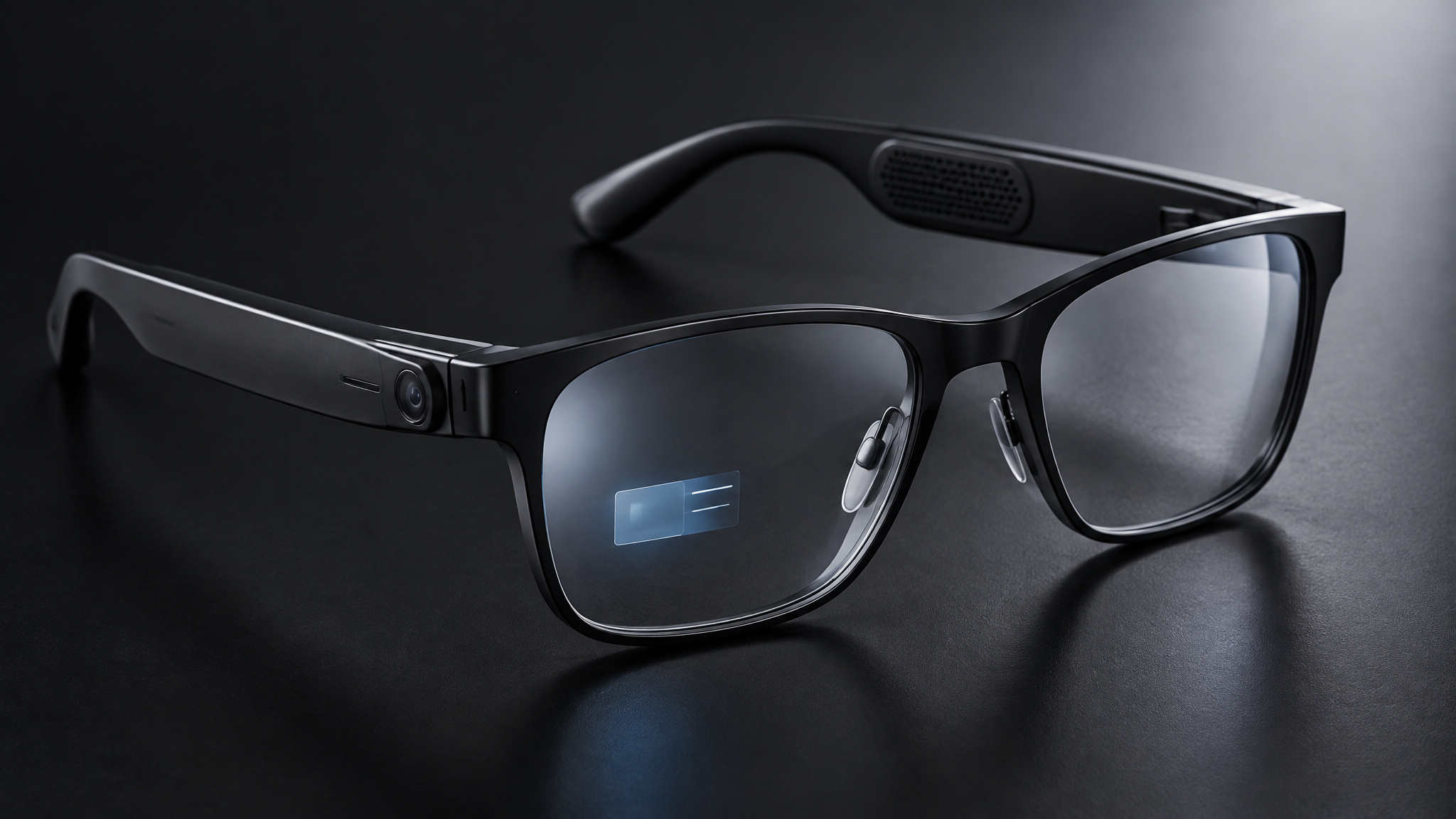
A call comes in while you’re carrying groceries. You could fish out your phone, or answer through speakers tucked into your glasses. Ask about the plant in front of you, though, and those speakers aren’t enough: the glasses need a camera and software that can use what it sees. That’s the useful answer to what do AI glasses do: some handle calls or music, some capture photos from your point of view, and some can answer supported questions about a scene or put directions in your view.
Those jobs don’t all need the same hardware. According to Sunglass Hut, audio-first frames can get by without a screen; camera-equipped models can add visual context; display-enabled glasses can show text or graphics in a lens. Not every pair has a camera, an AI assistant, or a display, and hands-free access doesn’t mean every feature works on every model. The practical question is what a specific pair can hear, see, and show.
Key Takeaways
Audio-first glasses can handle calls, music, and voice interaction without a lens display; some also include a camera.
Meta Ray-Ban Display has a 600×600 monocular screen in its right lens for directions, messages, notifications, and AI responses.
Be My Eyes can connect a wearer by voice to a volunteer who views the glasses camera feed and replies through open-ear speakers.
Table of Contents
What AI glasses are and what different models do
Smart glasses are conventional-looking eyewear with integrated technology, such as microphones, speakers, cameras, sensors, processors, or a small display. AI glasses are one part of that broad category: their software can interpret context or respond to voice requests, while other smart glasses may mainly extend phone functions with audio or camera features. Neither label guarantees a camera, an AI assistant, or a screen. For example, Even G2 combines an AI assistant and floating display with a camera-free design, a product-specific choice that shows why one feature shouldn’t be inferred from another.

A quick way to understand what a pair can do is to look at its input and output hardware. These are useful patterns, not rigid product boxes:
- Audio-first: The glasses provide audio, calls, or voice interaction. Some models also have a camera, even without a display.
- Camera-equipped: A camera can capture first-person photos or video and, where the software supports it, provide visual context for questions.
- Display-enabled: Information appears in the wearer’s view, often as text or simple graphics rather than elaborate 3D augmented reality.
These features can overlap. A pair might have speakers and a camera but no display, or offer an assistant and display without a camera. And a camera by itself doesn’t establish that the software can answer questions about a scene. That requires a supported feature that actually uses the camera input.
Smart glasses is a broad category; AI glasses use AI to interpret context, process voice requests, and provide assistance. The category includes eyewear that behaves like a hands-free phone accessory, models that add a camera-based assistant, and devices that put information in a lens. Some pairs lean on audio; others make visual assistance their main trick. To compare two models, check their audio output, camera, and display separately instead of assuming one feature comes with another.
How AI glasses work with voice, cameras, and phones
AI glasses turn supported voice or visual input into an answer through speakers or, on some models, an in-lens display. The actual path varies by device and task: microphones receive a request, a camera may add context, and processing may happen on the glasses or a connected phone. Ask about a plant you’re looking at, for instance, and a camera-equipped model with supported visual AI may use the scene to help answer. That’s a possible interaction, not a guarantee that the glasses will identify every plant correctly.
In practice, it works like this:
- The glasses receive input. Microphones pick up voice requests, while sensors such as accelerometers can detect movement. On a camera-equipped model, the camera may supply a view of the scene.
- A device processes the request. Some lighter tasks may run on the glasses. Other AI, navigation, translation, app, or connectivity functions may rely on a paired phone or online services.
- The glasses return the result. Speakers deliver an audio response; a model with a supported display can show information in the wearer’s view.
That camera step matters. Having a camera doesn’t necessarily mean a device’s software can use its input to answer a question about what’s in front of you. The feature has to be supported, and recognition or translation can be imperfect.
Bluetooth or Wi-Fi may link glasses to a phone and online services, where the model and task support it. “Hands-free” describes how you interact, not whether the system works independently. Some tasks may not need a phone, while others rely on one for connectivity or processing.
Controls differ, too. Some models support voice prompts, frame taps, or a capture button. Meta Neural Band gestures belong to the described Meta Ray-Ban Display setup, not Meta glasses generally. The Meta AI app pairs compatible glasses, manages settings, and can support communications and file transfers. Check the exact model’s setup documentation for its phone, network, app, and control requirements.
Calls, messages, music, and quick updates
For everyday phone tasks, audio-capable glasses can bring calls, music, messages, reminders, weather, and other updates within reach without a visual display. Depending on the model and setup, they may play spoken feedback or audio cues; display-enabled glasses can show some notifications as text instead. Voice commands can manage some interactions, but they don’t make every app or task hands-free.
Meta lists WhatsApp and Messenger messages read aloud, along with Instagram and Facebook Live integrations, for supported Meta glasses. Those aren’t category-wide features. Open-ear speakers leave surrounding sounds audible, which is handy when you still need to hear what’s happening around you. The tradeoff is that people nearby may hear playback too.
One estimate puts moderate-volume audio audibility at roughly 1-2 meters, though that isn’t a universal measurement. Keep volume and setting in mind in shared spaces; these aren’t private earbuds.
What Meta glasses do beyond photos and music
Camera-equipped Meta glasses can support more than first-person capture and audio playback. Where the software and model support it, Meta AI can respond to questions about visible scenes, help with translation, or assist with travel and communication. Those features aren’t automatic on every pair.
Visual questions and translation
A wearer might ask Meta AI about a monument or plant, or point the camera toward a foreign-language menu and request help. Supported software may interpret the scene or object. For printed text, optical character recognition, or OCR, can extract words from a sign or menu for translation. That’s different from translating spoken conversation: microphone quality, background noise, connectivity, and model support can affect the result. Recognition and translation are aids, not guarantees of a perfect read.
Directions and travel
Directions may arrive as spoken cues or, on a display-enabled model, as visual information. Meta Ray-Ban Display is the named Meta example that can show directions; that feature shouldn’t be assumed for other Meta glasses. A phone connection may also be needed. Before relying on travel assistance, check what the exact model supports, visual input, translation, or navigation, and whether it responds through sound or a display.
First-person photos, video, and creator assistance
A camera-equipped pair can capture a photo or video from eye level, rather than from a phone held in front of you. Depending on the model, a voice command, frame tap, or capture button may trigger it. That viewpoint could be useful for a family moment, field research, a site inspection, or documentary work; it doesn’t make recording appropriate in every situation or promise better image quality. Capturing footage is also distinct from using camera input for scene interpretation.
Meta AI may offer creator prompts, such as suggesting nearby places for a requested mood or proposing a caption to match a scene. Those are possible ideas, not guaranteed recommendations or automatic content creation.
Specs belong to their generation. Ray-Ban Meta Gen 1 is described with a 5MP camera and voice-controlled notifications. Gen 2 is described with up to eight hours of battery life, 3K video, hyperlapse, and slow motion. Other camera and video figures vary across products and generations, so they don’t combine into one family-wide rating. The Gen 2 battery figure also isn’t a promise for every workload.
What display-enabled glasses add
Only display-enabled models can put visual prompts in the wearer’s view. Other glasses may offer similar assistance through sound, but they can’t show text in a lens. Depending on the hardware and apps, displays may present directions, messages, notifications, AI responses, captions, translated text, fitness overlays, teleprompter text, or virtual work screens.
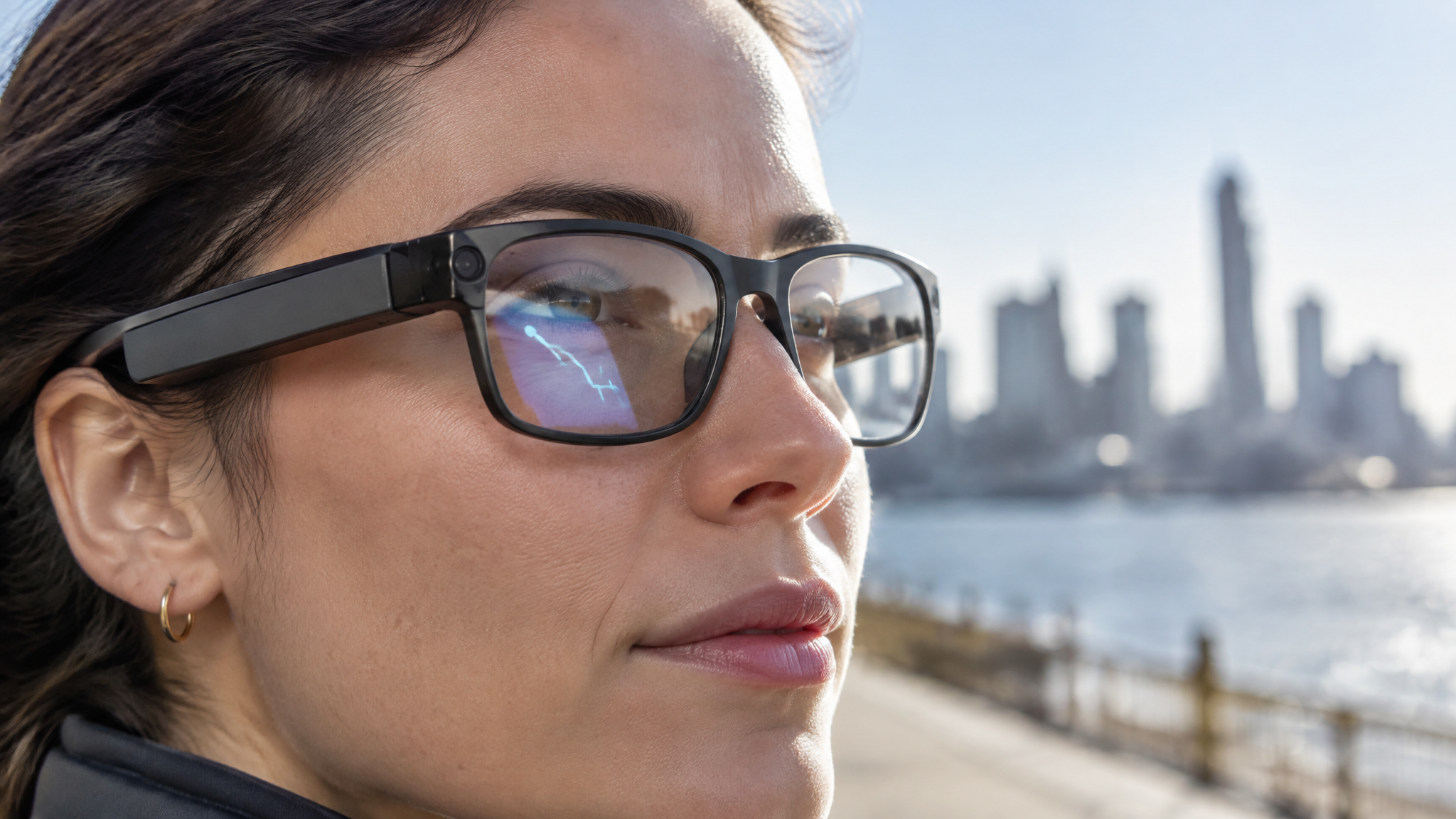
Meta Ray-Ban Display is described as having a 600×600 monocular screen in the right lens for directions, messages, notifications, and AI responses. Its described gesture controls use Meta Neural Band. These details apply to that product, not to Meta glasses as a whole. A heads-up display with text or simple graphics also isn’t necessarily full 3D augmented reality.
Readability depends on field of view, lighting, latency, and the device’s capabilities. Broad source-level figures put consumer waveguide field of view at approximately 30-50 degrees and reported micro-OLED brightness at approximately 1,000-3,000 nits; Micro-LED figures above 10,000 nits are prospective, not a universal shipping-product specification. A display doesn’t automatically mean video-streaming support, including Netflix, or make the glasses an upgrade for every task.
Accessibility with captions and remote visual help
Smart glasses can support different accessibility workflows: a camera feed can connect a wearer to a human helper, while a display-enabled model may turn speech into text, one reason Google Glass is making a comeback. The hardware and software needed for each job aren’t the same.
Be My Eyes for low vision
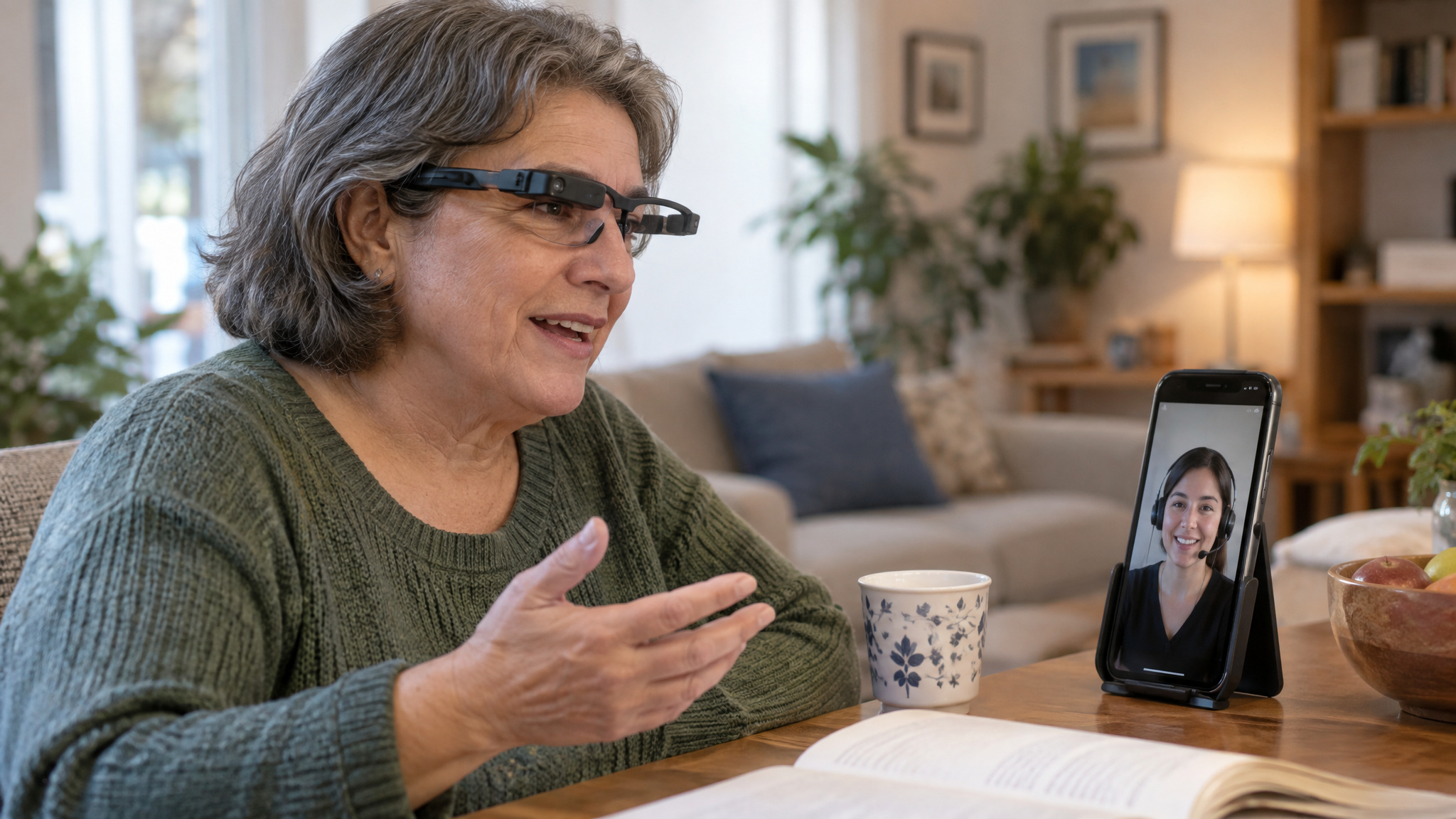
With the described Be My Eyes workflow, a wearer can connect by voice to a volunteer. The volunteer views the glasses camera feed and responds through open-ear speakers; during a call, the setup can also switch to the phone camera. This is remote assistance from a person, not an AI replacement for that person, and it doesn’t mean glasses replace established accessibility tools.
Live captions for conversation
Display-enabled glasses may convert speech into readable text for hard-of-hearing users, noisy venues, conferences, or conversations in a non-native language. Whether captions help depends on speech recognition, delay, and listening conditions. Latency under 500 milliseconds is described as feeling more synchronized, but noise can still make captions less reliable. Check the workflow’s requirements: a camera, display, companion phone, or live connection to another person.
Exercise, cooking, work, and venue routines
Hands-busy routines can benefit from audio or display, but the useful feature may need a compatible app, a screen, or another device.
Workout alerts
Oakley Meta glasses can pair with a compatible Garmin device, sold separately, for workout insights or training alerts. Where supported, a display may show pace, cadence, distance, or heart rate from a paired sensor; the glasses don’t necessarily measure every metric themselves. Sunlight can affect readability, and active camera, AI, or workout features can use more power. Oakley Meta HSTN and Vanguard are described as activity-oriented, rugged, water- and dust-resistant models with louder open-ear speakers and a 3K camera.
Cooking and recipes
Where the device and app support it, you can ask for the next recipe step, set a timer, or convert a measurement without touching a phone or tablet. Prompts may arrive through audio or as a text overlay, depending on the glasses.
Work and presentations
Supported apps and displays may surface meeting captions or agenda items, documents, virtual work screens, or teleprompter text. A field technician might follow a diagnostic checklist or remote guidance without handling a phone, where the hardware and workflow allow it. These are possibilities, not guaranteed productivity gains.
Venue guidance
A reported Disney Imagineering R&D prototype surfaced information about nearby attractions, shorter waits, dietary-compatible food, and merchandise. It’s an example of a prototype, not a standard consumer feature.
What research glasses and early experiments show
Project Aria and Aria Gen 2 are dedicated research glasses that collect first-person audio, video, and sensor data; they aren’t evidence that retail glasses have the same features. Aria Gen 2 is described as combining spatial audio with multiple camera feeds, eye tracking, and inertial sensors. Those capabilities belong to that research device.
Ego-Exo4D is a dataset, not a glasses feature. It pairs first-person and third-person views of activities to support research into computer vision, scene understanding, and contextual AI. That work can help explain what researchers are studying, but it doesn’t show that a consumer pair can perform the same tasks.
Google Glass introduced the head-mounted-display concept, while cost, limited functionality, privacy, and social acceptance were cited as adoption challenges. Ambient computing points toward assistance that’s more contextual and less disruptive; it isn’t a guarantee of what current or future glasses can do.
Phone dependence, battery, fit, and price
Hands-free doesn’t necessarily mean phone-free: many current models rely on a paired smartphone for some connectivity or AI functions, though lighter tasks may run on-device. Camera, AI, navigation, translation, and display use can raise power demand, so battery life varies by model and workload. One account describes roughly four hours with camera and AI active; another gives up to eight hours for audio-only use on a different model or workload, so the figures aren’t directly comparable. Charging cases are common.
Broad buying-guide ranges put entry-level audio/basic-AI models under $300; display-equipped models range from $400 to over $1,000. These aren’t current model-by-model quotes. Fit and prescription support vary; many models accept prescription lenses, while Oakley Meta Vanguard does not.
Camera privacy and social acceptance
Camera-equipped glasses raise bystander-privacy questions in public, and a recording light can’t answer all of them. On relevant models, AI may interpret a landmark or plant without the conventional recording indicator being lit. That differs from taking a conventional photo or video. Meta says a small LED signals conventional recording on relevant models, but indicator behavior varies by model and doesn’t explain camera processing, data transmission, human review, retention, or model improvement.
Meta also says its current consumer AI features don’t use facial recognition and describes privacy and anti-tampering safeguards. Those are company statements, not proof that every privacy concern is settled. Reported allegations and litigation claims are disputed, not established findings. Institutional responses differ too: the material describes European policy discussion, school restrictions, a New York Police Department warning, a U.S. Immigration and Customs Enforcement workplace restriction, and purchases by the Broward County and Okeechobee County sheriff’s offices.
Familiar-looking frames may draw less attention, but they don’t settle social acceptance. Open-ear audio can also be heard nearby, and fit, comfort, battery demands, and public norms matter.
Match the glasses to the task
Check the task’s required input and output: does the model have the camera, speakers, or display you need? Does it require a phone, app, network connection, or separate accessory? Audio-first glasses suit spoken interaction; a display-enabled pair is the relevant choice when information needs to be read in the lens. No format guarantees every feature, accuracy level, or phone-free use, so check the exact model’s support and setup requirements.
Frequently Asked Questions
What are the downsides of wearing AI glasses?
The tradeoffs can include limited battery life, dependence on a paired phone or online services, fit and prescription constraints, and features that vary by model. Camera-equipped glasses also raise privacy and social-acceptance concerns, while open-ear audio may be audible to people nearby.
What are the benefits of having AI glasses?
AI glasses can make supported tasks hands-free, including calls, music, voice requests, first-person photo or video capture, and help interpreting a scene. Models with displays can also put directions, messages, captions, or other information in the wearer’s view.
How to tell if someone is wearing smart glasses?
It can be difficult to tell: some smart glasses look like conventional eyewear, and not every pair has a camera or visible display. On relevant models, a small LED signals conventional photo or video recording, but indicator behavior varies and may not signal every kind of camera processing.
Can you watch Netflix on smart glasses?
A display doesn’t automatically support video streaming, so Netflix availability depends on the specific glasses and their software. Audio-first glasses without a lens display can’t show video in the wearer’s view.
What are AI glasses and what do they do in daily life?
AI glasses are smart glasses whose software can respond to voice requests or interpret supported context; the category also includes glasses that mainly handle audio or phone functions. Depending on the model, they can support calls, music, camera capture, scene questions, directions, or information shown in a lens.
How do AI glasses work with cameras, voice commands, and phones?
Microphones receive voice requests, and a camera may add a view of the scene when the model supports visual AI. Processing may happen on the glasses, a paired phone, or online services, with answers delivered through speakers or an in-lens display. A camera alone doesn’t mean the software can interpret what it sees.
What can display-enabled AI glasses show that camera glasses cannot?
A display-enabled pair can put text or graphics in the wearer’s view, such as directions, messages, notifications, captions, or AI responses. Camera-equipped glasses without a display may capture images or provide supported visual context, but they can’t show information in a lens.
