You know the search. You type “YouTube private video downloader APK” into Google, and what comes back is a graveyard of sketchy websites, cloned app icons, and promises that feel too good to be true. I’ve been digging into this problem – testing those APKs so you don’t have to – and here’s the short version: most of them are malware or adware. But there’s a smarter path.
A handful of open-source Android apps (Seal and PowerTube) actually work because they wrap a legitimate command-line powerhouse called yt-dlp under the hood. This article shows you how to spot the fakes, which APKs to trust, and how to run the real engine on your phone if you want full control.
Key Takeaways
Most “private video downloader” APKs are malware that exploit the demand for a feature YouTube doesn’t officially support – only two open-source wrappers (Seal and PowerTube) are worth your time, and both use yt-dlp as their backend.
yt-dlp is a community-maintained command-line downloader that supports thousands of sites – it’s the benchmark for legitimacy: if an APK doesn’t credit yt-dlp or isn’t open-source on GitHub, skip it.
For power users, you can run yt-dlp directly on Android via Termux – no APK wrapper needed – giving you full access to format selection, SponsorBlock, metadata embedding, and more.
Table of Contents
Why Most Private Video Downloader APKs Are Dangerous
YouTube doesn’t offer an official way to download private videos. That gap creates what I’d call a trust vacuum – users are so desperate for a working solution that they’ll ignore red flags. Malware creators love this, so instead of falling for fakes, you should turn to a best YouTube video downloader that has proven safe and reliable. They flood search results with polished-looking APKs that promise the world, then ask for permissions no video downloader needs.
The permission trap
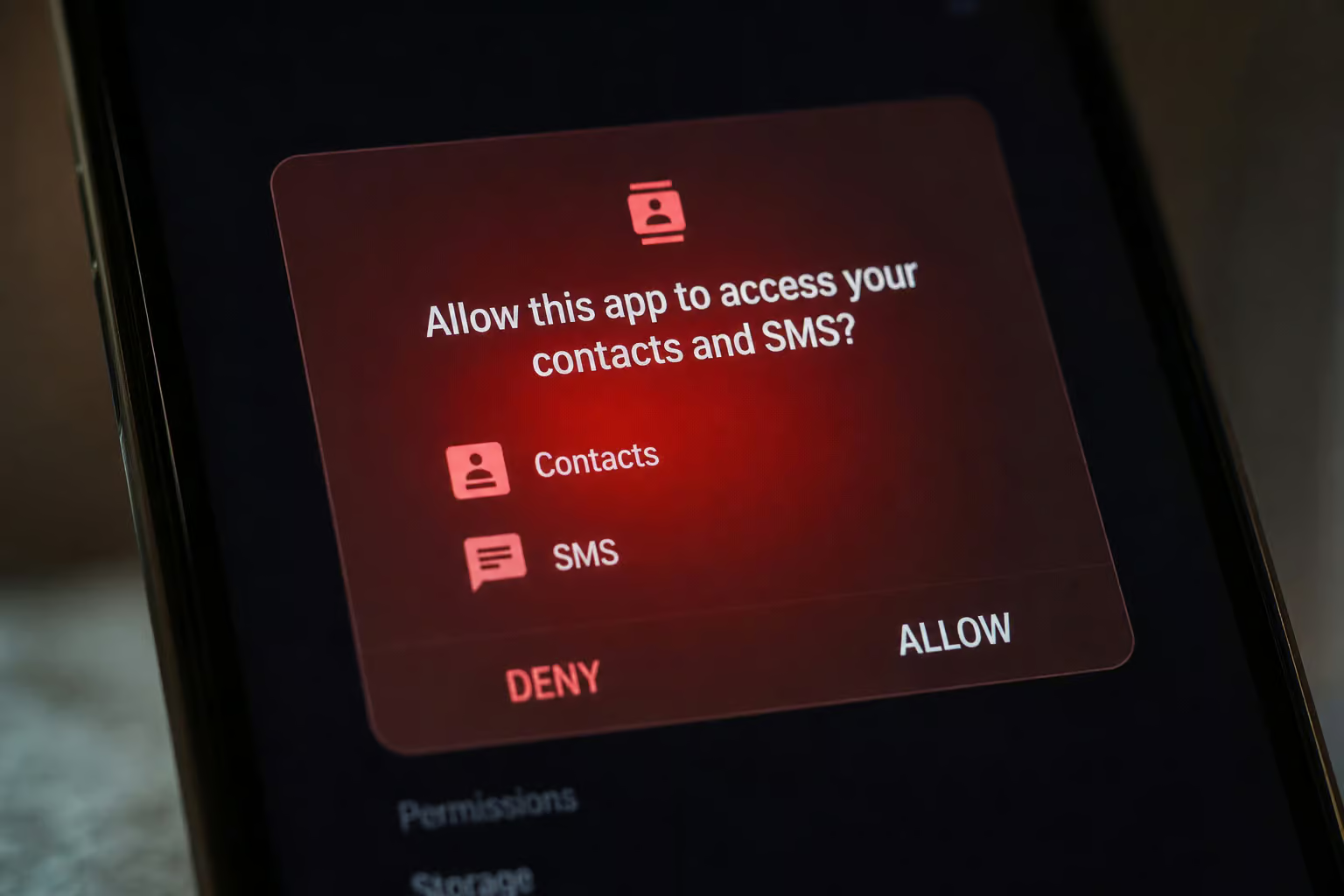
A safe video downloader on Android needs two permissions: storage (to save files) and internet (to fetch videos). That’s it. The moment an APK asks for contacts, SMS, camera, or location, you’re looking at a data-harvesting operation. Seal and PowerTube request minimal permissions – you can verify this yourself on their GitHub repos or F-Droid pages. No SMS access, no camera nonsense, just storage and network.
The cloned app problem
Malware creators are lazy but clever. They clone popular apps, tweak the icon slightly, and publish under a name that’s one letter off from a real tool. The trusted APKs I’m about to name are always on GitHub or F-Droid. Any download you find on a random blog or third-party app store is almost certainly a clone. Check the developer name, the download count, and the publication date before you sideload anything.
Why the “trust vacuum” makes you vulnerable
Here’s the psychological pattern I’ve seen over and over: someone has a private video they want to save (maybe a wedding recording, a work training, or a creator’s unlisted link). They search, click the first result, and think well, it has 4 stars and 100k downloads, must be fine. That desperation to find a working tool overrides caution.
How to Spot a Fake APK: The Open-Source Litmus Test
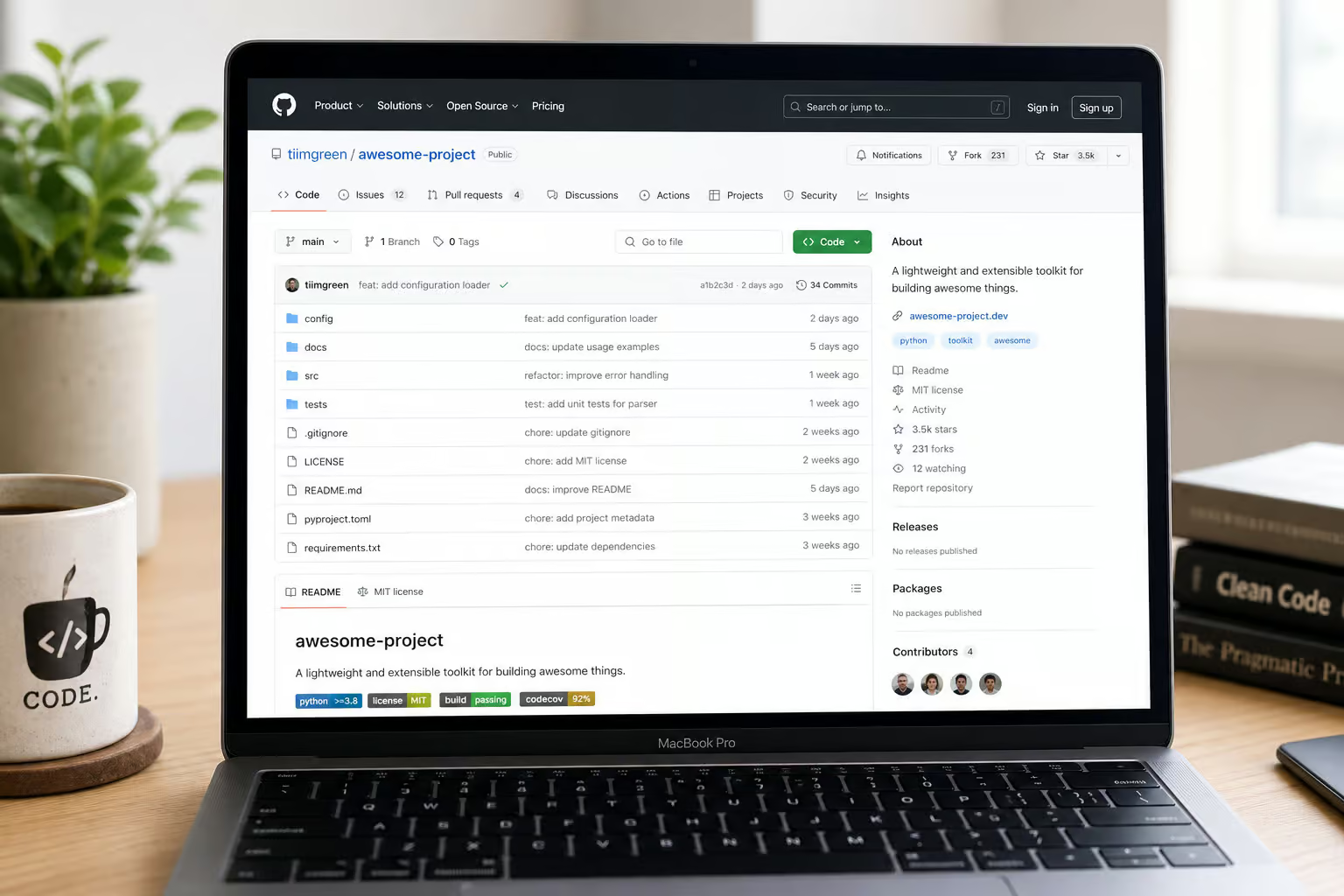
After testing enough garbage APKs to fill a recycling bin, I landed on a simple three-question test. Run this before you install anything:
- Is it open-source and on GitHub?
If an APK doesn’t have a public code repository, you have no way to audit what it’s doing. Fake APKs never do. - Does it credit its backend?
Legitimate downloaders explicitly name the engine they use – yt-dlp, youtube-dl, or similar. If the app’s description avoids mentioning how it actually downloads videos, that’s a red flag. - Does it have a clear license?
yt-dlp itself is GPLv3+ for its pre-built binaries (the source code is Unlicense). Trusted APKs also use standard open-source licenses. If you see no license info at all, walk away.
If any answer is “no,” don’t install it.
Why yt-dlp’s dependency requirements are a trust signal
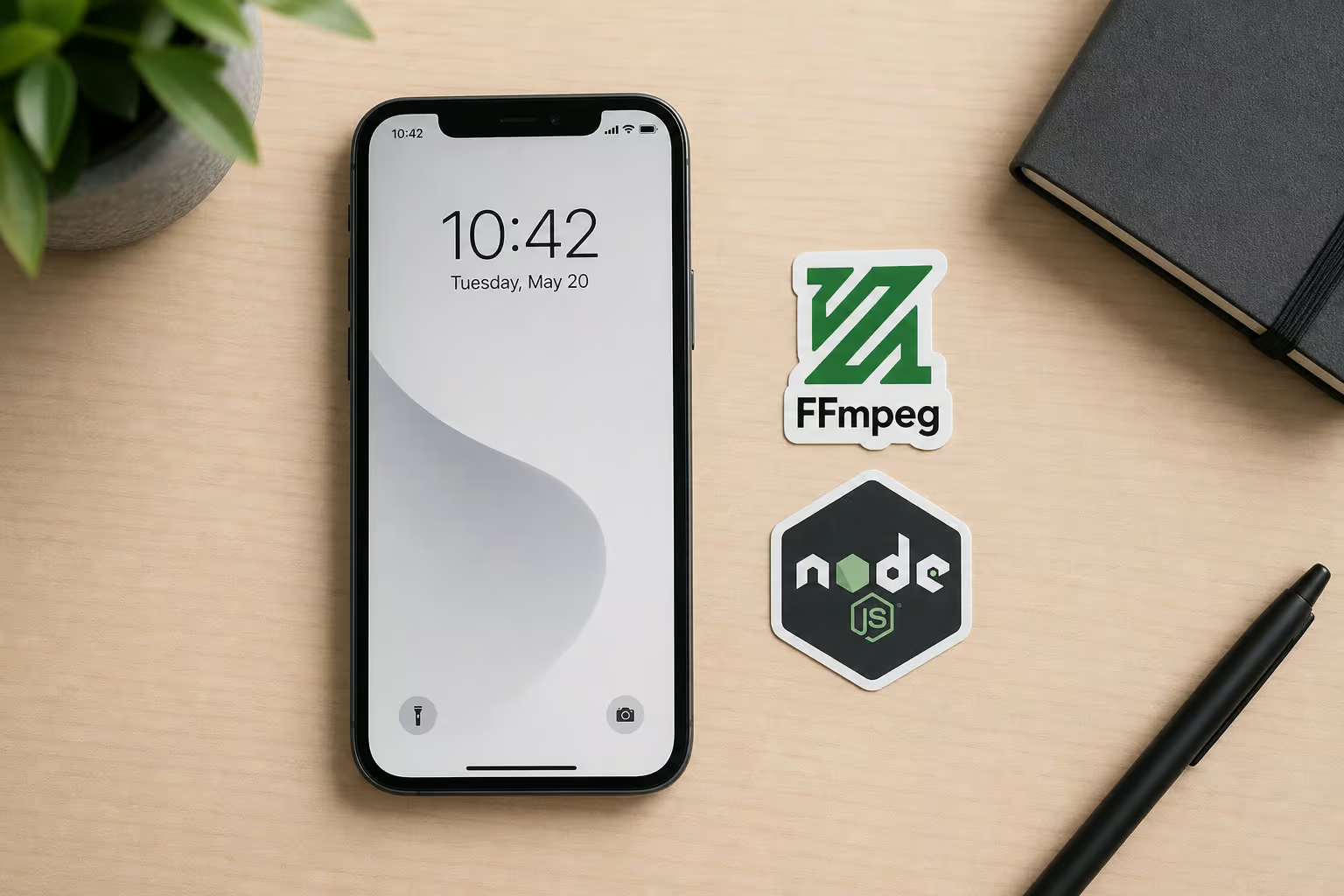
Here’s a technical detail that filters out most fakes. yt-dlp needs ffmpeg to merge the separate video and audio streams that YouTube sends (they’re delivered as separate files). It also needs a JavaScript runtime (deno is the recommended option) to handle extraction on sites that require JavaScript execution. Trusted Android APKs like Seal and PowerTube have to bundle or handle these dependencies internally – that’s genuinely complex. Fake APKs that don’t bundle ffmpeg or a JS runtime can’t actually download private videos properly.
They might grab a low-res thumbnail or an incomplete file, but they can’t do the real job. This complexity is why the “trust vacuum” exists – building a working wrapper is hard, so most APKs just fake it.
Trusted APKs That Use yt-dlp: Seal and PowerTube
There are exactly two Android GUI wrappers I’ve found that properly wrap yt-dlp and handle its dependencies: Seal and PowerTube. Both are open-source, actively maintained, and available on GitHub and F-Droid. They’re essentially yt-dlp in a friendly interface.
Seal: the lightweight, modern wrapper
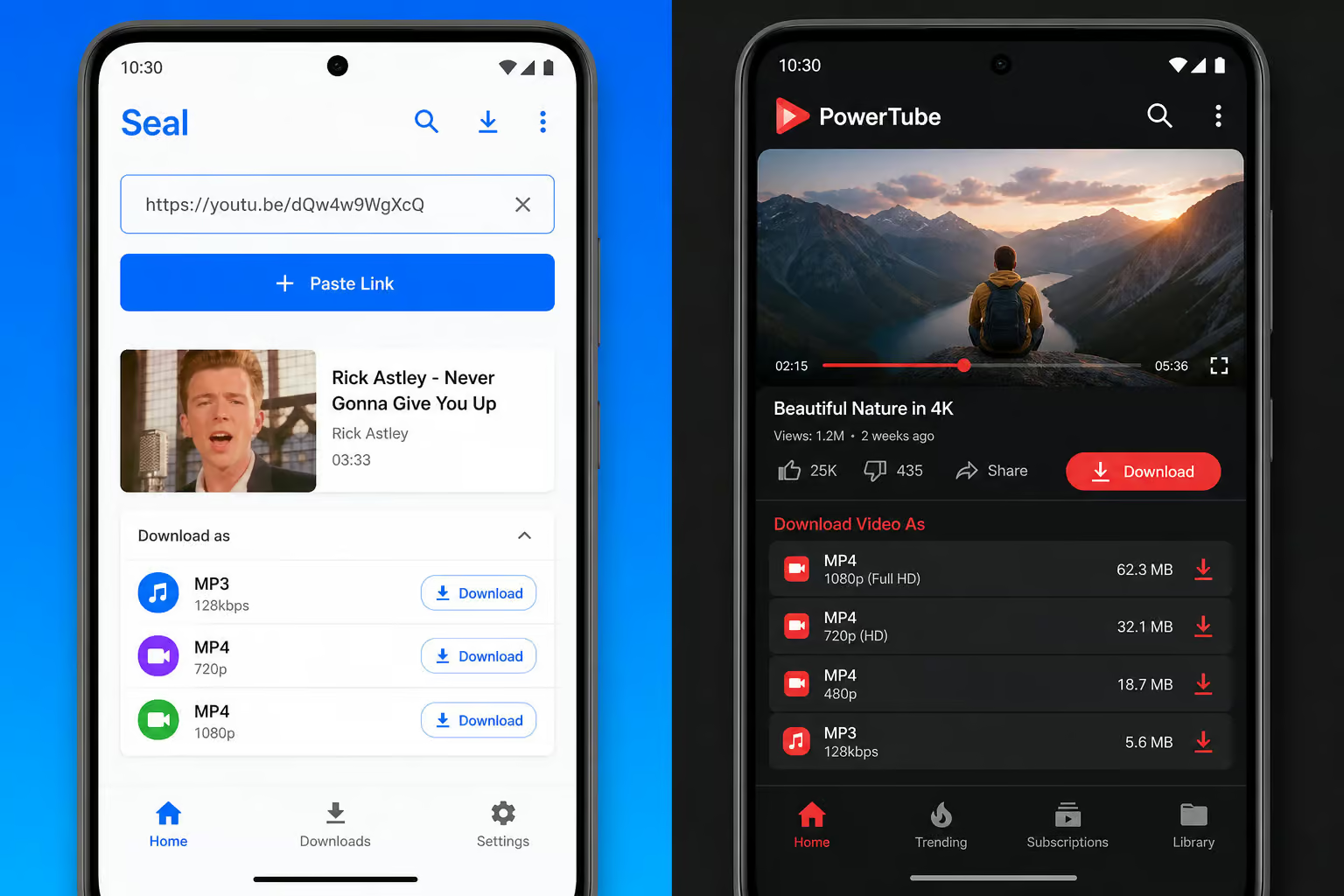
Seal is my go-to for quick downloads. It’s a clean, modern app that automatically handles format selection using yt-dlp’s default selector (bv*+ba/b – best video plus best audio, merged). It embeds thumbnails and metadata without any fuss, and it supports SponsorBlock out of the box (so you can skip sponsor segments in downloaded videos). Permissions are minimal, and the interface is intuitive enough that you don’t need to touch command-line options.
Seal wraps yt-dlp’s engine, handling dependencies like ffmpeg and JavaScript runtimes automatically. Get it from GitHub or F-Droid.
PowerTube: the feature-rich alternative
PowerTube gives you more control. It exposes more of yt-dlp’s features – custom format selection, audio extraction, subtitle downloads, and deeper post-processing options. The interface is more complex than Seal’s, which is what you want if you need a specific codec or container format. It’s also open-source and available on GitHub and F-Droid. Both apps handle ffmpeg and JavaScript runtime dependencies internally.
yt-dlp: The Command-Line Engine Behind Safe APKs
Let’s talk about the engine itself. yt-dlp is a fork of the older youtube-dl (based on the youtube-dlc branch) – think of it as “the one that’s actually maintained.” It’s a command-line tool that grabs video and audio from thousands of sites, not just YouTube, and if you need to access restricted content, you can learn how to download private YouTube videos GitHub offers resources for that. Privacy-focused communities like Privacy Guides and Techlore recommend it, and security researcher Michael Bazzell has cited it in Unredacted Magazine. That’s a strong trust signal.
Key dependencies include ffmpeg (required for merging video and audio streams), Python and pip (for installation and updates), a JavaScript runtime like deno (for site extraction), curl_cffi (for HTTP requests), and pycryptodomex (for decryption). These are optional or required depending on the features you use.
What yt-dlp can do that APK wrappers can’t
The APKs are great for simplicity, but they don’t expose every feature yt-dlp offers. The full command-line tool provides:
- Advanced format selection – you can request the best video under 50MB, or the smallest file that still has audio, or merge the best video with multiple audio tracks.
- SponsorBlock integration – mark or automatically remove sponsor segments, intros, and outros from YouTube videos during download.
- Metadata embedding – embed thumbnails, titles, descriptions, and custom tags into the file itself.
- Post-processing capabilities – extract audio, remux containers, convert formats, all as part of the download pipeline.
- Plugin architecture – add support for new sites without waiting for a core update.
- Custom output templates – organize downloaded files with automatic folder structures, custom naming patterns, and date stamps.
Why yt-dlp is trusted in privacy circles
yt-dlp’s open-source codebase, active maintenance (the nightly release channel gets daily updates), and large user base mean bugs get found and fixed fast. Releases are verified with GPG signatures, and SHA256 checksums let you confirm you’ve got the official binary. You can audit the source yourself. That’s the opposite of a sketchy APK.
The release channels: stable, nightly, and master
- Stable – monthly releases, boringly safe. Good if you don’t need the latest site fixes.
- Nightly – built every day, gets fixes faster. I recommend this for regular users – it’s the sweet spot between stability and timeliness.
- Master – built after every commit, bleeding edge. Only for the adventurous.
You can switch between channels or pin to a specific version using --update-to, no re-download needed.

Advanced Alternative: Using yt-dlp Directly on Android via Termux
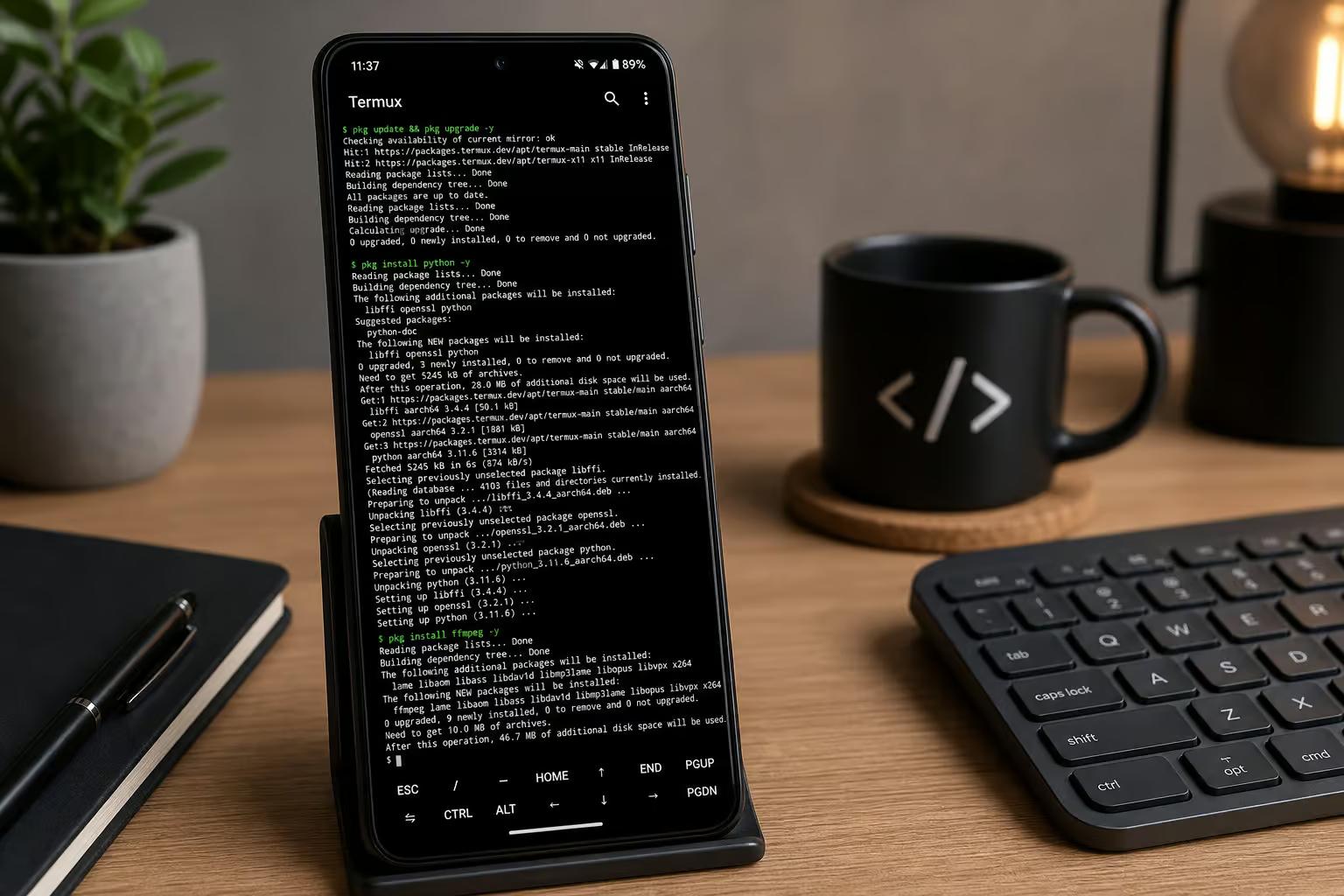
If you want maximum control and don’t mind a terminal, you can run yt-dlp natively on Android using Termux – a terminal emulator and Linux environment app. This gives you the full engine without any APK wrapper, and since unlisted videos don’t require authentication, it’s a safe option to download unlisted YouTube video directly from yt-dlp’s official repository.
Step-by-step: installing yt-dlp in Termux
- Install Termux from F-Droid – the Google Play version is outdated and won’t work properly.
- Open Termux and run updates:
bash
pkg update && pkg upgrade - Install Python (3.10+ required):
bash
pkg install python - Install ffmpeg (the binary, not a Python package – common gotcha):
bash
pkg install ffmpeg - Install yt-dlp via pip:
bash
pip install yt-dlp - Install a JavaScript runtime (deno recommended):
bash
pkg install deno - Verify it works:
bash
   yt-dlp --version
That’s it – you now have the real yt-dlp running on your phone.
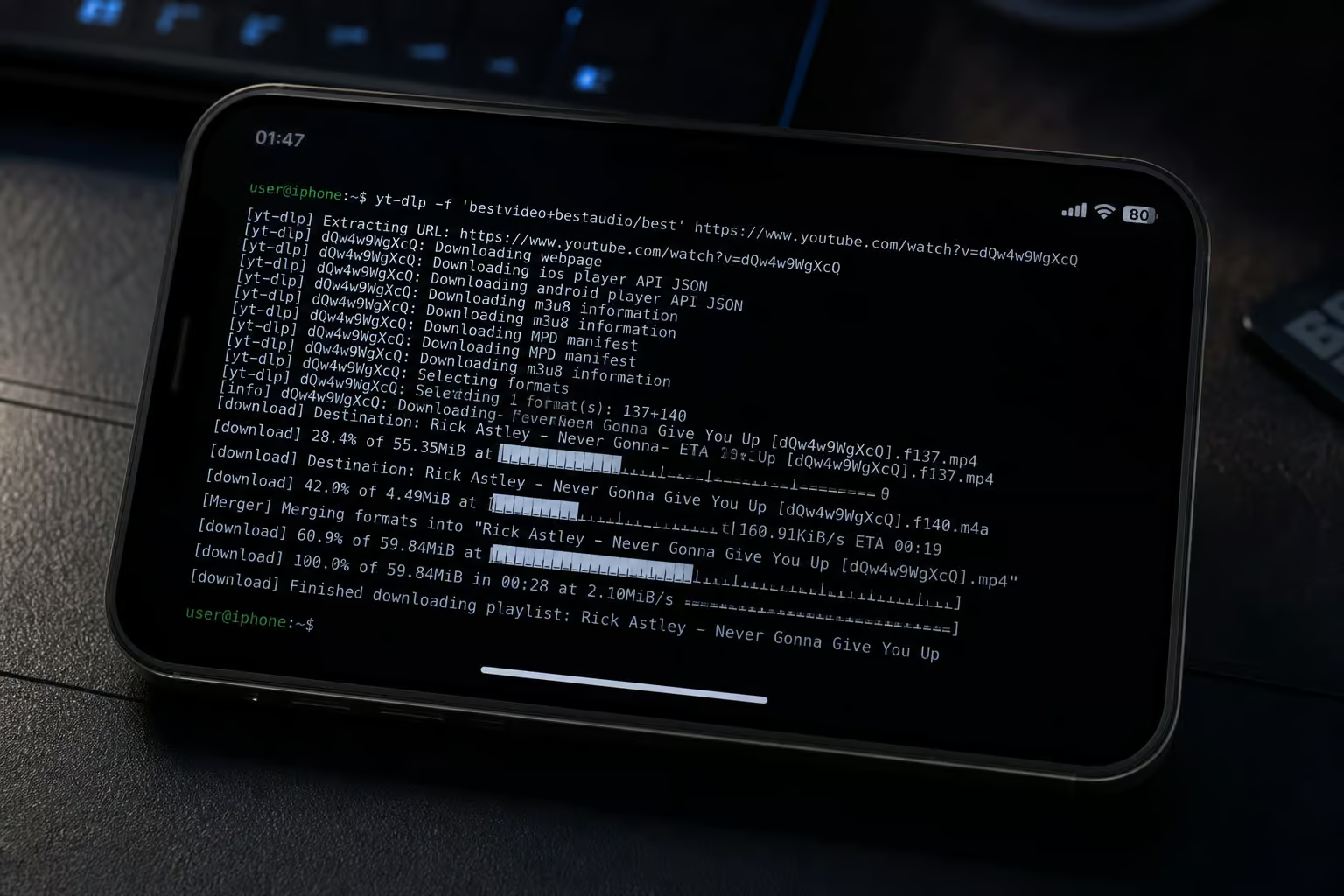
Downloading a private YouTube video with yt-dlp in Termux
The basic command is simple:
yt-dlp "URL"
For private videos that require authentication, you can pull cookies from your browser:
yt-dlp --cookies-from-browser BROWSER "URL"
Replace BROWSER with chrome, firefox, brave, edge, etc. – yt-dlp supports most major browsers.
Need to pick a specific format?
yt-dlp -f "bv*+ba/b" "URL"
That’s best video with best audio, merged into one file. Want audio only?
yt-dlp -f "bestaudio" --extract-audio --audio-format mp3 "URL"
Grabbing a whole playlist? Just pass the playlist URL.
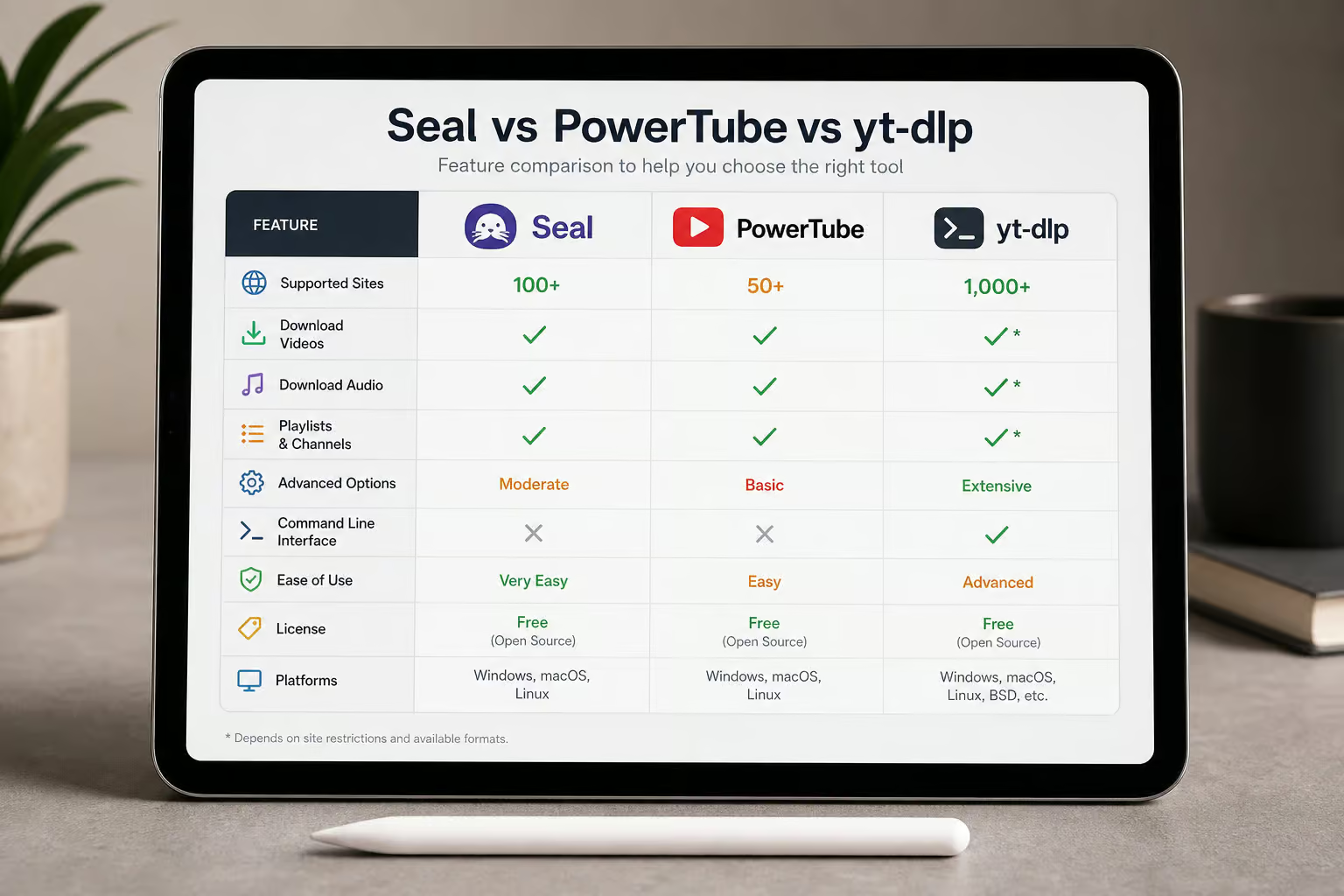
Feature Comparison: APK Wrappers vs. Full yt-dlp
Here’s the trade-off in plain terms:
- Seal and PowerTube give you a polished interface, automatic dependency handling, and most of the features you’ll need day-to-day. They’re perfect for “I just want to download this video” moments.
- Full yt-dlp in Termux gives you everything – format sorting, custom output templates, metadata parsing, SponsorBlock fine-tuning, and post-processors. But it requires a terminal, and you have to manage updates yourself via pip.
For the vast majority of users, Seal or PowerTube is sufficient. For tech enthusiasts who want to script downloads or extract exactly the right stream, Termux + yt-dlp is the way. There’s no wrong choice – the point is both paths are safe because they use audited open-source code.
Safety, Privacy, and Legal Considerations
yt-dlp is recommended by Privacy Guides and Techlore, and cited by Michael Bazzell in Unredacted Magazine. Here’s what you need to know about safety, privacy, and legal boundaries.
The privacy community’s endorsement of yt-dlp
yt-dlp is recommended by Privacy Guides and Techlore – two trusted privacy resources. It’s also been cited by Michael Bazzell in Unredacted Magazine.
yt-dlp’s safety record: why it’s low-risk
The open-source development model means hundreds of eyes review the code. Releases are verified with GPG signatures, and SHA256 checksums let you confirm file integrity. I should note that some antivirus software (like Malwarebytes) may flag yt-dlp’s binary as a false positive – the tool is often used to download copyrighted content, so security vendors sometimes classify it as a “PUP.”
Legal and ethical boundaries of downloading private videos
“Private” on YouTube can mean two different things:
- Unlisted – anyone with the URL can view it. No authentication required. Downloading an unlisted video is generally less legally risky.
- Password-protected or private – requires the uploader’s explicit permission to access. This usually violates YouTube’s Terms of Service if you don’t have permission.
Regardless of which type you’re dealing with, the ethical baseline is: only download content you own or have explicit permission to access. Fair use and personal archiving may apply in some jurisdictions, but I’m not a lawyer. When in doubt, ask the uploader. For example, US law provides broader fair use protections for personal archiving, while EU copyright directives impose stricter limits on downloading even for private use. These jurisdictional differences mean the same action could be legal in one country and prohibited in another.
How to Update and Maintain Your Downloader APK Safely
The update process is where many users get compromised – they see an in-app prompt and tap “Update” without checking where the file comes from. Here’s the safe path.
Updating Seal and PowerTube safely
Always update from the official GitHub releases page or F-Droid. Never use in-app update prompts unless the app itself is from an official source (and even then, verify). If the app offers to download an APK from a third-party server, that’s a red flag. Check release notes for changes, and if SHA256 checksums are provided, verify them.
Updating yt-dlp in Termux
In Termux, it’s just:
pip install -U yt-dlp
Want the nightly/pre-release channel?
pip install -U --pre "yt-dlp[default]"
Or switch channels directly with yt-dlp’s built-in update mechanism:
yt-dlp --update-to nightly
You can pin to a specific version:
yt-dlp --update-to 2023.10.07
That’s it – no APK downloads, no sketchy sources.
Final Recommendation: Which Option Is Right for You?
- Most users – grab Seal (simpler) or PowerTube (more features). Both are open-source, use yt-dlp, and handle all the tricky dependency stuff.
- Power users and tech enthusiasts – go the Termux + yt-dlp route. It’s the safest “APK” (it’s not really an APK) because there’s no wrapper at all – just the real engine running on your phone. Full control, zero bloat.
- Everyone – remember the open-source litmus test. If a downloader APK isn’t on GitHub with a clear license and proper backend credit, skip it. There are only two apps that pass that test on Android right now, and you’ve got their names.
Frequently Asked Questions
How can I tell if a YouTube downloader APK is fake?
Run the open-source litmus test: check if the APK is on GitHub with a public code repository, whether it credits its backend engine (like yt-dlp), and if it has a clear open-source license. If any of those are missing, skip it.
What’s the difference between Seal and PowerTube?
Seal is a lightweight, modern wrapper that handles format selection automatically and includes SponsorBlock out of the box. PowerTube gives you more control with custom format selection, audio extraction, and deeper post-processing options — but its interface is more complex.
Is it legal to download private YouTube videos?
It depends on the type of private video. Unlisted videos (accessible via URL without authentication) are generally less legally risky. Password-protected or private videos require the uploader’s explicit permission and usually violate YouTube’s Terms of Service if you don’t have it.
Why does yt-dlp need ffmpeg and a JavaScript runtime?
YouTube delivers video and audio as separate streams, so ffmpeg is needed to merge them into a single file. A JavaScript runtime like deno handles extraction on sites that require JavaScript execution. Trusted APKs bundle these dependencies internally — fake ones don’t, so they can’t download properly.
