If you’re hunting down exclusive electronics or a limited run at the Pokémon Center, clicking the store’s built-in “email me when in stock” button is ineffective, as native alerts often lag 30 minutes to hours. Here at GeekExtreme, we love digging into the wild architecture of online retail, and these notification systems are disconnected from real-time inventory.
Most store systems use messy batch processing that sweeps up thousands of alert requests and shoves them through a slow marketing funnel. By the time that server finishes its job, native retail alert latency often results in emails arriving 30 minutes to hours late, exceeding the typical 15-30 minute sell-out interval of high-demand collectibles. Here’s the catch: high-demand collectibles and hyped hardware typically have a purchasing window of just 15 to 30 minutes. Relying on native retailer apps for Pokémon cards or flagship hardware guarantees missed opportunities, as items typically sell out within 15-30 minutes while native alerts suffer from multi-hour lag.
To beat the scalpers, you need a hybrid stack. Ditch the laggy corporate alerts for active automation, and back those scripts up with local human intel. If you’re tracking a dozen categories, use Slack or Teams to keep the noise down. Community intel is your best friend here—it’s great for filtering out those annoying false positives.
Key Takeaways
Native retail “notify me” systems suffer from 30-minute to multi-hour lag, rendering them useless for highly sought-after items that sell out within a 15–30 minute interval.
Using active automated change detection allows shoppers to bypass page-level UI changes, focusing on SKU-level “Add to Cart” availability.
Digital monitoring scripts should always be verified by on-the-ground retail networking and community Discord alerts, which serve as a critical defense against corrupt backdooring and ghost inventory errors.
Native Retail Alert Latency: Big retailers use clunky, batch-processed queues that hang onto notifications to keep their servers from exploding, which makes them useless for flash sales.
Table of Contents
Step 1: Bypass retailer latency with automated SKU-level change detection
Start your build by forgetting about refreshing whole pages. Monitoring broad categories is a recipe for false positives. Instead, lock in on the specific SKU so you aren’t waking your phone up just because a banner changed. When a general retailer like Amazon or Nike swaps out a promotional banner or slightly edits a product description, the tracker triggers, bombarding the user with false positives. That just leads to notification fatigue—stick to Slack or Teams to keep it sorted.
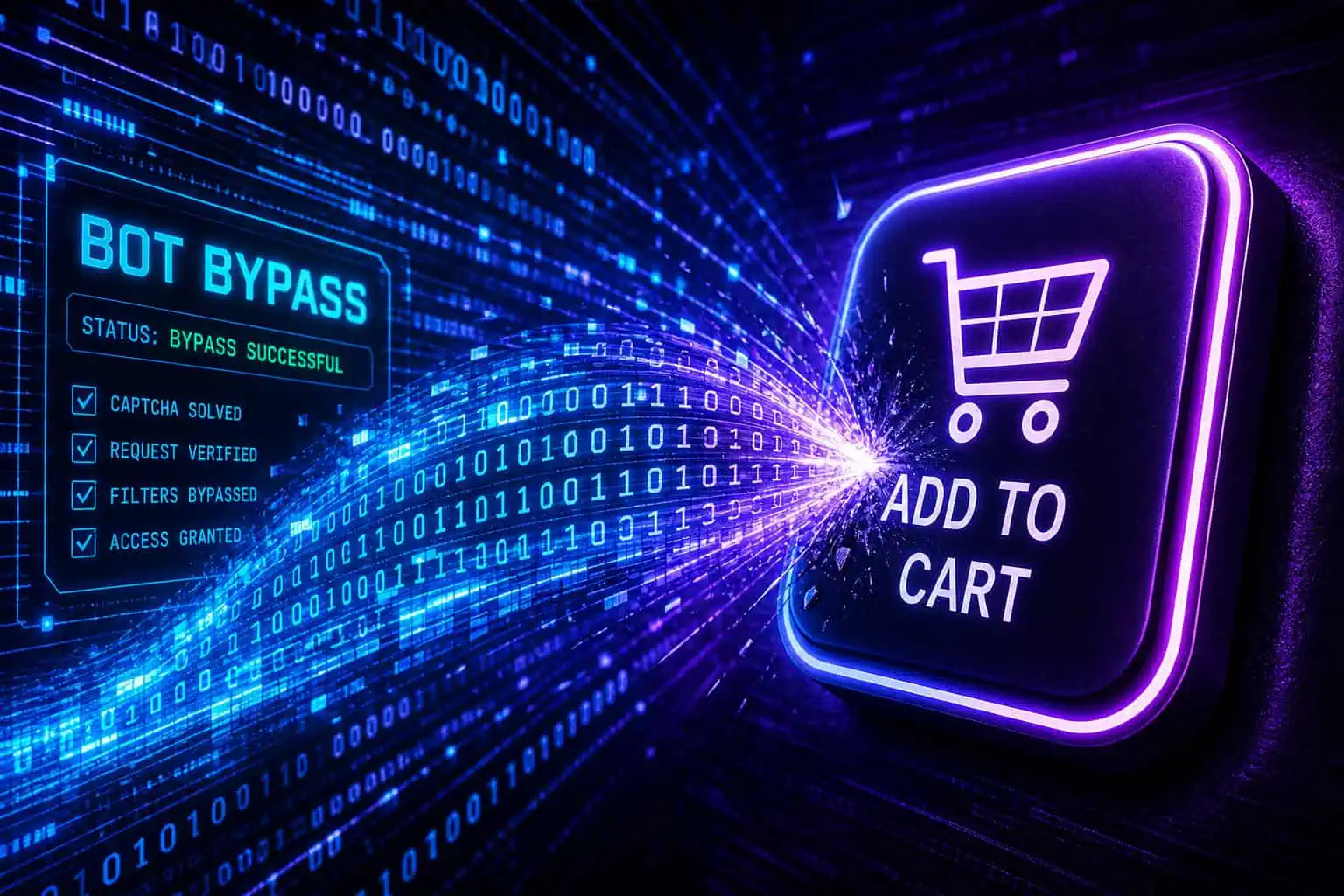
Instead, you need automated SKU-level change detection. This shifts the paradigm from watching a whole webpage to targeting the exact HTML snippet rendering the “Add to Cart” button or the exact integer of the price. By targeting the “Add to Cart” button or price integer directly, you skip the noise and get an alert only when the stock actually shifts. Screenshot diffing ignores meaningless design updates and guarantees that when your phone vibrates, it’s for a genuine inventory injection. The most effective trackers focus strictly on state changes in the inventory API to ensure the alert is tied directly to stock flux rather than ambient page aesthetic adjustments.
Step 2: Use Visualping to monitor individual pages, patches, and firmware directly
Once your strategy is dialed in, you need a platform that can handle fast check intervals. Visualping is currently tracking over 34,000 active, running product monitors by pointing its AI-summarized change detection at SKU pages, subverting the latency of native emails. Here is where Visualping AI earns its slot: it doesn’t just summarize what changed, you tell it what counts as IMPORTANT for your specific monitoring job. For a Switch 2 restock, that is the “Add to Cart” button activating. For a Pop Mart Labubu drop, it is any change to the variant dropdown.
For a Pokemon Center bundle, it is the price flipping below MSRP or a new SKU appearing in the list. You write that condition once in your monitor settings, and every change event arrives with a plain-English summary plus a binary IMPORTANT flag, so cosmetic page changes (CSS class swaps, CDN cache flickers, banner color shifts) never wake your phone up. For high performance, you’ll want an aggressive check interval; setting a 5–15 minute cadence is essential if you want to beat that 15–30 minute sell-out window of flash collectibles. For less urgent items, users can safely opt for hourly or daily check cadences to preserve their monitoring quotas.
To win hyped drops, configuration is everything. You have to match your check frequency to the urgency of the market. You need an aggressive 5–15 minute cadence to secure a 15–30 minute sell-out of flash collectibles or sneakers. For standard popular items, you can pull that back to an hourly check, and for regular household restocks, an interval of 6 to 24 hours works perfectly fine.
You can also aim this granular tracking at non-retail digital assets. Home-lab geeks use this exact Visualping setup—which makes it easy to get alerted when a page changes—to monitor TV firmware patches and localized software updates using custom cadences between 5 minutes and 12 hours.
To maintain sanity while running all these bots, route your automated Visualping alerts through collaboration tools like Slack or Microsoft Teams. Spinning up a #sneaker-restocks or #firmware-updates channel keeps your workflows organized and prevents your primary inbox from melting down.
Step 3: Map Amazon pricing history with CamelCamelCamel
Before you pounce on an alert telling you an item just went on sale, you need to verify that the markdown is actually real. Retailers are notorious for inflating MSRPs to slap a fake 20% discount on the listing the following day. For anything sold in the Amazon ecosystem, CamelCamelCamel is your mandatory first stop, providing Amazon-specific price history charts and custom price threshold alerts.
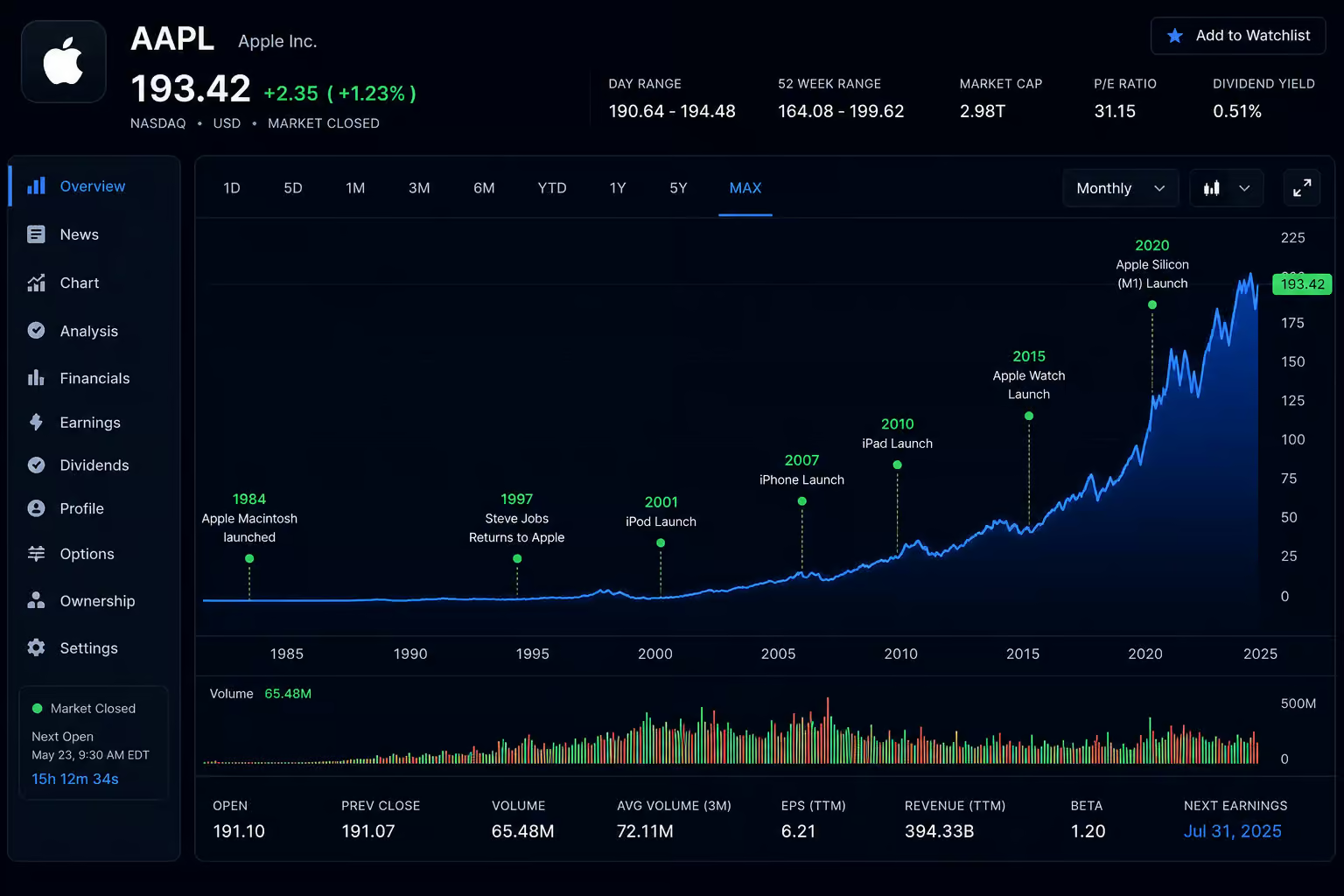
This Amazon-specific price history tracking platform generates raw historical data graphs for almost any URL on the site. Rather than trusting a marketed “deal tag,” check the product’s price history charts to see what its true baseline value is. Once you know the historical floor, you can utilize CamelCamelCamel to set custom price threshold alerts to monitor when items drop below a historically accurate market low. This data layer allows you to differentiate between genuine seasonal drops and automated price fluctuations designed to catch impulsive buyers.
Step 4: Compare cross-retailer lists using Google Shopping price tracking
Targeted fast-monitors require you to know which website is hosting the restock. If you want to cast a wider net to see when secondary retailers silently match a primary product markdown, flip on Google Shopping’s built-in price tracking.
This free native feature compares items across an array of retailers simultaneously. It relies on crawl schedules, so it’s less responsive than the 5–15 minute monitor you’re running for flash sales, but it excels at catching mass restocks that your laser-focused scripts might overlook.
Step 5: Stack checkout savings with the Honey/PayPal extension
Getting the product in your cart is only half the battle; maintaining your purchasing velocity during checkout is the other. The final layer of your digital stack should be automating checkout friction with the Honey browser extension (now backed by PayPal).
Honey/PayPal sits passively in the background for a supported list of retailers and requires a browser extension to apply coupons automatically. When you’re racing a 15-minute timer, you don’t have time to go hunting for discount codes in a new tab. Pre-installing this app ensures your secured items process below MSRP before the window closes.
Step 6: Verify automated drop alerts through community Discord servers
Even the most elegant scraper bot can be fooled by a broken inventory API. That’s why human vetting spaces are a must. Community Discord servers help verify software triggers and parse out ghost inventory issues that send automated trackers into a false frenzy. By monitoring active channels, you gain the benefit of group-sourced validation, which often identifies if an “in-stock” ping is a regional false alarm before you waste time clicking a dead link.
If you want to know how to track drops, deals, patches, and restocks, Community Discord servers are the best place to talk through restock patterns and verify if a drop is actually happening. Communities like the Lunch Money discord or the Pokemon RestockR discord are built precisely to vet sudden digital pings against localized stock patterns. Many of these hubs feature both free tiers and paid enthusiast access, running on a reciprocal system: community members can share invaluable intel with you, provided you contribute your local findings too. Never commit your credit card info to a sketchy digital ping before cross-referencing it with community verification to ensure it isn’t a known glitch.
Step 7: Snag hyper-specific collectibles using PokePings
For highly unstable novelty markets like Trading Card Games, the sheer volume of product variants makes general digital monitors tedious to manage. To keep your sanity, you can offload the heavy lifting to niche apps like PokePings.
These specialized trackers exist strictly to separate verified enthusiast drops from generic reseller bot noise. The community curates the data, providing more accurate release information than a broad site scraper. If you’re already hunting for Pokémon restocks, the PokePings free trial is worth a look to track drop info without building custom macro arrays.
Step 8: Monitor Best Buy overnight queues via Restockd
When you move from digital carts to physical big-box electronics, checking unified corporate data requires specialized tools. If you are staring down a major console or hardware drop, fire up Restockd early in the morning. Restockd is specifically built to parse Best Buy inventory by watching regional electronics deliveries overnight, providing an advantage where native alerts fail.
Checking this data prior to sunrise allows you to make an informed decision on whether waking up to camp outside your local store on Thursday morning is a viable strategy, or if the region was skipped over.
Step 9: Establish in-person retail networking to map floor inventory
The wild irony is that the real tie-breaker for securing these drops in the age of bots is just good old-fashioned human networking. Digital inventory metrics are frequently wrong due to API desyncs, meaning you have to master the physical logistics of store culture to secure the rarest drops. Often, real-world inventory is kept in the back by staff if they know to watch for specific customer needs; local networking is the only way to tap into this hidden tier of supply.
Navigating physical queue customs
A common observation among collectors is the stark cultural divide in how major retailers handle high-demand queues. If you arrive early for a hardware drop at Best Buy, you will typically find organized lines that deliberately reward camping out and structured purchasing. Contrast this with general retailers like Walmart or Target, whose inventory APIs rarely update cleanly, necessitating some in-person legwork to figure out when the vendors show up, since they often just stock the aisles whenever they arrive. Understanding whether you need to structure a polite morning queue or race other shoppers toward the sports cards aisle dictates whether your overnight digital tracking was worth the effort.
Bypassing digital hoarding with local floor staff
Even the best scraper in the world can’t stop inventory from disappearing out the back door. Authentic in-person networking with store staff serves as a critical defense against “backdooring,” where corrupt unverified employees hoard premium stock to sell directly to scalpers. By building a rapport with the staff at stores like Barnes & Noble, you can bypass the retail app entirely and build those relationships to make sure you’re getting a fair shot at the stock, not the scalpers. Simply ask floor staff exactly when their third-party stock vendors arrive. Mapping these undocumented vendor restock days, and trading those specific tips with other local shoppers, solidifies an analog strategy that offline scalpers cannot beat.
Frequently Asked Questions
How to find out when Pokemon gets restocked?
Relying on official store notification emails causes too much lag to compete with sell-out windows. Instead, use specialized community-curated trackers like PokePings or join niche Discord servers where enthusiasts share real-time alerts and verify if a drop is legitimate.
How to get notified when products are back in stock?
Skip generic ’email me’ buttons and use automated SKU-level change detection apps like Visualping. These tools monitor specific elements, like the ‘Add to Cart’ button, on a 5–15 minute check interval to bypass the multi-hour delays common in retailer marketing alerts.
How do scalpers know when stores restock?
Scalpers often rely on automated scripts specifically designed to poll inventory APIs and scrape stock data faster than standard consumer-facing tools. They also frequently use on-the-ground intelligence, such as tracking when third-party vendors arrive at physical stores or gathering inside information from corrupt staff members.
How to figure out when Target restocks?
Because large retailers like Target often lack real-time API accuracy, digital tracking should be supplemented with in-person networking. Talk to local floor staff to learn their specific vendor delivery schedules, as these arrive at staggered, often undocumented times that automated systems frequently miss.
How much lead time do I need to secure high-demand collectibles?
You are typically working within a 15-to-30-minute window for high-demand items. Because these products disappear so quickly, your monitoring tools must be configured for a 5–15 minute check cadence to ensure you act before the inventory is completely depleted.
Why does my price alert notification feel like a false positive?
Retailers often perform minor page updates or banner swaps that trigger amateur monitors. To eliminate these false alarms, ensure your tracker is configured for SKU-level monitoring that only alerts you when specific price integers or checkout buttons change rather than scanning the entire webpage.
Is it worth using browser extensions during a flash sale?
Yes, using an extension like Honey or PayPal is essential for speed during checkout. When you are racing a 15-minute sell-out timer, having an extension that automatically applies coupons saves you from wasting time searching for manual codes while the stock disappears.
