
The $15,000 median salary gap between web designers and web developers isn’t as wide as the internet likes to claim. Not in salary, not in complexity, and not even in the day-to-day work.
Let’s start with a quick mental model. Think of a designer as the architect — sketching the blueprint, figuring out how the space should feel, where the light comes in, how someone moves through the rooms. The developer is the builder — pouring the foundation, running the wiring, making sure the roof doesn’t collapse. You need both, and neither can do their job well without the other.
What about the money? According to Glassdoor data from March 2026, the median total pay for a web designer sits around $85,000. For a web developer, it’s roughly $100,000. That’s a $15,000 gap — not nothing, but way smaller than the 5x myth that floats around.
Here’s what nobody tells you: the boundaries between these roles are blurrier than ever. Designers code. Developers contribute to design decisions. The real choice is whether you’re more drawn to shaping how something looks and feels, or figuring out how it works under the hood.
Key Takeaways
The median salary gap between web designers ($85k) and web developers ($100k) is only $15k, and senior designers average $104k — close to what many developers earn
Designers routinely know HTML, CSS, and even JavaScript — the “designers don’t code” stereotype is outdated
No-code tools like Webflow, Bubble, and Adalo are built for rapid prototyping, not production-scale projects; professional coding skills remain essential
Table of Contents
What does a web designer actually do?
If you think web design is “making things look pretty,” you’re missing most of the picture. A web designer’s job breaks into three overlapping areas.
UI (User Interface) is about the feel — the brand message, the color palette, the typography, the way a button invites you to click it. UX (User Experience) is the navigability piece — how easy is it to find what you need, how does the user flow feel when they’re moving through a checkout or a signup form. Visual design is the graphics and layout layer — the aesthetic decisions that make a site memorable.
On a daily basis, designers are building wireframes and mockups, picking color schemes, choosing typefaces, designing interactive elements, and running usability tests to see where people get confused. User research is a foundational part of the process — interviewing users, analyzing behavior data, and iterating based on real feedback rather than assumptions. They’re also increasingly learning basic front-end code. HTML, CSS, sometimes JavaScript, because nothing bridges the gap between a mockup and a working site faster than being able to tweak things yourself.
Here’s the counterintuitive bit: designers often code more than outsiders realize. Knowing enough front-end to prototype or make small adjustments doesn’t replace a developer, but it makes collaboration smoother. A designer who can hand over a Figma file with thoughtful annotations and understand why a flexbox layout might break on mobile is worth their weight in gold.
What does a web developer actually do?
“Web developer” is an umbrella term covering three distinct roles.
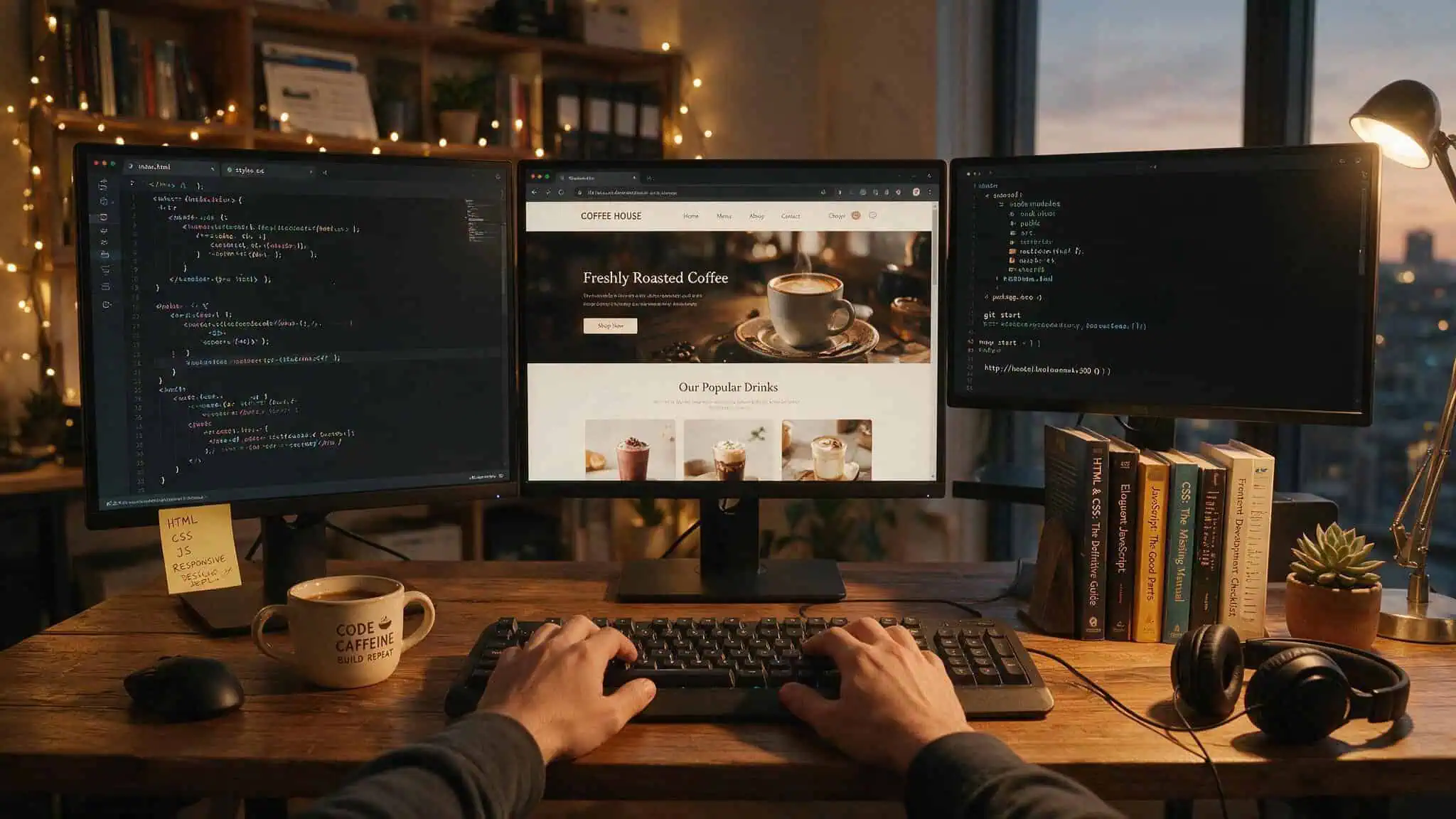
Front-end developers
These are the people who write the code for everything you see and click. HTML for structure, CSS for style, JavaScript for behavior and content updates. A front-end developer’s primary job is making sure the site looks and works the same across browsers and devices — and that it loads fast enough that people don’t bounce before the hero image finishes rendering.
Back-end developers
Back-end developers work on the stuff you never see directly: servers, databases, APIs, authentication systems. They write code in languages like Python, Java, or SQL, and they make sure that when a front-end user clicks “submit,” the data actually goes somewhere useful and comes back correctly. Database management is a core part of their daily work — designing schemas, optimizing queries, and ensuring data integrity. Without a solid back end, the prettiest front-end in the world is just a facade.
Full-stack developers
Full-stack developers bridge both worlds. They can spin up a database, build an API endpoint, and then style the button that calls it. This doesn’t mean they’re equally expert at everything — most have a dominant side, but they understand the full pipeline well enough to make smart architectural decisions.
On any given day, developers are writing and debugging code, building or maintaining APIs, managing databases, and collaborating with designers on feasibility questions. They also work with QA teams on releases and with product managers on roadmaps. The idea that developers sit in a dark room alone, just typing, is a myth — communication and cross-functional collaboration are huge parts of the job. Work environments vary widely: some teams are fully remote, others are office-first, and many operate on hybrid schedules. Burnout is a real concern in both roles, with tight deadlines and on-call responsibilities contributing to turnover, though many professionals report high satisfaction from solving complex problems and seeing their work go live.
Skills comparison: who needs what?
The “creative vs technical” binary is false. Both roles demand complex, overlapping skill sets.
Web designers need: Proficiency in Adobe Creative Suite (Photoshop, Illustrator, XD), Figma, and Sketch. Deep understanding of color theory, typography, and UX principles. Basic HTML, CSS, and JavaScript. SEO knowledge — because a beautiful site nobody can find isn’t useful.
CMS familiarity (WordPress and similar). Data analytics skills to understand user behavior. And yes, communication, leadership, and adaptability.
Web developers need: Full command of HTML, CSS, and JavaScript. Back-end languages like Python, Java, and SQL. Front-end frameworks like Angular and React. Database architecture knowledge.
API integration skills. Debugging and troubleshooting ability. Critical thinking and problem-solving. And — this one surprises people, strong written and oral communication.
Here’s what both roles share: attention to detail, logical thinking, creativity (developers solve creative problems too), curiosity, grit, and basic friendliness. You’re going to be working closely with other humans regardless of which path you pick.
Tools of the trade
The story here is how much the toolboxes overlap.
Design tools: Adobe XD, Photoshop, Illustrator, Dreamweaver (which integrates visual design with code editing), Figma (the collaborative design and prototyping platform that’s become an industry standard), and Sketch (interface design and prototyping, especially on Mac).
Development tools: HTML, CSS, JavaScript as the foundation. Front-end frameworks like React, Angular, and Vue.js. Back-end frameworks like Node.js (JavaScript on the server), Django, and Flask (Python-based). Version control with Git.
Libraries like jQuery and Bootstrap. Languages like PHP, ASP.NET, Python, and Ruby.
The overlap? Figma appears in both lists. Designers use it daily. Developers increasingly use it to understand design intent, inspect elements, and collaborate on handoffs.
Some developers also use Adobe Illustrator for asset work.
Education paths: degrees are optional
Neither role strictly requires a degree. Employers increasingly care about what you can demonstrate, not what piece of paper you carry.
For designers: A bachelor’s in graphic design, photography, video production, or even programming helps but isn’t mandatory. Bootcamps like General Assembly and Springboard offer structured programs. Courses on Coursera — the Graphic Design Specialization from CalArts, the Google UX Design Professional Certificate — are solid options, and for those seeking local expertise, web design Phoenix services can provide hands-on guidance. The University of Michigan’s “Web Design for Everybody” specialization can be completed in roughly two months.
For developers: A computer science degree is common but far from the only path. Coding bootcamps at Codecademy, FreeCodeCamp, and Flatiron School produce plenty of hireable developers. Coursera offers the Meta Front-End Developer Professional Certificate and the IBM Full Stack Software Developer Professional Certificate. Certifications from Red Hat and Oracle carry weight in certain contexts. And self-taught developers with strong GitHub portfolios and LeetCode practice routinely land jobs at major companies.
The common thread: build a portfolio. Nothing replaces being able to point at real work and say “I built that.”
Salary showdown: the real numbers
Let’s break this down by experience level, because the single “average” number hides important story.
Web designer salaries (by experience)
| Level | Average | Low Range | High Range |
|---|---|---|---|
| Entry-level | $56,000 | $38,000 | $74,000 |
| Mid-level | $66,500 | $53,000 | $80,000 |
| Senior | $100,000 | $80,000 | $120,000+ |
Freelance designers average about $60/hour. Senior designers specifically average $104,000.
Web developer salaries (by experience)
| Level | Average | Low Range | High Range |
|---|---|---|---|
| Entry-level | $80,000 | $60,000 | $100,000 |
| Mid-level | $85,000 | $70,000 | $100,000 |
| Senior | $135,000 | $110,000 | $160,000 |
Freelance developers average about $75/hour. The senior developer range is wide — $61k to $129k+ depending on location and specialization.
Key observation: The entry-level gap is large ($56k vs $80k), but by senior level, designers earning $100k+ are common. The “developers make tons more money” narrative is mostly true at the beginning of your career and narrows significantly as you gain experience. What happens when you combine both skills? We analyze web designer and developer salary premiums over specialists. Choosing design doesn’t permanently cap your earnings.
Geographic variation matters a lot. Toronto, New York City, and San Francisco pay well above national averages — though the cost of living offsets much of that premium. Remote work enables high salaries without relocating, though it’s not guaranteed with every company.
Bottom line: The developer salary advantage is real early on but shrinks to roughly 30% at senior levels — not the 5x myth that keeps floating around.
Career paths: where each role can take you
The choice isn’t permanent. Switching between design and development is feasible and happens often — the skill overlap makes it natural.
Designer trajectory: Entry-level designer ? advanced ? senior ? specialist (UX, UI, visual, interaction, brand identity, motion graphics) ? consultant or Chief Design Officer. You can co-found startups, freelance, build a studio, or climb the corporate ladder as a creative director. Mari Batilando, a senior designer who transitioned from graphic design to UX, emphasizes that career growth comes from continuously expanding your toolkit — learning analytics, basic front-end code, and stakeholder management.
Developer trajectory: Entry-level developer ? senior ? lead ? director ? software architect, engineering manager, or consultant. You can go full-stack, specialize in architecture, move into DevOps, or run your own development shop.
Specific job titles worth knowing: Brand Identity Designer, Motion Graphics Designer, UI/UX Designer (the most common hybrid title), Frontend Developer, Backend Developer, Full Stack Developer, Web Application Developer, DevOps Engineer — and for a deeper understanding of how these roles differ in hiring demand, review web designer vs web developer jobs.
Five myths about designers and developers, debunked
Let’s take a closer look at the most common misconceptions separating these two roles — and why most of them don’t hold up.

Myth: Developers make dramatically more money
The $15k median gap is real but not life-changing. By senior level, designers earning $100k+ aren’t unusual. The “developer millionaire” Silicon Valley trope exists, but it’s amplified by a handful of extreme stories. Most developers earn middle-class salaries, not venture-capital wealth.
Myth: Designers don’t code
This stereotype is outdated. Most designers know HTML and CSS, and many know enough JavaScript to prototype or tweak. Designers working in modern web development regularly work with multiple coding languages. They’re not opposed to coding — they prioritize different things.
Myth: Developers don’t design
Developers routinely contribute to design decisions, especially around feasibility and performance. That animation library the designer loves? The developer is the one who knows it will add 2 seconds of load time and needs to be optimized or replaced. Good design on the web is a collaborative process.
Myth: Development is harder to learn than design
Design leverages just as many complex skills as development: color theory, typography, UX research, psychology, composition, accessibility. Both have steep learning curves. The difficulty isn’t in the material — it’s about which kind of thinking comes naturally to you.
Myth: No-code tools will kill these jobs
No-code platforms like Webflow, Canva, Bubble, and Adalo are excellent for rapid prototyping. They’re not built for production-scale projects with complex data needs, custom logic, or performance requirements. And here’s the thing: no-code tools are themselves built with code. The logic that powers them is the same logic professional designers and developers work with daily. Understanding code makes you better at no-code, not obsolete.
Hiring guide: designer vs developer, freelance vs in-house
Which role to bring in — freelance or in-house, depends on your project’s scope, budget, and long-term needs.
When to hire a designer
If your project’s success depends on visual appeal, branding, user experience, color schemes, typography, or layout — hire a designer. They’re also typically less expensive than developers, which matters for budget-conscious projects.
When to hire a developer
If your project needs complex functionality, databases, back-end systems, custom features, or ongoing maintenance — hire a developer. A beautiful site that crashes when someone tries to check out isn’t a success.
When to hire both
For large-scale projects like new brand launches, web applications, or advanced e-commerce stores, you need both. The designer makes it engaging. The developer makes it work.
Freelancer pros and cons
Pros: Freelancers are often highly motivated because they rely on referrals. They’re cost-effective for smaller projects and bring cross-sector ideas — one freelancer mentioned combining chatbot integration with CRM and local SEO in ways a specialist might not consider.
Cons: Lower accountability, risk of disappearing mid-project, management overhead, security concerns, and IP ownership ambiguity (your contract must state who owns the final product). Thomas Jost, a seasoned freelancer, notes that the biggest challenge is maintaining motivation without a team around you — you have to be your own project manager, marketer, and accountant.
In-house pros and cons
Pros: Long-term support, consistent collaboration, immediate maintenance, consistent expertise, and cheaper per hour if you need ongoing work. For agencies, recurring revenue from maintenance contracts is the heartbeat of the business — it provides predictable income and deepens client relationships over time.
Cons: More expensive overall due to salary and benefits, overhead costs, hiring mistakes that take months to spot, idle time between projects, and training investment.
The decision framework: In-house for big, complicated projects requiring continuous iteration. Freelance for smaller, defined projects with clear deliverables and timelines. As Ben Lord of Softlimit puts it, finding developers who will be there when you need them most is the key consideration.
Quick test: Can you write a one-page spec with clear deliverables and a deadline? Hire freelance. Do you expect requirements to shift weekly and need someone on Slack at 3 PM on a Tuesday? Hire in-house.
The future: no-code, AI, and becoming a trusted advisor
The anxiety about AI and no-code replacing web professionals is real, but the data tells a different story.

No-code tools are prototyping platforms, not production engines. Webflow makes a beautiful landing page. Bubble can spin up a simple web app. Neither scales to enterprise requirements without professional intervention. And since these tools are built using the same logic as coded applications, understanding code makes you better at using them.
AI is an invisible productivity tool. Almost every professional uses it for something — debugging WordPress errors, generating code snippets, drafting copy, running grammar checks, simplifying research, planning site architecture. The funny thing is that even pros who say they don’t use AI admit to using it for grammar checks. AI replaces inefficiency, not humans.
The bigger shift is from “someone who builds websites” to “go-to advisor for digital growth.” The website is no longer the final deliverable; it’s the starting point for a long-term consulting relationship. Pros who specialize — by both service and industry, see 17% higher average client lifetime revenue and grow 40% faster, according to Promethean Research.
High-performing pros design in Figma first, use standardized tool sets, create proposal templates and SOPs, systematize onboarding, build component libraries, and bundle services into monthly plans. That’s how you scale.
So which path is right for you?
Here’s a simple way to think about it. Try the volunteering test: If you find yourself designing the nitty-gritty details of how something works — the logic, the flow, the architecture, you’re probably leaning toward development. If you’d rather make the finished product beautiful and user-friendly, polishing, refining, getting the spacing just right, design might be your lane.
The good news is that you can switch. The overlap between these roles means a designer who learns more advanced front-end coding can become a developer, and a developer who picks up UX skills can move into design roles.
Both paths offer strong career growth — the Bureau of Labor Statistics projects 7% growth through 2034 for web developers and digital designers combined. Both offer solid salaries. Both offer the opportunity to specialize, go freelance, build a studio, or become a strategic partner to clients.
It’s whether you’re more drawn to creative vision and user experience, or technical execution and system architecture.
For more granular data, check out the web designer vs web developer salary breakdown with experience-level specifics, or the Reddit-sourced opinions from people actually in these roles. If you’re trying to decide which is better web developer or web designer for your personality and goals, we’ve got a separate geeky analysis on that.
Frequently Asked Questions
Which is better, a web developer or a web designer?
Neither is objectively better — it depends on whether you’re more drawn to shaping how something looks and feels (design) or figuring out how it works under the hood (development). Both paths offer strong salaries, with the median gap around $15,000, and both have overlapping skill sets that make switching between them feasible.
What’s the difference between a front-end and back-end developer?
Front-end developers write code for everything you see and click — HTML, CSS, and JavaScript — making sure sites look and work across browsers. Back-end developers work on servers, databases, APIs, and authentication systems, ensuring data goes where it needs to when a user clicks ‘submit.’ Full-stack developers bridge both worlds.
Do web designers need to know how to code?
Yes, most modern web designers know HTML, CSS, and often JavaScript — the ‘designers don’t code’ stereotype is outdated. Knowing enough front-end code to prototype or make small adjustments makes collaboration with developers smoother and is increasingly expected in the industry.
