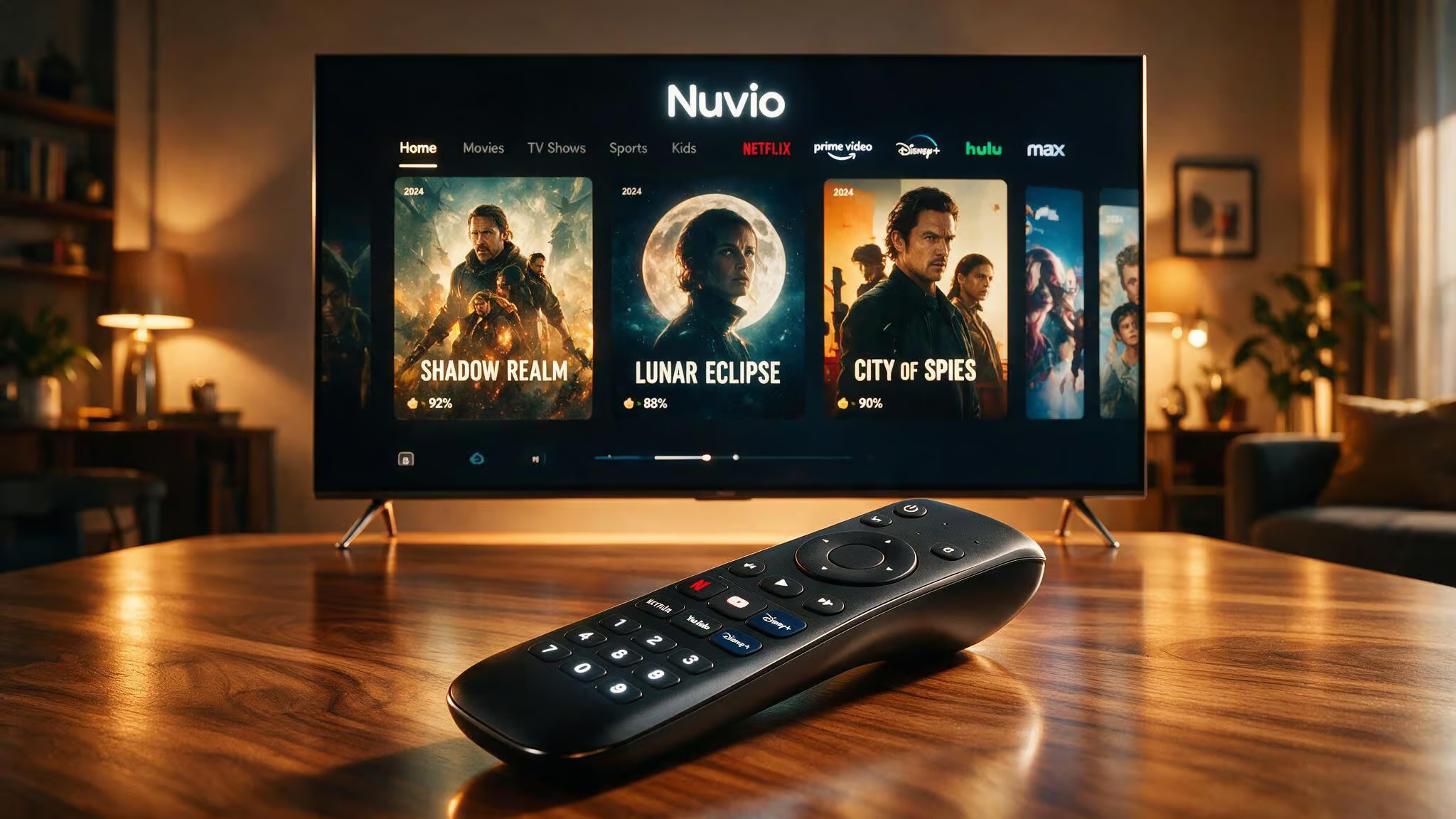
You type “Nuvio web” into a search bar and you’re probably picturing a browser-based streaming player. Something you open in a tab, log in, and start watching.
We’ve been digging into Nuvio’s development for a while now, poking through the GitHub repos, testing the installs, and comparing the web, desktop, and mobile versions. What we found is that NuvioTV Web isn’t a consumer-facing streaming site at all. It’s the web codebase for TV builds. It can run as a browser app during development, but that’s not its intended use. So if you’re looking for a way to stream your media library from a browser tab, you’re going to hit a wall.
This article walks through what Nuvio Web actually is, what it can and can’t do, how it compares to the desktop and mobile apps, and why a Dribbble design concept might be confusing the issue. By the end, you’ll know exactly which version to use for your setup.
Key Takeaways
NuvioTV Web is the web codebase for TV builds (Samsung Tizen 2019+, LG webOS 2020+), not a browser-based streaming player; it runs as a browser app during development but is packaged for TV installation.
The macOS installer is currently unsigned, requiring terminal commands (xattr -dr com.apple.quarantine and codesign --force --deep --sign -) to bypass Gatekeeper; Linux AppImage needs chmod +x.
A Dribbble design concept by MultiQoS shows aspirational features like AI-powered search and voice control, but these are not present in the current open-source codebase—the real Nuvio focuses on polished UI, profile sync, and Stremio addon integration.
Table of Contents
What Nuvio Web Actually Is
Let’s clear up the terminology first. Nuvio is an open-source media center and library companion—not a streaming service. Think of it as a polished interface for browsing and syncing your media library across devices. It doesn’t host, store, or distribute any content. It’s a client-side interface that relies entirely on user-installed extensions to provide catalogs and playback sources.
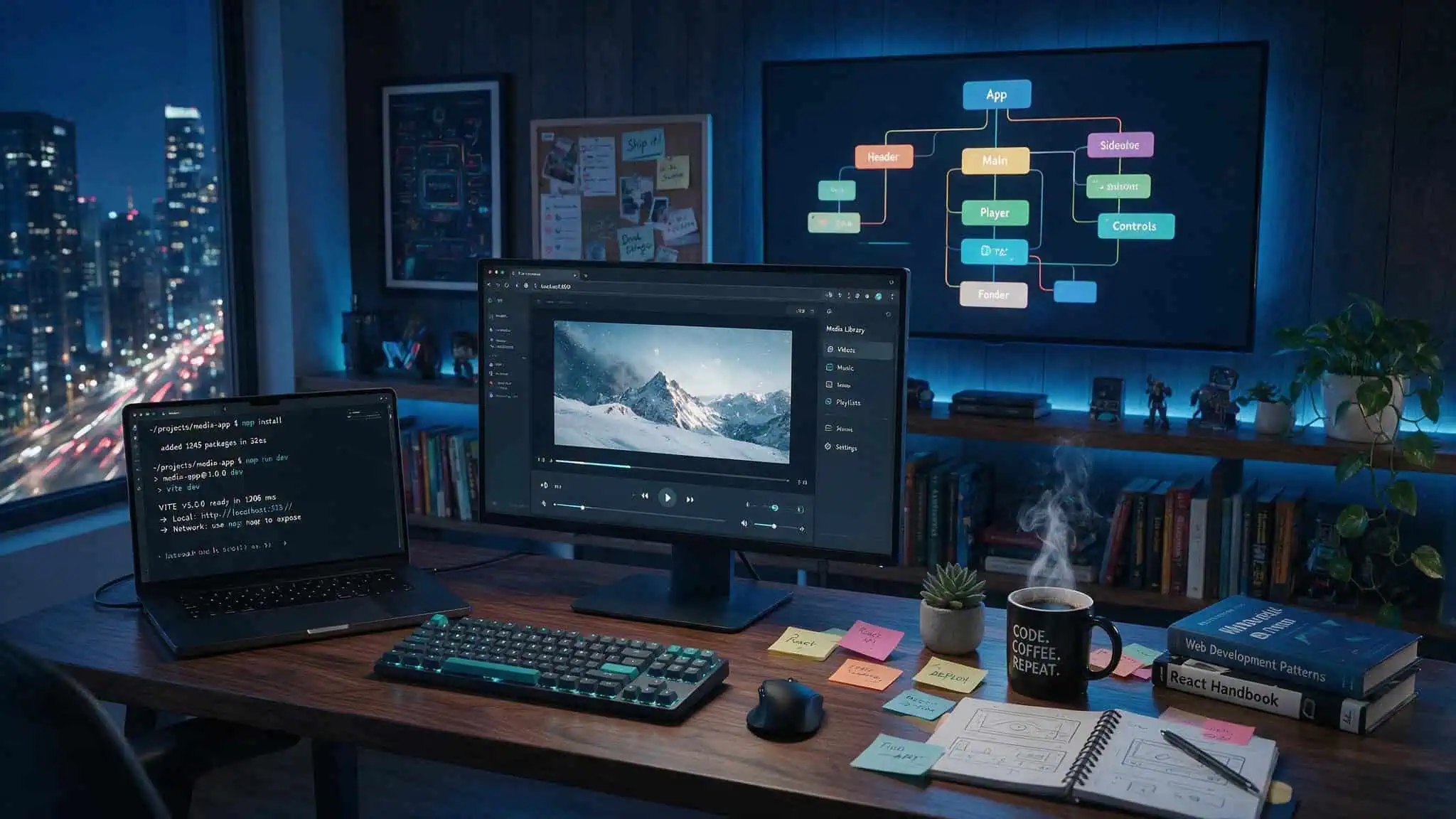
NuvioTV Web is the specific codebase for TV builds. It’s designed to be packaged and installed on smart TVs, not to run as a standalone web app in your browser. Yes, you can fire it up in a browser during development (it runs on port 8080 by default), but that’s a dev convenience, not a product feature. The real target is TV hardware with remote-control navigation.
The Stremio addon connection
Nuvio integrates with the Stremio addon ecosystem for content discovery and source resolution. Users install Stremio extensions (addons) to provide catalogs, metadata, and playback sources. Nuvio acts as the frontend—it presents that content in a polished TV-friendly interface, syncs your watch progress, and manages your library.
So if you’re searching for “Nuvio vs Stremio,” the answer is: they’re complementary. Nuvio isn’t a Stremio replacement. It’s a companion that focuses on library management and cross-device sync, while Stremio is a standalone streaming platform. Nuvio emphasizes the browsing and organization experience over Stremio’s standalone streaming focus.
Cross-Device Sync and Library Features
Profiles, watch progress, collections, and continue-watching state all sync seamlessly between mobile, tablet, TV, desktop, and WebOS. And it’s not just metadata—it preserves exact playback position and next-up progress.
Profile sync across devices
Each user gets their own profile with separate watch history, settings, and library. That means no fighting over recommendations or accidentally picking up someone else’s show mid-episode.
Watch progress and continue watching
The sync is real-time enough that you can start a movie on your TV, pause it, walk to your tablet, and pick up where you left off. The “continue watching” row updates across every device. We tested this between Nuvio Desktop and Nuvio Mobile, and it worked without a hitch.
Collections and library management
You can save titles, organize them into collections, and manage your lists. The detail pages are packed with artwork, ratings, cast info, seasons, trailers, and recommendations. It’s the kind of rich metadata you’d expect from a commercial streaming service, but it’s all powered by user-installed addons.
Trakt integration
If you’re already using Trakt to track your watch history across platforms, Nuvio plugs right in. Your Trakt scrobbles sync alongside Nuvio’s own progress tracking, so you don’t have to choose one system over the other.
TV-First Design and Platform Support
The web version you can run in a browser is essentially a development mode. The real product is a packaged app that you install on your TV.
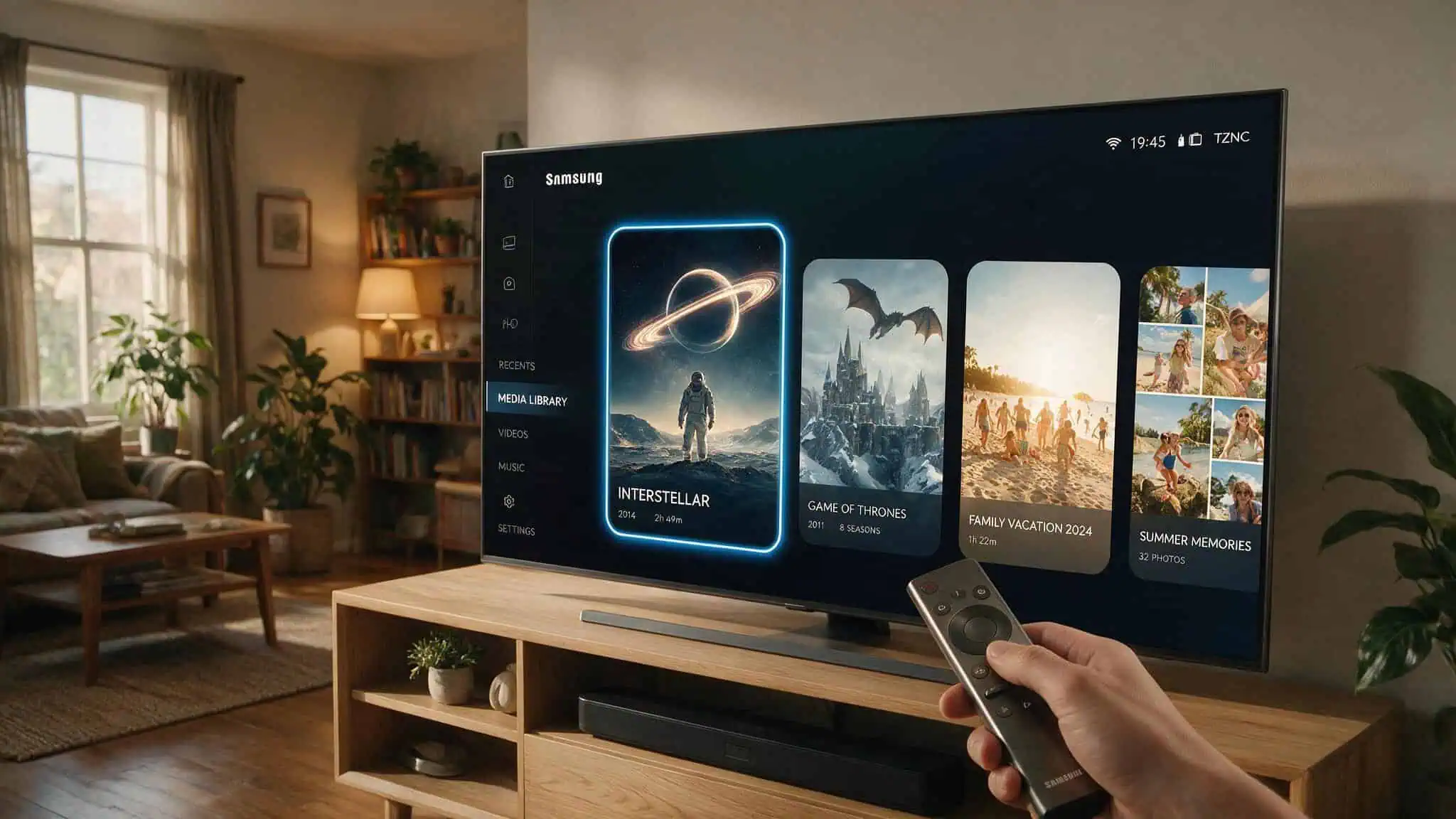
Officially supported platforms:
- Samsung Tizen TVs from 2019 onward
- LG webOS TVs from 2020 onward
The interface is optimized for remote-control navigation—big buttons, clear focus indicators, simple directional input. It’s not a desktop app crammed into a TV layout. It’s built from the ground up for the TV experience, with platform-specific playback handling.
Packaged builds:
– Tizen: .wgt files
– webOS: .ipk files
These aren’t just browser bookmarks. They’re native-ish apps that run on the TV’s own hardware, with hardware decoding and proper remote support.
How to Install Nuvio on Different Platforms
Getting Nuvio running depends on your platform. The desktop installer for Nuvio Windows, macOS, and Linux is the easiest entry point, and it can also deploy to connected TVs. But each platform has its quirks.
Desktop installer (Windows, macOS, Linux)
The desktop installer is straightforward on Windows. macOS and Linux need a little extra love.
macOS workaround: The macOS installer is currently unsigned. When you try to open it, Gatekeeper will complain. You’ll need to run these terminal commands to bypass the quarantine:
xattr -dr com.apple.quarantine /path/to/Nuvio.app
codesign --force --deep --sign - /path/to/Nuvio.app
This isn’t a permanent security issue—it’s that the developer hasn’t paid for an Apple Developer certificate. The workaround is safe as long as you trust the source (which you should, it’s open source).
Linux AppImage: The Linux build is distributed as an AppImage. You need to make it executable first:
chmod +x Nuvio-*.AppImage
./Nuvio-*.AppImage
That’s it. No package manager, no dependencies. Standard AppImage behavior.
TV installation via TizenBrew (Samsung)
The easiest way to get Nuvio on a Samsung Tizen TV is through TizenBrew. Use the GitHub module NuvioMedia/NuvioTVTizen—add it to TizenBrew, and it pulls the latest .wgt build automatically.
TV installation via Homebrew Channel (LG)
For LG webOS TVs, the Homebrew Channel is the way. Add this repository URL to the channel:
https://raw.githubusercontent.com/WhiteGiso/NuvioTV-WebOS/main/webosbrew/apps.json
Then install from the channel. It’s clean and updates automatically.
Alternative methods for advanced users
If you prefer the raw developer workflow, you can use Tizen Studio (Samsung’s official IDE) to sign and pack .wgt files yourself, or the webOS CLI tools and webOS Dev Manager for LG. These are more involved but give you full control over the build process.
Nuvio Web vs. Desktop vs. Mobile: What’s the Difference?
NuvioTV Web (browser-based development mode): This is primarily a development tool and TV installer. It runs in a browser during development, but it’s not meant for everyday media browsing. It lacks the TV-optimized remote navigation and hardware decoding of the packaged TV apps. Use it for testing, development, exploring the Nuvio addons ecosystem, or as a quick way to deploy to a connected TV.
Nuvio Desktop: The full library browsing and playback experience. Native performance, keyboard/mouse support, and the richest interface. If you’re on a PC or Mac and want to manage your library, this is the version to use.
Nuvio Mobile: Profile sync, continue watching, and remote control features. It’s a companion app that keeps your library in sync and can act as a remote for the TV version. Ideal for browsing on the go or controlling playback on your TV.
Which one should you use? – TV users: Install NuvioTV Web on your Tizen or webOS TV. That’s the real product.
- Desktop/mobile users: Use the full apps. They offer the best experience for everyday media management.
- Web users: Only if you’re testing or developing. The browser version is not a consumer streaming site.
Nuvio Web and the Stremio Ecosystem
The “nuvio vs stremio” search signal suggests a lot of confusion about how these two projects relate. Let’s settle it.
Nuvio integrates with the Stremio addon ecosystem for content discovery and source resolution. Users install Stremio extensions to provide catalogs and playback sources. Nuvio then presents that content in its own interface, with its own library management and sync features.
But Nuvio is not a Stremio replacement. Stremio is a standalone streaming platform with its own apps and addon system. Nuvio is a companion that focuses on library browsing, cross-device sync, and a TV-first experience. They share the same addon backbone, but the user experience is different.
If you’re already invested in the Stremio ecosystem, Nuvio is a natural extension. If you’re starting fresh, you can use either—but Nuvio’s advantage is the seamless sync and polished UI across all your devices.
What Nuvio Web Is Not: Separating Fact from Design Concepts
There’s a Dribbble design concept by MultiQoS called “Nuvio: Your Smart AI TV Companion” that shows features like AI-powered search, voice control, AI movie picks, QR pairing, Bluetooth syncing, and a unified dashboard that aggregates Netflix, Apple TV+, and Hulu.
The real Nuvio focuses on polished UI, fast navigation, profile sync, and Stremio addon integration—not artificial intelligence or third-party streaming aggregation.
The Dribbble concept is a design agency’s vision of what Nuvio could become. It’s not the current app. If you’re expecting AI movie recommendations or voice control, you’ll be disappointed. The real Nuvio is a media center, not a smart assistant.
We’ve seen people ask about “voice search” and “QR pairing” in the Nuvio Discord, and the answer is always: not yet. Maybe someday, but not today.
Community and Development Status
The project is real and actively maintained. The GitHub repository has 6.1k stars and 24 named contributors—a solid community for an open-source media project.
Latest release: v0.7.18 (NuvioTV) – Poster depth effect parity – Improved external player auto-next stability – Smoother transitions
Previous release: v0.7.17-beta – Added Samsung Tizen 2019+ support – Improved compatibility with older Tizen and webOS devices
NuvioWeb release: v0.3.17-beta
The project started with tapframe’s original NuvioTV for Android TV. WhiteGiso ported it to webOS, and the community has been expanding ever since. The release notes show consistent improvements with real feature additions alongside bug fixes.
Key contributors (beyond tapframe and WhiteGiso): skoruppa, halibiram, CrissZollo, edoedac0, paregi12, luqmanfadlli, foXaCe, kernexshadow, chrisk325, harrydbarnes, danilopagotto82, guuilp, anikettuli, albyalex96, LostInTyping, affcosta7, Laskco, i4mth3d4ng3r, JFeverish, DeadGazeS, jaydeep-pipaliya, josippapez.
That’s a healthy contributor list. The project is moving forward.
Legal and Functional Boundaries
Let’s clear something up. NuvioTV Web is not affiliated with any third-party extensions, catalogs, or content providers. It does not host, store, or distribute any media content. It functions solely as a client-side interface for authorized content.
The full disclaimer and DMCA policy are available on the Nuvio website. This isn’t a piracy tool—it’s a media center that relies on user-installed addons to provide content. What you do with those addons is your business, but the project itself is clean.
Conclusion: Choosing the Right Nuvio Version for Your Needs
- TV users: Install NuvioTV Web on your Samsung Tizen or LG webOS TV. That’s the primary use case. Use TizenBrew or Homebrew Channel, and you’re set.
- Everyday media management: Use the desktop (Windows, macOS, Linux) or mobile app. They offer the best browsing, library management, and sync experience.
- Development or testing: The web version is fine for that, but don’t expect it to replace a proper streaming player.
The web version is not a consumer streaming site. It’s a development tool and TV installer. If you came here looking for a browser-based way to watch your media library, you’ll need to use the desktop app instead. But if you’re setting up a smart TV, NuvioTV Web is what you need.
For more on getting started, check out our Nuvio overview and the Nuvio addons guide for the best extensions.
Frequently Asked Questions
How to install Nuvio on iPad?
Nuvio Mobile is available for iOS and iPadOS through standard app distribution channels. Once installed, it syncs your profiles, watch progress, and library across devices. It can also act as a remote control for the TV version.
How does Nuvio sync watch progress across devices?
Profiles, watch history, collections, and exact playback positions sync in real time across mobile, tablet, TV, desktop, and webOS. You can start a movie on your TV, pause it, and pick up on your tablet at the same spot. Trakt integration is also supported for users who already track their watch history.
