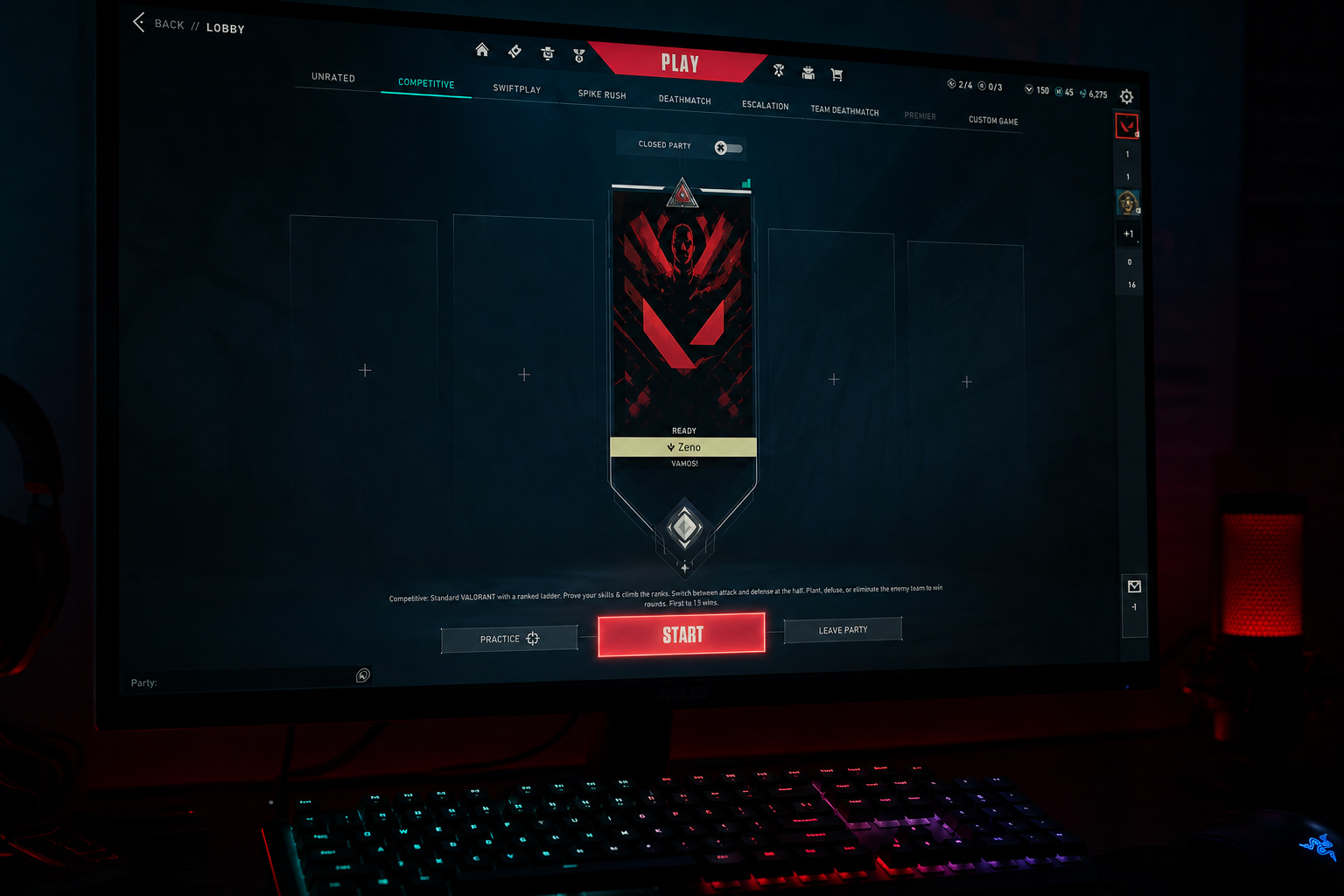
You set a phone reminder. You cleared your evening. You got the squad in Discord, everyone warmed up. Then someone can’t queue.
Account Level 20? MFA not set up? Wait, we’re four players — that’s banned. And now the Platinum 2 player’s friend is Diamond 3, so the party won’t form anyway.
Competitive mode in Valorant has access hurdles (Account Level 20, MFA requirements), party constraints (2–3 player rank disparity limits, no 4-player parties, 5-stack RR penalties), and penalty mechanics (dodge: 6 RR escalating; AFK: 8–12 RR; surrender: unanimous vote) that can turn a planned session into a 15-minute troubleshooting session — or a missed match entirely.
So let’s walk through the reasons you’re missing matches, fix them in order, and build a system so you can queue without the friction.
Key Takeaways
Since Episode 4 Act 1, you need Account Level 20 to play Competitive (grandfathered if you played ranked before that patch — returning players, you’re fine).
Parties of 2–3 have strict rank disparity limits: Platinum+ can only queue exactly one tier apart (e.g., Platinum 2 with Diamond 2 or Gold 2); 4-player parties are flat-out banned.
MFA is now required in most regions (rolled out patch by patch starting v11.09), and the Riot Mobile app serves as the official push notification channel for competitive queue availability — but it doesn’t have a dedicated match reminder feature.
Table of Contents
Why You Miss Valorant Matches (and Why It Matters)
Most players assume “missing a match” means forgetting the time. But the real culprit is usually Account Level 20 or MFA requirements (access barriers), or party size/rank disparity limits (coordination barriers).
Access barriers are the things that block you from even hitting the queue button. The big one is Account Level 20 — a hard lock since Episode 4 Act 1. If you’re below that level, you can’t queue Competitive, period. (If you played ranked before Episode 4, you’re grandfathered, so don’t panic, even returning players who are under level 20 still have access.) Your Match Making Rating (MMR) is a hidden number that determines how much RR you gain or lose per match, and it resets partially between Acts, so even if your rank looks stable, your MMR can shift, affecting your queue experience.
Then there’s MFA. Multi-factor authentication has been a requirement for Competitive in NA, LATAM, BR, KR since v11.09, for Ascendant+ players in those regions since v11.10, in EU since v12.00, and in APAC since v12.03. If you haven’t set it up and your region enforces it, you’ll get a login wall right when you’re ready to queue. Reminders can’t help with that.
Coordination barriers are the group-level problems. The classic example: four friends spend 10 minutes getting online, fire up the party, and discover that 4-player parties are simply not allowed in Competitive. Riot banned them because it leaves one solo player stuck with a pre-made group of four — a lopsided experience for that solo. So you have to either split into a duo and a trio or find a fifth. And that eats your play window.
Even if you get the party size right, rank disparity limits can kill the session. More on that in a minute.
Step 1: Set Up Riot Client and Mobile Notifications
The first thing to do is make sure the game can tell you when it’s time to play. The official push notification channel runs through the Riot Mobile app — the same app you use for MFA (multi-factor authentication). MFA (Multi-Factor Authentication) is required to queue Competitive in most regions. Open your Riot Mobile app, go to Settings ? Notifications, and toggle “Game invites” and “Competitive queue available.” Those are the only two that matter for competitive match planning.
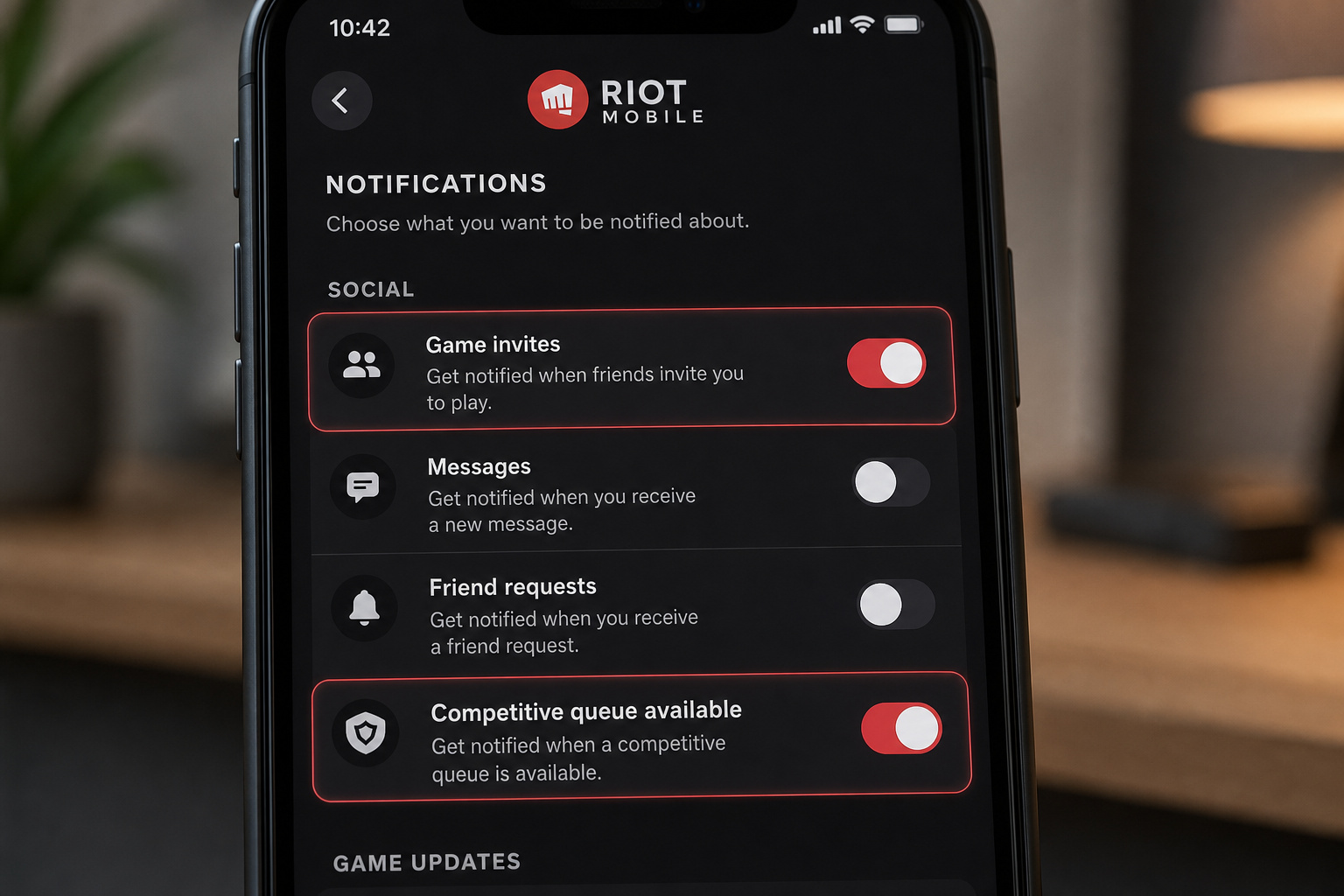
In our testing at GeekExtreme, those toggles are easy to miss because they’re in a submenu most players never poke around in. But here’s the catch: the Riot Mobile app does not have a dedicated “match reminder” feature that schedules a queue notification at a specific time. It sends alerts based on friend activity and account events, not your personal calendar. So this step alone won’t solve I want to queue at 8 PM every Tuesday. It will, however, let you know when your friends are online and when a competitive queue slot opens up — useful if you’re flexible on timing.
Meanwhile, check your desktop client notification settings, too. The desktop client can show pop-ups for friend invites and match acceptance, but it won’t push alerts when you’re alt-tabbed or away from the PC. Mobile’s your real channel.
Prerequisite you can’t skip: If MFA is required in your region and you haven’t set it up, do that first. Go to your Riot account settings ? Security ? Enable Multi-Factor Authentication. Until it’s on, all the notification toggles in the world won’t let you queue.
Step 2: Sync with Google Calendar and External Calendars
For players who queue on a regular schedule — say, Monday, Wednesday, and Friday evenings, a recurring calendar event with a built-in reminder is the most reliable system. After all, as explored in a guide on how to program apps for alerts, you’ll never miss an important event once you’ve determined your destination. It’s also the simplest.
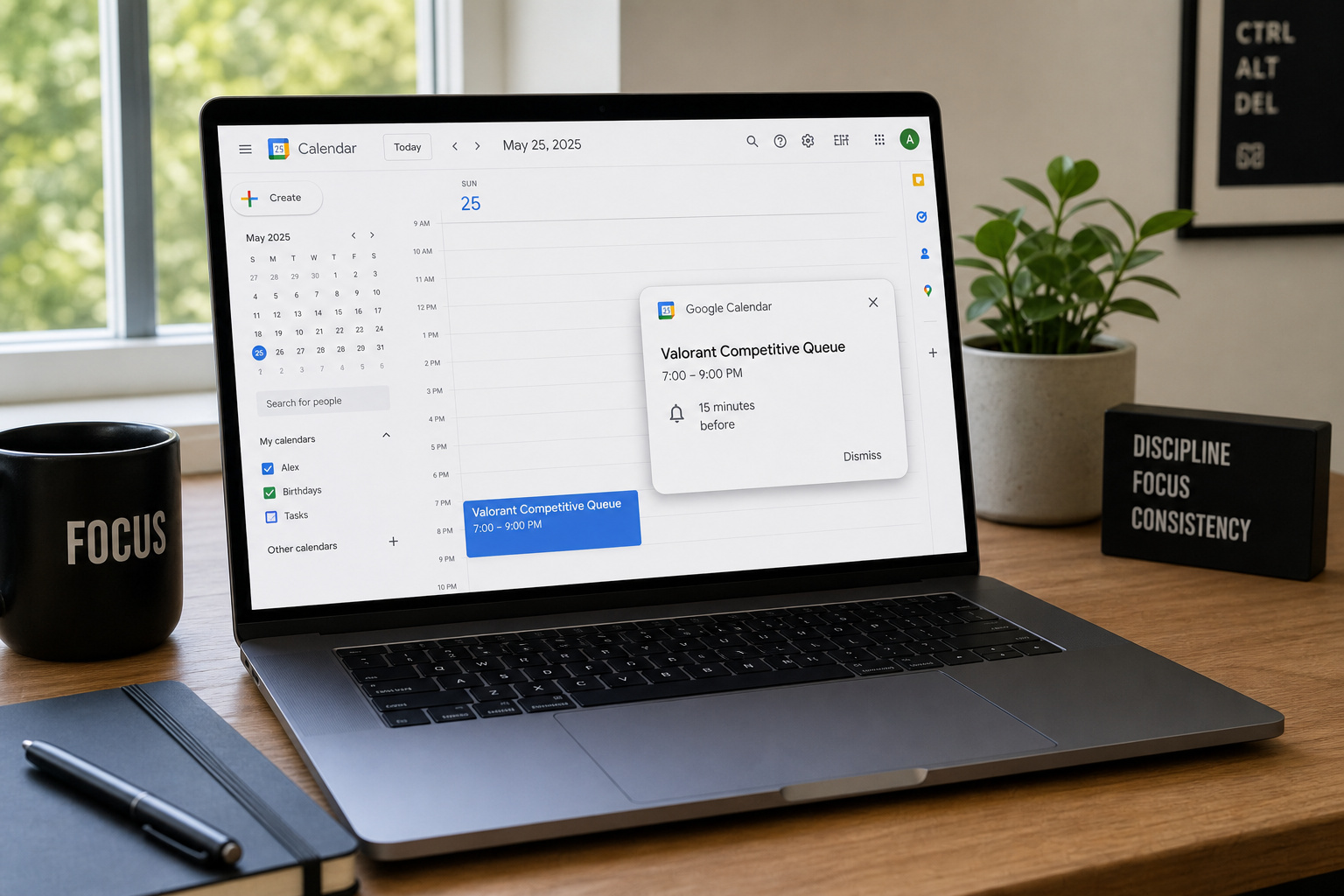
Create a Google Calendar event (or your calendar of choice) titled “Valorant Competitive Queue,” set it to repeat on your usual play days, and give it a 15-minute reminder using the VALORANT match schedule. That’s it. No third-party API needed.
Why tie it to Valorant’s structure? Because the competitive season gives you natural checkpoints that can double as calendar markers. Between Acts, you only need 1 placement game to get your rank back; between Episodes, it’s 5 placement games. New players start with 5 placements and can’t place higher than Ascendant 3. So if you know when the new Act or Episode drops (Riot usually announces dates a couple weeks in advance), set a calendar reminder for that day to get your placements done early — before the queue fills with fresh returnees.
Also useful: the Act Rank border upgrades at 9, 25, 50, 75, and 100 wins in a season, and the end-of-season gun buddy requires just 9 wins. If you’re a more casual player, set a monthly reminder to check your win count so you don’t miss that buddy.
Third-party tools exist — Discord bots like Scheduler Bot or Valorant Reminder Bot, but they rely on manual input and don’t have direct Riot API access for live match reminders. A calendar event beats Discord bots for reliability because bots lack direct Riot API access for live match reminders. Share the calendar event with your squad so everyone gets the same nudge.
Step 3: Coordinate with Your Party Using Rank Rules
Most planned sessions fall apart because the rank spread is too wide. Here’s how to avoid that.
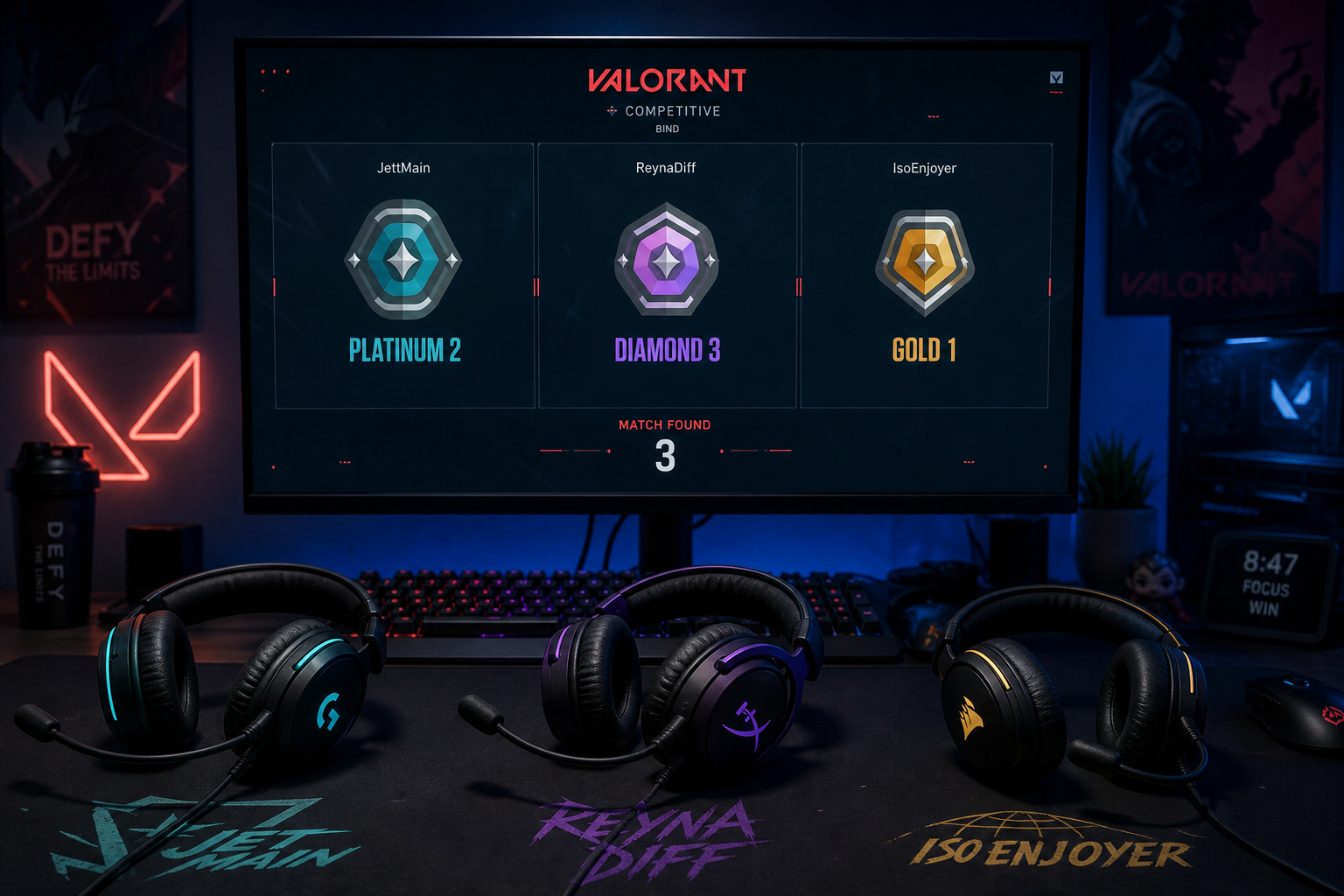
If you’re queuing in a party of 2 or 3 players, rank disparity limits apply:
- Iron and Bronze can queue with anyone up to Silver.
- Silver can queue with up to Gold.
- Gold can queue with up to Platinum.
- From Platinum upward, it tightens to exactly one tier higher or lower. So Platinum 2 can queue with Diamond 2 or Gold 2 — not Diamond 3, not Platinum 1.
- Immortal 1 can queue with Radiant or Ascendant 1. (Yes, Immortal and above have their own rules.)
- Immortal+ players can only queue solo, duo, or five-stack. No 3- or 4-player parties at that level.
Check each person’s current rank against this before you all sit down. If someone’s Diamond 3 and the other is Platinum 2, the queue will reject you immediately.
What about 4-player parties? Banned outright. No workaround. You have to split into 3+2 or find a fifth.
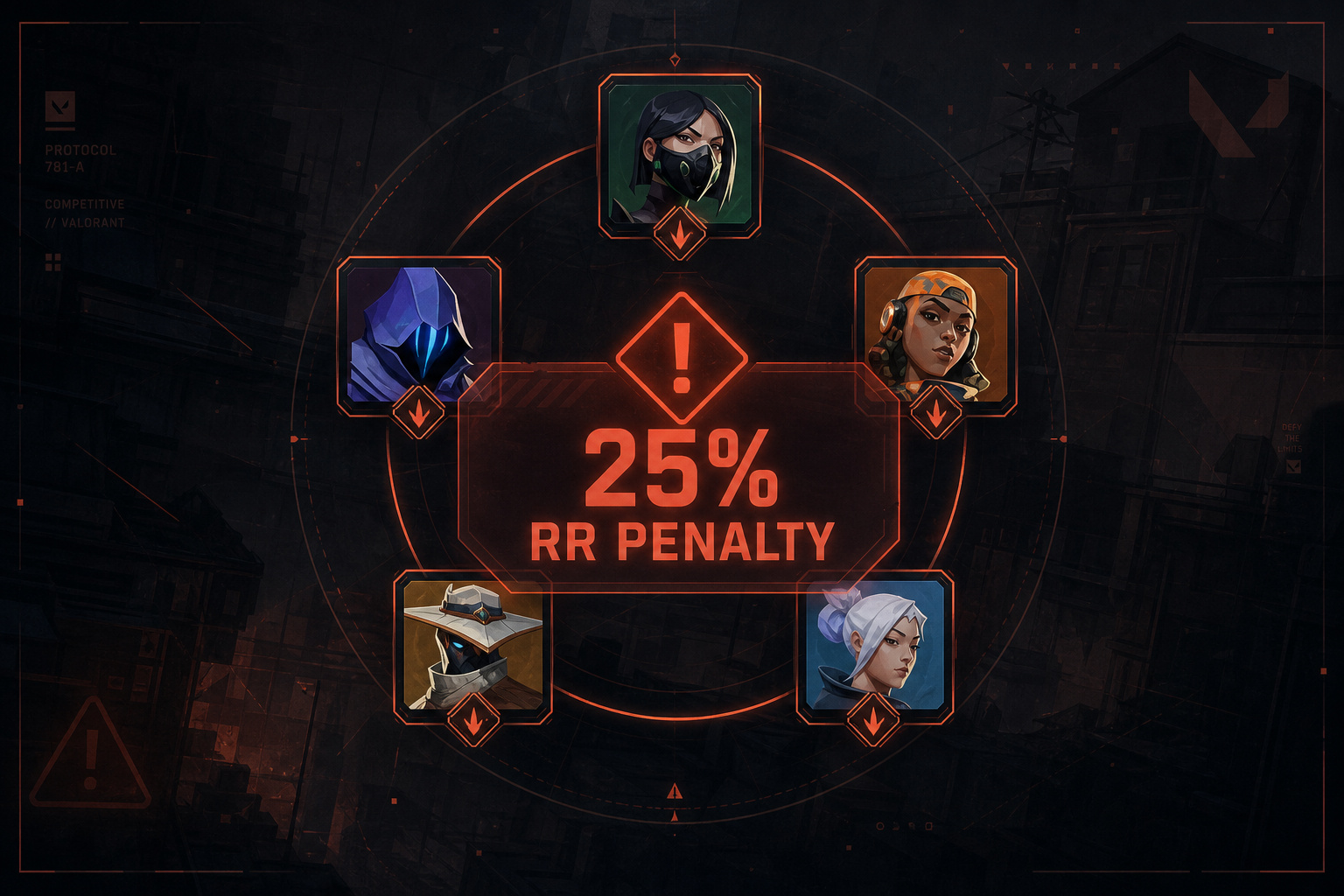
Five-stacks have no rank restrictions, but you pay for that flexibility with RR penalties:
- 25% penalty if any player is outside the normal party range (non-Radiant) or if any Immortal is in the stack.
- 75% penalty if any Radiant is in the stack.
- 90% penalty if a Radiant stacks with anyone below Radiant.
Example: a five-stack of Silver, Gold, and Ascendant players incurs a 25% RR penalty. That means a win that would have given you 20 RR now gives you 15. It’s still better than not queueing, but it’s a cost you should know going in.
So before you all queue, do the math. If you’re a five-stack with a wide skill range, expect to grind a little harder for the same RR gain.
Step 4: Avoid Penalties That Discourage Queueing
Here’s a weird feedback loop: you miss a match, so you feel anxious about queueing the next day. Or you queue, realize you don’t have time, and dodge in agent select — losing RR and feeling even less motivated. That hesitation is a missed match.
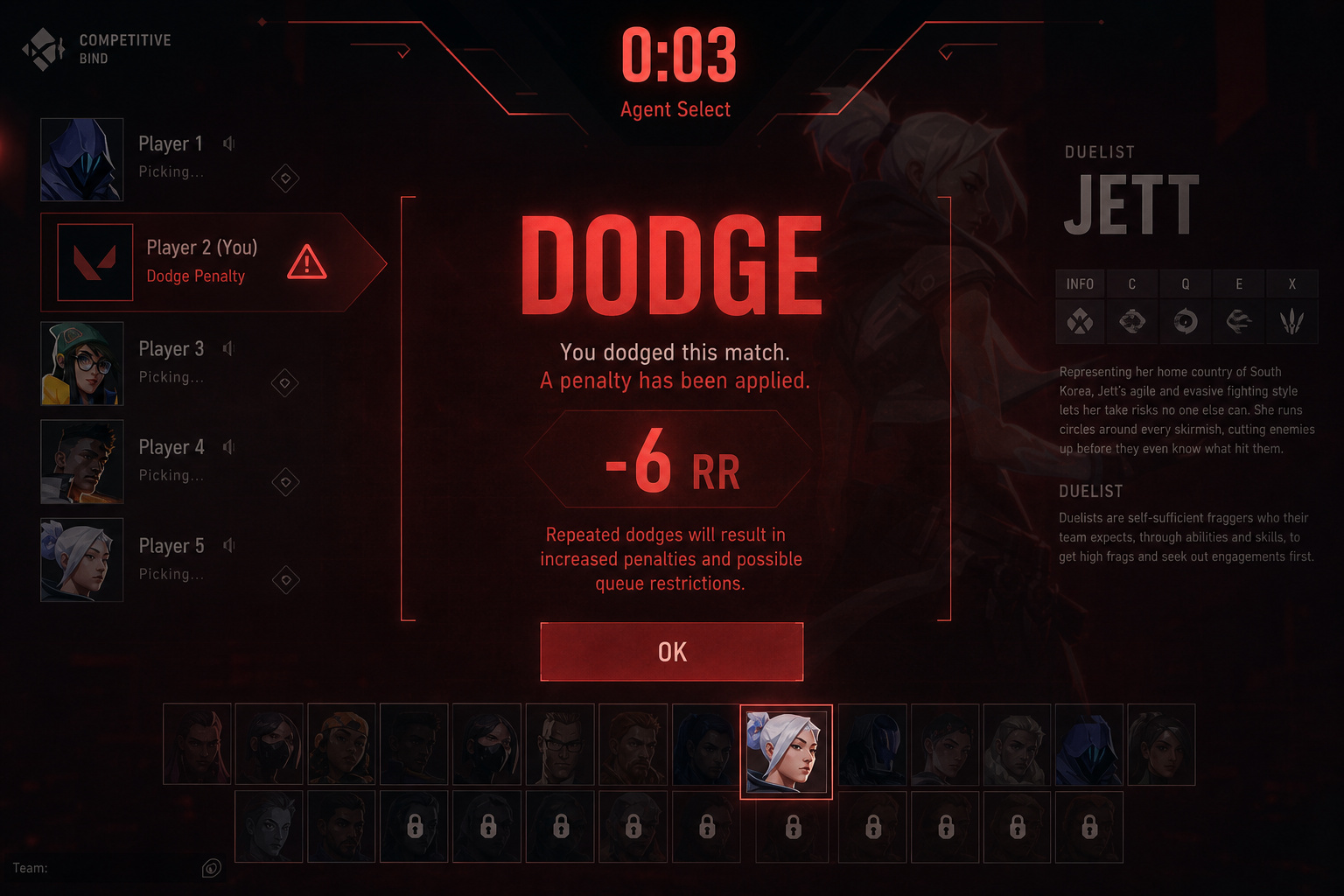
Let’s defuse the penalties with specific numbers: dodge costs 6 RR escalating; AFK costs 8–12 RR; surrender requires unanimous vote.
Dodge penalty: If you leave during agent select after accepting a match, you lose 6 RR for the first offense, and it escalates if you keep dodging. The penalty only triggers after match acceptance, not during party formation or queue waiting. So if you need to cancel, do it before you hit “Accept.” No RR lost.
AFK penalty: If you’re AFK for 3 or more rounds, you lose 8–12 RR. At 6+ rounds, it maxes out — at that point, the system treats you as intentionally throwing. The fix is obvious: don’t queue if you might have to step away. Use the calendar reminder from Step 2 to block off enough time.
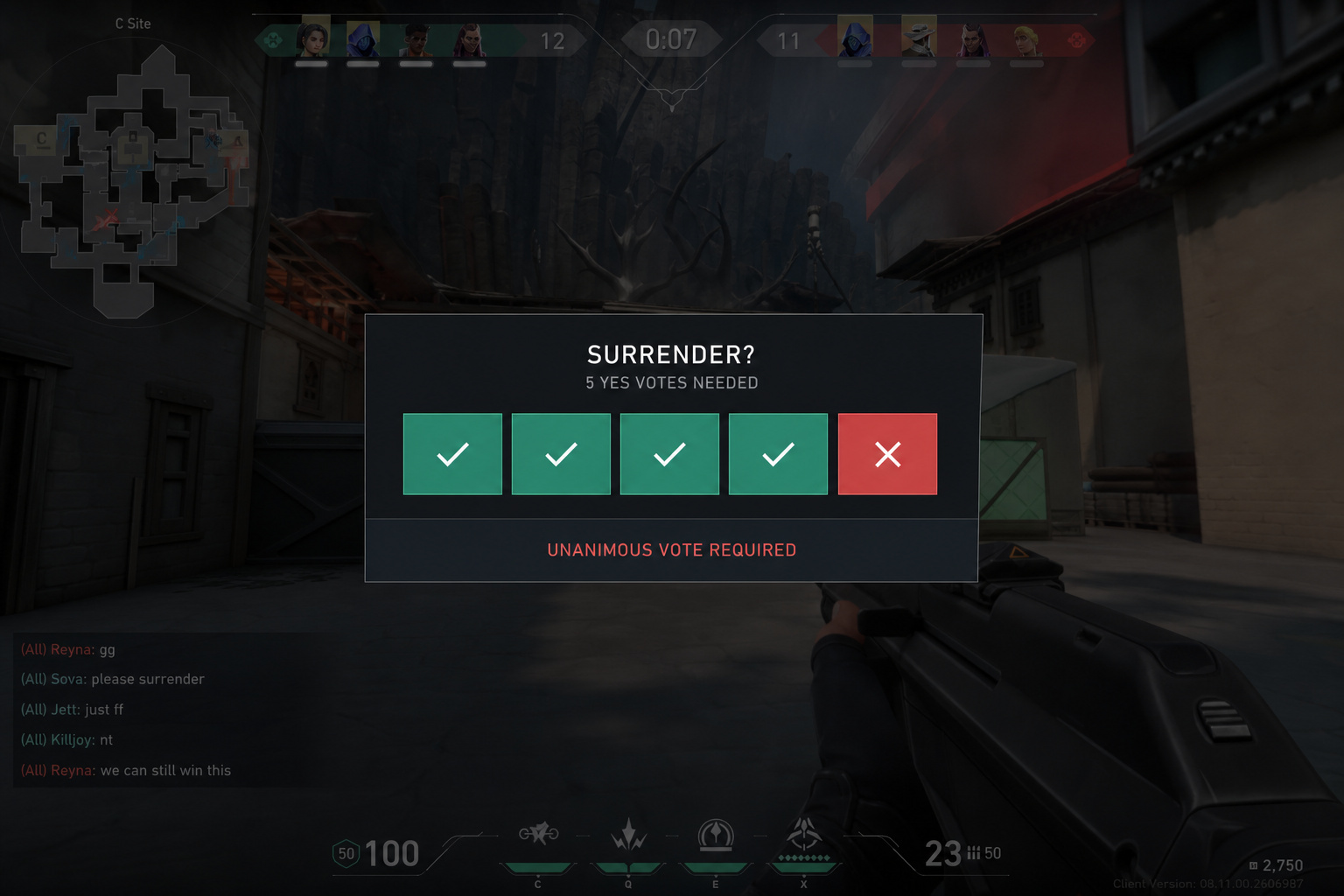
Surrender rule: In Competitive, forfeiting requires a unanimous vote — all five players must agree. That’s different from Unrated, where 80% is enough. So if you’re stuck in a lopsided match, you can’t force a surrender alone. Plan your queue sessions with enough time to play a full match plus possible overtime (which can go indefinitely in two-round sets).
The key insight: penalties create a psychological disincentive to queue. Knowing exactly how much they cost — 6 RR for a dodge, 8–12 RR for going AFK, lets you make clean decisions. If you have to skip a session, just don’t accept the match. Cancel the queue before you hit the lobby.
Step 5: Use Rank Shields and No Decay as a Safety Net
One of the biggest reasons players skip queue sessions is rank anxiety. I’m one loss away from demoting, I don’t want to risk it. That’s a missed match caused by worry, not circumstance.
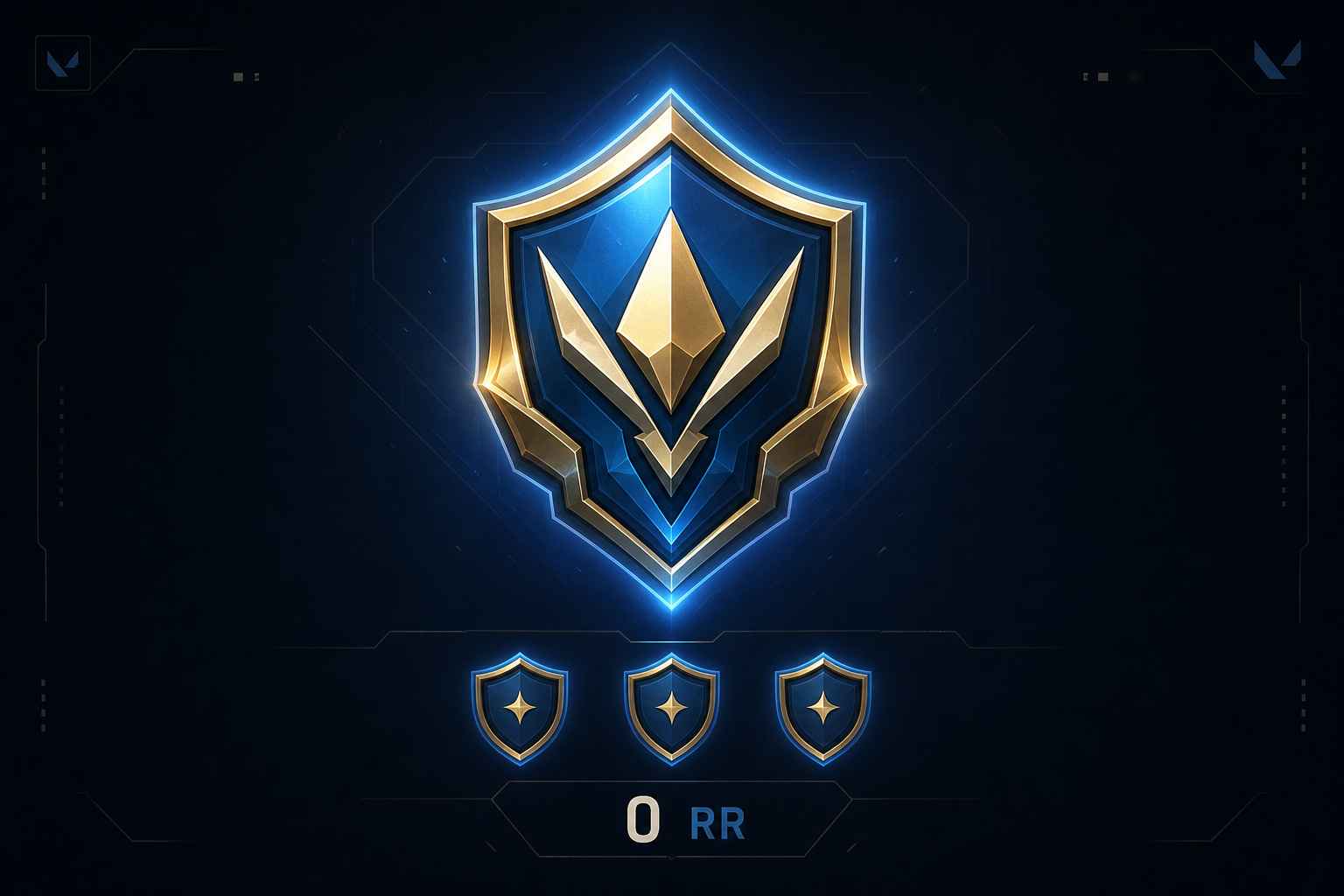
Valorant’s system actually gives you a lot of cushion. Here’s what you need to know.
Rank Shields were introduced in patch v10.01. When you’re at Tier 1 of any rank (e.g., Gold 1 with 0 RR), you get two shields. You can lose three matches in a row at 0 RR before you demote — and when you finally drop, you land at 70 RR in the lower rank, not zero. So if you’re at Gold 1 and worried, you have to lose three straight games to drop to Silver 3, and you start at 70 RR, not the bottom. That’s a forgiving safety net.
No rank decay at any rank — Iron through Radiant. You can take a month off and your rank badge stays exactly where it was. Note: PC and Console ranks are separate. The only catch: Immortal and Radiant players can drop on the leaderboard if they stop playing (other players’ RR pushes them down), but the rank itself doesn’t decay.
So if you need a break, take it. No penalty for skipping a week or two.
New map grace period: When a brand-new map drops, you get a 50% RR loss reduction for the first two weeks (introduced in v11.00). So if you go 0–5 on the new map while learning callouts, you’ll lose about half the RR you normally would. That’s a time to queue without fear.
If you’re anxious about losing your rank, these mechanics are your mental safety net. You can queue confidently knowing the system gives you multiple rounds of protection before anything bad happens.
When Everything Fails: Cheater Encounters and RR Refunds
Even with perfect planning, you might sit down, queue, play a great match, and lose to a cheater. That’s demoralizing, and it makes you less likely to queue the next day. But there’s a retention mechanism built into the system.
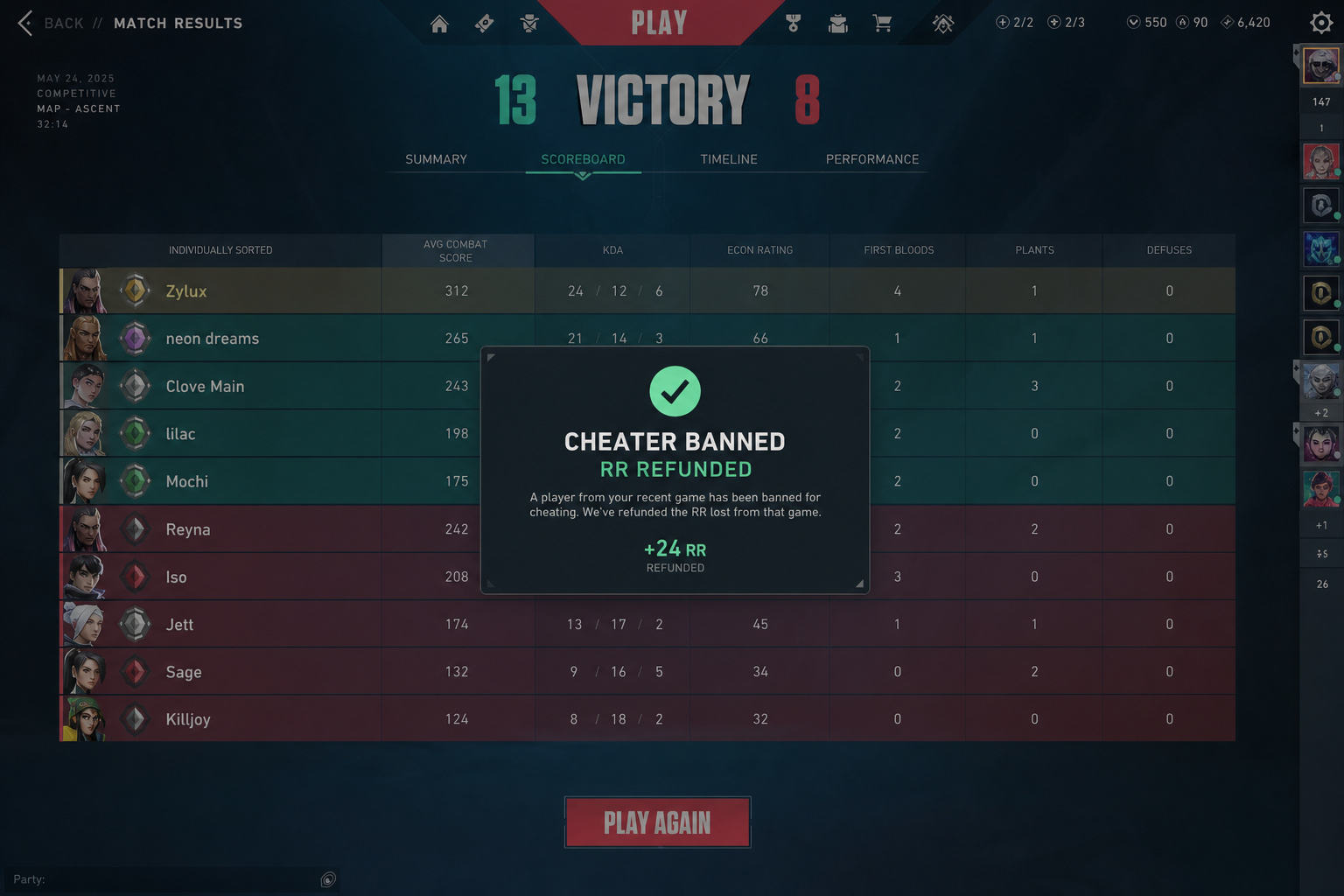
If you lose to a confirmed cheater (someone Riot bans post-match), your lost RR is refunded. It doesn’t happen instantly — you get a notification when the cheater is banned, and the RR is restored in the post-match screen of your next Competitive game. There’s a cap per Act on how much RR can be refunded (so if you run into a lot of cheaters, you might not get all of it back), but for the occasional bad actor, it works.
Key distinction: if the cheater was randomly assigned to your team and you won, you keep the RR you earned. No retroactive penalty. But if you intentionally queued with the cheater, you get banned alongside them. Don’t queue with cheaters.
The practical takeaway: don’t let a suspicious loss stop you from queueing again. RR is restored when cheater is banned (capped per Act). And knowing that removes one more psychological barrier.
Putting It All Together: Your Never-Miss-a-Match System
Here’s the full checklist. Run through it before your next competitive session — it takes under five minutes.
- Confirm access: Make sure your account is at least Level 20 (or you’re grandfathered from pre-Episode 4). Set up MFA in Riot account settings if your region requires it.
- Enable notifications: Install Riot Mobile app, Settings, Notifications, toggle “Game invites” and “Competitive queue available.” Check desktop client notification settings too.
- Add a calendar event: Create a recurring Google Calendar event for your typical queue times, with a 15-minute reminder. Consider sharing it with your squad.
- Check your party’s ranks: Before everyone sits down, verify the rank disparity limits for your party size. If you’re a five-stack, know the RR penalty you’ll pay.
- Know your cushions: You have two Rank Shields at Tier 1 risk. No rank decay. 50% loss reduction on new maps for the first two weeks.
- Remember cheater refunds: If you lose to a confirmed cheater, your RR comes back (with a per-Act cap). Don’t let a bad match scare you off.
That’s it. A system that doesn’t rely on remembering, guessing, or hoping. You’ll never “accidentally” miss a Valorant match again — you’ll check Account Level 20, MFA, party size, rank disparity limits, and penalties before the lobby even forms.
Frequently Asked Questions
What is the Account Level requirement for Valorant Competitive?
You need Account Level 20 to play Competitive since Episode 4 Act 1. If you played ranked before that patch, you’re grandfathered and can queue even if under Level 20.
How much RR do you lose for dodging in Valorant?
Dodging in agent select costs 6 RR for the first offense, and the penalty escalates if you dodge repeatedly. You can avoid the penalty by canceling the queue before accepting a match.
