You know the drill: you’re setting up an account and the password field says “8 characters maximum.” You groan. Every security guide you’ve ever read says “use a long passphrase” or “aim for at least 12 to 16 characters,” but here you are, stuck with a hard limit that’s barely bigger than the word “password” itself. And you need to actually remember the thing.
I’ve been digging into this specific problem: how do you create an easy-to-remember password that’s exactly 8 characters long, still hits the uppercase/lowercase/number/symbol requirements, and doesn’t make you feel like you’re compromising security? There’s a repeatable formula: two unrelated words plus one number — and it’s backed by crack-time data showing 17 years for mixed-case-plus-numbers.
This isn’t a lecture about password managers (though we’ll get to that). It’s the clever workaround for the dumb constraint that still haunts too many sites.
Key Takeaways
The formula: Two unrelated words + one number = an 8-character password that’s easy to type and hard to guess. Example: CactusPiano9, OrbitTeacup7, LanternMoss4.
The crack time: An 8-character password with mixed case and numbers takes about 17 years to crack at 100k operations per second. Drop to lowercase-only and it’s 24 days. The difference between character sets is enormous.
The 10-account limit: If you have more than ten logins, trying to keep them all unique and secure in your head is unrealistic. The 8-character trick is for the passwords you must memorize; everything else goes in a password manager.
Table of Contents
The 8-Character Password Challenge: Why Short and Memorable Is So Hard
Here’s the tension: Strong passwords rely on unpredictability; memorability works in the opposite direction. The easier a password is to recall, the more likely it follows a pattern that a computer can guess.
That’s why the standard advice (“use a passphrase, 4–6 random words”) works so well for most situations. But what do you do when you hit a site that still limits passwords to 8–12 characters? Banks, government portals, legacy corporate systems — they’re still out there.
The goal isn’t to make an 8-character password bulletproof. It’s to maximize entropy within that tight box while keeping it something you can type without looking at a sticky note.
The 8-Character Formula: Two Words + One Number (and a Symbol)
Here’s the formula: grab two unrelated 4-5 letter words, mash them together, and throw a single number on the end. You get exactly 8 characters.
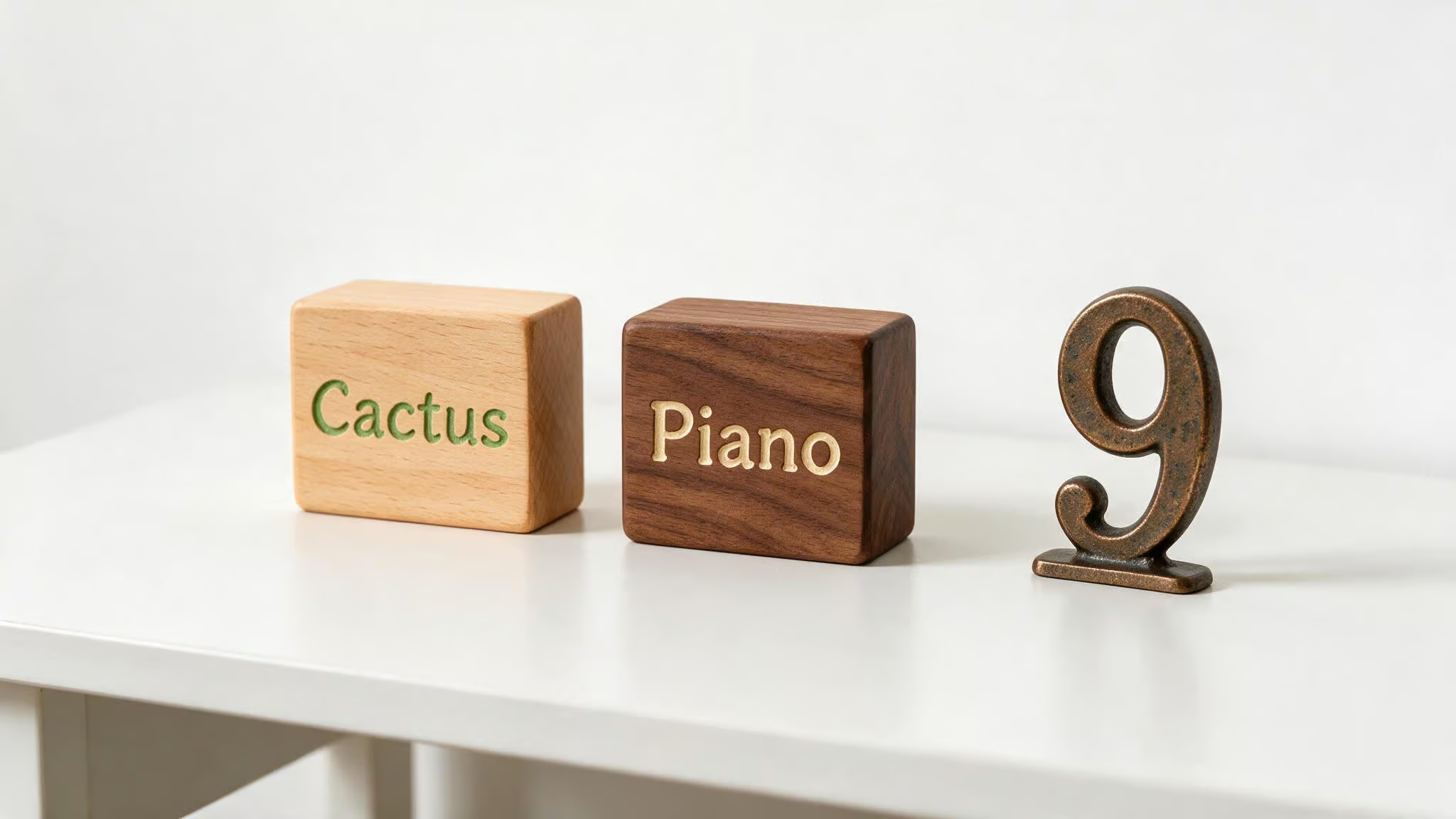
Examples: CactusPiano9, OrbitTeacup7, LanternMoss4, quartzKettle8, mangoSphinx3, velvetComet6.
See the pattern? Two random-ish words, a number. Easy to type, hard to guess. You can build on this foundation with a few tweaks.
Important: These examples are public now. Do not reuse them. Create your own using the pattern.
Concatenation: Two Words + One Number
The core trick: jam two unrelated words together and throw a number at the end. Why unrelated? Because dictionary attacks work by trying common word pairs; names, quotes, and predictable patterns are easily guessed. If you use “sunnyday1,” that’s a single predictable phrase.
But CactusPiano9? No dictionary is going to predict that combination; strong passwords rely on unpredictability.
The number at the end is an easy entropy bump without needing a mnemonic device. Keep it simple.
Misspelling: Adding Unpredictability Without Extra Length
Take it a step further by intentionally misspelling one of the words. caktusOrbit7, lantrnPiano9, teacupGalaxi4. It throws off dictionary attacks without making it harder for you to remember — you know it’s “cactus” spelled funny. The cracking tool doesn’t.
One intentional misspelling defeats a whole class of automated attacks.
Unusual Capitalization: Breaking the Pattern
Don’t just capitalize the first letter. Get weird with it. cAcTuSorbit9, LanTERNpian7, orBitTeAcup4. It’s not random — it’s just unusual. Unusual capitalization is another layer that costs you nothing in memorability; use unusual capitalization like sUnSh1NEd+Ay instead of Sunsh1ne+Day.
Adding a Symbol: The Second-through-Sixth Rule
If the site requires a symbol, here’s the trick from Virginia Commonwealth University’s guidelines: place the symbol somewhere in the second through sixth position. Never make it the first or last character.
Also watch out for prohibited characters. Different systems ban different symbols, but a common troublemaker list is: $ @ & " ( ) , < > ' ; = #. Stick with safe ones like ! # % * and you’ll avoid most compatibility headaches.
Use at least four different characters in a password; don’t repeat the same characters.
Common 8-Character Password Mistakes to Avoid
Many people still fall for these. They feel clever at first, but they’re the first patterns a cracking tool will try.
Keyboard patterns like A1B2C3D4 or p0o9i8u7.
Seasonal or month-based passwords like March2026 or Summer2026! are on the top of the list that brute-force tools are programmed to try first. Instead, consider meaningful password ideas that encode personal dates, names, or events into secure mnemonic passwords.
Personal data — your pet’s name, your birthday, your street, your child’s name. All of it is findable. Hackers will scrape social media and try those combinations immediately.
Single dictionary words are a terrible password. It’s the first thing a brute-force tool will check. Even adding a number to the end doesn’t help much.
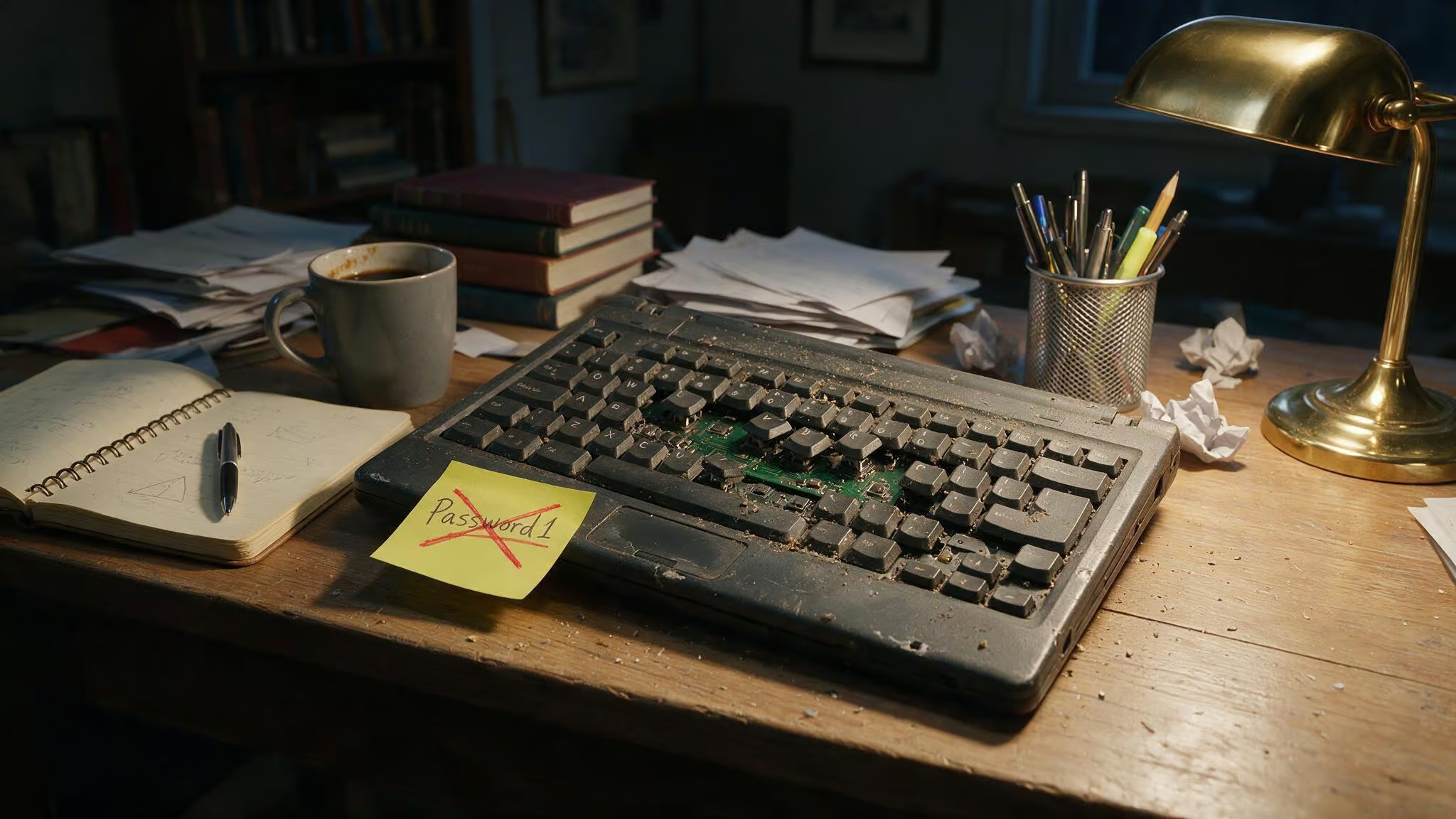
Small tweaks like changing Password1 to Password2. That’s not a real change — it’s the same weak foundation.
While ChatGPT-generated passwords might look strong, here’s the thing: AI generates text by predicting the most likely next character, not by generating true random numbers. That makes its output predictable. Use your password manager’s built-in generator instead, or learn to generate your own mnemonic passwords — they’re designed for cryptographic randomness and real memorability.
Reusing passwords is the cardinal sin. If one site gets breached, they all go down. Every account needs its own unique password.
Sequential or repeated characters like 12345678 or aaaaaaa1 — trivially easy to crack.
How Secure Is an 8-Character Password? The Crack Time Data
For an 8-character password at 100,000 operations per second, the character set changes everything.
For an 8-character password:
- Lowercase letters only (26 characters): 24.2 days to crack.
- Lowercase + numbers (36 characters): 10.7 months.
- Mixed case + numbers (52 characters): 17.0 years.
That jump from 24 days to 17 years is the whole story. By mixing upper and lower case and throwing in a number, you go from “better change it next month” to “your grandkids might not see it cracked.”
But here’s the caveat: these times assume 100,000 encryption operations per second. Modern GPU rigs can do billions per second. Don’t get too comfortable with that 17-year number. It shows the relative difference between character sets — a mixed-case password is harder than lowercase-only, but real-world speeds are faster.
For contrast: a 12-character password with the same mixed-case-plus-numbers set takes 123,946 millennia to crack. That’s the difference between 8 and 12 characters. Astronomical.
When to Use an 8-Character Password vs. a Longer Passphrase vs. a Password Manager
The 8-character trick is for one specific use case: passwords you absolutely have to memorize, on systems that won’t let you go longer. Here’s a simple decision framework.
For the Master Password: Use an 8-Character Memorable Password
Your password manager’s master password, your work login, maybe your bank — the ones you can’t afford to forget. Apply the formula here. This is where the two-words-plus-number trick shines. You’ll type it every day, so it needs to be fast and reliable.
For 3–10 Accounts: Use Longer Passphrases
If you have a handful of accounts but they don’t require memorization under pressure, go with a passphrase: 4–6 random words, 12–16 characters total. Something like correct-horse-battery-staple but adapted to your own taste. Throw in a dash or exclamation mark as a separator. Your brain can handle a few of these.
For More Than 10 Accounts: Use a Password Manager
From people who’ve studied the problem: if you have more than ten logins, trying to keep them all unique and secure in your head is unrealistic. You will start reusing passwords, making small tweaks, or writing them down — and that’s exactly where security falls apart.
The manager generates, stores, and retrieves complex passwords. You only need to remember one strong master password. That’s it.
Tools to Help: Memorable Password Generator
If you don’t want to build your own from scratch, there’s a tool that does exactly what the article describes — automatically. The Memorable Password Generator creates strong passwords using phrases.
It has four modes: Words Password, Phrase Password, and versions of each with special characters swapped in. The leet-speak substitutions are classic: a?@, e?3, i?!, o?0, s?$. A bit old-school, but effective.
Generated passwords are created locally in your browser — nothing is stored or shared. The tool generates a password as soon as the page loads. Example outputs include things like AlarmLinimentPotency65 or doghouse-strained-observe-spend.
If you use a hint phrase, never share it with anyone. The hint is the key to the kingdom.
The Limits of 8-Character Passwords (and the Bottom Line)
The 8-character trick works for legacy constraints, but it’s not where you want to live. The jump from 8 to 12 characters is staggering — 17 years vs. 123,946 millennia. That’s a category change.
An 8-character password can be maximized with a good mix of characters, but 12+ characters is the real recommendation. Short passwords are vulnerable to brute-force attacks where a computer tries every possible combination. Length is your best defense.
So use the formula for the passwords you must memorize — your master password, your work login, the one weird bank that still thinks 8 characters is generous. For everything else, use a password manager. Memorize one strong passphrase, let the manager handle the rest.
That’s the modern, sane approach.
Frequently Asked Questions
How do you create an 8 character password with uppercase, lowercase, number, and symbol?
Use the two-words-plus-number formula and add a symbol in the second through sixth position — never first or last. Stick with safe symbols like ! # % * to avoid compatibility issues with legacy systems that ban characters like $ @ u0026amp; ( ) ; =.
What is the best way to remember multiple strong passwords?
If you have more than ten accounts, trying to memorize them all is a losing game — you’ll end up reusing or tweaking passwords, which kills security. Use a password manager to store everything, and only memorize one strong master password using the two-words-plus-number trick.
Why are keyboard patterns and seasonal passwords bad for 8 character passwords?
Patterns like A1B2C3D4 or March2026 look complex but are the first things cracking tools try — they’re mapped and predictable. Single dictionary words with a number tacked on are also weak because brute-force tools check those immediately.
What is the difference between an 8 character password and a longer passphrase?
An 8-character password with mixed case and numbers takes about 17 years to crack at 100k ops/sec, while a 12-character passphrase with the same mix takes 123,946 millennia — a category change. The 8-character trick is only for legacy systems that force a short limit; for everything else, use a longer passphrase or a password manager.
