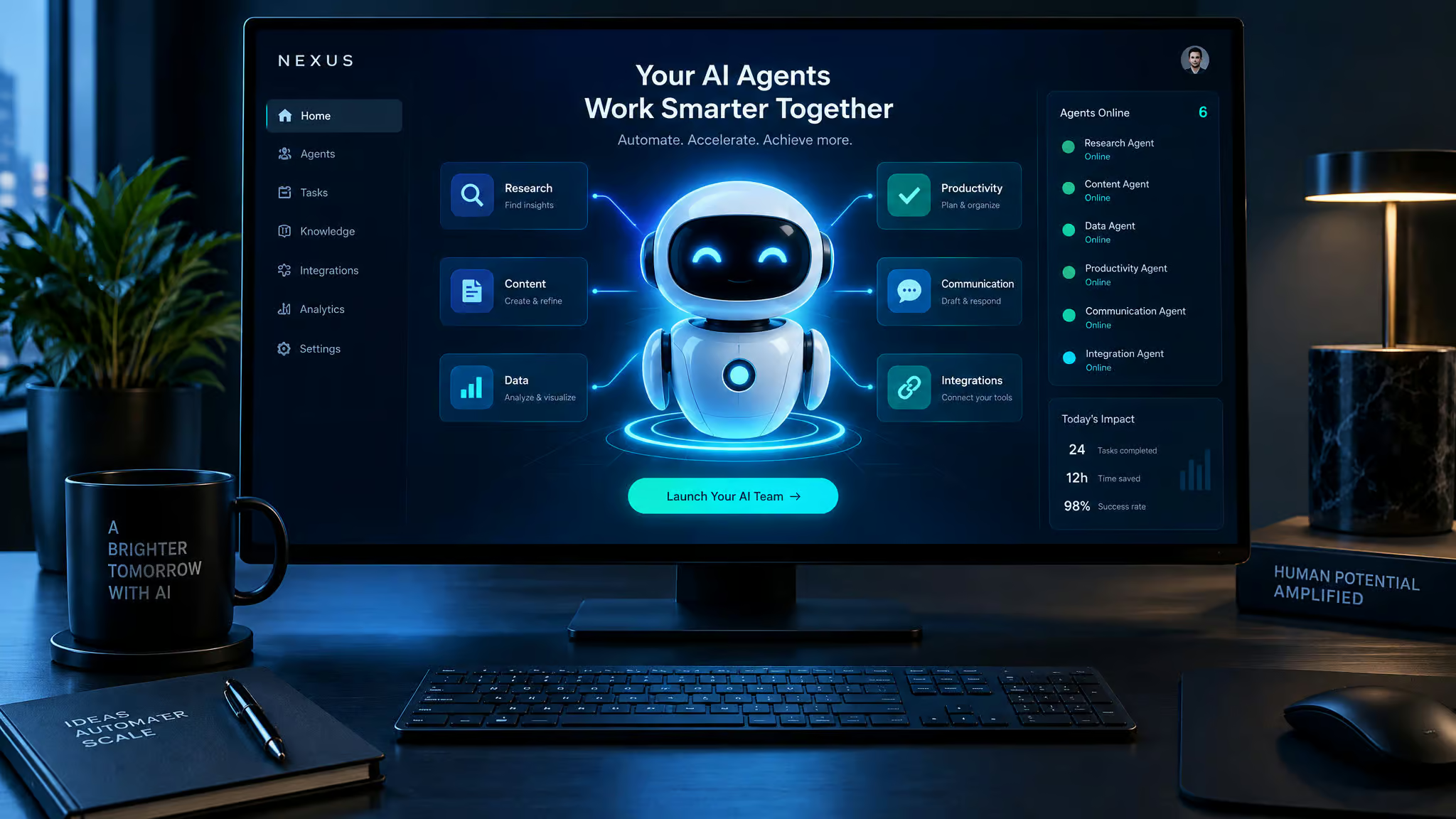
Noisy headlines about Elon Musk’s latest AI project, viral digital anime companions included, blur the line between a snarky chatbot, an app studio, and a fleet of cloud bots. That’s because Grok, the AI chatbot built by Musk’s startup xAI, has outgrown the single-chat-box model. It launched to deliver real-time answers in a more conversational, less buttoned-up tone than standard assistants, and it’s now the entry point to a much wider toolkit. Alongside the main chat interface, the platform includes GrokBot, an autonomous agent system that spins up its own cloud computer to run tasks for you, Grok Build for generating apps without writing code, and Grok Imagine for turning prompts into images and video.
Musk even announced that GrokBot will route jobs to outside models like Claude when the task calls for it. Sorting out what the platform actually does, what the subscription costs, where the agent demos break down, and whether any of it beats your current setup starts with looking under the hood.
Key Takeaways
Grok is xAI’s conversational assistant and the hub for GrokBot (an autonomous agent running on its own cloud virtual machine), Grok Build (a no-code app generator), and Grok Imagine (an AI image and video studio), all gated behind a $16/month X Premium Plus subscription.
GrokBot can record browser workflows into scheduled routines like an 8:00 a.m. daily news sweep, sync plugins one-to-one from Cursor, and coordinate specialist bot teams, though live testing still hits real-world snags like CAPTCHA walls and browser crashes.
Users already happy with ChatGPT for daily productivity or Claude for coding and writing don’t need to switch, unless they specifically want live X conversation research, creative experiments, or automated recurring tasks.
Table of Contents
What is Grok, Elon Musk’s AI?
Grok is the conversational AI chatbot and inaugural product of xAI, Elon Musk’s artificial intelligence startup, built as a livelier alternative to ChatGPT and Claude that Musk claims is the best currently available in several key areas. Grok backs xAI’s stated mission of understanding the true nature of the universe with an engineering roster recruited directly from DeepMind, OpenAI, Google, and Microsoft. Unconfirmed industry chatter also points to xAI collaborating with Oracle Cloud to train its models, a pairing that hints at serious compute burn behind the scenes.
Why Musk named it Grok
Catching the sci-fi reference is half the fun. The name nods to Douglas Adams’s The Hitchhiker’s Guide to the Galaxy and borrows the classic geek verb “grok”, understanding something so intuitively that you absorb it by empathy.
Why Musk built his own AI
Musk co-founded OpenAI years ago, but he eventually parted ways with the organization over its transition from an open-source lab into a commercial operation and what he criticized as a politically correct direction. He positioned Grok as his direct counter to AI models he views as overly cautious.
What Grok can do: the core feature set
Grok is a multimodal AI assistant whose core toolkit spans six capabilities designed around live web access, technical problem-solving, and media generation. Rather than relying solely on a frozen training cutoff, the system pairs standard language-model jobs with a direct pipeline into real-time social data, breaking down into six core functions:
- Real-time information access from the open web and X.
- Advanced reasoning built to work through multi-step, complex problems.
- Coding assistance that generates snippets, debugs broken programs, and explains technical concepts.
- Content creation for drafting articles, social posts, video scripts, emails, and fast summaries.
- Multimodal input for reading text and interpreting uploaded images.
- Deep X platform integration for extracting insights from live conversations and trending discussions.
That deep X wiring is the one capability that genuinely separates Grok from rival assistants. While developers use the coding tools as a daily productivity multiplier, content creators get a live hook into platform chatter that static chatbots can’t touch.
Grok’s rebellious personality, attitude with guardrails
Grok is programmed with humor and a rebellious streak as a deliberate design contrast to ChatGPT’s often robotic-sounding answers, though standard safety guardrails still govern what it will actually tell you. When Musk publicly asked Grok on X how to make cocaine, the bot fired back with sarcasm and jokes while refusing to supply a recipe and spelling out the real-world dangers. That persona experiment has produced early chaotic replies, antisemitic controversy, and a $30/month Super Grok goth anime companion named Ani. The move mixes anime fandom with platform engagement economics and has sparked debate over the psychological and safety risks of AI girlfriend apps.
The real moat: live X data, not raw intelligence
Grok’s biggest structural advantage over chatbots stuck on static training data is its real-time access to X and the web for answering questions about breaking news and trending topics. Through GrokBot, eligible paid users get built-in X API credits with usage-dependent limits to search posts, read timelines, check mentions, and gather conversation threads, letting a video creator pull recent iPhone-update chatter, favorite features, and common complaints without doomscrolling.
Grok for X creators
- Analyze your own account, content, and tone, including checking your posts’ reading level.
- Study your audience and similar accounts so you can emulate high-performing ideas.
- Generate fresh content ideas, a posting frequency, and optimal posting times for maximum visibility.
How to get Grok: access and the $16/month question
Grok access requires an active X account and a $16/month X Premium Plus subscription, which is the mandatory paywall for xAI’s assistant and agent tools (prices may vary). Because Grok is bundled directly into X’s top subscription tier rather than sold as a standalone utility, it first rolled out through an early beta limited to a select group of users. X Premium Plus subscribers then got front-of-line access to the wider release, plus a dedicated GrokBot iOS app that pushes notifications from your scheduled routines.

When you look at what that $16 monthly fee actually buys on the workbench, you’re paying for an ecosystem bundle rather than an isolated chat window. On the mobile side, the GrokBot iOS app lets your cloud routines tap you on the shoulder with morning news headlines and fresh video topic ideas before you even open a laptop. On the research side, eligible paid subscribers get built-in X API credits baked into their account so GrokBot can comb through posts, mentions, and live timelines to track brand chatter or monitor a beat.
There’s a real operational caveat attached to those built-in API credits: they carry usage-dependent limits. If you set up aggressive, high-frequency queries across massive conversation threads, you can burn through your allotment and watch the bill creep up. Because xAI locked Grok behind the X subscription wall, deciding whether to pay for Grok isn’t really a pure AI model comparison. You’re deciding whether the broader $16/month X Premium Plus perks and live X research plumbing justify another monthly recurring charge alongside whatever you already spend on other tools.
What is GrokBot, and how is it different from Grok?
While Grok is xAI’s conversational chatbot for answering prompts, GrokBot is the autonomous agent platform side of the product line that executes multi-step jobs, runs scheduled routines, and coordinates teams of bots on its own cloud virtual machine.
Its own virtual machine
At GeekExtreme, we care more about the execution environment than the launch sizzle, and GrokBot’s neatest trick is that it runs inside its own cloud virtual machine rather than hijacking your personal laptop. You can watch its cursor move, scroll pages, open websites, and interact with connected apps inside its own isolated box.
The Product Hunt demo
During a live demonstration, the system was asked to visit Product Hunt, pull the five top AI tools released that week, and return a list with a one-line summary for each. GrokBot navigated to the URL, searched the live site, and returned the finished links without hand-holding.
Where autonomy breaks
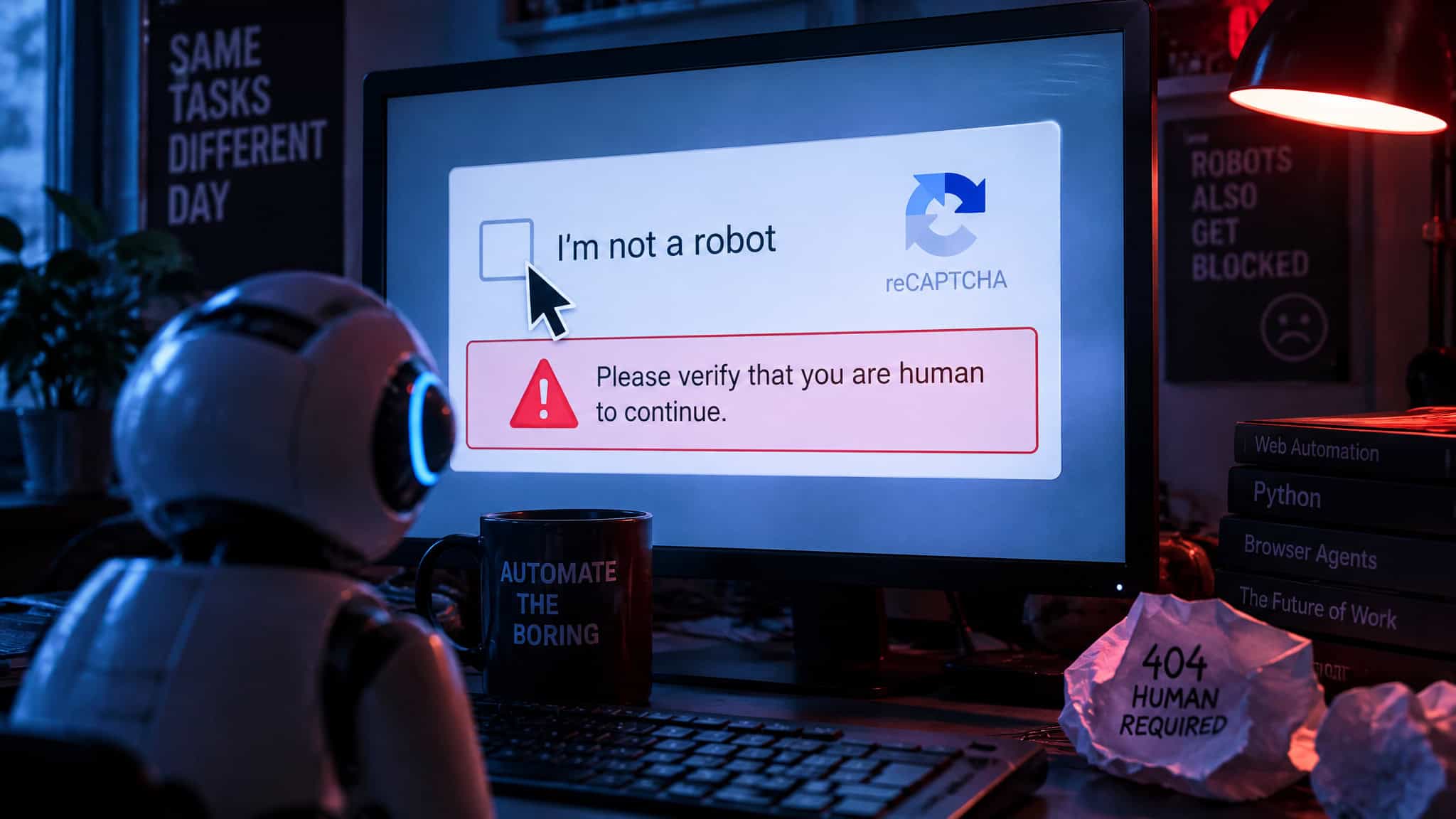
Autonomous browsing still hits classic web friction. While recording a task in live testing, GrokBot ran straight into a CAPTCHA wall (“I am not a robot”) and refused to click past it until a human stepped in to solve it. Live testing also hit a mid-run browser crash and showed that the test “dry run” mode fires off just like a live production run.
How to use GrokBot step by step: teach, schedule, integrate
GrokBot is used by running a live task inside its cloud browser, recording a repeatable sequence of actions through its “teach a task” mode, and saving that walkthrough as a scheduled routine that pings you via the iOS app. Instead of writing a one-off prompt every day, beginners train the cloud agent once by demonstrating the clicks. One walkthrough started at google.com and taught the bot to check Hacker News, the OpenAI blog, and xAI’s news page every morning at 8:00 a.m. for beginner-friendly coding topics.
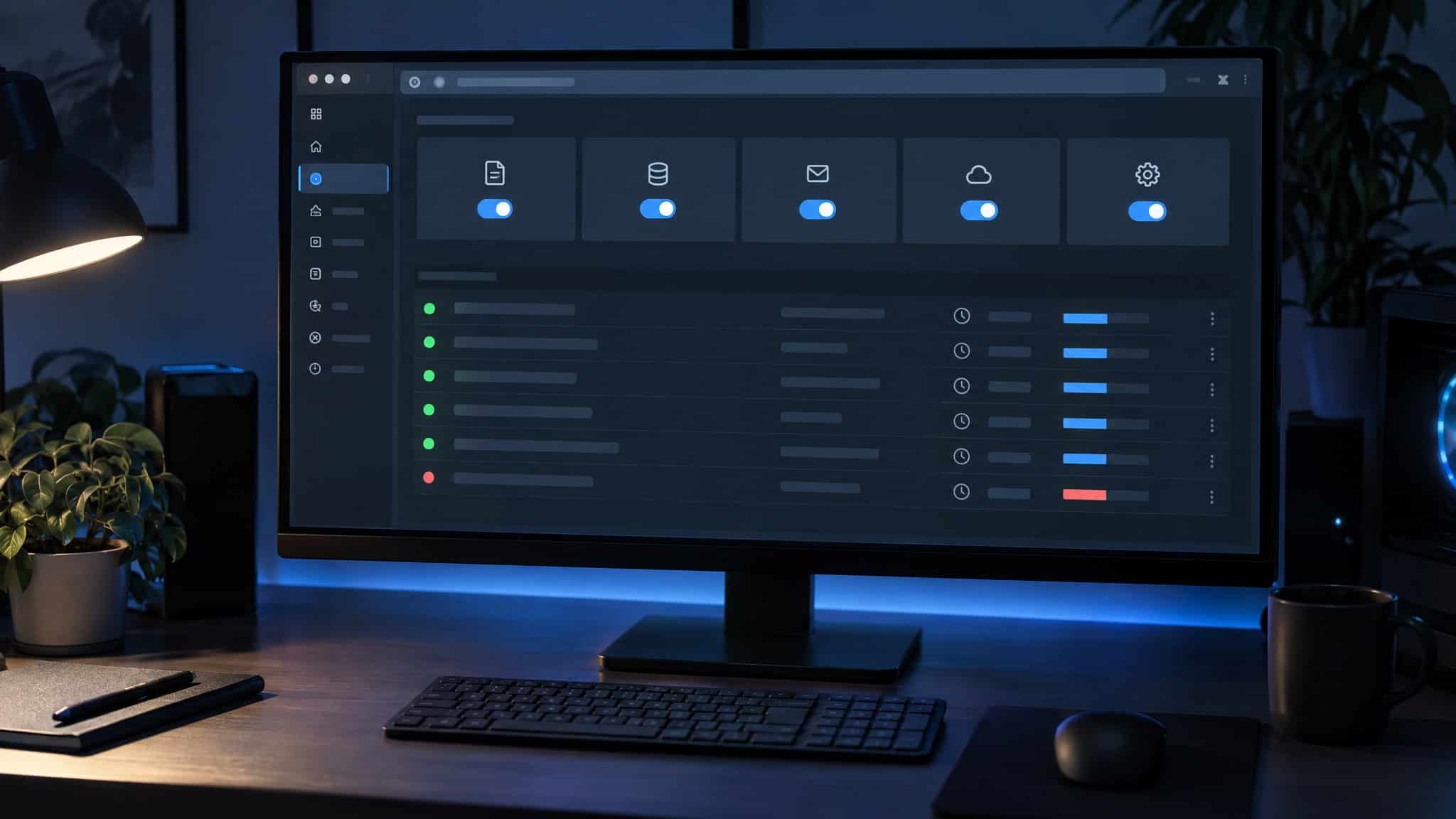
Turning a recorded session into a reliable recurring routine comes down to giving the scheduler strict parameters. After you click “teach a task” and walk the browser through your target sites, you save the workflow by specifying the exact websites, the time interval, and the delivery filter.
In the morning news demonstration, the saved routine instructions told GrokBot to check Hacker News, the OpenAI blog, and the xAI news page every morning at 8:00 a.m. for newly launched AI tools or models, then send over items relevant to novice coders alongside a one-line note on why each one matters. Once saved, each routine sits in a dashboard complete with execution history logs, simple on/off toggles, and test or dry-run buttons.
Integrations
Under the hood, GrokBot plugs into everyday developer and team plumbing, including Slack messages, Git events, and internal team messages. Timed routines run on a standard cron scheduler, and you can wire up custom webhooks so a task fires automatically on an external trigger, such as when a specific person messages you on Slack.
Cursor plugin sync
If you already code in Cursor, GrokBot includes a one-to-one Cursor integration: any plugin you’ve installed in your Cursor environment automatically carries over into GrokBot without a second setup pass.
What to keep human
Letting GrokBot run tasks autonomously comes with real limitations and risks: runs can still hit CAPTCHA blocks and rely on model-routing rules whose data-handling policies aren’t public yet, so you should keep a human in the loop to review any step that touches payments, personal information, or outbound messages before they send. Within those guardrails, a primary bot doesn’t just wait for commands; it can operate proactively, spotting pending work and offering help on its own, which makes the agent great for background research, organizing information, and prepping rough drafts.
Bot teams and model routing: the manager-bot architecture
Rather than forcing you to cram every instruction into one marathon chat thread, GrokBot structures automation like a small software shop with a manager bot overseeing specialist workers.
Specialty bots and the manager bot
You can spin up dedicated specialty bots, such as an email organizer bot, a writing bot, an image generation bot, and a shopping bot, and put a manager bot in charge of coordinating them. Multiple bots run in parallel inside shared, Slack-style channels where they pass context back and forth, saving you from re-explaining your project background in every new chat. Operating the system feels like delegating labor to human teammates, a persistent workflow setup that goes further than the incomplete agent concepts seen in Meta Muse and ChatGPT.dat.
Model routing
Elon Musk announced that GrokBot will automatically select the best AI model for each job, routing simple questions to smaller, faster models, complex coding problems to heavier models, and creative tasks to third-party specialists including Claude, Midjourney, and Suno. However, six practical details remain undisclosed: rollout timing, how much control users get, whether you can see which model ran, manual override options, usage caps, and how outside providers handle your data.
Grok Build and Grok Imagine: what Grok can create
Bundling no-code software generation and a multimedia studio right next to its autonomous agents turns Grok into an all-in-one creation suite rather than a single-purpose chatbot.
Grok Build
Grok Build generates working websites, apps, games, and interactive tools directly from plain-language descriptions without requiring any programming knowledge. Once you describe what you want, such as a demonstrated prompt for a vacation budget calculator that tracks hotel costs, flights, food, activities, and total estimated expenses, you can iterate on the build live, publish it, and share it. It also uses cross-session memory to remember your project decisions between visits, so non-coders don’t have to re-explain their app architecture every time they log back in.
Grok Imagine
Grok Imagine is Grok’s creative studio for AI image and video generation, with updates tuned for instruction-following image edits, readable text inside graphics, smoother video motion, and audio. In practice, you can upload a still landscape photo and turn it into a short cinematic clip with drifting clouds and a gentle camera pan, or generate a product concept shot with custom lighting, background, and composition. Still, it’s worth checking your outputs closely, since AI-generated visuals can drift and lose exact product details across frames.
Hype check: launch promises vs what shipped, and the verdict
No, Grok is not a necessary switch from ChatGPT or Claude, except when your workflow depends on live X conversation research, creative AI experiments, or cloud-hosted recurring tasks. Across the current tool landscape, where ChatGPT handles everyday productivity, research, and writing, Claude leads on coding and large documents, and Meta Muse focuses on cross-app personal assistance, paying $16/month for X Premium Plus only pays off if you actively use Grok’s X pipeline, Grok Build, or GrokBot.
What was predicted
Early launch-era speculation framed Grok around an early 2024 beta followed by a standalone app, predicting a potential audience of 5 million users via X integration and hyping the chatbot as a search revolutionary that would topple ChatGPT and rival Google.
What shipped
Instead of replacing Google Search, xAI shipped practical platform tools, summarized in one roundup as 7 new AI features spanning Grok Build, Grok Imagine, and GrokBot’s cloud virtual machine. Meanwhile, an early claim that Grok might share the questions it asks so users can learn alongside it remains an unverified rumor, and roadmap promises of faster responses, higher accuracy, stronger reasoning, better coding, richer video understanding, deeper xAI integration, and advanced agents remain speculative.
Should you switch?
If you already rely on Claude for coding and writing, stay put; Claude holds its ground as the stronger tool for serious code and long-form drafts. Grok earns its keep as a specialist add-on for mining live X chatter and automating daily browser chores, and if cross-company model routing delivers on its promise, the platform could become much more flexible over time.
Frequently Asked Questions
What is Grok and what can it do?
Grok is xAI’s multimodal AI assistant that reads text and uploaded images, writes code and content, works through multi-step reasoning problems, and pulls real-time information from the open web and X. It also serves as the central hub for GrokBot’s autonomous cloud agents, Grok Build’s no-code software generator, and Grok Imagine’s image and video tools.
How do I get access to Grok on X and what does it cost?
You need an active X account and a $16/month X Premium Plus subscription, which acts as the mandatory paywall for xAI’s assistant and agent tools. That tier unlocks the web interface, the dedicated GrokBot iOS app for routine notifications, and built-in X API credits for live platform research, though heavy query usage can push costs past the base fee.
What is Grok Build and can it make apps without coding?
Grok Build is a no-code generator that turns plain-language descriptions into working websites, interactive tools, calculators, and games without requiring programming skills. You can tweak your app live, publish and share the result, and rely on cross-session memory so the system remembers your architecture decisions between visits.
What is Grok Imagine and how good is its AI image and video generation?
Grok Imagine is xAI’s multimedia studio for generating and editing images and video with audio, smoother motion, and readable text inside graphics. It can animate a still landscape photo into a panning cinematic clip or build custom product concept shots, though you still need to inspect the results closely because AI visuals can drift and lose exact product details across frames.
